
1. Ifihan
The Maxcio Water Leak Sensor is a smart home device designed to detect water leaks and provide real-time notifications to your smartphone. This wireless detector helps protect your home from potential water damage by alerting you to leaks in areas such as kitchens, bathrooms, and basements. It operates using the Tuya Zigbee network protocol and requires a Maxcio Tuya Zigbee Gateway for full functionality.
2. Awọn ẹya Ọja
- Ifamọ giga: Equipped with two sensitive leak probes, capable of detecting water levels as low as 0.5mm.
- Awọn Iwifunni-gidi-gidi: Sends immediate alarm notifications to the Maxcio SmartLife app on your smartphone.
- Tuya Zigbee Network Protocol: Offers stable signal, faster response speed, and enhanced reliability compared to Wi-Fi.
- Adaṣiṣẹ Ile: Integrates with other Tuya solution devices (Wi-Fi, Bluetooth, Zigbee) to create automated scenes, such as turning off a smart plug connected to a washing machine upon leak detection.
- IP66 Mabomire: Features an IP66 waterproof rating and rust-resistant outer coating, suitable for high-humidity environments.
- Fifi sori Rọrun: No tools required; simply place the compact sensor in desired monitoring locations.
3. Package Awọn akoonu
Rii daju pe gbogbo awọn nkan wa ninu package:
- Maxcio Water Leak Sensor (3 units for 3-pack)
- CR2032 Battery (pre-installed or included for each sensor)
- Afowoyi Olumulo (iwe-ipamọ yii)
4. Awọn pato
| Sipesifikesonu | Iye |
|---|---|
| Nọmba awoṣe | MIR-WA100-ZT5 |
| Orisun agbara | Agbara Batiri |
| Batiri Iru | 1 x CR2032 (pẹlu) |
| Voltage | 3 Volts |
| Ọna Iṣakoso | Ohun elo, Fọwọkan |
| Iṣagbesori Iru | Floor Mount (No tools required) |
| Ọna ẹrọ | Water Leak Detection Sensor |
| Smart Home ibamu | Tuya Zigbee Hub, Tuya App, Maxcio App, Smart Life App, Amazon Alexa, Google Assistant |
| Mabomire Rating | IP66 |
| Ipele erin | Minimum 0.5mm water level |
| Ọja Mefa | 2.24"L x 2.24"W x 1.18"H |
| Iwọn Nkan | 3.84 iwon |
5. Eto Itọsọna
5.1 Important Requirement: Maxcio Tuya Zigbee Gateway
The Maxcio Water Leak Sensor requires a Maxcio Tuya Zigbee Gateway (sold separately) to function and send app notifications. Ensure your gateway is connected to a 2.4 GHz Wi-Fi network (5 GHz is not supported). One gateway can connect up to 22 devices.
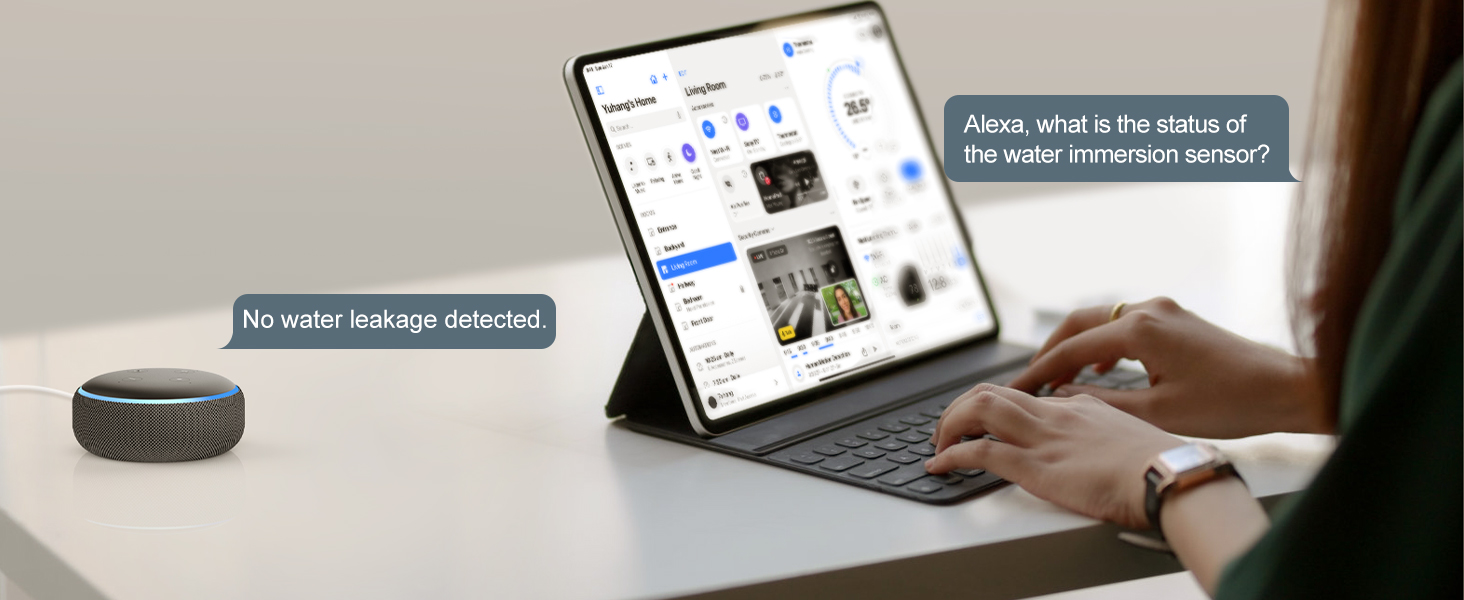
Image: Diagram showing the Maxcio Water Leak Sensor and the required Zigbee Gateway, indicating compatibility with Amazon Alexa and Google Assistant. A note states the recommended distance between the gateway and sensor is 7-10 meters.
5.2 Fifi sori batiri
- Locate the battery compartment on the underside of the sensor.
- Twist the cover counter-clockwise to open.
- Fi batiri CR2032 sii, ki o rii daju pe polarity to tọ (+/-).
- Rọpo ideri naa ki o si yi i pada si apa aago lati le so o mọ.
5.3 App Download and Gateway Pairing
- Download the "Maxcio SmartLife" app from your smartphone's app store (iOS or Android).
- Forukọsilẹ tabi wọle si àkọọlẹ rẹ.
- Follow the in-app instructions to add and pair your Maxcio Tuya Zigbee Gateway.
5.4 Ìsopọ̀ Sensọ
- Ensure your Zigbee Gateway is online and in pairing mode (refer to gateway manual if needed).
- In the Maxcio SmartLife app, select your Zigbee Gateway and choose to add a new sub-device.
- Press and hold the reset button on the water leak sensor for 5-10 seconds until the LED indicator flashes, indicating pairing mode.
- The app will detect the sensor. Confirm the pairing.
- Once paired, you can rename the sensor for easy identification (e.g., "Kitchen Sink Sensor").

Image: A Maxcio Water Leak Sensor shown alongside a smartphone displaying the Maxcio SmartLife app interface, indicating normal detection state and record history.
5.5 Sensọ Placement
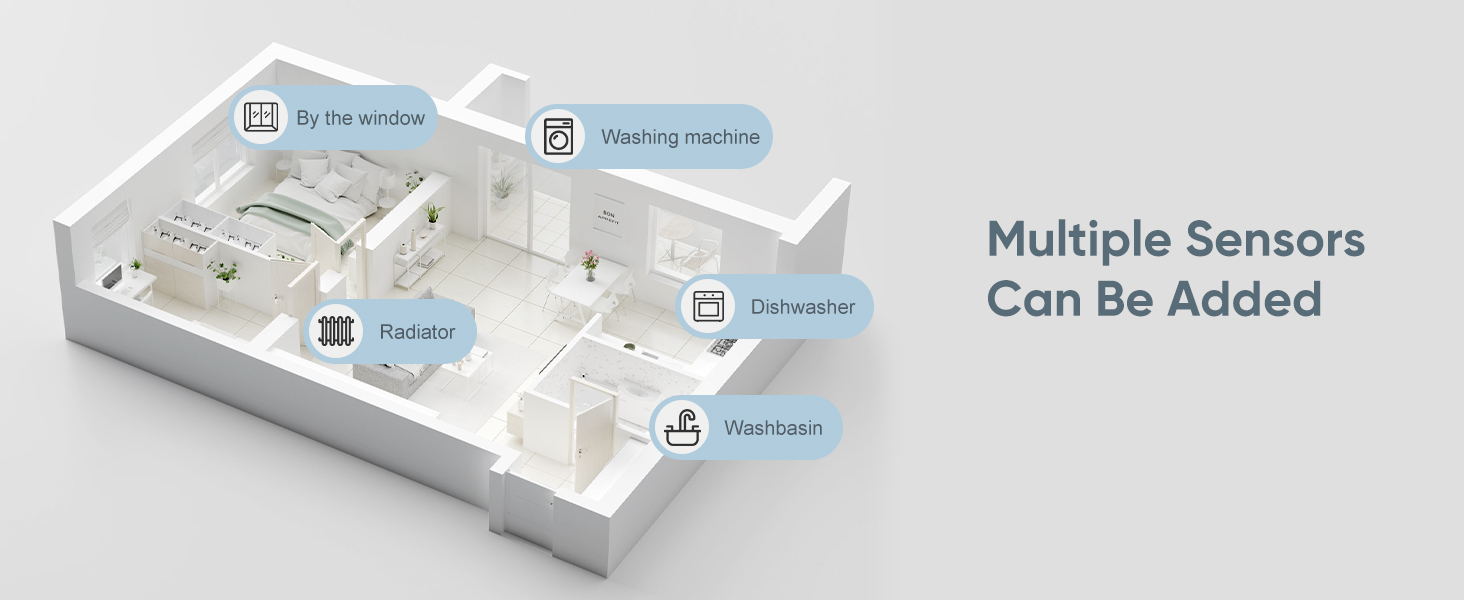
Place the sensor directly on a flat surface in areas prone to water leaks. The two metal probes on the bottom of the sensor must come into contact with water for detection.
- Labẹ awọn iwẹ (idana, baluwe)
- Nẹtiwọọsi awọn ẹrọ fifọ tabi awọn ẹrọ fifọ ẹrọ
- Nínú àwọn ìsàlẹ̀ ilé tàbí àwọn yàrá ìṣiṣẹ́
- Nítòsí àwọn ohun èlò ìgbóná omi tàbí àwọn ẹ̀rọ ìgbóná omi
- Underneath refrigerators with ice makers
Aworan: Examples of compact sensor placement in various home areas, including next to a washing machine, under a sink, near a bathtub, and under a pipe, demonstrating its easy placement.
6. Awọn ilana Iṣiṣẹ
6.1 Water Leak Detection
When the sensor's probes detect water at a level of 0.5mm or higher, it will trigger an alarm. The sensor's LED will flash red, and it will send a signal to the connected Zigbee Gateway.
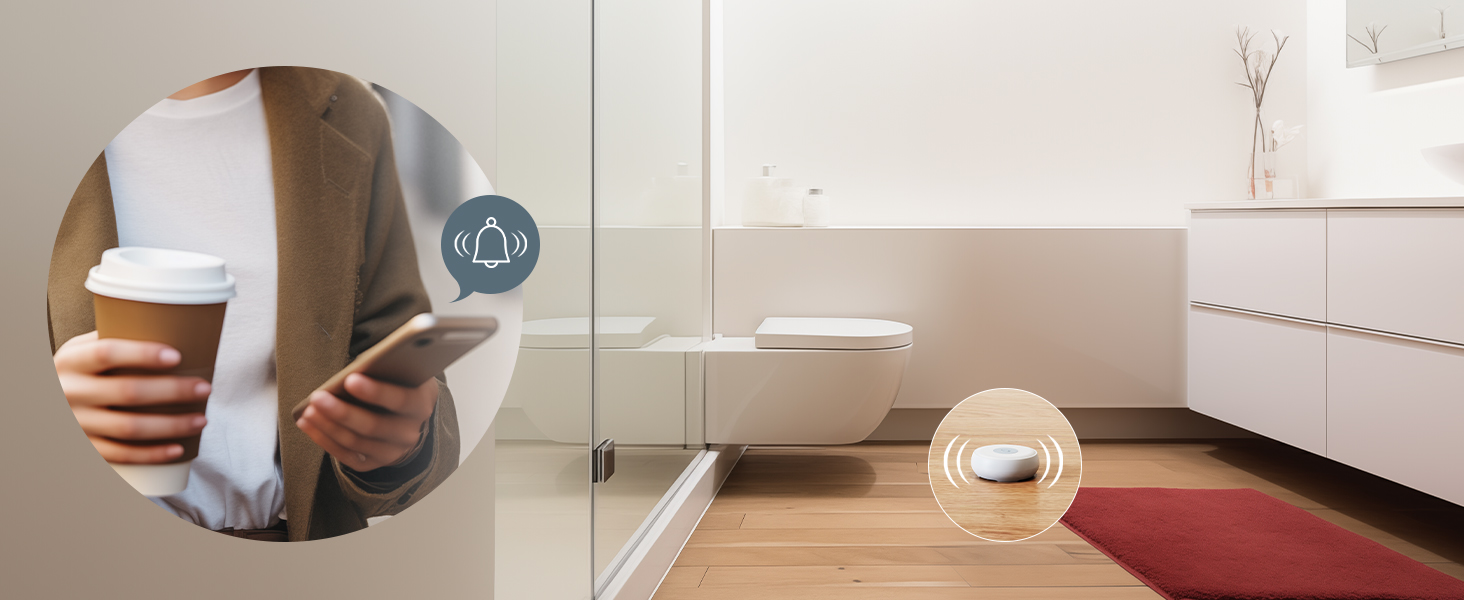
Image: The Maxcio Water Leak Sensor submerged in water, illustrating its IP66 waterproof and dustproof design, suitable for high humidity environments.
6.2 App iwifunni
Upon detection, the Zigbee Gateway will forward the alert to your Maxcio SmartLife app, providing real-time notifications to your smartphone. This allows you to monitor your home for leaks remotely.
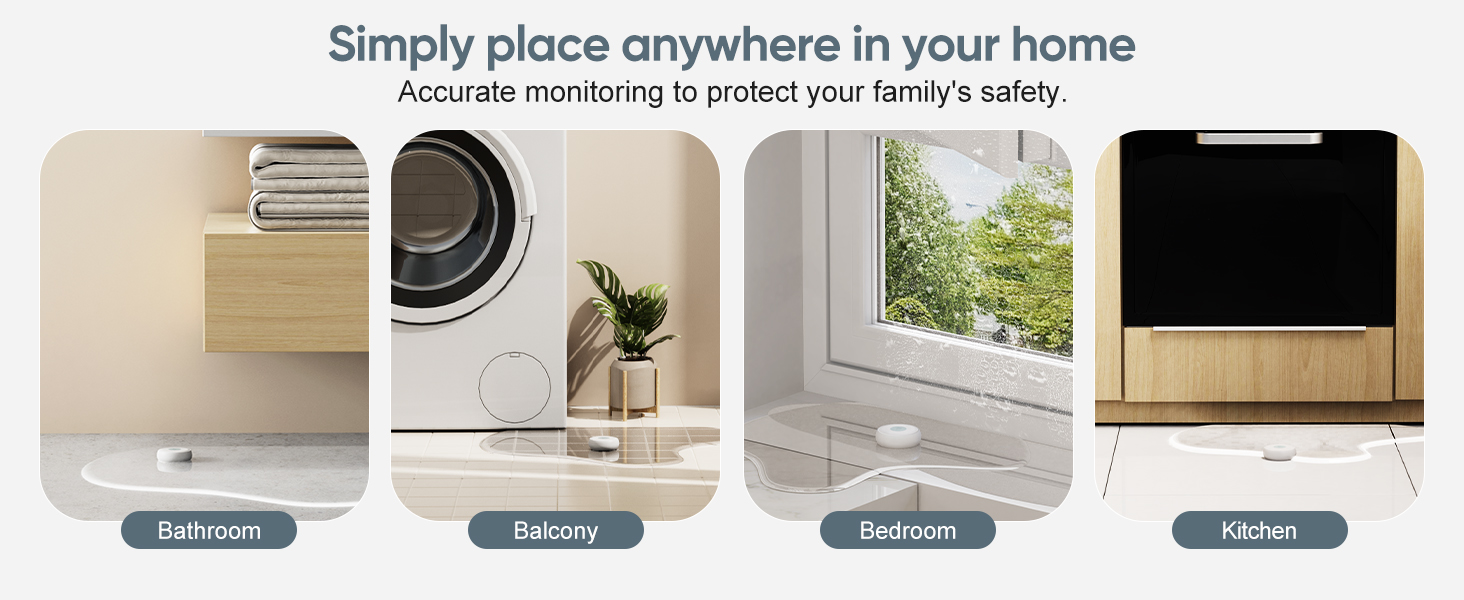
Image: A smartphone displaying a "Flooding Alarm" notification from the water leak detector app, with a house in the background, demonstrating remote monitoring capabilities.
6.3 Automation Home
You can configure automation rules within the Maxcio SmartLife app to link the water leak sensor with other Tuya-compatible smart devices. For example, if a leak is detected near a washing machine, a smart plug connected to the washing machine can be automatically switched off.
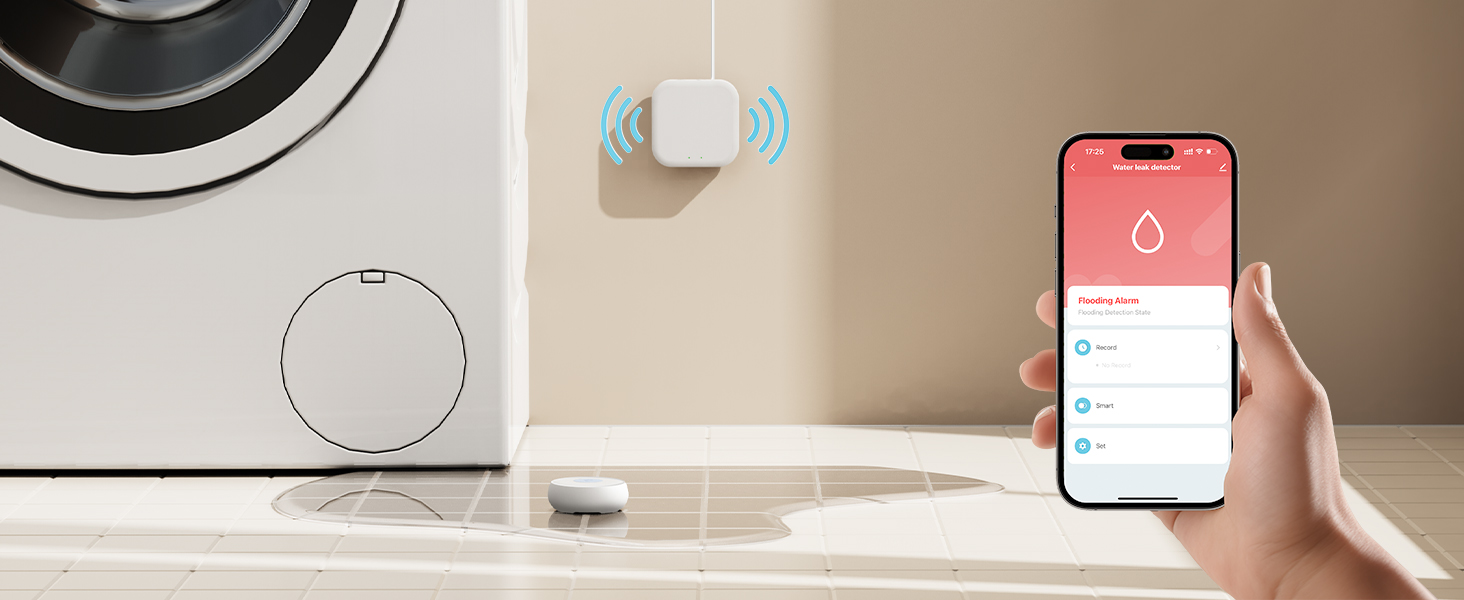
Image: Icons representing the complete functions of the Zigbee Water Leak Detector: Water Leak Alarm, Low Battery Alarm, APP Notification, IP66 Waterproof, and Sensitive Detection.
6.4 Voice Iṣakoso Integration
If your Zigbee Gateway is integrated with Amazon Alexa or Google Assistant, you can inquire about the status of your water leak sensors using voice commands.
Image: A person interacting with an Amazon Echo device, asking "Alexa, what is the status of the water immersion sensor?", with Alexa responding "No water leakage detected."
7. Itọju
7.1 Batiri Rirọpo
The sensor uses a CR2032 battery. When the battery is low, you will receive a low battery notification in the Maxcio SmartLife app. Replace the battery by following the steps in Section 5.2.
7.2 Ninu
Wipe the sensor with a dry, soft cloth. Do not use abrasive cleaners or immerse the entire device in water (only the probes are designed for water contact).
7.3 Connectivity Check
Periodically check the sensor's status in the Maxcio SmartLife app to ensure it is online and communicating with the gateway.
8. Laasigbotitusita
| Isoro | Owun to le Fa | Ojutu |
|---|---|---|
| No app notifications when water is detected. | Sensor not paired with gateway; Gateway offline; App notifications disabled; Sensor battery low. | Ensure sensor is paired (Section 5.4). Check gateway's internet connection. Enable notifications in app settings. Replace battery (Section 7.1). |
| Sensor appears offline in the app. | Sensor too far from gateway; Gateway offline; Sensor battery low. | Move sensor closer to the gateway (recommended distance 7-10 meters). Check gateway's status. Replace battery (Section 7.1). |
| Sensor not detecting water. | Probes not in contact with water; Insufficient water level; Sensor damaged. | Ensure probes are fully in contact with water. Water level must be at least 0.5mm. Contact support if suspected damage. |
| Cannot pair sensor with gateway. | Gateway not in pairing mode; Sensor not in pairing mode; Interference. | Put gateway into pairing mode. Press and hold sensor reset button until LED flashes. Reduce distance between sensor and gateway. |
9. Official ọja Video
Video: An official product video titled "Know more about the water leak detector" from Maxio Smart Mall, demonstrating the features and functionality of the Maxcio Water Leak Sensor, including its detection capabilities, app notifications, and placement in various home environments.
10. Atilẹyin ọja ati Support
For warranty information or technical support, please refer to the Maxcio official website or contact their customer service directly. Details can typically be found on the product packaging or the Maxcio brand store on Amazon.
You can visit the Maxcio Store for more information: Maxcio Store