
Laser EPS-LT10B-128
Laser TWS Earbuds with LED Battery Display User Manual
Model: EPS-LT10B-128
Ọrọ Iṣaaju
Thank you for choosing the Laser TWS Earbuds. These true wireless stereo earbuds are designed to provide a high-fidelity audio experience with convenient features such as an LED battery display, intuitive tap controls, and an ergonomic design for comfortable, extended use. The included rechargeable case ensures your earbuds are always ready for use. This manual will guide you through the setup, operation, and maintenance of your new earbuds.
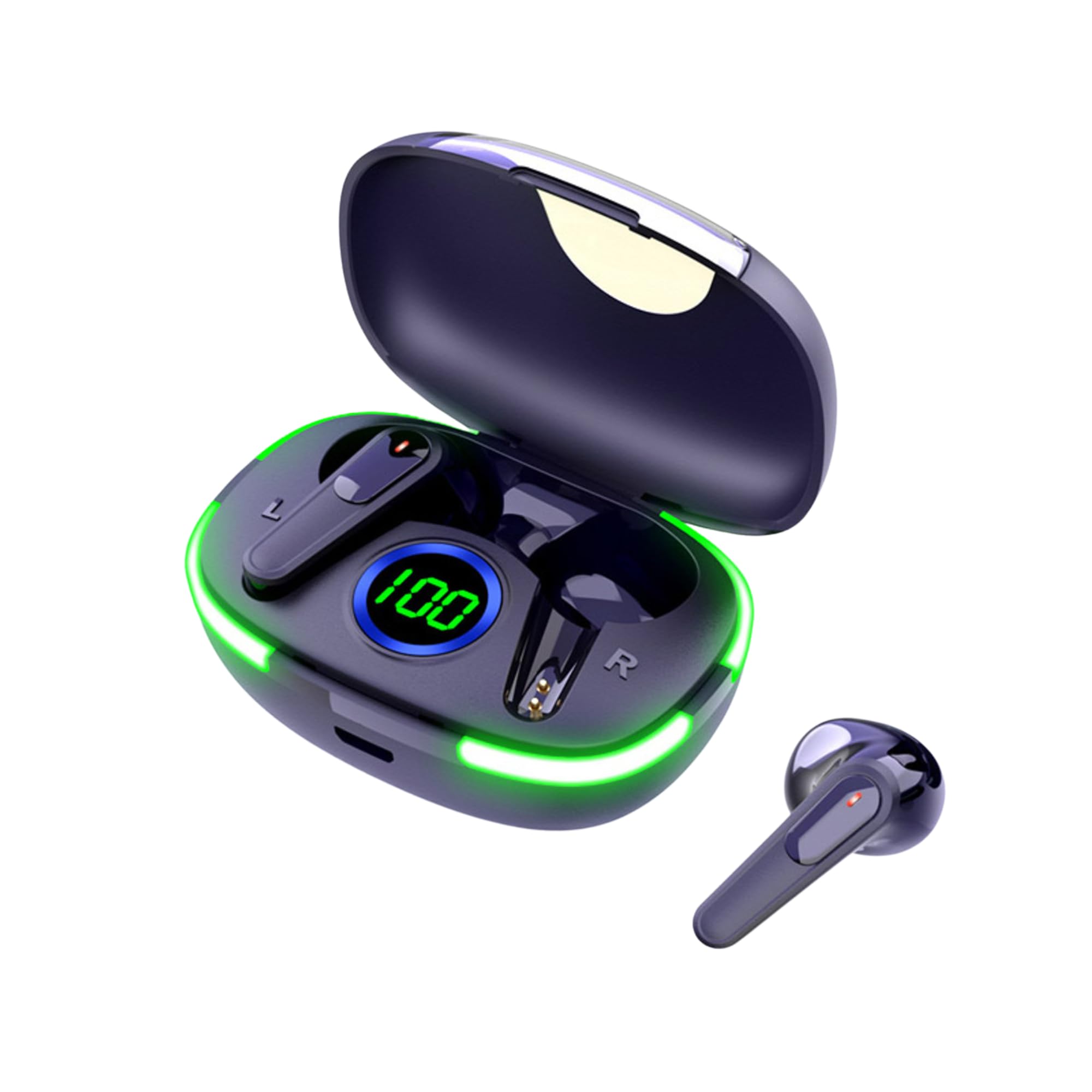
Image: The Laser TWS Earbuds, showcasing the charging case with its LED display and one earbud placed outside the case.
Package Awọn akoonu
Rii daju pe gbogbo awọn nkan wa ninu package:
- 1 x Pair of Laser TWS Earbuds
- 1 x Charging Case with Battery Display
- 1 x Okun gbigba agbara Iru-C
- 1 x Itọsọna olumulo
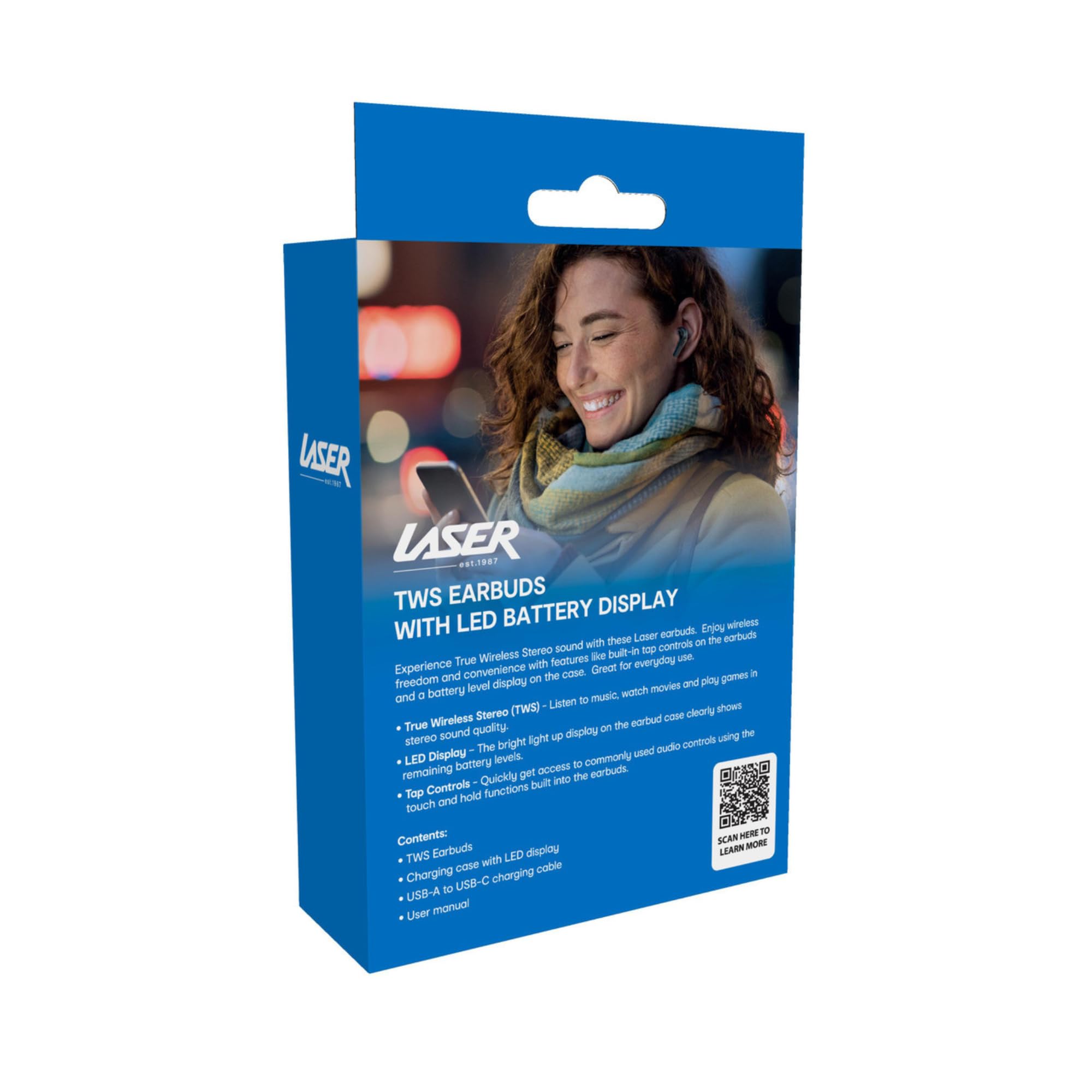
Image: The retail packaging for the Laser TWS Earbuds, indicating contents and features.
Ṣeto
1. Ngba agbara si Earbuds ati Ọran
Before first use, fully charge the earbuds and the charging case. The LED display on the case indicates the battery level.
- So okun gbigba agbara Iru-C ti a pese si ibudo gbigba agbara lori ọran ati orisun agbara USB kan.
- The LED display will show the charging progress. A full charge takes approximately 1 hour.
- The earbuds charge automatically when placed inside the charging case. The case can recharge the earbuds up to 3 times on a single charge.

Aworan: A sunmọ-soke view of the charging case's LED display, showing the battery percentage, indicating the charge level.
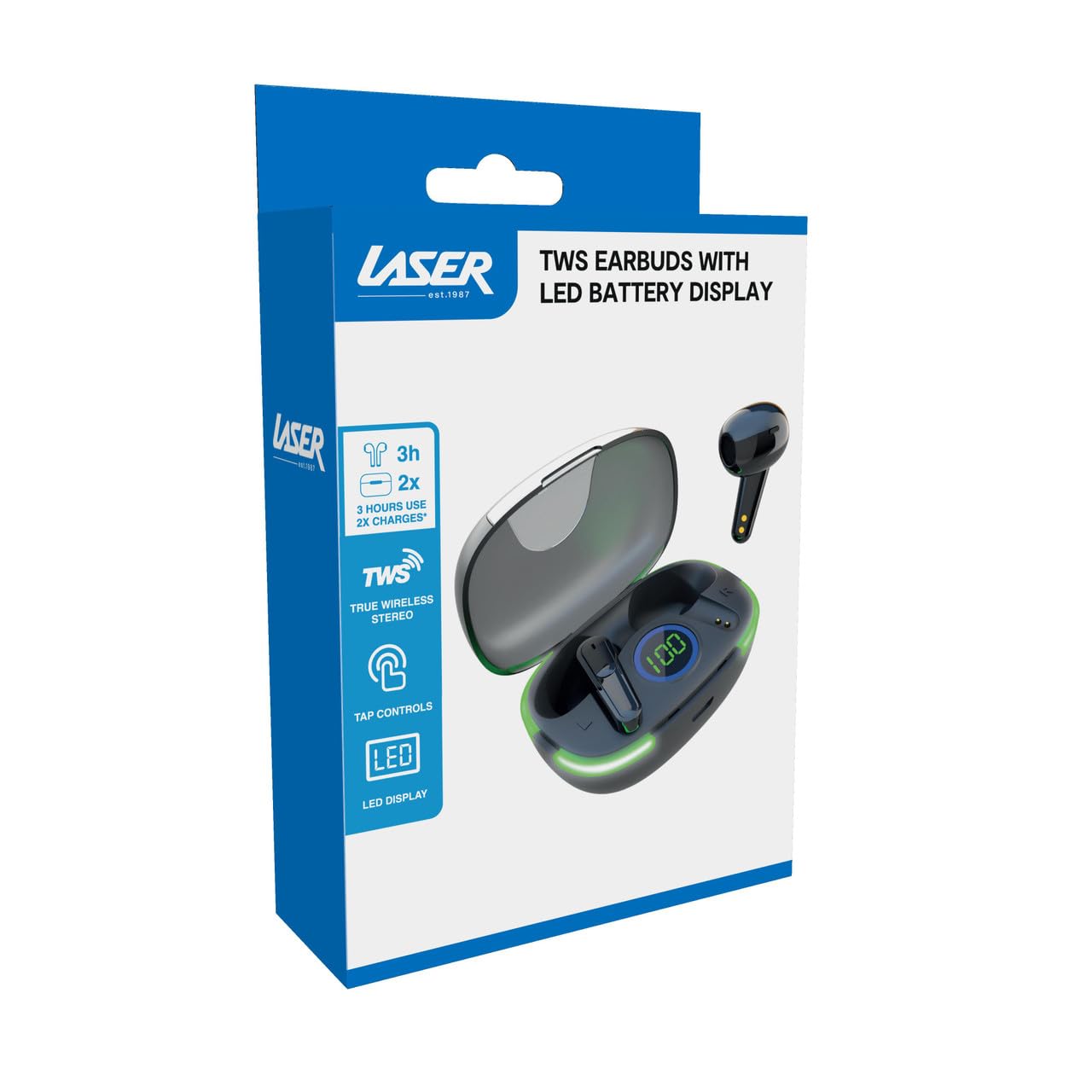
Image: Another close-up of the LED display on the charging case, highlighting the digital battery indicator.
2. Sisopọ pẹlu Ẹrọ kan
The earbuds use Bluetooth for wireless connectivity.
- Ṣii apoti gbigba agbara. Awọn agbekọri yoo tẹ ipo isọpọ sii laifọwọyi.
- Lori ẹrọ rẹ (foonuiyara, tabulẹti, kọǹpútà alágbèéká), mu Bluetooth ṣiṣẹ ki o wa awọn ẹrọ titun.
- Select "Laser TWS Earbuds" or "EPS-LT10B-128" from the list of available devices.
- Ni kete ti o ba ti sopọ, iwọ yoo gbọ ohun orin idaniloju, ati awọn agbekọri yoo ṣetan fun lilo.
- The earbuds support multi-device compatibility, allowing pairing with various devices.
Awọn ilana Iṣiṣẹ
Wọ awọn Earbuds
The earbuds are designed for ergonomic comfort and a secure fit. Gently insert each earbud into your ear canal and twist slightly to ensure a snug and comfortable position. This helps optimize sound quality and stability.
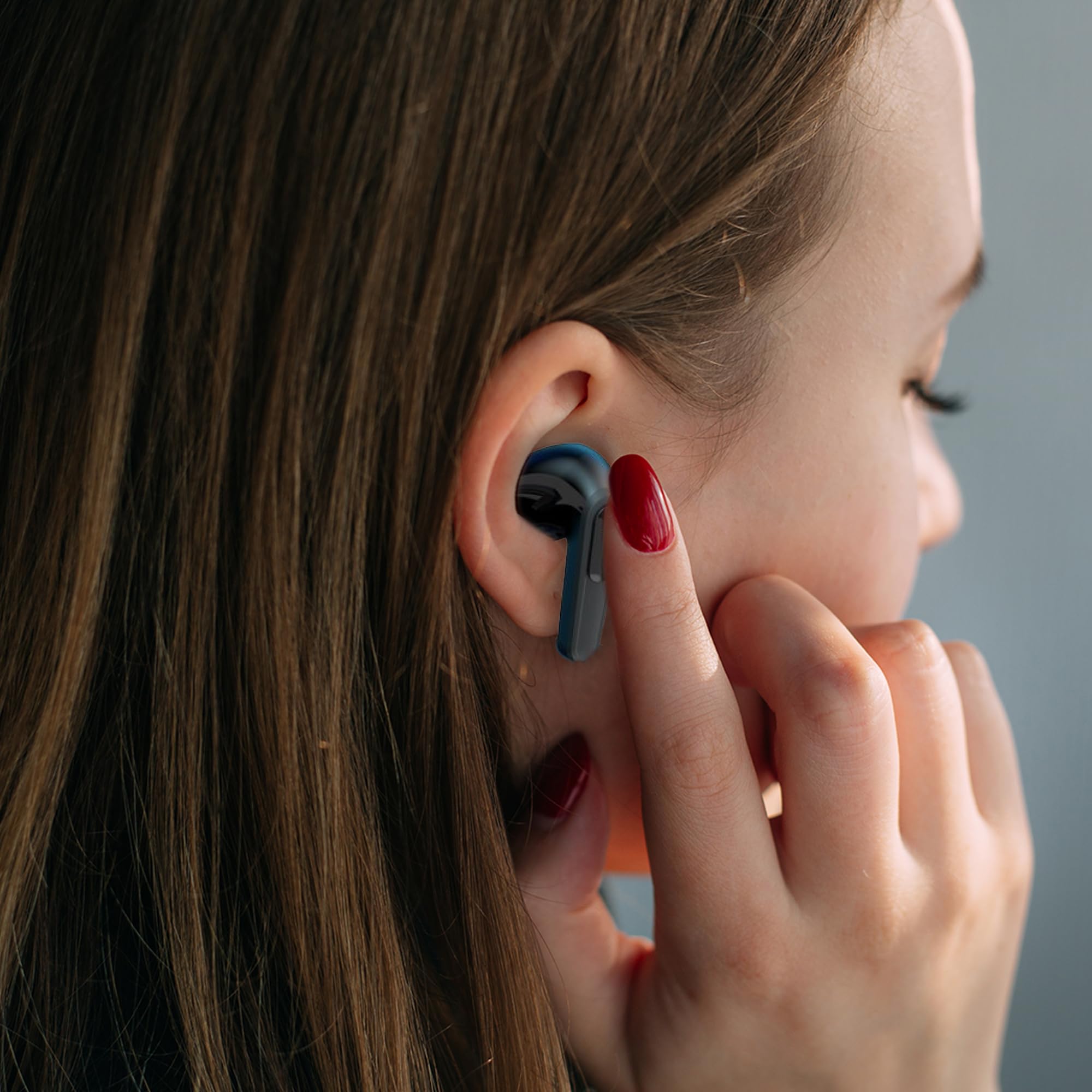
Image: A woman comfortably wearing one of the Laser TWS Earbuds while interacting with her smartphone.
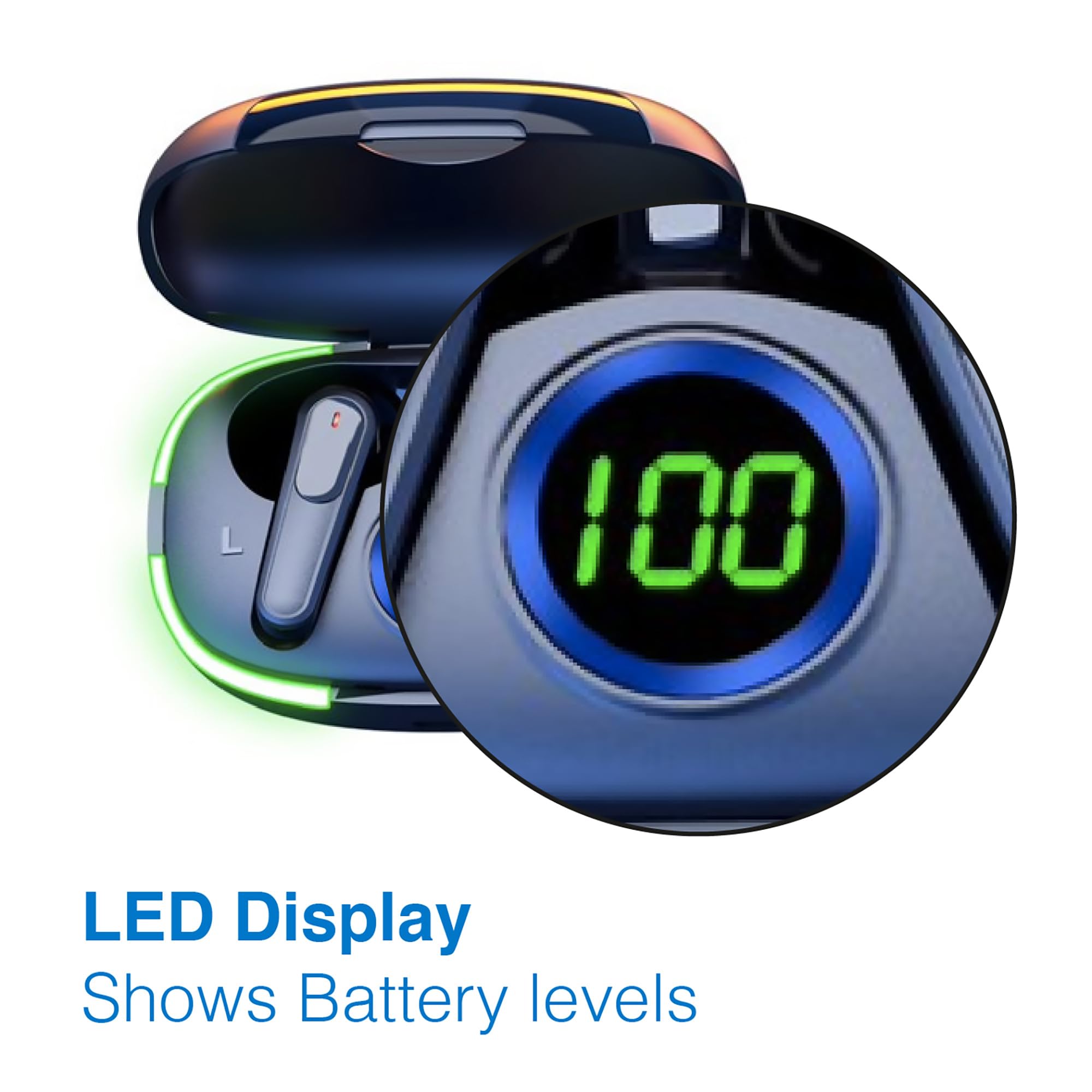
Image: A man walking outdoors, wearing a Laser TWS Earbud, demonstrating the ergonomic design for active use.
True Wireless Stereo Experience
These earbuds provide a true wireless stereo experience, delivering high-fidelity sound with clear channel separation for an immersive audio experience, whether for music, movies, or gaming.
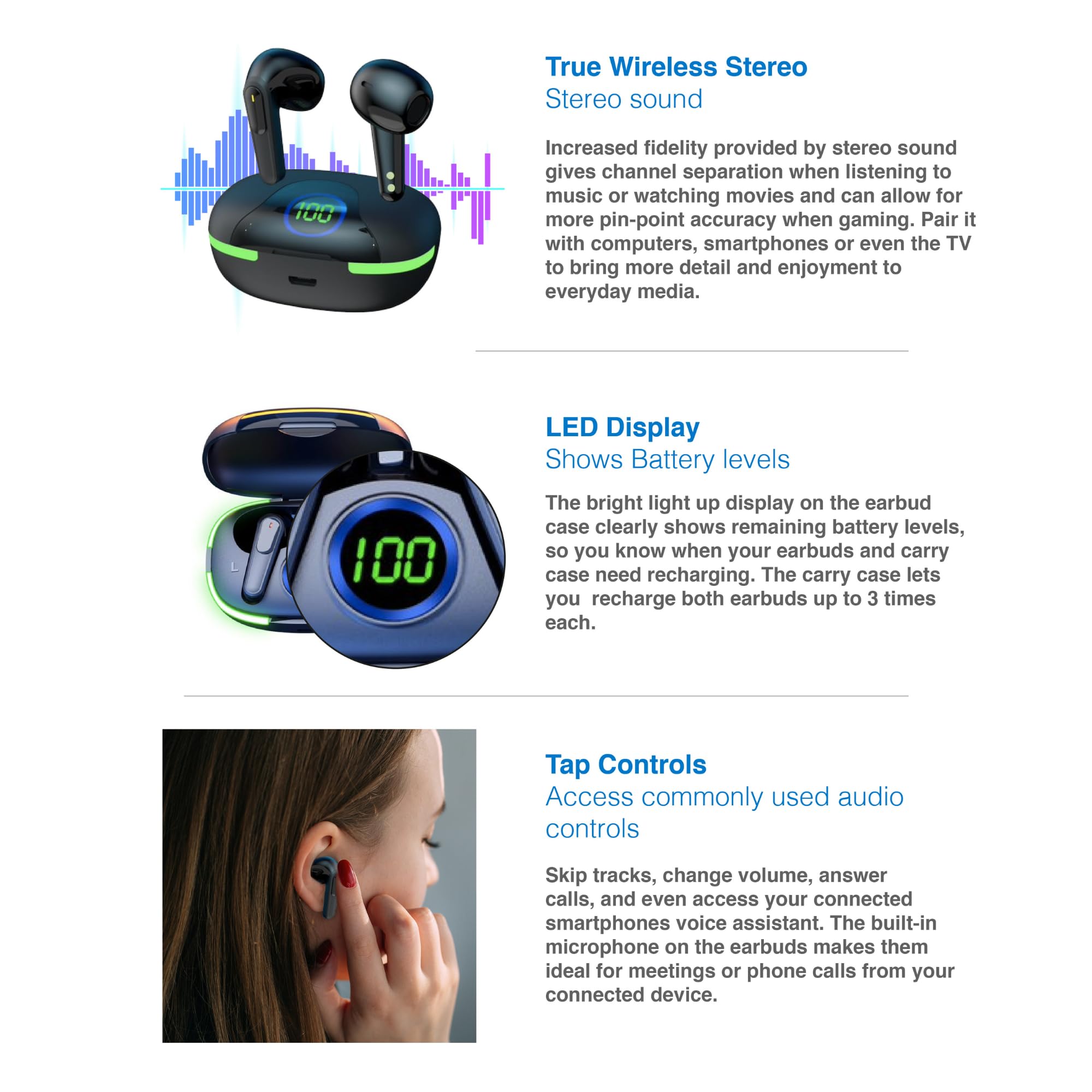
Image: A graphic representation of the True Wireless Stereo feature, showing the earbuds in their case with sound wave visualizations.
Fọwọ ba Awọn iṣakoso
The earbuds feature intuitive tap controls for easy management of audio playback and calls without needing to access your connected device.
| Iṣe | Iṣakoso |
|---|---|
| Mu ṣiṣẹ/Danu Orin duro | Fọwọ ba ẹyọkan lori boya agbekọri |
| Next Track | Fọwọ ba lẹẹmeji lori agbekọri ọtun |
| Ti tẹlẹ Track | Tẹ ni kia kia lẹẹmeji lori agbekọri osi |
| Idahun/Pari Ipe | Fọwọ ba ẹyọkan lori boya agbekọri |
| Kọ Ipe | Tẹ gun lori boya agbekọri |
| Activate Voice Assistant (Siri, Google Assistant, Alexa) | Fọwọ ba meteta lori boya agbekọri |

Image: A person's hand touching an earbud, illustrating the tap control functionality.
Gbohungbohun ti a ṣe sinu
Each earbud includes a built-in microphone, enabling hands-free calls and meetings without needing to switch to your device.
Itoju
- Ninu: Mọ awọn afikọti nigbagbogbo ati apoti gbigba agbara pẹlu asọ ti o gbẹ, asọ ti ko ni lint. Yago fun lilo awọn ohun elo abrasive tabi awọn kemikali lile.
- Ibi ipamọ: Nigbati o ko ba si ni lilo, tọju awọn afikọti sinu apoti gbigba agbara wọn lati daabobo wọn ki o jẹ ki wọn gba agbara.
- Itọju Batiri: Lati pẹ aye batiri, yago fun gbigba agbara ni kikun awọn agbekọri ati apoti nigbagbogbo. Gba agbara si wọn nigbagbogbo, paapaa ti kii ṣe ni lilo igbagbogbo.
- Omi Resistance: These earbuds are not water resistant. Avoid exposure to water, sweat, or high humidity.
Laasigbotitusita
| Isoro | Ojutu |
|---|---|
| Earbuds ko so pọ | Ensure earbuds are charged. Turn off and on Bluetooth on your device. Forget the device in Bluetooth settings and re-pair. Place earbuds back in case and take them out again. |
| Ko si ohun lati agbekọri kan | Check battery level of both earbuds. Re-pair the earbuds. Try resetting the earbuds (refer to manufacturer's webAaye fun awọn ilana atunṣe pato ti o ba nilo). |
| Ngba agbara ko gba agbara | Ensure the charging cable is securely connected. Try a different USB power source or cable. |
| Tap controls not responding | Ensure earbuds are properly seated in your ears. Clean the touch sensitive area. Re-pair the earbuds. |
If you encounter persistent issues, please refer to the official Laser support webaaye fun iranlọwọ siwaju sii.
Awọn pato
| Ẹya ara ẹrọ | Ẹ̀kúnrẹ́rẹ́ |
|---|---|
| Awoṣe | EPS-LT10B-128 |
| Asopọmọra Technology | Alailowaya Bluetooth |
| Ariwo Iṣakoso | Iyasọtọ ohun |
| Igbesi aye batiri (Earbuds) | Isunmọ. Awọn wakati 3 |
| Akoko gbigba agbara | Isunmọ. 1 Wakati |
| Àtúnṣe Àpò Ìgbàgbára | Titi di igba 3 |
| Ijinna Ṣiṣẹ ti o pọju | 10 Mita |
| Iṣakoso Iru | Iṣakoso Ifọwọkan, Iṣakoso Ohun |
| Ohun elo | Ṣiṣu |
| Iwọn Nkan | 30 giramu |
| Awọn iwọn | 62.2 x 42.5 x 32.6 cm (Ọja) |
| Omi Resistance Ipele | Ko Omi Resistant |
Atilẹyin ọja ati Support
The Laser TWS Earbuds come with a 1-odun atilẹyin ọja lati ọjọ ti o ra. Jọwọ ṣe idaduro ẹri rira rẹ fun awọn iṣeduro atilẹyin ọja.
For further support, troubleshooting, or warranty information, please visit the official Laser webojula:
You may also contact Laser customer service directly for assistance.