
1. Introduction to Your YOTO Mini
The YOTO Mini (YM002) is a portable, screen-free audio player designed for children. It allows playback of stories, music, podcasts, and radio content using physical audio cards. The device features Bluetooth connectivity, USB-C charging, an OK-to-Wake clock, and up to 14 hours of playtime, making it ideal for on-the-go listening.
This manual provides essential information for the safe and effective use of your YOTO Mini, including setup, operation, maintenance, and troubleshooting.
2. Eto ati First Lo
2.1 Unboxing ati Ni ibẹrẹ idiyele
Upon unboxing your YOTO Mini, ensure all components are present:
- YOTO Mini (YM002) device
- 1m USB-A to USB-C Charging Cable
- Welcome Card (also a free Make Your Own card)
Before first use, fully charge your YOTO Mini using the provided USB-C cable and a compatible USB power adapter (not included). The charging port is located on the device. A full charge provides up to 14 hours of playback.
2.2 Agbara Lori ati Asopọ App
To power on the YOTO Mini, press and hold the power button. The pixel display will illuminate. For full functionality, including content management and parental controls, download the free YOTO app on your smartphone or tablet.
Follow the in-app instructions to connect your YOTO Mini to your home Wi-Fi network. This connection is essential for downloading new content, accessing YOTO Radio, and enabling features like the OK-to-Wake clock.

Aworan 1: Pariview of the YOTO Mini's key features, including kid-friendly controls, audio card slot, pixel display, and Bluetooth speaker.
2.3 Using Make Your Own Cards
The included Welcome Card also functions as a 'Make Your Own' card. These cards allow you to link your own audio content (MP3s, podcasts, etc.) via the YOTO app. Insert the card into the YOTO Mini, then use the app to assign audio files to it. Once assigned, the content will play whenever the card is inserted.
3. Awọn ilana Iṣiṣẹ
3.1 Playing Audio Cards
To play content, simply insert an audio card into the slot on the top of the YOTO Mini. The device will automatically begin playing the associated audio. To stop playback, remove the card.

Image 2: A child demonstrates inserting an audio card into the YOTO Mini to initiate playback.
3.2 Iwọn didun ati Iṣakoso Track
The YOTO Mini features two orange dials on the top surface:
- Ipe Osi: Controls the volume. Turn clockwise to increase, counter-clockwise to decrease.
- Titẹ ọtun: Controls track selection. Turn clockwise to skip to the next track, counter-clockwise to go to the previous track.
Iṣẹ́ Agbọrọsọ Bluetooth 3.3
The YOTO Mini can function as a Bluetooth speaker. To activate Bluetooth pairing mode, refer to the YOTO app or the device's settings. Once paired with a smartphone or tablet, you can stream audio directly to the YOTO Mini.
3.4 Agbekọri Lilo
For private listening, connect standard 3.5mm headphones to the audio jack located on the side of the YOTO Mini. When headphones are connected, the internal speaker will mute automatically.

Image 3: A child enjoys audio content privately using headphones connected to a YOTO Mini.
3.5 Pixel Display and OK-to-Wake Clock
The YOTO Mini features a pixel display that shows simple images, time, or other visual cues related to the audio content. Through the YOTO app, you can configure the 'OK-to-Wake' clock feature, which uses the display to indicate when it's an appropriate time for a child to get up.
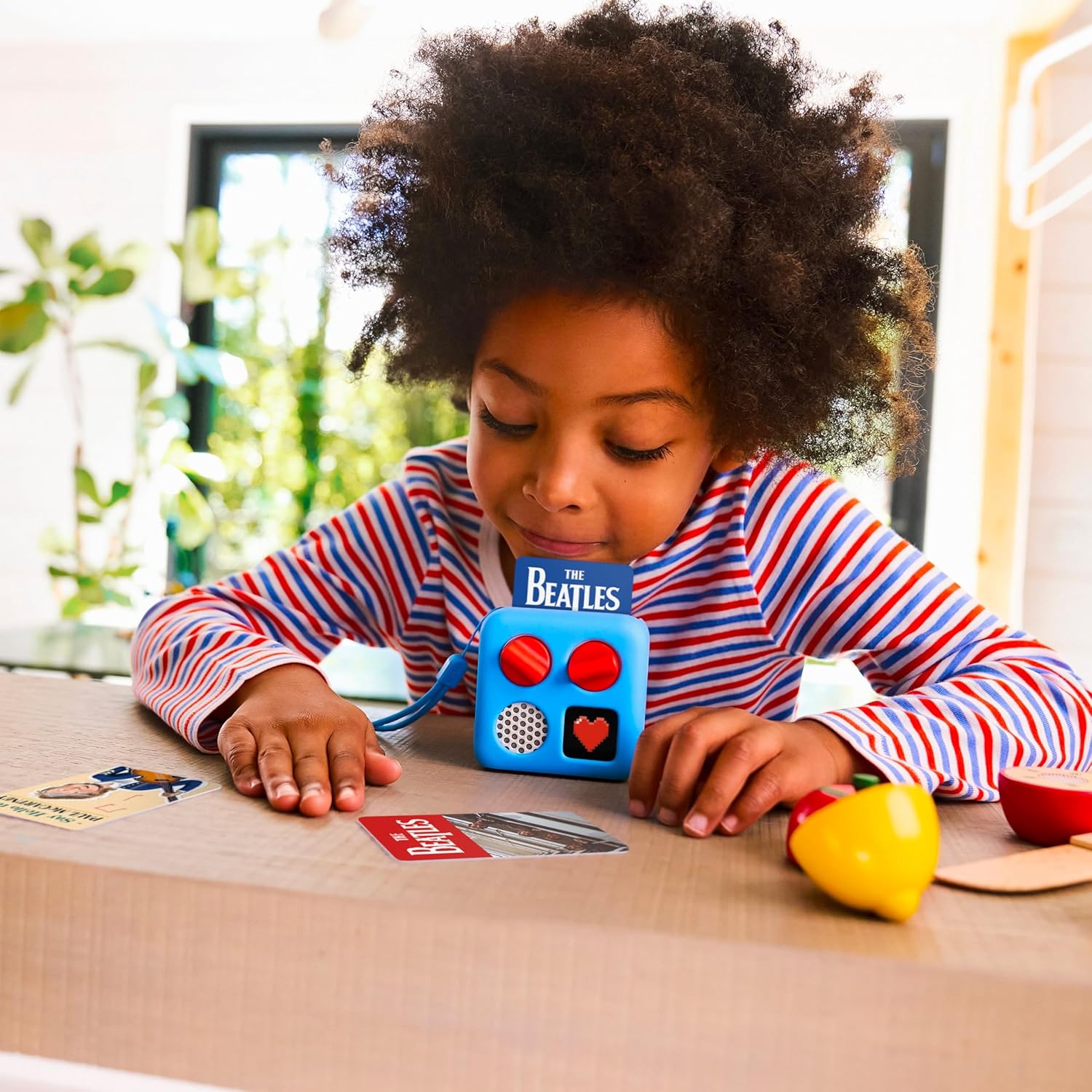
Image 4: A child interacts with a YOTO Mini, inserting an audio card for playback.
4. Itọju
4.1 Ninu
To clean your YOTO Mini, use a soft, dry, lint-free cloth. Do not use abrasive cleaners, solvents, or aerosol sprays, as these can damage the device. Avoid getting moisture into any openings.
4.2 batiri Itọju
The YOTO Mini contains a rechargeable battery. For optimal battery life, avoid fully discharging the device frequently. Charge the device regularly, especially if it will be stored for an extended period. Do not expose the device to extreme temperatures.
5. Laasigbotitusita
5.1 Ẹrọ Ko Nṣiṣẹ Tan-an
- Ensure the device is fully charged. Connect it to a power source using the USB-C cable and allow it to charge for at least 30 minutes before attempting to power on again.
- Try a different USB-C cable and power adapter to rule out faulty accessories.
5.2 Audio Not Playing
- Check that an audio card is correctly inserted into the slot.
- Ensure the volume is not set to minimum using the left dial.
- Tí o bá ń lo agbekọri, rí i dájú pé wọ́n ti so mọ́ ara wọn dáadáa tí wọ́n sì ń ṣiṣẹ́ dáadáa.
- For 'Make Your Own' cards, verify that audio content has been successfully linked via the YOTO app.
5.3 Awọn Iṣoro Asopọmọra (Wi-Fi/Bluetooth)
- Ensure your YOTO Mini is within range of your Wi-Fi router or Bluetooth device.
- Restart your YOTO Mini and your router/Bluetooth device.
- Check your Wi-Fi password in the YOTO app settings.
- For Bluetooth, ensure the YOTO Mini is in pairing mode and visible to your device.
5.4 Device Unresponsive
If the YOTO Mini becomes unresponsive, perform a soft reset by pressing and holding the power button for approximately 10-15 seconds until the device powers off. Then, press the power button again to restart.
6. Awọn pato
| Brand | YOTO |
| Nọmba awoṣe | YM002 |
| Àwọ̀ | ọsan |
| Ifihan Iru | Digital (Pixel Display) |
| Asopọmọra Technology | Bluetooth, USB, Wi-Fi |
| Ti abẹnu Memory | 32GB |
| Orisun agbara | USB (USB-C charging) |
| Igbesi aye batiri | Titi di wakati 14 fun ṣiṣiṣẹsẹhin |
| Awọn iwọn Nkan (W x H) | 9.8W x 10.5H centimetres |
| Iwọn Nkan | 0.28 giramu |
| Awọn irinše to wa | Yoto Mini (YM002), 1m USB-A to USB-C Charging Cable, Welcome Card |
| Pataki Awọn ẹya ara ẹrọ | Audio jack for headphones, OK-to-Wake clock, Portable speaker function |
7. atilẹyin ọja Information
YOTO products are typically covered by a limited warranty. For specific details regarding the warranty period and terms for your YOTO Mini (YM002), please refer to the warranty card included with your purchase or visit the official YOTO webojula. Jeki ẹri rira rẹ fun awọn iṣeduro atilẹyin ọja.
8. Atilẹyin
For further assistance, technical support, or to explore additional content and accessories, please visit the official YOTO webojula:
You can also find frequently asked questions (FAQs) and contact customer service through their webojula.