
ZHENYEMEI ZYE05
ZHENYEMEI Sleep Mask with Bluetooth Headphones (Model ZYE05)
Ilana itọnisọna
Ọrọ Iṣaaju
The ZHENYEMEI Sleep Mask with Bluetooth Headphones (Model ZYE05) is designed to enhance sleep quality and relaxation. It features ultra-thin stereo speakers, Bluetooth 5.4 connectivity, and a comfortable, light-blocking design. This manual provides detailed instructions for setup, operation, and maintenance.
Alaye Aabo pataki
- Ka gbogbo awọn ilana ṣaaju lilo.
- Ma ṣe fi ẹrọ naa han si awọn iwọn otutu to gaju tabi ọrinrin.
- Jeki kuro ni arọwọto awọn ọmọde.
- Lo okun gbigba agbara ti a pese nikan.
- Discontinue use if you experience discomfort or irritation.
Package Awọn akoonu
- ZHENYEMEI Sleep Mask with Bluetooth Headphones
- Okun Ngba agbara USB
- Apo Ibi ipamọ to ṣee gbe
- Itọsọna olumulo
Ọja Pariview
The ZHENYEMEI Sleep Mask integrates a comfortable eye mask with ultra-thin Bluetooth headphones. It features a control panel for easy operation and an adjustable strap for a secure fit, designed to provide a serene environment for sleep or relaxation.

Aworan: Iwaju view of the ZHENYEMEI Sleep Mask, highlighting the control panel and soft material.
Ohun elo ati ki Design
The ZYE05 Sleep Mask is crafted from a soft, ultra-fine fabric with a 0.01mm molecular structure, ensuring a smooth, breathable, and skin-friendly experience. Its design includes a specialized nose pad for superior light blocking and ultra-thin speakers for comfort, especially for side sleepers.
Video: Demonstrates the material quality and softness of the ZHENYEMEI Sleep Mask. This video is provided by ZHENYEMEI Official US Store.
Video: Highlights the skin-friendly nature and comfort of the ZHENYEMEI Eye Mask. This video is provided by ZHENYEMEI Official US Store.
Eto Itọsọna
1. Ngba agbara ẹrọ
Before first use, fully charge your ZHENYEMEI Sleep Mask.
- Locate the charging port on the side of the control panel.
- Connect the provided USB charging cable to the mask and a compatible USB power source.
- The indicator light will illuminate during charging and turn off when fully charged. A full charge takes approximately 1.5 hours.

Image: Illustration of the sleep mask's charging port and battery life.
2. Sisopọ Bluetooth
Pair your sleep mask with your smartphone or other Bluetooth-enabled device.
- Rii daju pe iboju-oju oorun ti gba agbara ati pipa.
- Press and hold the power button on the control panel until the indicator light begins to flash, indicating pairing mode.
- Lori ẹrọ rẹ, lọ si awọn eto Bluetooth ki o wa awọn ẹrọ to wa.
- Select "V03" from the list to connect.
- Once connected, the indicator light on the mask will turn off.
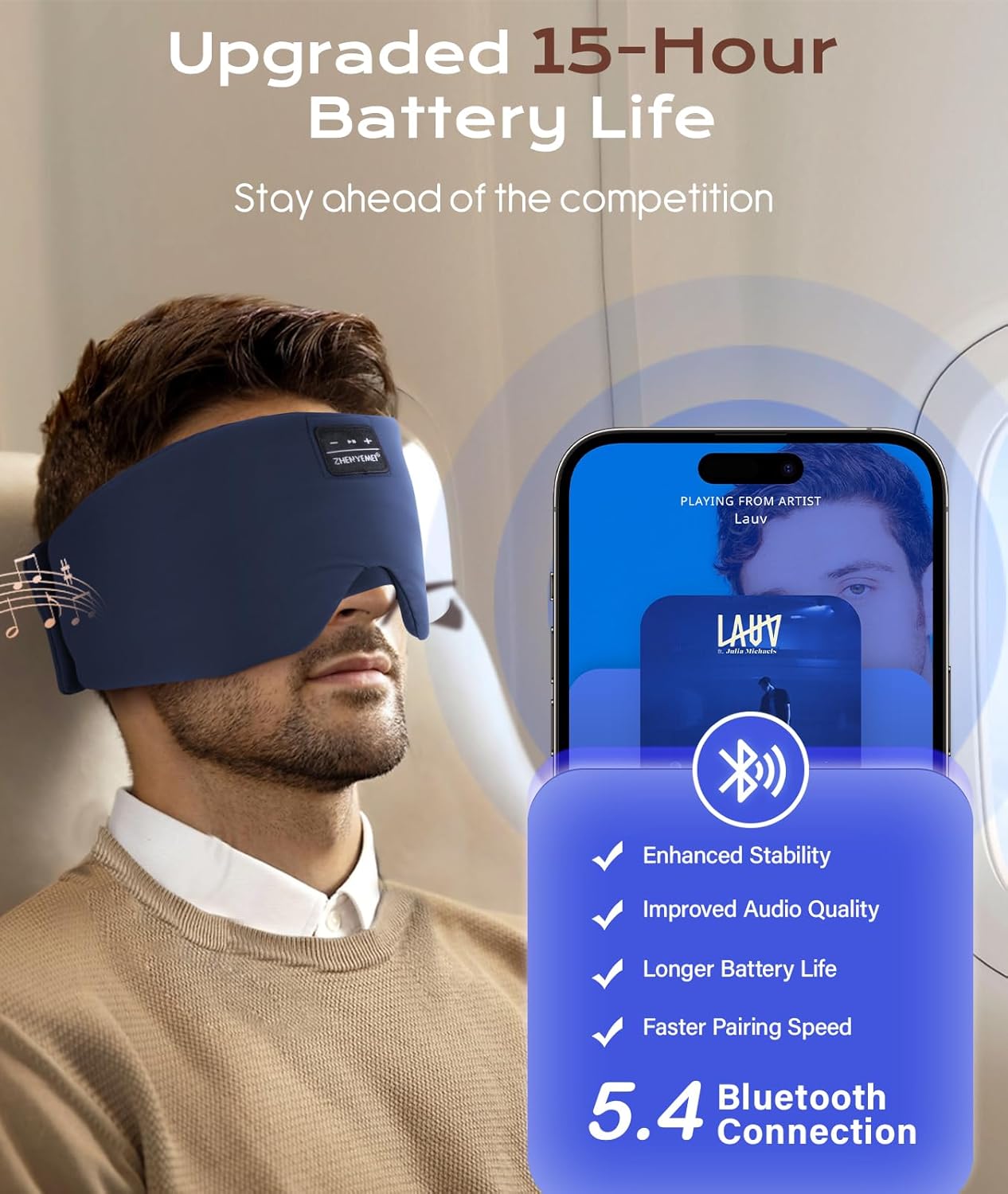
Image: Visual representation of Bluetooth 5.4 connectivity with a smartphone.
3. Wearing the Sleep Mask
Adjust the mask for a comfortable and secure fit.
- Place the mask over your eyes, ensuring the speakers are aligned with your ears.
- Use the adjustable Velcro strap at the back to secure the mask comfortably around your head.
- Ensure the specialized nose pad is positioned to block out light effectively.

Image: A person wearing the sleep mask, illustrating proper placement and fit.

Image: Detail of the adjustable Velcro strap for a secure and comfortable fit.
Awọn ilana Iṣiṣẹ
Titan / Paa
- Agbara Tan: Press and hold the power button (usually the play/pause button) for 3 seconds until the indicator light flashes.
- Agbara Pa: Tẹ mọlẹ bọtini agbara fun awọn aaya 3 titi ti ina olufihan yoo wa ni pipa.
Sisisẹsẹhin Orin
- Ṣiṣẹ/Daduro: Tẹ bọtini agbara ni ẹẹkan.
- Orin t’okan: Tẹ bọtini "+" lẹẹkan.
- Tẹlẹ Orin: Tẹ bọtini "-" lẹẹkan.
- Iwọn didun Up: Tẹ bọtini "+" mọlẹ.
- Iwọn didun isalẹ: Tẹ bọtini "-" mọlẹ.
Isakoso Ipe
- Idahun/Ipe Ipari: Tẹ bọtini agbara ni ẹẹkan.
- Kọ Ipe: Tẹ mọlẹ bọtini agbara fun awọn aaya 2.
Video: Demonstrates how to wear and adjust the ZHENYEMEI Sleep Mask with Bluetooth Headphones, and shows its use in various sleeping positions. This video is provided by ZHENYEMEI Official US Store.
Itoju
Ninu Awọn ilana
Lati rii daju igbesi aye gigun ati mimọ ti iboju-oju oorun rẹ:
- Before washing, locate the opening and carefully remove the Bluetooth module and speakers from the mask.
- Hand wash the fabric mask with cold water using a mild detergent.
- Air dry the mask completely, avoiding direct sunlight.
- Do not machine wash the electronic components.
- Once dry, reinsert the electronic components into their designated pockets.

Image: Step-by-step guide on how to remove electronic components and wash the sleep mask.
Ibi ipamọ
Store the sleep mask in its portable bag in a cool, dry place when not in use to protect it from dust and damage.
Laasigbotitusita
| Isoro | Ojutu |
|---|---|
| Ẹrọ naa ko ṣiṣẹ. | Ensure the device is fully charged. Press and hold the power button for 3-5 seconds. |
| Ko le so pọ pẹlu ẹrọ Bluetooth. | Ensure the mask is in pairing mode (flashing indicator light). Turn off and on your device's Bluetooth. Move closer to the mask. |
| Ko si ohun tabi iwọn kekere. | Check the volume levels on both the mask and your connected device. Ensure the speakers are correctly positioned over your ears. |
| Didara ohun ko dara. | Ensure the mask is fully charged. Move closer to your connected device to avoid interference. |
Awọn pato
- Nọmba awoṣe: ZYE05
- Awọn iwọn ọja: 25.2 x 5.31 x 0.39 inches
- Ìwọ̀n Nkan: 3.36 iwon
- Ẹya Bluetooth: 5.4
- Batiri: 1 batiri litiumu ion (pẹlu)
- Igbesi aye batiri: Titi di wakati 15
- Iru nkan elo: 100% Softness with Ultra-Fine Fabric, Cotton
- Awọn ẹya Awọn ohun elo: Breathable, Compact, Hypoallergenic, Non Toxic, Side Sleep Without Pressure, Soft & Skin-Friendly, Width Upgrade
- Itoju ọja: Hand Wash Only (after removing electronics)
- Iru pipade: Kio ati Loop
- Àwọ̀: Cyan
Atilẹyin ọja ati Support
ZHENYEMEI offers a 365-day unconditional refund policy and a 1-Year Worry-free Warranty for this product. For any questions or support needs, please contact our professional customer service team.

Image: ZHENYEMEI customer service commitment details.
Ask a question about this manual
Ask about setup, troubleshooting, compatibility, parts, safety, or missing instructions. Manuals+ will review the question and use this page’s manual context to help answer it.