
1. Alaye Aabo pataki
Please read these safety instructions carefully before operating your TV and retain them for future reference. Always follow basic safety precautions to reduce the risk of fire, electric shock, and injury.
- Agbara: Connect the TV to an AC power outlet only. Do not overload wall outlets. Ensure the power cord is not damaged or pinched.
- Afẹfẹ: Do not block ventilation openings. Install the TV in a location with adequate airflow.
- Ninu: Yọ TV kuro ṣaaju ṣiṣe mimọ. Lo asọ asọ ti o gbẹ. Maṣe lo awọn olutọpa olomi tabi awọn sprays aerosol.
- Omi ati Ọrinrin: Ma ṣe fi TV han si ojo tabi ọrinrin. Maṣe gbe awọn nkan ti o kun fun olomi sori TV.
- Iduroṣinṣin: Ensure the TV is placed on a stable surface or securely mounted to prevent it from falling.
2. Kini To wa
Rii daju pe gbogbo awọn paati wa ninu apoti:
- LG 55QNED85T 55-inch 4K QNED Smart TV
- Base (Stand)
- Detachable Power Cable
- Magic Remote (MR 24Y)
- Awọn batiri AA x 2
3. Eto
3.1 Ṣiṣii silẹ
Carefully remove the TV and all accessories from the packaging. It is recommended to keep the packaging materials for future transport or service needs.
3.2 Duro fifi sori
Lati fi sori ẹrọ imurasilẹ TV:
- Fi oju TV si isalẹ lori rirọ, dada alapin lati ṣe idiwọ ibajẹ iboju.
- Ṣe deede awọn paati imurasilẹ pẹlu awọn iho ti o baamu lori isalẹ ti TV.
- Ṣe aabo iduro ni lilo awọn skru ti a pese. Rii daju pe gbogbo awọn skru ti di wiwọ.

Iwaju view of the LG 55QNED85T 55-inch 4K QNED Smart TV with its stand installed.

Apa view of the LG 55QNED85T 55-inch 4K QNED Smart TV showing its slim profile si duro.
3.3 Iṣagbesori odi (aṣayan)
If you choose to wall mount your TV, refer to the instructions provided with your wall mount bracket. Ensure the bracket is compatible with VESA standards for your TV model and installed by a qualified professional.
3.4 Nsopọ Peripherals
Connect external devices such as set-top boxes, gaming consoles, or sound systems to the TV's ports. The TV features HDMI, USB, Ethernet, Bluetooth, and Wi-Fi connectivity.

Ẹyìn view of the LG 55QNED85T 55-inch 4K QNED Smart TV showing various input and output ports.
3.5 Asopọ agbara
After connecting all desired devices, plug the detachable power cable into the TV's power input and then into a wall outlet.
3.6 Ni ibẹrẹ Oṣo
Upon first power-on, the TV will guide you through the initial setup process. This includes selecting your language, connecting to a network (Wi-Fi or Ethernet), and scanning for channels.
4. Ṣiṣẹ TV rẹ
4.1 Magic Remote (MR 24Y)
The LG Magic Remote allows for intuitive control of your TV. It functions like an air mouse, allowing you to point and click. It also features a dedicated AI button for smart functions.

The LG AI Magic Remote offers dedicated buttons and features for AI functions, including AI Chatbot, AI Concierge, AI Search, AI Picture Wizard, AI Voice ID, and AI Sound Wizard.
4.2 WebÀwọn Ẹ̀yà Ọlọ́gbọ́n OS 24
TV LG QNED rẹ n ṣiṣẹ webOS 24, offering a smart and user-friendly interface. Key features include:
- LG ThinQ AI: Integrated artificial intelligence for enhanced control and personalization.
- Amazon Alexa ti a ṣe sinu: Use voice commands for various TV functions and smart home control.
- Intelligent Voice Recognition: Ṣàkóso TV rẹ kí o sì wá àwọn ohun tó wà nínú rẹ̀ nípa lílo ohùn rẹ.
- App Remote Control (LG ThinQ): Control your TV from your smartphone using the LG ThinQ app.
- Olùtọ́jú AI: Provides personalized keyword suggestions and recommendations based on your viewitan itan.

The AI Concierge feature provides personalized keyword suggestions and recommendations based on your search and viewitan itan.
- Iwadi AI: N pese awọn iṣeduro ti ara ẹni fun awọn ibeere rẹ ati awọn solusan afikun pẹlu Microsoft Copilot.

AI Search provides personalized recommendations for your queries and can integrate with Microsoft Copilot for additional solutions.
- ID Ohùn AI: Recognizes each user's vocal signature and offers personalized recommendations as you speak.

AI Voice ID recognizes individual user voices to provide personalized content recommendations.
4.3 Aworan Eto
Your QNED TV combines Quantum Dot and NanoCell technologies for vibrant and accurate colors. The α8 AI Processor Gen 2 optimizes picture quality.
- QNED Dynamic Colors: LG's wide color gamut technology provides enhanced color reproduction.
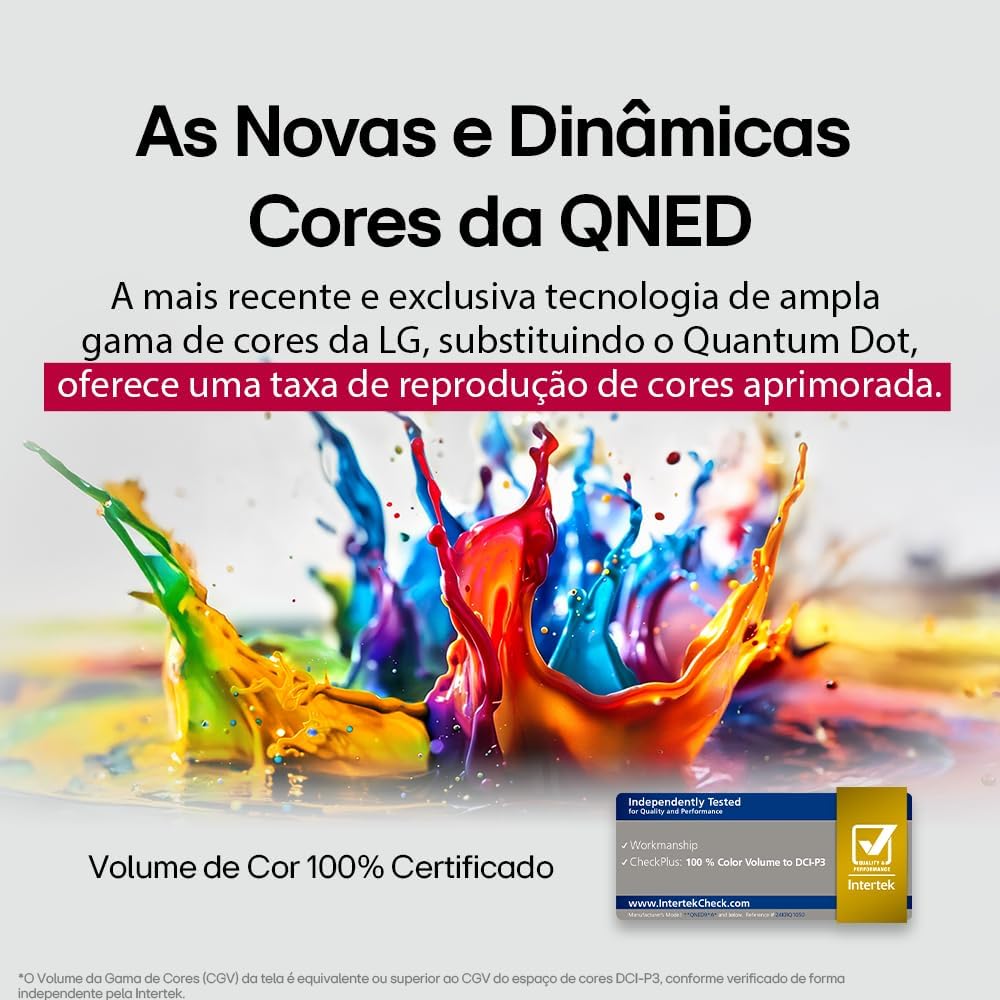
LG's QNED technology delivers new and dynamic colors, offering an improved color reproduction rate with 100% Certified Color Volume to DCI-P3.
- MiniLED: This technology enhances sharpness and provides superior contrast for an immersive viewiriri iriri.
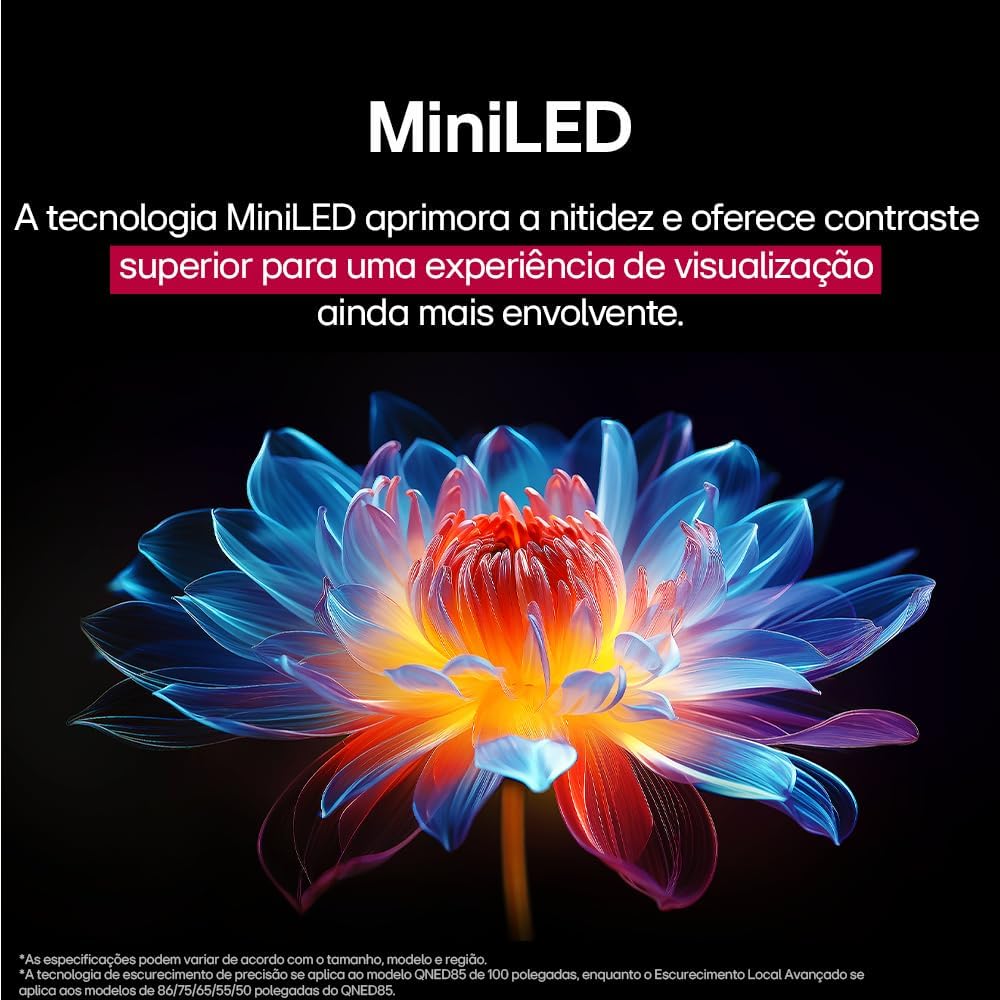
MiniLED technology improves sharpness and offers superior contrast for an immersive viewiriri iriri.
- α8 AI Processor Gen 2: This processor enhances 4K visuals with impressive colors and brightness.
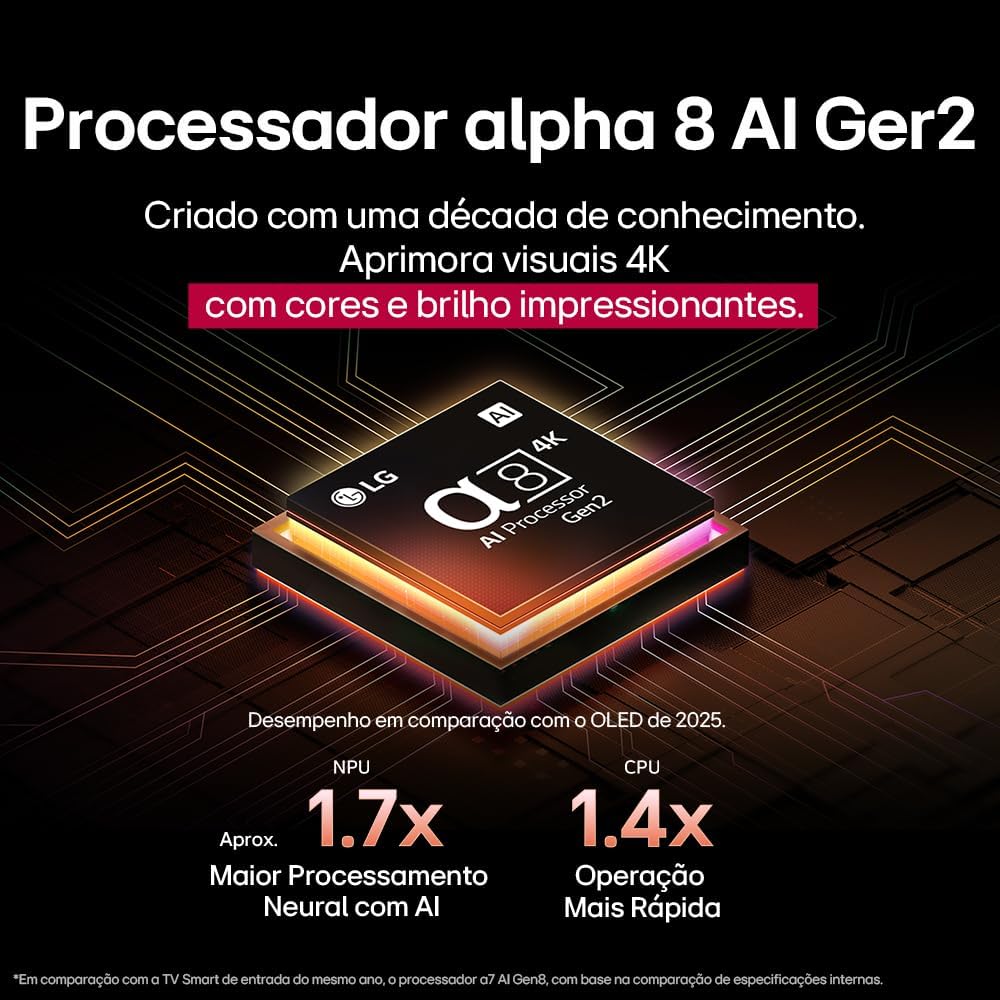
The Alpha 8 AI Processor Gen 2 enhances 4K visuals with impressive colors and brightness, offering approximately 1.7x greater neural processing with AI and 1.4x faster operation compared to previous generations.
- AI Aworan Pro: Analyzes each frame, enhancing resolution, brightness, depth, and clarity to bring every scene to life.

AI Picture Pro analyzes each frame, enhancing resolution, brightness, depth, and clarity to bring every scene to life.
4.4 Ohun Eto
The TV includes AI Sound Wizard features to optimize audio output based on your environment and content.
4.5 Asopọmọra
TV rẹ ṣe atilẹyin ọpọlọpọ awọn aṣayan asopọpọ:
- Wi-Fi: Connect to your home wireless network for internet access and smart features.
- Àjọlò: Lo asopọ onirin fun iraye si intanẹẹti iduroṣinṣin.
- HDMI: Connect high-definition devices like Blu-ray players, game consoles, and soundbars.
- USB: Mu awọn media ṣiṣẹ files lati USB ipamọ awọn ẹrọ.
- Bluetooth: Connect wireless headphones, speakers, or other compatible devices.
4.6 ayo Awọn ẹya ara ẹrọ
The LG 55QNED85T is equipped with features for an enhanced gaming experience:
- 120Hz Panel: Provides smoother motion for fast-paced games.
- FreeSync: Reduces screen tearing and stuttering when connected to compatible gaming devices.
5. Itọju
5.1 Ninu
- Iboju: Rọra nu iboju naa pẹlu asọ ti ko ni lint. Fun awọn ami alagidi, fẹẹrẹ dampen asọ pẹlu omi tabi a specialized iboju regede (ma ṣe fun sokiri taara loju iboju).
- Férémù ati Iduro: Mu ese pẹlu asọ ti o gbẹ.
- Isakoṣo latọna jijin: Use a soft, dry cloth to clean the remote.
5.2 Software imudojuiwọn
Your TV may receive software updates to improve performance and add new features. You can usually check for and install updates through the TV's settings menu (Settings > General > About This TV > Check for Updates).
6. Laasigbotitusita
Ti o ba pade awọn ọran pẹlu TV rẹ, tọka si awọn solusan ti o wọpọ wọnyi:
| Isoro | Owun to le Solusan |
|---|---|
| Ko si Agbara | Ṣayẹwo boya okun agbara ti sopọ ni aabo si TV ati iṣan ogiri. Rii daju pe iṣan jade jẹ iṣẹ-ṣiṣe. |
| Ko si Aworan, ṣugbọn Ohun ti wa ni Lọwọlọwọ | Ṣàyẹ̀wò orísun ìtẹ̀wọlé. Rí i dájú pé àwọn ẹ̀rọ ìta ti ń ṣiṣẹ́ dáadáa tí wọ́n sì so pọ̀ dáadáa nípasẹ̀ HDMI. |
| Ko si Ohun, ṣugbọn Aworan wa Bayi | Check the volume level and mute status. Verify audio output settings (e.g., internal speakers, external soundbar). |
| Isakoṣo latọna jijin Ko Ṣiṣẹ | Rọpo awọn batiri naa. Rí i dájú pé kò sí ìdènà láàárín remote àti TV. Tún Magic Remote ṣe tí ó bá pọndandan. |
| Awọn oran Asopọ nẹtiwọki | Tun olulana ati modẹmu bẹrẹ. Ṣayẹwo Wi-Fi ọrọigbaniwọle. Gbiyanju asopọ Ethernet ti a firanṣẹ ti o ba ṣeeṣe. |
| Aworan Didara oran | Ṣatunṣe awọn eto aworan (imọlẹ, itansan, didasilẹ). Rii daju pe orisun titẹ sii n pese ifihan agbara to gaju. |
Tí ìṣòro náà bá ń bá a lọ, gbìyànjú láti ṣe àtúntò ilé iṣẹ́ (wo àkójọ ètò TV) tàbí kí o kàn sí ìrànlọ́wọ́ àwọn oníbàárà LG.
7. Awọn pato
Detailed specifications for the LG 55QNED85T 55-inch 4K QNED Smart TV:
| Ẹya ara ẹrọ | Sipesifikesonu |
|---|---|
| Iwon iboju | 55 inches |
| Brand | LG |
| Ifihan ọna ẹrọ | LED (QNED, MiniLED) |
| Ipinnu | 4K (3840 x 2160) |
| Oṣuwọn sọtun | 120 Hz |
| Pataki Awọn ẹya ara ẹrọ | QNED Dynamic Colors, MiniLED, α8 AI Processor Gen 2 |
| Asopọmọra Technology | Bluetooth, Ethernet, HDMI, USB, Wi-Fi |
| Apakan Ipin | 16:9 |
| Awọn iwọn Ọja (DxWxH) | 25.7D x 123.6W x 78.3H centimeters (with stand) |

Dimensions of the LG 55QNED85T 55-inch TV. Indicated values and actual measurements may differ.
8. Atilẹyin ọja ati Support
Your LG 55QNED85T Smart TV comes with a manufacturer's warranty. Please refer to the warranty card included in your product packaging for specific terms and conditions.
For technical support, service, or warranty claims, please contact LG customer service through their official webaaye tabi alaye olubasọrọ ti a pese ninu iwe atilẹyin ọja rẹ.