
Ọrọ Iṣaaju
This manual provides comprehensive instructions for the installation, operation, and maintenance of your PNI House WIFI800 Wireless NVR. Please read this manual thoroughly before using the product to ensure proper functionality and to prevent damage. Keep this manual for future reference.
Ọja Awọn ẹya ara ẹrọ
- 4K UHD Wireless NVR: Supports up to 8 IP cameras with 5MP resolution or up to 4 8MP 4K (3840 x 2160px) cameras. Compatible with PNI IP590 and PNI IP840 cameras.
- Easy Installation and Remote Access: Simple to install, configure, and control locally or remotely. View real-time images or play back recordings via phone, PC, or browser. Motion detection triggers SMS notifications via the mobile application.
- HDD and MicroSD Compatibility: Supports connecting a 2.5-inch hard drive up to 14 TB or a microSD card up to 128 GB. For optimal performance, use special CCTV hard drives designed for 24/7 reliability and durability.
- H.265AI/H.265+ Video Compression: Increases bandwidth and storage efficiency, supports higher resolution, and allows for longer recording times. Compatible with H.265/H.264.

Image: PNI House WIFI800 NVR with its packaging, highlighting its key features.

Image: Illustrates the NVR's advanced detection capabilities, including motion, human, and face detection, enhancing security monitoring.

Image: A mobile phone displaying the iCSee and XMEye applications, used for remote access and control of the NVR system.

Aworan: Ẹyin view of the NVR highlighting Wi-Fi, H.265AI/H.265+ compression, and ONVIF compatibility.
Package Awọn akoonu
Package pẹlu awọn nkan wọnyi:
- PNI House WIFI800 Wireless NVR
- Itọsọna olumulo
- Asin
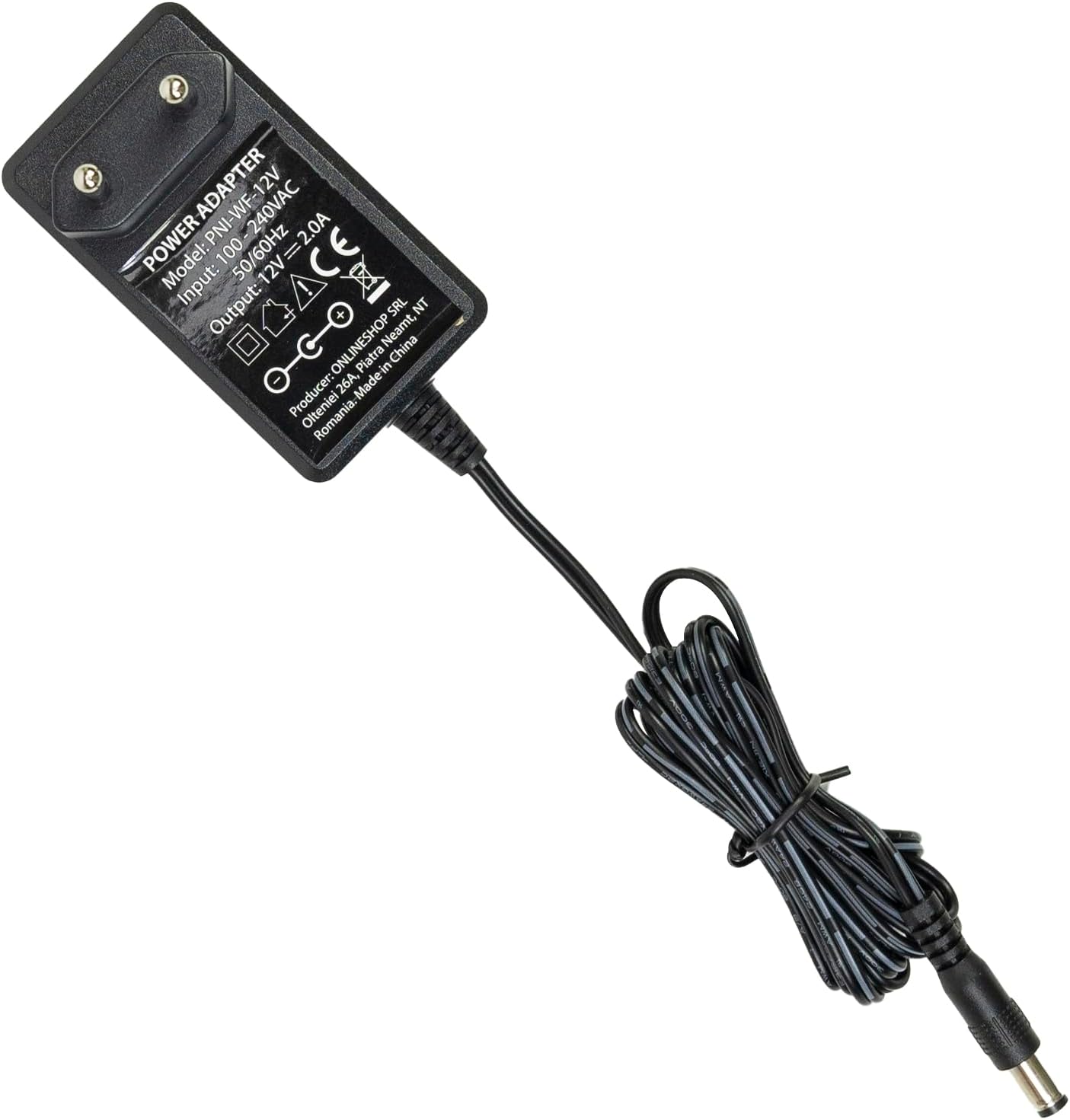
- Adapter agbara

Image: The PNI House WIFI800 NVR shown with its included accessories: a mouse and a power adapter.
Awọn ilana iṣeto
- So agbara: So adapter agbara ti a pese mọ ibudo titẹ agbara NVR ki o si so o pọ mọ ibudo agbara kan.
- Sopọ si Nẹtiwọọki: For initial setup or wired connection, connect an Ethernet cable from the NVR's LAN port to your router. The NVR also supports wireless connectivity.
- Asopọmọra Ifihan: Connect a monitor to the NVR's HDMI port using an HDMI cable (not included) to view ni wiwo.
- So Asin: Plug the included USB mouse into the NVR's USB port for navigation.
- Install Storage (Optional):
The NVR supports a 2.5-inch HDD up to 14 TB or a microSD card up to 128 GB for recording. To install an HDD:
- Ṣí NVR c pẹ̀lú ìṣọ́raasing (refer to the diagram below).
- Connect the HDD to the internal SATA power and data connectors.
- Secure the HDD within the NVR and close the casing.
- Alternatively, insert a microSD card into the dedicated slot.
- Pipọpọ Kamẹra: Follow the on-screen instructions on the connected display to pair your compatible PNI IP cameras (e.g., PNI IP590, PNI IP840) or other ONVIF-compatible cameras.

Aworan: Ẹyin view of the PNI House WIFI800 NVR, illustrating the power input, microSD card slot, HDMI output, Ethernet (LAN) port, USB port, and audio output.
Aworan: Isalẹ view of the PNI House WIFI800 NVR with the cover removed, indicating the internal slot for a 2.5-inch HDD.
Awọn ilana Iṣiṣẹ
Isẹ Agbegbe
Once the NVR is connected to a display and mouse, you can navigate the on-screen interface to manage your cameras, view live feeds, and access recordings.
- Gbe View: Select the desired camera channels to view real-time video feeds.
- Gbigbasilẹ: The NVR supports manual, alarm-triggered (motion detection), and scheduled recording. Configure these options in the system settings.
- Sisisẹsẹhin: Wiwọle gba silẹ footage from the storage device (HDD or microSD) through the playback menu.
- Eto Eto: Adjust network settings, video resolution, recording schedules, and other system parameters.
Remote Operation via Mobile App
The PNI House WIFI800 NVR can be accessed remotely using a mobile application (e.g., iCSee, XMEye) on your smartphone or tablet.
- Ṣe igbasilẹ Ohun elo: Download and install the recommended mobile application (e.g., iCSee or XMEye) from your device's app store.
- Forukọsilẹ/Wọle: Ṣẹda akọọlẹ kan tabi wọle si ohun elo naa.
- Fi ẹrọ kun: Follow the app's instructions to add your NVR. This typically involves scanning a QR code on the NVR or manually entering its device ID.
- Latọna jijin Viewing: Ni kete ti o ti sopọ, o le view live camera feeds, play back recordings, and receive motion detection alerts directly on your mobile device.
Itoju
- Ninu igbagbogbo: Keep the NVR unit clean and free from dust. Use a soft, dry cloth for cleaning. Do not use liquid cleaners.
- Awọn imudojuiwọn famuwia: Periodically check for firmware updates on the PNI official webaaye lati rii daju iṣẹ ṣiṣe ati aabo to dara julọ.
- Afẹyinti data: Regularly back up important recordings to an external storage device to prevent data loss.
- Ilera Wakọ lile: If using an HDD, monitor its health through the NVR's system settings to anticipate potential failures.
Laasigbotitusita
| Isoro | Owun to le Fa | Ojutu |
|---|---|---|
| Ko si abajade fidio lori atẹle | Loose HDMI cable, incorrect input selected on monitor, NVR not powered on. | Check HDMI cable connection. Ensure monitor is on correct input. Verify NVR power. |
| Cameras not connecting | Incorrect network settings, cameras out of range, camera not powered, pairing issue. | Check NVR and camera network settings. Ensure cameras are within Wi-Fi range. Verify camera power. Re-attempt camera pairing. |
| No remote access | NVR ko sopọ mọ intanẹẹti, awọn eto app ti ko tọ, awọn ọran ogiriina. | Verify NVR internet connection. Check app login and device ID. Ensure router firewall allows NVR access. |
| Ko si igbasilẹ | No storage device, storage device full, recording schedule not set, storage device fault. | Install HDD/microSD. Check storage capacity. Configure recording schedule. Format or replace faulty storage. |
Awọn pato
| Brand | PNI |
| Nọmba awoṣe | PNI-WIFI800 |
| Olupese | ONLINESHOP SRL |
| Asopọmọra Technology | Ti firanṣẹ, Alailowaya |
| Awọn ẹrọ ibaramu | PNI IP125, PNI IP575, PNI KIMSD128, PNI IP590, PNI IP840 |
| Awọn iwọn Ọja (L x W x H) | 17L x 12W x 3.5H sẹntimita |
| Iwọn Nkan | 247 giramu |
| Memory Storage Capacity (HDD) | Up to 14 TB (2.5 inch) |
| Memory Storage Capacity (MicroSD) | Titi di 128 GB |
| Agbara | 24 Wattis |
| Nọmba ti awọn ikanni | 4 (supports up to 8x5MP or 4x8MP cameras) |
| Digital Video Media Format | H.265AI/H.265+ |
| Input Audio | Gbohungbohun |
| Lapapọ Awọn ibudo USB | 1 |
| Supported Video Input Type | RJ45 |
| Ilu isenbale | China |
| Batiri | 1 Lithium-ion - included |
Atilẹyin ọja ati Support
The PNI House WIFI800 Wireless NVR comes with a 2-odun atilẹyin ọja. For technical support, troubleshooting assistance, or warranty claims, please contact PNI customer service or visit their official webojula.
Spare parts availability and guaranteed software updates information are currently unavailable.
Ọja Pariview Fidio
Fídíò: Owó tí a ti paríview and demonstration of the PNI House WIFI800 Wireless NVR features, including connectivity, remote access, and recording capabilities.