
DOOGEE U10
DOOGEE U10 Tablet User Afowoyi
Awoṣe: U10
1. Ifihan
Welcome to the user manual for your new DOOGEE U10 Tablet. This guide provides detailed instructions to help you get started, operate, maintain, and troubleshoot your device. The DOOGEE U10 is a modern tablet featuring the latest Android 14 system, a vibrant 10.1-inch IPS display, and robust performance capabilities.
Key Awọn ẹya ara ẹrọ
- Eto isesise: Android 14 for a smooth and secure experience.
- Ifihan: 10.1-inch IPS HD (1280x800) with TÜV Low Blue Light Eye Protection.
- Iṣe: Rockchip RK3562 Quad-core Processor, 9GB RAM (4GB + 5GB virtual).
- Ibi ipamọ: 128GB internal storage, expandable up to 1TB via TF card.
- Awọn kamẹra: 8MP Rear Camera and 5MP Front Camera for clear photos and video calls.
- Batiri: Batiri 5060mAh ti o pẹ to.
- Asopọmọra: Ultra-fast WiFi 6, Bluetooth 5.0, and OTG support.
- Sisanwọle: Widevine L1 support for high-quality streaming on platforms like Amazon Prime Video and Hulu.

Aworan: Pariview of DOOGEE U10 Tablet's main features including screen size, connectivity, OS, eye protection, memory, battery, and camera specifications.
2. Eto
2.1 Kini ni Apoti
Upon unboxing your DOOGEE U10 Tablet, please ensure all the following items are present:
- 1 x DOOGEE U10 Android 14 Tablet
- 1 x Iru-C okun USB
- 1 x Ṣaja
- 1 x Itọsọna olumulo (iwe yii)
- 1 x Kaadi atilẹyin ọja
2.2 Gbigba agbara akọkọ
Before first use, it is recommended to fully charge your tablet. Connect the provided Type-C USB cable to the tablet's charging port and the charger to a power outlet. The charging indicator will show the charging status. A full charge typically takes a few hours.

Image: Illustration of the 5060mAh battery capacity and charging port, indicating fast charging capability and a 3.5mm headphone jack.
2.3 Titan / Pa a
- Lati Fi agbara: Press and hold the Power button (usually located on the side) until the DOOGEE logo appears on the screen.
- Lati Paarẹ: Tẹ bọtini agbara ki o si di mu titi akojọ aṣayan pipa agbara yoo fi han. Yan "Pa agbara" ki o si jẹrisi.
- Lati Tun bẹrẹ: Láti inú àkójọpọ̀ agbára, yan "Tun bẹ̀rẹ̀".
2.4 Iṣeto ni ibẹrẹ
Tẹle awọn itọnisọna loju iboju lati pari iṣeto akọkọ:
- Yan ede ti o fẹ.
- Sopọ si nẹtiwọki Wi-Fi kan.
- Gba awọn ofin ati ipo.
- Wọle pẹlu akọọlẹ Google rẹ tabi ṣẹda tuntun kan.
- Ṣeto titiipa iboju (PIN, apẹrẹ, ọrọ igbaniwọle, tabi ID Oju).
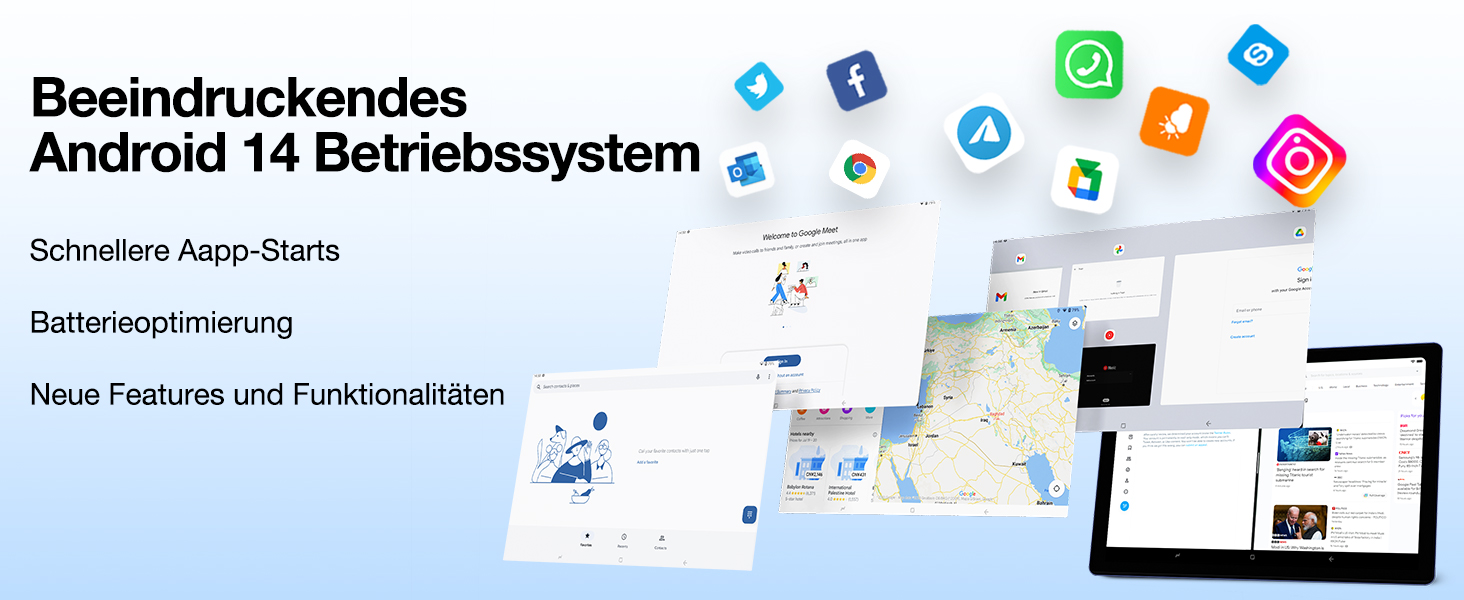
Image: Visual representation of the Android 14 operating system interface, highlighting faster app starts and battery optimization.
3. Ṣiṣẹ rẹ tabulẹti
3.1 Ipilẹ Lilọ kiri
The DOOGEE U10 Tablet uses touch gestures for navigation:
- Fọwọ ba: Lati yan ohun kan tabi ṣii ohun elo kan.
- Ra: Lati yi lọ nipasẹ awọn oju-iwe tabi awọn atokọ.
- Fun pọ: Lati sun-un sinu tabi jade lori awọn aworan tabi web awọn oju-iwe.
- Long Tẹ: Lati wọle si awọn akojọ aṣayan ọrọ-ọrọ tabi gbe awọn aami.
3.2 Asopọmọra
Your tablet supports advanced connectivity options:
- Wi-Fi 6: For high-speed internet access. Go to Settings > Network & internet > Wi-Fi, then select your network and enter the password.
- Bluetooth 5.0: For connecting wireless headphones, speakers, or other Bluetooth devices. Go to Settings > Connected devices > Bluetooth, turn it on, and pair with your device.
- OTG (Lórí Ọ̀nà): Allows you to connect USB devices like flash drives, keyboards, or mice using a compatible OTG adapter (not included).
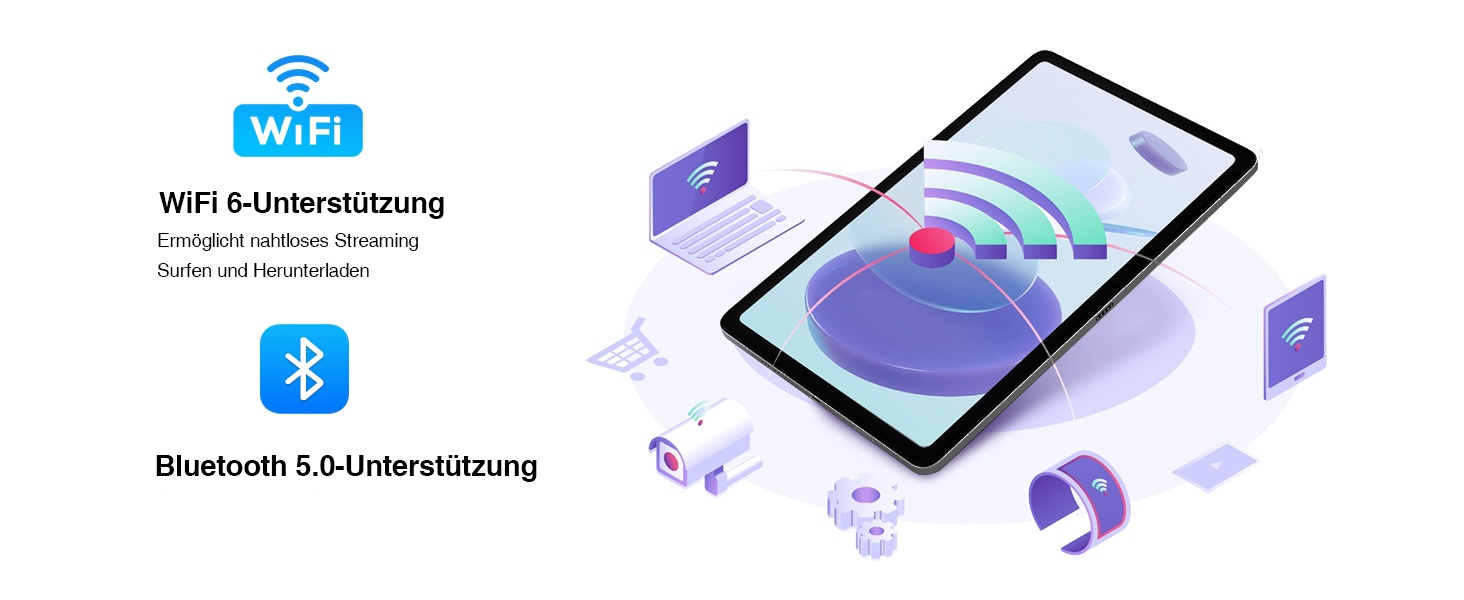
Image: Visual representation of WiFi 6 and Bluetooth 5.0 support, enabling seamless streaming, browsing, and downloading, and connecting to various devices.
3.3 kamẹra Lilo
The DOOGEE U10 features an 8MP rear camera and a 5MP front camera. Open the Camera app to capture photos and videos. Switch between front and rear cameras using the icon on the screen.

Image: Close-up of the tablet's dual camera system, highlighting the 5MP front and 8MP rear cameras, suitable for photos and video chats.
3.4 Ibi Management
Your tablet comes with 128GB of internal storage. You can expand this up to 1TB using a microSD (TF) card. Insert the TF card into the designated slot. To manage storage, go to Settings > Storage.
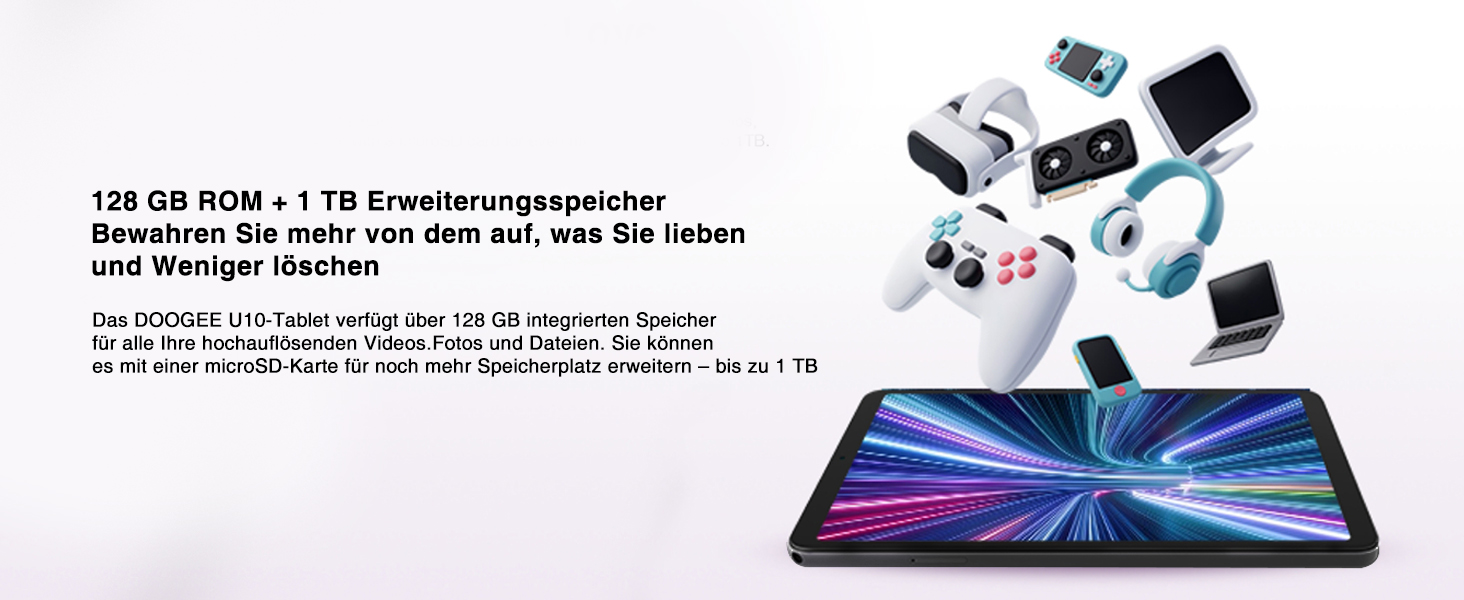
Image: Depiction of the tablet's 128GB ROM and 1TB expandable storage, illustrating ampaaye fun awọn media ati files.
3.5 Àwọn Ẹ̀yà Ìdánrawò
- Atilẹyin Widevine L1: Enjoy high-definition content from streaming services like Amazon Prime Video, Hulu, and HBO Max.
- Simẹnti iboju: Share your tablet's screen to a larger display, such as a TV, for presentations or family viewing.
- Split-Screen Function: Enhance productivity by running two apps side-by-side, allowing for seamless multitasking.
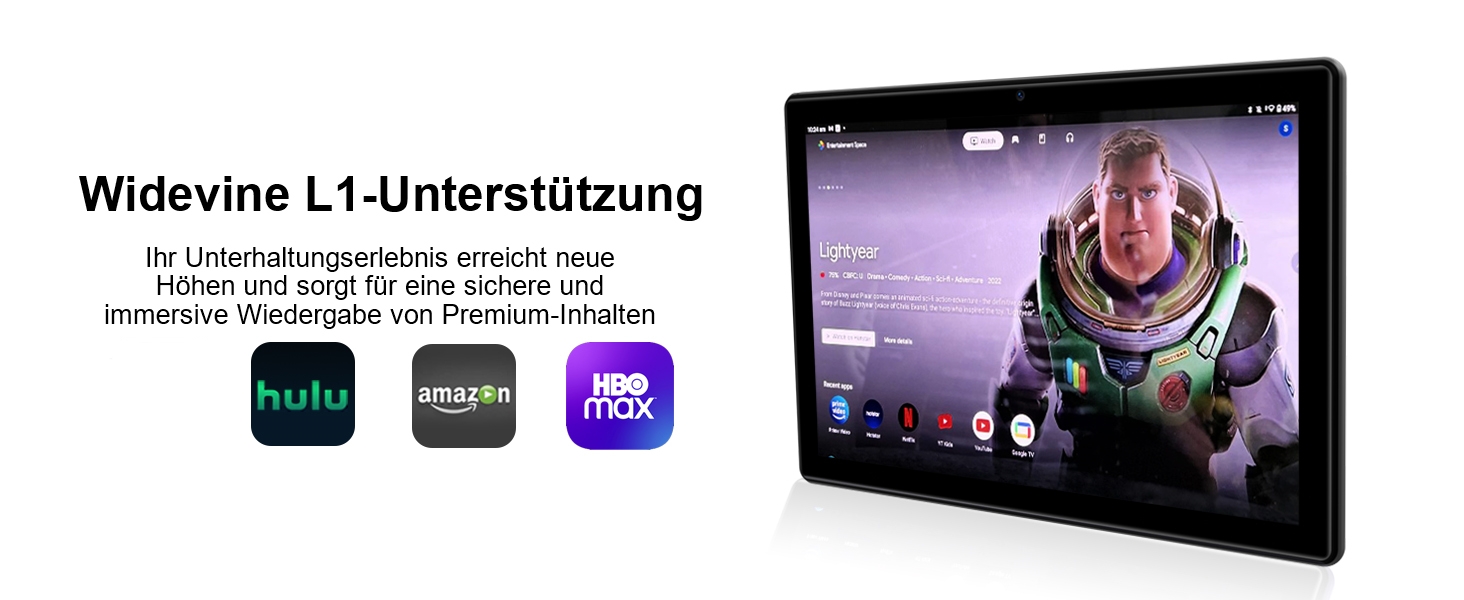
Image: The tablet displaying streaming service logos (Hulu, Amazon, HBO Max) and content, indicating Widevine L1 support for premium content playback.
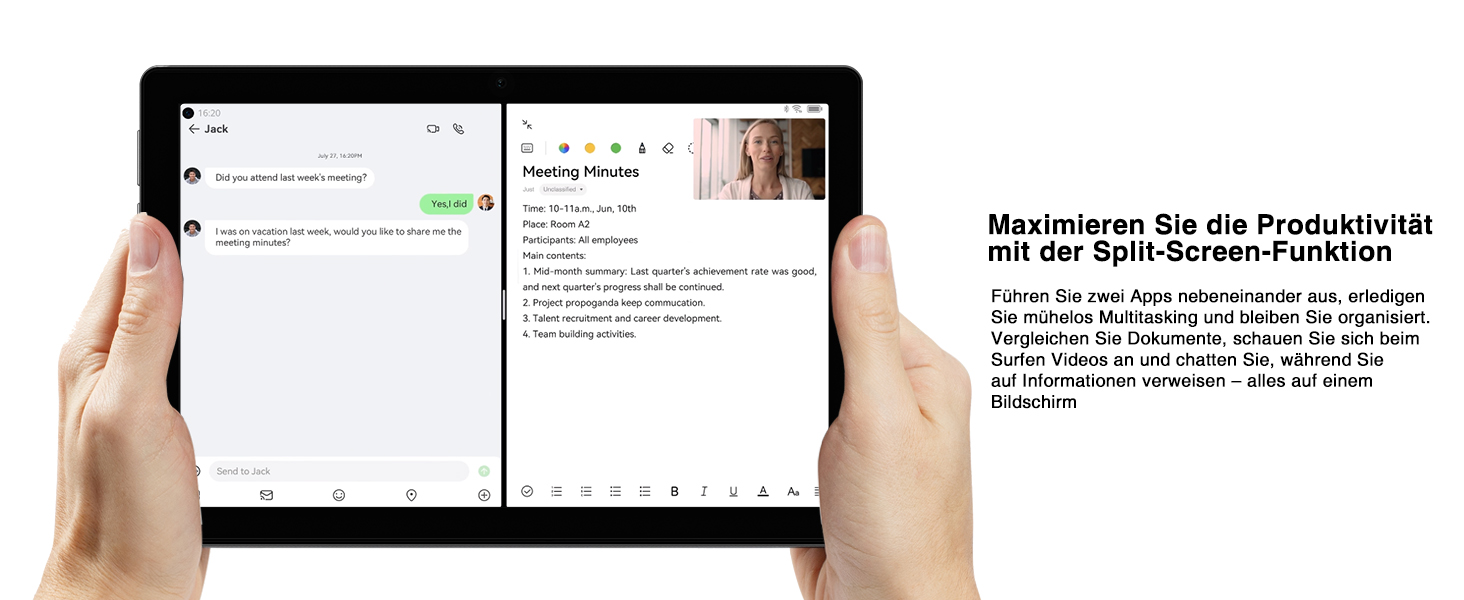
Image: A tablet screen split into two applications, demonstrating the split-screen feature for enhanced productivity and multitasking.
4. Itọju
4.1 batiri Itọju
Lati mu igbesi aye batiri 5060mAh rẹ pọ si:
- Yago fun awọn iwọn otutu to gaju.
- Ma ṣe jẹ ki batiri naa ṣan patapata ṣaaju gbigba agbara nigbagbogbo.
- Use the provided charger for optimal charging.
- Mu awọn ipo fifipamọ agbara ṣiṣẹ nigbati batiri ba lọ silẹ.
4.2 Ninu rẹ tabulẹti
Lo asọ ti ko ni lint lati nu iboju ati ara tabulẹti naa. Fun agidi smudges, die-die dampen awọn asọ pẹlu omi tabi a iboju regede. Yago fun lilo awọn kẹmika lile tabi awọn ohun elo abrasive.
4.3 Software imudojuiwọn
Keep your tablet's software up to date to ensure optimal performance and security. Go to Settings > System > System update to check for and install available updates.
4.4 Ibi ipamọ ti o dara ju
Nigbagbogbo tunview rẹ sori ẹrọ apps ati files. Yọ awọn ohun elo ti a ko lo kuro ki o paarẹ ti ko wulo files to free up storage space and improve performance. Consider moving large media files sí káàdì TF òde.
5. Laasigbotitusita
This section addresses common issues you might encounter with your DOOGEE U10 Tablet. If the problem persists, please contact customer support.
| Isoro | Owun to le Fa | Ojutu |
|---|---|---|
| Tablet does not turn on or charge. | Battery is completely drained; faulty charger/cable; hardware issue. | Ensure the charger and cable are securely connected. Try a different power outlet. Allow the tablet to charge for at least 30 minutes before attempting to power on. If still unresponsive, perform a forced restart by holding the power button for 10-15 seconds. |
| Wi-Fi connection is unstable or not connecting. | Incorrect password; router issue; interference. | Verify the Wi-Fi password. Restart your Wi-Fi router. Move closer to the router. Forget the network on your tablet and reconnect. |
| Tablet is slow or apps are freezing. | Ọ̀pọ̀lọpọ̀ àwọn àpù ló ń ṣiṣẹ́; ibi ìpamọ́ díẹ̀; sọ́fítíwè àtijọ́. | Close background apps. Clear app caches (Settings > Apps > [App Name] > Storage & cache > Clear cache). Free up internal storage. Check for system updates. Restart the tablet. |
| Kamẹra ko ṣiṣẹ. | App permissions; software glitch. | Check camera permissions for the Camera app (Settings > Apps > Camera > Permissions). Restart the tablet. Clear the Camera app's cache and data. |
| Screen display issues (e.g., flickering, incorrect colors). | Software glitch; hardware defect. | Restart the tablet. Ensure the TÜV Low Blue Light Eye Protection mode is not causing an unintended effect if you prefer standard display. If the issue persists, it may indicate a hardware problem. |
6. Awọn pato
| Ẹya ara ẹrọ | Ẹ̀kúnrẹ́rẹ́ |
|---|---|
| Brand | DOOGEE |
| Awoṣe | U10 (DOOGEE U10 TABLET) |
| Awọn iwọn | 1 x 1 x 1 cm; 509 giramu |
| Iwọn Ifihan | 10.1 inches |
| Ipinnu Ifihan | 1280 x 800 Pixels (IPS HD) |
| isise | Rockchip RK3562 Quad-core, 2.0 GHz |
| Àgbo | 9GB (4GB + 5GB virtual expansion) |
| Ibi ipamọ inu | 128GB ROM |
| Expandable Ibi ipamọ | Títí dé 1TB (káàdì TF) |
| Eto isesise | Android 14 |
| Agbara Batiri | 5060mAh |
| Kamẹra ẹhin | 8MP |
| Kamẹra iwaju | 5MP |
| Wi-Fi Iru | 802.11ax (WiFi 6) |
| Bluetooth | Bluetooth 5.0 |
| Awọn ibudo | Type-C, 3.5mm Headphone Jack |
| Pataki Awọn ẹya ara ẹrọ | Widevine L1, TÜV Low Blue Light Eye Protection, OTG, Face ID |

Image: Detailed diagram of the Rockchip RK3562 CPU, highlighting its quad-core processor, 2.0 GHz speed, and memory capabilities (9GB RAM, 128GB ROM, 1TB TF).
7. Atilẹyin ọja ati Support
DOOGEE is committed to providing high-quality products and excellent customer service.
- Ẹri Owo Pada: Enjoy a 30-day money-back guarantee and free returns.
- Atilẹyin ọja to lopin: Your DOOGEE U10 Tablet comes with a 2-year limited warranty.
- Atilẹyin Ayelujara: 24/7 online support is available for any queries or assistance you may need.
For further assistance, please refer to the warranty card included in your package or visit the official DOOGEE support webojula.

Image: Icons representing after-sales support, including a 30-day money-back guarantee, 2-year limited warranty, and 24/7 online support.
Ask a question about this manual
Ask about setup, troubleshooting, compatibility, parts, safety, or missing instructions. Manuals+ will review the question and use this page’s manual context to help answer it.