
DOOGEE U10
Ìwé Ìtọ́sọ́nà Olùlò Tábìlẹ́ẹ̀tì DOOGEE U10 Android 14
Awoṣe: U10
1. Ifihan
Welcome to the user manual for your new DOOGEE U10 Android 14 Tablet. This guide provides detailed instructions on how to set up, operate, maintain, and troubleshoot your device. The DOOGEE U10 is a versatile tablet featuring a 10.1-inch HD IPS display, 9GB RAM (4GB + up to 5GB extended) and 128GB ROM, powered by Android 14, and equipped with an 8MP rear camera and 5MP front camera, a 5060mAh battery, Bluetooth 5.0, and WiFi-6 connectivity.
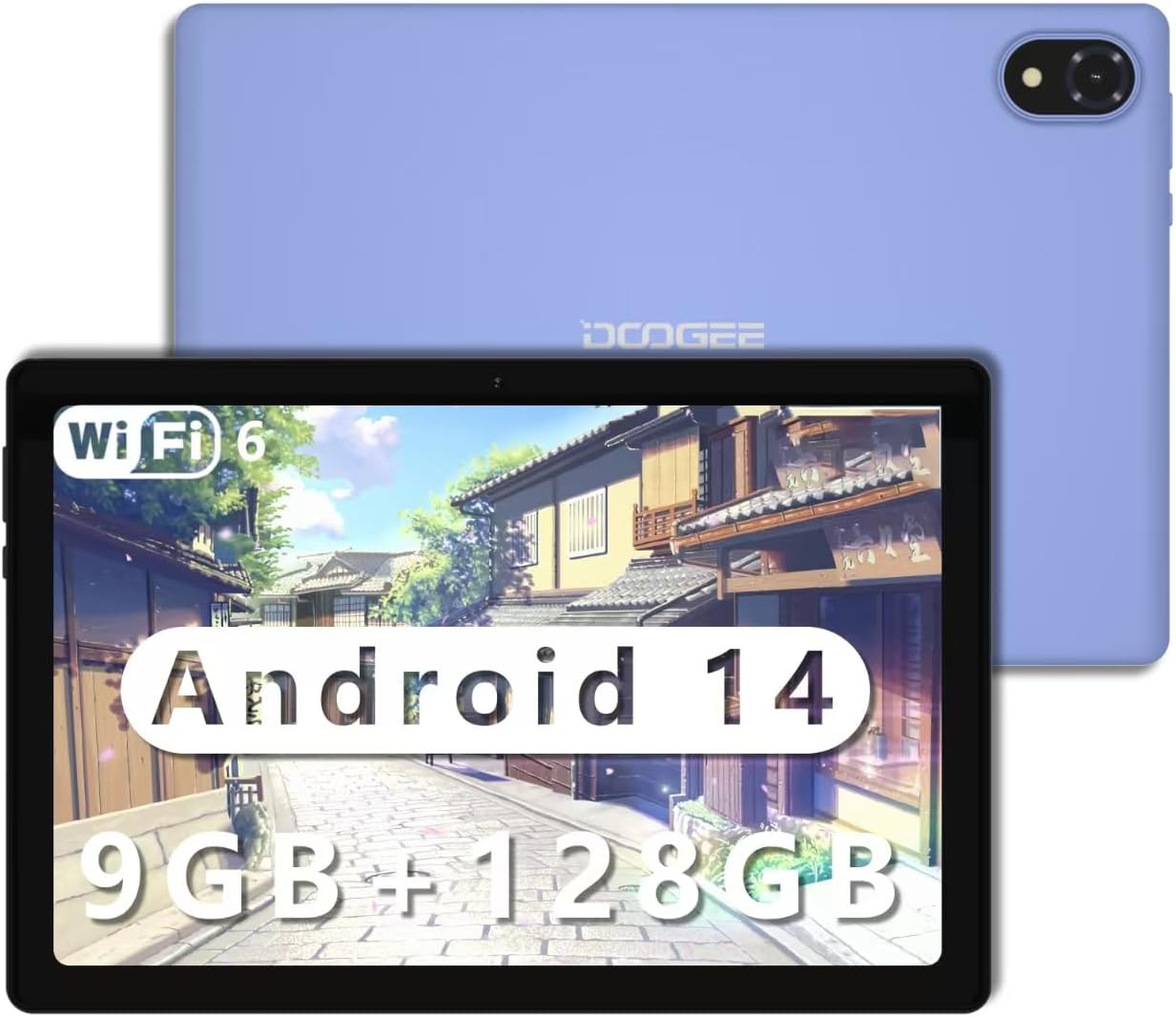
Figure 1.1: The DOOGEE U10 Android 14 Tablet in purple.
2. Bibẹrẹ
2.1 Kini ni Apoti
- DOOGEE U10 Tablet x1
- Ṣaja x1
- Data ila x1
- Ilana olumulo x1
2.2 Gbigba agbara si tabulẹti
Before first use, fully charge your tablet. Connect the provided data line to the tablet's Type-C port and the charger to a power outlet. The battery indicator on the screen will show charging status. A full charge ensures optimal performance and battery longevity.

Figure 2.1: The DOOGEE U10 features a 5060mAh large battery, providing extended usage times for photography, music, and multimedia. It charges via a Type-C port.
2.3 Titan / Pa a
- Lati Fi agbara: Press and hold the Power button until the DOOGEE logo appears.
- Lati Paarẹ: Press and hold the Power button until the power options appear on the screen, then select 'Power off'.
- Lati Tun bẹrẹ: Tẹ bọtini agbara ki o si dimu titi awọn aṣayan agbara yoo fi han, lẹhinna yan 'Tun bẹrẹ'.
3. Using Your DOOGEE U10 Tablet
3.1 Ifihan ati Iriri wiwo
The DOOGEE U10 features a vibrant 10.1-inch IPS HD display with a resolution of 1280 x 800 pixels. It offers a high brightness of 300 cd/m² and supports 16.7 million colors for accurate and vivid reproduction. The tablet also incorporates blue light filtering technology, certified by TÜV SÜD, to reduce eye strain during prolonged use.
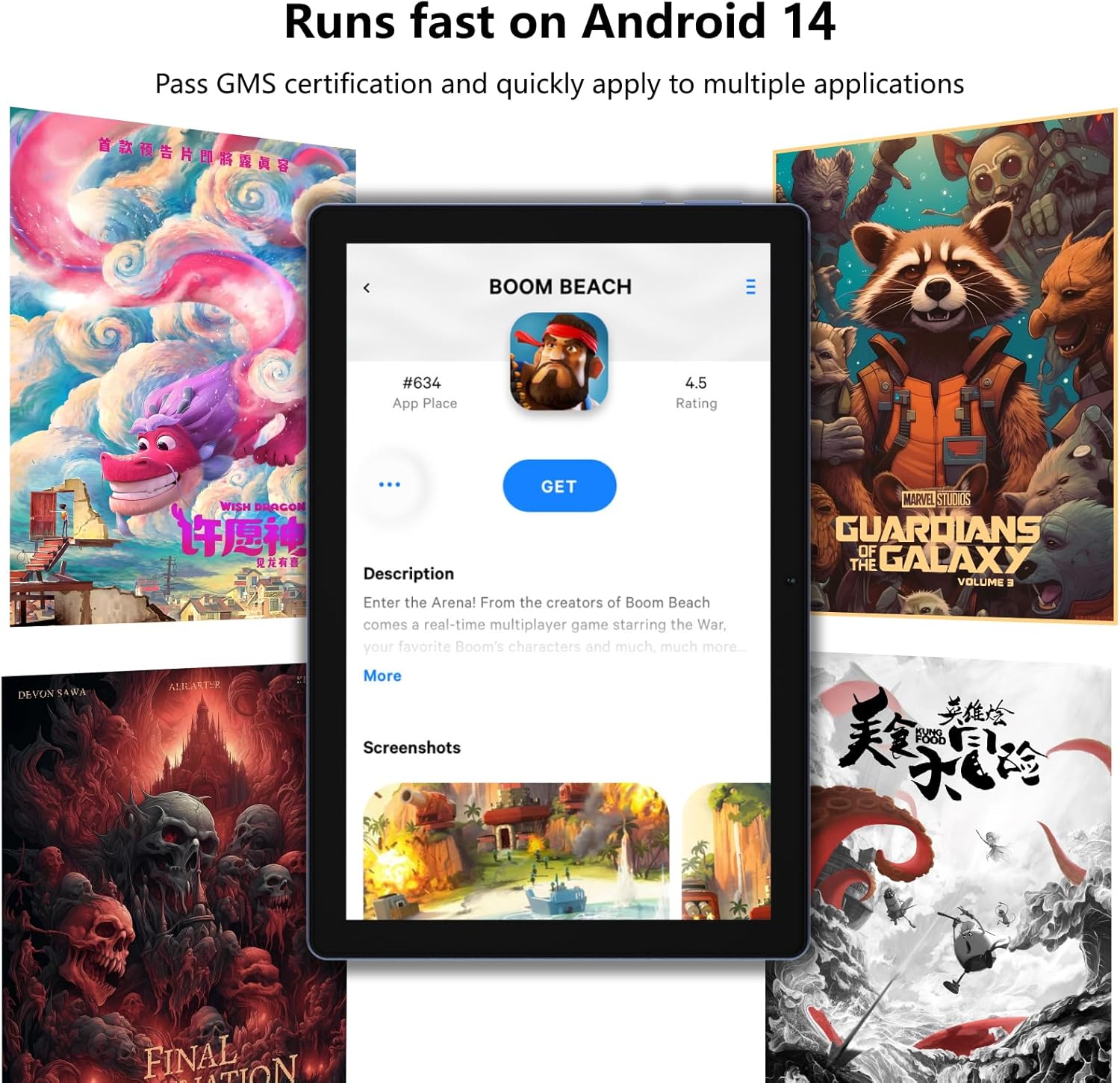
Figure 3.1: The 10.1-inch HD+ IPS display provides clear visuals, while TÜV blue light certification helps protect your eyes.
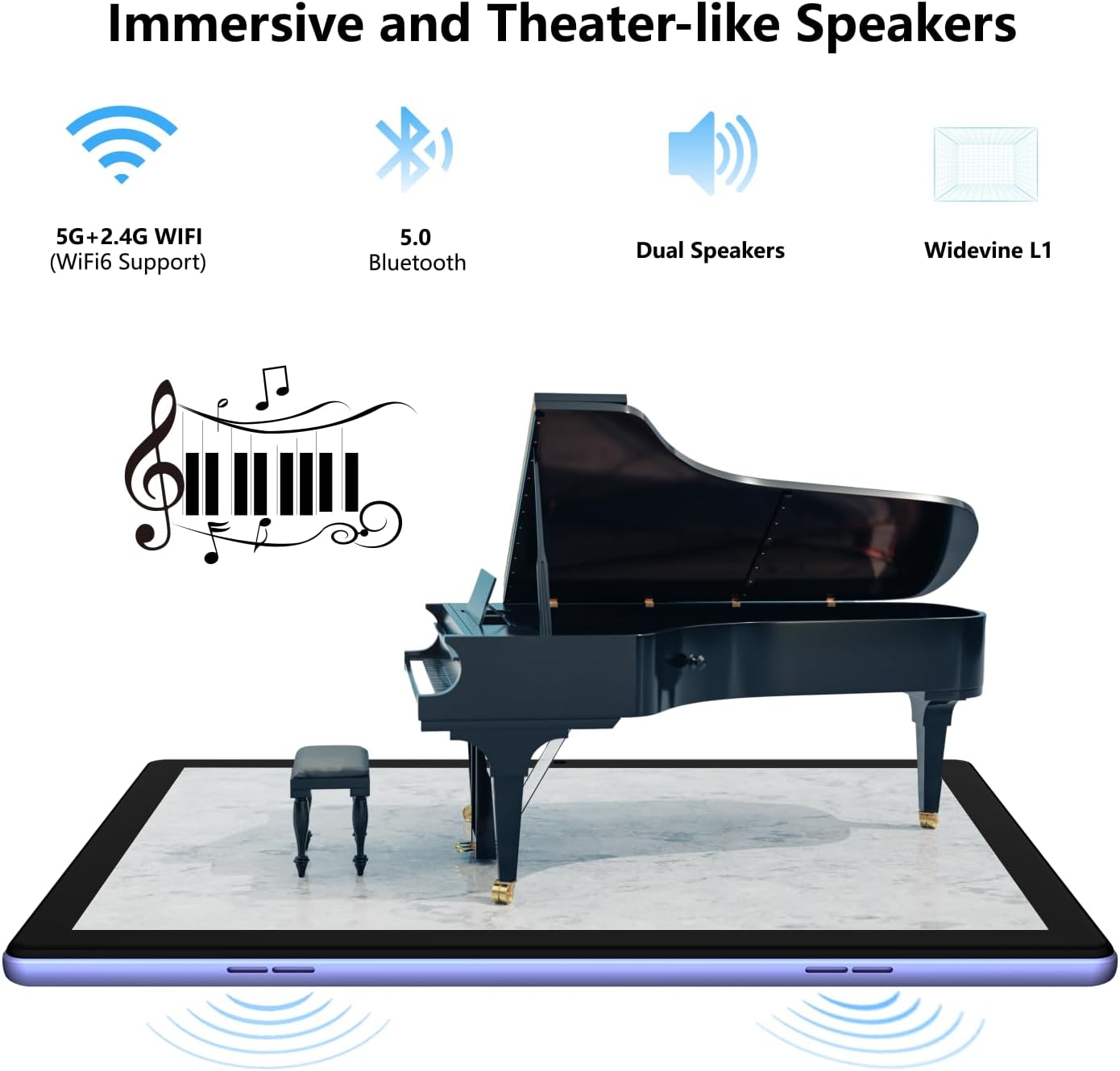
Figure 3.2: The tablet is designed with TÜV Safety Assurance Certification for a satisfying and user-friendly experience, including eye protection.
3.2 Išẹ ati Ibi ipamọ
Equipped with a stable quad-core RK3562 processor and the latest Android 14 operating system, the DOOGEE U10 ensures smooth performance for various applications. It comes with 9GB of RAM (4GB physical + 5GB virtual RAM) and 128GB of internal storage, expandable up to 1TB via a Micro SD card, providing ampaaye fun gbogbo rẹ files ati apps.
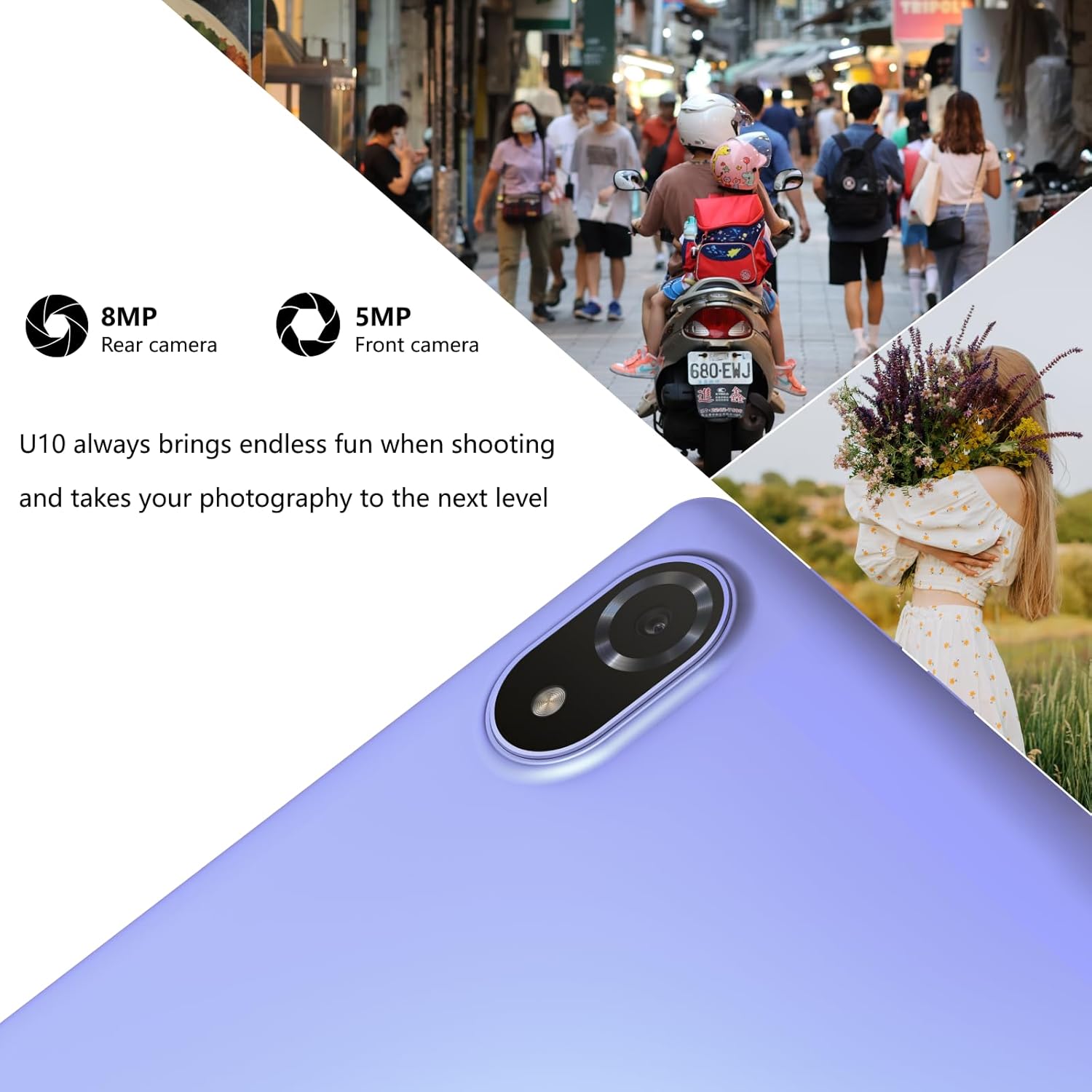
Figure 3.3: The tablet runs fast on Android 14, allowing quick access and smooth operation of multiple applications.

Figure 3.4: Experience faster speeds, greater security, and an easy-to-use interface with the latest Android 14 operating system.

Figure 3.5: With 9GB RAM and 128GB ROM (expandable to 1TB), the DOOGEE U10 offers large storage capacity and ultra-smooth switching between applications.
3.3 kamẹra Awọn ẹya ara ẹrọ
Capture moments with the 8MP rear camera and take clear selfies or video calls with the 5MP front camera. The tablet is designed to enhance your photography experience.

Figure 3.6: The U10 tablet features an 8MP rear camera and a 5MP front camera, perfect for capturing photos and video calls.

Figure 3.7: Utilize the 8MP rear and 5MP front cameras to capture stunning portraits and diverse scenes.
3.4 Audio Iriri
Enjoy immersive sound with the DOOGEE U10's dual stereo speakers, enhanced by Dual Smart PA technology, providing a theater-like audio experience for your multimedia content.

Figure 3.8: The tablet offers immersive and theater-like sound quality through its dual speakers.
3.5 Asopọmọra
The tablet supports WiFi-6 (802.11ax) for fast and stable internet connections, along with Bluetooth 5.0 for seamless pairing with wireless accessories.
3.6 Àtìlẹ́yìn Widevine L1
With Widevine L1 support, the DOOGEE U10 allows for secure and high-resolution streaming of premium content from platforms like Hulu, Amazon Prime Video, and HBO Max, ensuring an enhanced entertainment experience.

Figure 3.9: Widevine L1 support ensures safe and immersive playback of premium content, elevating your entertainment experience.
3.7 Stylus and Keyboard Compatibility
The DOOGEE U10 supports a 1024-level capacitive pressure stylus for precise drawing and note-taking, and can be paired with a Bluetooth keyboard for improved productivity.
3.8 Osise Video ọja
Fidio 3.1: Oṣiṣẹ kan ti pariview ifihan fidioasing the key features and usage scenarios of the DOOGEE U10 Android 14 Tablet, including its display, performance, camera, and audio capabilities.
4. Itọju ati Itọju
- Ninu: Lo asọ ti ko ni lint lati nu iboju ati ara. Yago fun abrasive ose tabi epo.
- Awọn imudojuiwọn sọfitiwia: Ṣayẹwo nigbagbogbo fun ati fi awọn imudojuiwọn eto sori ẹrọ lati rii daju iṣẹ ṣiṣe ati aabo to dara julọ.
- Itọju Batiri: Lati pẹ aye batiri, yago fun awọn iwọn otutu to gaju ati ma ṣe jẹ ki batiri naa ṣan patapata nigbagbogbo.
- Ibi ipamọ: Tọju tabulẹti ni itura, aye gbigbẹ kuro lati orun taara ati ọrinrin.
5. Laasigbotitusita
5.1 Wọpọ Oran ati Solusan
| Isoro | Owun to le Solusan |
|---|---|
| Tabulẹti kii yoo tan | Ensure the tablet is charged. Connect to charger for at least 30 minutes. If still unresponsive, perform a forced restart by holding the power button for 10-15 seconds. |
| O lọra išẹ | Close unused apps, clear cache, free up storage space, or restart the tablet. |
| Awọn oran asopọ Wi-Fi | Restart the tablet and your Wi-Fi router. Forget and reconnect to the Wi-Fi network. Ensure you are within range. |
| Awọn ohun elo kọlu | Update the app to the latest version. Clear the app's cache and data (Settings > Apps). Reinstall the app if necessary. |
| Batiri n ṣan ni kiakia | Reduce screen brightness, disable unused features (Wi-Fi, Bluetooth, GPS), close background apps, or check for rogue apps consuming excessive power. |
6. Imọ ni pato
| Ẹya ara ẹrọ | Sipesifikesonu |
|---|---|
| Brand | DOOGEE |
| Orukọ awoṣe | U10 |
| Eto isesise | Android 14 |
| Iwon iboju | 10.1 inches |
| Ipinnu iboju | 1280 x 800 awọn piksẹli |
| Àgbo | 9GB (4GB + Up to 5GB Extended) |
| Ibi ipamọ inu | 128GB ROM |
| Expandable Ibi ipamọ | Up to 1TB with Micro SD card |
| Kamẹra ẹhin | 8 MP |
| Kamẹra iwaju | 5 MP |
| Agbara Batiri | 5060mAh |
| Alailowaya Iru | 802.11n, 802.11b, 802.11ax (WiFi-6), 802.11ac, 802.11g |
| Bluetooth | Bluetooth 5.0 |
| Iwọn Nkan | 1.15 iwon |
| Ọja Mefa | 9.65 x 6.43 x 0.39 inches |
| Àwọ̀ | eleyi ti |
7. Atilẹyin ọja ati Support
DOOGEE offers comprehensive support for your U10 tablet:
- Ẹri Owo Pada 30-ọjọ: Tí o kò bá ní ìtẹ́lọ́rùn pẹ̀lú ohun tí o rà, o lè dá a padà láàrín ọjọ́ 30 kí o lè san owó rẹ padà pátápátá.
- Atilẹyin ọja Lopin Ọdun 2: Your DOOGEE U10 tablet is covered by a 2-year limited warranty against manufacturing defects. Please retain your proof of purchase.
- 24/7 Atilẹyin Ayelujara: For any technical assistance or inquiries, please contact our dedicated customer service team available 24/7.

Figure 7.1: DOOGEE provides worry-free customer service, including a money-back guarantee, limited warranty, and online support.
Ask a question about this manual
Ask about setup, troubleshooting, compatibility, parts, safety, or missing instructions. Manuals+ will review the question and use this page’s manual context to help answer it.