
1. Ifihan
This manual provides essential instructions for the safe and efficient operation of your RadioShack IPX6 Waterproof Bluetooth Speaker. Please read this manual thoroughly before using the product and retain it for future reference.
The RadioShack IPX6 Waterproof Bluetooth Speaker is designed for portable audio playback, featuring Bluetooth connectivity, dynamic RGB lighting, and a built-in microphone for hands-free calls. Its IPX6 water-resistant rating makes it suitable for various indoor and outdoor environments.

Aworan 1.1: Iwaju view of the RadioShack IPX6 Waterproof Bluetooth Speaker.
2. Package Awọn akoonu
Daju pe gbogbo awọn nkan ti a ṣe akojọ rẹ si isalẹ wa ninu package rẹ:
- RadioShack IPX6 Waterproof Bluetooth Speaker
- Okun Ngba agbara USB
- AX Audio Okun
- Itọsọna olumulo

Image 2.1: Visual representation of key speaker features and specifications.
3. Awọn ẹya Ọja
- Ohun Immersive: Equipped with 8W of audio power and a 3600mAh battery, this speaker delivers clear highs and deep bass for an engaging listening experience.
- Imọlẹ RGB Yiyi: Enhance your audio experience with customizable RGB lighting, suitable for various moods and occasions.
- Apẹrẹ Alatako Oju-ọjọ: An IPX6 rating ensures the speaker can withstand splashes and minor water exposure, making it ideal for outdoor use.
- Sitẹrio Alailowaya otitọ (TWS): Connect two identical speakers wirelessly to create a stereo sound system, expanding the audio output and soundstage.
- Gbohungbohun ti a ṣe sinu: Facilitates hands-free calling directly through the speaker, allowing you to stay connected while enjoying music.

Image 3.1: The speaker showcasing its customizable RGB lighting feature.
4. Eto
4.1 Gbigba agbara akọkọ
- Before first use, fully charge the speaker. Connect the provided USB charging cable to the speaker's charging port and a compatible USB power adapter (not included).
- Ina Atọka gbigba agbara yoo tan imọlẹ lakoko gbigba agbara ati pipa ni kete ti o ti gba agbara ni kikun.
4.2 Titan / Pa a
- To power on, press and hold the Power button until the indicator light illuminates and an audible prompt is heard.
- To power off, press and hold the Power button again until the indicator light turns off and an audible prompt is heard.
4.3 Sisopọ Bluetooth
- Rí i dájú pé a ti tan agbọrọsọ naa ati pe o wa ni ipo asopọ Bluetooth (ina itọkasi Bluetooth yoo tan imọlẹ).
- Lori ẹrọ rẹ (foonuiyara, tabulẹti, ati bẹbẹ lọ), mu Bluetooth ṣiṣẹ ki o wa awọn ẹrọ to wa.
- Select "RadioShack Speaker" from the list of devices.
- Once paired, the Bluetooth indicator light will become solid, and an audible confirmation will be heard.
4.4 Otitọ Sitẹrio Alailowaya (TWS) Sisọpọ
To pair two RadioShack IPX6 Waterproof Bluetooth Speakers for TWS stereo sound:
- Rii daju pe awọn agbohunsoke mejeeji wa ni titan ati pe wọn ko sopọ si eyikeyi ẹrọ Bluetooth miiran.
- On one speaker, press and hold the TWS button (refer to button layout in section 5.1) until an audible prompt indicates TWS pairing mode. This speaker will be the primary unit.
- The second speaker will automatically search for and connect to the primary speaker. An audible prompt will confirm successful TWS pairing.
- Once TWS paired, connect your device to the primary speaker via Bluetooth as described in section 4.3. Audio will now play in stereo through both speakers.
5. Awọn ilana Iṣiṣẹ
5.1 bọtini Awọn iṣẹ
The speaker features a control panel with several buttons:
- Bọtini agbara: Tẹ mọlẹ lati fi agbara tan/pa a.
- Bọ́tìnnì Ṣíṣe/Sánu duro: Tẹ lati mu ṣiṣẹ tabi da ohun duro duro.
- Iwọn didun soke (+): Tẹ lati mu iwọn didun pọ si. Tẹ mọlẹ fun orin atẹle.
- Iwọn didun isalẹ (-): Tẹ lati dinku iwọn didun. Tẹ mọlẹ fun orin iṣaaju.
- Bọtini Ipo (M): Press to switch between Bluetooth, AUX, and FM Radio modes.
- Bọtini Imọlẹ RGB: Tẹ lati lo awọn ipo ina RGB tabi lati pa awọn ina naa.
- Bọtini Ipe: Press to answer/end calls. Press and hold to reject calls.
5.2 Audio Sisisẹsẹhin
- Ipo Bluetooth: Lẹ́yìn tí a bá ti ṣe àṣeyọrí sí ìsopọ̀pọ̀, ohùn láti inú ẹ̀rọ tí a so pọ̀ yóò máa dún nípasẹ̀ agbọ́hùnsọ̀kan náà.
- Iṣawọle AUX: So ẹ̀rọ ohùn ìta pọ̀ nípa lílo okùn AUX 3.5mm tí a pèsè. Agbọ́hùnsọ̀ náà yóò yípadà sí ipò AUX láìfọwọ́sí tàbí a lè yan án nípa lílo bọ́tìnnì ipò.
- Redio FM: In FM Radio mode, press the Play/Pause button to auto-scan and save available stations. Use the Volume Up/Down buttons (press and hold) to navigate between saved stations.

Image 5.1: The speaker's USB and AUX connectivity ports.
5.3 Ọwọ-Ọfẹ Npe
When connected via Bluetooth, incoming calls will pause music playback. Press the Call button to answer, and press again to end the call. Press and hold the Call button to reject an incoming call.
6. Itọju
6.1 Ninu
Nu agbọrọsọ nu pẹlu asọ, damp cloth. Do not use abrasive cleaners or solvents. Ensure the charging and AUX ports are dry before use or charging.
6.2 Omi Resistance (IPX6)
The speaker is rated IPX6, meaning it is protected against high-pressure water jets from any direction. It is not designed for submersion. Ensure the rubber flap covering the charging and AUX ports is securely closed to maintain water resistance.
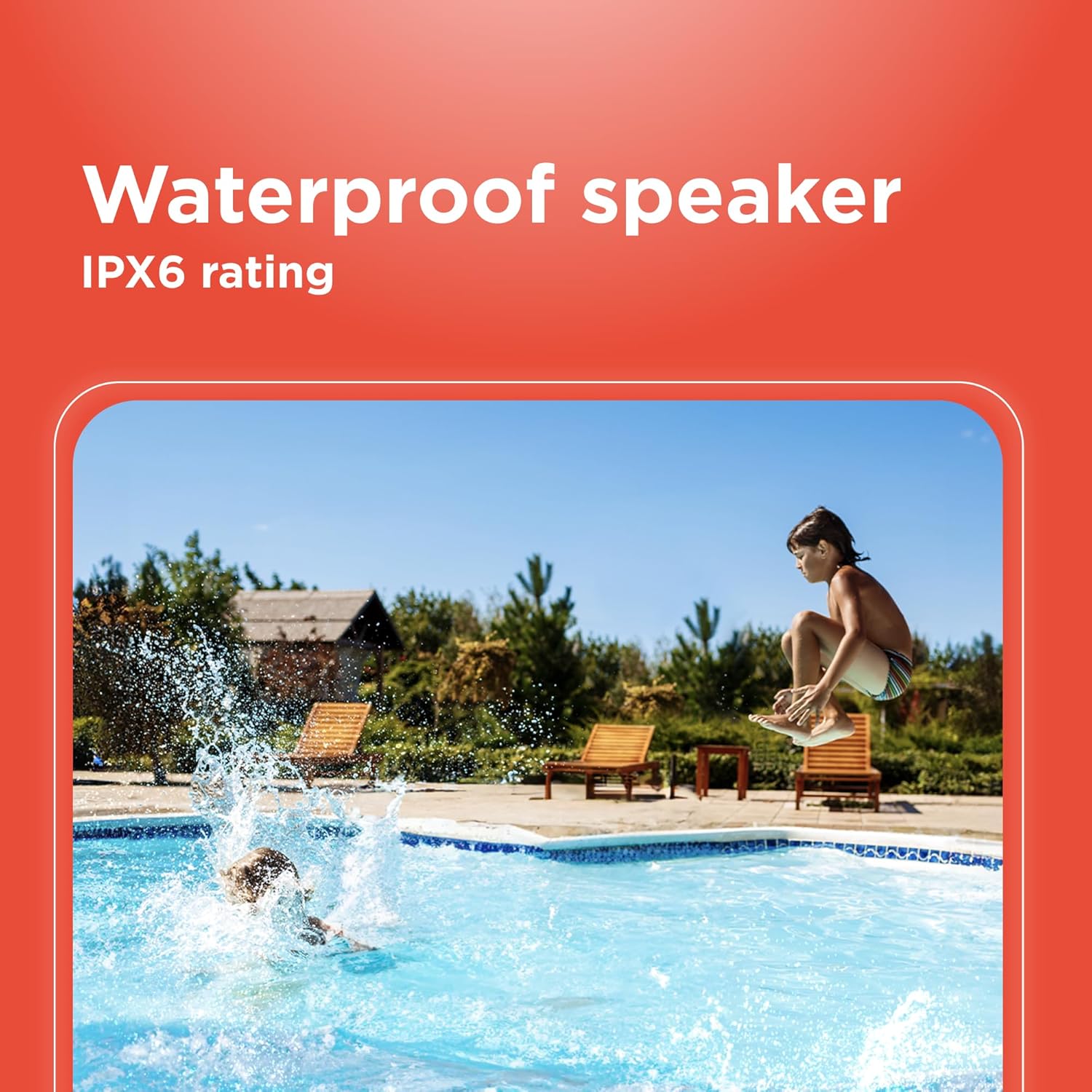
Image 6.1: The speaker's IPX6 water resistance allows for use near water.
6.3 batiri Itọju
To prolong battery life, avoid fully discharging the speaker frequently. Charge the speaker regularly, even if not in use for extended periods.
7. Laasigbotitusita
- Agbọrọsọ kii yoo ni agbara lori: Rii daju pe batiri ti gba agbara. Sopọ si orisun agbara ati gbiyanju lẹẹkansi.
- Ko le so pọ nipasẹ Bluetooth: Ensure the speaker is in pairing mode and within range of your device. Turn off and on both the speaker and your device's Bluetooth. Forget the device on your phone and re-pair.
- Ko si ohun: Check the volume levels on both the speaker and your connected device. Ensure the correct input mode (Bluetooth, AUX) is selected.
- Didara ohun ti ko dara: Gbé agbọ́hùnsọ̀ náà sún mọ́ ẹ̀rọ Bluetooth rẹ. Rí i dájú pé kò sí ìdènà láàárín agbọ́hùnsọ̀sọ́ àti ẹ̀rọ náà.
- Sisopọ TWS kuna: Ensure both speakers are identical models and not connected to any other Bluetooth device before initiating TWS pairing.
8. Awọn pato
| Ẹya ara ẹrọ | Sipesifikesonu |
|---|---|
| Orukọ awoṣe | RadioShack Bluetooth Speaker RGB Light 14W |
| Nọmba Awoṣe Nkan | 4001763-PRNT |
| Brand | RadioShack |
| Agbọrọsọ Iru | Gbigbe |
| Asopọmọra Technology | Bluetooth |
| Imọ-ẹrọ Ibaraẹnisọrọ Alailowaya | Bluetooth |
| Agbọrọsọ Agbara Ijade ti o pọju | 8 Wattis |
| Ipo Ijade Ohun | Sitẹrio |
| Kakiri Ohun ikanni iṣeto ni | 2.0 |
| Orisun agbara | Agbara Batiri |
| Batiri Iru | 1 batiri litiumu ion (pẹlu) |
| Agbara Batiri | 3600 Milionuamp Awọn wakati |
| Ifoju Playtime | Titi di wakati 4 |
| Se mabomire | True (IPX6 rating) |
| Ọna Iṣakoso | Fọwọkan |
| Ohun elo | Ṣiṣu |
| Àwọ̀ | Buluu |
| Ọja Mefa | 4.84"D x 11.14"W x 4.96"H |
| Iwọn Nkan | 4.43 iwon (70.9 iwon) |
| Olupese | RadioShack |
9. Atilẹyin ọja ati Support
This RadioShack product comes with a limited warranty. For detailed warranty information, please refer to the warranty card included in your package or contact RadioShack customer support.
For technical assistance, troubleshooting, or service inquiries, please visit the official RadioShack support webojula tabi kan si wọn onibara iṣẹ Eka.