
1. Ifihan
The LOFREE Zero ARTZ Mechanical Keyboard is a 75% layout keyboard designed for versatile use across multiple operating systems. It features a rechargeable battery, hot-swappable switches, and offers three connection types: Bluetooth, 2.4G wireless, and USB-C wired. This manual provides essential information for setting up, operating, and maintaining your keyboard.

Image: The LOFREE Zero ARTZ keyboard, showcasing its unique Terrazzo-inspired design and minimalist aesthetic.
2. Ohun ti o wa ninu Apoti
Jọwọ ṣayẹwo awọn akoonu package lati rii daju pe gbogbo awọn ohun kan wa:
- LOFREE Zero ARTZ Mechanical Keyboard
- Okun USB (fun gbigba agbara ati asopọ waya)
- 2.4G Wireless Receiver (typically stored in the keyboard's magnetic silo)
3. Eto
3.1 Gbigba agbara akọkọ
Before first use, connect the keyboard to a power source using the provided USB-C cable. The keyboard features a long-lasting battery life. An LED indicator will show charging status.
3.2 Asopọmọra Aw
The LOFREE Zero ARTZ keyboard supports three connection methods:
- Bluetooth: Pair with up to three devices.
- Alailowaya 2.4G: Use the included USB receiver for a stable connection.
- Okun USB-C: Connect directly via the USB-C cable.
The keyboard is compatible with MacOS, iOS, Windows, and Android operating systems.
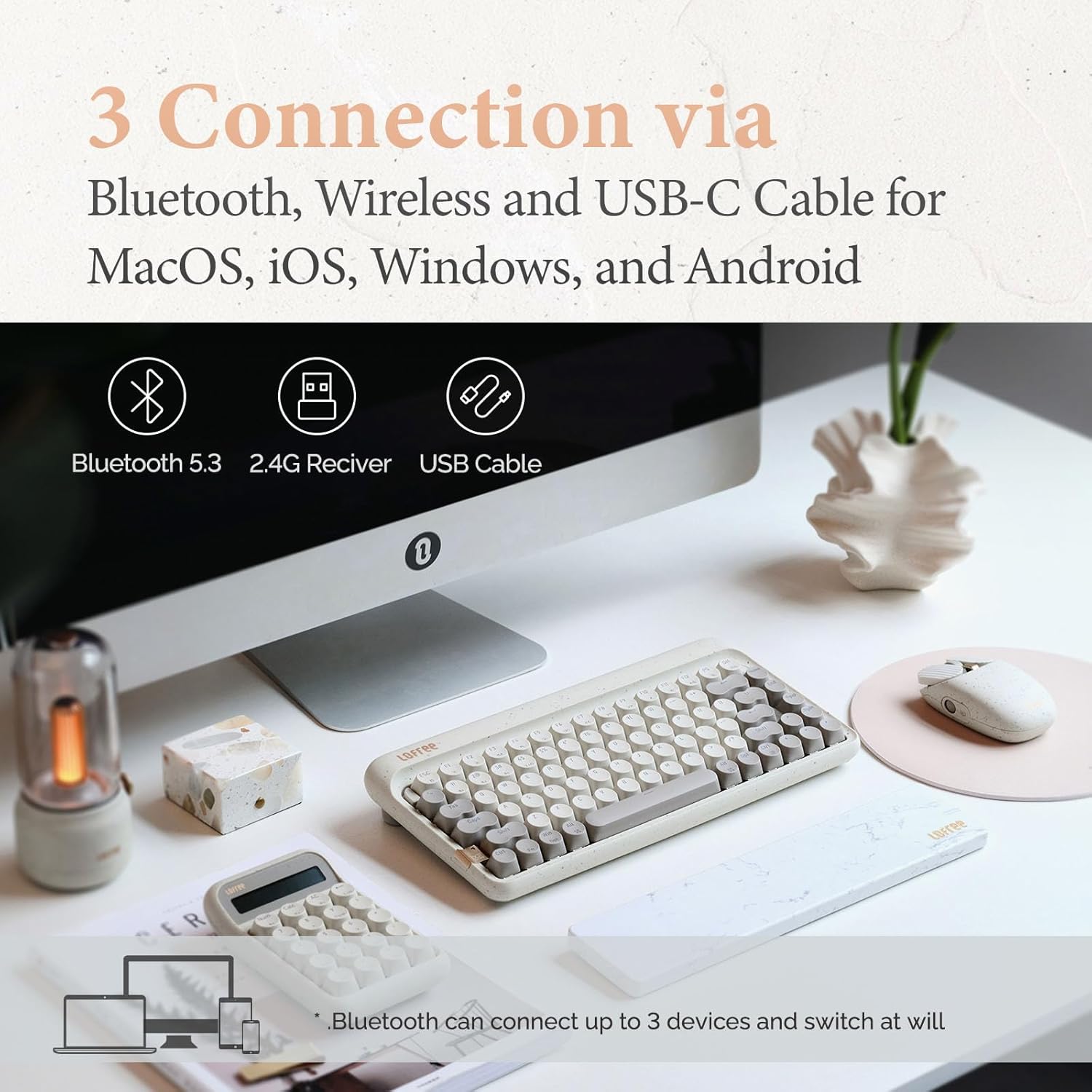
Image: Visual representation of the three connection types: Bluetooth, 2.4G wireless, and USB-C cable, highlighting multi-device compatibility.

Image: The keyboard illustrating efficient switching between various scenarios and devices.
4. Awọn ilana Iṣiṣẹ
4.1 Gbogbogbo Lo
The 75% layout provides a compact yet functional typing experience. The keyboard features dual-color PBT keycaps for durability and aesthetic appeal. Its gasket mount design contributes to a softer typing feel and purer sound.

Aworan: A sunmọ-soke view of the keyboard's dual-color PBT keycaps.

Image: An exploded diagram illustrating the gasket mount structure of the keyboard, highlighting its various layers for improved typing experience.
4.2 Idibo Oṣuwọn
The keyboard supports up to a 1000Hz polling rate, ensuring quick and responsive input, particularly beneficial for tasks requiring precision.

Image: The keyboard in use, with a display indicating a 1000Hz polling rate for fast response times.
4.3 Backlighting
The keyboard features backlighting with 7 distinct lighting effects, 4 brightness levels, and 4 blink frequencies. Adjust these settings to your preference using the designated function keys.
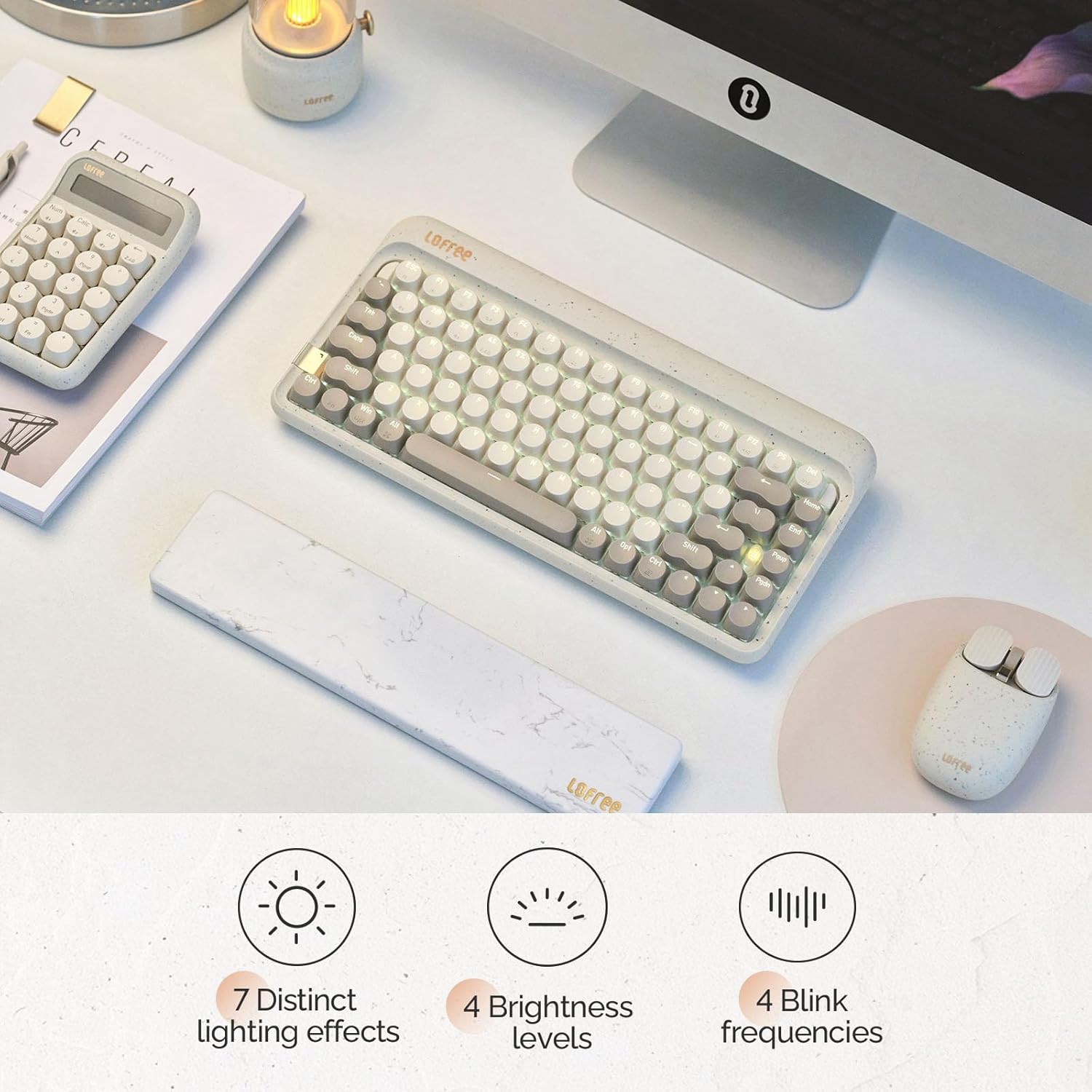
Image: The keyboard illuminated, highlighting its various backlighting features including distinct effects, brightness levels, and blink frequencies.

Image: The keyboard's keys glowing, described as resembling fireflies shining on rocks, emphasizing the aesthetic quality of the backlighting.
4.4 Gbona-Swappable Yipada
The LOFREE Zero ARTZ keyboard is equipped with full POM hot-swappable switches, allowing users to easily change switches without soldering. This feature enables customization of typing feel and sound.
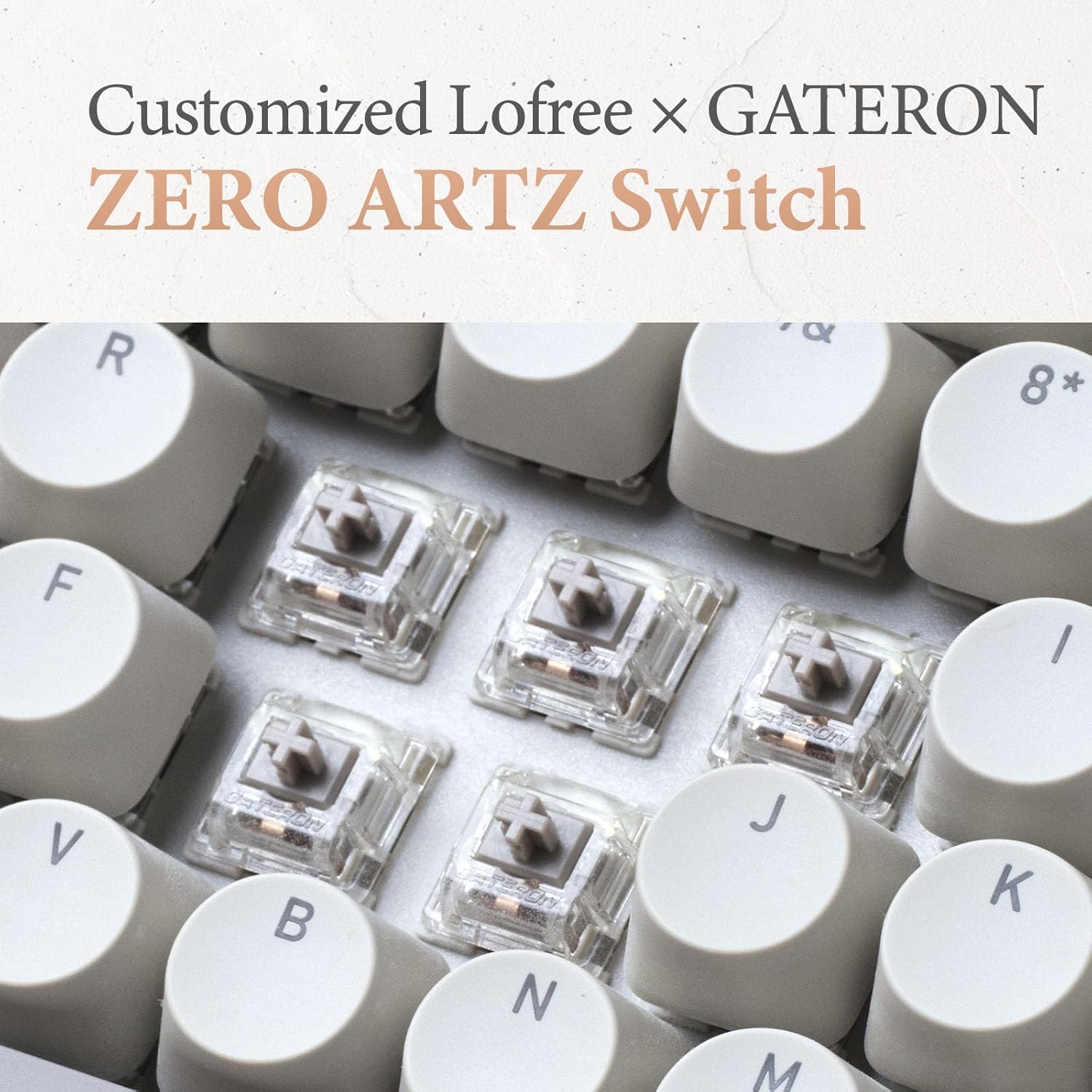
Image: A close-up of the customized LOFREE x GATERON ZERO ARTZ switches, visible beneath the keycaps.

Image: The keyboard highlighting its FULL POM switches and hot-swappable capability.
5. Itọju
Láti rí i dájú pé keyboard rẹ pẹ́ títí àti pé ó ń ṣiṣẹ́ dáadáa:
- Ninu: Lo aṣọ rírọrùn tí ó gbẹ láti nu ojú kọ̀ǹpútà náà. Fún ìwẹ̀nùmọ́ jíjinlẹ̀, yọ àwọn ìbòrí kọ́kọ́rọ́ náà kúrò kí o sì lo afẹ́fẹ́ tí a ti fún ní ìfúnpọ̀ láti mú àwọn ìdọ̀tí kúrò.
- Itọju Batiri: Avoid extreme temperatures. For long-term storage, charge the battery to approximately 50% and store in a cool, dry place.
- Ibi ipamọ: Keep the keyboard away from direct sunlight, excessive moisture, and dust.
6. Laasigbotitusita
If you encounter issues with your LOFREE Zero ARTZ keyboard, consider the following:
- Awọn oran Asopọmọra: Ensure the keyboard is charged. For Bluetooth, re-pair the device. For 2.4G wireless, ensure the receiver is securely plugged in and try a different USB port. For wired, check the USB-C cable connection.
- Awọn bọtini ti ko dahun: If a specific key is not responding, ensure it is properly seated. For hot-swappable switches, try reseating or replacing the switch.
- Imọlẹ ẹhin Ko Ṣiṣẹ: Check the brightness settings. Ensure the keyboard has sufficient battery charge.
- Lag/Delay: For wireless connections, ensure there are no strong interference sources nearby. For optimal performance, especially in gaming, consider using the wired connection with its 1000Hz polling rate.
7. Awọn pato
| Ẹya ara ẹrọ | Ẹ̀kúnrẹ́rẹ́ |
|---|---|
| Ọja Mefa | 12.8 x 6.32 x 1.75 inches (12.8"L x 6.32"W x 1.75"H) |
| Iwọn Nkan | 2.88 iwon |
| Olupese | LOFREE |
| Nọmba Awoṣe Nkan | OE914 |
| Awọn batiri | Batiri litiumu polima 1 nilo (pẹlu) |
| Awọn ẹrọ ibaramu | Laptop (and other devices supporting Bluetooth/USB-C) |
| Asopọmọra Technology | Bluetooth, 2.4G Wireless, USB-C |
| Apejuwe Keyboard | Ẹ̀rọ |
| Niyanju Lilo | Business, Everyday Use, Personal |
| Pataki Ẹya | Backlit, Hot-swappable switches, Gasket mount |
| Àwọ̀ | Terrazzo Grey |
| Keyboard Backlighting Awọ Support | Awọ Kanṣoṣo |
| Ara | Alailẹgbẹ |
8. Ọja Ipariview Fidio
Video: This official LOFREE video provides an overview of the Zero ARTZ Terrazzo Keyboard and Mouse series, showcasing awọn oniwe-apẹrẹ ati awọn ẹya ara ẹrọ.
9. Atilẹyin ọja ati Support
Specific warranty details are not provided in the product information. For warranty claims, technical support, or further assistance, please refer to the official LOFREE webojula tabi kan si wọn onibara iṣẹ taara. Tọju iwe-ẹri rira rẹ bi ẹri rira.