
Odokee UE-268S-Black
Odokee Sound Machine Alarm Clock
Model: UE-268S-Black
Ọrọ Iṣaaju
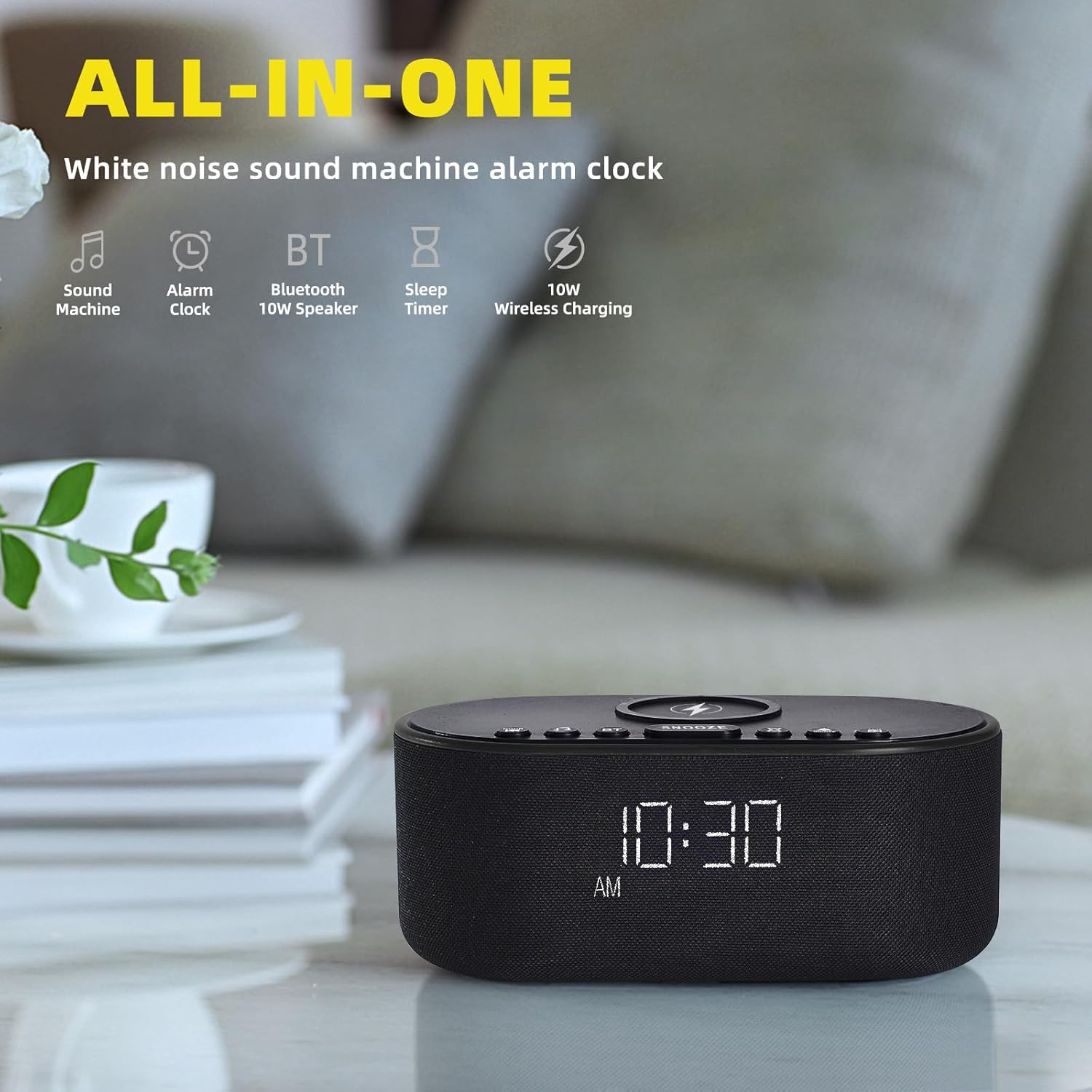
Thank you for choosing the Odokee Sound Machine Alarm Clock. This multi-functional device combines a white noise machine, alarm clock, Bluetooth speaker, and wireless charger, designed to enhance your sleep environment and daily routine. Please read this manual carefully to ensure proper use and optimal performance.

Alaye Aabo
- Ma ṣe fi ẹrọ naa han si omi tabi ọrinrin pupọ.
- Yago fun awọn iwọn otutu to gaju ati imọlẹ orun taara.
- Ma ṣe tuka tabi gbiyanju lati tun ẹrọ naa ṣe funrararẹ. Tọkasi awọn oṣiṣẹ iṣẹ ti o peye.
- Jeki kuro ni arọwọto awọn ọmọde.
- Lo oluyipada agbara ti a pese nikan.
Package Awọn akoonu
- Odokee Sound Machine Alarm Clock
- Adapter agbara
- Itọsọna olumulo
Ọja Pariview
Familiarize yourself with the various components and controls of your Odokee Sound Machine Alarm Clock.

Awọn iṣakoso ati awọn ibudo:
- Paadi Ngba agbara Alailowaya: Ti wa ni oke fun awọn ẹrọ ibaramu.
- Bọtini lẹẹkọọkan: Activates snooze function for alarms.
- Àwọn bọ́tìnì ohùn: Select and cycle through soothing sounds.
- Alarm Buttons: Ṣeto ati ṣakoso awọn itaniji.
- Bọ́tìnì Ṣíṣe Àkókò: Ṣatunṣe akoko ati ọjọ.
- Ṣe afihan Dimmer: Ṣe atunṣe imọlẹ iboju.
- Bọ́tìnì Bluetooth (BT): Mu ipo sisopọ Bluetooth ṣiṣẹ.
- Ibudo Gbigba agbara USB: For charging other devices.
- Iṣawọle DC 9V: Asopọ agbara.
- Iṣakoso iwọn didun: Adjusts sound output.
Ṣeto
1. Asopọ agbara
Connect the provided power adapter to the DC 9V input port on the back of the alarm clock and plug it into a wall outlet. The display will light up.
2. Eto Aago Ibẹrẹ
- Tẹ mọlẹ Akoko SET button. The hour display will start flashing.
- Lo awọn +/- awọn bọtini lati ṣatunṣe awọn wakati.
- Tẹ Akoko SET lẹẹkansi lati jẹrisi wakati naa ki o si gbe si awọn iṣẹju.
- Lo awọn +/- awọn bọtini lati ṣatunṣe awọn iṣẹju.
- Tẹ Akoko SET láti jẹ́rìísí àti láti jáde ní ipò ètò àkókò.
- To switch between 12/24-hour format, press the 12/24H bọtini.
- To enable/disable Daylight Saving Time (DST), press the DST ON / PA bọtini.
3. Alailowaya Ngba agbara
Place your Qi-compatible smartphone centrally on the wireless charging pad located on top of the device. Ensure there are no metal objects or thick cases (over 3mm) between your phone and the charging pad. The charging indicator on your phone will confirm charging. This device supports 10W for Samsung and 7.5W for iPhone.


4. Ngba agbara USB
The built-in USB charging port on the back allows you to conveniently charge other electronic devices, such as smartwatches or earbuds, using their respective USB cables.

Awọn ilana Iṣiṣẹ
1. Alarm Clock Functions
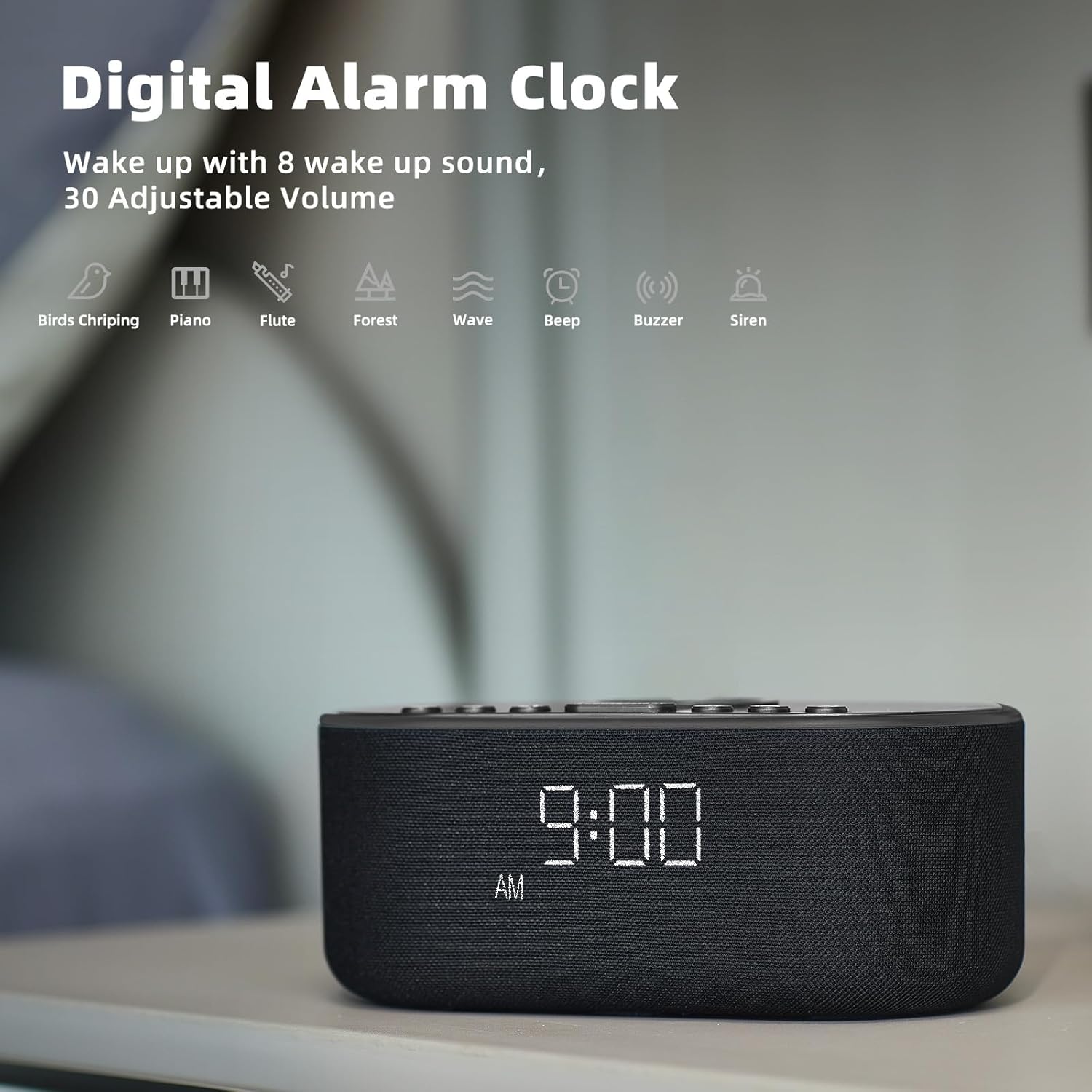
The alarm clock features 8 custom alarm sounds and a 9-minute snooze function.
- Ṣiṣeto Itaniji kan: Tẹ awọn ALAGBARA SET button. The alarm time will flash. Use the +/- buttons to set the desired alarm time. Press ALAGBARA SET lẹẹkansi lati jẹrisi.
- Selecting Alarm Sound: After setting the alarm time, use the Ohun buttons to cycle through the 8 available alarm sounds (Beep, Birds Chirping, Wave, Piano, Flute, Forest, Buzzer, Siren).
- Ìmúṣiṣẹ́/Dídá ìkìlọ̀: Tẹ awọn IKỌ NIPA / PA button to toggle the alarm on or off. An alarm icon will appear on the display when active.
- Iṣẹ́ lẹ́ẹ̀kọ̀ọ̀kan: Nigbati itaniji ba dun, tẹ bọtini naa ṢEGBE button to temporarily silence it for 9 minutes.

2. Sound Machine Functions
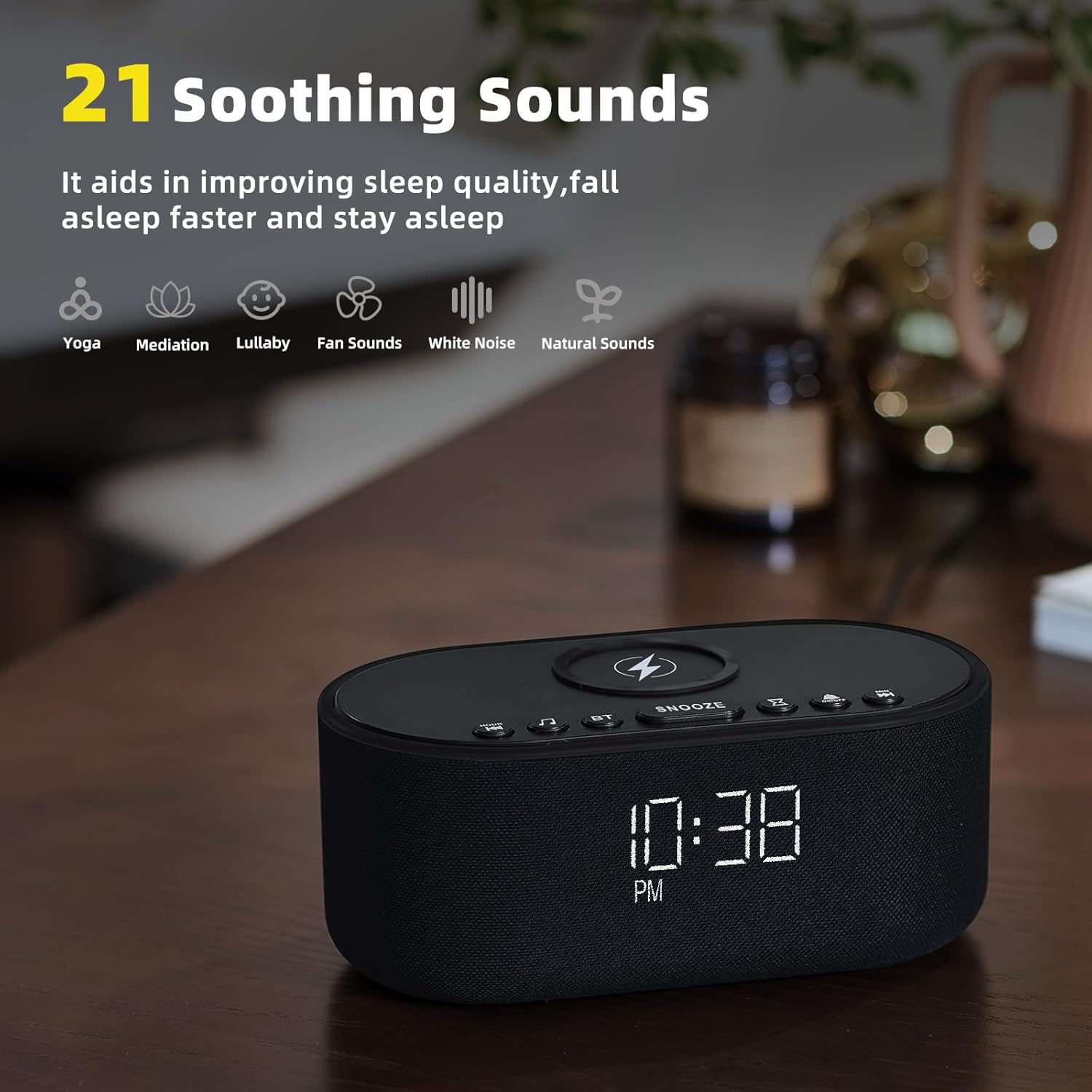
The device offers 21 soothing sounds to aid in sleep and relaxation.
- Yiyan Awọn ohun: Tẹ awọn Ohun buttons to cycle through the 21 available sounds, including 5 white noise variations (Pink and Brown noise included), 4 fan sounds, 6 nature sounds (waves, rains, thunderstorms, brook, birds chirping, wind), 2 lullabies, Heart Beat, Sh Sound, Yoga, and Meditation.
- Iṣatunṣe Iwọn didun: Lo awọn Volume HIGH/LOW switch on the back of the unit to adjust the sound output level.
3. Bluetooth Speaker Pairing
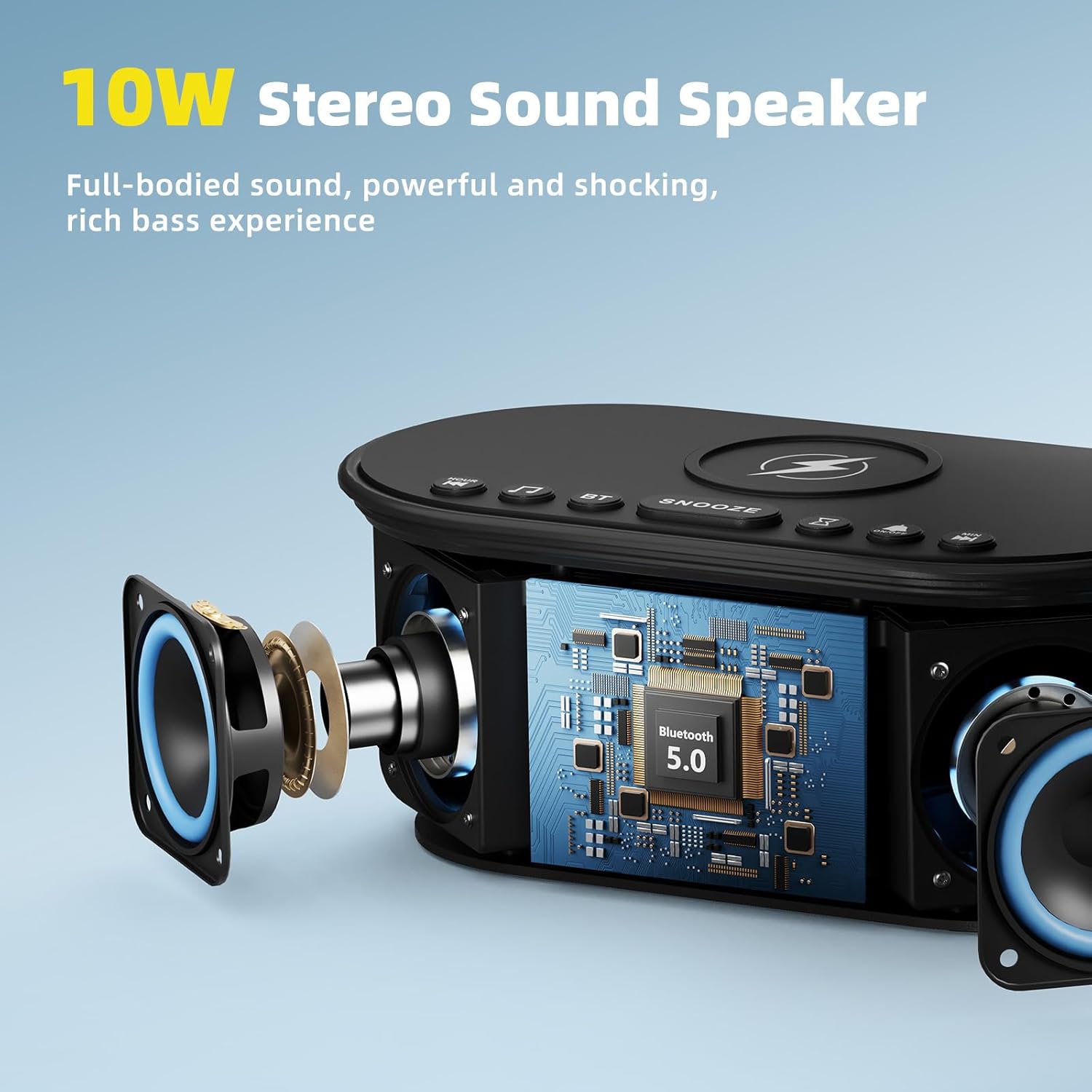
The 10W stereo Bluetooth 5.0 speaker provides high-quality audio for music playback.
- Tẹ awọn BT button on the top of the device. The Bluetooth indicator on the display will flash, indicating pairing mode.
- On your smartphone or other Bluetooth-enabled device, go to Bluetooth settings and select "Odokee Sound Machine" from the list of available devices.
- Once connected, the Bluetooth indicator will stop flashing and remain solid. You can now play audio through the speaker.

4. Ìfihàn Dímẹ́rà
Adjust the display brightness from 0% to 100% to suit your preference and ambient lighting conditions.
- Tẹ awọn Ifihan Dimmer button repeatedly to cycle through brightness levels.
- The display will adjust instantly.

5. Aago oorun
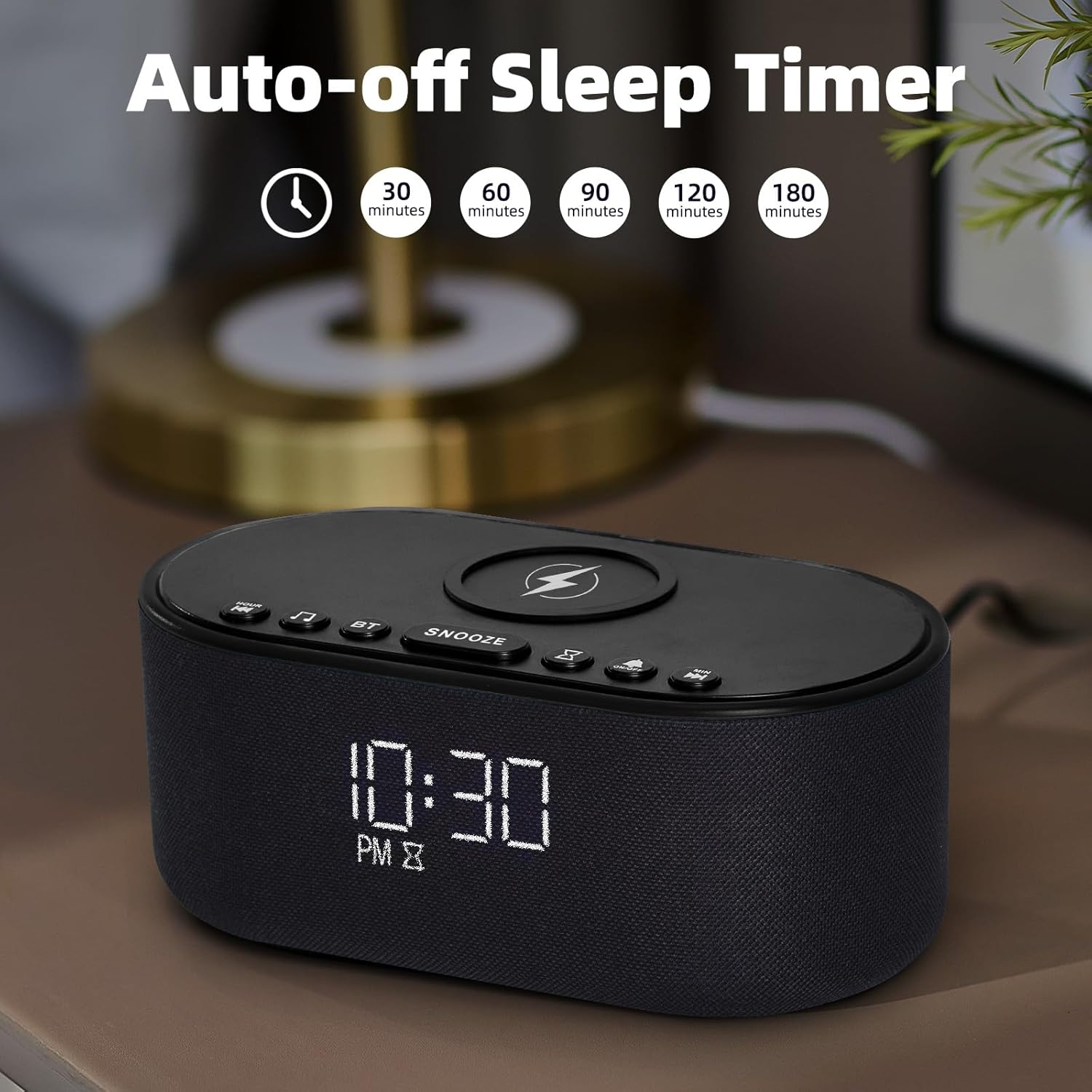
The sleep timer allows you to set the sound machine to automatically turn off after a specified duration.
- While a soothing sound is playing, press the Aago orun bọtini.
- Each press will cycle through available timer options: 30, 60, 90, 120, 180 minutes, or OFF.
- The selected timer duration will be displayed. The sound will automatically turn off after the set time.
Itoju
- Nu ẹrọ naa pẹlu asọ ti o tutu, ti o gbẹ. Ma ṣe lo abrasive ose tabi epo.
- Jẹ́ kí pádì gbigba agbara alailowaya naa wà láìsí eruku ati idoti lati rii daju pe gbigba agbara naa munadoko.
- Tọju ẹrọ naa ni itura, aye gbigbẹ nigbati o ko ba wa ni lilo fun awọn akoko gigun.
Laasigbotitusita
| Isoro | Owun to le Fa | Ojutu |
|---|---|---|
| Ẹrọ naa ko ṣiṣẹ. | Ohun ti nmu badọgba agbara ko ti sopọ tabi aṣiṣe iṣan. | Ensure power adapter is securely connected and try a different power outlet. |
| Gbigba agbara alailowaya ko ṣiṣẹ. | Phone not Qi-compatible, not centered, or thick case/metal objects. | Ensure phone supports Qi wireless charging. Reposition phone centrally. Remove thick cases or metal objects. |
| Sisopọ Bluetooth kuna. | Ẹrọ ko si ni ipo sisopọ, tabi jina si orisun. | Press the BT button to enter pairing mode. Ensure device is within 10 meters of the source. Forget device on your phone and re-pair. |
| Ko si ohun lati agbọrọsọ. | Iwọn didun ju kekere tabi dakẹ. | Adjust the volume switch on the back of the unit. Check volume on connected Bluetooth device. |
| Itaniji ko dun. | Itaniji ko muu ṣiṣẹ tabi iwọn didun kere ju. | Ensure alarm is set and activated (alarm icon visible). Increase alarm volume. |
Awọn pato
- Orukọ awoṣe: UE-268S-Black
- Brand: Odokee
- Ohun elo: Ṣiṣu
- Awọn iwọn idii: 9.57 x 5.12 x 4.09 inches
- Ìwọ̀n Nkan: 1.16 iwon
- Iṣagbewọle agbara: DC 9V
- Ijade gbigba agbara Alailowaya: 10W (O pọju)
- Ẹya Bluetooth: 5.0
- Agbejade Agbọrọsọ: 10W Sitẹrio Ohun
- Awọn ohun adun: 21 (White Noise, Fan, Nature, Lullabies, etc.)
- Awọn ohun itaniji: 8
- Ṣe afihan Dimmer: 0-100%
- Awọn batiri ti a beere: Rara
Atilẹyin ọja ati Support
Odokee products are designed and manufactured to the highest quality standards. This product comes with a standard manufacturer's warranty. For detailed warranty information, please refer to the warranty card included in your package or visit the official Odokee website. If you encounter any issues or have questions regarding your device, please contact Odokee customer support for assistance. Please have your model number (UE-268S-Black) and purchase information ready when contacting support.
Atilẹyin Ayelujara: Ṣabẹwo si Odokee Store on Amazon fun awọn ibeere ti a beere nigbagbogbo ati alaye afikun ọja.
Ask a question about this manual
Ask about setup, troubleshooting, compatibility, parts, safety, or missing instructions. Manuals+ will review the question and use this page’s manual context to help answer it.