
Ọrọ Iṣaaju
This user manual provides essential information for the safe and effective use of your CJP-Geek UL 12V Power Adapter, model PSCJQ918WPR-248. This adapter is designed to provide a stable 12V power supply for compatible mini PCs and desk computers, including AWOW AK-41, AK34-J, NYi3, and Beelink T4 models. Please read this manual thoroughly before use and retain it for future reference.
Alaye Aabo
Lati rii daju iṣẹ ailewu ati yago fun ibajẹ, jọwọ ṣe akiyesi awọn iṣọra ailewu atẹle:
- Iṣagbewọle Voltage: Rii daju pe iṣan agbara voltage is within the specified range of 100-240V AC.
- Awọn ẹya Idaabobo: The adapter includes built-in Over Voltage Protection, Over Current Protection, Short Circuit Protection, and Input Protection to safeguard your devices.
- Awọn ipo Ayika: Use the adapter in a dry environment. Avoid exposure to water, moisture, or high humidity.
- Afẹfẹ: Do not cover the adapter during use, as this may lead to overheating.
- Bibajẹ ti ara: Do not drop, disassemble, or attempt to repair the adapter. If damaged, discontinue use immediately.
- Itọju USB: Do not place heavy objects on the power cord or subject it to excessive bending or pulling.
- Awọn ọmọde: Jeki ohun ti nmu badọgba kuro ni arọwọto awọn ọmọde.
Package Awọn akoonu
Daju pe gbogbo awọn nkan wa lori ṣiṣi package naa:
- CJP-Geek UL 12V Power Adapter (Model: PSCJQ918WPR-248)
Ọja Pariview
Familiarize yourself with the components and features of your power adapter.

Nọmba 1: Akọkọ view of the CJP-Geek 12V Power Adapter, showing the adapter block with a 2-prong plug and the attached DC output cable with a round tip connector.
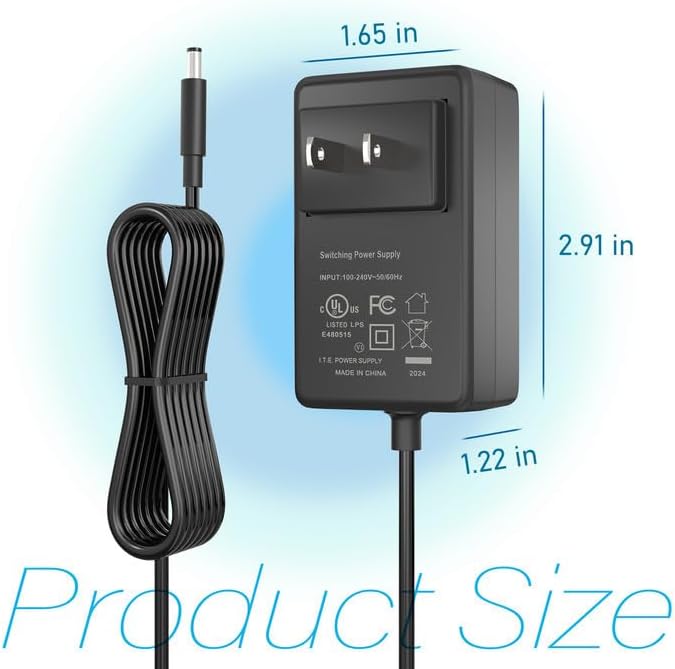
Nọmba 2: Product dimensions of the CJP-Geek 12V Power Adapter. The adapter block measures approximately 1.65 inches in width, 2.91 inches in height, and 1.22 inches in depth.

Nọmba 3: Diagram illustrating the multi-certification security features of the CJP-Geek 12V Power Adapter, including Over Temperature Protection, Overcharge Protection, Short Circuit Protection, Overvoltage Protection, Overcurrent Protection, and Overpower Protection.
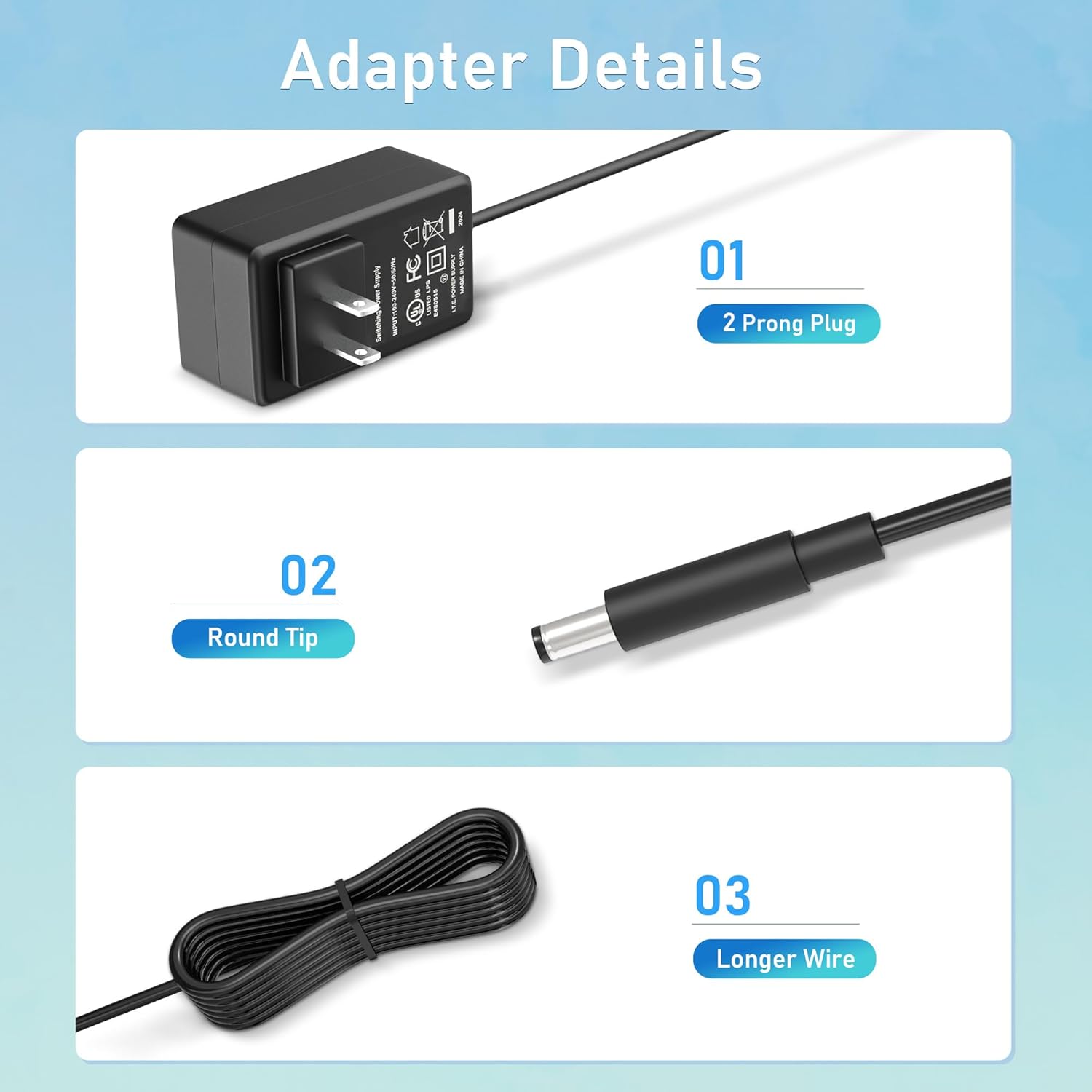
Nọmba 4: Alaye view of the adapter's key components: (01) a standard 2-prong plug for wall outlets, (02) a round tip DC connector for device input, and (03) a longer wire for extended reach.
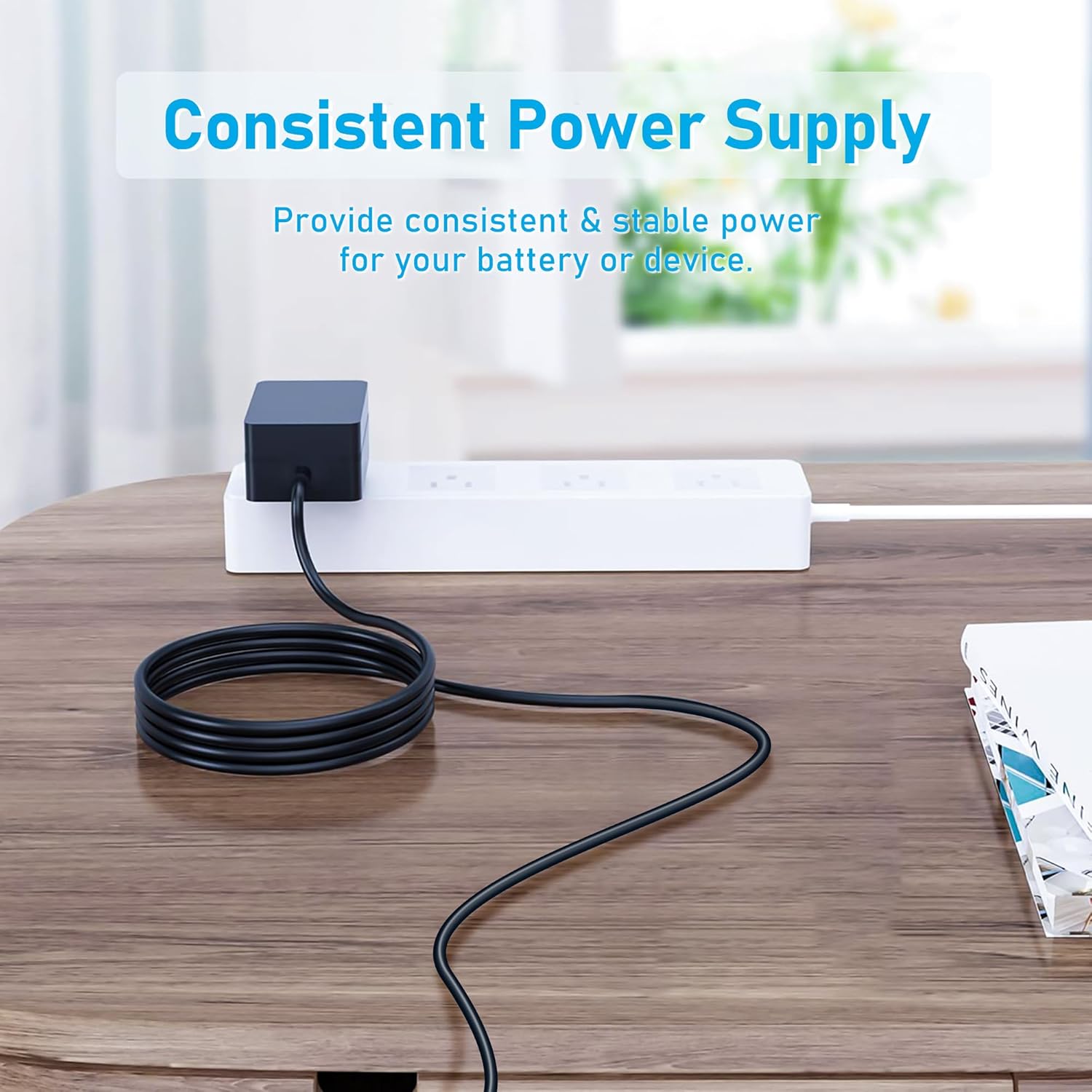
Nọmba 5: The CJP-Geek 12V Power Adapter connected to a power strip, demonstrating its ability to provide consistent and stable power to a device (not shown) on a desk.
Awọn ilana iṣeto
- Jẹrisi Ibamu: Ensure your device requires a 12V DC input and has a compatible round tip power port. Refer to your device's manual for power specifications.
- Sopọ si Ẹrọ: Insert the round tip DC connector of the CJP-Geek power adapter firmly into the power input port of your mini PC or compatible device.
- Sopọ si Ile-iṣẹ Agbara: Plug the 2-prong AC plug of the power adapter into a standard 100-240V AC wall outlet or power strip.
- Agbara Tan: Once connected, your device should receive power. Follow your device's instructions to power it on.
Awọn ilana Iṣiṣẹ
The CJP-Geek 12V Power Adapter operates automatically once connected to a power source and a compatible device. It provides a continuous and stable power supply. No user intervention is required for its basic operation.
- Rii daju pe a gbe ohun ti nmu badọgba si agbegbe ti o ni afẹfẹ daradara lati ṣe idiwọ igbona.
- Ge asopọ adapter naa kuro ninu ibudo agbara nigbati ko ba si ni lilo fun awọn akoko pipẹ.
Itoju
Proper maintenance ensures the longevity and reliable performance of your power adapter:
- Ninu: Disconnect the adapter from all power sources before cleaning. Use a soft, dry cloth to wipe the exterior. Do not use liquid cleaners or abrasive materials.
- Ibi ipamọ: Tọ́jú ohun tí a fi ń ṣe àtúnṣe náà sí ibi gbígbẹ tí ó tutù, tí ó jìnnà sí oòrùn tààrà àti àwọn igbóná tí ó le koko nígbà tí a kò bá lò ó.
- Ayẹwo USB: Periodically inspect the power cord and connectors for any signs of damage, fraying, or loose connections. If damage is found, discontinue use.
Laasigbotitusita
If you encounter issues with your power adapter, refer to the following common solutions:
- Ko si Agbara si Ẹrọ:
- Rii daju pe ohun ti nmu badọgba ti wa ni edidi ni aabo sinu iṣan ogiri ti n ṣiṣẹ.
- Verify that the DC connector is fully inserted into your device's power port.
- Ṣe idanwo iṣan ogiri pẹlu ẹrọ miiran lati jẹrisi pe o ṣiṣẹ.
- Ṣàyẹ̀wò fún ìbàjẹ́ èyíkéyìí tí ó bá hàn sí adaptà tàbí okùn náà.
- Adapter gbigbona:
- Rii daju pe ohun ti nmu badọgba wa ni agbegbe ti o ni afẹfẹ daradara ko si bo.
- Confirm that your device's power requirements do not exceed the adapter's specifications.
- Ẹ̀rọ náà kò ń gba agbára/ṣiṣẹ́:
- Confirm that the adapter's output voltage (12V) and connector type are compatible with your device.
- If the issue persists, consult your device's manual or contact customer support.
Awọn pato
| Ẹya ara ẹrọ | Sipesifikesonu |
|---|---|
| Nọmba awoṣe | PSCJQ918WPR-248 |
| Iṣagbewọle Voltage | 100-240V AC |
| Igbohunsafẹfẹ Input | 50/60HZ |
| O wujade Voltage | 12V DC |
| Asopọmọra Iru | Italolobo Yika |
| Pulọọgi Iru | 2-Prong US Standard |
| Àwọ̀ | Dudu |
| Iwọn Nkan | 3 iwon (nipa 85 giramu) |
| Aabo Awọn ẹya ara ẹrọ | Lori Voltage Protection, Over Current Protection, Short Circuit Protection, Input Protection, Over Temperature Protection, Overcharge Protection, Overpower Protection |
| Awọn ẹrọ ibaramu | AWOW AK-41, AK34-J, NYi3, Beelink T4 Mini PC Desk Computer, and other devices requiring 12V DC with a compatible round tip connector. |
Atilẹyin ọja ati Support
For warranty information or technical support, please refer to the product packaging or contact CJP-Geek customer service through their official channels. Keep your purchase receipt as proof of purchase.