
1. Awọn ilana aabo
Before using the HJDFGSS D802 Under Desk Elliptical Machine, please read and understand all safety instructions. Improper use can lead to injury or damage to the device.
- Kan si alagbawo kan ṣaaju ki o to bẹrẹ eyikeyi eto idaraya tuntun, paapaa ti o ba ni awọn ipo iṣoogun ti tẹlẹ.
- Place the elliptical machine on a stable, flat surface. Ensure adequate space around the unit during operation.
- Keep children and pets away from the machine, especially during operation, to prevent accidents.
- Rii daju pe gbogbo awọn asopọ wa ni aabo ṣaaju ṣiṣe agbara lori ẹrọ naa.
- Do not stand on the elliptical machine. It is designed for seated use only.
- If you experience any pain, dizziness, or discomfort during exercise, stop immediately and consult a physician.

Warning label on the elliptical machine base, indicating to keep children and pets away from moving parts.
2. Ọja Ipariview
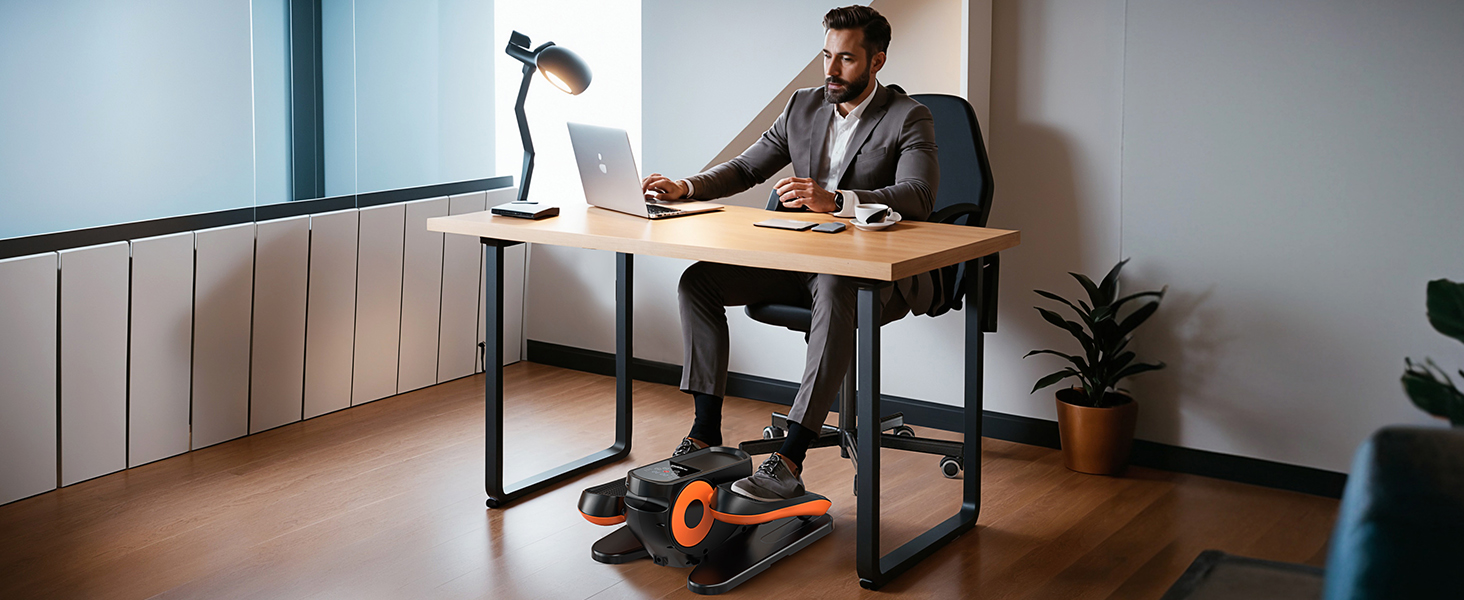
The HJDFGSS D802 is a compact and portable under-desk elliptical machine designed for low-impact exercise. It features adjustable speed settings, multiple operating modes, and a quiet motor for convenient use in various environments.
Awọn eroja pataki:
- Elliptical Machine Base with Pedals
- LCD Ifihan Iṣakoso nronu
- Alailowaya isakoṣo latọna jijin
- Non-Slip Foot Straps (optional use)
- Adapter agbara

The HJDFGSS D802 Under Desk Elliptical Machine, shown with its remote control and optional foot straps.
Awọn ẹya:
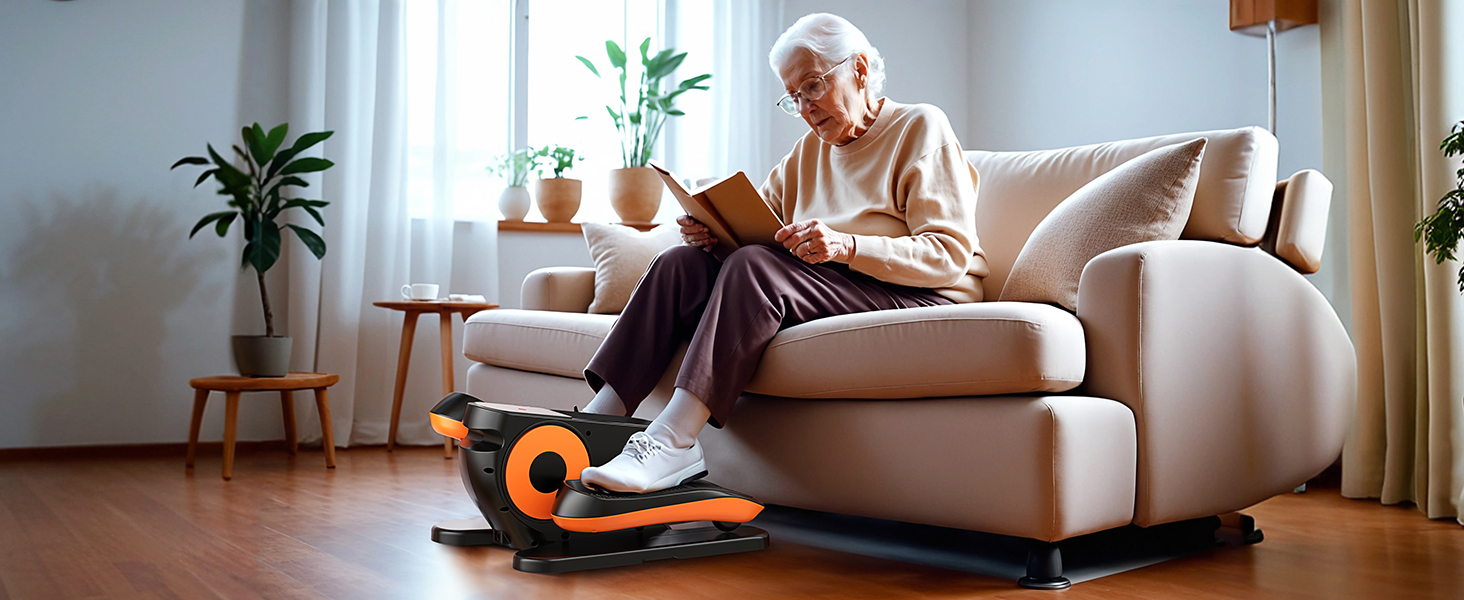
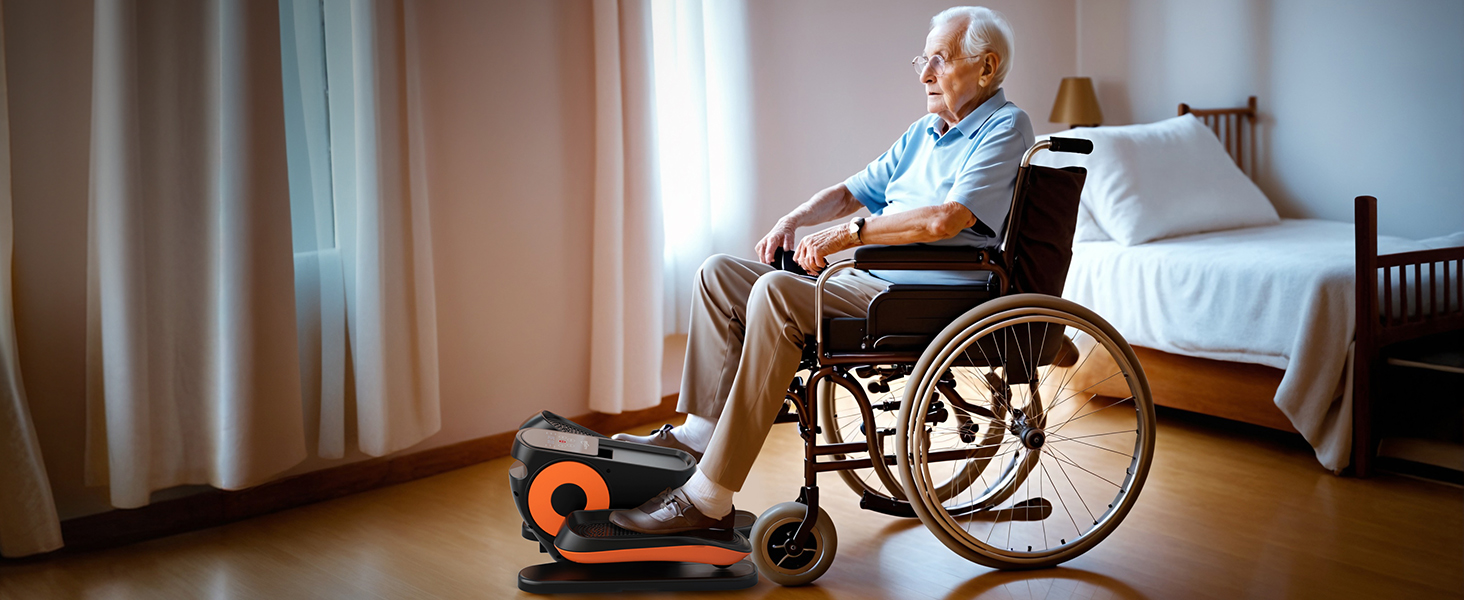
- Low-Impact Exercise: Ideal for sedentary individuals, seniors, or those in rehabilitation, providing gentle movement without high joint pressure.
- 2-in-1 Auto or Manual Modes: Offers flexibility with 12 manual speed levels and preset 30-minute automatic programs (P1-P3) that adjust speed and direction.
- Isẹ ipalọlọ: Equipped with a silent wheel and advanced sound-dampening technology, operating below 15 decibels for quiet use.
- Ifihan LCD ati Iṣakoso Latọna jijin: Easy-to-read screen displays time, distance, speed, calories, and counter. A wireless remote allows convenient adjustments.
- Apẹrẹ to gbe: Lightweight and compact with a built-in handle for easy transport and storage. No assembly required.
3. Eto
The HJDFGSS D802 Under Desk Elliptical Machine requires no assembly, making it ready for use right out of the box.
Ibi:
- Choose a flat, stable surface under your desk or in your preferred exercise area.
- Ensure there is enough clearance for your legs to move freely without obstruction.
- If using on smooth floors, consider placing a non-slip mat underneath to prevent movement during use.
The elliptical machine is shown in its packaging, emphasizing that no assembly is required for immediate use.
Asopọ agbara:
- Connect the power adapter to the machine's power input port.
- So ohun ti nmu badọgba naa sinu ibudo ina deede kan.
4. Awọn ilana Iṣiṣẹ
Familiarize yourself with the control panel and remote for optimal use.
Igbimọ Iṣakoso & Latọna jijin:
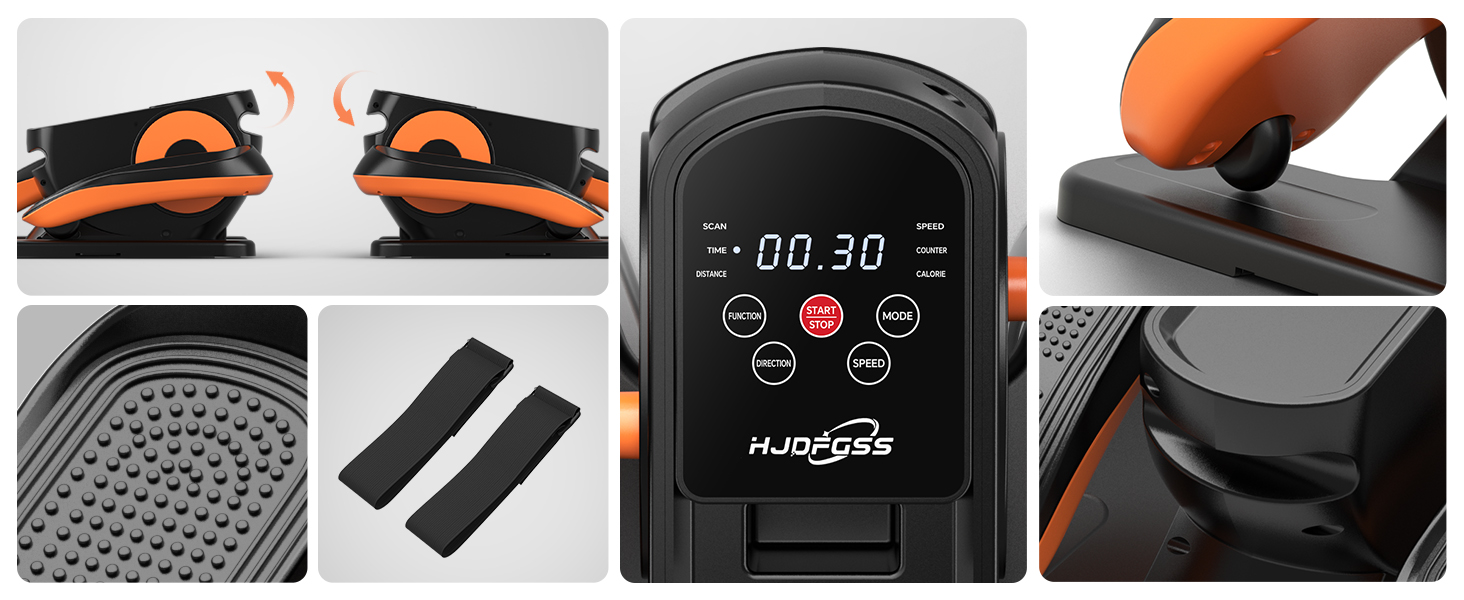
The control panel displays exercise data and offers buttons for Function, Start/Stop, Mode, Direction, and Speed.
- Bẹrẹ/Duro: Press to begin or end your exercise session.
- Iṣẹ: Cycles through displayed data: Time, Distance, Speed, Counter, Calories.
- Ipo: Switches between Manual (HR) and Automatic (P1, P2, P3) programs.
- Iyara: Adjusts the speed level (1-12) in Manual mode or within Auto programs.
- Itọsọna: Changes the pedal movement direction (forward or backward).
Using Manual Mode (HR):
- Select 'HR' using the Mode button.
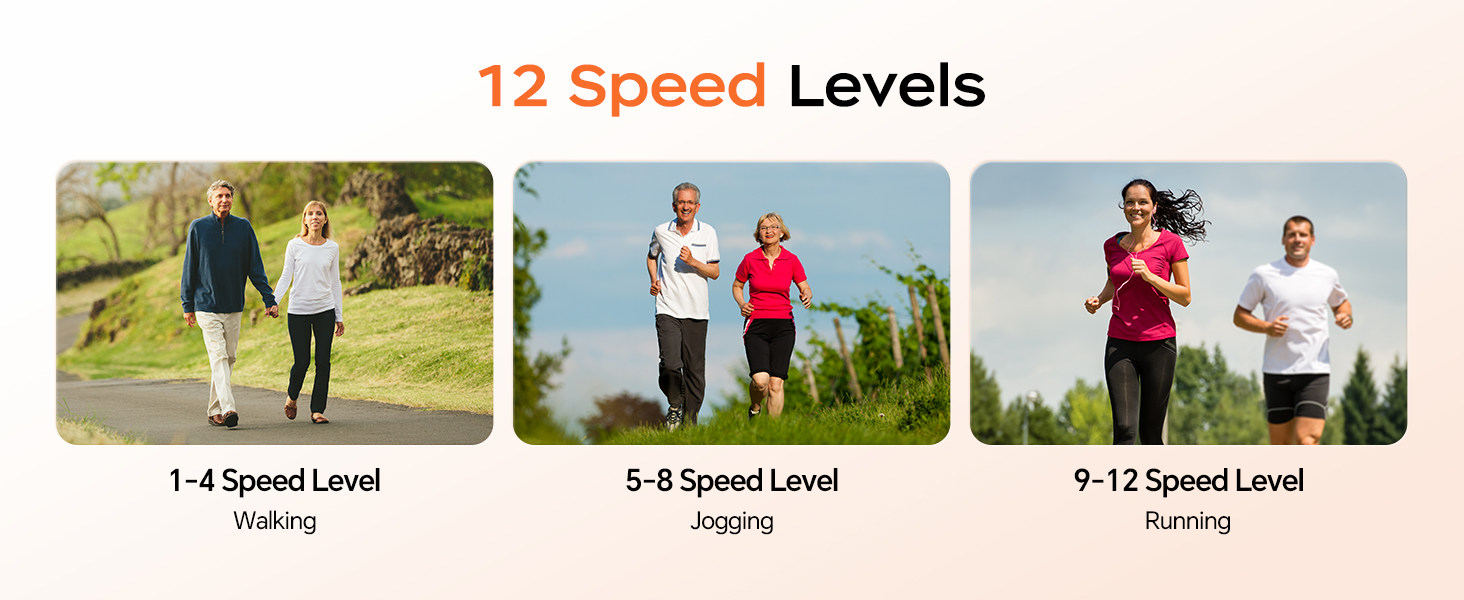
- Use the Speed buttons (or remote) to choose from 12 adjustable speed levels.
- Use the Direction button (or remote) to switch between forward and backward pedaling.
Using Automatic Modes (P1, P2, P3):
- Select P1, P2, or P3 using the Mode button. Each program runs for 30 minutes with automatic speed and direction adjustments.
- These programs are designed to gradually adapt you to exercise and work multiple muscle groups.

The control panel illustrates the selection options for Auto Mode (P1/P2/P3) and Manual Mode (HR).
Visual representation of the 12 speed levels, categorized for walking (1-4), jogging (5-8), and running (9-12).
Awọn okun Ẹsẹ:
The non-slip foot straps can be used to secure your feet to the pedals for added stability and control, especially during higher speeds or for users with limited mobility.
Alaye view of the foot straps and the textured, non-slip pedals for secure foot placement.
Fidio Ọja Oṣiṣẹ:
This video demonstrates the operation of the HJDFGSS Under Desk Elliptical Machine, including mode and speed adjustments, and its quiet performance.
5. Itọju
Proper maintenance ensures the longevity and optimal performance of your elliptical machine.
- Ninu: Wipe the machine with a soft, damp asọ lẹhin ti kọọkan lilo. Yago fun abrasive ose tabi epo.
- Ibi ipamọ: Store the machine in a cool, dry place away from direct sunlight and extreme temperatures. Its compact design allows for convenient storage.
- Ayewo: Periodically check for any loose parts or unusual noises. If any issues are detected, discontinue use and contact customer support.
The ultra-quiet design of the elliptical machine allows for use without disturbing others, highlighting its suitability for various environments.
6. Laasigbotitusita
If you encounter any issues with your HJDFGSS D802, refer to the following common solutions:
- Ẹrọ naa ko ṣiṣẹ: Ensure the power adapter is securely connected to both the machine and a working electrical outlet.
- Pedals are not moving: Check if the machine is powered on and a mode is selected. Ensure no obstructions are blocking the pedal movement.
- Iṣakoso latọna jijin ko ṣiṣẹ: Verify that the remote control batteries are correctly installed and not depleted. Ensure there are no obstructions between the remote and the machine's sensor.
- Awọn ariwo ti ko wọpọ lakoko iṣẹ: Stop using the machine immediately. Inspect for any loose parts or foreign objects. If the noise persists, contact customer support.
7. Awọn pato
| Iwa | Ẹ̀kúnrẹ́rẹ́ |
|---|---|
| Orukọ awoṣe | D802 |
| Brand | HJDFGSS |
| Àwọ̀ | Dudu |
| Ọja Mefa | 17.3"D x 9.3"W x 15.4"H |
| Ohun elo | Ṣiṣu |
| Resistance Mechanism | Oofa |
| Iṣeduro iwuwo ti o pọju | 15 kilo |
| Gígùn Ìrìn Àjò Tó Gíga Jùlọ | 13 inches |
| Iwọn Nkan | 7.51 kilo |
| Nọmba awọn ipele Resistance | 12 |
| Awọn irinše to wa | Elliptical Machine |
8. Atilẹyin ọja ati Support
The HJDFGSS D802 Under Desk Elliptical Machine comes with a 30-ọjọ free pada imulo.
For any product inquiries, technical support, or warranty claims beyond the return period, please contact HJDFGSS customer service directly through their official channels or the retailer where the product was purchased.