
Edifier edifier-x1lite-p
Ìwé Ìtọ́sọ́nà Olùlò Àwọn Agbọ́rọ̀kọ́ Aláìlókùn Tòótọ́ ti Edifier X1 Lite
Model: edifier-x1lite-p
Ọrọ Iṣaaju
Thank you for choosing the Edifier X1 Lite True Wireless Earbuds. This manual provides detailed instructions on how to set up, operate, and maintain your new earbuds, ensuring you get the best possible audio experience. The Edifier X1 Lite earbuds are designed for powerful sound, clear calls, and long-lasting comfort, featuring Bluetooth 5.4 connectivity and IP54 sweat resistance.

Aworan: Pariview of Edifier X1 Lite features, including dynamic drivers, AI call noise cancellation, extended battery life, Bluetooth 5.4, low latency, and IP54 certification.
Alaye Aabo
Jọwọ ka gbogbo awọn ilana aabo ni pẹkipẹki ṣaaju lilo ọja yii. Jeki iwe afọwọkọ yii fun itọkasi ọjọ iwaju.
- Má ṣe fi àwọn ètí ìró tàbí àpótí ìgbóná sí ojú ọjọ́ tí ó le koko, ọ̀rinrin, tàbí àwọn ohun tí ó lè ba nǹkan jẹ́.
- Yago fun jisilẹ tabi tẹriba ọja si awọn ipa to lagbara.
- Do not disassemble, repair, or modify the product yourself. Contact authorized service personnel for assistance.
- Keep the product away from children and pets to prevent accidental ingestion of small parts.
- Lo okun gbigba agbara ti a pese nikan tabi iwe-ẹri deede.
- Gbigbọ gigun ni awọn ipele iwọn didun giga le fa ibajẹ igbọran. Ṣatunṣe iwọn didun si ipele ailewu.
Package Awọn akoonu
Daju pe gbogbo awọn nkan wa ninu apo rẹ:
- Edifier X1 Lite True Wireless Earbuds (Left and Right)
- Ngba agbara Case
- Okun Ngba agbara USB
- Afowoyi Olumulo (iwe-ipamọ yii)
Ọja Pariview
Familiarize yourself with the components of your Edifier X1 Lite earbuds and charging case.

Image: Edifier X1 Lite Earbuds and Charging Case.

Image: Internal structure of the earbud, showcasing the 13mm dynamic driver for enhanced sound quality.
The earbuds feature a compact design, with each earbud weighing only 4g for comfortable wear. The charging case is designed to be portable and provides additional battery life.

Aworan: Exploded view of the earbud highlighting the 13mm dynamic driver and AI algorithm for voice pickup.
Ṣeto
1. Ngba agbara si Earbuds ati Ọran
Ṣaaju lilo akọkọ, gba agbara ni kikun awọn agbekọri ati apoti gbigba agbara.
- Gbe awọn afikọti mejeeji sinu ọran gbigba agbara.
- So apoti gbigba agbara pọ mọ orisun agbara nipa lilo okun USB ti a pese.
- The indicator light on the case will show charging status. Once fully charged, the light will indicate completion.
A full charge provides up to 7 hours of playtime for the earbuds, with an additional 19 hours from the charging case, totaling 26 hours. A quick 15-minute charge can provide 1.5 hours of playtime.

Image: Battery life details for Edifier X1 Lite earbuds, showing 26 hours total playtime and fast charging capability.

Image: Visual representation of the extended battery life and fast charging feature.
2. Ibẹrẹ Ibẹrẹ
Àwọn agbekọri naa yoo wọ ipo asopọ laifọwọyi nigbati a ba mu wọn kuro ninu apoti gbigba agbara fun igba akọkọ.
- Ṣii apoti gbigba agbara ki o yọ awọn agbekọri mejeeji kuro.
- Lori ẹrọ rẹ (foonuiyara, kọǹpútà alágbèéká, ati bẹbẹ lọ), mu Bluetooth ṣiṣẹ.
- Wa fun "EDIFIER X1 Lite" in the list of available Bluetooth devices.
- Select "EDIFIER X1 Lite" to connect. You will hear a confirmation tone once connected.
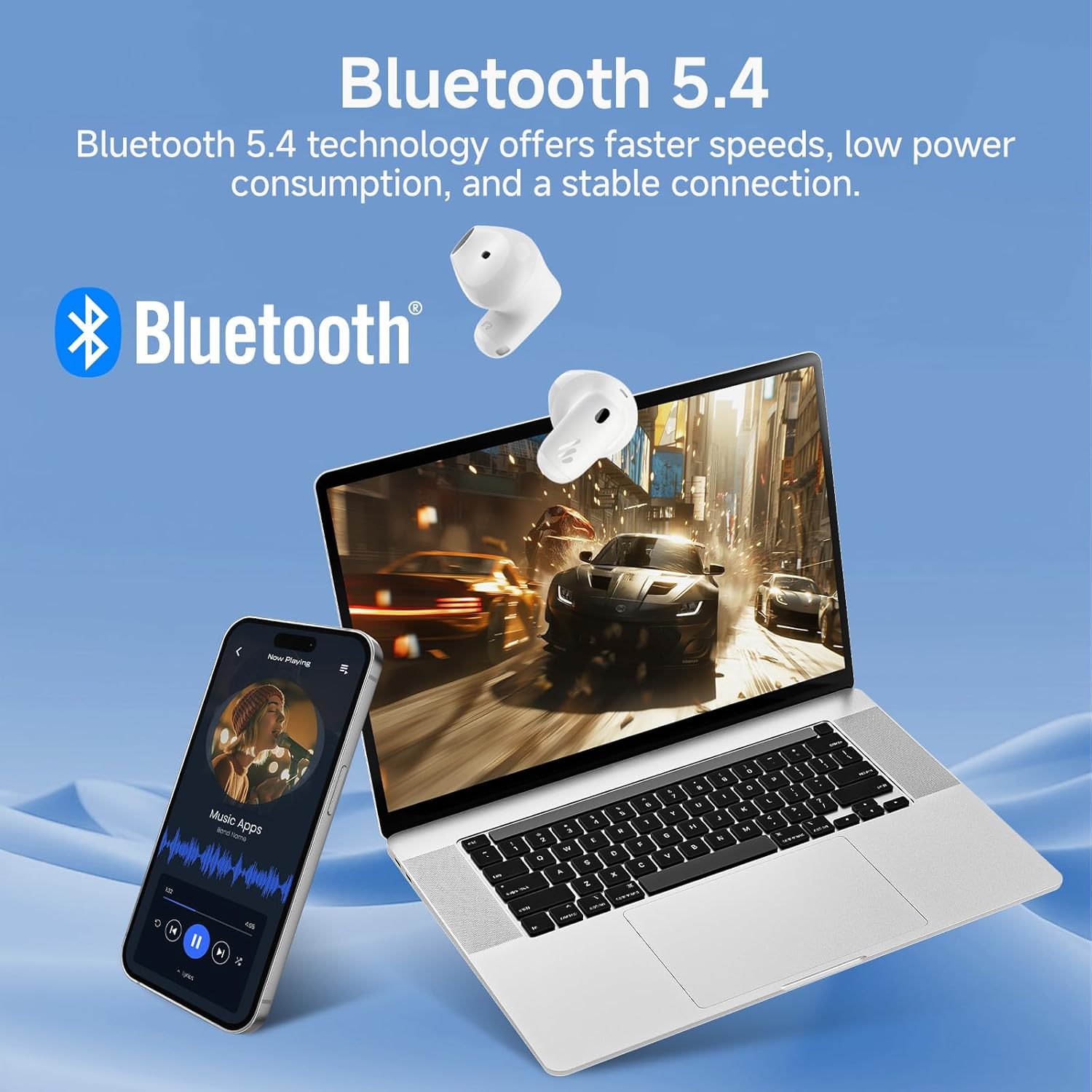
Image: Demonstrating Bluetooth 5.4 connectivity with various devices.
3. Connecting to a New Device
To connect to a new device or re-enter pairing mode:
- Gbe awọn agbekọri mejeeji pada sinu apoti gbigba agbara.
- Press and hold the function button on the charging case for approximately 3 seconds until the indicator light flashes rapidly. This indicates pairing mode.
- On your new device, search for and select "EDIFIER X1 Lite" to connect.
Ṣiṣẹ
1. Awọn iṣakoso ifọwọkan
The Edifier X1 Lite earbuds feature intuitive touch controls. The touch sensitive area is located on the outer surface of each earbud.
| Iṣe | Agbekọti Osi | Ọtun Earbud |
|---|---|---|
| Ṣiṣẹ / Sinmi | Fọwọ ba lẹẹmeji | Fọwọ ba lẹẹmeji |
| Next Track | N/A | Tẹ ni kia kia meteta |
| Ti tẹlẹ Track | Tẹ ni kia kia meteta | N/A |
| Idahun/Pari Ipe | Fọwọ ba lẹẹmeji | Fọwọ ba lẹẹmeji |
| Kọ Ipe | Duro fun iṣẹju-aaya 2 | Duro fun iṣẹju-aaya 2 |
| Mu Oluranlọwọ Ohun ṣiṣẹ | Duro fun iṣẹju-aaya 2 | Duro fun iṣẹju-aaya 2 |
| Ipo Ere Tan/Pa | Fọwọ́bà mẹ́rin | Fọwọ́bà mẹ́rin |

Image: Visual guide to the touch controls on the earbuds.
2. Clear Calls with AI Algorithm
The Edifier X1 Lite earbuds utilize an AI algorithm voice pick-up technology to ensure clear communication, even in noisy environments. This technology intelligently filters out background noise, focusing on your voice.

Image: Demonstrating clear call quality enabled by AI noise reduction.
3. Low Latency Mode (Game Mode)
For an optimized gaming and video streaming experience, activate the ultra-low latency mode. This reduces audio delay to just 60ms, ensuring audio and video are perfectly synchronized.
- To activate/deactivate: Quadruple tap either earbud.

Image: Visualizing the ultra-low latency feature for gaming and video.
4. EDIFIER ConneX App
Enhance your experience by downloading the EDIFIER ConneX app. The app allows for customization of sound profiles, touch controls, and access to additional features.
- Scan the QR code or visit the provided link to download the app.
- Connect your earbuds to the app to unlock full customization options.

Image: EDIFIER ConneX app interface and QR code for download.
Download the EDIFIER ConneX App: https://foreign-app.edifier.com/index.php/edifier_provider/public/appDownload.html?appTag=EdifierConneX
Itoju
Itọju to dara ṣe idaniloju igbesi aye gigun ati iṣẹ to dara julọ ti awọn afikọti rẹ.
1. Ninu
- Rọra nu awọn afikọti ati apoti gbigba agbara pẹlu asọ, gbẹ, asọ ti ko ni lint.
- Maṣe lo awọn afọmọ abrasive, ọti-lile, tabi awọn nkan ti kemikali.
- Rii daju pe awọn olubasọrọ gbigba agbara jẹ mimọ ati laisi idoti.
2. Water and Sweat Resistance (IP54)
The Edifier X1 Lite earbuds are IP54 certified, meaning they are protected against dust ingress and splashing water from any direction. This makes them suitable for active use and light rain.
- Ma ṣe tẹ awọn agbekọri naa sinu omi.
- Do not expose them to strong jets of water.
- Rii daju pe awọn agbekọri ti gbẹ ṣaaju gbigbe wọn pada sinu apoti gbigba agbara lati yago fun ibajẹ.

Image: Demonstrating the IP54 sweat-resistant feature for active daily use.
3. Ibi ipamọ
- Tọju awọn agbekọri naa sinu apoti gbigba agbara wọn nigbati ko si ni lilo lati daabobo wọn ati jẹ ki wọn gba agbara.
- Tọju ni itura, aye gbigbẹ kuro lati orun taara.
Laasigbotitusita
Ti o ba ni awọn iṣoro eyikeyi, jọwọ wo awọn iṣoro ati awọn solusan ti o wọpọ wọnyi:
| Isoro | Owun to le Solusan |
|---|---|
| Ko si ohun lati agbekọri |
|
| Earbuds ko so pọ |
|
| Agbohungbohun kan ko ṣiṣẹ |
|
| Didara ipe ti ko dara |
|
| Earbuds reconnect in case |
|
Awọn pato
| Ẹya ara ẹrọ | Ẹ̀kúnrẹ́rẹ́ |
|---|---|
| Orukọ awoṣe | edifier-x1lite-p |
| Asopọmọra | Ailokun (Bluetooth 5.4) |
| Ẹya Bluetooth | 5.4 |
| Audio Driver Iwon | Φ13mm Dynamic Driver |
| Idahun Igbohunsafẹfẹ | 20 Hz - 20,000 Hz |
| Igbesi aye batiri (Earbuds) | Titi di wakati 7 |
| Igbesi aye batiri (pẹlu apoti gbigba agbara) | Àpapọ̀ tó tó wákàtí ogún |
| Gbigba agbara yara | Awọn iṣẹju 15 gba agbara fun wakati 1.5 akoko ere |
| Latency Ohun | 60ms (Low Latency Mode) |
| gbohungbohun Technology | AI Algorithm Voice Pick-up |
| Omi Resistance | IP54 Certified (Sweat and Splash Resistant) |
| Iwuwo Earbud | Isunmọ. 4g fun agbekọri |
| Awọn ẹrọ ibaramu | Smartphones, Laptops, Tablets, Gaming Consoles |
| Ọna Iṣakoso | Touch Control, EDIFIER ConneX App |
| Olupese | Atunṣe |
| Ilu isenbale | China |
Atilẹyin ọja ati Support
Awọn ọja Edifier wa pẹlu atilẹyin ọja to lopin. Fun alaye atilẹyin ọja, jọwọ tọka si kaadi atilẹyin ọja ti o wa ninu package rẹ tabi ṣabẹwo si Edifier osise webojula.
Fun atilẹyin imọ-ẹrọ, iranlọwọ laasigbotitusita, tabi awọn ibeere iṣẹ, jọwọ kan si atilẹyin alabara Edifier nipasẹ oṣiṣẹ wọn website or the EDIFIER ConneX app.
Official Edifier Webojula: www.edifier.com
Ask a question about this manual
Ask about setup, troubleshooting, compatibility, parts, safety, or missing instructions. Manuals+ will review the question and use this page’s manual context to help answer it.