
1. Alaye Aabo pataki
Please read all safety instructions carefully before using your Xiaomi TV S Mini LED 75" 2025. Keep this manual for future reference.
- Orisun Agbara: So TV pọ mọ orisun agbara AC nikan gẹgẹbi a ti fihan lori aami naa.
- Afẹfẹ: Rii daju pe fentilesonu to ni ayika TV. Ma ṣe dina awọn ṣiṣi atẹgun.
- Omi ati Ọrinrin: Ma ṣe fi TV han si ojo tabi ọrinrin. Maṣe gbe awọn nkan ti o kun fun olomi sori TV.
- Ninu: Yọ TV kuro ṣaaju ki o to di mimọ. Lo asọ asọ ti o gbẹ. Yago fun olomi ose.
- Ṣiṣẹ: Maṣe gbiyanju lati ṣiṣẹ ọja yi funrararẹ. Tọkasi gbogbo iṣẹ si oṣiṣẹ oṣiṣẹ ti o peye.
- Ibi: Gbe TV sori iduro, ipele ipele tabi gbe e ni aabo si ogiri nipa lilo oke VESA ibaramu.
2. Package Awọn akoonu
Jẹrisi pe gbogbo awọn ohun kan wa ninu package:
- Xiaomi TV S Mini LED 75" 2025
- Isakoṣo latọna jijin
- Okun agbara
- Awọn ohun elo Iduro TV (ti o ba wa)
- Afowoyi Olumulo (iwe-ipamọ yii)
3. Eto Itọsọna
3.1 Ṣiṣii TV naa
Carefully remove the TV from its packaging. It is recommended to have two people for this process due to the size and weight of the 75-inch model.
3.2 Installing the TV Stand (Optional)
If you are not wall-mounting the TV, attach the included stand components according to the separate stand installation guide. Ensure all screws are tightened securely.
3.3 Iṣagbesori odi (aṣayan)
The Xiaomi TV S Mini LED 75" 2025 supports VESA wall mounts with a pattern of 400 x 300 mm. Use appropriate wall-mounting hardware and consult a professional for installation to prevent injury or damage.
3.4 Nsopọ Peripherals
Connect your devices to the TV's input ports. Refer to the back panel image for port locations.
Aworan: Ẹyin view of the TV displaying available connection ports.
- Agbara: So okun agbara pọ mọ TV ati lẹhinna si iṣan agbara kan.
- HDMI: Connect Blu-ray players, game consoles, or other HDMI devices.
- USB: So awọn ẹrọ ibi ipamọ USB pọ fun ṣiṣiṣẹsẹhin media.
- Àjọlò: Fun asopọ intanẹẹti ti a firanṣẹ.
- Antenna/Cable: Connect your antenna or cable TV input.
3.5 Agbara Ibẹrẹ Lori ati Eto Akoko-akọkọ
After connecting all cables, plug in the TV and press the power button on the remote control. Follow the on-screen instructions to complete the initial setup, including network connection, Google account login, and channel scanning.

Aworan: Iwaju view of the Xiaomi TV S Mini LED 75" 2025.
4. Awọn ilana Iṣiṣẹ
4.1 Iṣakoso latọna jijin Loriview
The included remote control provides access to all TV functions. Familiarize yourself with the button layout for easy navigation.
4.2 Ipilẹ Awọn iṣẹ
- Agbara: Tẹ lati tan TV tabi pa.
- Iwọn didun: Use the +/- buttons to adjust the sound level.
- Ikanni: Lo awọn bọtini CH +/- lati yi awọn ikanni pada.
- Iṣawọle: Select the desired input source (HDMI, AV, etc.).
- Ile: Access the Google TV home screen.
4.3 Smart TV Awọn ẹya ara ẹrọ (Google TV)
Your Xiaomi TV runs on Google TV, offering a personalized entertainment experience.

Image: Google TV interface with app icons and content suggestions.
- Awọn ohun elo: Ṣe igbasilẹ ati fi awọn ohun elo sori ẹrọ lati Google Play itaja.
- Oluranlọwọ ohun: Use the built-in Google Assistant for voice commands.
- Awọn iṣeduro akoonu: Google TV provides personalized recommendations based on your viewing isesi.

Image: Using the Hey Google voice assistant to search for content.
4.4 Ifihan Eto
Ṣàtúnṣe àwọn ètò àwòrán láti mú kí àwòrán rẹ dára síi viewiriri iriri.
Aworan: Pariview of the TV's advanced display technologies.
- Awọn ọna aworan: Select from various preset modes (e.g., Standard, Vivid, Movie, Game) or customize your own.
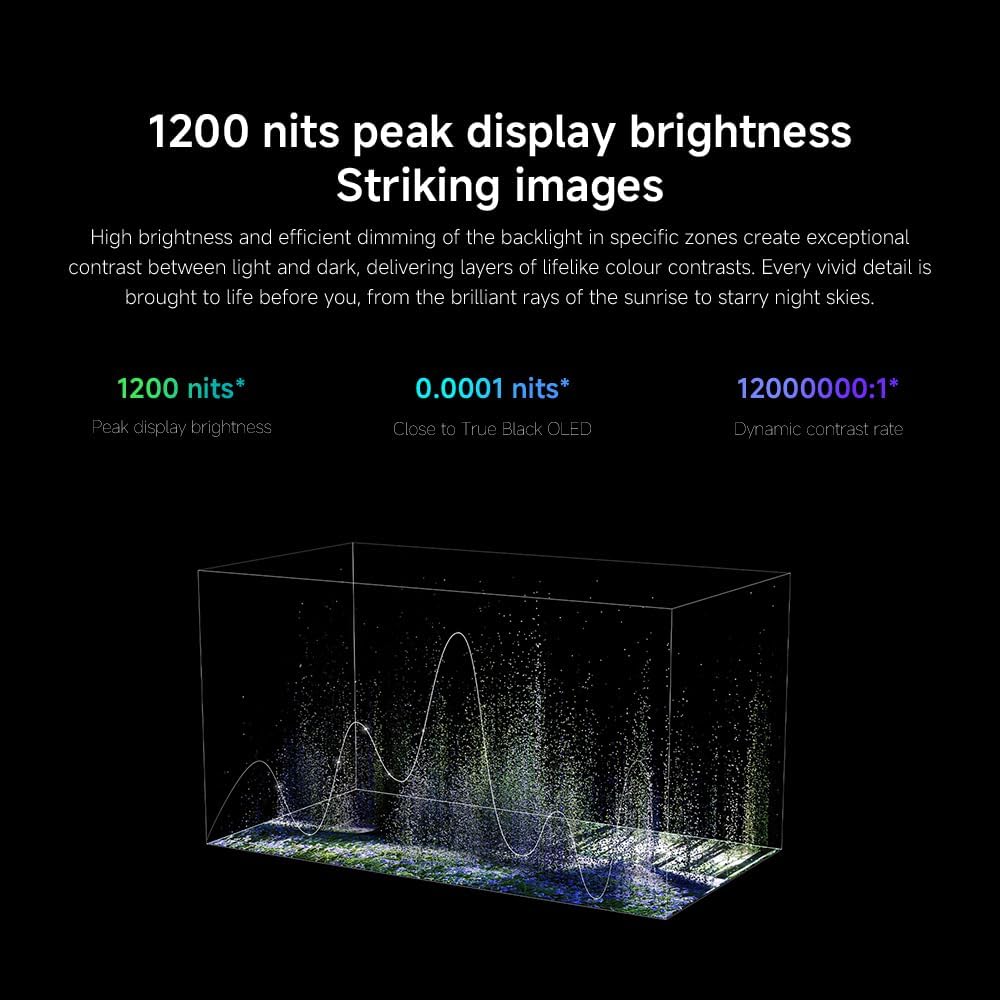
- Imọlẹ/Itọtọ: Fine-tune these settings for optimal visual clarity. The TV features 1200 nits peak brightness for stunning visuals.
- Àwọ̀: Adjust color saturation and tint. The QD-MiniLED display offers accurate color reproduction.
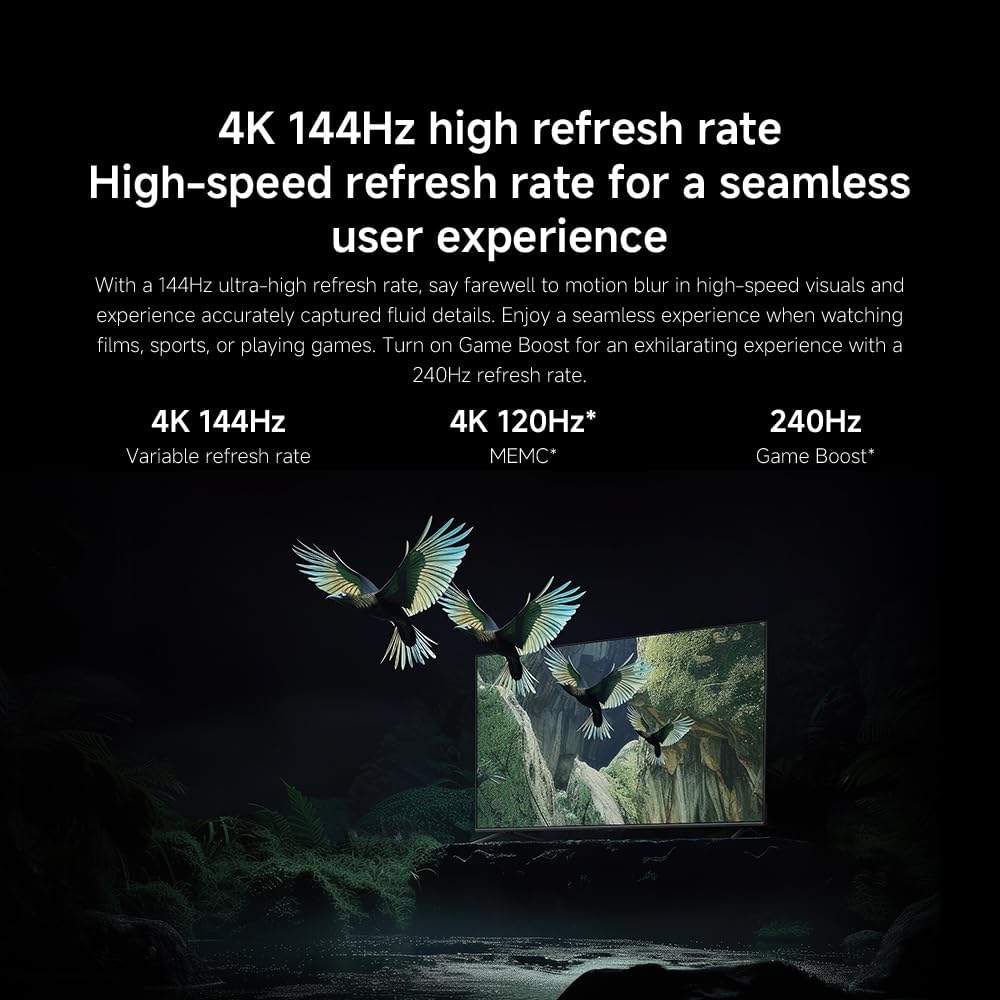
- Oṣuwọn isọdọtun: The TV supports a 144Hz refresh rate for ultra-smooth motion.
- Ẹ̀rọ AI: The powerful AI engine enhances image quality automatically.

Image: Visual representation of the 144Hz refresh rate for seamless motion.
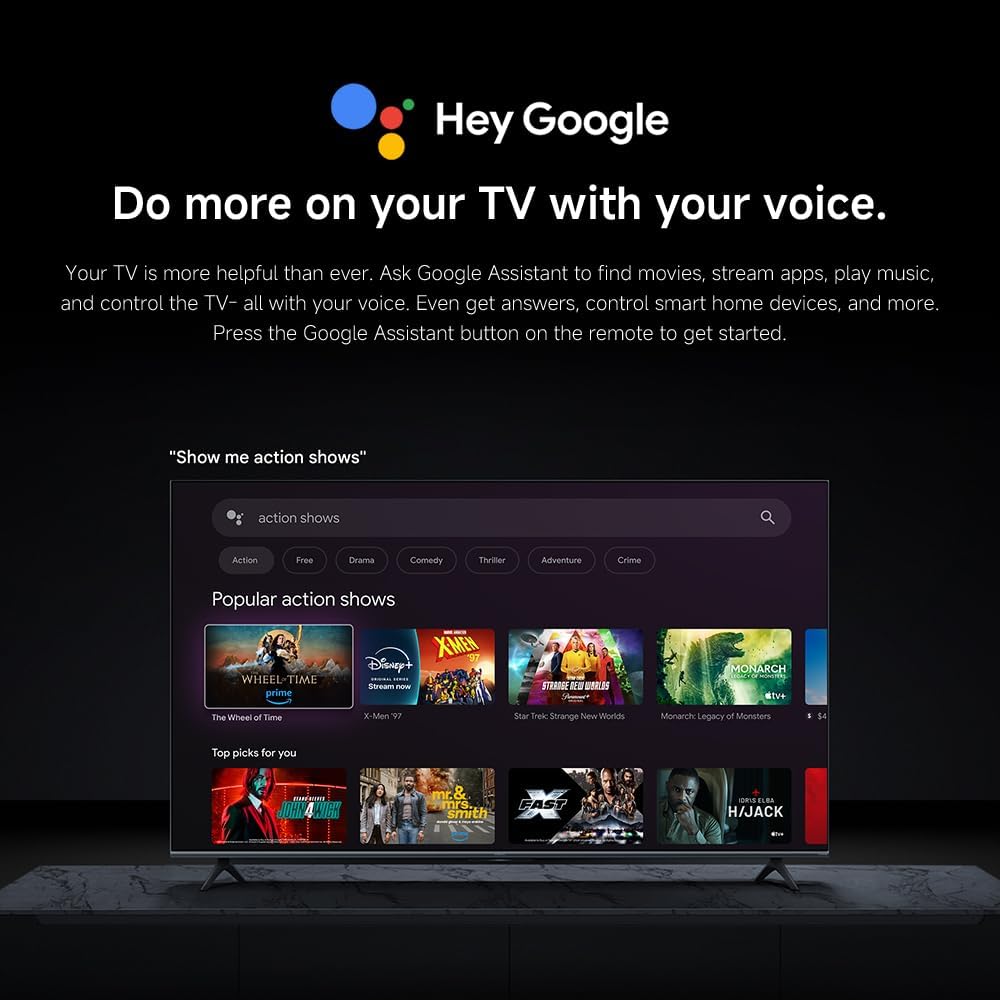
Image: The Quad cortex A73 processor, responsible for AI image enhancement and performance.
4.5 Eto ohun
Configure audio output and sound enhancements.

Image: Depiction of the TV's quality audio-visual experience.
- Ipo Ohun: Choose from preset sound modes (e.g., Standard, Movie, Music) or customize.
- Dolby Atmos: Enable Dolby Atmos for an immersive audio experience.
4.6 Asopọmọra
The TV offers various connectivity options.
- Bluetooth: Connect Bluetooth-enabled devices such as headphones or speakers.
- Wi-Fi: Sopọ mọ nẹtiwọọki alailowaya ile rẹ fun iwọle intanẹẹti.
- Apple AirPlay: San akoonu taara lati awọn ẹrọ Apple rẹ.
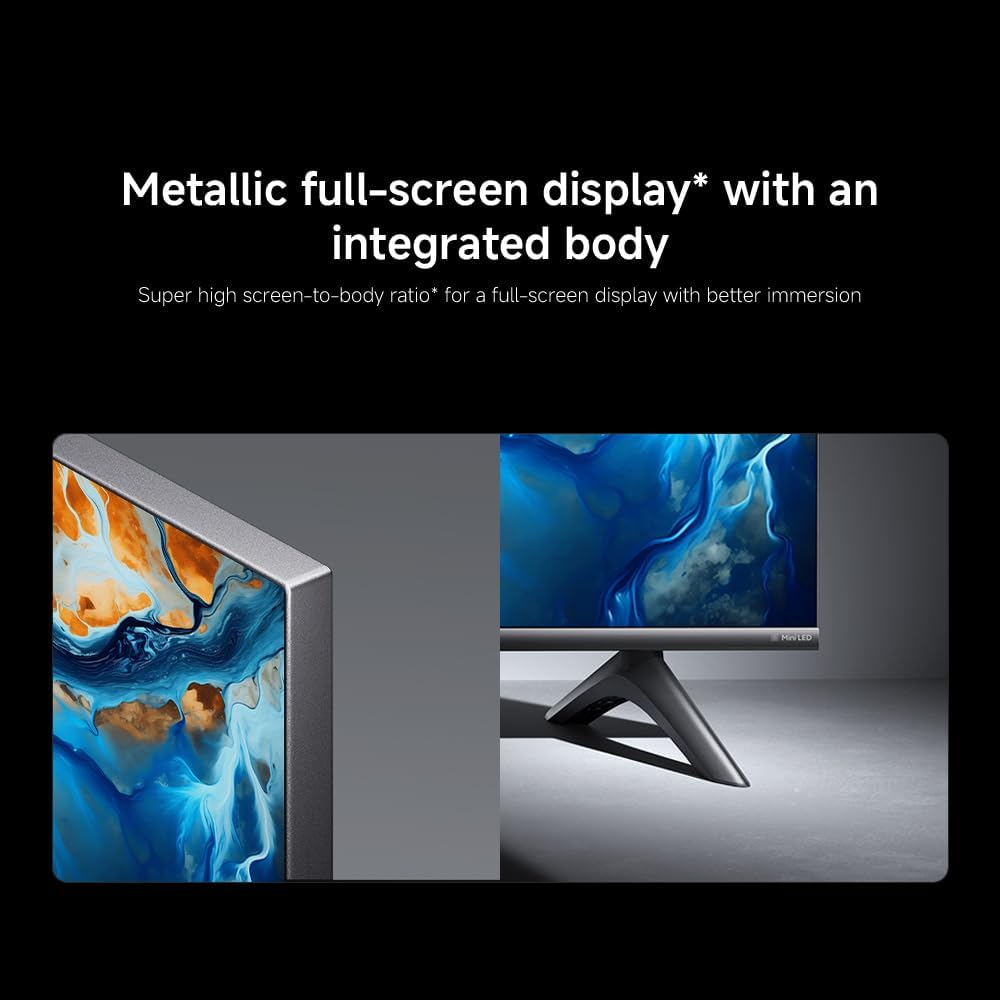
Image: Apple AirPlay functionality for streaming from Apple devices.
5. Itọju
5.1 Ninu iboju
Láti nu ibojú náà, kọ́kọ́ yọ TV náà kúrò. Fi aṣọ rírọ̀ tí kò ní àwọ̀ rẹ́rẹ́ nu ibojú náà. Fún àmì líle, fi díẹ̀ dì í.ampen the cloth with water or a specialized screen cleaner, then wipe dry immediately. Do not spray liquid directly onto the screen.
5.2 Software imudojuiwọn
The TV may receive software updates periodically to improve performance and add new features. Ensure your TV is connected to the internet to receive these updates. You can check for updates manually in the TV's settings menu.
6. Laasigbotitusita
Ti o ba pade awọn ọran pẹlu TV rẹ, tọka si awọn solusan ti o wọpọ wọnyi:
| Isoro | Owun to le Solusan |
|---|---|
| Ko si agbara | Ṣàyẹ̀wò bóyá okùn agbára náà so mọ́ TV àti ibi tí agbára náà ti ń jáde dáadáa. Rí i dájú pé ibi tí agbára náà ti ń jáde ṣiṣẹ́ dáadáa. |
| Ko si aworan, ṣugbọn ohun wa | Daju pe orisun titẹ sii to pe ti yan. Ṣayẹwo awọn asopọ okun si awọn ẹrọ ita. |
| Ko si ohun, ṣugbọn aworan wa | Check volume level and mute status. Ensure audio cables are connected correctly. |
| Isakoṣo latọna jijin ko ṣiṣẹ | Rọpo awọn batiri. Rii daju pe ko si idena laarin latọna jijin ati TV. |
| Didara aworan ti ko dara | Adjust picture settings (brightness, contrast, sharpness). Check antenna or cable connection. Ensure content source is high quality. |
| Smart TV features unresponsive | Check internet connection. Restart the TV by unplugging it for a few minutes and plugging it back in. |
If the issue persists after trying these steps, contact customer support.
7. Awọn pato
Key technical specifications for the Xiaomi TV S Mini LED 75" 2025:
| Ẹya ara ẹrọ | Sipesifikesonu |
|---|---|
| Brand | XIAOMI |
| Nọmba awoṣe | 59292 |
| Iwon iboju | 75 inches |
| Ifihan ọna ẹrọ | 4K UHD, LED, QD-MiniLED |
| Ipinnu | 4K (3840 x 2160) |
| Oṣuwọn sọtun | 144 Hz |
| Imọlẹ tente oke | 1200 nit |
| Eto isesise | Google TV |
| isise | Kẹ́tẹ́sì Kẹ́tẹ́sì A73 |
| Àgbo | 3 GB |
| Ibi ipamọ | 32 GB |
| Ohun Technology | Dolby Atmos |
| Asopọmọra | Bluetooth, Wi-Fi, Apple AirPlay |
| Awọn iwọn ọja (pẹlu iduro) | 42.5D x 166.8W x 102.8H cm |
| Iwọn ọja (pẹlu iduro) | 31 kg |
| VESA Odi Oke | 400 x 300 mm |
| Awọn irinše to wa | TV, remote control, power cable |
8. Atilẹyin ọja ati Support
Your Xiaomi TV S Mini LED 75" 2025 is covered by a manufacturer's warranty. Please refer to the warranty card included in your package for specific terms and conditions. For technical support, service inquiries, or to purchase accessories, please visit the official Xiaomi webaaye tabi kan si awọn ile-iṣẹ iṣẹ ti a fun ni aṣẹ.
Awọn orisun Ayelujara: For additional information, FAQs, and software downloads, visit the official Xiaomi support page.


