
1. Ifihan
The Nobsound DV-01 is a compact USB volume control knob designed to provide precise and convenient audio adjustment for various devices. It features a high-precision rotary knob, a one-touch mute function, and a stylish breathing light, enhancing both functionality and desktop aesthetics.
2. Package Awọn akoonu
Jọwọ rii daju pe gbogbo awọn ohun kan wa ninu apo rẹ:
- 1 × Volume Controller
- 1 able Okun USB
- 1 × Non-slip Mat
- 2 × 3M Double-sided Adhesive

Image: The Nobsound DV-01 volume controller, USB Type-C cable, non-slip mat, and 3M double-sided adhesive included in the package.
3. Eto
3.1. Asopọ ẹrọ
- Connect the provided USB Type-C cable to the Type-C input port on the Nobsound DV-01 volume controller.
- Plug the other end of the USB cable into an available USB port on your computer, laptop, smartphone, or tablet.
- The device is plug-and-play and typically requires no additional driver installation for basic functionality.

Image: The Nobsound DV-01 volume controller highlighting its Type-C input and illustrating compatibility with various devices such as MP3 players, phones, tablets, PCs, and TVs.
3.2. Placement and Stability
To ensure stability and prevent the device from sliding, apply the included non-slip mat or 3M double-sided adhesive to the bottom of the volume controller before placing it on your desktop.

Image: Demonstrates the application of the non-slip mat and 3M double-sided adhesive to the Nobsound DV-01 for secure placement on a desk.
4. Awọn ilana Iṣiṣẹ
4.1. Atunse iwọn didun
- Yiyi lọna aago: Tan bọtini si ọna aago lati mu iwọn didun pọ si.
- Yipada Loju-aago: Turn the knob counter-clockwise to decrease the volume.
The DV-01 supports both fast and slow adjustment modes. Slow mode adjusts by 2 levels each time, while fast mode adjusts by 6 levels, allowing for smooth volume transitions tailored to individual preferences.
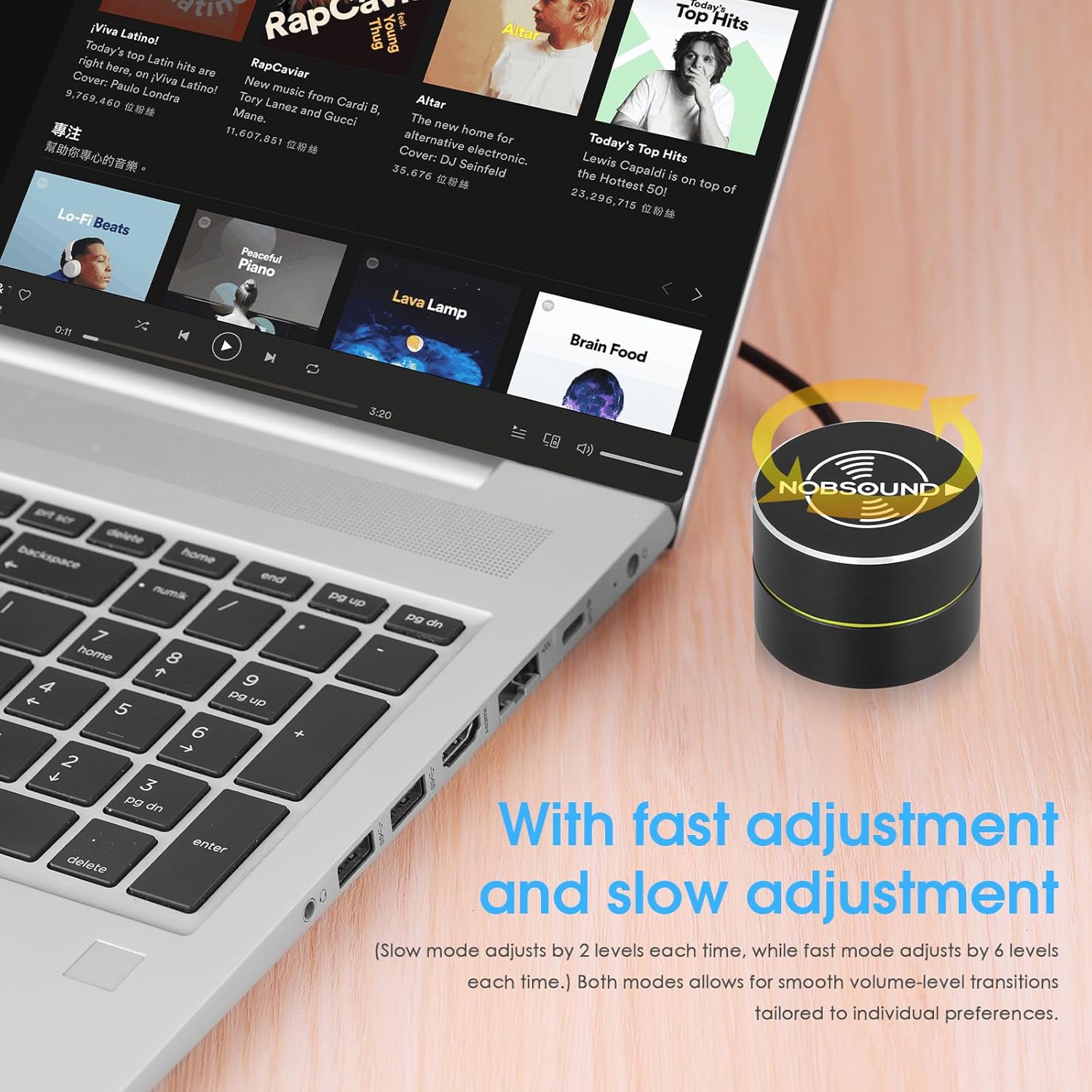
Image: A hand rotating the Nobsound DV-01 knob to adjust volume, illustrating the precise control.
4.2. dakẹ Išė
- Tẹ Nikan: Press the knob once to instantly mute the audio.
- Tẹ lẹẹkansi: Press the knob again to unmute the audio.
4.3. Media Control (Previous/Next Song)
The device supports switching between previous and next songs, making it convenient for media playback.
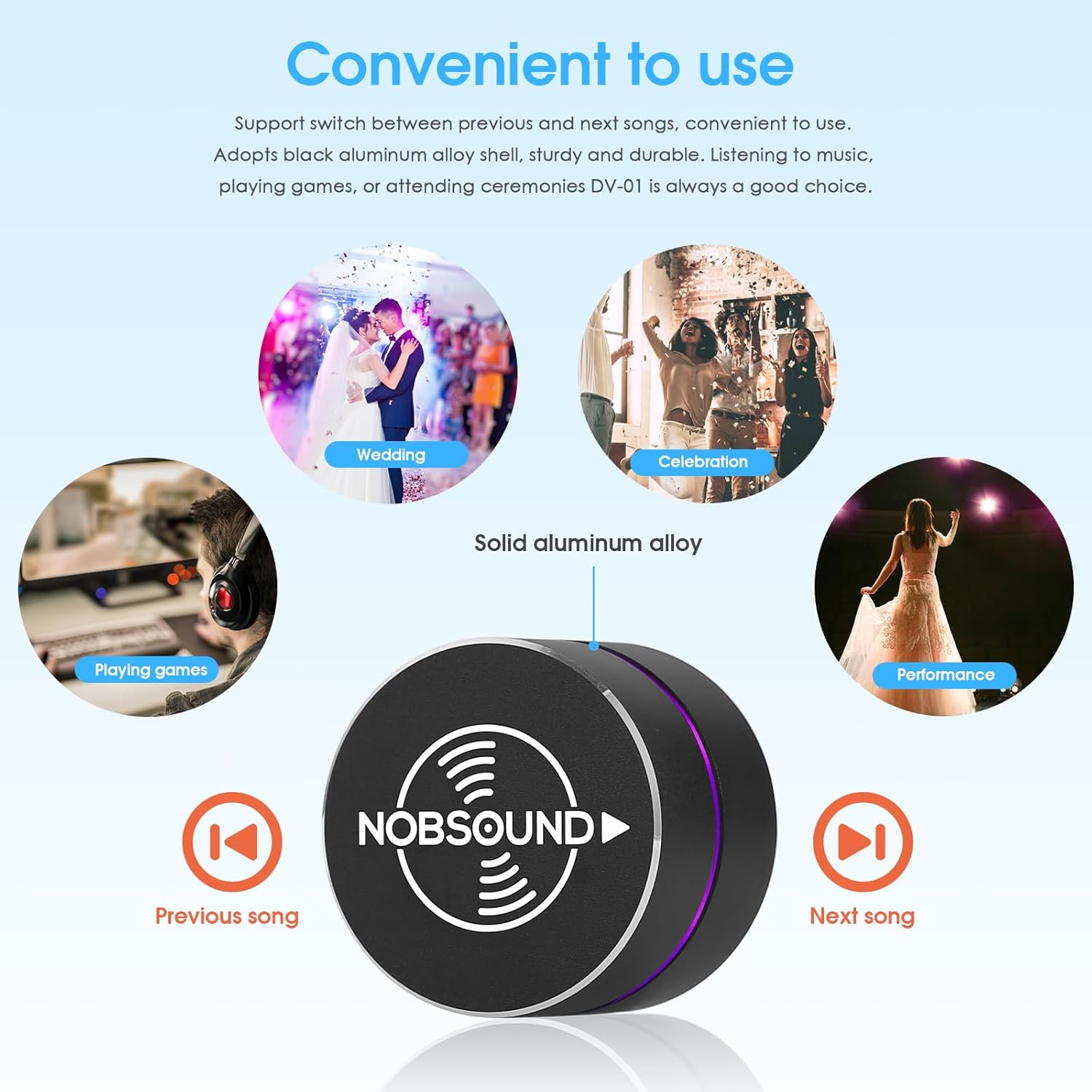
Image: The Nobsound DV-01 controller with icons indicating previous and next song functions, alongside various usage scenarios.
4.4. Breathing Light Control
The DV-01 is equipped with a soft, elegant breathing light that offers 6 color options and dynamic light modes. This enhances desktop aesthetics and provides a clear working status indicator.

Image: Displays the Nobsound DV-01 with its LED breathing light cycling through different color options.
4.5. Àwọn Àfihàn Fídíò
Video: Demonstrates basic volume control and mute functionality of a USB volume knob. Note: Product shown may vary slightly in appearance from the Nobsound DV-01.
Video: Shows the RGB lighting effects and basic volume control of a USB audio remote knob. Note: Product shown may vary slightly in appearance from the Nobsound DV-01.
Video: Illustrates the simple plug-and-play setup and volume adjustment capabilities of a USB volume controller. Note: Product shown may vary slightly in appearance from the Nobsound DV-01.
5. Itọju
- Jeki ẹrọ naa di mimọ nipa fifẹ rẹ pẹlu asọ ti o gbẹ.
- Yago fun ṣiṣafihan ẹrọ naa si ọrinrin pupọ tabi awọn iwọn otutu to ga julọ.
- Do not attempt to disassemble the device, as this may void the warranty.
6. Laasigbotitusita
- A ko mọ ẹrọ naa: Ensure the USB cable is securely connected to both the controller and your device. Try a different USB port or cable.
- Volume not adjusting: Verify that the device is properly connected and recognized by your operating system. Check your system's audio settings to ensure the Nobsound DV-01 is selected as the output device.
- Breathing light not working: Ensure the device is powered on via the USB connection. If the light is off, press and hold the knob for a few seconds to cycle through light modes or turn it on.
7. Awọn pato
| Brand | Ohùn rara |
| Orukọ awoṣe | DV-01 |
| Asopọmọra Technology | USB |
| Ni wiwo Hardware | USB Iru C |
| Awọn ẹrọ ibaramu | Kọǹpútà alágbèéká, PC, Foonuiyara, Tabulẹti |
| Platform | Android, Windows, iOS |
| Iṣakoso Iru | Big Knob Passive |
| Pataki Ẹya | Compact, Volume Control, Mute Function, Breathing Light |
| Iwọn Nkan | 0.12 kilo |
8. Atilẹyin ọja
The Nobsound DV-01 USB Volume Control Knob comes with an 18-month limited warranty. Please retain your proof of purchase for warranty claims.
9. Atilẹyin
For further assistance, technical support, or inquiries regarding your Nobsound DV-01, please refer to the manufacturer's official website or contact their customer service department. Contact information can typically be found on the product packaging or the Nobsound brand store.