
Ọrọ Iṣaaju
Thank you for choosing the iKF Metal Wireless Bluetooth Over-Ear Headphones. These headphones are designed to provide a high-quality audio experience with advanced features such as Active Noise Cancellation (ANC), Hi-Res 40mm drivers, 5-Mic Environmental Noise Cancellation (ENC) for clear calls, and extended playback time. This manual will guide you through the setup, operation, and maintenance of your new headphones.
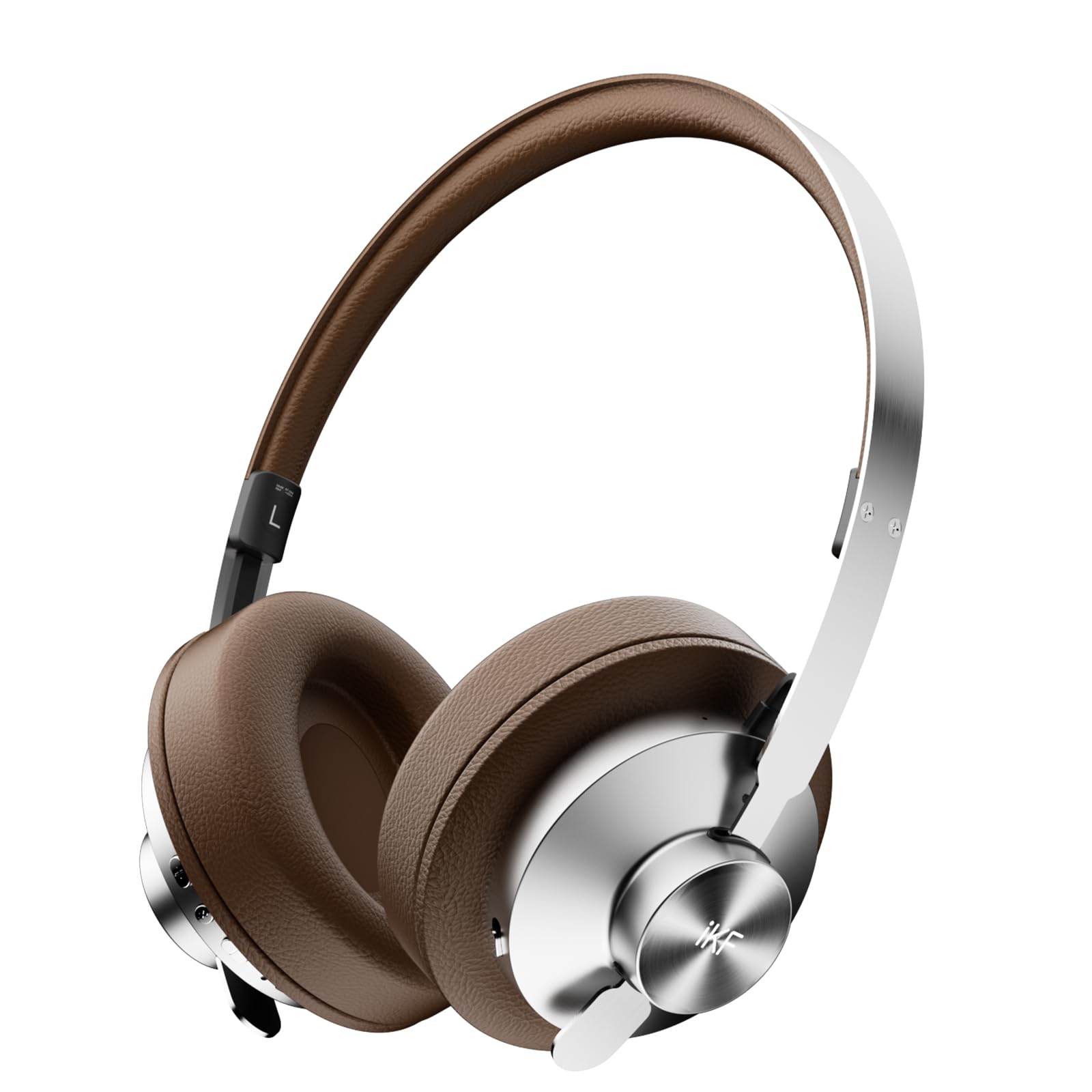
Image: iKF Metal Wireless Bluetooth Over-Ear Headphones, showcasing wọn oniru.
Ohun ti o wa ninu Apoti
- iKF Metal Wireless Bluetooth Over-Ear Headphones
- Ngba agbara USB
- Itọsọna olumulo
Ọja Pariview
Familiarize yourself with the various components and controls of your iKF Metal headphones.
Video: How to use iKF Metal Headphones. This video demonstrates the key display and functions of the headphones.
Awọn iṣakoso ati awọn ibudo:
- Bọtini agbara: Used to turn the headphones on/off.
- Ibudo Aux-in: For wired audio connection using a 3.5mm cable.
- Ibudo gbigba agbara: USB-C port for charging the headphones.
- MFB (Bọtini Iṣẹ-pupọ): Controls playback, calls, and mode switching.
- '+' Bọtini: Volume up, Next track.
- '-' Bọtini: Volume down, Previous track.

Image: Close-up of the headphone earcup, highlighting the replaceable earcups and metal construction.
Ṣeto
First-Time Bluetooth Pairing
- Rí i dájú pé àwọn agbekọri rẹ ti gba agbara.
- Slide the Power Button to the 'ON' position. You will hear an audible prompt indicating the headphones are powered on and ready for pairing.
- On your mobile device, navigate to the Bluetooth settings and enable Bluetooth.
- Wa fun available devices and select "iKF Metal" from the list.
- Ni kete ti o ti sopọ, iwọ yoo gbọ ifẹsẹmulẹ kan.
For a visual guide on first-time pairing, refer to the video below (segment 0:08 - 0:22).
Video: Demonstrates the initial Bluetooth pairing process for the iKF Metal headphones.
Awọn ilana Iṣiṣẹ
Titan / Paa
- Agbara Tan: Slide the Power Button to 'ON'.
- Agbara Pa: Slide the Power Button to 'OFF'.
See the video for a demonstration (segment 0:23 - 0:34).
Awọn iṣẹ Media
- Iwọn didun Up: Single tap the '+' button.
- Iwọn didun isalẹ: Single tap the '-' button.
- Orin t’okan: Tẹ bọtini '+' fun igba pipẹ fun awọn aaya meji.
- Tẹlẹ Orin: Tẹ bọtini '-' fun igba pipẹ fun iṣẹju-aaya meji.
- Ṣiṣẹ/Daduro: Tẹ MFB ẹyọkan.
Refer to the video for a visual guide on media controls (segment 0:35 - 0:51).
Awọn iṣẹ ipe
- Dahun ipe ti nwọle: Tẹ MFB ẹyọkan.
- Ipe Ipari: Tẹ MFB ẹyọkan.
- Kọ Ipe: Tẹ MFB gun fun iṣẹju-aaya 2.
The video demonstrates call functions (segment 0:52 - 1:05).
Mode Switching (Noise Reduction & Audio Modes)
- Noise Reduction Mode Cycle: Long press the MFB to cycle through ANC Mode, Transparent Mode, and Anti-wind Noise Mode.
- Adaptive Noise Reduction On/Off: Double-tap the MFB.
- Audio Mode Switching: Triple tap the MFB to loop switch between Movie Mode (2 prompt tones), Game Mode (3 prompt tones), and Music Mode (1 prompt tone).
Watch the video for a demonstration of mode switching (segment 1:06 - 1:31).
Video: Demonstrates various operating functions including power, media, calls, and mode switching.

Image: iKF Metal headphones with a smartphone displaying the companion app for personalized sound control.
Itoju
- Ninu: Lo asọ asọ ti o gbẹ lati nu agbekọri naa. Ma ṣe lo abrasive ose tabi epo.
- Ibi ipamọ: Tọju awọn agbekọri naa ni itura, aye gbigbẹ, kuro lati oorun taara ati awọn iwọn otutu to gaju.
- Itọju Batiri: Láti mú kí batiri pẹ́ sí i, má ṣe jẹ́ kí a máa tú àwọn agbekọri náà jáde nígbà gbogbo.
- Omi Resistance: These headphones are not water-resistant. Avoid exposure to liquids.
Laasigbotitusita
Awọn oran ti o wọpọ ati Awọn ojutu:
- Awọn agbekọri ko ṣiṣẹ lori: Ensure the headphones are charged. Connect them to a power source using the charging cable.
- Ko le so pọ nipasẹ Bluetooth:
- Rii daju pe Bluetooth ti ṣiṣẹ lori ẹrọ rẹ ati pe awọn agbekọri wa ni ipo sisopọ pọ.
- Gbe awọn agbekọri naa sunmọ ẹrọ rẹ.
- Pa awọn asopọ Bluetooth ti tẹlẹ lori ẹrọ rẹ kuro ki o tun gbiyanju lẹẹkansi.
- Perform a reset operation (see below).
- Ko si ohun tabi iwọn kekere:
- Ṣayẹwo awọn ipele iwọn didun lori mejeeji agbekọri ati ẹrọ ti o sopọ.
- Rii daju pe awọn agbekọri ti sopọ daradara nipasẹ Bluetooth tabi okun AUX.
- Gbiyanju ohun ti ndun lati orisun miiran tabi ohun elo.
- Didara ipe ti ko dara:
- Rii daju pe gbohungbohun ko ni idinamọ.
- Move to an environment with less background noise.
- Ṣayẹwo awọn eto ipe ẹrọ rẹ.
Tun isẹ
If you experience persistent issues, you can reset the headphones to clear Bluetooth pairing information:
- In the power-on state, long press the '+' button and '-' button simultaneously for 5 seconds.
- The headphones will clear all previous Bluetooth pairing information and enter re-pairing state.
A visual demonstration of the reset operation is available in the video (segment 1:32 - 1:42).
Awọn pato
| Ẹya ara ẹrọ | Ẹ̀kúnrẹ́rẹ́ |
|---|---|
| Orukọ awoṣe | iKF Metal |
| Ariwo Iṣakoso | Active Noise Cancellation, Sound Isolation |
| Asopọmọra Technology | Bluetooth, Wired (3.5 mm Jack) |
| Imọ-ẹrọ Ibaraẹnisọrọ Alailowaya | Bluetooth 5.4 |
| Audio Driver Iwon | 40 millimeters |
| Igbesi aye batiri | Awọn wakati 75 |
| Akoko gbigba agbara | Awọn wakati 2 |
| Iṣakoso Iru | Button Control/App Control |
| Gbohungbohun | 5-Mic Array with ENC |
| Ohun elo | Leather, Metal, Plastic |
| Iwọn Nkan | 1.6 iwon |
| Omi Resistance Ipele | Ko Omi Resistant |
| Pataki Awọn ẹya ara ẹrọ | Adjustable Headband, Detachable Cable, Microphone Included, Multipoint Pairing, Noise Cancellation |

Image: Illustrates the impressive battery life of the iKF Metal headphones, with 75 hours of playback (ANC off) and 40 hours (ANC on).
Atilẹyin ọja ati Support
For warranty information and customer support, please refer to the documentation included with your product packaging or visit the official iKF website. The included user manual typically contains specific warranty terms and contact details for support.
O tun le ṣàbẹwò awọn iKF Official itaja lori Amazon fun afikun alaye ọja ati awọn orisun atilẹyin.