
Ọrọ Iṣaaju
This manual provides detailed instructions for the Kipcush White Noise Sound Machine, Model Black-01. Please read this manual thoroughly before using the device to ensure proper operation and to maximize your experience with its features, including 20 soothing sounds, customizable settings, and timer functions.

Image: Kipcush White Noise Sound Machine, front view. The device is a compact, square-shaped unit with a circular control panel on top, featuring various buttons for operation.
Package Awọn akoonu
- Kipcush White Noise Sound Machine (Model Black-01)
- USB-A to Coaxial Power Cable
- Afowoyi Olumulo (iwe-ipamọ yii)
Note: A 5V power adapter is required but not included. Please use a compatible USB power adapter.

Image: The Kipcush White Noise Sound Machine shown next to its included USB-A to coaxial power cable, illustrating the items provided in the package.
Ṣeto
- Asopọ agbara: Connect the provided USB-A to coaxial cable to the power input port on the sound machine.
- Orisun Agbara: Plug the USB-A end of the cable into a compatible 5V USB power adapter (not included) or a USB port on a computer or power bank.
- Ibi: Place the sound machine on a stable, flat surface away from direct sunlight, heat sources, and moisture.
Awọn ilana Iṣiṣẹ
Ibi iwaju alabujutoview

Aworan: A alaye view of the Kipcush Sound Machine's control panel, highlighting buttons for Custom Mode 1 (M1), Timer, Custom Mode 2 (M2), Next Track, Increase Volume, Power Switch, Decrease Volume, and Previous Track.
- Bọtini agbara (⏻): Press to turn the device on or off. A quick tap when on will replay the last saved settings.
- Iṣakoso Iwọn didun (🔉 / 🔊): Use the volume up and volume down buttons to adjust the sound level. The device offers 30 levels of volume. A gentle reminder will sound at maximum volume to protect hearing.
- Sound Selection (⏮ / ⏭): Press the previous track or next track buttons to cycle through the 20 available soothing sounds.
- Bọtini aago (⏱): Press to set an auto-off timer. Available settings are 15 minutes, 30 minutes, 60 minutes, 90 minutes, 120 minutes, or continuous play ("Off").
- Custom Shortcut Buttons (M1 / M2): These buttons allow you to save your favorite sound and volume settings for quick access.
- Lati Fipamọ: Select your desired sound and volume. Press and hold either M1 or M2 until you hear a confirmation tone.
- Lati Ranti: Press M1 or M2 to instantly play your saved sound and volume settings.
Ohun Library
The Kipcush White Noise Sound Machine offers 20 non-looping, high-fidelity soothing sounds designed to block environmental noise and promote relaxation and sleep.
- Ariwo funfun: 5 variations
- Awọn ohun olufẹ: 5 variations
- Ohun Iseda: 7 variations (e.g., spring water, rain, train, flame)
- Awọn Lullabies: 3 variations

Image: A collage illustrating the variety of 20 soothing sleep sounds available, including white noise, fan sounds, nature sounds like rain and train, and lullabies, with the sound machine at the center.

Image: A graphic displaying icons and names for various sounds, such as White Noise, Rumbling Fan, Laundry, Hair Dryer, Sea Waves, Flame, Birds, Rain, Stream, and Lullaby, emphasizing the 20 soothing sleep sounds feature.
Iranti Išė
The device automatically remembers your last selected sound and volume settings when powered off. When you turn the machine back on, it will resume playing with these settings.
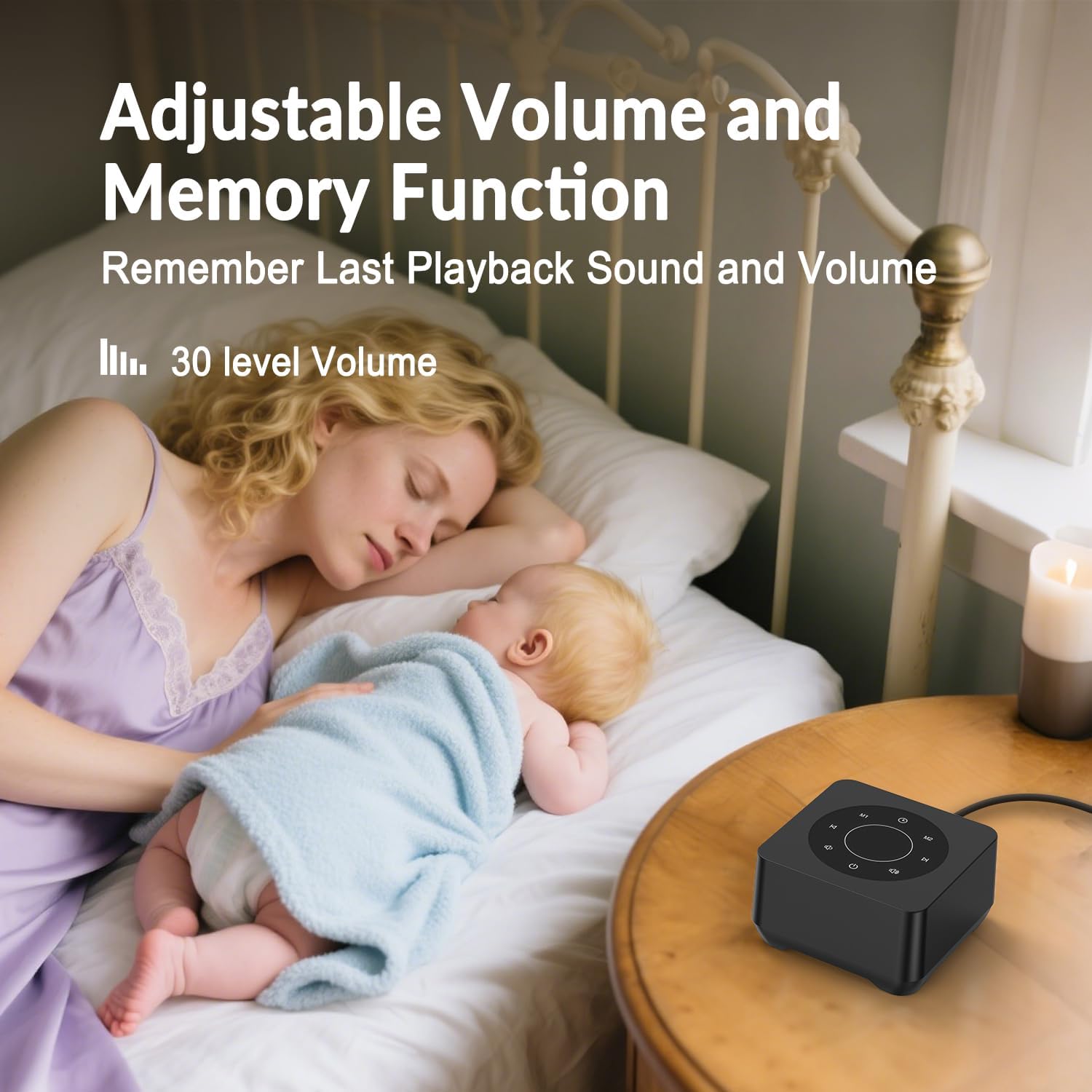
Image: A woman and baby sleeping, with the sound machine on a bedside table. Text indicates "Adjustable Volume and Memory Function" and "Remember Last Playback Sound and Volume" with "30 level Volume".
Itoju
- Ninu: Lo asọ ti o tutu, ti o gbẹ lati nu ita ti ẹrọ naa. Ma ṣe lo awọn olutọpa omi tabi awọn ohun elo abrasive.
- Ibi ipamọ: Nigbati o ko ba wa ni lilo fun awọn akoko ti o gbooro sii, fi ẹrọ naa pamọ si ibi ti o tutu, ti o gbẹ.
- Yago fun Omi: Jeki ẹrọ naa kuro ni omi ati ọriniinitutu giga.
Laasigbotitusita
| Isoro | Owun to le Solusan |
|---|---|
| Ẹrọ ko tan. | Ensure the USB-A to coaxial cable is securely connected to both the device and a functional 5V USB power adapter. Try a different power adapter or USB port. |
| Ko si ohun tabi iwọn kekere. | Check the volume level using the volume up button. Ensure the device is not muted. |
| Didara ohun ko dara. | Ensure the device is placed on a stable surface and not obstructed. Try moving it away from other electronic devices that might cause interference. |
| Iṣẹ aago ko ṣiṣẹ. | Verify that a specific timer duration (15, 30, 60, 90, or 120 minutes) has been selected, not "Off" for continuous play. |
Awọn pato
- Nọmba awoṣe: Dudu-01
- Brand: Kipcush
- Àwọ̀: Dudu
- Ohun elo: Ṣiṣu
- Ìwọ̀n Nkan: 0.27 kilogira (isunmọ 9.59 iwon)
- Awọn iwọn idii: 4.29 x 4.25 x 2.95 inches
- Iṣagbewọle agbara: 5V (USB-A to coaxial cable included, adapter not included)
- Ile-ikawe Ohun: 20 non-looping soothing sounds (5 white noise, 5 fan, 7 nature, 3 lullabies)
- Eto Aago: 15, 30, 60, 90, 120 minutes, or continuous
- Awọn ipele Iwọn: 30
- Awọn ẹya pataki: Auto-Memory Function, 2 Customizable Shortcut Buttons (M1/M2)
Atilẹyin ọja ati Support
The Kipcush White Noise Sound Machine comes with a 1-odun atilẹyin ọja lati ọjọ ti o ra. Atilẹyin ọja yi ni wiwa awọn abawọn iṣelọpọ ati ailagbara labẹ lilo deede.
For warranty claims, technical support, or any questions regarding your device, please contact Kipcush customer service through the retailer where the product was purchased or visit the official Kipcush webojula fun alaye olubasọrọ.
Fidio ọja
Video: An official Kipcush product video demonstrating the features and various soothing sounds of the White Noise Sound Machine. This video highlights the 20 high-fidelity sounds, including nature sounds, fan noises, lullabies, and white noises, designed to aid sleep and relaxation.