
Ọrọ Iṣaaju
Thank you for choosing the OLEVS Full Bed Frame. This manual provides essential information for the safe assembly, operation, and maintenance of your new bed frame. Please read all instructions carefully before beginning assembly and retain this manual for future reference.
Alaye Aabo
Always follow assembly instructions to prevent instability. Do not exceed the 1000 pounds weight limit. Be cautious of USB charging cables to prevent entanglement. Exercise care when handling LED lights to avoid burns during maintenance.
Package Awọn akoonu
Before assembly, ensure all parts are present and undamaged. Refer to the included parts list in your packaging. Key components include:
- Àwọn Ohun Èlò Ìbùsùn Irin
- Agbekọri ti a gbe soke
- Ìlà Ìmọ́lẹ̀ LED pẹ̀lú Ìṣàkóso Latọna jijin
- Integrated USB Charging Station
- Hardware Apejọ (skru, boluti, Allen wrench)
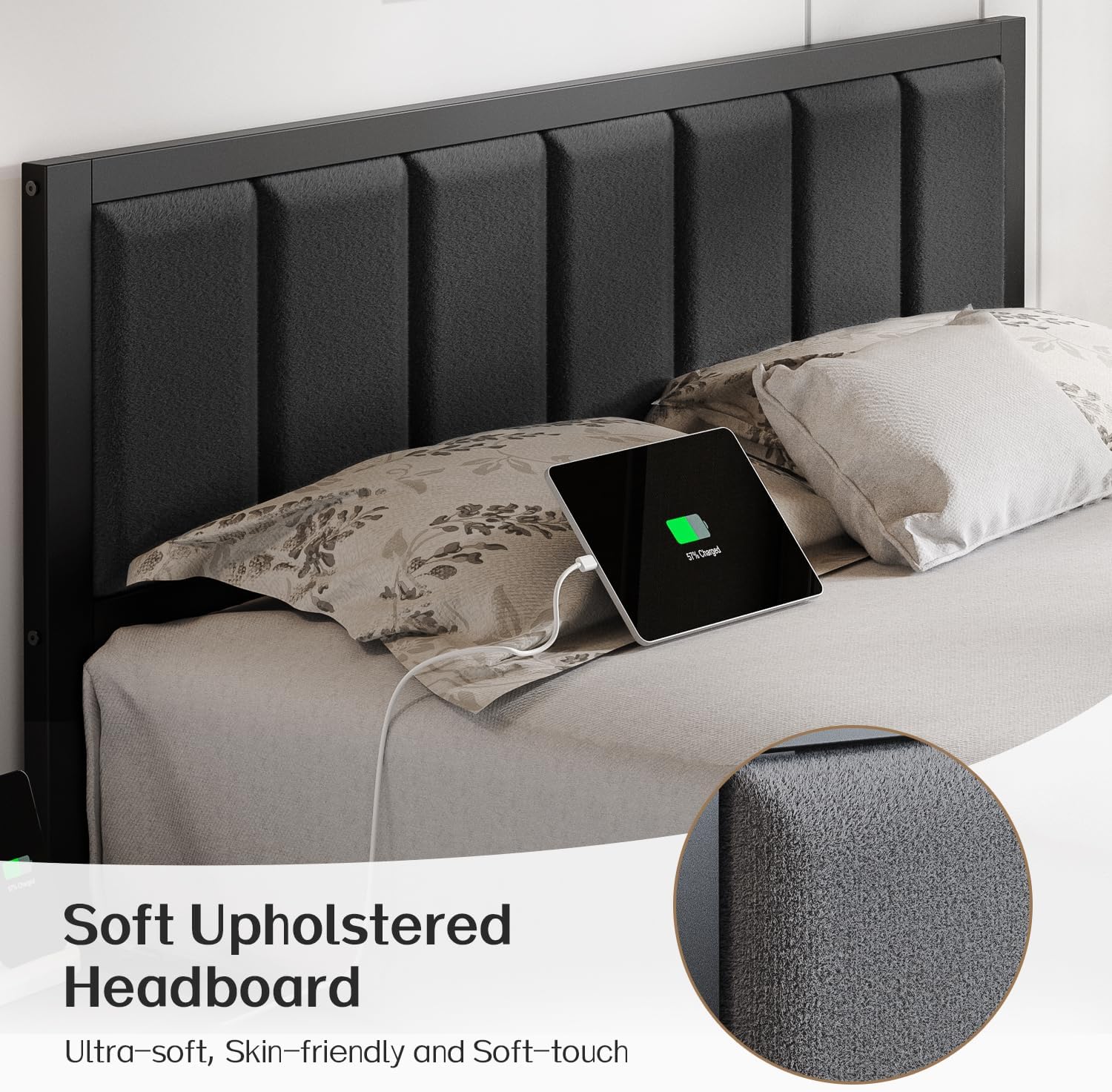
Figure 1: Product Dimensions and Key Features. This image illustrates the overall size of the bed frame, the length of the LED strip, the charging station cable length, and the maximum weight capacity.
Awọn ilana Apejọ
Assembly is designed to be straightforward. It is recommended to have two people for easier and quicker assembly. Please follow the step-by-step instructions provided in your product packaging. Ensure all connections are secure before use.
- Yọọ ati Ṣe idanimọ Awọn apakan: Lay out all components and hardware. Match them against the parts list in your manual.
- Ṣe akojọpọ fireemu naa: Connect the main frame sections using the provided bolts and Allen wrench. Do not fully tighten bolts until all sections are aligned.
- So Akọkọ naa: Secure the upholstered headboard to the main frame.
- Fi sori ẹrọ Slats: Place the metal slats onto the frame. Ensure they are evenly spaced and secured according to the instructions. The noise-reducing sponge on the slats helps prevent squeaking.
- Fi sori ẹrọ Ibusọ Gbigba agbara: Integrate the USB charging station into the designated slot on the headboard or side rail.
- Lo awọn imọlẹ LED: Adhere the LED light strip to the underside of the bed frame.
- Imuduro ipari: Once all components are in place and aligned, securely tighten all bolts.
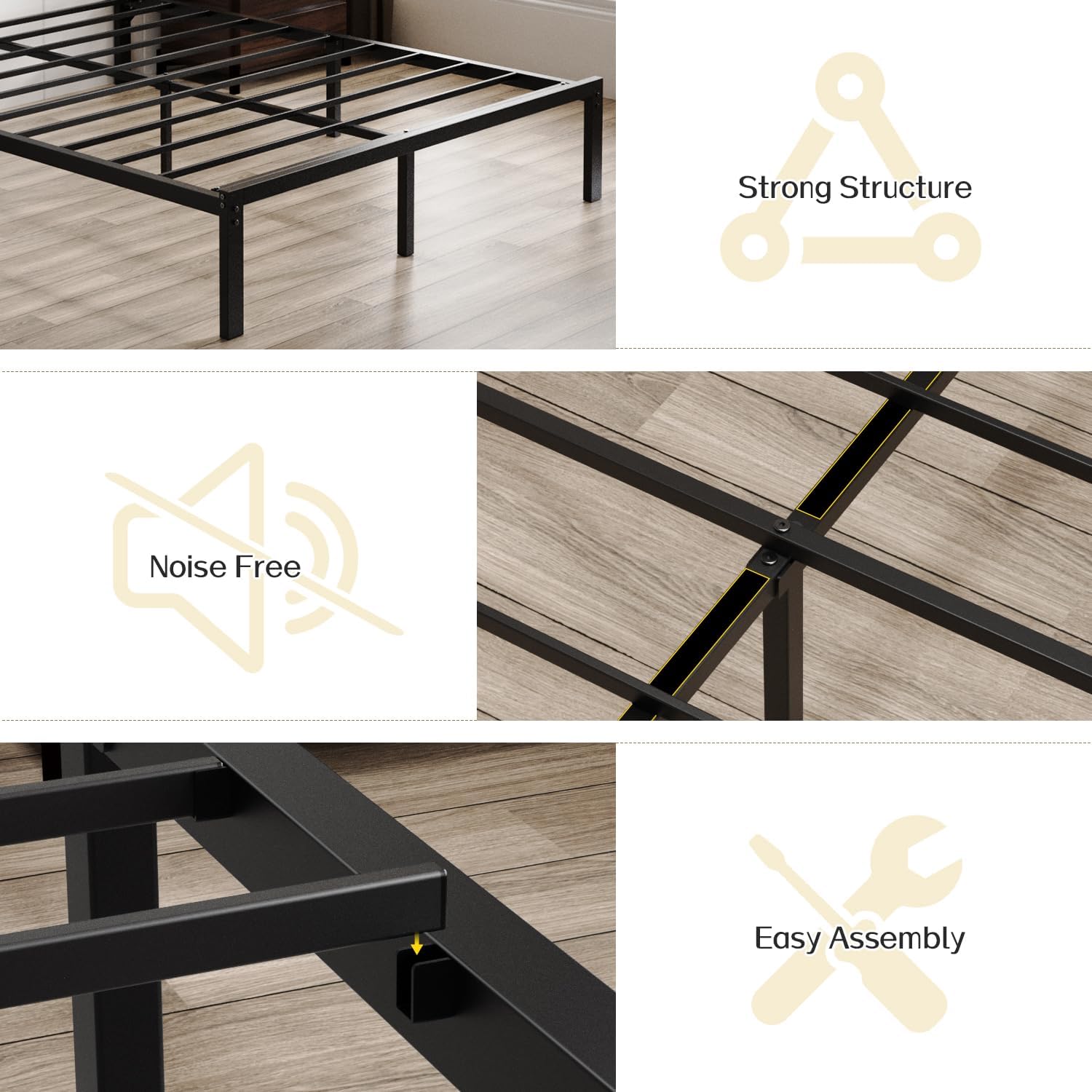
Figure 2: Construction Details. This image highlights the robust metal slat structure, noise-free design elements, and the ease of assembly.
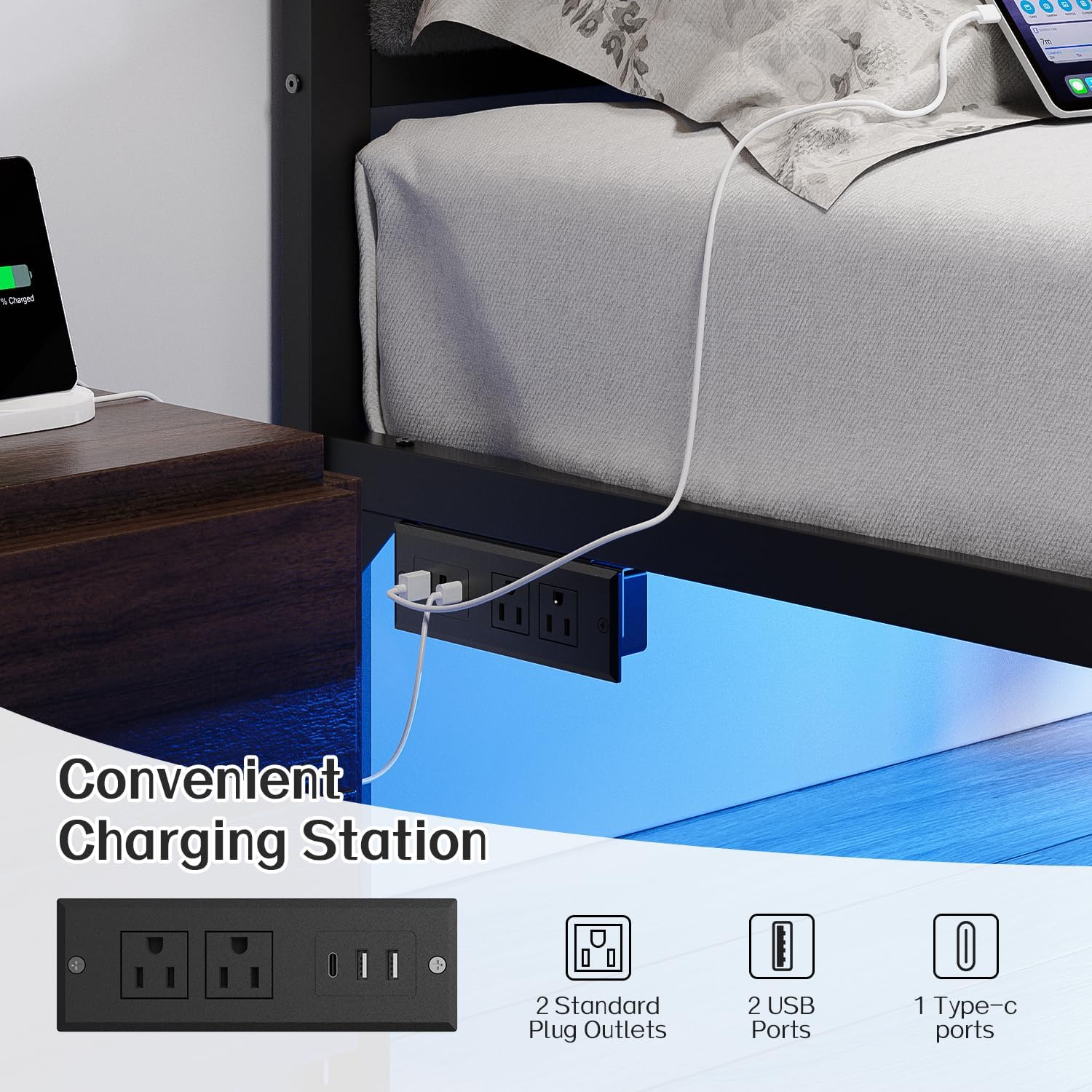
Figure 3: Soft Upholstered Headboard. This image details the plush, skin-friendly fabric of the headboard, designed for comfort.
Awọn ilana Iṣiṣẹ
LED Lights isẹ
The under-bed LED lights can be controlled via the included remote control or a compatible smartphone application. The lights offer adjustable brightness, over 60,000 colors, dynamic modes, music sync, and mic modes.
- Isakoṣo latọna jijin: Point the remote at the LED receiver to change colors, adjust brightness, or select dynamic lighting patterns.
- Ohun elo Foonuiyara: Download the recommended app (refer to your product packaging for details) to connect and control the lights via Bluetooth.
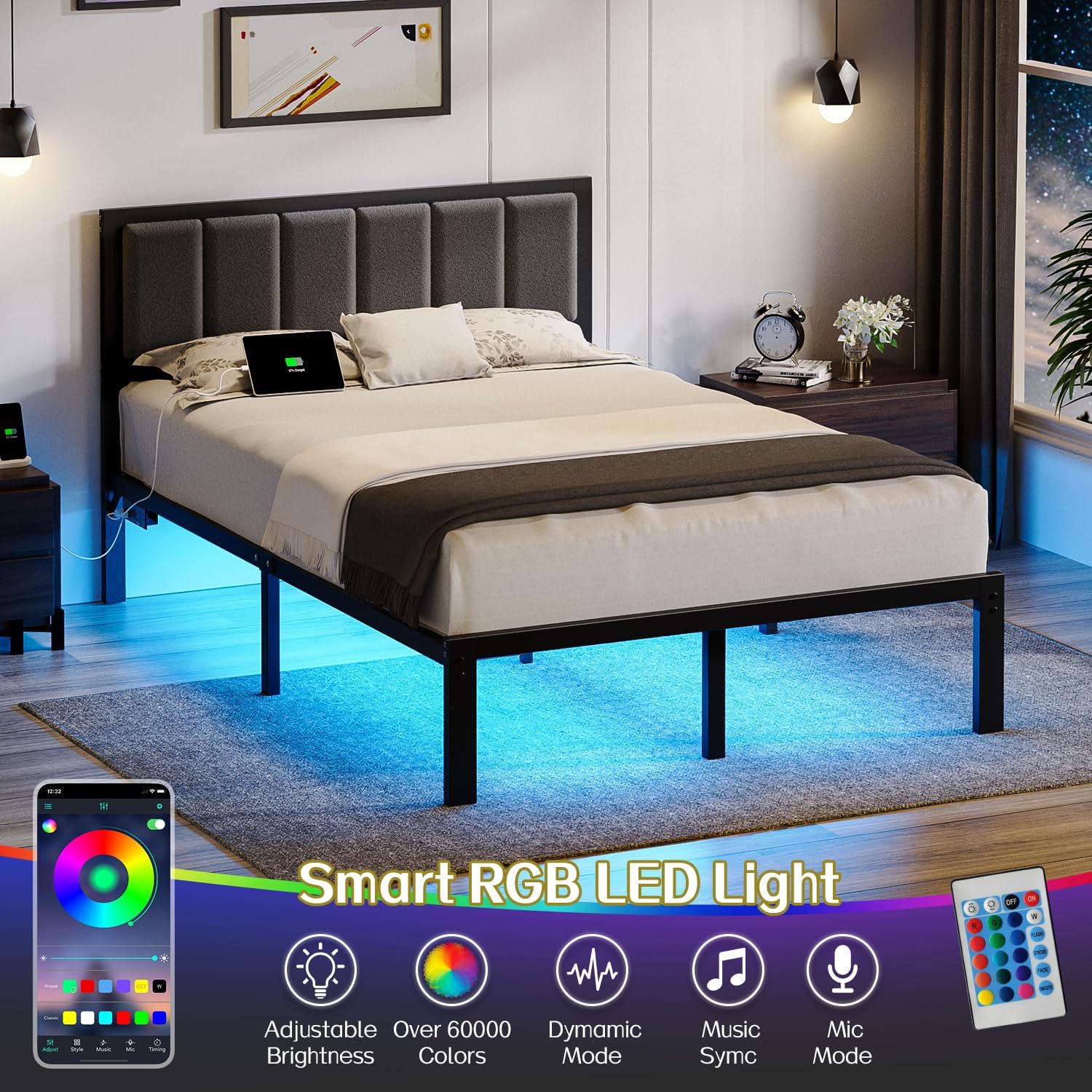
Figure 4: Smart RGB LED Light Features. This image demonstrates the customizable LED lighting options, including app and remote control functionality.
Ibudo gbigba agbara USB
The integrated charging station provides convenient power access for your devices. It includes two standard plug outlets, two USB ports, and one Type-C port.
- Asopọ agbara: Ensure the bed frame's power cord is securely plugged into a wall outlet.
- Ngba agbara ẹrọ: Connect your electronic devices to the available USB, Type-C, or standard outlets for charging.
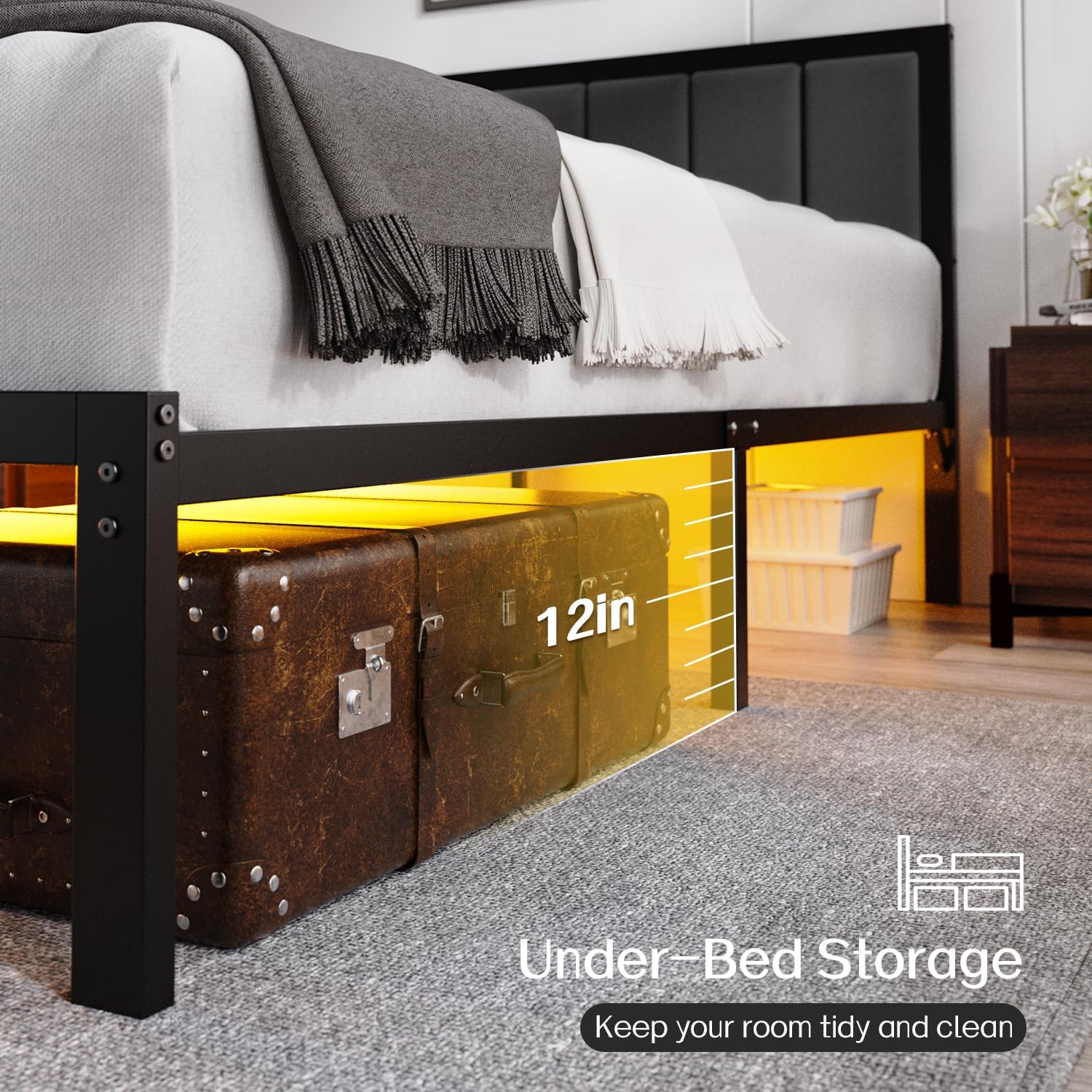
Figure 5: Convenient Charging Station. This image highlights the built-in power outlets and USB ports for easy device charging.
Video 1: OLEVS LED Bed Frame Features. This video demonstrates the functionality of the LED lights and the convenience of the integrated charging station.
Itoju
- Ninu: Pa fireemu irin naa nu pẹlu ipolowoamp cloth. For the upholstered headboard, use a soft brush or vacuum cleaner to remove dust. Spot clean with a mild fabric cleaner if necessary.
- Mu awọn isopọ pọ: Periodically check and tighten all bolts and screws to ensure the frame remains stable and noise-free.
- Awọn imọlẹ LED: Ensure the LED strip and receiver are free from dust and obstructions. If lights malfunction, check the power connection and remote control battery.
- Ibudo gbigba agbara: Keep the charging ports clean and free of debris. Avoid spilling liquids on the charging station.
Laasigbotitusita
- Bed Frame is Noisy: Check all bolts and screws for tightness. Ensure the metal slats are properly seated and the noise-reducing sponge is intact.
- Awọn imọlẹ LED ko ṣiṣẹ: Verify the power connection to the LED strip. Check the remote control battery and ensure it is pointed correctly at the receiver. If using the app, ensure Bluetooth is enabled and the device is paired.
- Ibùdó Gbigba agbara ko ṣiṣẹ: Confirm the bed frame's main power cord is securely plugged into a functional wall outlet. Test with different devices and cables to rule out device-specific issues.
- Matiresi Sisun: The bed frame features an embedded design to help keep the mattress in place. Ensure the mattress is correctly positioned within the frame.
Awọn pato
| Brand | OLEVS |
| Nọmba awoṣe | BF-F-006 |
| Iwọn | Ni kikun |
| Ọja Mefa | 75"L x 54"W x 38"H |
| Ohun elo | Irin, Aṣọ |
| Àwọ̀ | Dudu |
| Pataki Awọn ẹya ara ẹrọ | Lighted, No Box Spring Needed, USB Port |
| Awọn irinše to wa | Akọri |
| Apejọ ti a beere | Bẹẹni |
| Ilẹ To Nkan Ijinna | 12 inches |
| Iwọn Nkan | 37 iwon |
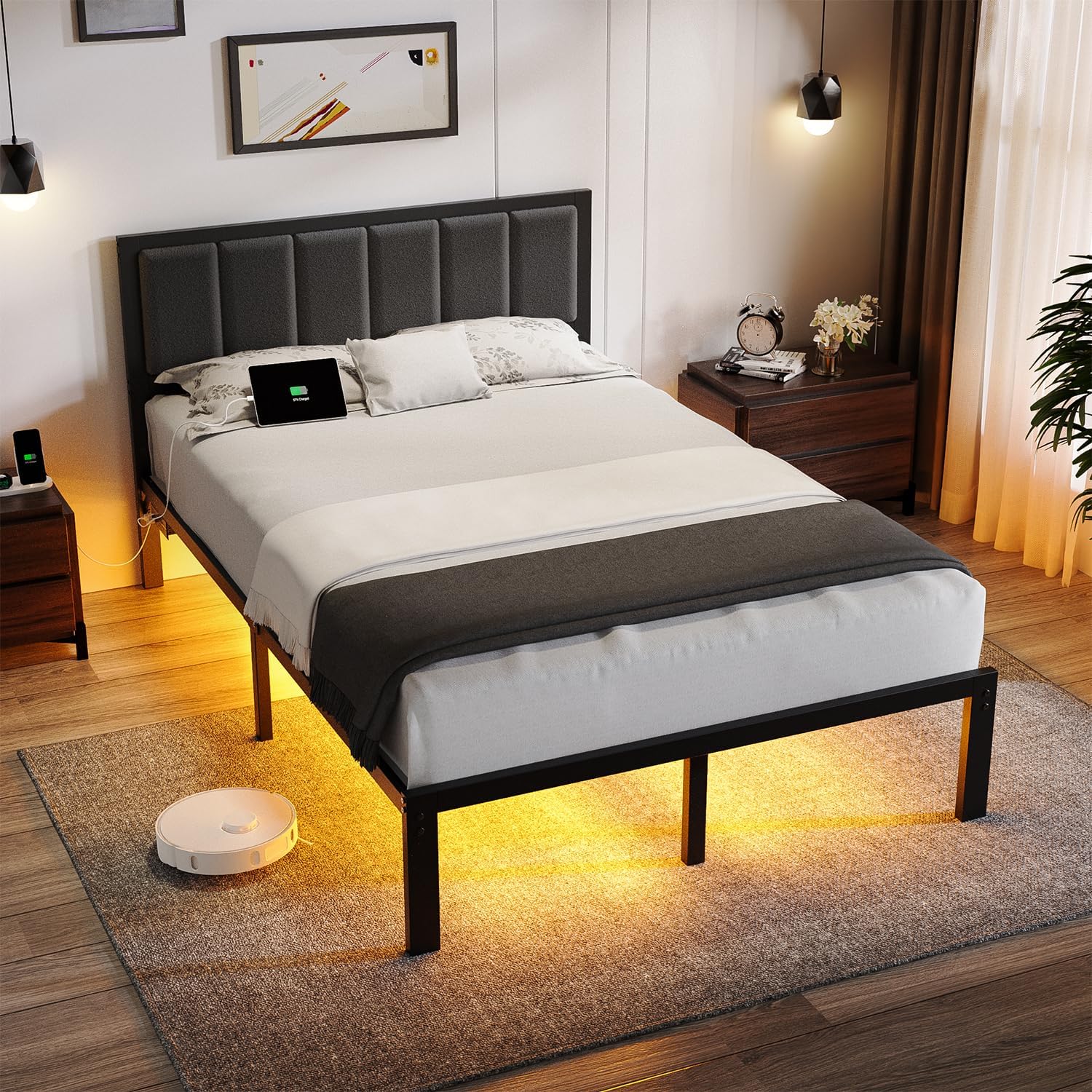
Figure 6: Under-Bed Storage. This image illustrates the 12-inch clearance under the bed, providing ample aaye fun ibi ipamọ.
Atilẹyin ọja ati Support
For warranty information or technical support, please refer to the documentation included with your purchase or contact OLEVS customer service through the retailer where the product was purchased. Please have your model number (BF-F-006) and purchase date available when contacting support.