
Ọrọ Iṣaaju
Thank you for choosing the boAt Bassheads 95 Wired Earphones. This manual provides essential information for the proper setup, operation, maintenance, and troubleshooting of your earphones. Please read it carefully to ensure optimal performance and longevity of your device.
The Bassheads 95 earphones are designed for an immersive audio experience, featuring 10mm dynamic drivers for rich sound, an in-line microphone for clear communication, and integrated controls for easy management of audio and calls. Their lightweight design and snug fit ensure comfort during extended use.
Package Awọn akoonu
- 1 x boAt Bassheads 95 Wired Earphones
- 1 x Kaadi atilẹyin ọja
Ṣeto
Nsopọ si Ẹrọ rẹ
The boAt Bassheads 95 earphones connect via a standard 3.5mm audio jack.
- Locate the 3.5mm audio port on your smartphone, tablet, laptop, desktop, or car audio system.
- Insert the 3.5mm jack of the earphones firmly into the audio port until it clicks into place.
- Rii daju pe asopọ wa ni aabo fun gbigbe ohun to dara julọ.
Wọ awọn Earphones
For the best sound quality and comfort, ensure the earphones are worn correctly.
- Identify the left (L) and right (R) earpieces.
- Gently insert each earpiece into the corresponding ear canal.
- Adjust the earpieces until they feel snug and comfortable. A proper fit helps in passive noise isolation and enhances bass response.
Nọmba 1: Proper placement of the earphone in the ear for a snug fit. This ensures comfort and optimal sound delivery.
Awọn ilana Iṣiṣẹ
Iṣakojọpọ Awọn iṣakoso
The Bassheads 95 features an in-line remote with a multi-function button for easy control of your audio and calls.
- Mu ohun ṣiṣẹ/Danuduro: Tẹ bọtini iṣẹ-ọpọlọpọ lẹẹkan.
- Orin t’okan: Tẹ bọtini iṣẹ-ọpọlọpọ lẹmeji ni kiakia.
- Tẹlẹ Orin: Tẹ bọtini iṣẹ-ọpọlọpọ ni igba mẹta ni kiakia.
- Idahun/Ipe Ipari: Press the multi-function button once during an incoming or active call.
- Kọ Ipe: Tẹ mọlẹ bọtini iṣẹ-ọpọlọpọ fun isunmọ awọn aaya 2 nigba ipe ti nwọle.
Using the In-Line Microphone
The built-in microphone allows for hands-free communication.
- Ensure the microphone is positioned close to your mouth for clear voice pickup during calls or voice commands.
- Avoid covering the microphone with clothing or hands.

Nọmba 2: Location of the in-line microphone for hands-free calls and voice commands.
Muu ṣiṣẹ Iranlọwọ ohun
Activate your device's voice assistant (e.g., Google Assistant, Siri) directly from your earphones.
- Press and hold the multi-function button for approximately 2 seconds to activate the voice assistant on your connected device.
- Speak your command clearly after the activation prompt.
Nọmba 3: Voice Assistant compatibility for convenient control.
Itoju
Proper care and maintenance will extend the life of your boAt Bassheads 95 earphones.
- Ninu: Gently wipe the earpieces and cable with a soft, dry, lint-free cloth. Do not use harsh chemicals or abrasive materials.
- Ibi ipamọ: When not in use, store your earphones in a clean, dry place, away from extreme temperatures and direct sunlight. Avoid tangling the cable.
- Itọju USB: Do not pull the cable forcefully when disconnecting from a device. Always grasp the 3.5mm jack. Avoid sharp bends or knots in the cable to prevent internal damage.
- Ọrinrin: Keep the earphones away from water and excessive moisture. They are not waterproof.
Laasigbotitusita
If you encounter issues with your earphones, refer to the following common problems and solutions.
| Isoro | Owun to le Fa | Ojutu |
|---|---|---|
| Ko si ohun tabi iwọn didun kekere |
|
|
| Gbohungbohun ko ṣiṣẹ |
|
|
| Poor sound quality (static, distortion) |
|
|
Awọn pato
Key technical specifications for the boAt Bassheads 95 Wired Earphones:
- Orukọ awoṣe: Bassheads 95
- Iwọn Awakọ: 10mm Yiyi Awakọ
- Asopọmọra: Ti firanṣẹ (Jack3.5mm)
- Gbigbe Eti: Ninu Eti
- Okunfa Fọọmu: Ninu Eti
- Gbohungbohun: Ni tito
- Awọn iṣakoso: Integrated Push Button, Voice Assistant
- Gigun USB: 120cm
- Ìwúwo: 45 giramu
- Awọn ẹrọ ibaramu: Smartphones, Tablets, Desktops, Laptops, Car Audio Systems
- Awọn akoonu apoti: 1 x Wired Earphones, 1 x Warranty Card
- Ilu isenbale: China

Nọmba 4: Illustration of the 10mm dynamic drivers responsible for the audio output.

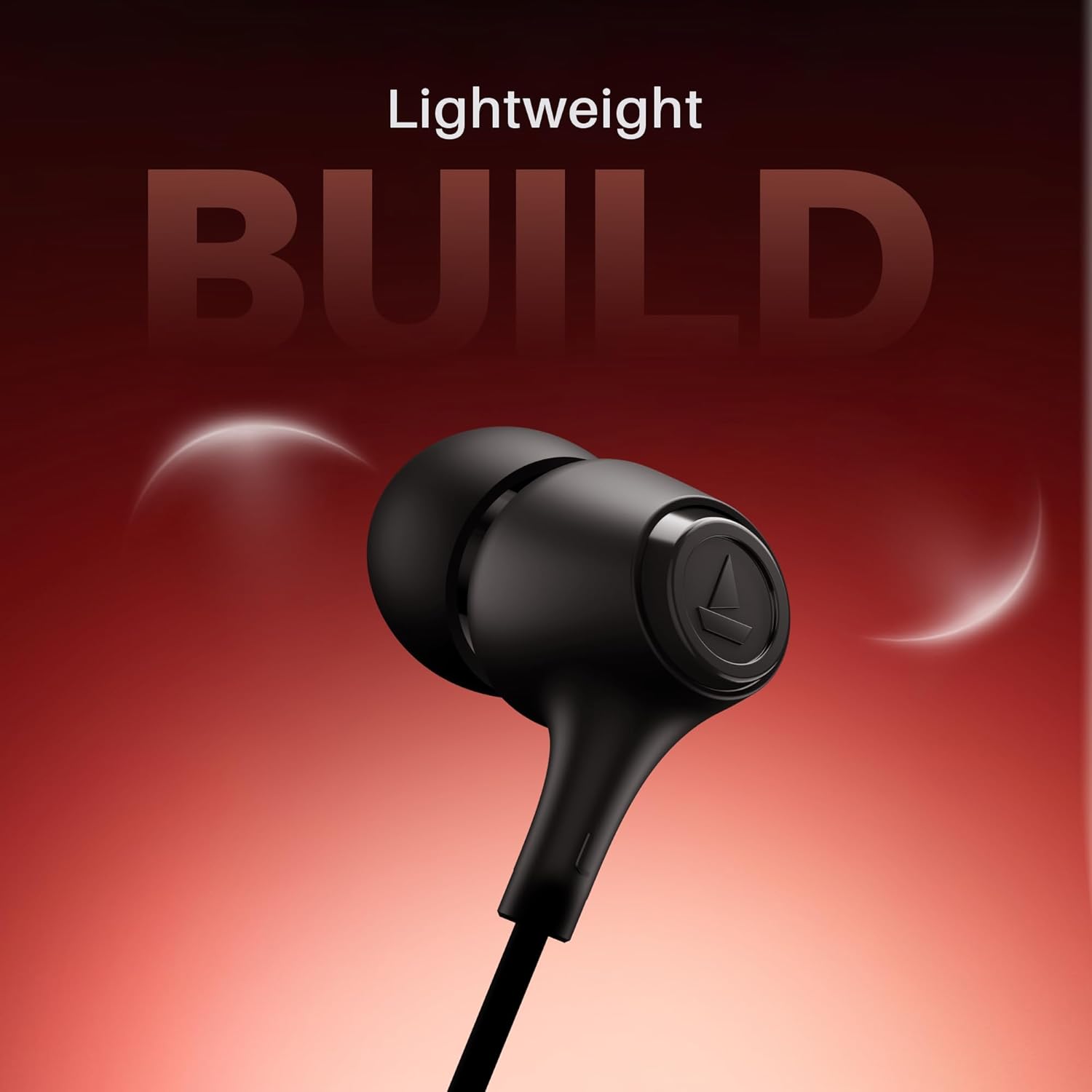
Nọmba 5: The lightweight design of the earphones for comfortable wear.
Atilẹyin ọja ati Support
Alaye atilẹyin ọja
The boAt Bassheads 95 Wired Earphones come with a 1 Odun atilẹyin ọja from the date of purchase. Please retain your purchase receipt for warranty claims. The warranty covers manufacturing defects. It does not cover damage caused by misuse, accidents, unauthorized modifications, or normal wear and tear.
For detailed warranty terms and conditions, please refer to the warranty card included in your package.
Onibara Support
For any queries, technical assistance, or warranty claims, please contact boAt customer support.
- Olupese: Fojuinu Marketing Limited
- Adirẹsi: Unit no. 204 & 205, 2nd floor, D-wing & E-wing, Corporate Avenue, Andheri Ghatkopar Link Road, Mumbai, Maharashtra-400093, India
- Atilẹyin Ayelujara: Visit the official boAt website or their Amazon store for support resources. boAt Amazon Store