
Ọja Pariview
The Xtreme LED Bluetooth Speaker is a portable audio device designed to deliver clear sound and dynamic LED light shows. It features multiple connectivity options and a rechargeable battery for extended use.

Image: The Xtreme LED Bluetooth Speaker shown alongside its retail packaging, highlighting its design and branding.
Awọn ẹya pataki:
- Ohùn Immersive: Delivers rich, full-range sound with clear highs and deep bass.
- Dynamic LED Light Show: Multiple light modes that sync with music, creating a visual atmosphere.
- Ibiti Bluetooth ti a gbooro sii: Connects wirelessly up to 33 feet (10 meters) from your device.
- Asopọmọra Wapọ: Supports Bluetooth, Aux-in, USB, and Micro-SD card playback.
- Apẹrẹ to gbe: Lightweight with a convenient carrying loop and rechargeable USB-C battery.
Ohun ti o wa ninu Apoti
- Xtreme LED Bluetooth Speaker
- USB-C Ngba agbara Cable
- Ilana itọnisọna
Awọn iṣakoso ati awọn ibudo

Aworan: A alaye view of the speaker's front panel, illustrating the control buttons and highlighting features like multi-color LEDs, loud audio, quality sound, and the portable carrying loop.
- Bọtini agbara: Tẹ mọlẹ lati tan agbọrọsọ TAN/PA.
- Iwọn didun Up / Orin atẹle: Tẹ kukuru fun iwọn didun soke, tẹ gun fun orin atẹle.
- Iwọn didun isalẹ / Orin ti tẹlẹ: Tẹ kukuru fun iwọn didun isalẹ, gun tẹ fun orin iṣaaju.
- Play/Pause / Bluetooth Pairing: Short press to play/pause, long press to enter Bluetooth pairing mode.
- Bọtini Ipo Imọlẹ: Press to cycle through different LED light show modes.
- Bọtini Ipo (M): Press to switch between Bluetooth, Aux, USB, and Micro-SD card modes.
- Ibudo gbigba agbara (USB-C): Fun sisopọ okun gbigba agbara.
- Ibudo Aux-in: Fun asopọ ohun afetigbọ.
- Ibudo USB: Fun ohun orin lati inu kọnputa USB kan.
- Iho kaadi Micro-SD: For playing audio from a Micro-SD card.
Ṣeto
1. Gbigba agbara Agbọrọsọ
Before first use, fully charge the speaker. Connect the provided USB-C charging cable to the speaker's charging port and the other end to a USB power adapter (not included) or a computer's USB port. The LED indicator will show charging status and turn off when fully charged.
2. Agbara lori / Paa
Tẹ mọlẹ Bọtini agbara for approximately 3 seconds to turn the speaker ON or OFF. A sound prompt will indicate the power status.
Awọn ilana Iṣiṣẹ
Ipo Bluetooth
- Tan agbohunsoke. Yoo tẹ ipo sisopọ pọ si Bluetooth laifọwọyi, ti a fihan nipasẹ ina LED didan.
- Lori ẹrọ rẹ (foonuiyara, tabulẹti, ati bẹbẹ lọ), mu Bluetooth ṣiṣẹ ki o wa awọn ẹrọ to wa.
- Select "Xtreme Speaker" from the list of devices.
- Once paired, the LED indicator will stop flashing, and a confirmation sound will play.
- O le mu ohun ṣiṣẹ bayi lati ẹrọ rẹ nipasẹ agbọrọsọ.
- To disconnect or pair with a new device, long press the Play/Pause / Bluetooth Pairing Button.
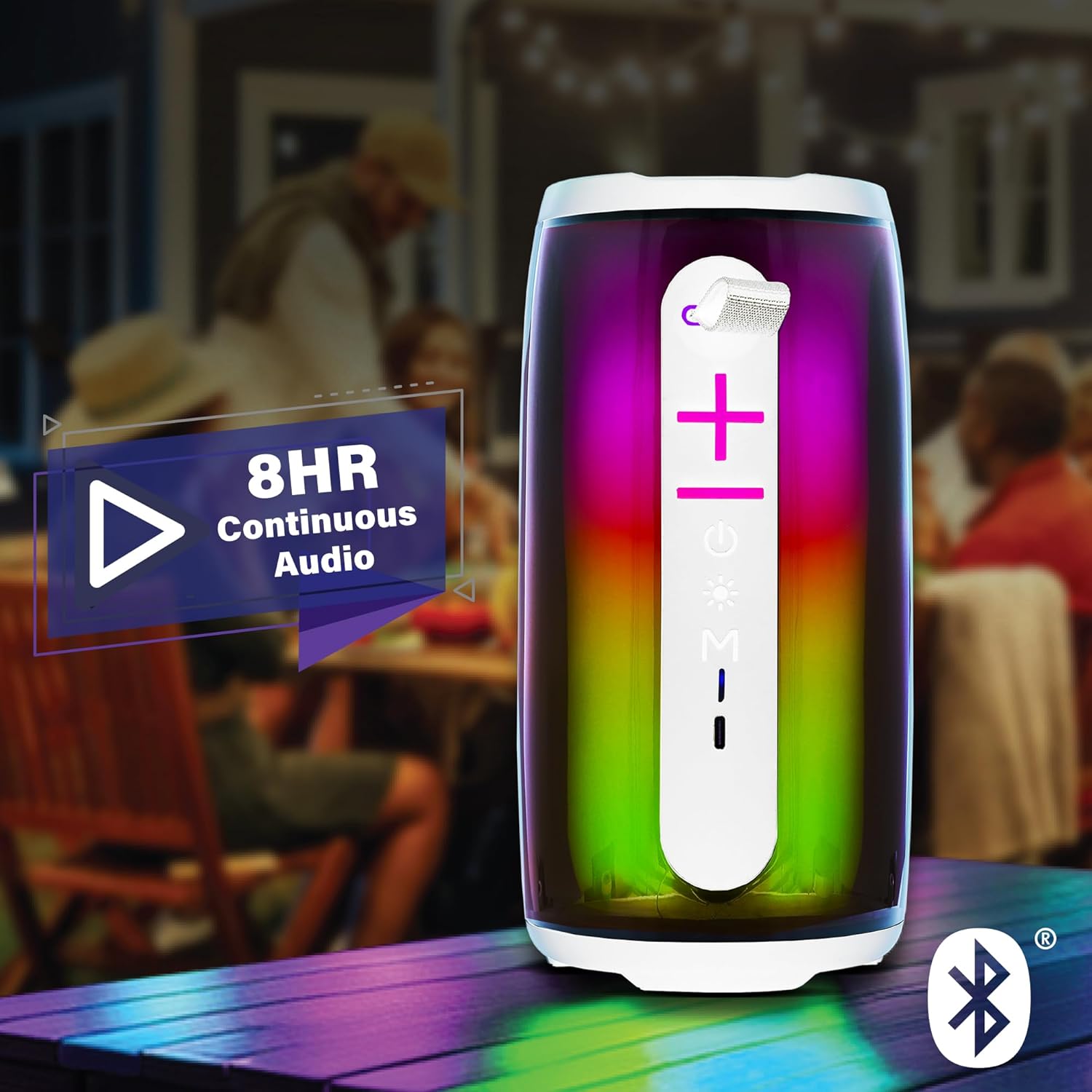
Image: The Xtreme LED Bluetooth Speaker providing music at an outdoor social event, demonstrating its portability and highlighting its 8-hour continuous audio playback capability.
Ipo Aux-in
- Connect one end of a 3.5mm audio cable (not included) to the speaker's Aux-in port.
- So opin miiran pọ si iṣelọpọ ohun ti ẹrọ rẹ.
- Tẹ awọn Bọtini Ipo (M) lati yipada si Aux-in mode.
- Audio yoo ṣiṣẹ bayi nipasẹ asopọ ti firanṣẹ.
USB and Micro-SD Card Playback
- Insert a USB drive into the USB port or a Micro-SD card into the Micro-SD card slot.
- Tẹ awọn Bọtini Ipo (M) to switch to USB or Micro-SD card mode. The speaker will automatically detect and play audio files.
Ṣiṣakoso ṣiṣiṣẹsẹhin ohun
- Ṣiṣẹ/Daduro: Kukuru tẹ awọn Bọtini Muu ṣiṣẹ/Daduro.
- Iwọn didun Up: Kukuru tẹ awọn Iwọn didun Up (+) Bọtini.
- Iwọn didun isalẹ: Kukuru tẹ awọn Iwọn didun isalẹ (-) Bọtini.
- Orin t’okan: Gun tẹ awọn Iwọn didun Up (+) Bọtini.
- Tẹlẹ Orin: Gun tẹ awọn Iwọn didun isalẹ (-) Bọtini.
LED Light Show Modes
Tẹ awọn Bọtini Ipo Imọlẹ to cycle through various LED light show patterns. The lights will pulse and change color, syncing with the music.
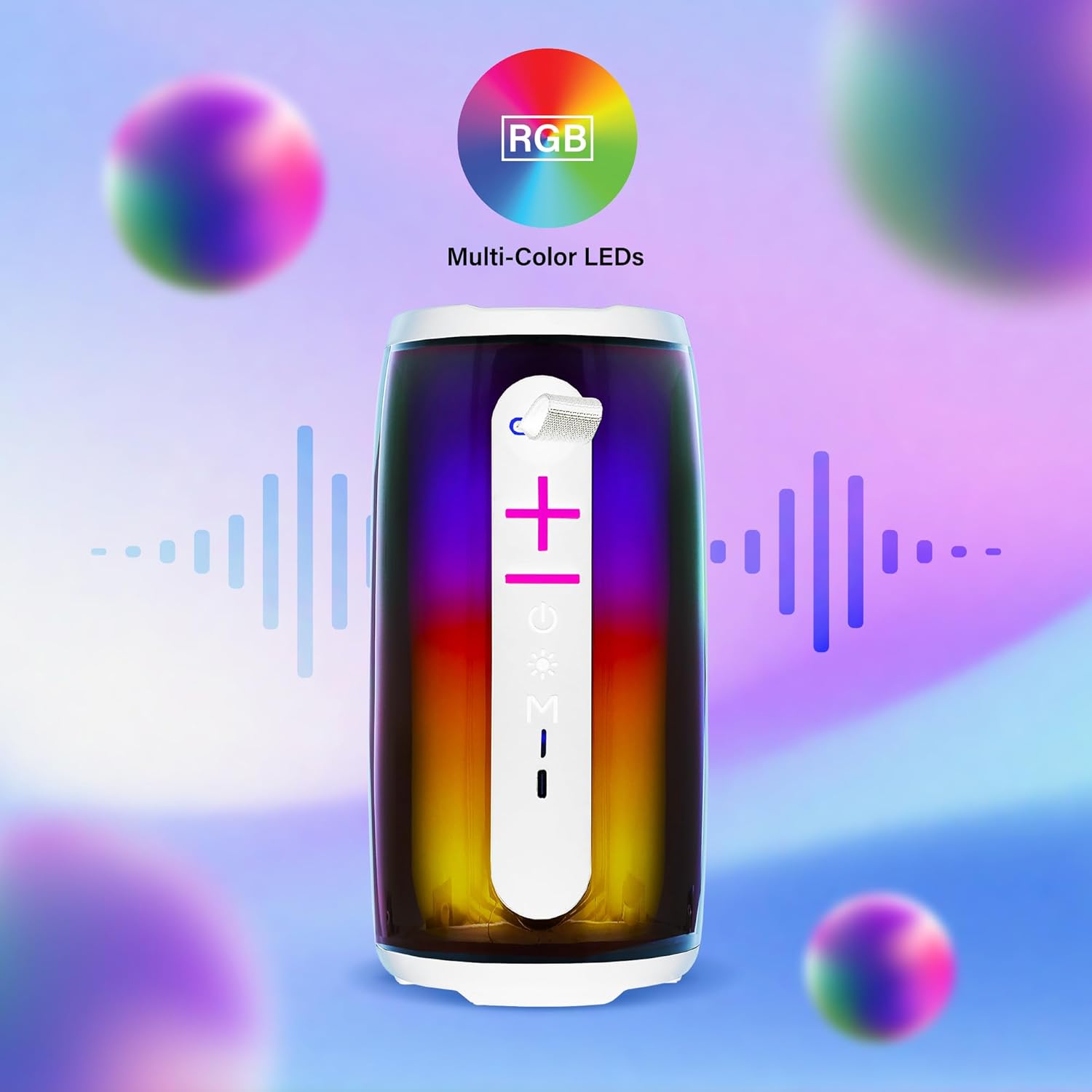
Image: The Xtreme LED Bluetooth Speaker showcasing its vibrant RGB multi-color LED lights, with visual representations of sound waves indicating its audio synchronization feature.
Itoju
- Ninu: Lo asọ ti o rọ, ti o gbẹ lati nu ita ti agbọrọsọ. Ma ṣe lo abrasive ose tabi epo.
- Ibi ipamọ: Tọju agbohunsoke ni itura, aye gbigbẹ kuro lati orun taara ati awọn iwọn otutu to gaju.
- Itọju Batiri: To prolong battery life, charge the speaker regularly, even if not in frequent use. Avoid fully depleting the battery for extended periods.
- Ifihan omi: Yi agbọrọsọ ni ko mabomire. Yago fun ṣiṣafihan si omi tabi ọrinrin ti o pọ ju.
Laasigbotitusita
| Isoro | Ojutu |
|---|---|
| Agbọrọsọ ko ni tan. | Rii daju pe a ti gba agbara si agbọrọsọ. Sopọ mọ orisun agbara nipa lilo okun USB-C. |
| Ko le so pọ nipasẹ Bluetooth. |
|
| Ko si ohun. |
|
| Awọn imọlẹ LED ko ṣiṣẹ. | Press the Light Mode Button to cycle through the light show modes. Ensure the speaker is powered on. |
Awọn pato
- Awoṣe: XBS9-1078
- Brand: Àwọn Ẹ̀rọ Ìgbésí Ayé Oní-Dígítàlá Tó Gbéga Jùlọ
- Asopọmọra: Bluetooth, Aux-in, USB, Micro-SD
- Ibiti Bluetooth: Titi de 33 ẹsẹ (10 mita)
- Agbara Agbejade Agbọrọsọ: 10 Watts (based on product image)
- Batiri: Gbigba agbara USB-C
- Igbesi aye batiri: Up to 8 hours (continuous audio, varies with usage)
- Awọn iwọn: 7" (Gíga) x 3" (Fífẹ̀) x 3" (Jíjìn)
- Ìwúwo: Nǹkan bí 0.9 lbs (14.4 ounces)
- Àwọ̀: Funfun
Atilẹyin ọja ati Support
For warranty information or technical support, please refer to the contact details provided on the product packaging or visit the official XTREME DIGITAL LIFESTYLE ACCESSORIES webojula. Tọju iwe-ẹri rira rẹ bi ẹri rira fun awọn iṣeduro atilẹyin ọja.
Olupese: Àwọn Ẹ̀rọ Ìgbésí Ayé Oní-Dígítàlá Tó Gbéga Jùlọ
UPC: 805106238797