
Ọrọ Iṣaaju
This manual provides essential information for the setup, operation, and maintenance of your PowerA Enhanced Wireless Controller, featuring the unique Pikachu vs. Gengar design. This officially licensed controller is designed to enhance your gaming experience on Nintendo Switch, Nintendo Switch Lite, and Nintendo Switch (OLED Model) consoles.
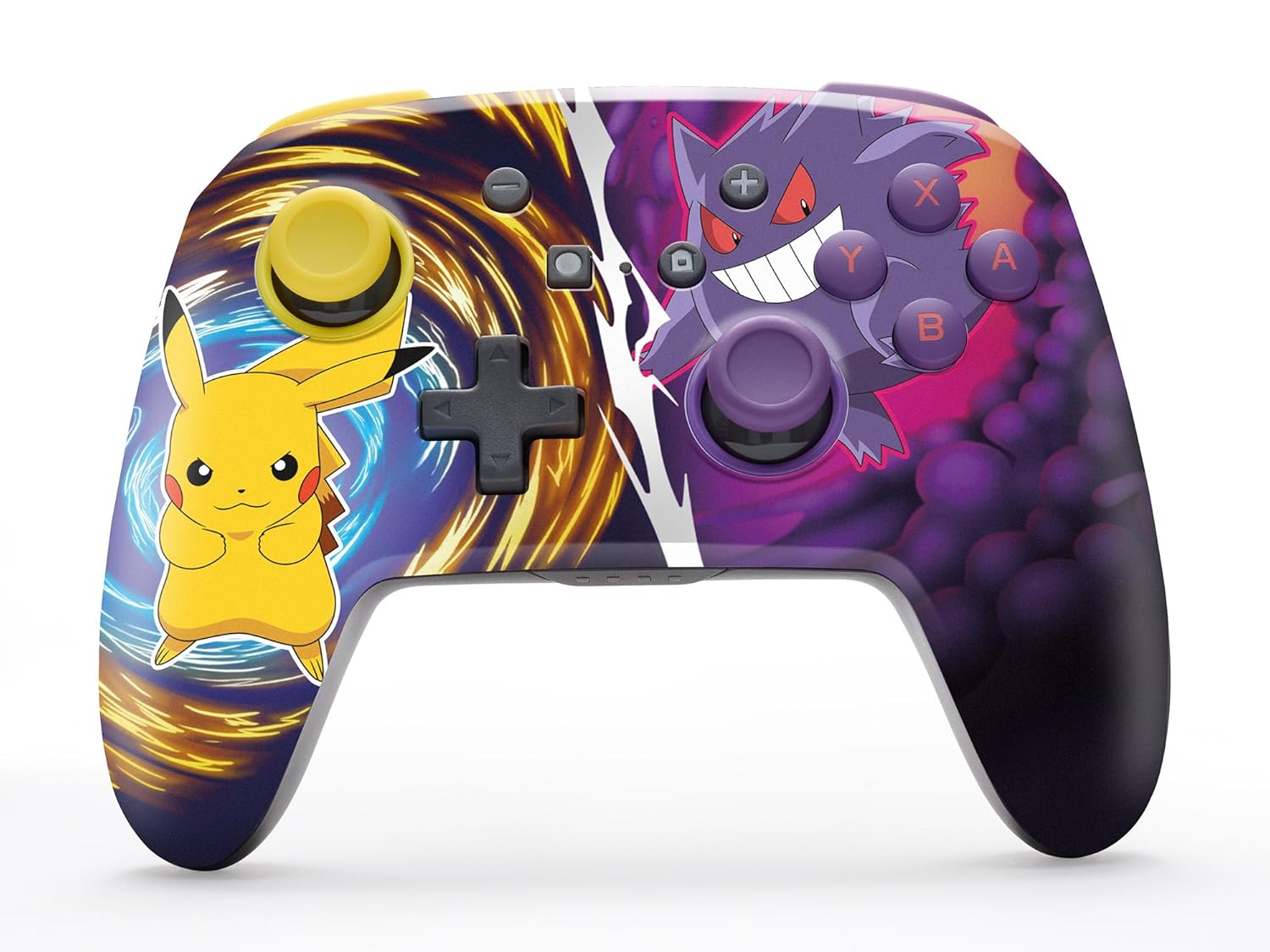
The PowerA Enhanced Wireless Controller with Pikachu vs. Gengar artwork.
Key Awọn ẹya ara ẹrọ
- Asopọ Alailowaya: Utilizes Bluetooth 5.0 technology for a stable connection.
- Batiri gbigba agbara: Integrated lithium-ion battery provides up to 30 hours of gameplay per charge.
- Mappable Advanced Gaming Buttons: Two programmable buttons on the back for custom control.
- Apẹrẹ Ergonomic: Superior ergonomics for extended comfortable gaming sessions.
- Smooth Thumbstick Control: Embedded anti-friction rings ensure precise and fluid movement.
- Awọn idari išipopada: Supports intuitive motion controls for compatible games.

Apẹrẹ ergonomic fun ere itunu.
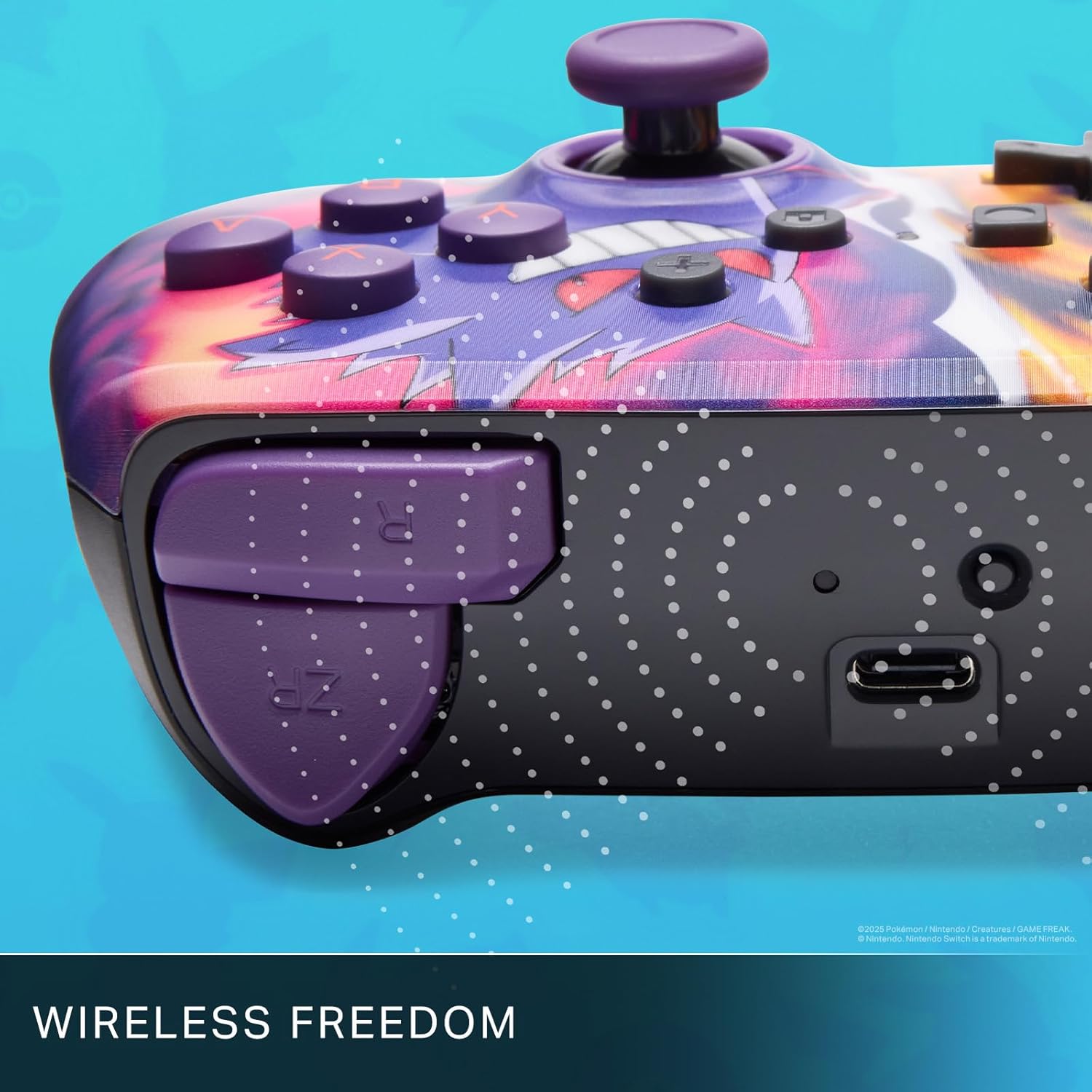
Enjoy wireless freedom with Bluetooth 5.0 technology.
Eto ati Sisopọ
- Rii daju pe console Yipada Nintendo rẹ ti tan ati imudojuiwọn si sọfitiwia eto tuntun.
- Lati Akojọ aṣyn Ile, yan Awọn oludari, lẹhinna Yi Dimu / Bere fun.
- Tẹ mọlẹ Bọtini SYNC on the top edge of your PowerA Enhanced Wireless Controller for at least one second. The Player LED(s) will flash.
- Once paired, the Player LED(s) corresponding to the controller number will remain lit.
- Tẹ awọn Bọtini kan to confirm and exit the menu. Your controller is now ready for use.
Gbigba agbara Alakoso
The controller features an internal 900mAh lithium-ion rechargeable battery, providing up to 30 hours of gameplay on a single charge. To charge your controller:
- Connect the included 10ft (3m) USB-C charge cable to the USB-C port on the top of the controller.
- Connect the other end of the USB-C cable to a USB power source (e.g., Nintendo Switch dock, USB wall adapter, or computer USB port).
- The LED indicator on the controller will show charging status. It will typically turn off or change color when fully charged.

Connect the USB-C cable to charge your controller.
Advanced Gaming Buttons
Your PowerA Enhanced Wireless Controller includes two mappable Advanced Gaming Buttons (AGBs) on the back, allowing you to assign specific button functions for quick access during gameplay.
Programming AGBs:
- Tẹ awọn Bọtini Eto on the back of the controller. The Program LED will flash, indicating programming mode.
- Press the button you wish to map (A/B/X/Y/L/R/ZL/ZR/Left Stick Click/Right Stick Click/D-Pad). The Program LED will flash rapidly.
- Press the Advanced Gaming Button (AGB L or AGB R) you want to assign the function to. The Program LED will stop flashing, indicating the AGB is now programmed.
Resetting AGBs:
To reset all Advanced Gaming Buttons to their default (no function) state, press and hold the Bọtini Eto for five seconds. The Program LED will flash slowly, then turn off, confirming the reset.
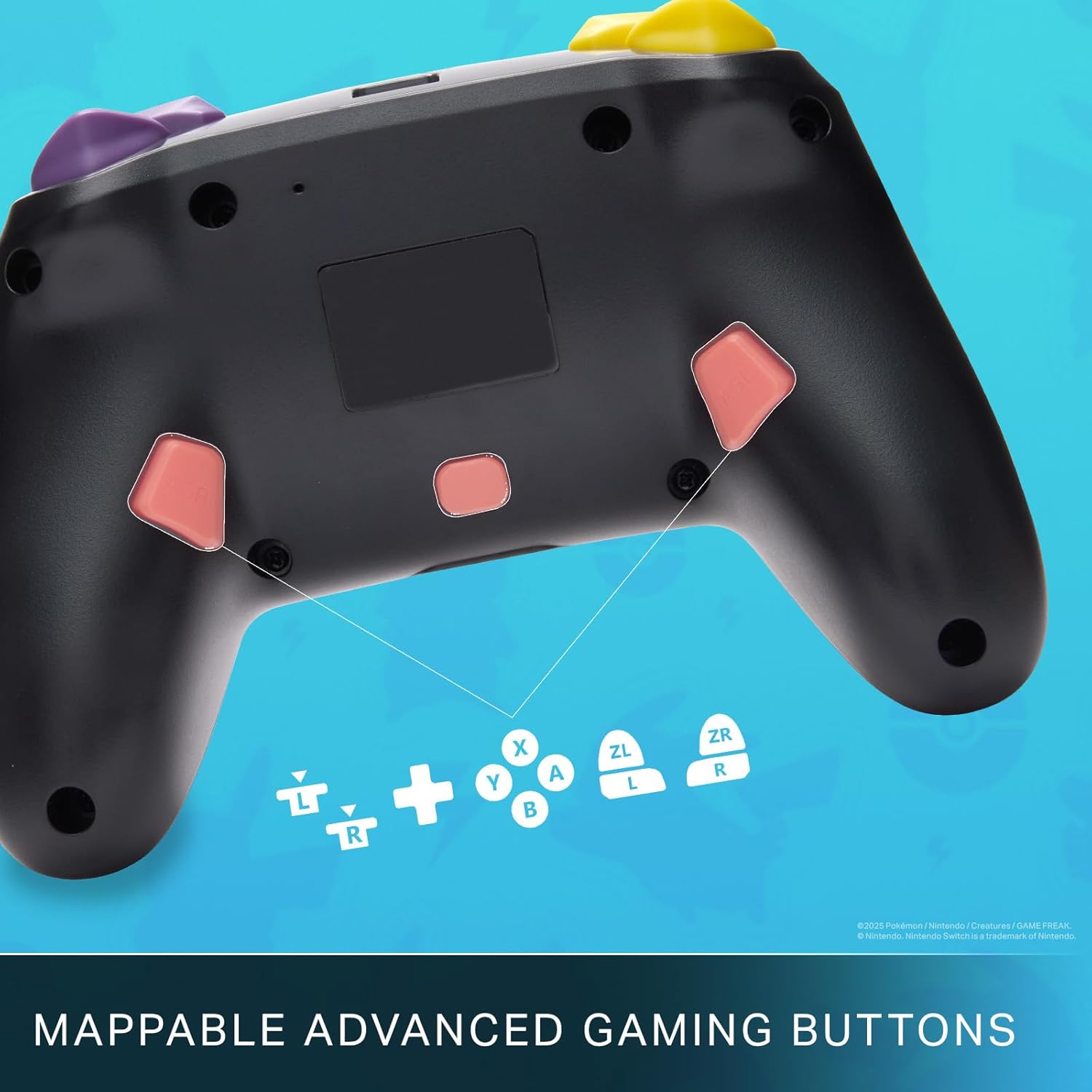
Mappable Advanced Gaming Buttons for personalized control.
Ibamu
This PowerA Enhanced Wireless Controller is compatible with the following Nintendo consoles:
- Nintendo Yipada
- Nintendo Yipada Lite
- Nintendo Switch (OLED Model)
- Nintendo Switch 2 (Note: C button not available)

The controller is compatible with Nintendo Switch 2, though the C button functionality is not available.
Awọn pato
| Ẹya ara ẹrọ | Ẹ̀kúnrẹ́rẹ́ |
|---|---|
| Awọn ẹrọ ibaramu | Nintendo Yipada |
| Adarí Iru | Gamepad |
| Asopọmọra Technology | Bluetooth, USB |
| Afikun Awọn ẹya ara ẹrọ | Ergonomic, Wireless |
| Bọtini opoiye | 12 |
| Hardware Platform | Console ere |
| Orisun agbara | Agbara Batiri (Litiumu-ion gbigba agbara) |
| Àwọn Àwòrán Eré Fídíò Tó Báramu | Nintendo Yipada, Nintendo Yipada Lite |
| Iwọn Nkan | 0.68 iwon |
| Awọn iwọn Nkan | 6.02 x 4.41 x 2.48 inches |
| Àwọ̀ | Pikachu vs Gengar |
| Orukọ awoṣe | Pikachu vs. Gengar |
| Nọmba awoṣe | NSGP0420-01R |
Itoju ati Itọju
- Keep the controller dry. Avoid exposure to moisture or extreme temperatures.
- Fi aṣọ rírọrùn tó gbẹ nu ohun èlò ìdarí náà. Má ṣe lo àwọn kẹ́míkà líle tàbí àwọn ohun èlò tó ń pa ara.
- Tọ́jú olùdarí náà sí ibi ààbò nígbà tí o kò bá lò ó láti dènà ìbàjẹ́.
Laasigbotitusita
Alakoso Ko Sopọ:
- Rii daju pe oludari ti gba agbara ni kikun.
- Verify the controller is within the Bluetooth range of your Nintendo Switch console.
- Attempt to re-pair the controller following the "Setup and Pairing" instructions.
Àwọn bọ́tìnì/Joysticks tí kò dáhùn:
- Ṣàyẹ̀wò fún àwọn ìdènà tàbí ìdọ̀tí tí ó wà ní àyíká àwọn bọ́tìnì tàbí àwọn joysticks.
- Perform a hard reset by holding the SYNC button for 10 seconds, then attempt to re-pair.
- Ensure the controller's firmware is up to date (check PowerA's official webaaye fun awọn imudojuiwọn).
Atilẹyin ọja ati Support
This PowerA Enhanced Wireless Controller comes with a Atilẹyin ọja to lopin ọdun meji. For detailed warranty information, product support, and troubleshooting assistance, please visit the official PowerA support webojula: