
DOOGEE Tab E3Pro
DOOGEE Tab E3 Pro 13-inch Android Tablet User Manual
Model: Tab E3Pro
1. Ifihan
Ọja Pariview
The DOOGEE Tab E3 Pro is a high-performance 13-inch Android tablet designed for both productivity and entertainment. It features a vibrant FHD+ display with a 90Hz refresh rate, powered by an Helio G100 Octa-Core processor. With a massive 11000mAh battery, 32GB RAM, 256GB internal storage (expandable up to 2TB), and the latest Android 15 system with integrated Gemini AI, this tablet offers a seamless and intelligent user experience. It also includes dual cameras (13MP rear, 8MP front), dual SIM card support for LTE connectivity, dual-band Wi-Fi, and a premium quad-speaker system.
Package Awọn akoonu
Jọwọ ṣayẹwo apoti fun awọn nkan wọnyi:
- 1* DOOGEE Tab E3 Pro Tablet
- 1* Iru-C okun USB
- 1* Ṣaja
- 1* SIM Card Remover
- 1 * Apoti Iṣakojọpọ
- 1 * Itọsọna olumulo

Figure 1.1: Contents of the DOOGEE Tab E3 Pro retail package.
2. Bibẹrẹ
Ifilelẹ ẹrọ

olusin 2.1: Iwaju view of the DOOGEE Tab E3 Pro, highlighting the 13-inch display.
olusin 2.2: Ẹgbẹ profile of the ultra-thin 7.9mm metal body of the tablet.
The DOOGEE Tab E3 Pro features a sleek design with strategically placed buttons and ports for ease of use. On the side, you will find the power button and volume rockers. The USB Type-C port is located at the bottom for charging and data transfer, alongside the 3.5mm headphone jack and speaker grilles.
Gbigba agbara si tabulẹti
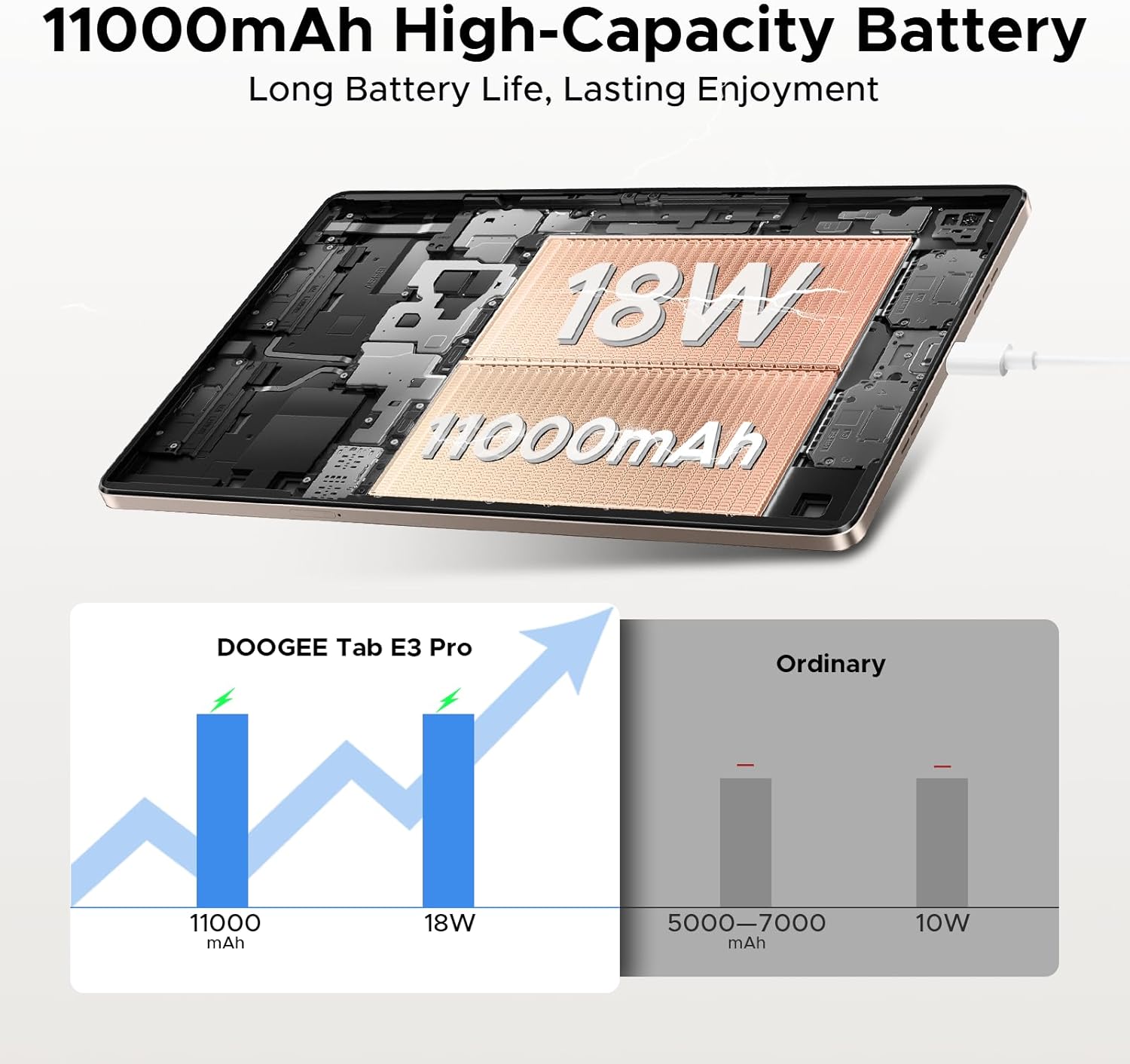
Before first use, fully charge your tablet. Connect the provided Type-C USB cable to the tablet's charging port and the other end to the included 18W fast charger. Plug the charger into a power outlet. The tablet features an 11000mAh high-capacity battery for extended usage.
Video 2.1: Demonstrating the 11000mAh large battery and 18W fast charging capability of the DOOGEE Tab E3 Pro.
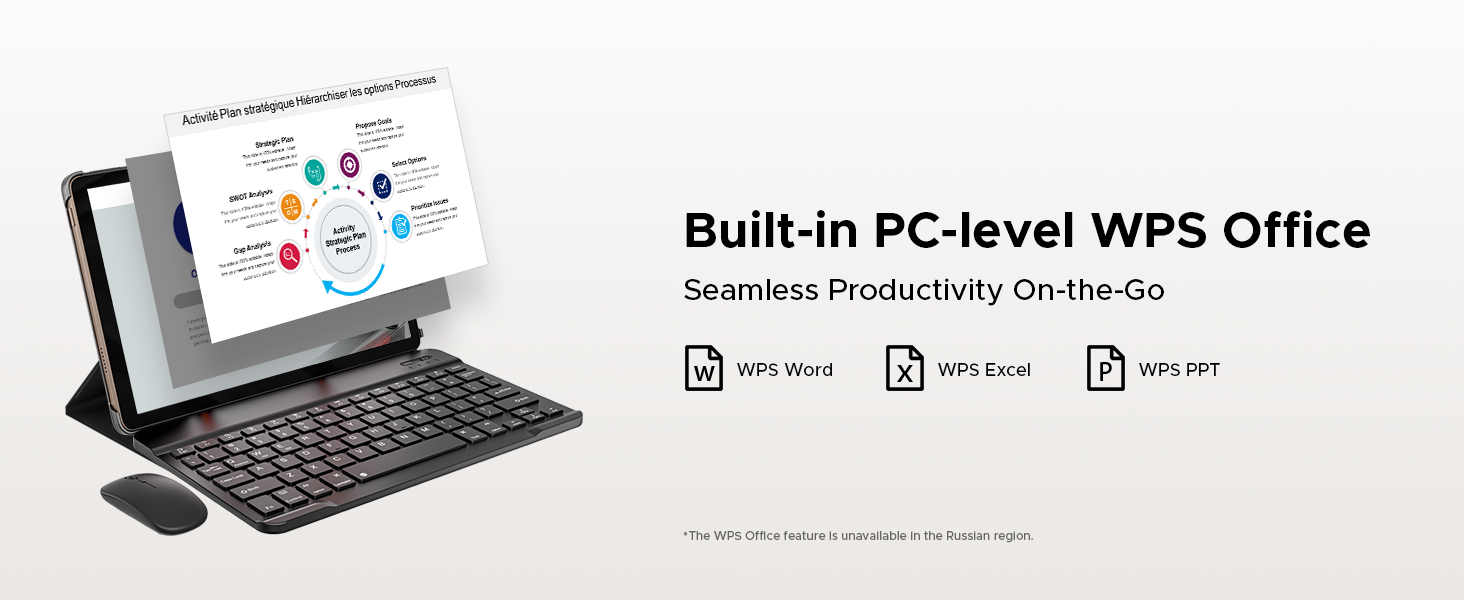
Figure 2.3: Visual representation of the tablet's 11000mAh battery and 18W fast charging, compared to ordinary tablets.
Titan / Paa
- Lati Fi agbara: Press and hold the Power button until the DOOGEE logo appears on the screen.
- Lati Paarẹ: Tẹ mọlẹ bọtini agbara titi ti akojọ aṣayan agbara yoo han, lẹhinna yan "Agbara kuro".
- Lati Tun bẹrẹ: Tẹ bọtini agbara ki o si dimu titi akojọ aṣayan agbara yoo fi han, lẹhinna yan "Tun bẹrẹ".
SIM and TF Card Installation
The DOOGEE Tab E3 Pro supports dual Nano SIM cards or one Nano SIM and one TF (microSD) card for expanded storage. Use the provided SIM ejector tool to open the SIM tray. Carefully place the SIM/TF cards into the tray according to the diagram and reinsert the tray into the tablet.

Figure 2.4: Illustration of the dual card slots supporting two Nano SIMs or one Nano SIM and one TF card.
3. Ṣiṣẹ rẹ tabulẹti
Ifihan ati Visuals
Experience stunning visuals on the 13-inch IPS FHD+ display with a resolution of 1920x1200. The 90Hz refresh rate ensures smooth scrolling and fluid animations, enhancing your viewing and gaming experience. The tablet also features an Eye-Caring Mode to reduce blue light and protect your eyes during prolonged use.
Fidio 3.1: Ipariview of the DOOGEE Tab E3 Pro's 13-inch display and its visual capabilities.

Figure 3.1: Key display features including 1920x1200 resolution, 16:10 aspect ratio, 84.6% screen-to-body ratio, and 16.7 million screen colors.

Figure 3.2: Highlighting the smooth 90Hz screen refresh rate for an upgraded visual experience.
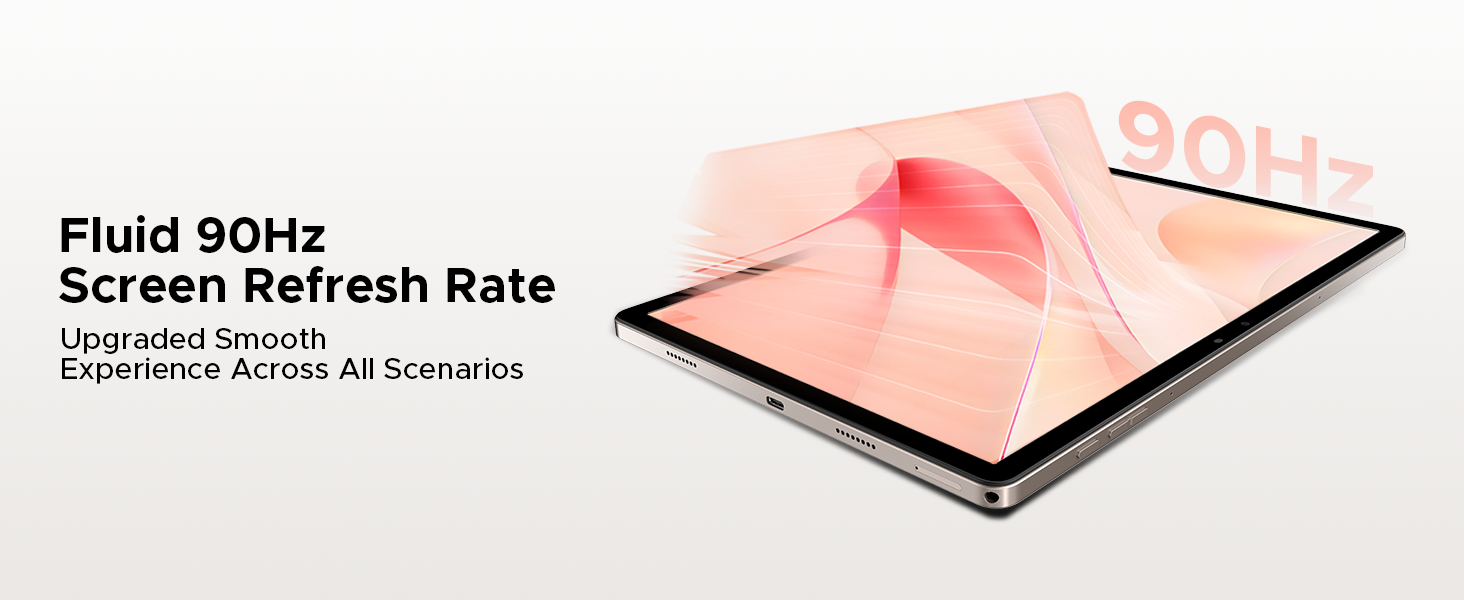
Figure 3.3: The Eye-Caring Mode with low blue light protection for user comfort.
Išẹ ati Ibi ipamọ
The DOOGEE Tab E3 Pro is powered by the Helio G100 Octa-Core processor, ensuring superior data processing and graphics performance for smooth multitasking and gaming. It comes with a massive 32GB RAM (8GB physical + 24GB virtual) and 256GB of internal storage, expandable up to 2TB via microSD card, providing ample space for all your applications, media, and files.
Video 3.2: Highlighting the powerful Helio G100 processor in the DOOGEE Tab E3 Pro.
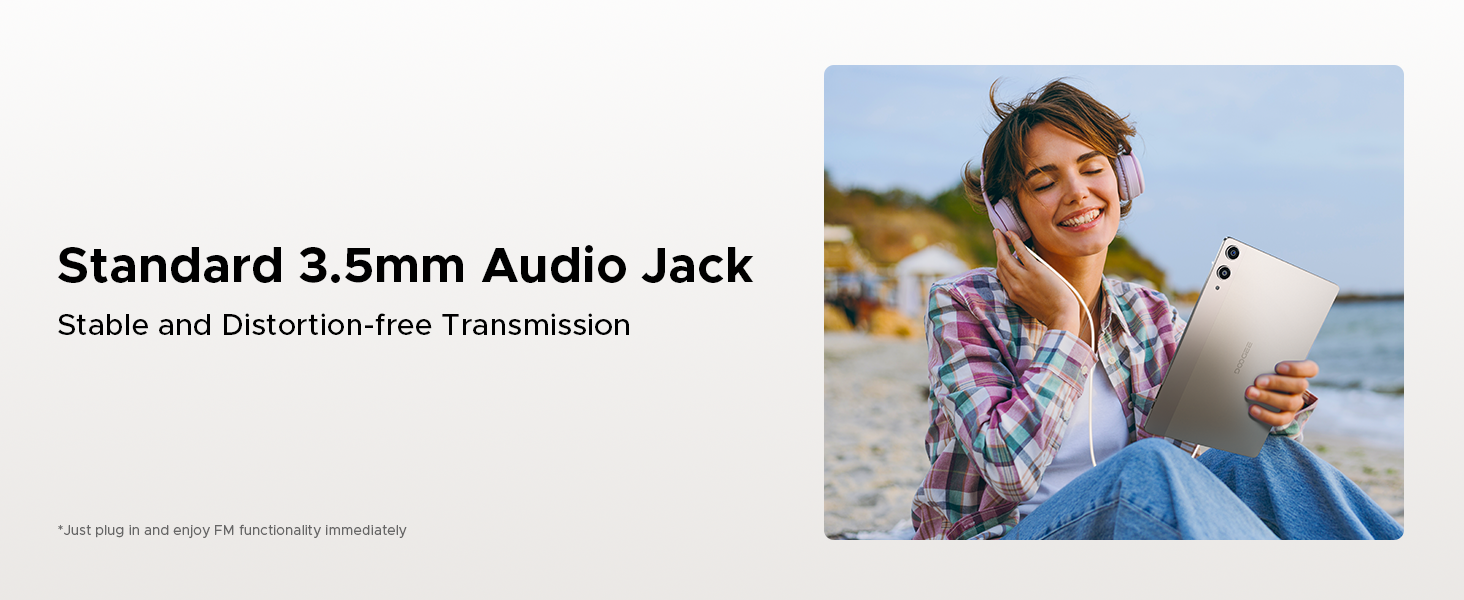
Figure 3.4: Details on the Helio G100 Octa-Core Processor, including its 2.2GHz frequency and 6nm advanced process technology.

Figure 3.5: Explanation of the 32GB RAM configuration (8GB Basic + 24GB Extended) for smooth performance.

Figure 3.6: Information on the 256GB internal storage and its expandability up to 2TB.
Operating System and AI
The tablet runs on the latest Android 15 system, offering enhanced multitasking capabilities, screen splitting, and support for WPS Office. It also integrates the intelligent Gemini AI assistant, which can assist with content creation, information retrieval, image analysis, code development, language learning, and smart assistance.

Figure 3.7: The Android 15 system, emphasizing its intelligent, seamless, and secure features.

Olusin 3.8: Pariview of built-in Gemini AI capabilities for easier work and life.

Figure 3.9: Gemini Live feature for conversational interaction and functional applications.
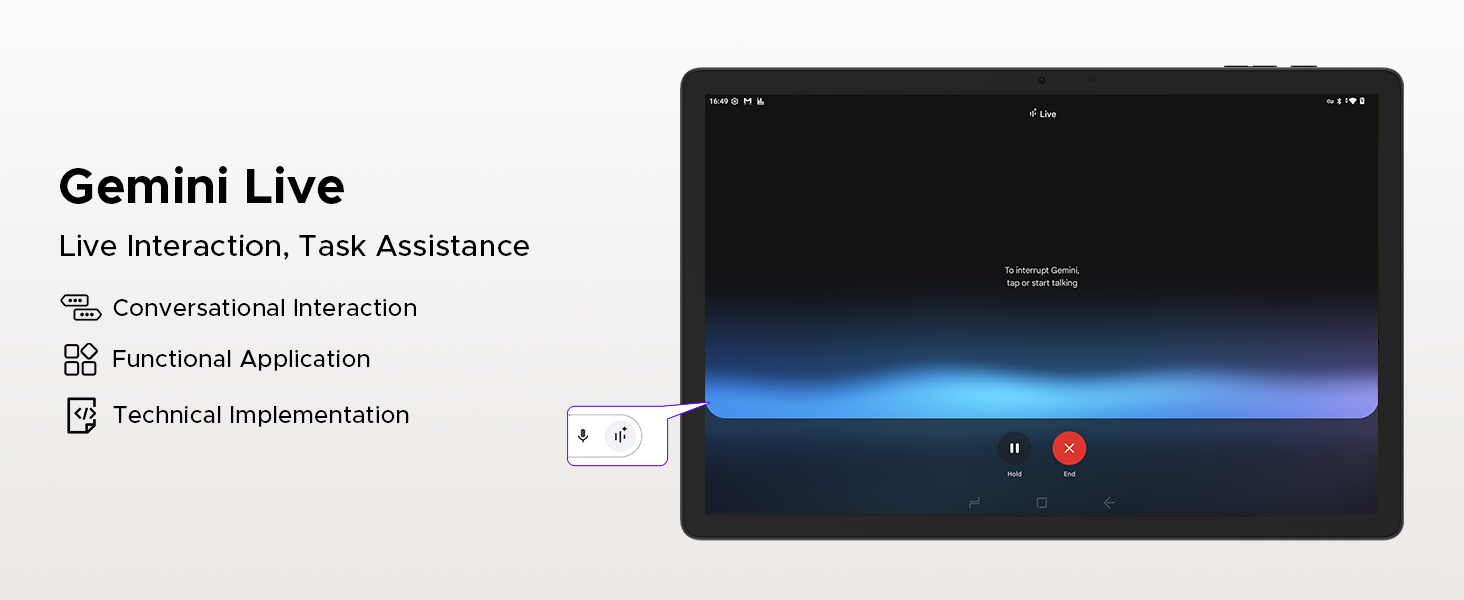
Figure 3.10: Gemini Deep Research for boosting analysis and deepening insights.
Asopọmọra
The tablet supports dual-band 2.4G/5G Wi-Fi for fast and stable internet connections. With LTE support via dual SIM card slots, you can stay connected on the go. Bluetooth 5.2 ensures seamless pairing with wireless accessories.
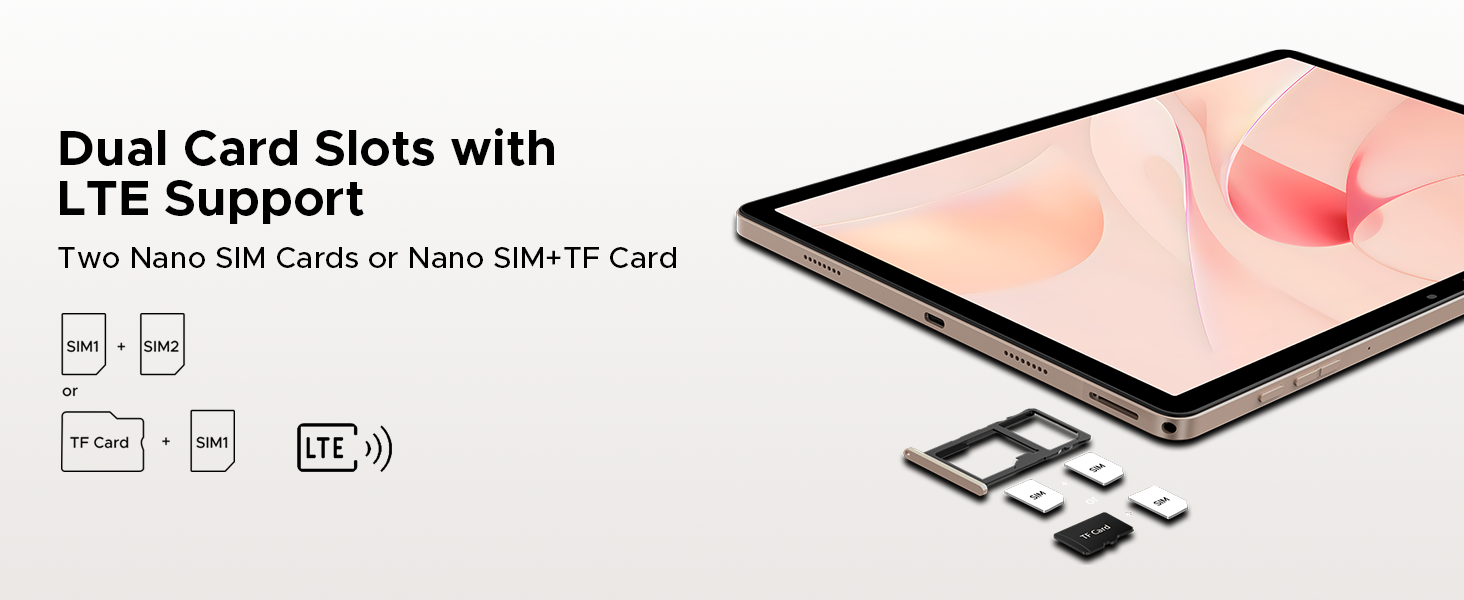
Figure 3.11: Features of Faster WiFi 5, including low latency, anti-congestion, wide coverage, low power consumption, and high speed.
Awọn ẹya kamẹra
Capture high-quality photos and videos with the 13MP rear camera and 8MP front camera. Both cameras support 2K video recording, anti-flicker, portrait mode, and beauty filters, making them ideal for video calls, selfies, and content creation.

Figure 3.12: Visuals showcasing the 13MP main camera and 8MP front camera for capturing lively moments.
Audio and Multimedia
Enjoy a premium audio experience with the built-in 1217 BOX quad-speaker system, delivering rich and immersive sound. The tablet also includes a standard 3.5mm audio jack for wired headphones and supports FM radio for on-the-go entertainment.

Figure 3.13: The tablet's quad-speaker system for enhanced sound quality.

Nọmba 3.14: Alaye view of the premium 1217 BOX quad speakers for crystal-clear sound.
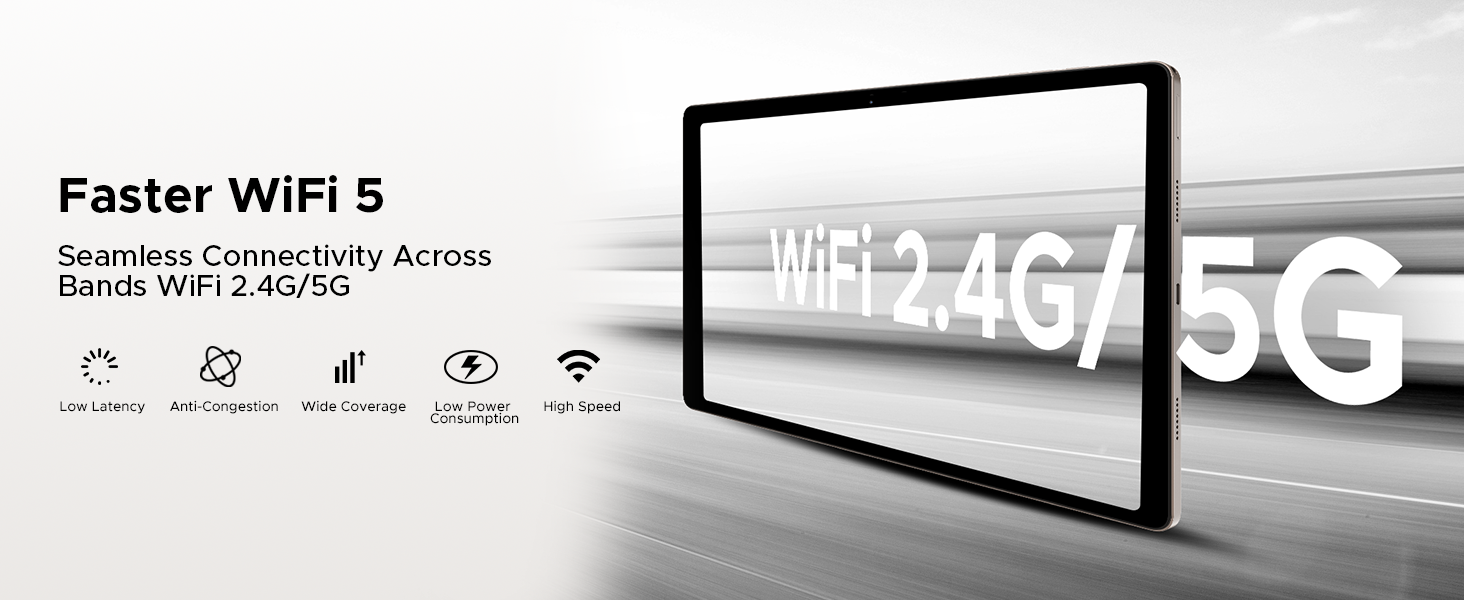
Figure 3.15: The standard 3.5mm audio jack for stable and distortion-free audio transmission.
Afikun Awọn ẹya ara ẹrọ
The DOOGEE Tab E3 Pro includes advanced features such as Face Unlock for quick and secure access, a high-precision GPS system for accurate navigation (supporting GPS, Glonass, Galileo, Beidou), and built-in PC-level WPS Office for seamless productivity on the go.
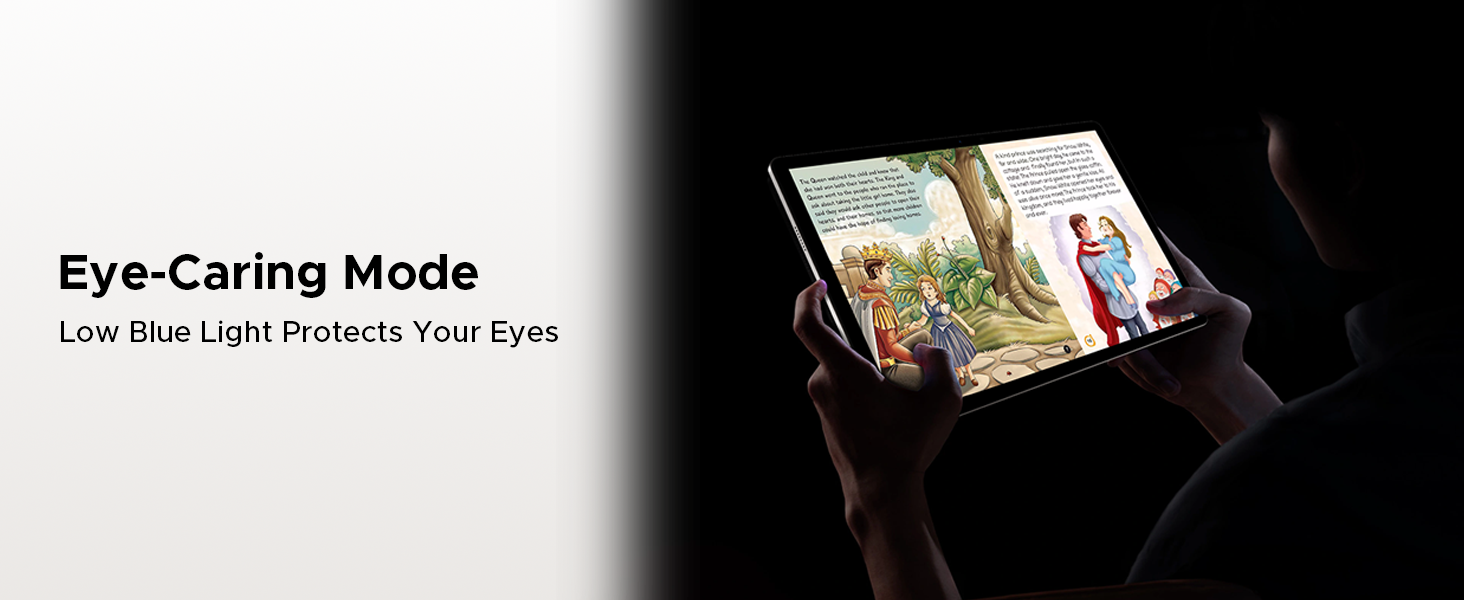
Figure 3.16: The tablet comes with built-in WPS Office for productivity.
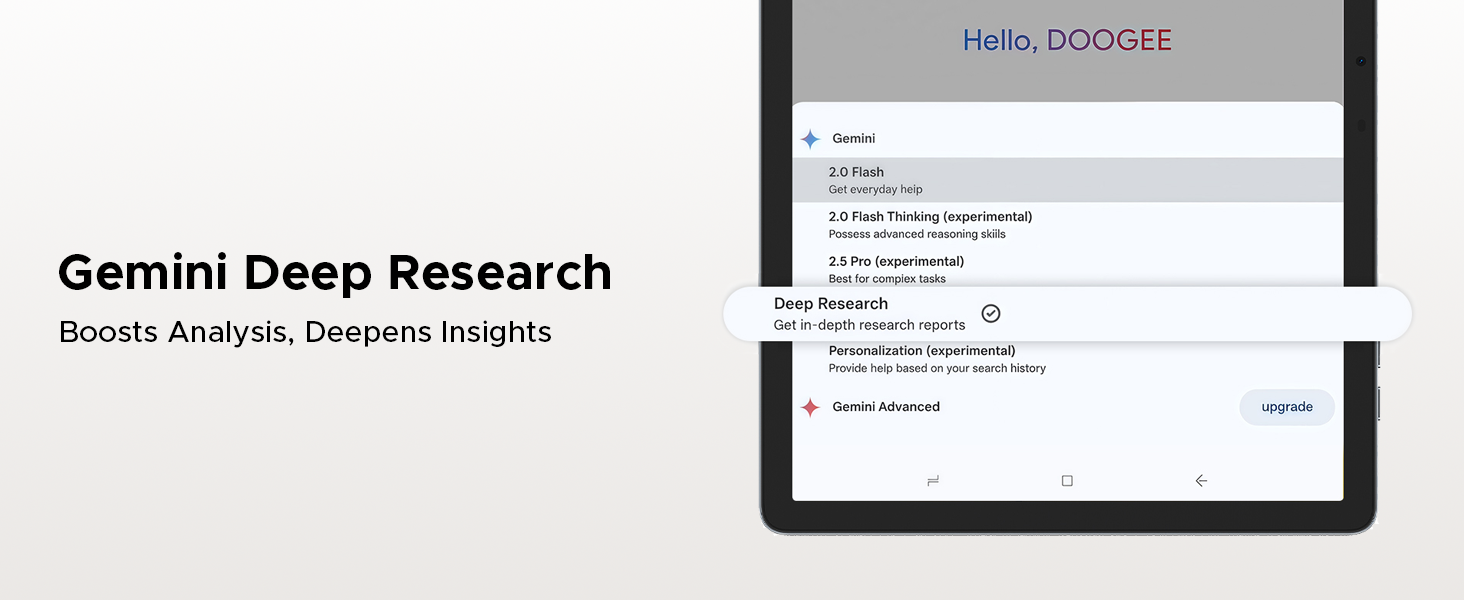
Figure 3.17: The precise navigation system with support for multiple satellite systems.
4. Itọju
Itọju Batiri
- Yago fun ṣiṣafihan tabulẹti si awọn iwọn otutu to gaju (gbona tabi otutu) nitori eyi le ba igbesi aye batiri jẹ.
- Fun igbesi aye batiri to dara julọ, gbiyanju lati tọju ipele idiyele laarin 20% ati 80%.
- Use only the original charger and cable provided with your tablet.
- If storing the tablet for an extended period, charge it to about 50% and power it off.
Ninu ati Ibi ipamọ
- Lo asọ ti ko ni lint lati nu iboju ati ara tabulẹti naa.
- Yẹra fun lilo awọn kẹmika ti o lewu, awọn olutọpa abrasive, tabi awọn ohun elo aerosol.
- Keep the tablet away from dust, moisture, and direct sunlight.
- Tọju tabulẹti ni itura, aye gbigbẹ nigbati o ko ba lo.
5. Laasigbotitusita
This section provides solutions to common issues you might encounter with your DOOGEE Tab E3 Pro. If the problem persists, please contact customer support.
| Isoro | Owun to le Fa | Ojutu |
|---|---|---|
| Tabulẹti kii yoo tan | Batiri kekere; Eto naa kuna | Gba agbara tabulẹti naa fun o kere ju iṣẹju 30. Tẹ bọtini agbara ki o si di mu fun awọn aaya 10-15 lati fi agbara mu lati tun bẹrẹ. |
| O lọra išẹ | Too many apps running; Low storage space | Close unnecessary apps. Clear cache and data. Uninstall unused apps. Check for system updates. |
| Awọn oran asopọ Wi-Fi | Incorrect password; Router issue; Signal interference | Re-enter Wi-Fi password. Restart your router. Move closer to the Wi-Fi router. Forget and reconnect to the network. |
| Àwọn ohun èlò ìṣiṣẹ́ máa ń bàjẹ́ nígbàkúgbà | Àìsàn ohun èlò; Àìtó RAM tó | Update the app. Clear app cache/data. Reinstall the app. Ensure sufficient free RAM. |
| Iboju ko dahun | Ibùgbé software glitch | Fi agbara mu lati tun bẹrẹ tabulẹti naa nipa titẹ bọtini agbara mu. |
6. Awọn pato
Detailed technical specifications for the DOOGEE Tab E3 Pro:
| Ẹya ara ẹrọ | Sipesifikesonu |
|---|---|
| Iwọn Ifihan | 13 inches |
| Ipinnu Iboju ti o pọju | 1920x1200 Pixels (FHD+) |
| Oṣuwọn sọtun | 90Hz |
| Eto isesise | Android 15 |
| isise | Helio G100 Octa Core |
| Àgbo | 32GB (8GB Physical + 24GB Virtual) |
| Ibi ipamọ inu | 256GB |
| Expandable Ibi ipamọ | Up to 2TB MicroSD (TF) card |
| Agbara Batiri | 11000mAh |
| Gbigba agbara yara | 18W |
| Kamẹra ẹhin | 13MP |
| Kamẹra iwaju | 8MP |
| Asopọmọra | Dual SIM (Nano SIM), LTE, Dual-band Wi-Fi (2.4G/5G), Bluetooth 5.2 |
| Ohun | 1217 BOX Quad Speakers, 3.5mm Headphone Jack |
| Awọn iwọn | 302.1 × 197.5 × 7.9 mm |
| Iwọn | 718g (1.58 lbs) |
| Àwọ̀ | Dudu |
7. Atilẹyin ọja ati Support
DOOGEE is committed to providing high-quality products and excellent customer service. Your DOOGEE Tab E3 Pro comes with comprehensive support and warranty.
Alaye atilẹyin ọja
- Ẹri Owo-pada Owo-ọjọ 30: Enjoy a 30-day money-back guarantee and free returns from the date of purchase.
- Atilẹyin ọja Lopin Ọdun 2: The tablet is covered by a 2-year limited warranty against manufacturing defects. Please retain your proof of purchase for warranty claims.
Onibara Support
For any inquiries, technical assistance, or warranty claims, please contact DOOGEE customer support. We offer 24/7 online support to assist you.

Figure 7.1: Summary of DOOGEE's customer service commitment, including warranty and support options.
Ask a question about this manual
Ask about setup, troubleshooting, compatibility, parts, safety, or missing instructions. Manuals+ will review the question and use this page’s manual context to help answer it.