
Ọrọ Iṣaaju
O ṣeun fun riraasing the EBTOOLS Portable AM FM SW Shortwave Radio. This device offers versatile listening options, including AM, FM, and Shortwave radio bands, Bluetooth connectivity, and playback from USB drives or storage cards. Designed for portability and clear sound, this radio is suitable for home, outdoor, and travel use. This manual provides detailed instructions for setup, operation, maintenance, and troubleshooting to ensure optimal performance and longevity of your radio.
Alaye Aabo
- Ma ṣe fi redio han si ojo, ọrinrin, tabi awọn iwọn otutu to gaju.
- Avoid disassembling the unit. Refer all servicing to qualified personnel.
- Jẹ́ kí rédíò náà jìnnà sí àwọn pápá mágnẹ́ẹ̀tì tó lágbára.
- Use only the provided charging cable or a compatible Type-C cable for charging.
- Ma ṣe dina awọn ṣiṣi atẹgun.
Package Awọn akoonu
Jọwọ ṣayẹwo package fun awọn nkan wọnyi:
- 1 x Portable Radio (Model MK-178BT)
- 1 x Itọsọna olumulo
- 1 x Lanyard
- 1 x Okun Gbigba agbara (Iru-C)

Image: The EBTOOLS Portable Radio shown with its included lanyard and Type-C charging cable.
Ọja Pariview
Mọ ararẹ pẹlu ọpọlọpọ awọn ẹya ati awọn idari ti redio rẹ.
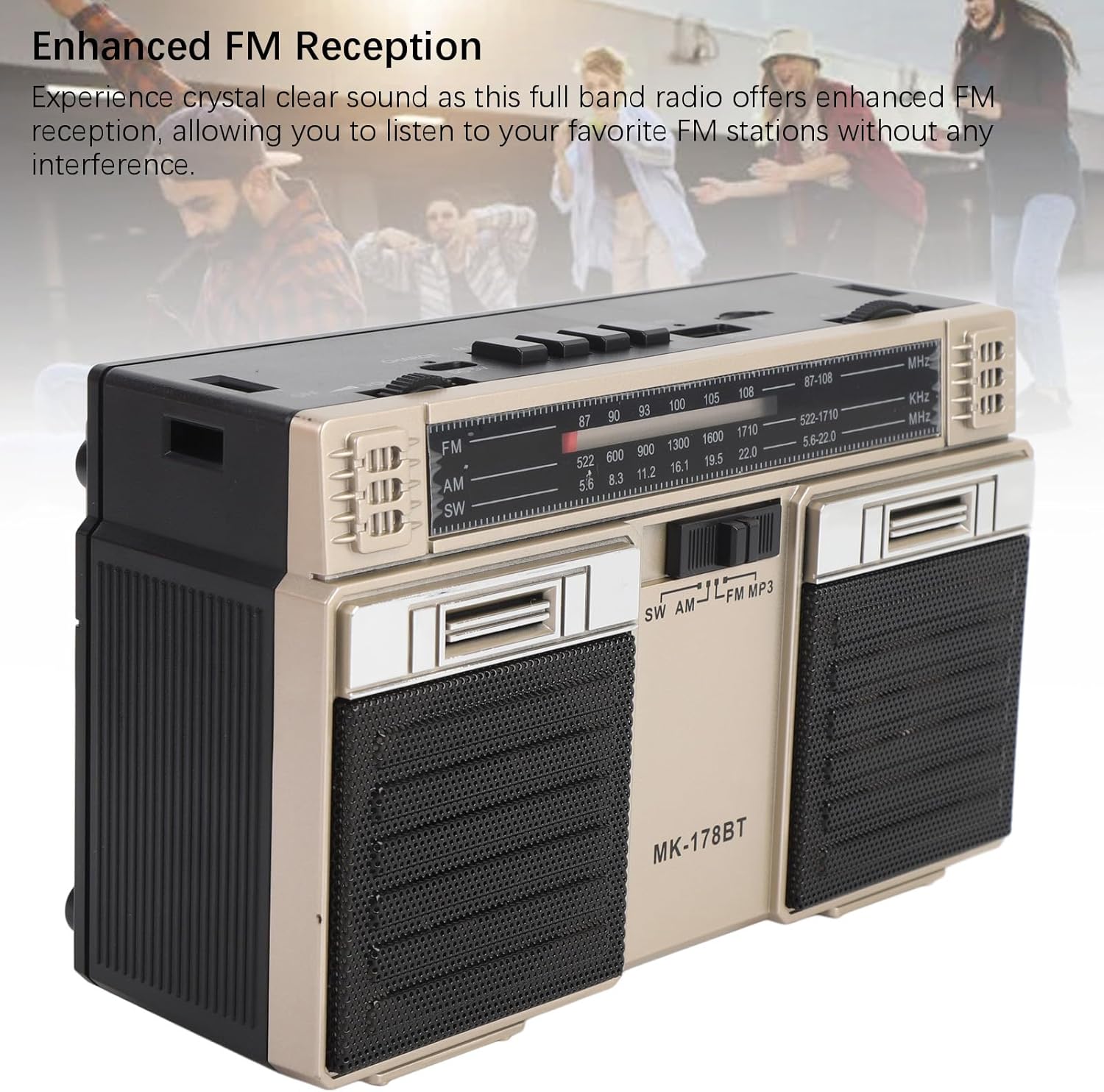
Aworan: Iwaju view of the radio, highlighting the dual speakers and the frequency display panel.
Aworan: Oke view of the radio, detailing the power switch, volume knob, mode/playback controls, charging port, LED indicator, USB port, and TF card slot.

Aworan: A sunmọ-soke view of the tuning knob, USB port, and TF (Micro SD) card slot, located on the top panel of the radio.
Àwọn Ìṣàkóso Kọ́kọ́rọ́:
- PA/ON Yipada: Located on the top left, controls power.
- KỌRỌ IWỌRỌ: Ṣe atunṣe ipele iṣelọpọ ohun.
- CHARGE (DC 5V) Port: Type-C port for battery charging.
- M/* Button: Mode selection / Bluetooth pairing.
- ◀◀ / ►► Buttons: Previous/Next track in media modes, or fine-tuning in radio modes.
- ►█ Button: Play/Pause for media playback.
- Atọka LED: Shows charging status or mode.
- Iho TF: For Micro SD (storage) cards.
- Iho USB: For USB drives.
- Bọtini TUNING: Ṣe àtúnṣe ìgbóhùnsáfẹ́fẹ́ rédíò.
- Eriali: Extendable for improved radio reception.
Ṣeto
1. Ngba agbara si Batiri naa
- So okùn gbigba agbara Iru-C ti a pese mọ CHARGE (DC 5V) port on the radio.
- So opin keji okun naa pọ mọ adapter agbara USB deede (ko si ninu rẹ) tabi ibudo USB kọmputa kan.
- The LED indicator will illuminate during charging. It will change color or turn off once fully charged.
- A full charge provides up to 18 hours of battery life.
2. Agbara lori / Paa
- To power on the radio, slide the PAA/ON yipada si ipo 'ON'.
- To power off, slide the switch back to the 'OFF' position.
Awọn ilana Iṣiṣẹ
1. Yiyan Ipo
Tẹ awọn M/* button repeatedly to cycle through the available modes: FM, AM, SW, Bluetooth, USB, and TF Card (if inserted).
2. Iṣẹ́ rédíò (FM/AM/SW)
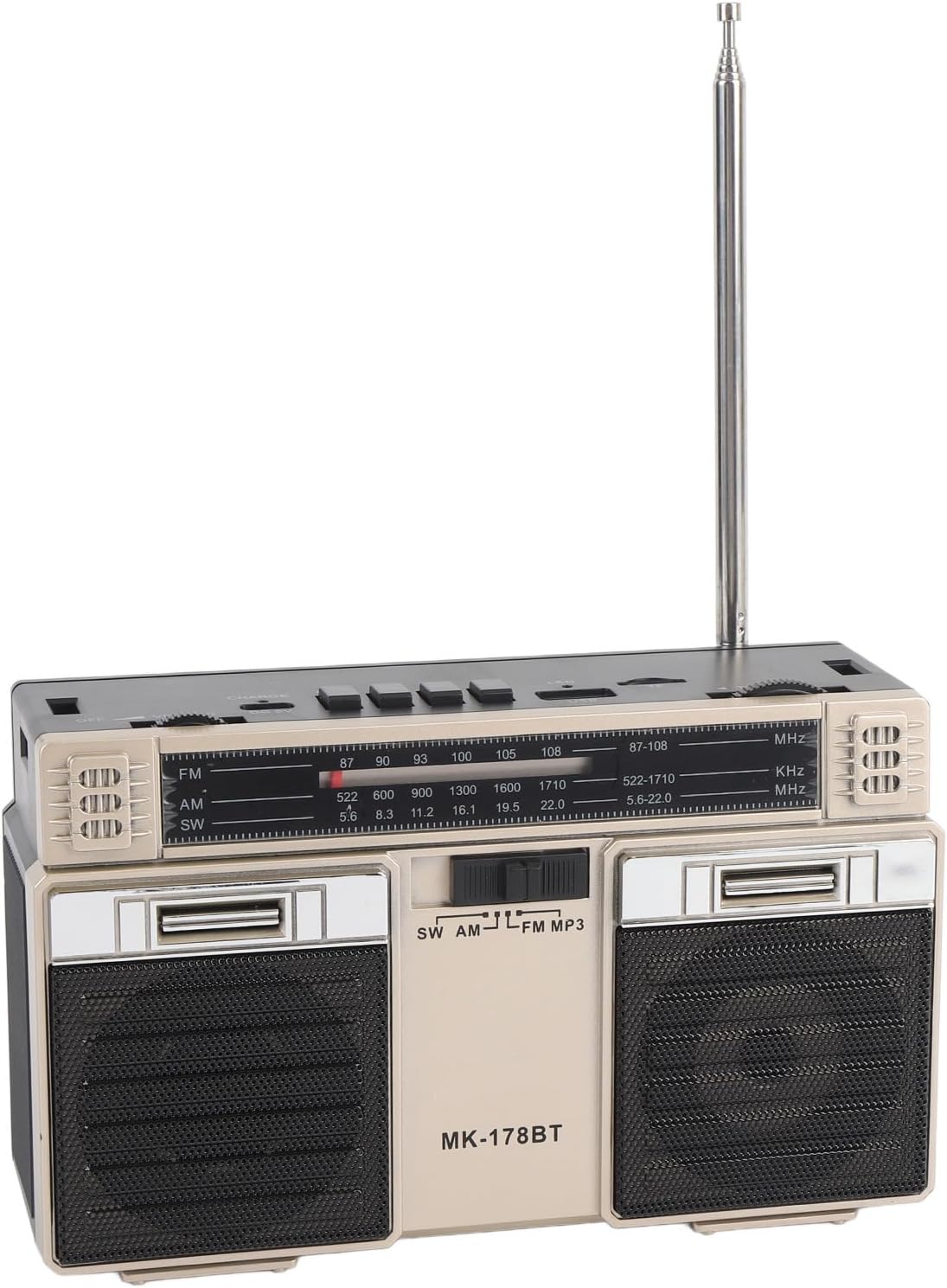
- Extend the telescopic antenna for optimal reception, especially for FM and SW bands.
- Select the desired radio band (FM, AM, or SW) using the M/* bọtini.
- Yi i pada laiyara TUNTUN knob to scan for stations. The frequency will be displayed on the front panel.
- Ṣatunṣe awọn Iwọn didun bọtini si ipele gbigbọ ti o fẹ.
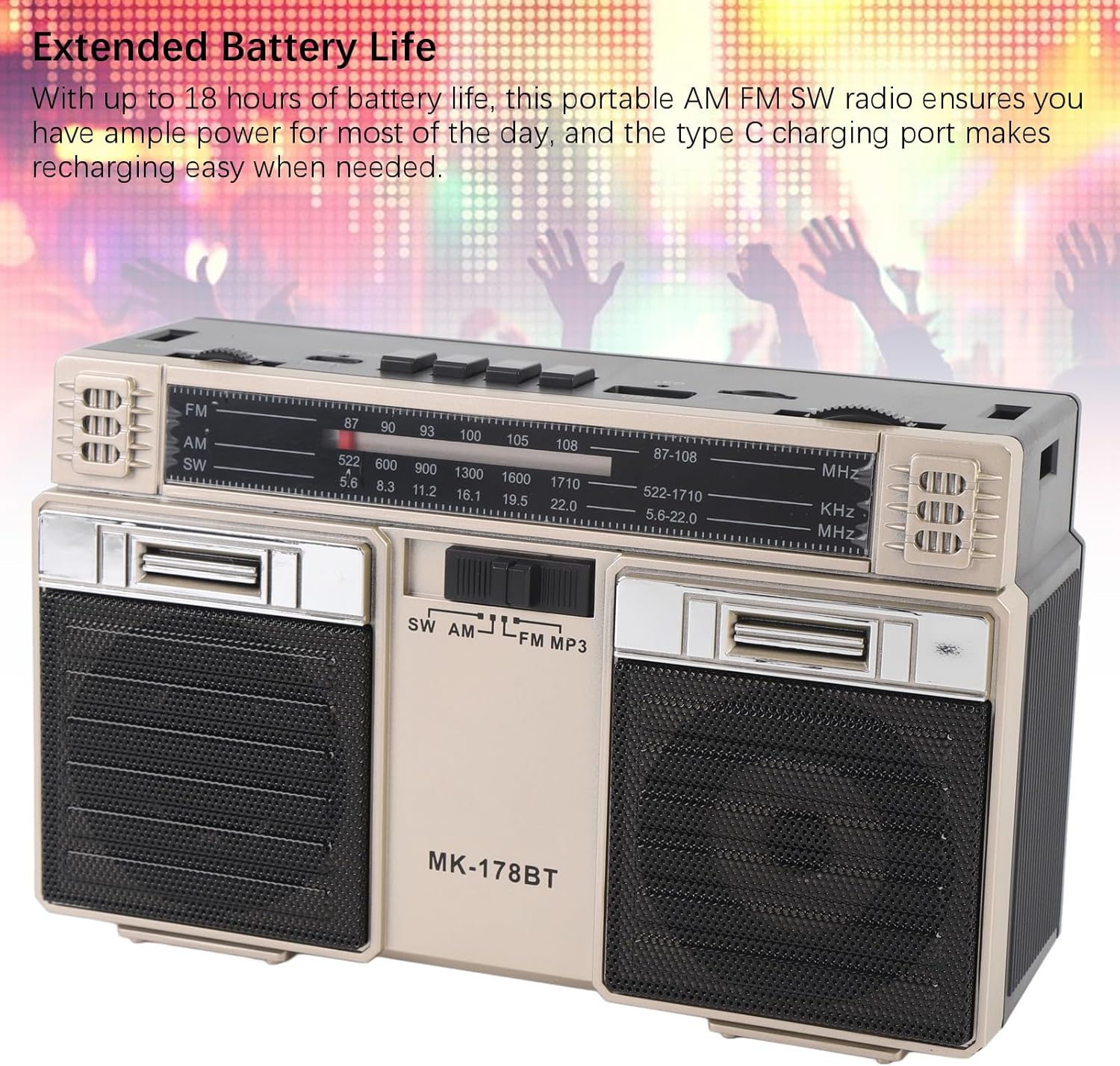
Image: The radio with its telescopic antenna fully extended, demonstrating optimal setup for radio reception.
3. Bluetooth Isẹ
- Tẹ awọn M/* button until the radio enters Bluetooth mode (an audible prompt or indicator may confirm this).
- Lórí ẹ̀rọ Bluetooth rẹ (fún àpẹẹrẹ, fóònù alágbèéká, tábìlẹ́ẹ̀tì), wá àwọn ẹ̀rọ Bluetooth tó wà.
- Select "MK-178BT" (or similar name) from the list to pair.
- Once paired, you can stream audio from your device to the radio. Use the ►█, ◀◀, ati }} awọn bọtini lati ṣakoso ṣiṣiṣẹsẹhin.
4. USB/Storage Card Playback
- Fi awakọ USB sinu inu Iho USB or a Micro SD (TF) card into the TF Iho.
- The radio should automatically switch to USB or TF card mode. If not, press the M/* bọtini lati yan awọn ti o tọ mode.
- The radio will begin playing audio files lati inu ẹrọ ibi ipamọ ti a fi sii.
- Lo awọn ►█ button to play/pause, and the ◀◀ / }} awọn bọtini lati foju awọn orin.
Itoju
1. Ninu
- Fi aṣọ rírọrùn tí ó gbẹ nu ìta rédíò náà.
- Ma ṣe lo awọn olutọpa abrasive, awọn nkanmimu, tabi awọn kemikali to lagbara.
2. Itọju batiri
- Gba agbara si batiri ni kikun ṣaaju lilo akọkọ.
- Yẹra fún fífi omi gbóná pátápátá nígbàkúgbà láti mú kí ó pẹ́ sí i.
- If storing the radio for an extended period, charge it to about 50% every few months.
3. Ibi ipamọ
- Store the radio in a cool, dry place, away from direct sunlight and extreme temperatures.
- Keep it away from dust and moisture.
Laasigbotitusita
| Isoro | Owun to le Fa | Ojutu |
|---|---|---|
| Redio ko ṣiṣẹ. | Batiri ti dinku. Yipada agbara wa ni pipa. | Charge the battery. Ensure the power switch is in the 'ON' position. |
| Gbigba redio ti ko dara. | Eriali ko gbooro sii. Agbegbe ifihan agbara ti ko lagbara. kikọlu. | Fully extend the telescopic antenna. Try repositioning the radio. Move away from electronic devices causing interference. |
| Bluetooth ko sopọ. | Radio not in Bluetooth mode. Device not discoverable. Already paired with another device. | Ensure radio is in Bluetooth mode. Make sure your device's Bluetooth is on and discoverable. Disconnect from other devices. |
| Káàdì USB/TF kò ṣiṣẹ́. | Incorrect mode selected. Incompatible file format. Corrupted storage device. | Tẹ M/* to select USB/TF mode. Ensure audio files are in a compatible format (e.g., MP3). Try a different USB drive or TF card. |
| Ko si ohun tabi iwọn kekere. | Volume too low. Mute activated (if applicable). | Mu awọn Iwọn didun knob. Check if the connected Bluetooth device's volume is also up. |
Awọn pato
- Nọmba awoṣe: MK-178BT (Internal SKU: EBTOOLSshukg7o0ny-12)
- Ohun elo: ABS
- Iwọn ipo igbohunsafẹfẹ FM: 87 to 108 MHz
- Iwọn Igbohunsafẹfẹ AM: 522 si 1710 KHz
- Iwọn Igbohunsafẹfẹ SW: 5.6 to 22 MHz
- Storage Card/Small Memory Card Support: Maximum 32GB (not included)
- Batiri ti a ṣe sinu: 1200mAh Li-Polima
- Orisun Agbara: Agbara Batiri (Iru agbara gbigba agbara)
- Imọ-ẹrọ Asopọmọra: Bluetooth
- Awọn iwọn ọja: 7.48 x 4.72 x 3.14 inches (19 x 12 x 8 cm)
- Ìwọ̀n Nkan: 1.35 poun (0.61 kg)
- Awọn ẹya pataki: Portable, Bluetooth, Rechargeable
Atilẹyin ọja ati Support
For warranty information or technical support, please refer to the purchase platform or contact EBTOOLS customer service directly. Keep your purchase receipt as proof of purchase.