
Ọrọ Iṣaaju
This manual provides detailed instructions for the setup, operation, maintenance, and troubleshooting of your Dytole Wireless Headset Model DY-109. Please read this manual thoroughly before using the product to ensure optimal performance and longevity.
Ohun ti o wa ninu Apoti
- Agbekọri Alailowaya
- Gbigba agbara Mimọ
- USB-C Ngba agbara Cable
- 2.4G USB Dongle
Ọja Pariview
The Dytole Wireless Headset DY-109 is designed for professional communication, featuring AI noise cancellation, flexible connectivity options, and a smart multi-function charging dock.

Figure 1: Dytole Wireless Headset with Smart Multi-Function Charging Dock.
Ṣeto
1. Ngba agbara si Agbekọri
The headset can be charged using two methods: via the USB-C cable directly or by placing it on the included charging dock. The charging dock features an intuitive LED power display to indicate battery status.
- Ngba agbara USB-C: Connect the USB-C cable to the headset's charging port and to a power source.
- Ibi iduro gbigba agbara: Place the headset onto the charging dock. Ensure proper alignment for charging to begin. The LED display on the dock will show the charging status.
A full charge provides up to 65 hours of use. A quick 5-minute charge can provide approximately 2 hours of talk time.

Figure 2: Headset charging on the smart dock with battery indicator.
2. Asopọmọra Aw
The Dytole Wireless Headset supports both Bluetooth 5.3 and a 2.4G USB dongle for versatile connection to various devices.
- Asopọ Bluetooth:
- Rii daju pe agbekari ti ni agbara lori.
- Activate Bluetooth on your device (laptop, mobile phone, tablet).
- Wa fun "Dytole DY-109" in the list of available Bluetooth devices and select it to pair.
- 2.4G USB Dongle Connection:
- So dongle USB 2.4G sinu ibudo USB ti o wa lori kọmputa rẹ.
- Power on the headset. It will automatically connect to the dongle.
Note: Only one device can be connected at a time. The 2.4G USB dongle provides a stable connection, especially for computers without built-in Bluetooth.

Figure 3: Headset connected via 2.4G USB dongle to a laptop.
Awọn ilana Iṣiṣẹ
1. Wọ Agbekọri
The headset features an ultra-lightweight single-ear design with memory foam ear cushions for comfort during extended use. The adjustable headband ensures a balanced fit.
- Gbohungbohun ti a le ṣatunṣe: The microphone can be rotated 270 degrees, allowing you to wear the headset on either your left or right ear. Position the microphone close to your mouth for optimal voice pickup.
- Awọn Earcups Yiyipo: The earcups are designed to rotate for a perfect fit and comfort.
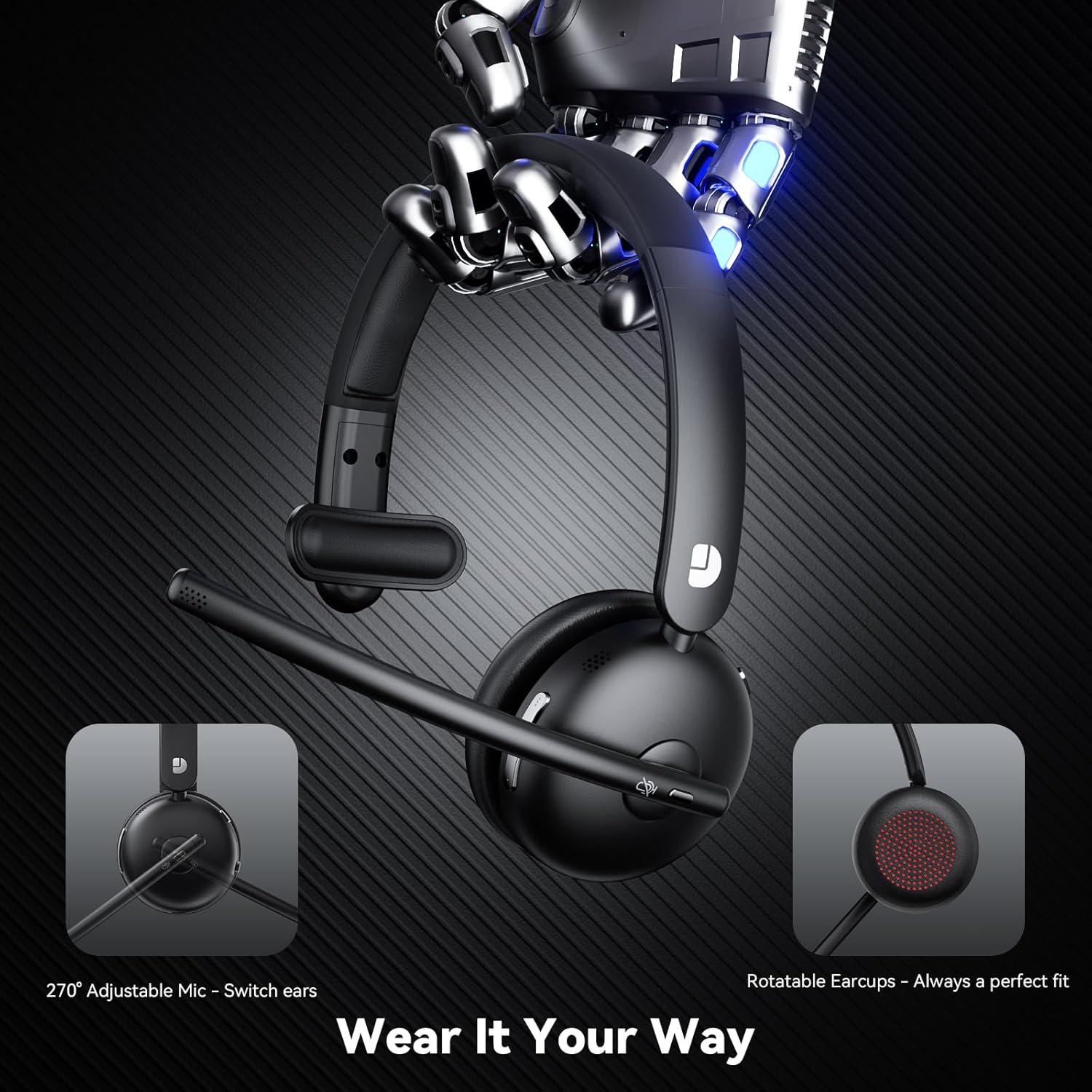
Figure 4: Adjustable microphone and rotatable earcups for personalized fit.
2. AI Noise Cancelling
The integrated AI noise-cancelling technology filters out background noise, ensuring clear voice transmission during calls and meetings. This feature is automatically active to enhance communication clarity in various environments.
3. Awọn iṣakoso
The headset includes easy-to-access controls:
- Bọtini Iṣẹ-pupọ (MFB): Used for power on/off, play/pause audio, answer/end calls.
- Bọtini Mute: Quickly mute or unmute your microphone during calls.
- Awọn iṣakoso iwọn didun: Ṣàtúnṣe iwọn didun ohun soke tabi isalẹ.
4. Ibamu
The Dytole Wireless Headset is compatible with a wide range of communication platforms and devices, including:
- Sun-un
- Awọn ẹgbẹ Microsoft
- Ipade Google
- Kọǹpútà alágbèéká
- Awọn foonu alagbeka
- Awọn tabili itẹwe
- Awọn tabulẹti
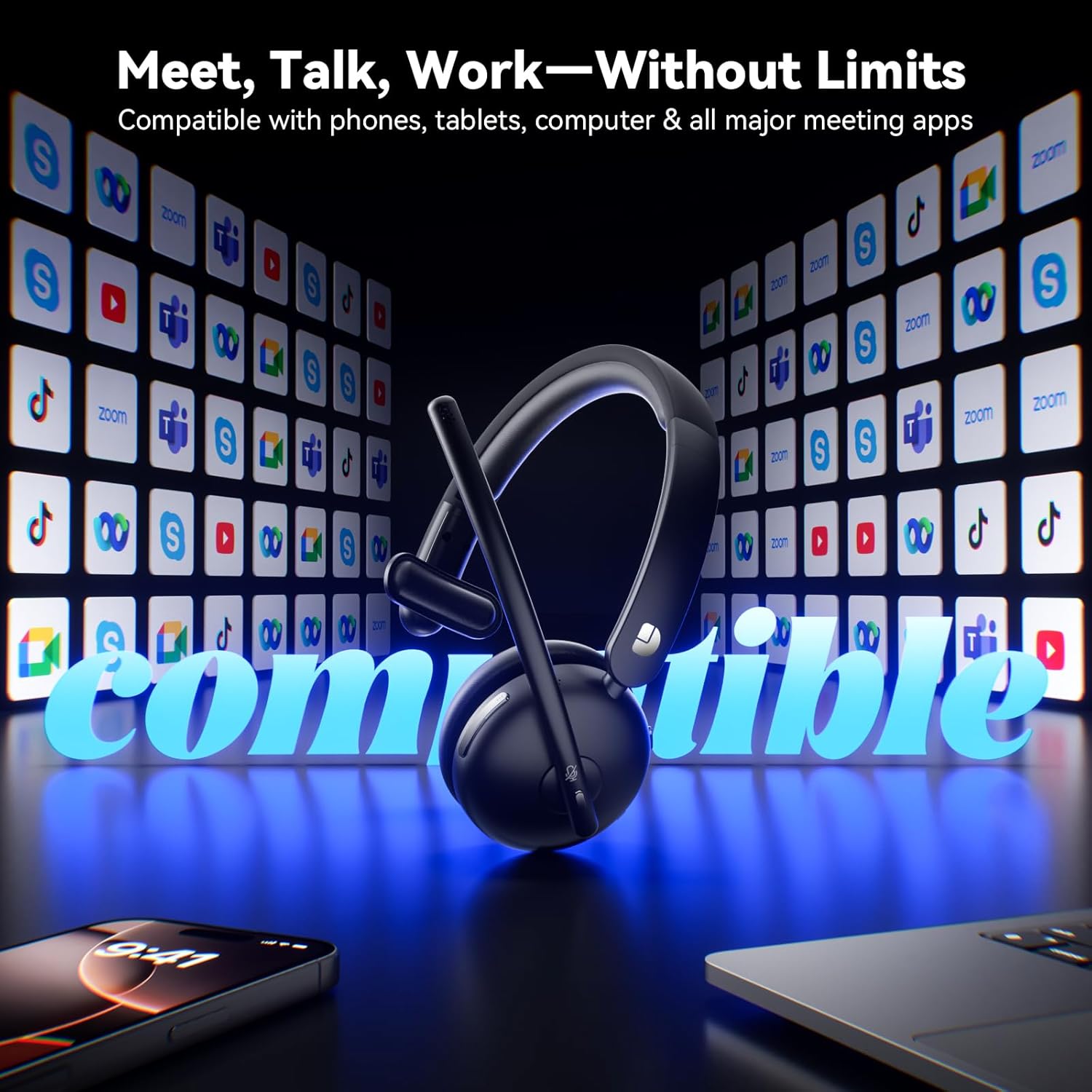
Figure 5: Headset compatibility with major communication platforms.
Itoju
1. Ninu
To maintain the headset's condition, wipe it regularly with a soft, dry cloth. Avoid using harsh chemicals or abrasive materials. Ensure no moisture enters the charging ports or speaker grilles.
2. Ibi ipamọ
When not in use, store the headset on its charging dock. The 3-in-1 smart dock also functions as a phone/tablet stand and an organizer for the USB dongle, helping to keep your workspace tidy. The dock can fold flat for travel.
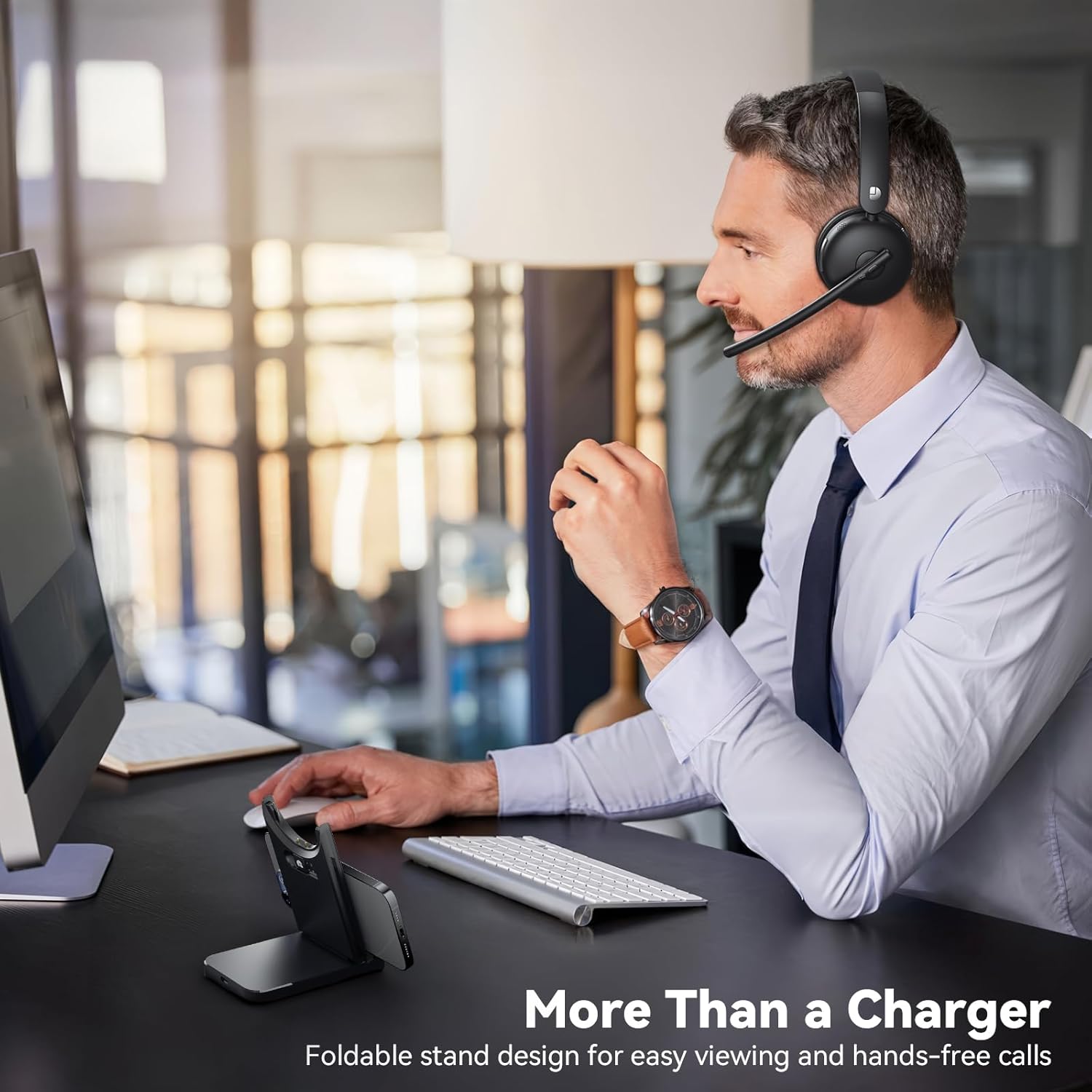
Figure 6: Smart dock used as a phone stand while the headset is in use.
Laasigbotitusita
- Ko si Agbara: Ensure the headset is fully charged. Connect it to the charging cable or dock and allow sufficient time to charge.
- Ko le So pọ/Sopọ:
- Ensure the headset is in pairing mode (refer to device-specific instructions for entering pairing mode if needed).
- Rii daju pe Bluetooth ti ṣiṣẹ lori ẹrọ rẹ.
- If using the USB dongle, ensure it is securely plugged in and the headset is powered on.
- Restart both the headset and the connecting device.
- Didara Olohun ko dara:
- Check the connection range (up to 49 feet). Move closer to your connected device.
- Ensure there are no obstructions or strong interference sources between the headset and the device.
- Adjust the volume on both the headset and the connected device.
- Gbohungbohun Ko Ṣiṣẹ:
- Rii daju pe gbohungbohun ko dakẹ.
- Check the microphone settings on your connected device to ensure the Dytole Headset is selected as the input device.
- Position the microphone correctly near your mouth.
Awọn pato
| Ẹya ara ẹrọ | Apejuwe |
|---|---|
| Orukọ awoṣe | DY-109 |
| Asopọmọra Technology | Wireless (Bluetooth 5.3, 2.4G USB Dongle) |
| Àwọn Ẹ̀yà Ìṣàkóso Ariwo | Ifagile Ariwo AI |
| Igbesi aye batiri | Titi di awọn wakati 65 |
| Akoko gbigba agbara | Approximately 1.5 days for full charge (5 min quick charge for 2 hours talk time) |
| Bluetooth Ibiti | Titi di Mita 14.92 (ẹsẹ 49) |
| Apẹrẹ Akọti | On-Ear (Single-ear design) |
| Ohun elo | Memory Foam, Plastic/Aluminum |
| Iwọn Nkan | kilo 0.46 (1.01 poun) |
| Awọn ẹrọ ibaramu | Laptops, Mobile Phones, Desktops, Tablets, Telephones, Smart Speakers, Televisions |
Atilẹyin ọja ati Support
For warranty information and customer support, please refer to the product packaging or contact Dytole customer service through the official website or your retailer. Keep your purchase receipt for warranty claims.