
1. Ifihan
O ṣeun fun riraasing the JUNJIEUNVO B36 Wireless Over-Ear Headphones. This manual provides detailed instructions for the proper setup, operation, and maintenance of your headphones. Please read this manual thoroughly before use to ensure optimal performance and longevity of your device.

Figure 1: B36 Wireless Over-Ear Headphones. A front-facing view of the B36 Wireless Over-Ear Headphones, showcasing their sleek black design, premium mesh fabric headband, and silver metal accents.
2. Package Awọn akoonu
Rii daju pe gbogbo awọn nkan ti o wa ni isalẹ wa ninu apo rẹ:
- B36 Wireless Over-Ear Headphones
- Afowoyi Olumulo (iwe-ipamọ yii)
- Charging Cable (not explicitly listed in product data, but typically included with wireless headphones)

Figure 2: Product Packaging. The retail packaging for the B36 Hi-Fi Wireless Headphones, showing product features and safety precautions.
3. Ọja Ipariview ati Awọn iṣakoso
The B36 headphones feature an ergonomic design for comfortable extended wear, with intuitive controls located on the earcup for easy access.
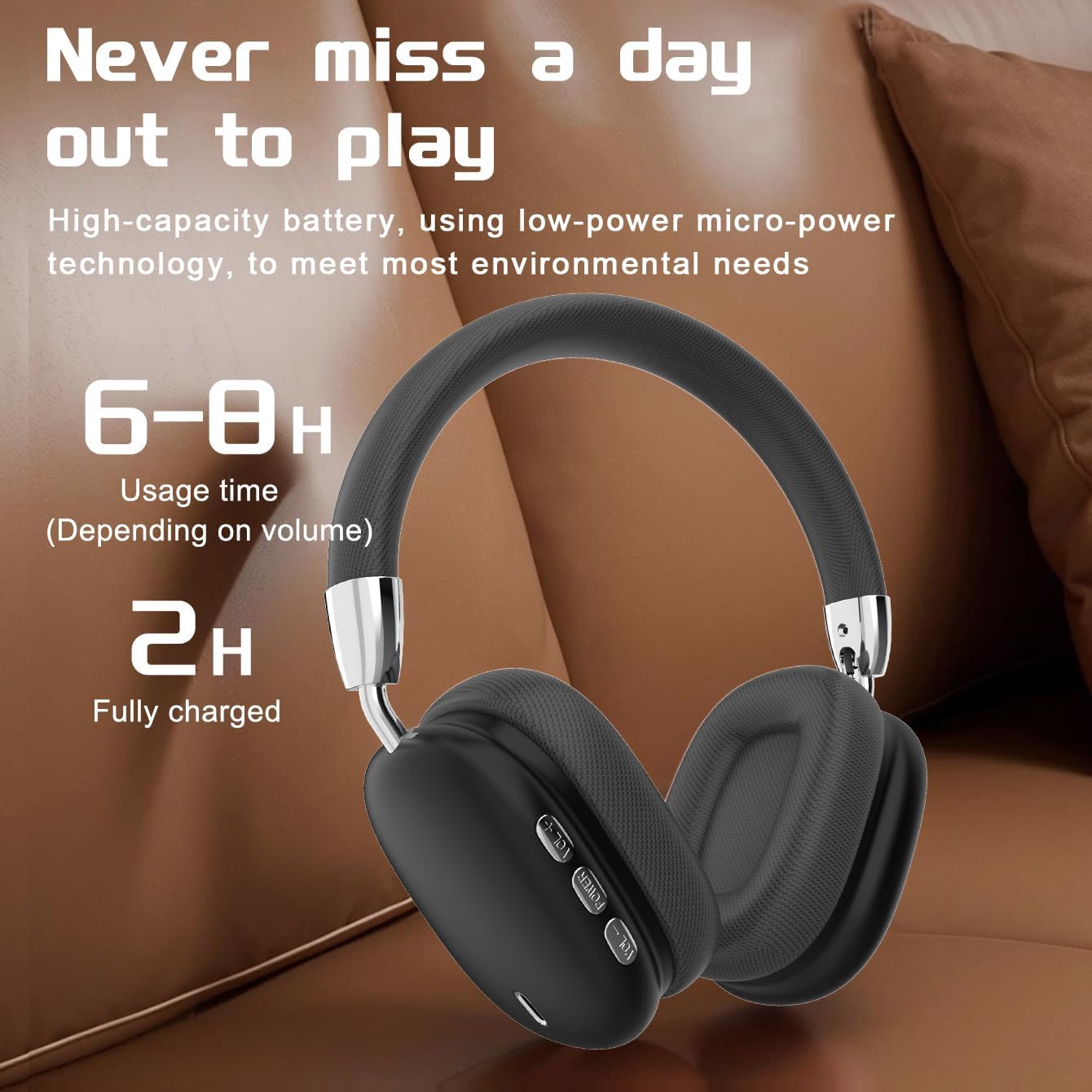
Figure 3: Earcup Controls and Battery Information. This image highlights the battery performance of the B36 headphones, indicating 6-8 hours of usage time and a 2-hour full charge time, with visible control buttons on the earcup.
Awọn bọtini Iṣakoso:
- Bọtini agbara: Used for powering the headphones on/off and initiating Bluetooth pairing.
- Iwọn didun soke (+): Ṣe alekun iwọn didun ohun.
- Iwọn didun isalẹ (-): Din iwọn didun ohun silẹ.
- Bọtini iṣẹ-ọpọlọpọ (MFB): Controls playback (play/pause), track selection (next/previous), and call management (answer/end calls).
4. Eto
4.1 Ngba agbara si awọn Agbekọri
- So okùn gbigba agbara pọ mọ ibudo gbigba agbara lori agbekọri naa.
- So opin miiran ti okun gbigba agbara pọ si orisun agbara USB (fun apẹẹrẹ, ibudo USB kọnputa, ohun ti nmu badọgba ogiri USB).
- The indicator light will show charging status (refer to LED indicator section for details, if available).
- Gbigba agbara ni kikun gba to wakati mẹta.
Important: The charging cable current should be 0.2A. Do not use a high-power charging head for charging. If you use a fast-charging head, please equip yourself with a corresponding power charging cable to avoid overheating and catching fire.
4.2 Titan / Pa a
- Agbara Tan: Tẹ mọlẹ bọtini agbara fun isunmọ awọn aaya 3 titi ti ina olufihan yoo tan.
- Agbara Pa: Tẹ mọlẹ bọtini agbara fun isunmọ awọn aaya 3 titi ti ina olufihan yoo wa ni pipa.
4.3 Sisopọ Bluetooth
- Rii daju pe awọn agbekọri ti wa ni pipa.
- Press and hold the Power button for approximately 5 seconds until the indicator light flashes rapidly (usually blue and red), indicating pairing mode.
- Lori ẹrọ rẹ (foonuiyara, tabulẹti, kọmputa), mu Bluetooth ṣiṣẹ ki o wa awọn ẹrọ to wa.
- Select "B36" from the list of found devices.
- Once paired, the indicator light on the headphones will change (e.g., slow blue flash or solid blue).
- Ti o ba beere fun ọrọ igbaniwọle, tẹ "0000".
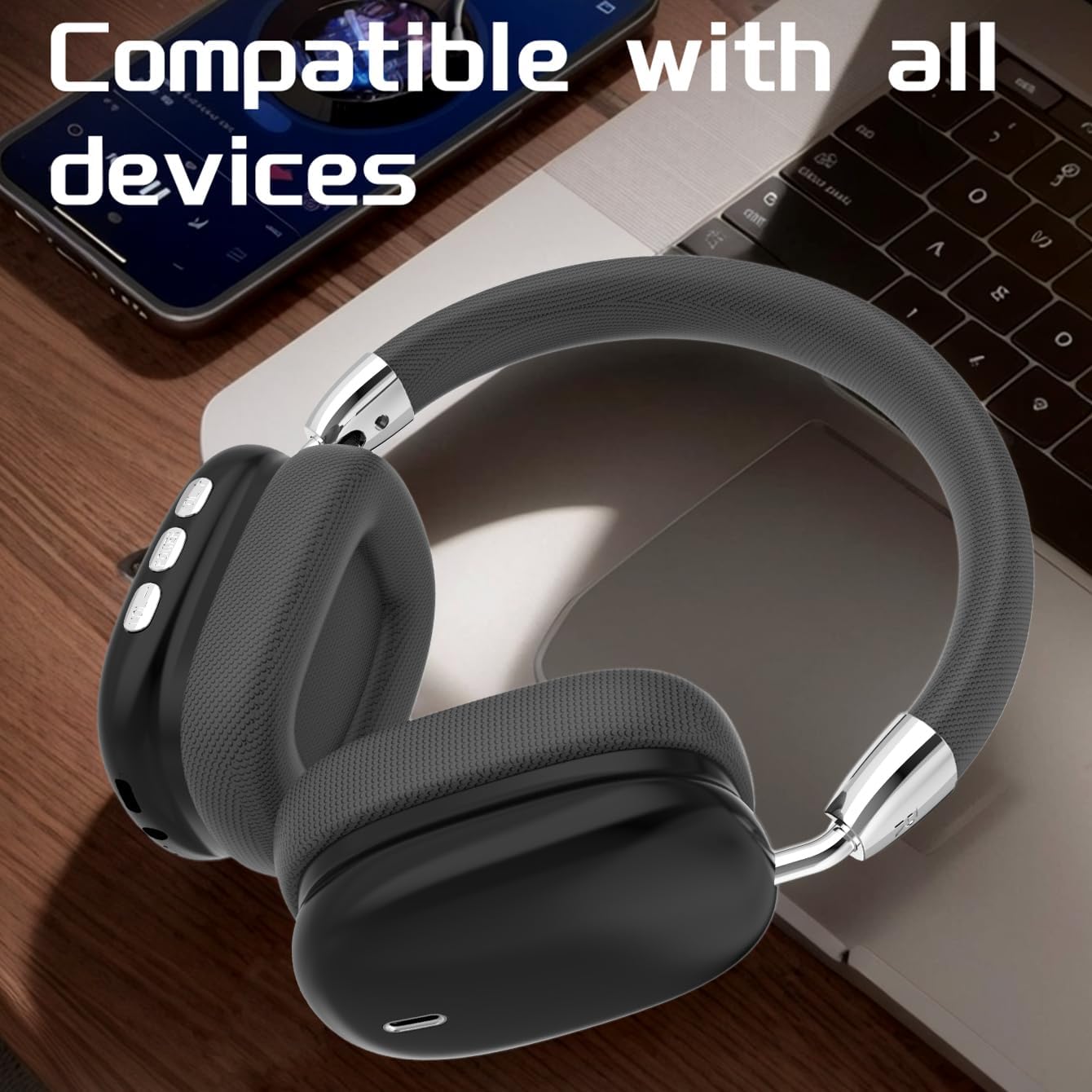
Figure 4: Device Compatibility. The B36 Wireless Over-Ear Headphones placed near a laptop and smartphone, illustrating their broad compatibility with Bluetooth-enabled devices.
5. Awọn ilana Iṣiṣẹ
5.1 Audio Sisisẹsẹhin
- Ṣiṣẹ/Daduro: Tẹ MFB lẹẹkan.
- Orin t’okan: Tẹ mọlẹ bọtini Iwọn didun Up (+).
- Tẹlẹ Orin: Tẹ mọlẹ bọtini Iwọn didun isalẹ (-).
5.2 Iṣakoso iwọn didun
- Mu iwọn didun pọ si: Kukuru tẹ bọtini Iwọn didun Up (+).
- Din iwọn didun silẹ: Kukuru tẹ bọtini Iwọn didun isalẹ (-).
5.3 ipe Management
- Idahun/Ipe Ipari: Press the MFB once during an incoming call or active call.
- Kọ Ipe: Press and hold the MFB for 2 seconds during an incoming call.
- Nọmba Ikẹhin Tun Tun: Tẹ MFB lẹẹmeji.

Figure 5: In-Use Comfort. A user wearing the B36 Wireless Over-Ear Headphones, demonstrating their comfortable over-ear fit and suitability for various activities.
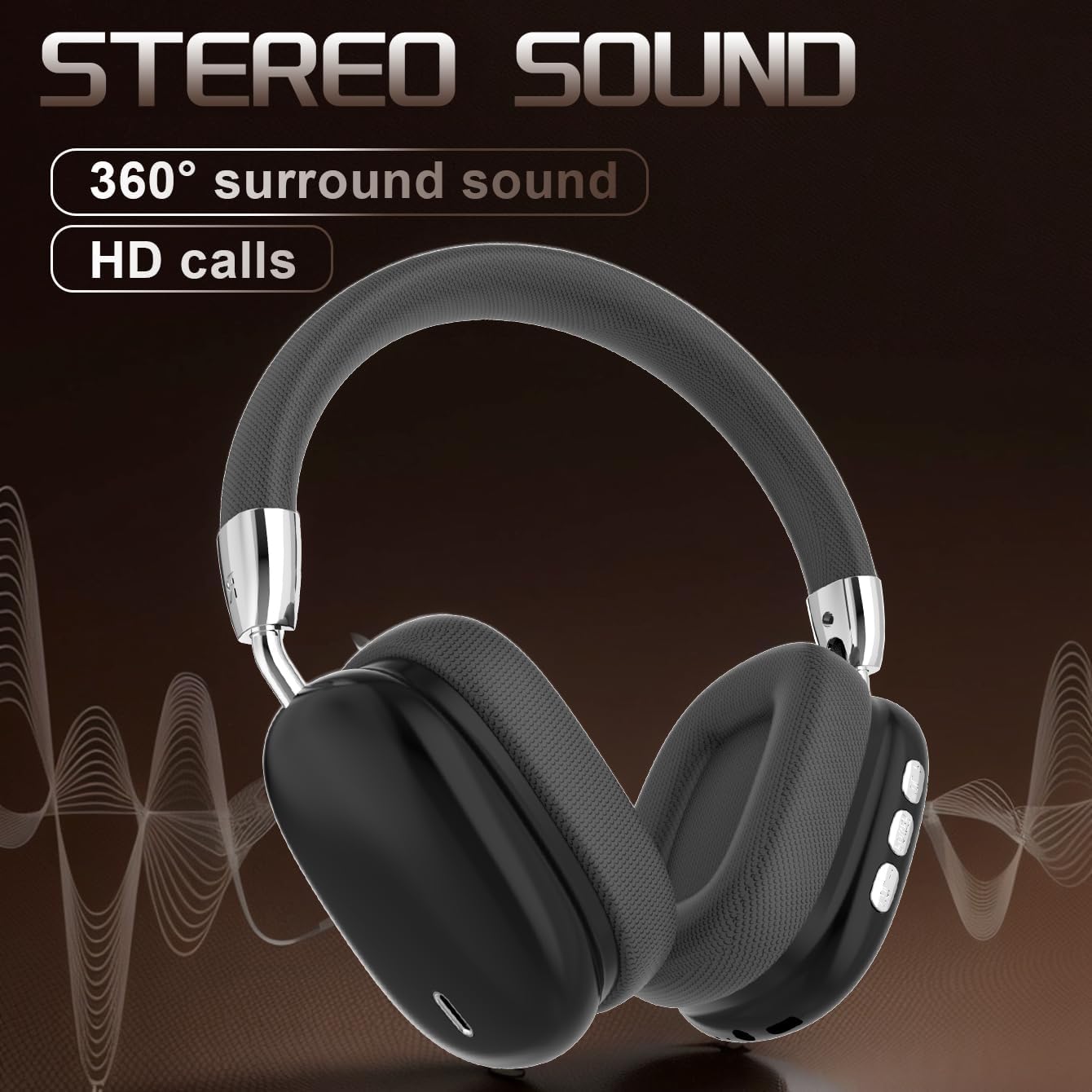
Figure 6: Audio Quality. A visual representation emphasizing the 360-degree surround sound and HD call capabilities of the B36 headphones.
6. Itọju
- Ninu: Use a soft, dry cloth to clean the headphones. For the mesh fabric, a slightly damp cloth can be used, but ensure it is not wet. Do not use harsh chemicals or abrasive cleaners.
- Omi Resistance: Awọn agbekọri wọnyi jẹ ko omi sooro. Yago fun ifihan si awọn olomi, ọrinrin, ati ọriniinitutu pupọ.
- Ibi ipamọ: Nigbati o ko ba wa ni lilo, tọju awọn agbekọri naa ni itura, aye gbigbẹ, kuro lati orun taara ati awọn iwọn otutu to gaju. Apẹrẹ ti a ṣe pọ gba laaye fun ibi ipamọ iwapọ.
- Itọju Batiri: If the product is not used for a long time, please make sure to charge it at least once every two months to maintain battery health.
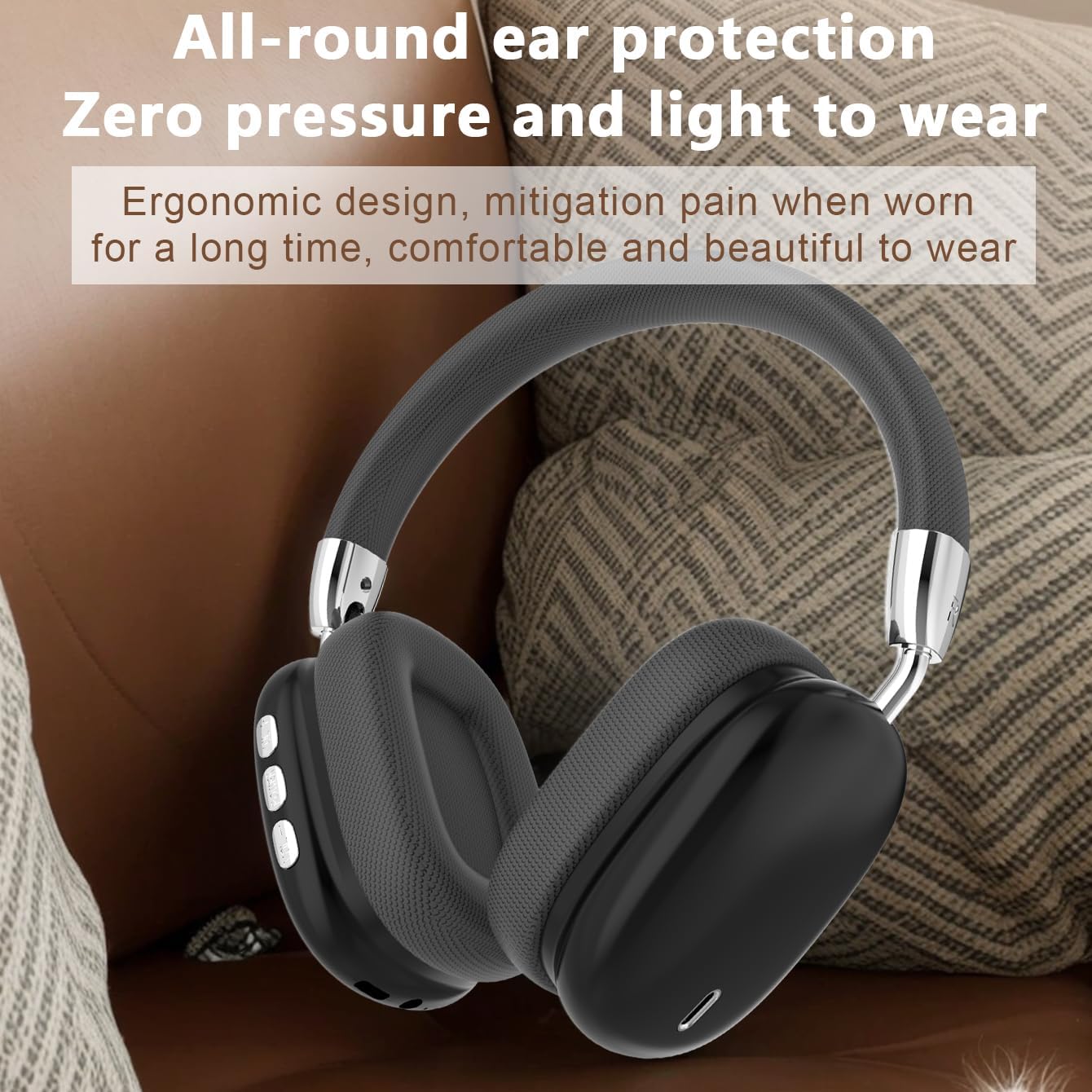
Figure 7: Ergonomic Design. The B36 Wireless Over-Ear Headphones shown with text describing their ergonomic design, providing zero pressure and light wear for extended comfort.
7. Laasigbotitusita
| Isoro | Owun to le Fa | Ojutu |
|---|---|---|
| Awọn agbekọri ko ṣiṣẹ. | Batiri kekere. | Charge the headphones for at least 2 hours. |
| Ko le so pọ pẹlu ẹrọ. | Awọn agbekọri ko si ni ipo sisopọ; Bluetooth kuro lori ẹrọ; ẹrọ ju jina. | Ensure headphones are in pairing mode (flashing indicator light). Turn on Bluetooth on your device. Move headphones closer to the device (within 33 feet). |
| Ko si ohun tabi iwọn kekere. | Iwọn didun ju lori awọn agbekọri tabi ẹrọ; olokun ko ti sopọ. | Increase volume on both headphones and connected device. Re-pair the headphones if connection is lost. |
| Didara ohun ko dara. | kikọlu; ẹrọ jina ju; kekere batiri. | Move away from sources of interference (Wi-Fi routers, other Bluetooth devices). Move closer to the connected device. Charge the headphones. |
8. Awọn pato
| Ẹya ara ẹrọ | Ẹ̀kúnrẹ́rẹ́ |
|---|---|
| Orukọ awoṣe | B36 |
| Asopọmọra Technology | Ailokun (Bluetooth) |
| Ẹya Bluetooth | 5.0 |
| Bluetooth Ibiti | Ẹsẹ 33 (mita 10) |
| Gbigbe Eti | Lori Eti |
| Ariwo Iṣakoso | Fifagile Ariwo |
| Idahun Igbohunsafẹfẹ | 20 Hz (Lower limit, upper limit not specified) |
| Ifamọ | 102 dB |
| Ipalara | 32 ohm |
| Audio Driver Iwon | 40 millimeters |
| Akoko gbigba agbara | Awọn wakati 2 |
| Akoko Lilo | 6-8 Hours (depending on volume) |
| Ohun elo | Metal, Plastic, Premium Mesh Fabric |
| Iwọn Nkan | 310 Giramu (10.9 iwon) |
| Omi Resistance Ipele | Ko Omi Resistant |
| Olupese | UNVO |
9. Atilẹyin ọja ati Support
The product has a shelf life of one year, which typically implies a one-year warranty period from the date of purchase. Please retain your proof of purchase for warranty claims.
For technical support, warranty inquiries, or service, please contact the manufacturer or your retailer. Refer to the contact information provided on the product packaging or the official JUNJIEUNVO webojula.
Àkíyèsí: A kò kọ àwọn àlàyé ìfọwọ́sowọ́pọ̀ pàtó sí ìwé ìtọ́ni yìí.
10. Awọn iṣọra aabo
- Do not expose the headphones to extreme temperatures, direct sunlight, or high humidity.
- Do not disassemble, repair, or modify the headphones yourself. This may void the warranty and cause damage.
- Pa agbekọri naa mọ kuro lọdọ awọn ọmọde ati awọn ẹranko.
- Yago fun gbigbọ ni iwọn giga fun awọn akoko gigun lati dena ibajẹ igbọran.
- Sọ ọja naa ni ifojusọna ni ibamu si awọn ilana agbegbe.