
1. Ifihan
This manual provides essential information for the safe and efficient operation of your Optoma GT4000UHD Ultra-Short Throw 4K UHD Home Cinema Laser Projector. Please read it thoroughly before using the product and retain it for future reference.
The Optoma GT4000UHD is designed to deliver high-quality 4K UHD visuals for various entertainment purposes, including console gaming, PC gaming, and streaming video content. Its ultra-short throw capability allows for large images from a minimal distance.
2. Alaye Aabo
Ṣe akiyesi awọn iṣọra ailewu atẹle lati yago fun ibajẹ si pirojekito ati rii daju aabo olumulo:
- Ma ṣe dina awọn ṣiṣi atẹgun. Rii daju pe sisan afẹfẹ ni ayika pirojekito.
- Ma wo taara sinu pirojekito lẹnsi nigbati awọn lamp wa lori. Imọlẹ didan le fa ibajẹ oju.
- Avoid placing the projector in direct sunlight, near heat sources, or in environments with high humidity or dust.
- Lo oluyipada agbara nikan ti a pese pẹlu pirojekito.
- Ge asopọ okun agbara nigba iji manamana tabi nigba lilo fun igba pipẹ.
- Do not attempt to open or service the projector yourself. Refer all servicing to qualified personnel.
3. Package Awọn akoonu
Jẹrisi pe gbogbo awọn ohun kan wa ninu package:
- Optoma GT4000UHD Projector
- Okun agbara
- Isakoṣo latọna jijin
- Afowoyi Olumulo (iwe-ipamọ yii)
4. Ọja Ipariview
4.1 Projector Front and Top View
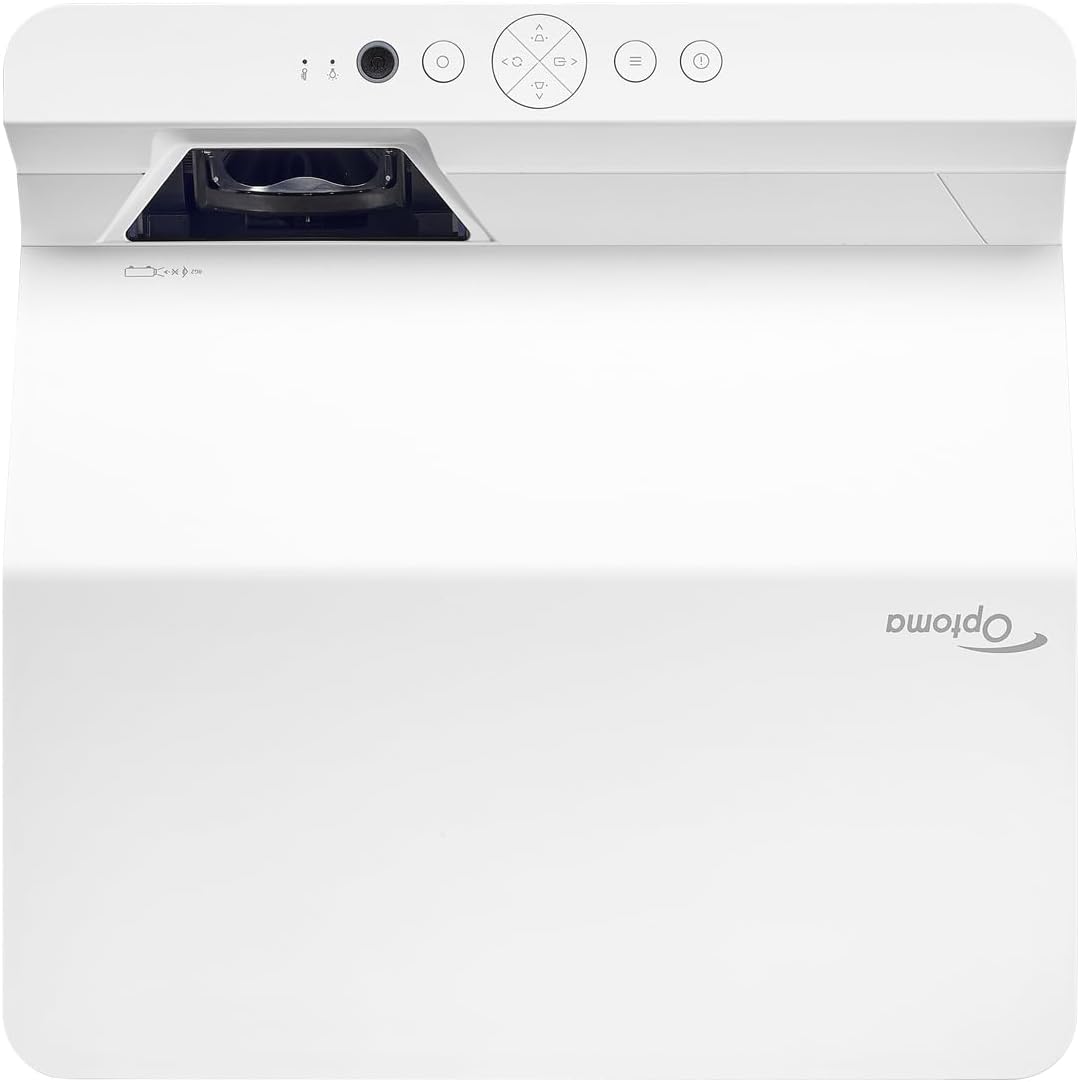
Apejuwe: This image displays the top and front view of the Optoma GT4000UHD projector. The ultra-short throw lens is visible at the front, along with basic control buttons on the top panel. The Optoma logo is prominently displayed.
4.2 Rear Panel and Connectivity
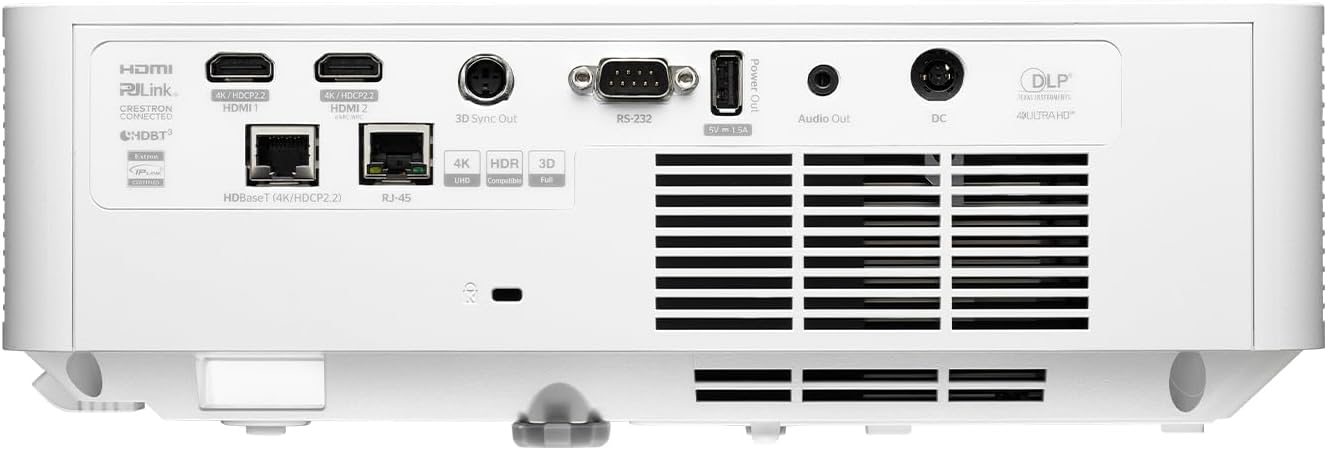
Apejuwe: This image shows the rear panel of the Optoma GT4000UHD projector, highlighting its connectivity options. Ports include HDMI, HDBaseT, RJ-45, 3D Sync Out, RS232, Audio Out, and DC power input.
4.3 Iṣakoso latọna jijin
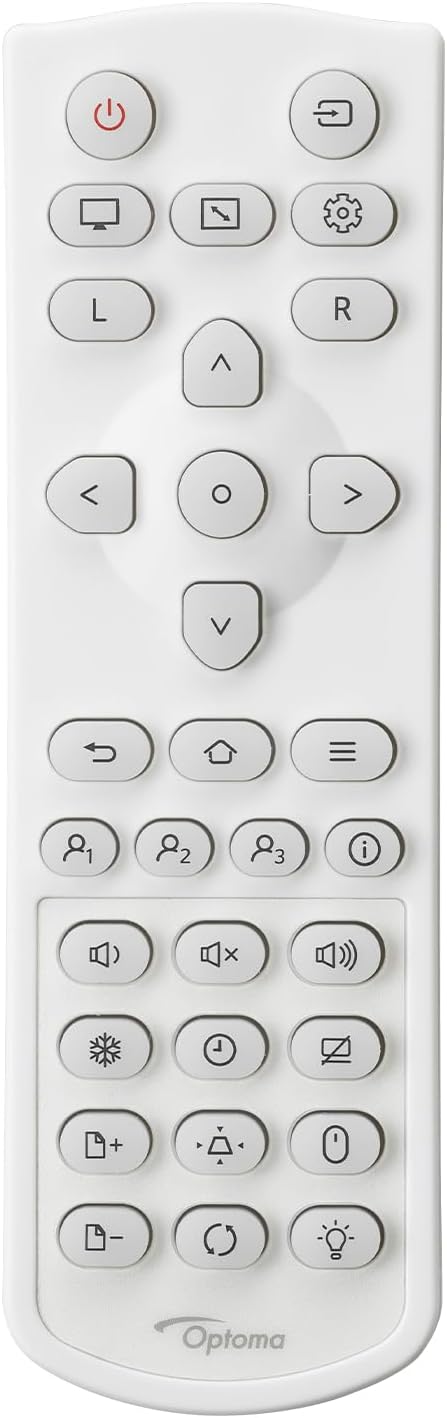
Apejuwe: This image displays the remote control for the Optoma GT4000UHD projector. It features buttons for power, source selection, menu navigation, volume control, and other functions.
5. Eto
5.1 Pirojekito Placement
The GT4000UHD is an ultra-short throw projector, capable of producing large images from a very short distance. Place the projector on a stable, flat surface directly in front of your screen or wall.
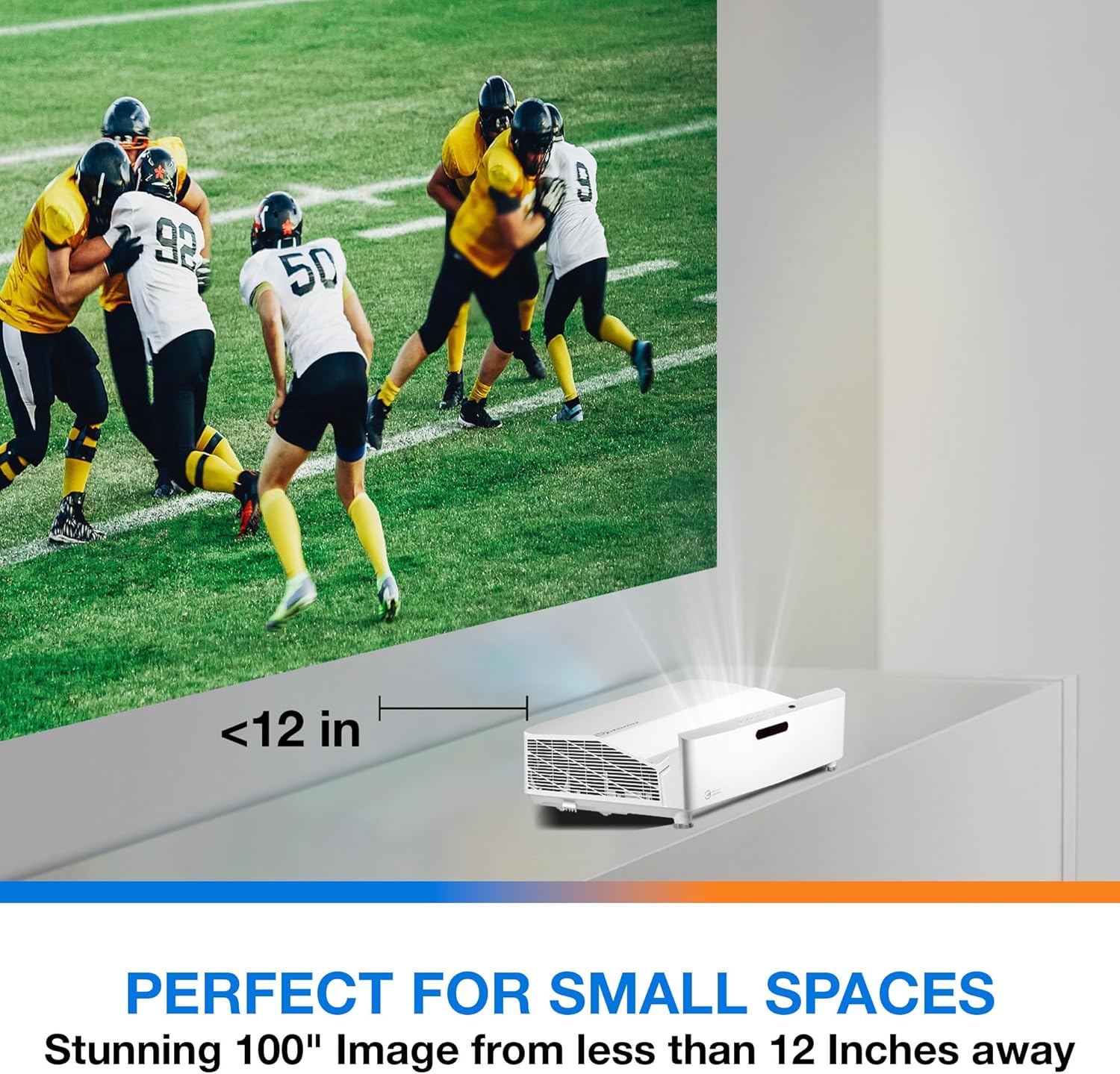
Apejuwe: This image illustrates the ultra-short throw capability of the GT4000UHD, showing it projecting a 100-inch image from less than 12 inches away from the projection surface. This allows for flexible placement in small spaces.
- For a 100-inch image, position the projector approximately 10-12 inches (25-30 cm) from the projection surface.
- Ensure the projector is level to avoid image distortion. Use the adjustable feet if necessary.
5.2 Awọn ẹrọ Nsopọ
Connect your video sources (e.g., gaming console, Blu-ray player, streaming device) to the projector's HDMI ports. For network control or HDBaseT connectivity, use the respective ports on the rear panel.
- HDMI: Connect HDMI cables from your source devices to the HDMI 1 or HDMI 2 ports.
- Ohun Jade: For external audio systems, connect an audio cable from the Audio Out port to your sound system.
- Agbara: Connect the power cord to the DC input on the projector and then to a power outlet.
5.3 Agbara Tan / Pa
- Agbara Tan: Press the power button on the projector or the remote control. The power indicator light will turn on.
- Agbara Pa: Press the power button again. A confirmation message may appear; confirm to shut down the projector.
6. Awọn ilana Iṣiṣẹ
6.1 Ipilẹ isẹ
- Aṣayan Orisun: Use the 'Source' button on the remote control to cycle through available input sources (HDMI 1, HDMI 2, etc.).
- Lilọ kiri akojọ aṣayan: Use the 'Menu' button to access settings. Use the arrow keys and 'OK' button to navigate and select options.
- Iṣakoso iwọn didun: Adjust the volume using the dedicated volume buttons on the remote control.
6.2 Image Adjustment (4-Corner Geometric Correction)
The GT4000UHD features 4-Corner Adjustment for precise image alignment, especially useful when the projector is not perfectly perpendicular to the screen.
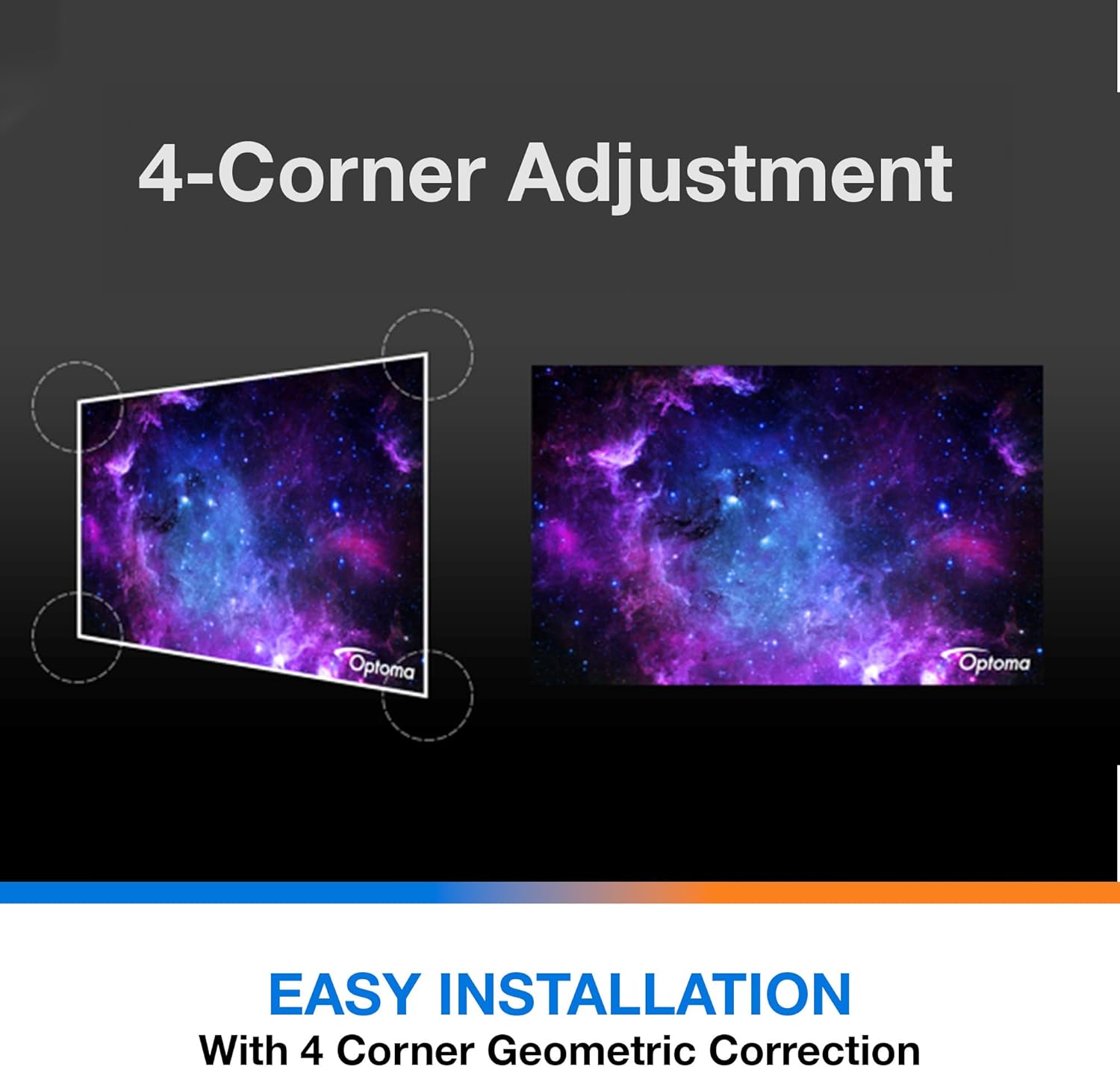
Apejuwe: This diagram illustrates the function of 4-Corner Adjustment. It shows a trapezoidal, distorted image being geometrically corrected to form a perfect rectangular projection, ensuring easy installation and optimal viewing.
- Access the 'Image' or 'Geometric Correction' menu.
- Select '4-Corner Adjustment' and use the arrow keys to individually adjust each corner of the projected image until it forms a perfect rectangle.
6.3 Enhanced Gaming Mode
The projector includes an Enhanced Gaming Mode to minimize input lag, providing a more responsive gaming experience.
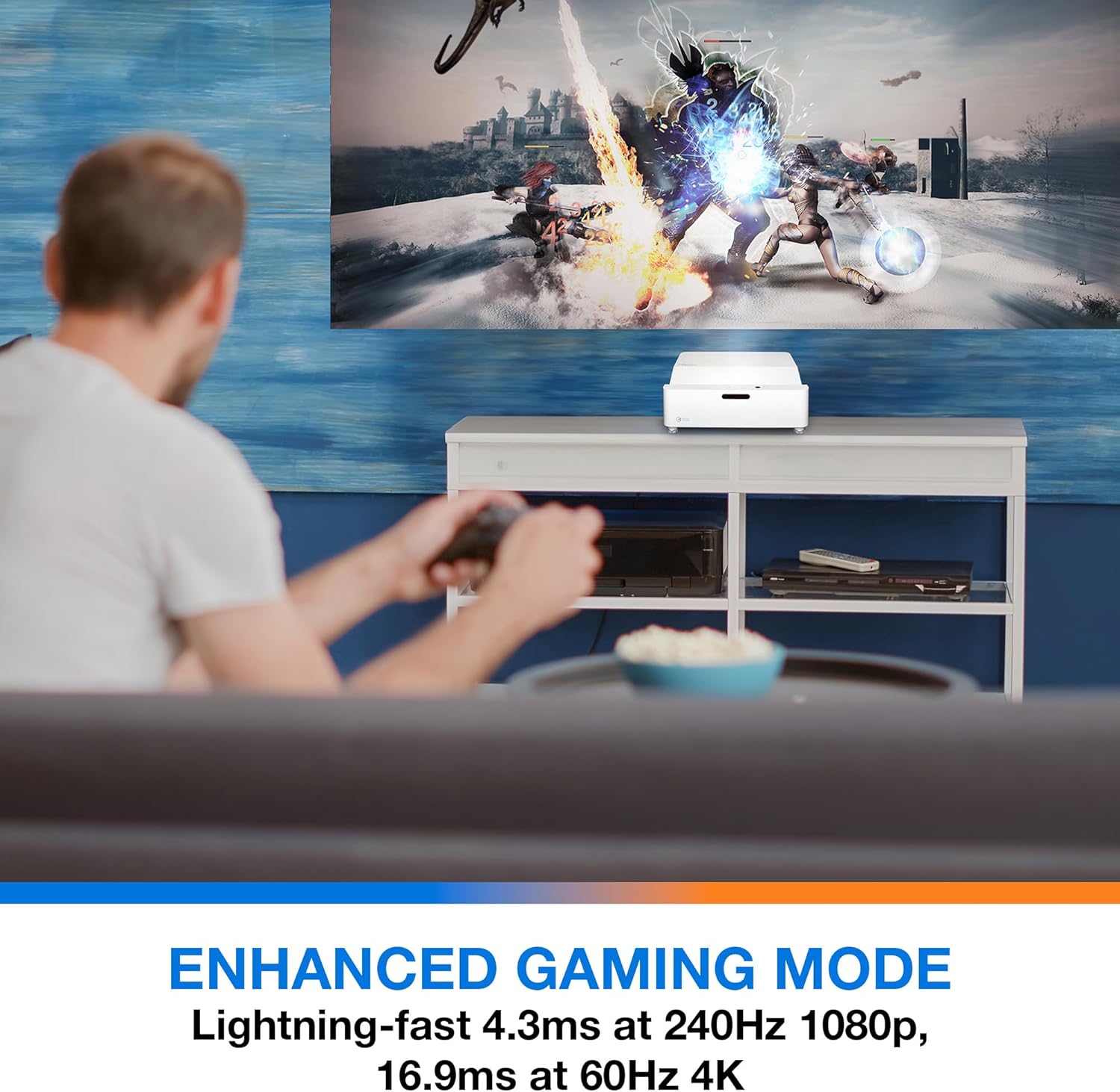
Apejuwe: This image shows a user engaged in gaming with the Optoma GT4000UHD projector, highlighting the Enhanced Gaming Mode. This mode offers low input lag for a responsive gaming experience.
- To activate, navigate to the 'Display' or 'Picture Mode' settings in the menu and select 'Gaming Mode'.
- This mode optimizes the projector for fast-paced action, reducing input latency to as low as 4.3ms at 240Hz 1080p, or 16.9ms at 60Hz 4K.
6.4 Firmware Updates (FOTA Integration)
The projector supports Firmware Over-The-Air (FOTA) updates, allowing for convenient software enhancements.
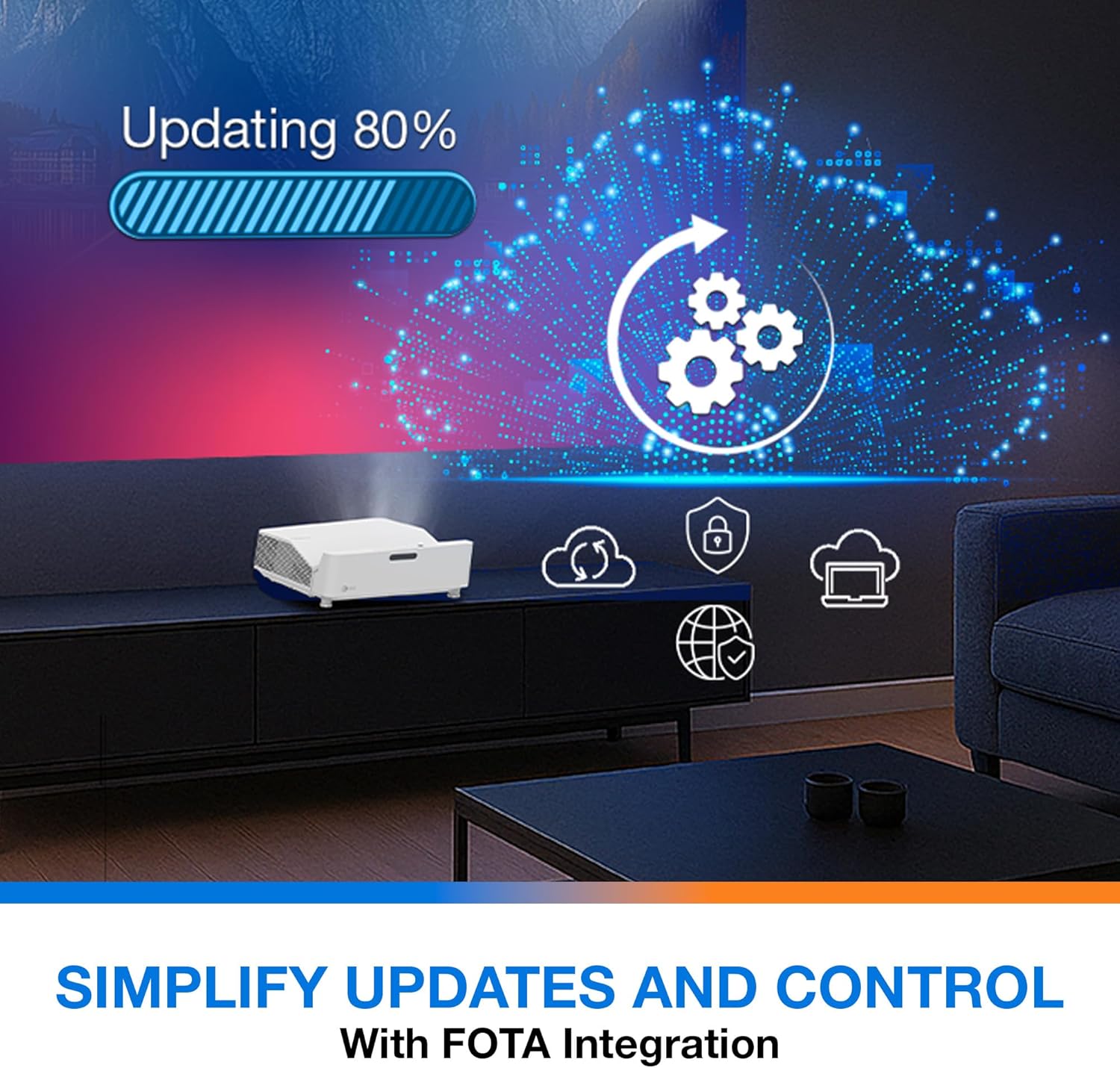
Apejuwe: This image depicts the FOTA (Firmware Over-The-Air) integration feature, showing a progress bar for an update and cloud icons representing simplified updates and control for the projector.
- Ensure the projector is connected to the internet via its network port.
- Check for updates in the 'System' or 'About' menu. Follow on-screen prompts to download and install any available firmware updates.
7. Itọju
- Fifọ lẹnsi: Gently wipe the lens with a soft, lint-free cloth specifically designed for optical surfaces. Do not use abrasive cleaners.
- Afẹfẹ: Regularly check and clean the air vents to prevent dust buildup, which can affect performance and lifespan.
- Ibi ipamọ: Tí o kò bá lò ó fún ìgbà pípẹ́, tọ́jú ẹ̀rọ ìfihàn náà sí ibi tí ó tutù tí ó sì gbẹ, tí a dáàbò bò kúrò lọ́wọ́ eruku.
8. Laasigbotitusita
Ti o ba pade awọn iṣoro, tọka si awọn solusan ti o wọpọ wọnyi:
| Isoro | Owun to le Fa | Ojutu |
|---|---|---|
| Ko si aworan han | Power cable loose, incorrect input source, source device off | Check power connections, select correct input source, ensure source device is on. |
| Image distorted/not rectangular | Projector not level, keystone/corner adjustment needed | Adjust projector position, use 4-Corner Adjustment feature. |
| Ko si ohun | Volume too low, external audio system not connected/selected | Increase volume, check external audio connections and settings. |
| Isakoṣo latọna jijin ko ṣiṣẹ | Batteries depleted, obstruction between remote and projector | Replace batteries, remove obstructions, ensure line of sight. |
If the problem persists, contact Optoma customer support.
9. Awọn pato
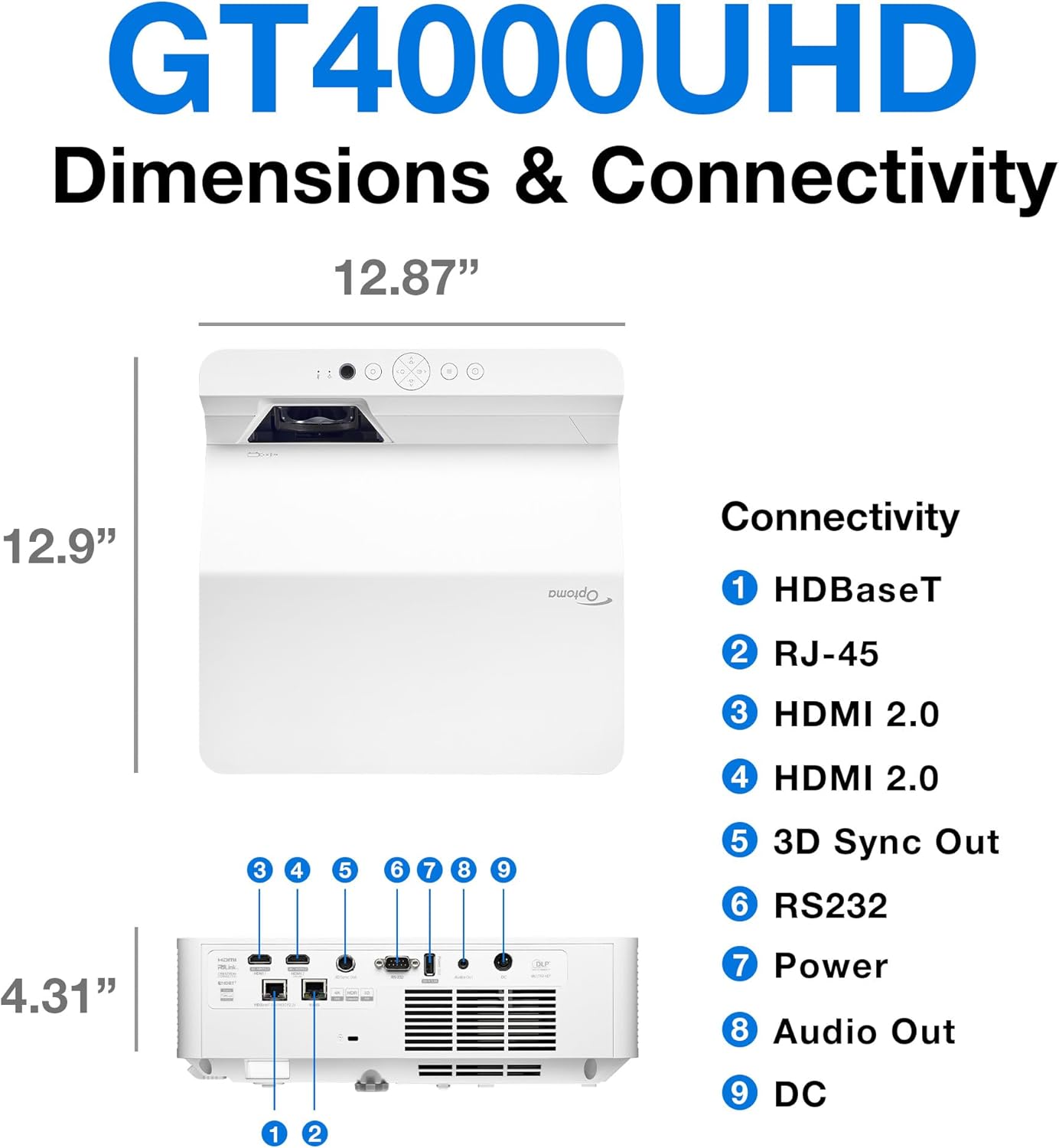
Apejuwe: This image provides a detailed diagram of the Optoma GT4000UHD projector, including its dimensions (12.87" x 12.9" x 4.31") and a labeled overview of its connectivity ports such as HDBaseT, RJ-45, HDMI 2.0, 3D Sync Out, RS232, Power, Audio Out, and DC.
| Ẹya ara ẹrọ | Sipesifikesonu |
|---|---|
| Orukọ awoṣe | GT4000UHD |
| Brand | Optoma |
| Ipinnu Ifihan | 3840 x 2160 (4K UHD) |
| Imọlẹ | 4,000 Lumens |
| Asopọmọra Technology | HDMI, RCA |
| Pataki Ẹya | Ultra Kukuru jabọ |
| Niyanju Lilo | Ere, Ile sinima |
| Iwọn Aworan ti o pọju | 100 inches |
| Ijinna Jiju Kere | 0.28 Mita |
| O pọju jiju Ijinna | 0.56 Mita |
| Iwọn Nkan | 9.8 iwon |
| Iṣagbesori Iru | Tabletop Oke |
10. Atilẹyin ọja ati Support
10.1 atilẹyin ọja Alaye
The Optoma GT4000UHD projector comes with a 1 Year Projector Parts and Labor Manufacturer’s Warranty. Jọwọ ṣe idaduro ẹri rira rẹ fun awọn iṣeduro atilẹyin ọja.
10.2 Onibara Support
For technical assistance, troubleshooting beyond this manual, or warranty inquiries, please visit the official Optoma support website or contact their customer service department. Contact information can typically be found on the Optoma webaaye tabi ni apoti ọja.