
Ọrọ Iṣaaju
This manual provides essential information for the assembly, operation, maintenance, and troubleshooting of your Deli Gaming Table E91511. Please read these instructions carefully before assembly and use to ensure proper function and longevity of your product.
Awọn Ikilọ Abo
- Máa kó tábìlì jọ nígbà gbogbo gẹ́gẹ́ bí ìlànà tí a pèsè.
- Ensure the desk is properly anchored to the floor to prevent tipping, especially when using heavy setups.
- Be cautious when moving the desk, as it may require two people due to its size and weight.
- Do not overload the desk beyond its specified weight capacity.
- Pa awọn ẹya kekere kuro lọdọ awọn ọmọde lakoko apejọ.
Package Awọn akoonu
Before beginning assembly, verify that all components are present and undamaged. Refer to the included assembly instructions for a detailed list of parts and hardware. Typically, the package includes:
- Desktop surface (Metal and Composite)
- Desk legs (K-type carbon steel frame)
- Crossbars and support beams
- Àwọn ohun èlò ìṣàkójọpọ̀ (àwọn skru, àwọn ṣẹ́ẹ̀tì, àwọn ẹ̀rọ ìfọṣọ)
- Assembly tools (if included, otherwise standard tools like a screwdriver may be required)
- Ilana itọnisọna
Eto ati Apejọ
The Deli Gaming Table E91511 is designed for quick assembly with minimal tools. Follow the step-by-step instructions provided in the separate assembly guide included with your product. Ensure you have adequate space for assembly and consider having a second person assist with lifting and positioning larger components.
Awọn Igbesẹ Apejọ Gbogbogbo:
- Yọọ gbogbo awọn paati ki o si gbe wọn si ori mimọ, dada rirọ lati ṣe idiwọ awọn itọ.
- Attach the K-shaped table legs to the main support frame using the provided hardware. Ensure all connections are secure.
- Carefully place the desktop surface onto the assembled leg frame. Align the pre-drilled holes.
- Secure the desktop to the frame using the remaining hardware. Do not overtighten.
- Verify all screws and bolts are tightened and the desk is stable before placing any equipment on it.

Image: Close-up of the K-shaped table legs, demonstrating the stable structure.
Awọn ilana Iṣiṣẹ
The Deli Gaming Table E91511 offers a spacious and stable surface for various uses, including gaming, streaming, home office work, and student workstations.
- Wider Gaming Surface: The 120 cm width accommodates dual monitors or extra peripherals, providing ampaaye fun iṣeto rẹ.
- Apẹrẹ Ergonomic: The desk is designed for comfortable use, allowing for extended periods of activity without discomfort.
- Iṣakoso USB: Utilize the integrated 3D cable management box (if applicable) to keep your cables organized and your workspace tidy.
- Agbara Gbigbe Ẹru: The desk is engineered for heavy setups and consistent use. Ensure weight is distributed evenly.
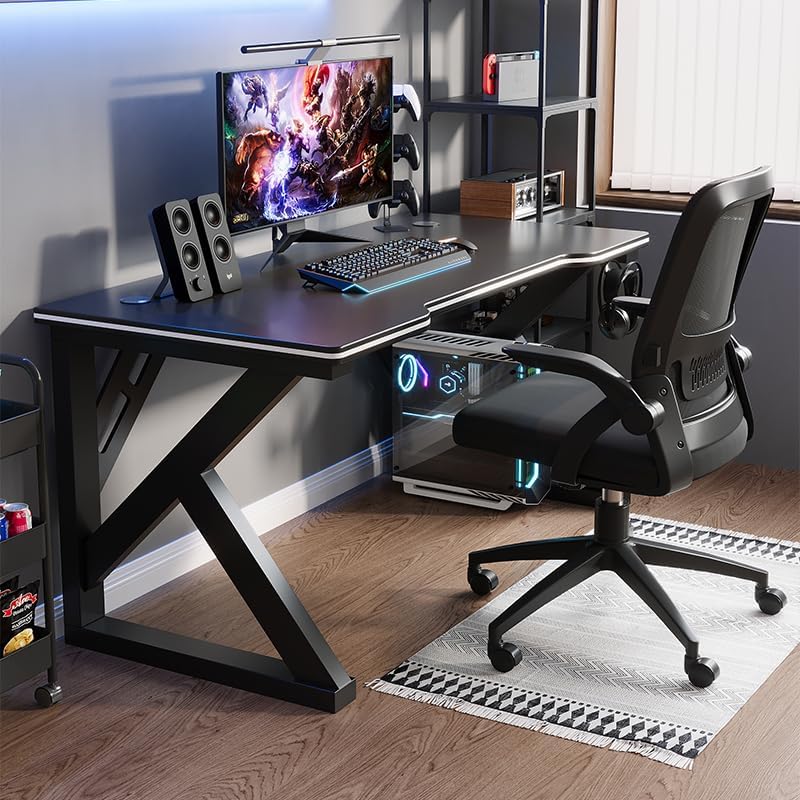
Image: A gaming setup on the Deli Gaming Table, illustrating its spacious surface.

Aworan: Oke-isalẹ view of a user at the Deli Gaming Table, highlighting ergonomic design.
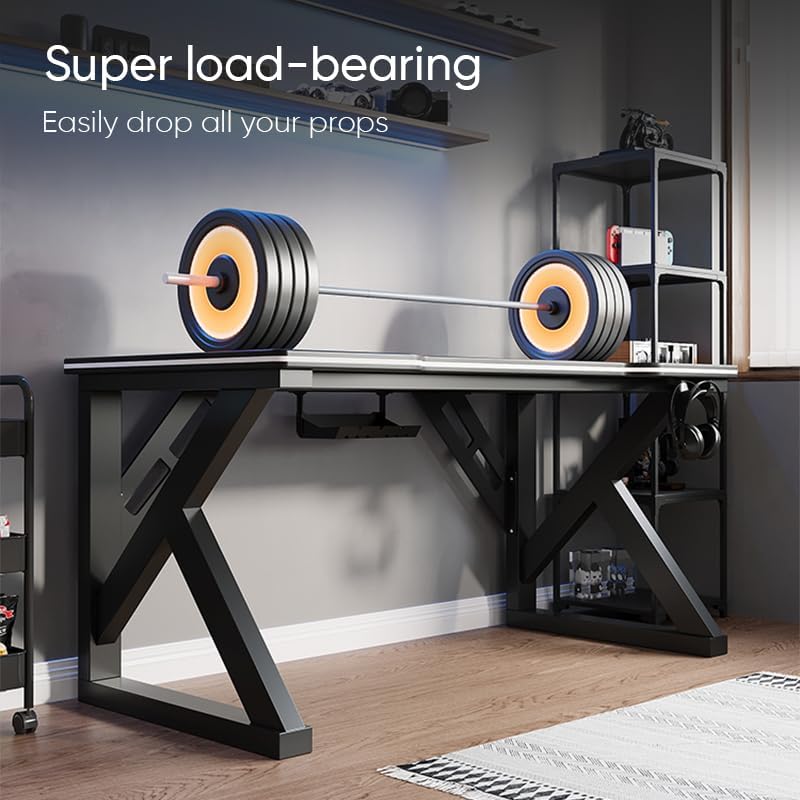
Image: The Deli Gaming Table demonstrating its load-bearing capability.
Itoju
Regular maintenance will help preserve the appearance and functionality of your Deli Gaming Table.
- Ninu: Wipe the desktop surface and legs with a soft, damp cloth. Avoid abrasive cleaners or harsh chemicals that could damage the painted finish or material.
- Idasonu: Clean up spills immediately to prevent staining or damage to the surface.
- Ṣiṣayẹwo ohun elo: Lokọọkan ṣayẹwo gbogbo awọn skru ati awọn boluti lati rii daju pe wọn wa ni wiwọ. Retighten ti o ba wulo lati ṣetọju iduroṣinṣin.
- Idaabobo ipata: While the desk is made of metal, prolonged exposure to moisture can lead to rust. Keep the desk in a dry environment and wipe away any moisture promptly.
Laasigbotitusita
Desk is unstable or wobbly:
- Rii daju pe gbogbo awọn skru apejọ ati awọn boluti ti di ni kikun.
- Check that the desk is on a level surface. Adjust floor glides if present.
- Verify that all parts are correctly assembled according to the instruction manual.
Àwọn ẹ̀yà ara ti sonu tàbí ti bàjẹ́:
- Review the package contents list in your assembly manual.
- Contact customer support with your model number and a description of the missing or damaged part.
Iṣoro pẹlu apejọ:
- Tun ka awọn ilana apejọ naa daradara, ki o si fiyesi si awọn aworan apẹrẹ.
- Rii daju pe o nlo ohun elo to tọ fun igbesẹ kọọkan.
- If issues persist, consider seeking assistance from another person.
Awọn pato

Image: Dimensions of the Deli Gaming Table.
| Ẹya ara ẹrọ | Ẹ̀kúnrẹ́rẹ́ |
|---|---|
| Nọmba awoṣe | E91511 |
| Awọn iwọn (W x D x H) | 120 cm x 60 cm x 75 cm |
| Àwọ̀ | Dudu |
| Ohun elo Iru | Metal and Composite (E1 grade material) |
| Ohun elo fireemu | K-type Carbon Steel Frame |
| Pari Iru | Ya |
| Iwọn Nkan | 13000 giramu |
| Apejọ ti a beere | Bẹẹni |
| Niyanju Lilo | Gaming, Streaming, Home Office, Student Workstation |
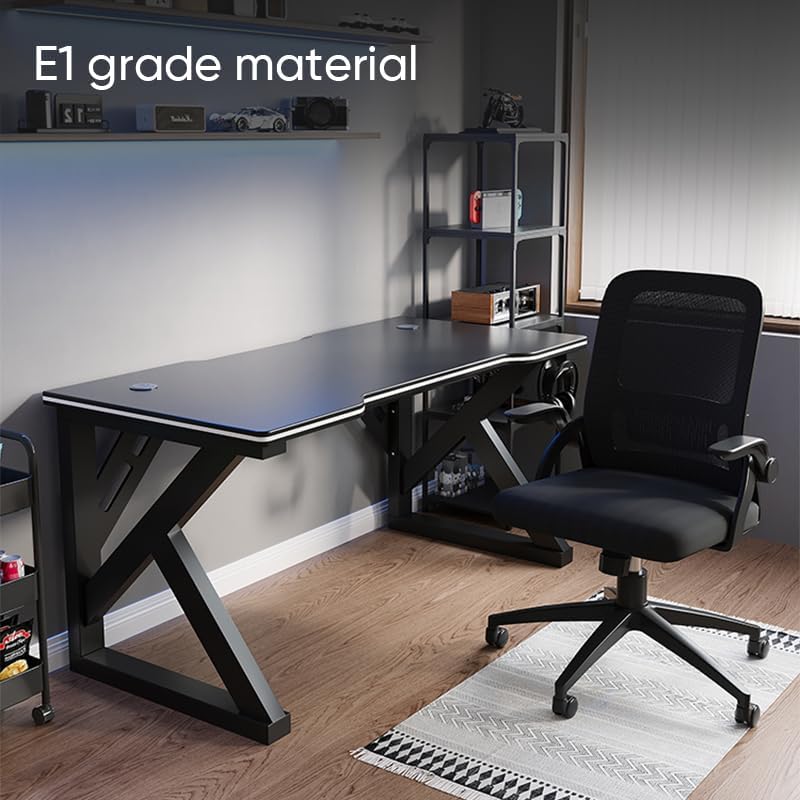
Image: The Deli Gaming Table highlighting E1 grade material.
Alaye atilẹyin ọja
For specific warranty details regarding your Deli Gaming Table E91511, please refer to the warranty card included with your purchase or visit the official Deli webAaye naa. Awọn ofin atilẹyin ọja maa n bo awọn abawọn iṣelọpọ labẹ awọn ipo lilo deede.
Onibara Support
If you have any questions, require assistance with assembly, or need to report a missing/damaged part, please contact Deli customer support through the following channels:
- Webojula: Visit the official Deli webaaye fun awọn orisun atilẹyin ati awọn fọọmu olubasọrọ.
- Imeeli: Refer to your purchase documentation for customer service email addresses.
- Foonu: Check the product packaging or official webojula fun onibara iṣẹ awọn nọmba foonu.
Please have your model number (E91511) and proof of purchase ready when contacting support.