
1. Ifihan
This manual provides essential information for the proper setup, operation, and maintenance of your JMGO 100-inch Projector Screen. Please read these instructions carefully before use to ensure optimal performance and longevity of your product.
Awọn ẹya pataki:
- Eto Iyara & Rọrun: Designed for rapid assembly and disassembly, suitable for both permanent and portable applications.
- Didara Aworan ti o gaju: Supports 4K, 3D, and HDR content, offering high brightness and accurate color reproduction for an immersive viewiriri iriri.
- Durable & Versatile: Features high light resistance, anti-wrinkle technology, and enhanced opacity for superior contrast. Supports both front and rear projection.
- Lilo Imudaramu: Ideal for various environments including home theaters, outdoor movie nights, camping, office presentations, and classroom settings.
2. Awọn ilana iṣeto
Follow these steps to assemble your JMGO 100-inch Projector Screen:
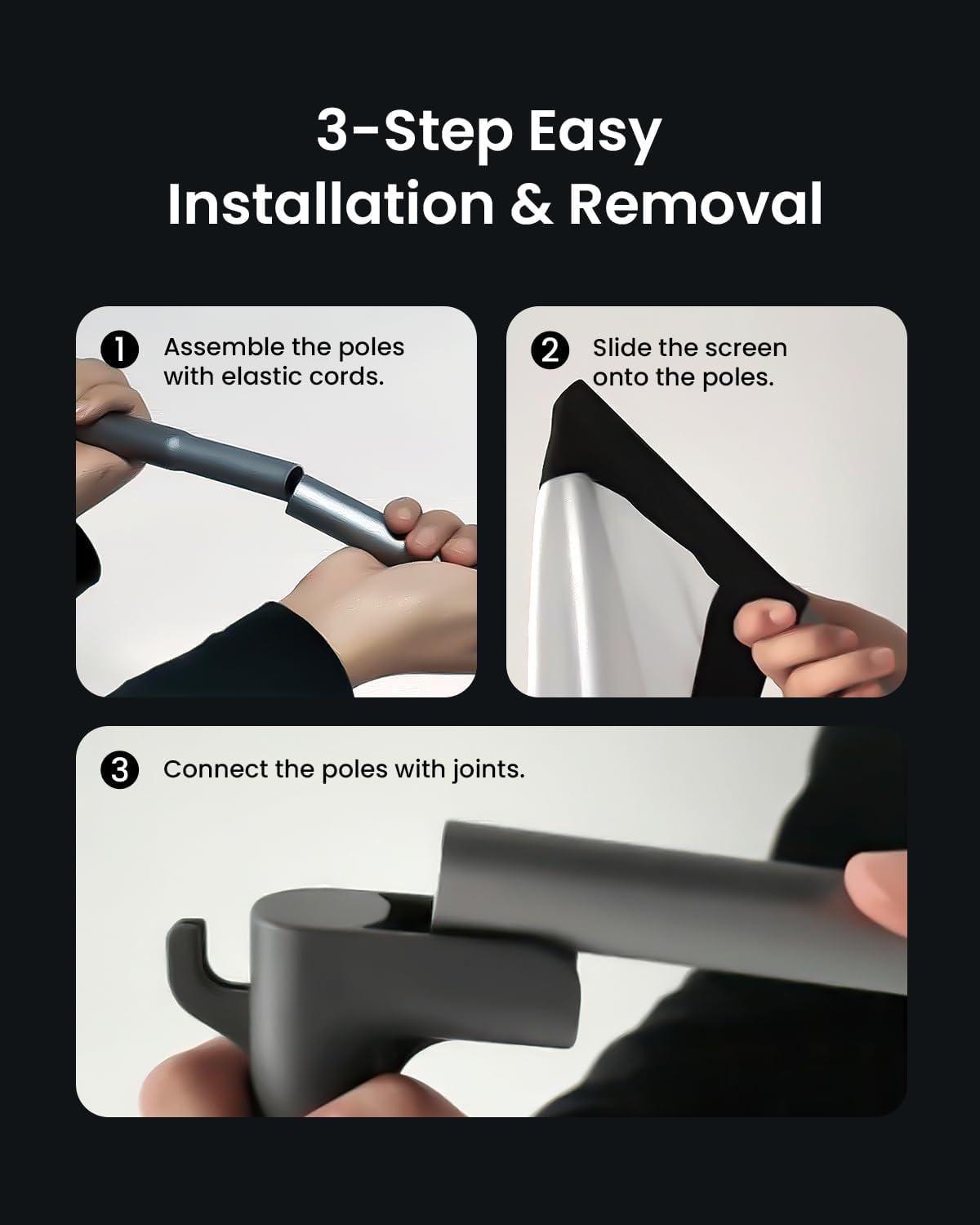
- Ṣe apejọ awọn ọpa: Connect the pole segments using the elastic cords inside. Ensure all connections are secure.
- Slide the Screen onto the Poles: Carefully slide the screen material onto the assembled poles. The screen has sleeves designed to accommodate the poles.
- Connect Poles with Joints: Use the provided joints (T-joints and elbow joints) to connect the assembled poles, forming the complete frame. Ensure all joints are firmly attached.
Product Dimensions and Components:
Refer to the diagram below for a visual representation of the screen components and overall dimensions.

3. Awọn ilana Iṣiṣẹ
Once assembled, position your projector screen for optimal viewing. The screen is designed to provide a high-quality image experience.
Viewiriri:
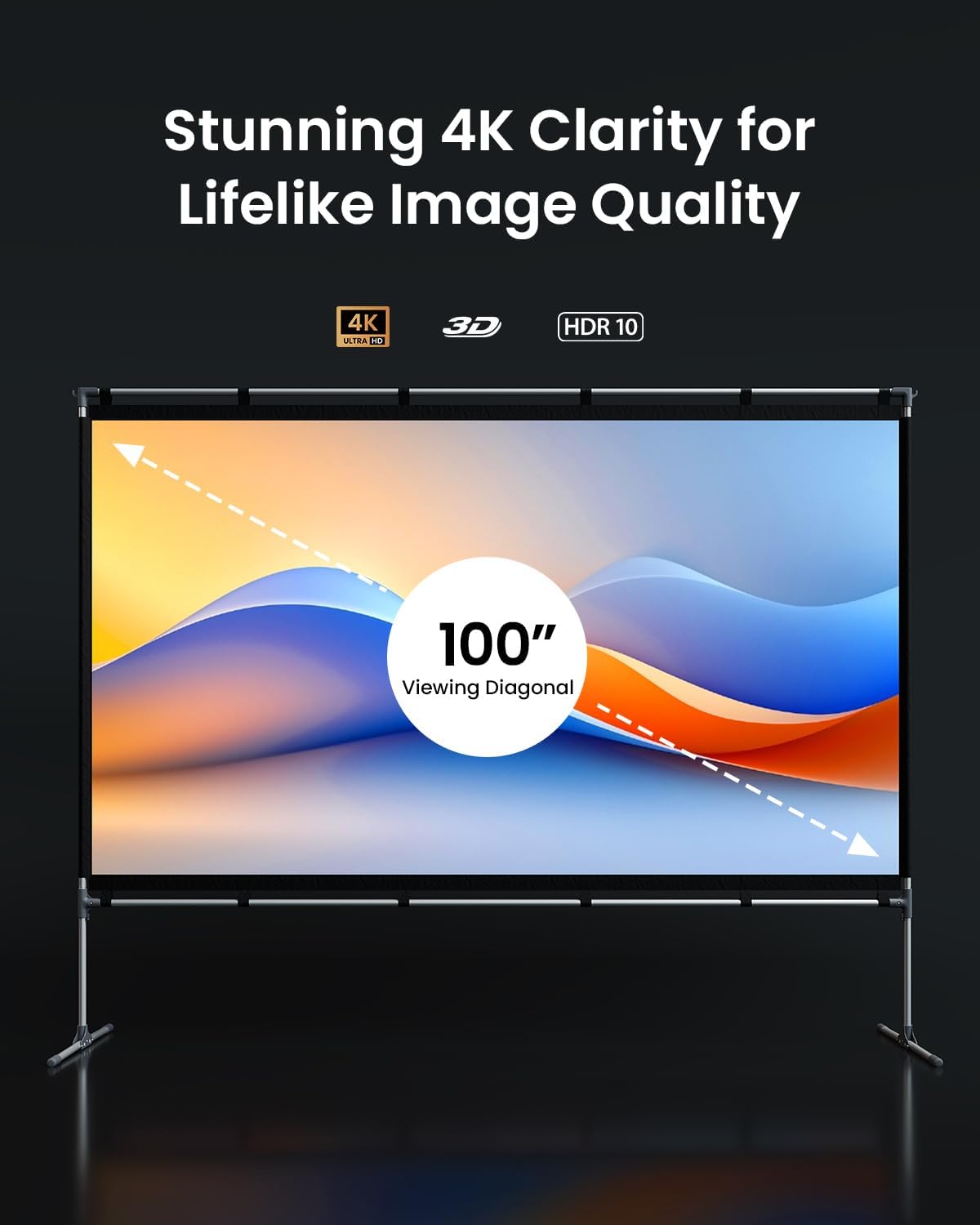
- The screen supports 4K, 3D, and HDR content, ensuring a vibrant and detailed picture.
- Its specialized fabric offers high contrast and color accuracy.
- The wide 160-degree viewing angle ensures a clear picture from various positions.
- Suitable for both front and rear projection setups.

4. Itọju
To maintain the quality and performance of your projector screen, follow these guidelines:
- Ninu: Gently wipe the screen surface with a soft, damp cloth. Avoid abrasive cleaners or harsh chemicals, as these can damage the screen material.
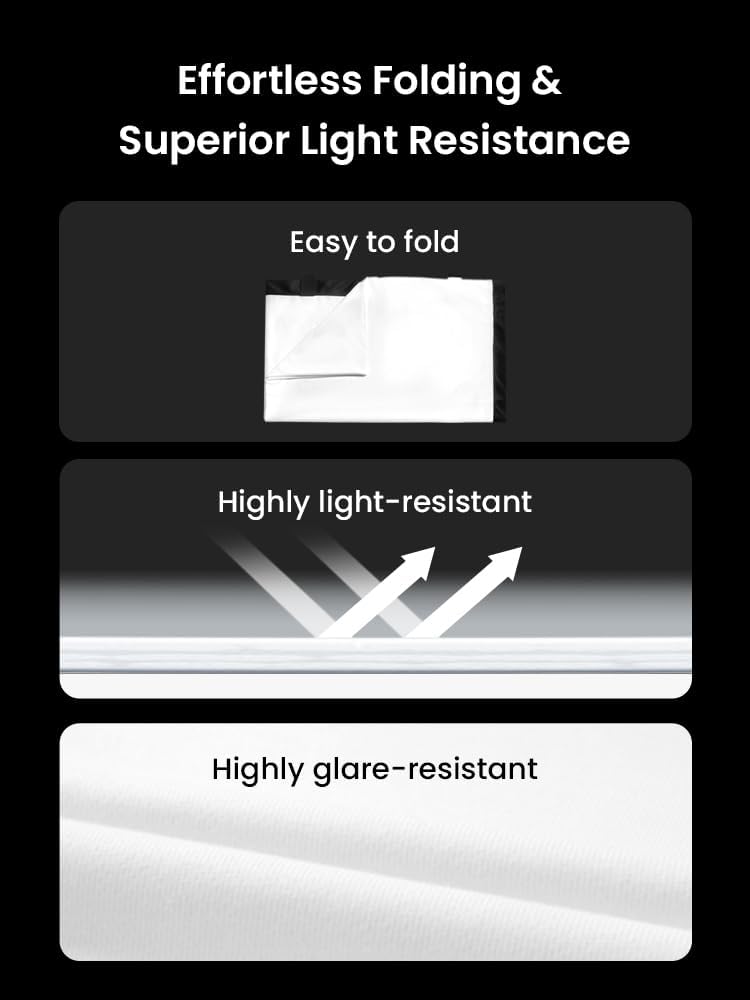
- Ibi ipamọ: When not in use, disassemble the screen and fold it carefully. Store it in a dry, cool place away from direct sunlight. The anti-wrinkle technology helps prevent creases during storage.
- Mimu: Avoid sharp objects near the screen surface to prevent punctures or tears.
5. Laasigbotitusita
If you encounter issues with your projector screen, consider the following common solutions:
- Wrinkles on Screen: Ensure the screen is stretched tautly across the frame during assembly. The material is designed to be anti-wrinkle, but improper setup can cause minor creases.
- Fireemu Aiduro: Verify that all pole connections and joints are securely fastened. For outdoor use, ensure ground stakes and water bags (if included) are properly utilized to stabilize the frame.
- Didara Aworan Ko dara: Check your projector's settings and ensure it is aligned correctly with the screen. Verify that the screen surface is clean and free from obstructions.
Fun iranlọwọ siwaju, jọwọ kan si atilẹyin alabara.
6. Awọn pato
| Ẹya ara ẹrọ | Ẹ̀kúnrẹ́rẹ́ |
|---|---|
| Brand | JmGO |
| Nọmba awoṣe | JMUS_Screen_61020146-01 |
| Iṣagbesori Iru | Floor Oke |
| Ọja Mefa | 100"W x 100"H |
| Awọn Iwọn Ifihan | 100 inches (oni-rọsẹ) |
| Ohun elo | Specialized Fabric |
| Screen Finish | Matte |
| Viewigun igun | Awọn iwọn 160 |
| Olupese | JMGO |
7. atilẹyin ọja Information
The JMGO 100-inch Projector Screen comes with a 1-Odun Atilẹyin ọja Limited from the date of purchase. This warranty covers manufacturing defects under normal use. It does not cover damage caused by misuse, accidents, unauthorized modifications, or improper installation.
Jọwọ ṣe idaduro ẹri rira rẹ fun awọn iṣeduro atilẹyin ọja.
8. Onibara Support
For any questions, technical support, or warranty inquiries, please contact JMGO Customer Service.

Imeeli: lẹhin-sales@jmgo.com
Please include your model number and a detailed description of your issue when contacting support.