
Ọrọ Iṣaaju
The Skullcandy Crusher Evo Wireless Bluetooth Headphones deliver a powerful audio experience with patented Multi-Sensory Crusher Bass technology. Designed for comfort and extended use, these headphones feature up to 40 hours of battery life, Rapid Charge, and personalized sound tuning through the Skullcandy App. This manual provides essential information for setting up, operating, maintaining, and troubleshooting your Crusher Evo headphones.
Ohun ti o wa ninu Apoti
Upon opening your Skullcandy Crusher Evo package, you should find the following items:
- Crusher® Evo Wireless Headphones
- USB-C Ngba agbara Cable
- Okun Audio Iranlọwọ
- Ọran Idaabobo
- Quick Start & User Guides

Image: The Skullcandy Crusher Evo headphones, USB-C charging cable, auxiliary cable, protective case, and user guide are neatly arranged, illustrating the complete package contents.
Ṣeto
1. Ngba agbara rẹ Agbekọri
Before initial use, fully charge your Crusher Evo headphones. Connect the provided USB-C charging cable to the headphone's charging port and a compatible USB power source. A full charge provides up to 40 hours of listening time. The Rapid Charge feature allows for 4 hours of listening with just a 10-minute charge.
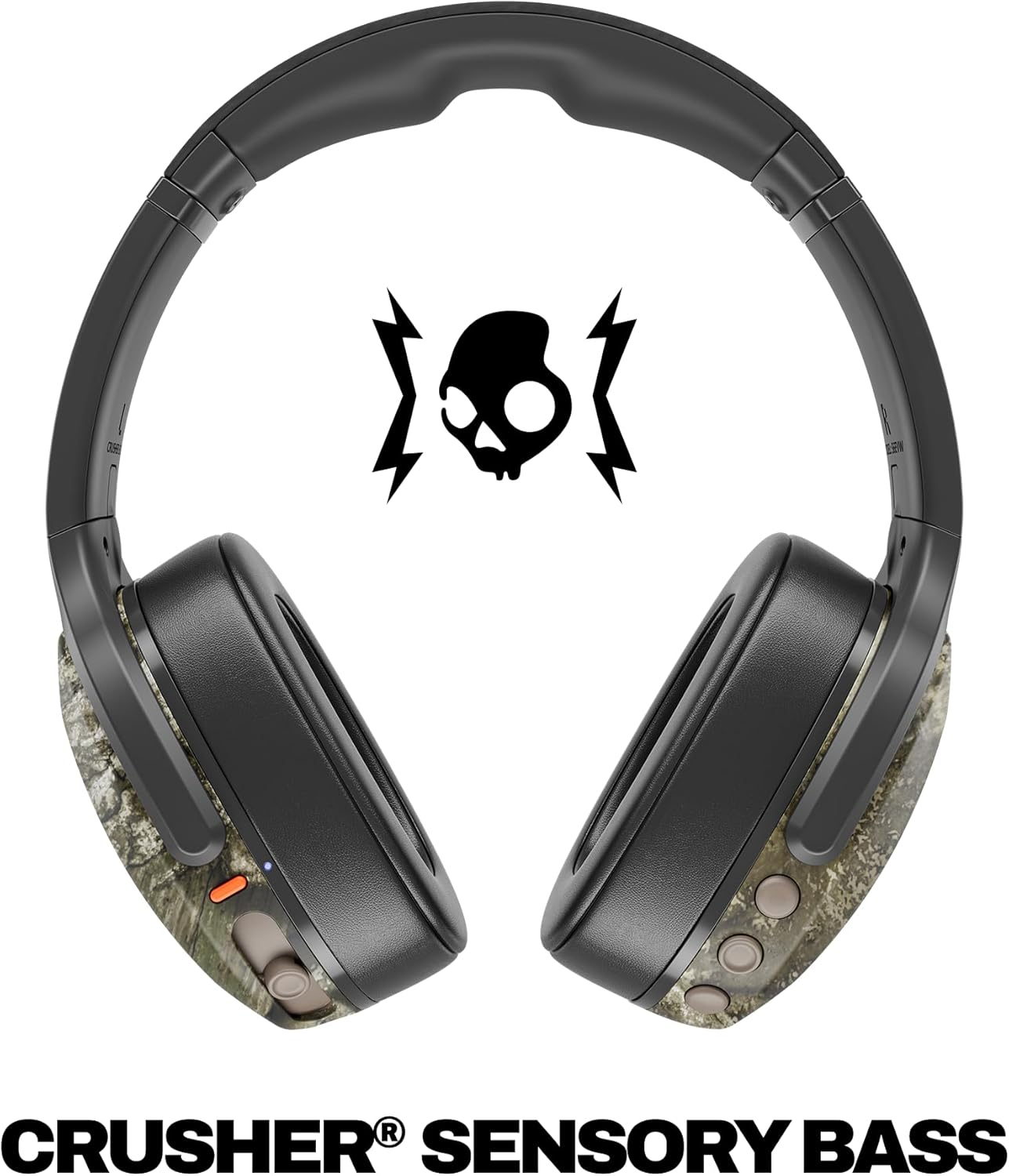
Image: A close-up of the Skullcandy Crusher Evo headphones showing the USB-C charging port and cable connected, indicating the charging process.
2. Sisopọ Bluetooth
- Rii daju pe awọn agbekọri rẹ ti wa ni pipa.
- Press and hold the main power button for 3-5 seconds until the LED indicator flashes blue and red, indicating pairing mode.
- Lori ẹrọ rẹ (foonuiyara, tabulẹti, kọmputa), mu Bluetooth ṣiṣẹ ki o wa awọn ẹrọ to wa.
- Select "Crusher Evo" from the list of available devices.
- Ni kete ti a ti sopọ, Atọka LED yoo tan bulu lorekore.
3. Personal Sound Tuning (Skullcandy App)
Enhance your listening experience by downloading the Skullcandy App. The app features a Personal Sound analysis that customizes audio levels to your unique hearing profile, ensuring optimal sound quality.

Image: A woman wearing the headphones, illustrating the personalized sound feature. The accompanying text highlights the "Personal Sound tuned to you" capability via the Skullcandy app.
Ṣiṣẹ Awọn Agbekọri Rẹ
1. Awọn iṣakoso ipilẹ
The Crusher Evo headphones feature intuitive button controls located on the earcups:
- Titan/Apapa: Tẹ mọlẹ bọtini agbara akọkọ.
- Ṣiṣẹ/Daduro: Single press the main power button.
- Iwọn didun Soke/Isalẹ: Use the dedicated volume buttons.
- Tọpa Rekọja: Tẹ lẹmeji fun orin ti o tẹle, tẹ mẹta fun orin iṣaaju.
- Idahun/Ipe Ipari: Single press the main power button during a call.
- Mu Oluranlọwọ Ohun ṣiṣẹ: Tẹ mọlẹ bọtini agbara akọkọ fun iṣẹju 2.
2. Multi-Sensory Crusher Bass
Experience deep, adjustable bass that you can feel. Use the slider on the earcup to increase or decrease the intensity of the Crusher Bass. This feature provides a tactile feedback that enhances your audio experience.
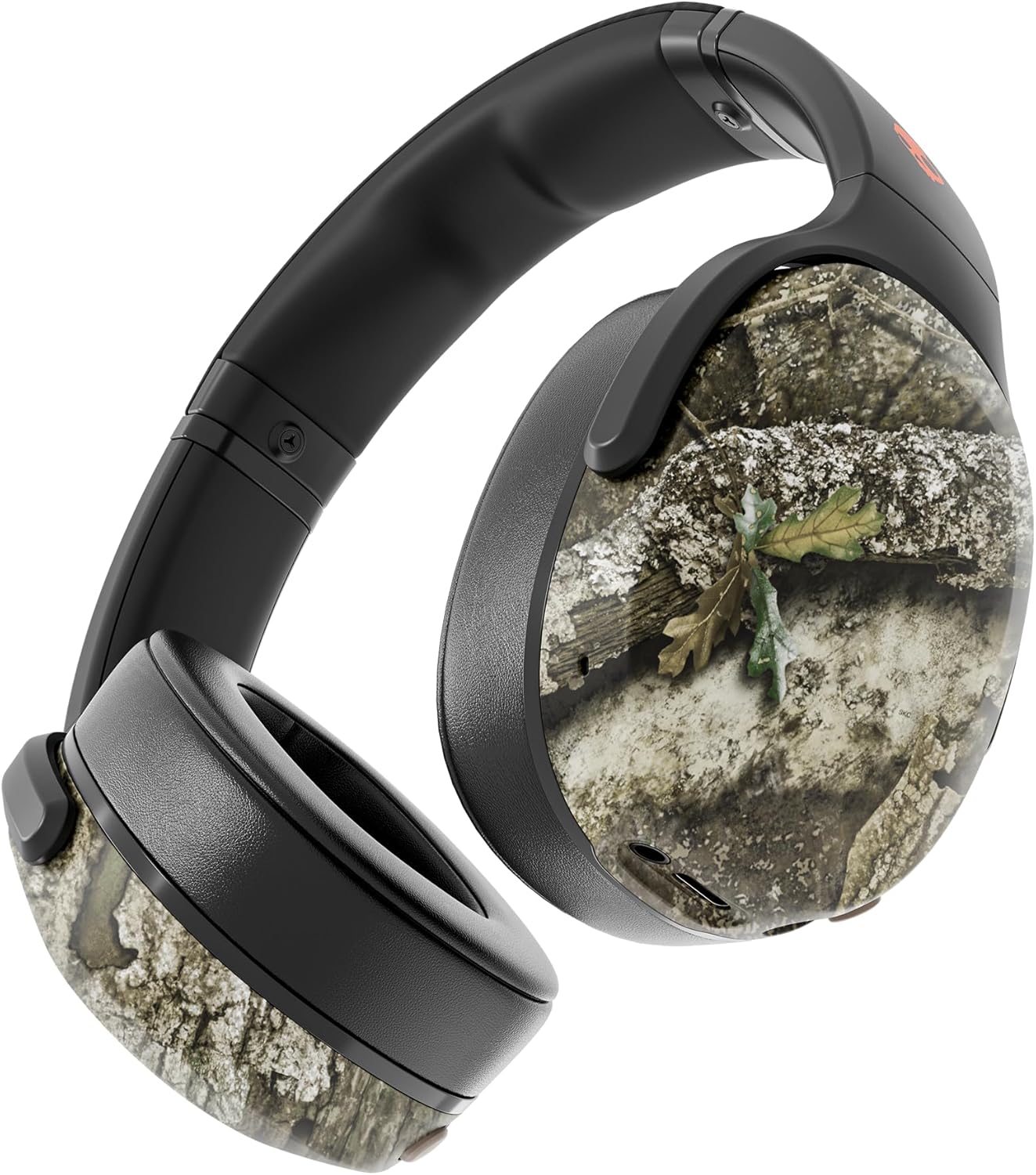
Image: The Skullcandy Crusher Evo headphones, highlighting the "Crusher Sensory Bass" feature, which allows users to feel the bass.
Video: This video demonstrates the multi-sensory bass feature of the Crusher Evo headphones by showing its effect on water, creating ripples. This illustrates how the bass can be physically felt.
Video: This video captures various individuals reacting to the Crusher Bass, showcasing the immersive and impactful experience provided by the headphones' unique bass technology.
3. Flat-Folding and Collapsible Design
The headphones are designed to fold flat and collapse for easy storage and portability. This compact design makes them convenient for travel and daily commutes.
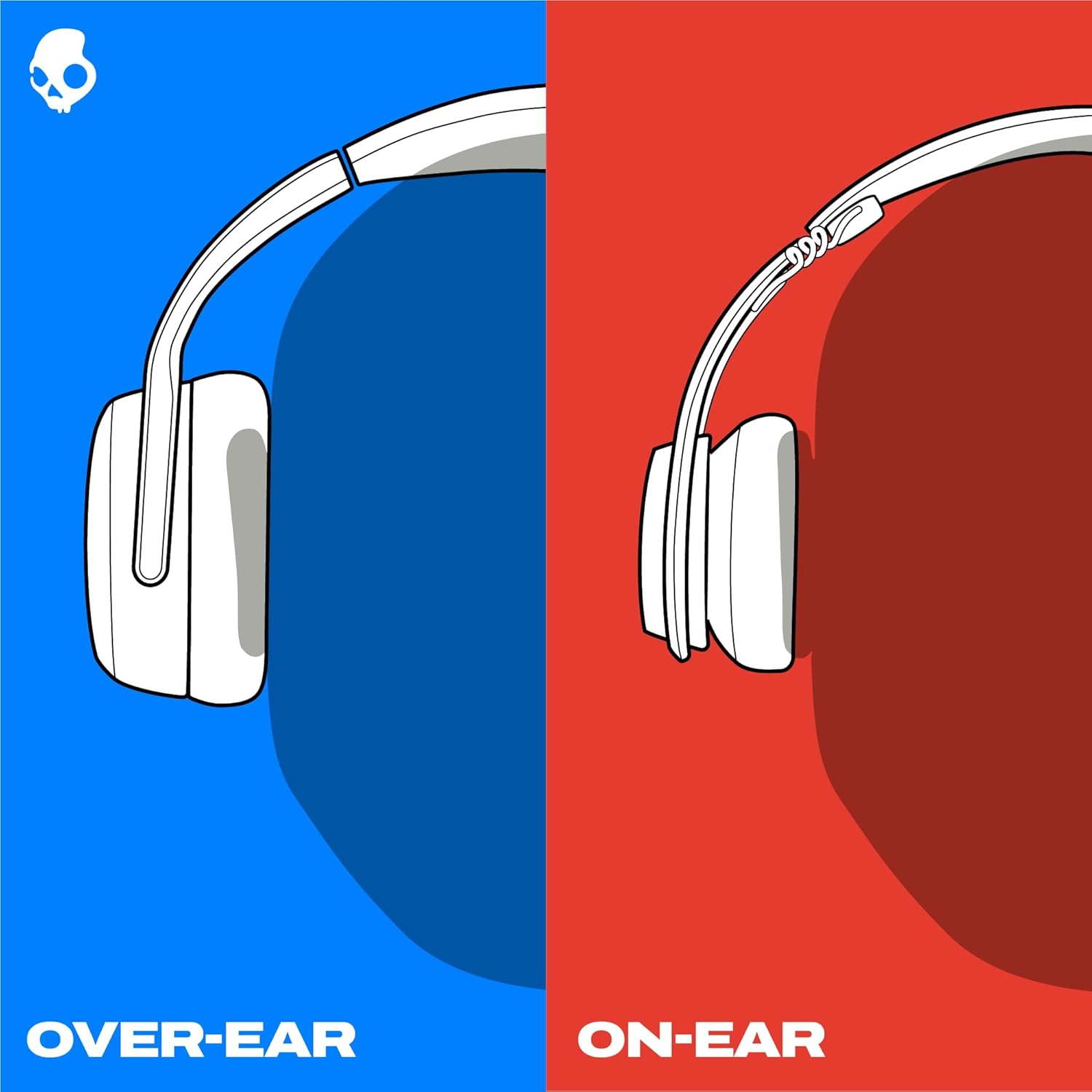
Image: The Skullcandy Crusher Evo headphones are shown folded flat, demonstrating their compact design for easy storage and travel.
Itoju
- Ninu: Lo asọ asọ ti o gbẹ lati nu agbekọri naa. Yago fun lilo awọn kẹmika lile tabi awọn ohun elo abrasive.
- Ibi ipamọ: When not in use, store the headphones in their protective case to prevent damage. Keep them in a cool, dry place away from extreme temperatures.
- Itọju Batiri: Lati pẹ aye batiri, yago fun gbigba agbara ni kikun awọn agbekọri nigbagbogbo. Gba agbara si wọn nigbagbogbo, paapaa ti ko ba lo fun awọn akoko gigun.
Laasigbotitusita
Ko si agbara / Ko gbigba agbara
- Ensure the USB-C charging cable is securely connected to both the headphones and a working power source.
- Gbiyanju okun USB-C ti o yatọ ati ohun ti nmu badọgba agbara.
- Ṣayẹwo ibudo gbigba agbara fun eyikeyi idoti tabi ibajẹ.
Awọn oran Asopọ Bluetooth
- Rii daju pe awọn agbekọri wa ni ipo sisọpọ (bulu didan ati LED pupa).
- Rii daju pe Bluetooth ti ṣiṣẹ lori ẹrọ rẹ.
- Forget "Crusher Evo" from your device's Bluetooth settings and attempt to re-pair.
- Move the headphones closer to your device to ensure they are within range.
Ko si Ohun / Iwọn didun kekere
- Ṣayẹwo awọn ipele iwọn didun lori mejeeji agbekọri ati ẹrọ ti o sopọ.
- Rii daju pe awọn agbekọri ti so pọ daradara ati sopọ.
- If using the auxiliary cable, ensure it is fully plugged into both the headphones and the audio source.
- Ṣe idanwo pẹlu orisun ohun afetigbọ miiran tabi ẹrọ.
Awọn pato
| Brand | Skullcandy |
| Orukọ awoṣe | Crusher Evo |
| Nọmba awoṣe | S6EVW-T991 |
| Asopọmọra Technology | Ailokun (Bluetooth 5.0) |
| Gbigbe Eti | Lori Eti |
| Igbesi aye batiri | Titi di awọn wakati 40 |
| Dekun Gbigba | Awọn iṣẹju 10 gba agbara fun wakati 4 akoko ere |
| Ipalara | 32 ohms |
| Idahun Igbohunsafẹfẹ | 20 Hz - 20,000 Hz |
| Ifamọ | 100 dB |
| Ariwo Iṣakoso | Iyasọtọ ohun |
| Iwọn | 0.01 Ounces (tó tó 0.28 giramu) |
Atilẹyin ọja ati Support
The Skullcandy Crusher Evo headphones come with a 1-odun USA Limited atilẹyin ọja. This warranty covers manufacturing defects and ensures your product functions as intended under normal use.
Fun awọn iṣeduro atilẹyin ọja, atilẹyin imọ-ẹrọ, tabi iranlọwọ siwaju sii, jọwọ ṣabẹwo si atilẹyin Skullcandy osise webojula tabi kan si wọn onibara iṣẹ. Jeki ẹri rira rẹ fun ijẹrisi atilẹyin ọja.