
1. Ifihan
Welcome to the user manual for your new boAt Rockerz 413 Bluetooth Over-Ear Headphones. These headphones are designed to provide a superior audio experience with features such as 60 hours of playback, powerful 40mm drivers, ENx Technology for clear calls, Dual Pairing for seamless device switching, and a low-latency BEAST Mode for gaming.
Please read this manual carefully to ensure proper use and to maximize the performance and longevity of your headphones.
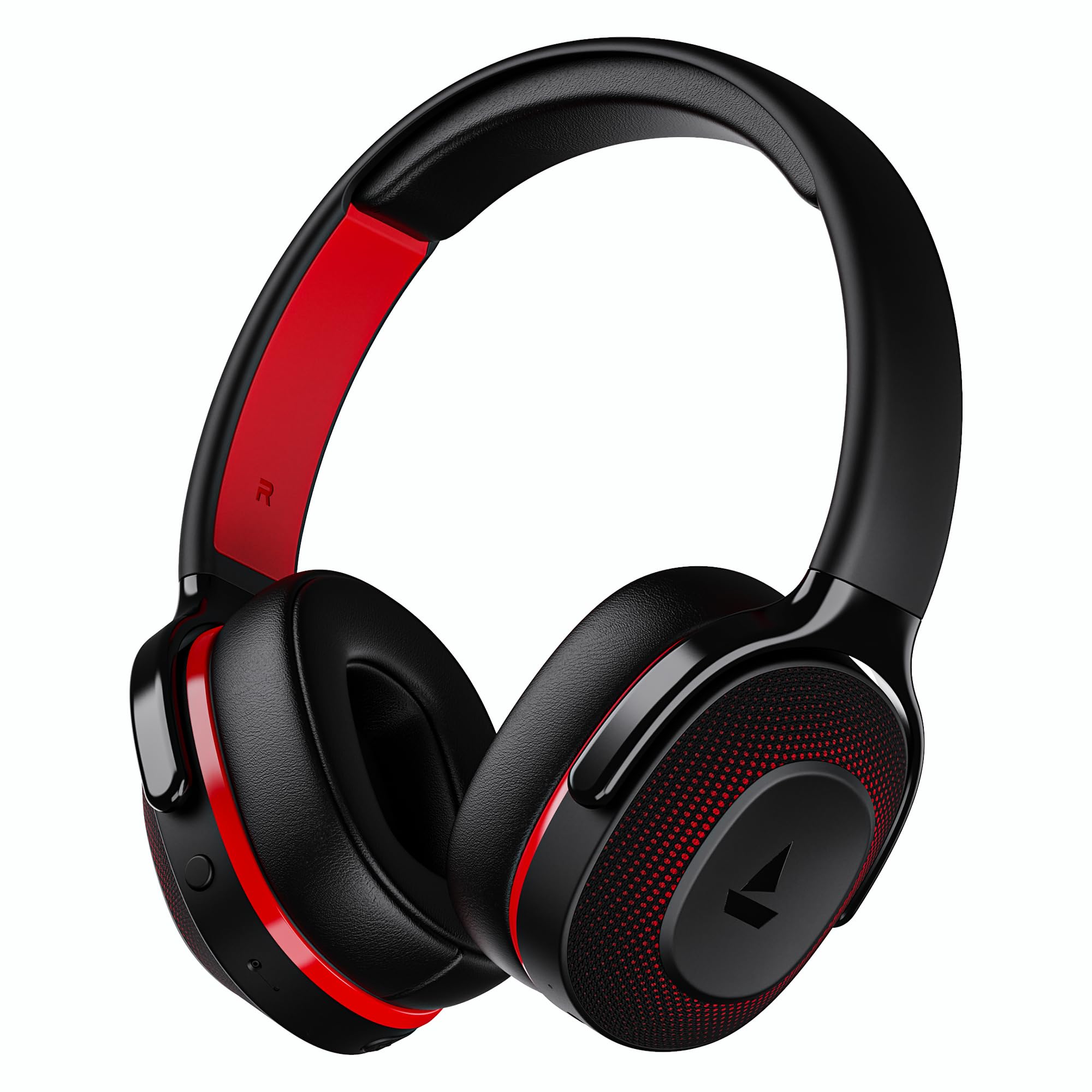
Image: boAt Rockerz 413 Bluetooth Headphones in Black & Red.
2. Ohun ti o wa ninu Apoti
Upon opening your boAt Rockerz 413 package, you should find the following items:
- BoAt Rockerz 413 Awọn agbekọri
- Ngba agbara USB
3. Ọja Ipariview ati Awọn iṣakoso
Mọ ara rẹ pẹ̀lú àwọn ohun èlò ara àti ìṣàkóso àwọn agbekọri rẹ.

Aworan: Isunmọ view of the right ear cup, highlighting the easy access control buttons for power, volume, and mode selection. The headphones feature an adaptive fit design and support dual pairing with Bluetooth v5.2.
Awọn bọtini Iṣakoso:
- Bọtini agbara: Tẹ kí o sì di mú kí o lè tan/pa. Tẹ̀ ẹ́ kíákíá fún eré/ìdádúró.
- Iwọn didun soke (+): Tẹ kukuru lati mu iwọn didun pọ si. Tẹ gun fun orin atẹle.
- Iwọn didun isalẹ (-): Tẹ kukuru lati dinku iwọn didun. Tẹ gun fun orin iṣaaju.
- Bọtini iṣẹ-pupọ: (Specific function may vary, often for call management or voice assistant).
- Bọtini Ipo: Activates BEAST Mode for low latency gaming.
4. Eto
4.1 Titan / Pa a
- Lati Fi agbara: Press and hold the Power Button for approximately 3 seconds until the LED indicator lights up.
- Lati Paarẹ: Press and hold the Power Button for approximately 5 seconds until the LED indicator turns off.
4.2 Sisopọ Bluetooth
- Rii daju pe awọn agbekọri ti gba agbara ni kikun ṣaaju lilo akọkọ.
- Power on the headphones. They will automatically enter pairing mode, indicated by a flashing LED light (e.g., blue and red alternating).
- Lori ẹrọ rẹ (foonuiyara, tabulẹti, kọǹpútà alágbèéká), mu Bluetooth ṣiṣẹ.
- Wa fun available Bluetooth devices and select "boAt Rockerz 413" from the list.
- Once connected, the LED indicator will show a steady blue light or flash slowly.
4.3 Dual Pairing
The Rockerz 413 supports dual pairing, allowing you to connect to two devices simultaneously (e.g., a smartphone and a laptop). This enables seamless switching between audio sources without manual disconnection.
- Connect the headphones to the first device as described in section 4.2.
- Mu Bluetooth ṣiṣẹ lori ẹrọ akọkọ. Awọn agbekọri naa yoo tun tẹ ipo sisopọ sii.
- So awọn agbekọri pọ si ẹrọ keji.
- Tun-ṣiṣẹ Bluetooth lori ẹrọ akọkọ. Awọn agbekọri yoo sopọ laifọwọyi si awọn ẹrọ mejeeji.
- Audio will play from the device that is actively playing content.
Image: The boAt Rockerz 413 headphones demonstrating their adaptive fit and the capability for dual pairing with Bluetooth v5.2.
5. Awọn ilana Iṣiṣẹ
5.1 Audio Sisisẹsẹhin
- Ṣiṣẹ/Daduro: Kukuru tẹ Bọtini Agbara.
- Orin t’okan: Tẹ bọtini iwọn didun Up (+) gun.
- Tẹlẹ Orin: Tẹ bọtini Iwọn didun isalẹ (-) gun.
- Iṣakoso iwọn didun: Short press Volume Up (+) or Volume Down (-) buttons.
5.2 Call Management (ENx Technology)
The boAt Rockerz 413 features ENx Technology, which enhances your voice and cancels surrounding noise for clear call quality.
- Idahun/Ipe Ipari: Kukuru tẹ bọtini Olona-iṣẹ.
- Kọ Ipe: Long press the Multi-function Button.
- Oluranlọwọ ohun: Double press the Multi-function Button (if supported by your device).

Image: The boAt Rockerz 413 headphones showcasing ENx Technology for enhanced call clarity.
5.3 BEAST Mode (Low Latency Gaming)
Activate BEAST Mode for a low-latency audio experience, ideal for gaming. This mode reduces audio delay to 60ms, providing synchronized sound with your gameplay.
- Activate BEAST Mode: Press the dedicated Mode Button. You may hear an audio prompt confirming activation.
- Deactivate BEAST Mode: Press the Mode Button again.

Image: boAt Rockerz 413 headphones shown alongside a smartphone displaying a game, emphasizing the 60ms low latency BEAST Mode for an immersive gaming experience.
5.4 boAt Signature Sound with 40mm Drivers
Experience rich and balanced audio with the boAt Signature Sound, delivered through powerful 40mm dynamic drivers. These drivers are engineered to provide clear highs, detailed mids, and deep bass for an enjoyable listening experience across various genres.

Image: An exploded diagram of the boAt Rockerz 413 ear cup, illustrating the internal 40mm drivers and components responsible for delivering boAt Signature Sound.
6. Gbigba agbara
Your boAt Rockerz 413 headphones offer an impressive 60 hours of playback on a single charge.
- So okùn gbigba agbara ti a pese mọ ibudo gbigba agbara lori agbekọri naa.
- So opin okun miiran pọ si orisun agbara USB (fun apẹẹrẹ, ohun ti nmu badọgba ogiri, ibudo USB kọnputa).
- The LED indicator will show a red light during charging.
- Once fully charged, the LED indicator will turn blue or off, depending on the model.
- Avoid using fast chargers or chargers with voltage exceeding 5V to prevent damage.

Image: Close-up of the boAt Rockerz 413 headphone ear cup, highlighting its 60 hours of playback capability.
7. Itọju
To ensure the longevity and optimal performance of your headphones, follow these maintenance guidelines:
- Keep the headphones dry. Do not expose them to water or excessive moisture.
- Fọ àwọn ìrọ̀rí etí àti aṣọ ìbòrí déédéé pẹ̀lú aṣọ rírọ̀ tí ó gbẹ.
- Yago fun awọn iwọn otutu to gaju.
- Tọju awọn agbekọri naa ni itura, aye gbigbẹ nigbati ko si ni lilo.
- Má ṣe gbìyànjú láti tú tàbí yí àwọn agbekọri náà padà, nítorí èyí yóò sọ àtìlẹ́yìn náà di òfo.
8. Laasigbotitusita
| Isoro | Owun to le Solusan |
|---|---|
| Awọn agbekọri ti ko tan | Rii daju pe awọn agbekọri ti gba agbara. Sopọ si orisun agbara ati gbiyanju lẹẹkansi. |
| Ko le so pọ pẹlu ẹrọ |
|
| Ko si ohun tabi iwọn didun kekere |
|
| Call quality issues (ENx Tech) |
|
| Latency in gaming (BEAST Mode) |
|
9. Awọn pato
| Ẹya ara ẹrọ | Ẹ̀kúnrẹ́rẹ́ |
|---|---|
| Brand | boAt |
| Orukọ awoṣe | Rockerz |
| Nọmba awoṣe | PB0019 |
| Gbigbe Eti | Lori Eti |
| Fọọmù ifosiwewe | Lori Eti |
| Ariwo Iṣakoso | Ti nṣiṣe lọwọ Noise Ifagile |
| Ẹya Bluetooth | 5.2 |
| Alailowaya Technology | Bluetooth |
| Audio Driver Type | Yiyi Awakọ |
| Awakọ Iwon | 40 mm |
| Igbesi aye Batiri (Apapọ) | Awọn wakati 60 |
| Ọna Iṣakoso | Titari Bọtini |
| Ọja Awọn ẹya ara ẹrọ | ENx Technology, BEAST Mode, Dual Pairing |
| Awọn ẹrọ ibaramu | Tablets, Desktops, Telephones, Cellphones, Laptops, Smart Speaker, Television |
| Awọn Lilo pato | Gaming, Music, Travel |
| Ohun elo | Aṣọ |
| Iwọn Nkan | 300 giramu |
| Ilu isenbale | China |
10. Atilẹyin ọja
The boAt Rockerz 413 headphones come with a 1-odun atilẹyin ọja from the date of purchase. Please retain your proof of purchase for warranty claims. The warranty covers manufacturing defects but does not cover damage caused by misuse, accidents, unauthorized modifications, or normal wear and tear.
For detailed warranty terms and conditions, please refer to the official boAt webojula tabi kan si atilẹyin alabara.
11. Atilẹyin
For further assistance, technical support, or warranty claims, please contact boAt customer service:
- Olubasọrọ olupese: Imagine Marketing Ltd
- Imeeli: info@imaginemarketingindia.com
boAt Hearables App
Enhance your experience by downloading the boAt Hearables App. Scan the QR code below or visit the provided link to access additional features, stream music, listen to audiobooks, and find user help guides.
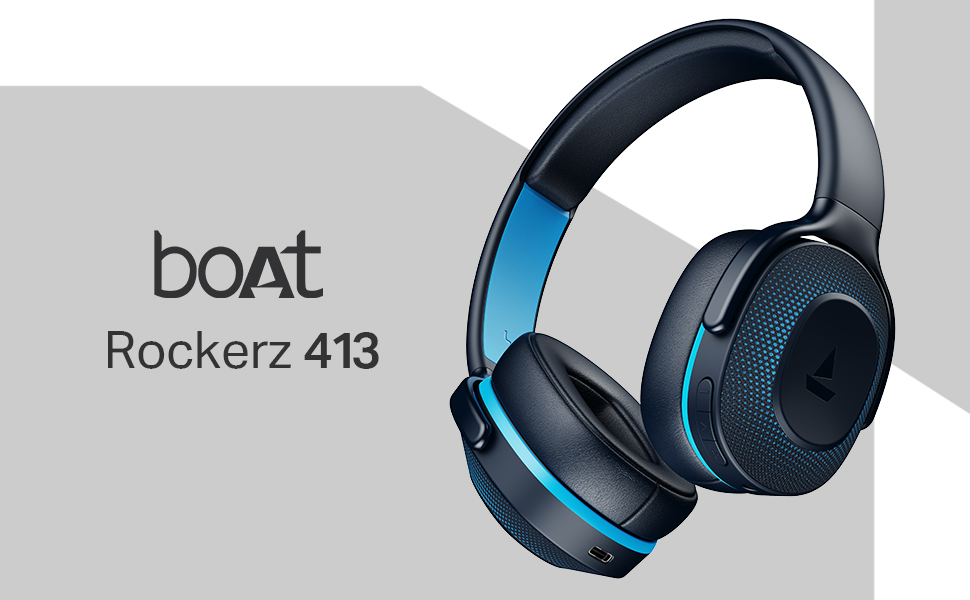
Image: A smartphone screen displaying a QR code for the boAt Hearables App, which allows users to stream music, listen to audiobooks, and access user guides.
Ṣe igbasilẹ ohun elo naa nibi: boAt Hearables App Link