
1. Ifihan
Thank you for choosing the XuanPad 1800 ANSI Smart Projector V18. This manual provides essential information for setting up, operating, and maintaining your projector. Please read it thoroughly before use to ensure optimal performance and safety.
2. Alaye Aabo
To prevent fire, electric shock, or injury, always observe the following safety precautions:
- Maṣe ṣe idiwọ awọn ṣiṣi eefin.
- Ma ṣe fi pirojekito han si ojo tabi ọrinrin.
- Ma ṣii pirojekito casing; tọka gbogbo iṣẹ si oṣiṣẹ ti o peye.
- Yẹra fún fífi ojú hàn sí lẹ́ńsì àwòjìji nígbà tí ó bá jẹ́ péamp wa lori.
- Lo awọn asomọ/awọn ẹya ara ẹrọ ti a sọ pato nipasẹ olupese.
- Rii daju pe okun agbara ko rin lori tabi fun pọ.
3. Package Awọn akoonu
Daju pe gbogbo awọn nkan wa ninu apo rẹ:
- XuanPad 1080P Projector (V18)
- HDMI Okun
- Isakoṣo latọna jijin
- Itọsọna olumulo
- Okun agbara
Video: Unboxing the XuanPad V18 Smart Projector. This video demonstrates the contents of the package, including the projector, remote, cables, and user manual.
4. Ọja Ipariview
The XuanPad 1800 ANSI Smart Projector V18 is a compact and versatile home theater device designed for ease of use and high-quality projection. Key features include:
- Native 1080P Resolution: Pese didasilẹ ati awọn aworan mimọ.
- 4K atilẹyin: Compatible with 4K content for enhanced viewing.
- TOF Real-time Autofocus: Ensures instant clarity without manual adjustments.
- Atunse okuta bọtini aladaaṣe: Corrects distorted images for a perfect rectangular display.
- Iduro Yiyi 210°: Allows flexible projection angles, including ceiling projection.
- Awọn ohun elo ṣiṣanwọle ti a ṣe sinu: Preloaded with popular services like Netflix, YouTube, and Prime Video.
- Dolby Audio: Integrated for an immersive sound experience.
- Ultra-Fast WiFi 6 & Bluetooth 5.2: For seamless connectivity with networks and external audio devices.
4.1. Àwọn Ẹ̀yà Pírókòrò
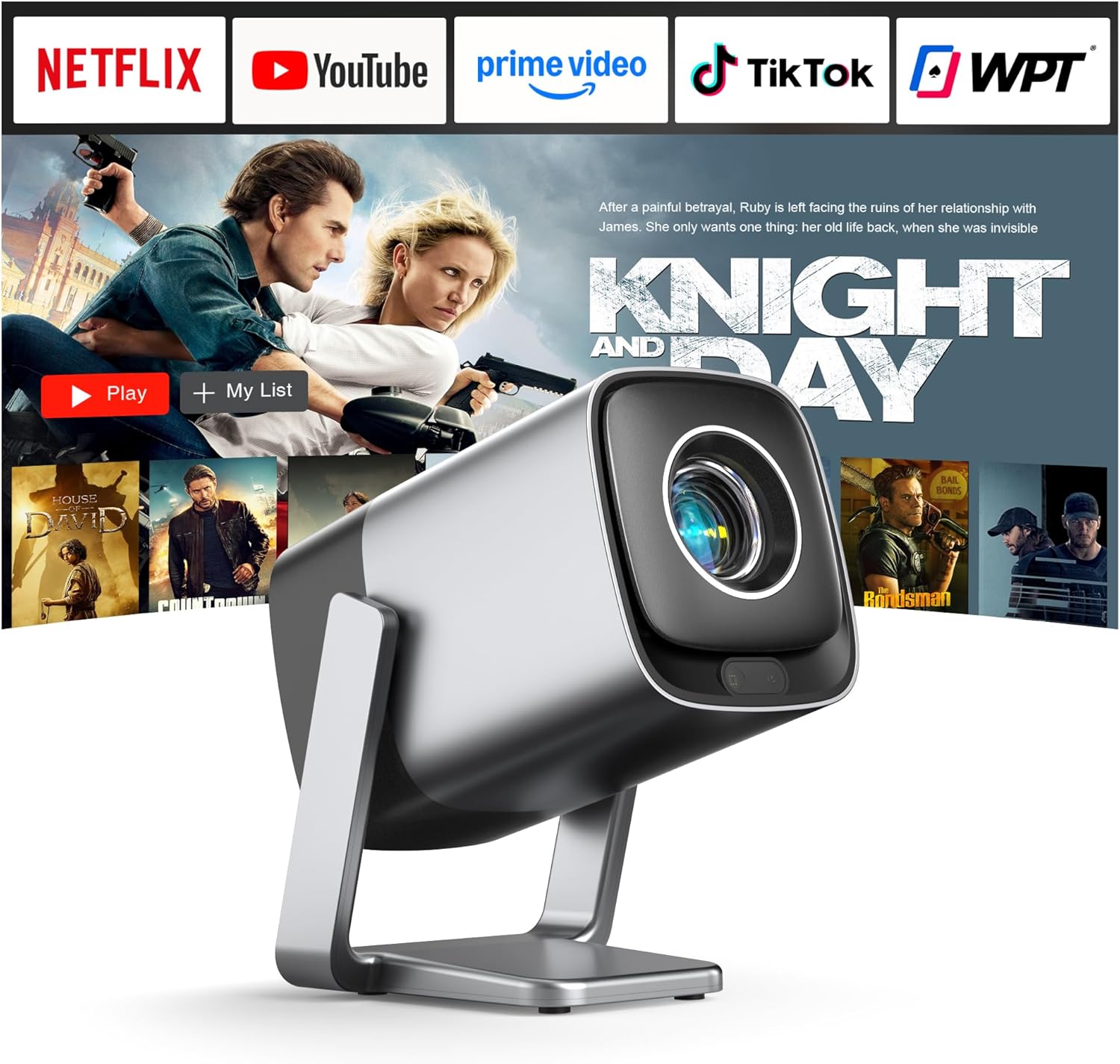
Aworan: Iwaju view of the XuanPad V18 Smart Projector, showcasing awọn oniwe-iwapọ oniru ati lẹnsi.
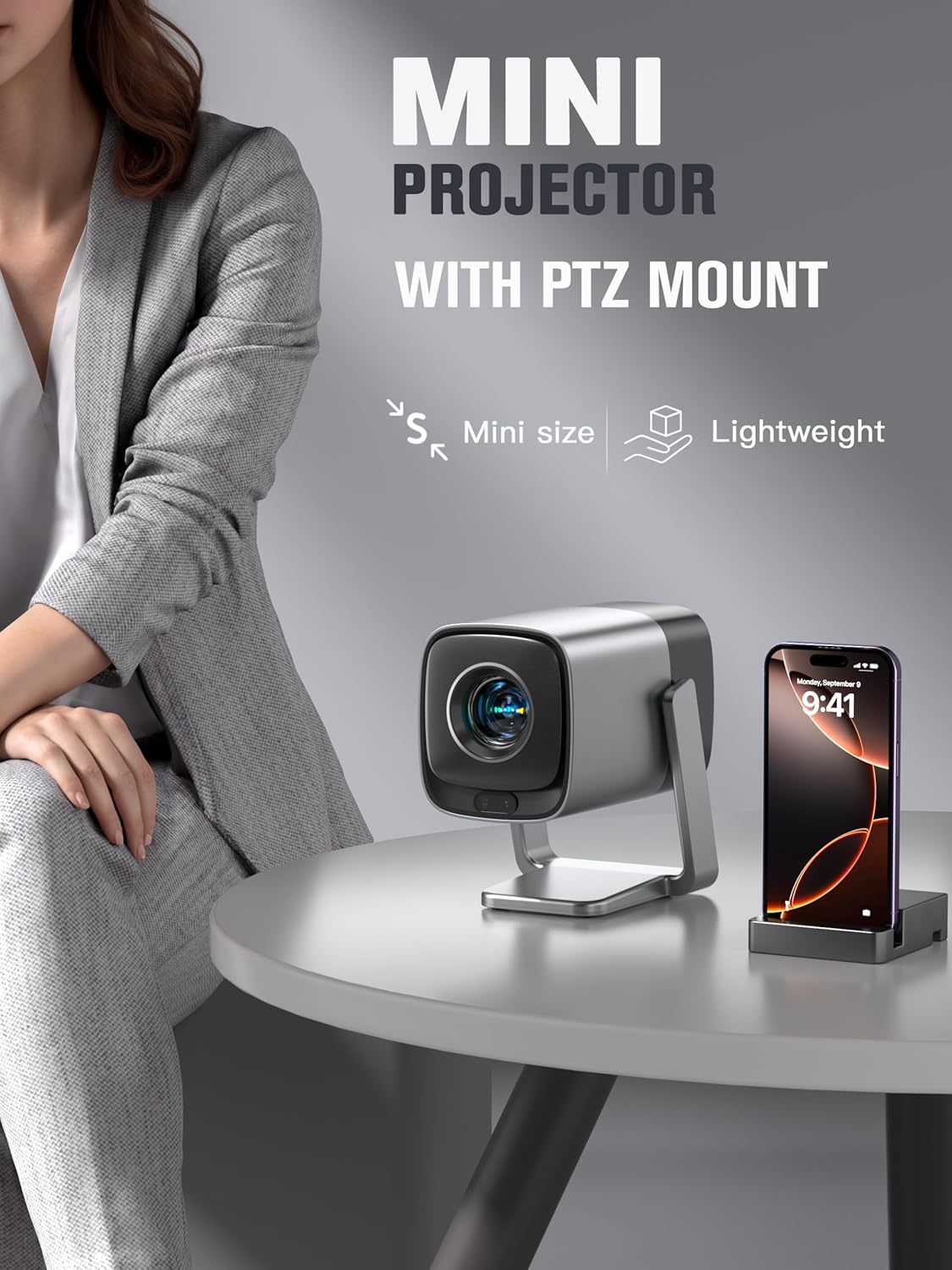
Image: The XuanPad V18 Mini Projector with its integrated rotatable stand, demonstrating its portability and flexible positioning.
4.2. Àwọn Èbúté àti Àwọn Ìṣàkóso
The projector features various ports for connectivity:
- Ibudo HDMI: For connecting external devices like laptops, gaming consoles, or Blu-ray players.
- Ibudo USB: Fun gbigba media lati awọn awakọ USB.
- Jack Audio 3.5mm: Fún sísopọ̀ àwọn agbekọri tàbí àwọn agbohunsoke ìta.
- Iṣagbewọle agbara: Fun sisopọ ohun ti nmu badọgba agbara.
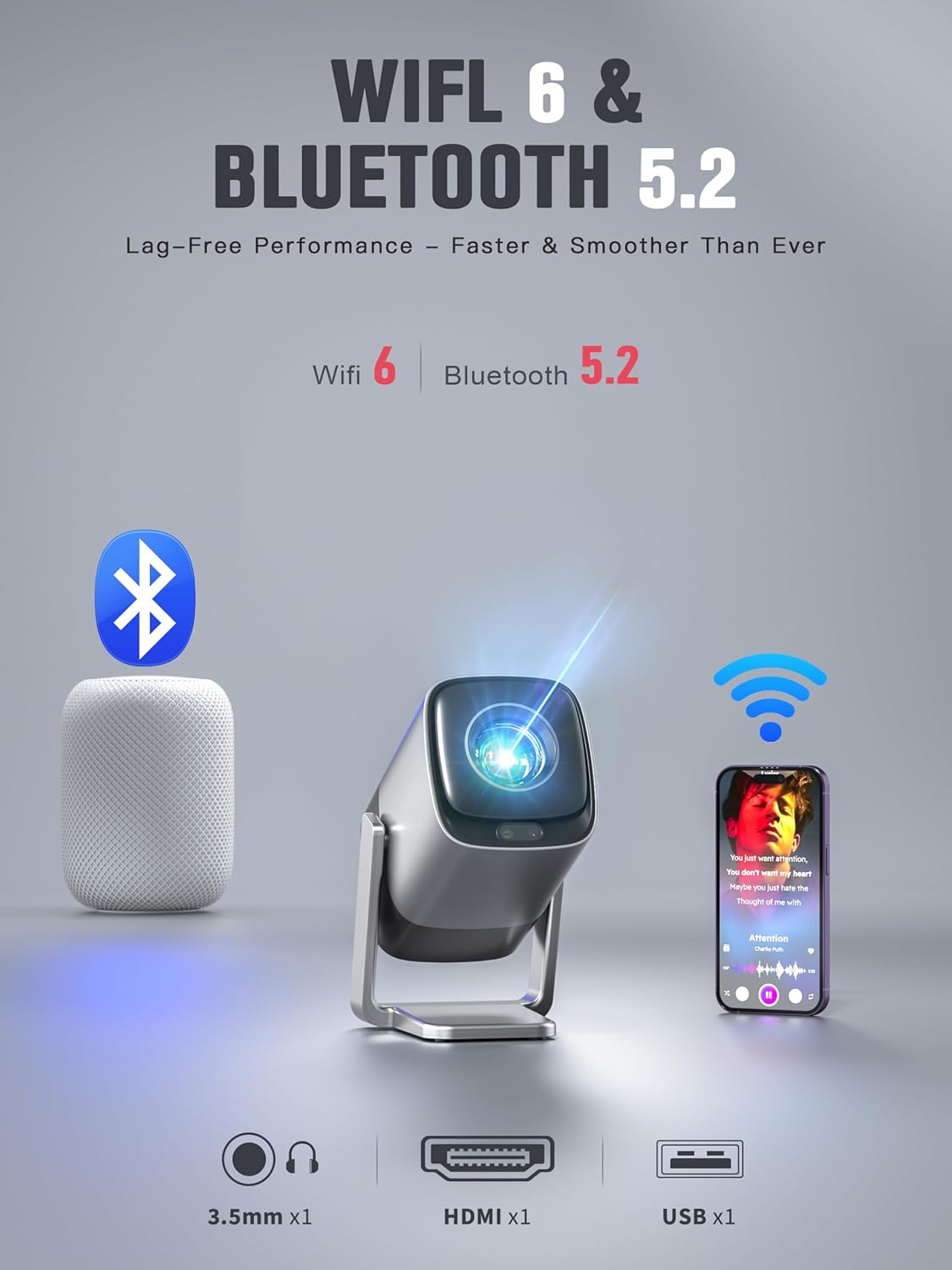
Aworan: Ẹyin view of the XuanPad V18 Projector highlighting its connectivity options including 3.5mm Jack, HDMI, USB, WiFi 6, and Bluetooth 5.2.
Video: This video showcases the various features of the XuanPad V18, including its compact size, rotatable stand, and connectivity ports.
5. Eto
5.1. Ibi Ibẹrẹ
Place the projector on a stable, flat surface. The 210° rotatable stand allows for flexible positioning, including projecting onto walls or ceilings. Ensure there are no obstructions in front of the lens.
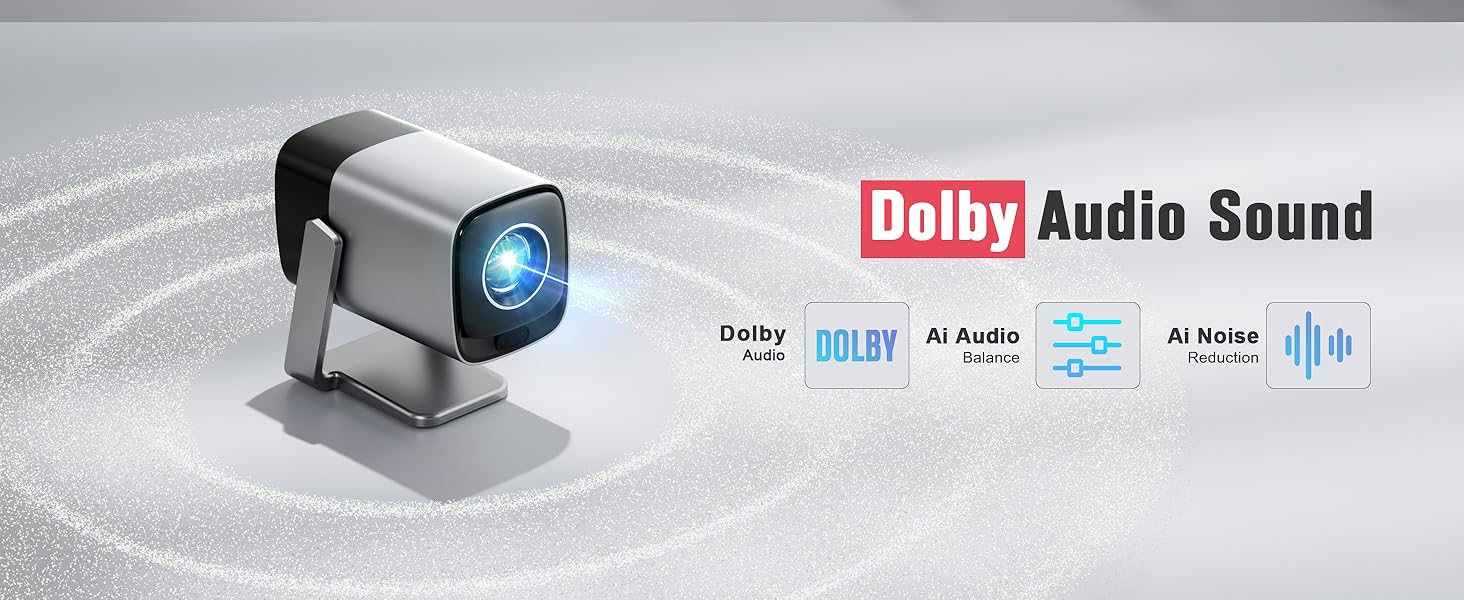
Image: The integrated 210° rotating stand of the XuanPad V18, illustrating its versatility for various projection angles.
5.2. Asopọ agbara
So okùn agbára tí a pèsè mọ́ ibi tí a fi ń gbé agbára projector náà sí, lẹ́yìn náà sí ibi tí a ti ń gbé agbára jáde.
5.3. First-Time Use
- Power on the projector using the power button or remote control.
- Tẹ̀lé àwọn ìtọ́ni tó wà lójú ìbòjú láti yan èdè àti agbègbè tí o fẹ́.
- Sopọ mọ nẹtiwọọki Wi-Fi rẹ nipa yiyan nẹtiwọọki rẹ ati titẹ ọrọ igbaniwọle sii.
- The projector will automatically perform TOF autofocus and keystone correction for a clear, rectangular image.
6. Awọn ilana Iṣiṣẹ
6.1. Lilọ kiri
Use the provided remote control to navigate the projector's interface. The directional buttons allow you to move between options, and the "OK" button confirms selections.
6.2. Built-in Streaming Apps
The XuanPad V18 comes preloaded with popular streaming applications. Access these directly from the home screen:
- Netflix
- YouTube
- Fidio akọkọ
- And more, accessible via the App Store or Open Browser.
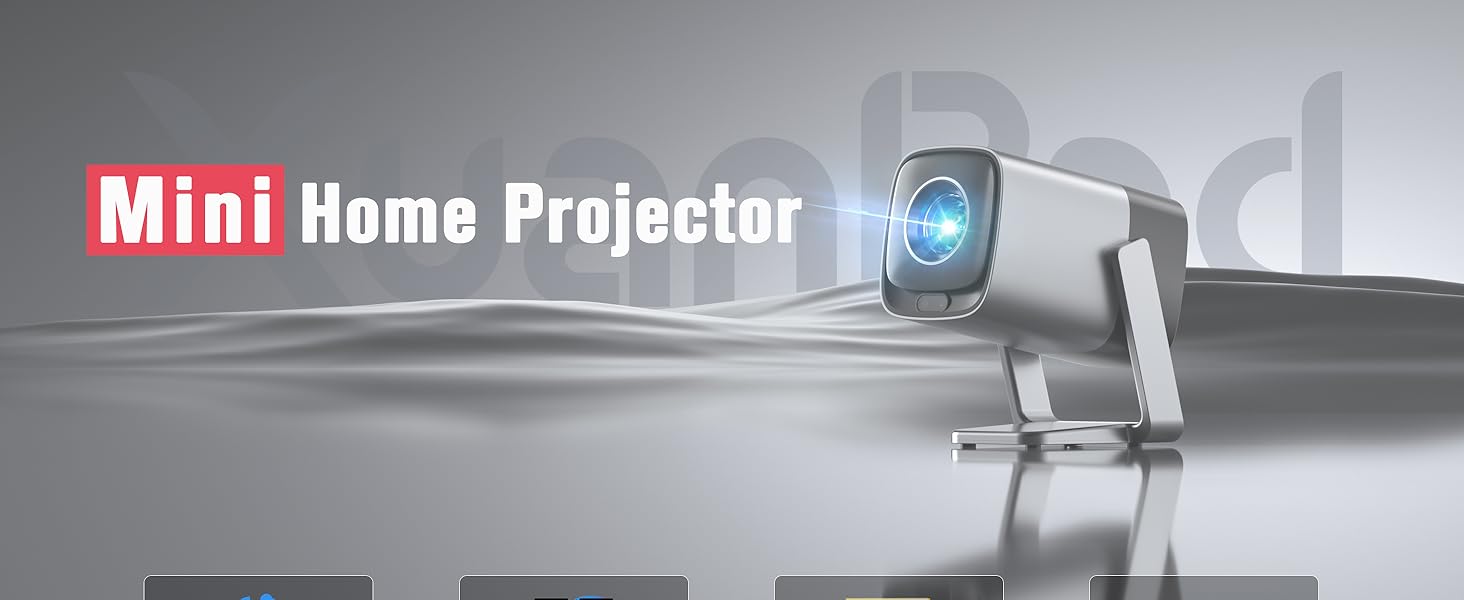
Image: The projector's home screen displaying pre-installed streaming applications like Netflix, YouTube, and Prime Video.
6.3. External Device Playback
Connect external devices using the HDMI or USB ports. Select the appropriate input source from the projector's menu to display content.
7. Asopọmọra
7.1. Asopọ Wi-Fi
The projector supports Wi-Fi 6 for fast and stable internet access. To connect or change Wi-Fi networks:
- Lọ si Eto > Nẹtiwọọki & Intanẹẹti.
- Select your desired Wi-Fi network.
- Tẹ ọrọ igbaniwọle sii ki o jẹrisi.
7.2. Asopọ Bluetooth
Utilize Bluetooth 5.2 to connect external audio devices such as speakers or headphones.
- Lọ si Eto > Bluetooth.
- Ensure Bluetooth is enabled on both the projector and your external device.
- Yan ẹrọ rẹ lati inu akojọ lati so pọ.
8. Idojukọ ati Atunse Keystone
The XuanPad V18 features advanced automatic adjustments for optimal image quality.
8.1. TOF Real-time Autofocus
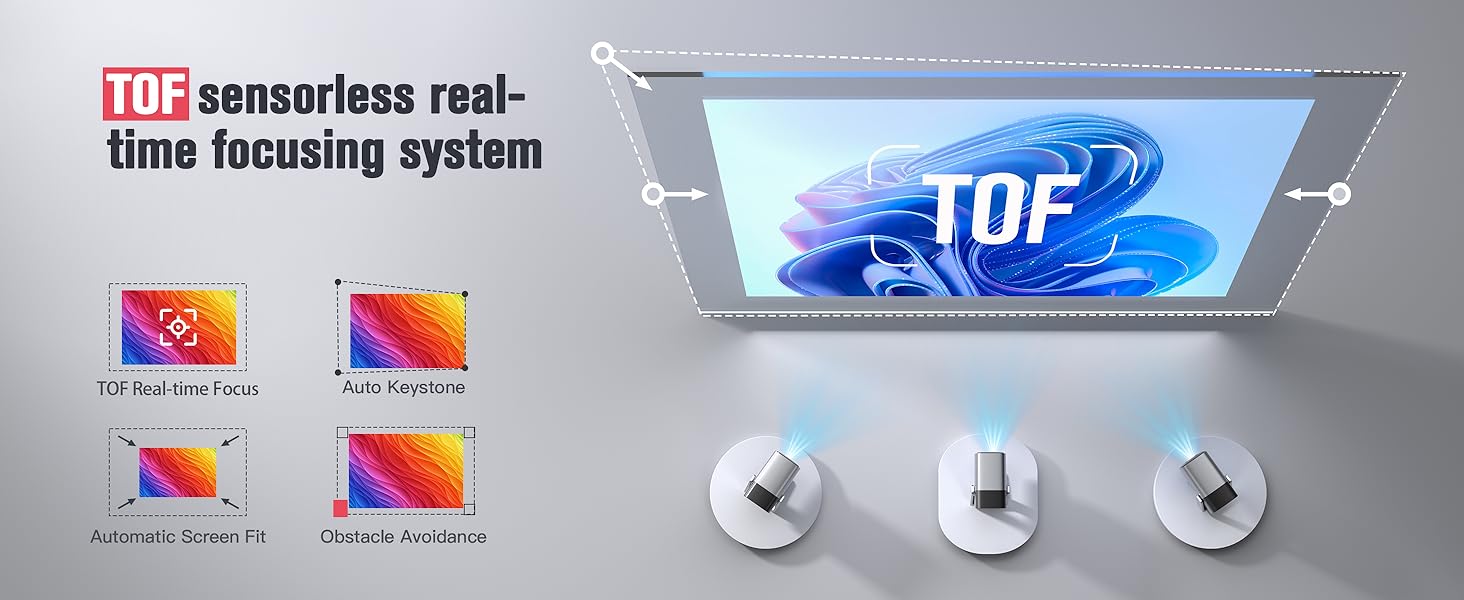
The projector uses TOF (Time-of-Flight) technology to automatically focus the image in less than 1 second. This ensures a clear picture even if the projector is moved or repositioned.

Image: Diagram illustrating the TOF sensorless auto-adjustment feature, providing instant focus and clarity.
8.2. Àtúnṣe Keystone Àìfọwọ́ṣe
The projector automatically corrects image distortion (trapezoid effect) when placed at an angle to the screen. This ensures a perfectly rectangular image without manual intervention.
For fine-tuning or specific scenarios, manual keystone correction options are available in the settings menu.

Image: Visual representation of the TOF sensorless real-time focusing system, including auto keystone, automatic screen fit, and obstacle avoidance capabilities.
Video: A demonstration of the V18's projection display, showcasing its clarity and automatic adjustments in various settings.
9. Eto Audio
The projector is equipped with Dolby Audio for a rich and immersive sound experience. It features built-in Hi-Fi stereo speakers.
9.1. Awọn Agbọrọsọ ti a ṣe sinu
The integrated speakers provide clear and powerful audio for most viewing environments. Adjust the volume using the remote control.
9.2. Ita Audio
For enhanced audio, connect external speakers or headphones via the 3.5mm audio jack or Bluetooth 5.2. Once connected, the projector's audio will output through the external device.

Image: The XuanPad V18 Projector highlighting its Dolby Audio Sound capabilities, including 5W loudspeaker and 3.5mm audio jack.
Aworan: Alaye view of the Dolby Audio Sound features, emphasizing built-in Dolby Atmos-Immersion without requiring extra speakers.
10. Itọju
10.1. Ninu awọn lẹnsi
Lo aṣọ rirọ, tí kò ní àwọ̀ tí a ṣe pàtó fún àwọn lẹ́nsì ojú láti fi fọ lẹ́nsì àwòjìji náà pẹ̀lú ìrọ̀rùn. Yẹra fún lílo àwọn ohun ìfọṣọ tàbí agbára púpọ̀ jù.
10.2. Fífọ C mọ́asing
Wipe the projector's exterior with a soft, dry cloth. Do not use liquid or aerosol cleaners directly on the unit.
10.3. Afẹfẹ
Ensure the ventilation openings are clear of dust and debris to prevent overheating. Do not place the projector on soft surfaces that may block airflow.
11. Laasigbotitusita
| Isoro | Owun to le Solusan |
|---|---|
| Ko si aworan loju iboju |
|
| Aworan blurry |
|
| Distorted image (trapezoid) |
|
| Ko si ohun |
|
| Wi-Fi/Bluetooth oran asopọ |
|
12. Awọn pato
- Brand: XuanPad
- Awoṣe: V18
- Ipinnu Ifihan: 1920 x 1080 (Abínibí 1080P)
- 4K atilẹyin: Bẹẹni
- Imọlẹ: 1800 ANSI Lumens
- Awọn ẹya pataki: TOF Real-time Focus, Built-in apps, 210° Rotatable Stand, Automatic Keystone Correction, Built-in Wi-Fi 6, Built-in Bluetooth 5.2, Dolby Audio, 50%-100% Zoom, Built-in Speaker, Portable Size
- Imọ-ẹrọ Asopọmọra: 3.5mm Jack, Bluetooth, HDMI, USB, Wi-Fi
- Ìwọ̀n Nkan: 2.92 iwon
- Awọn iwọn idii: 10.83 x 8.78 x 6.81 inches
- Awọn lilo ti a ṣe iṣeduro: Indoor/Outdoor Cinema
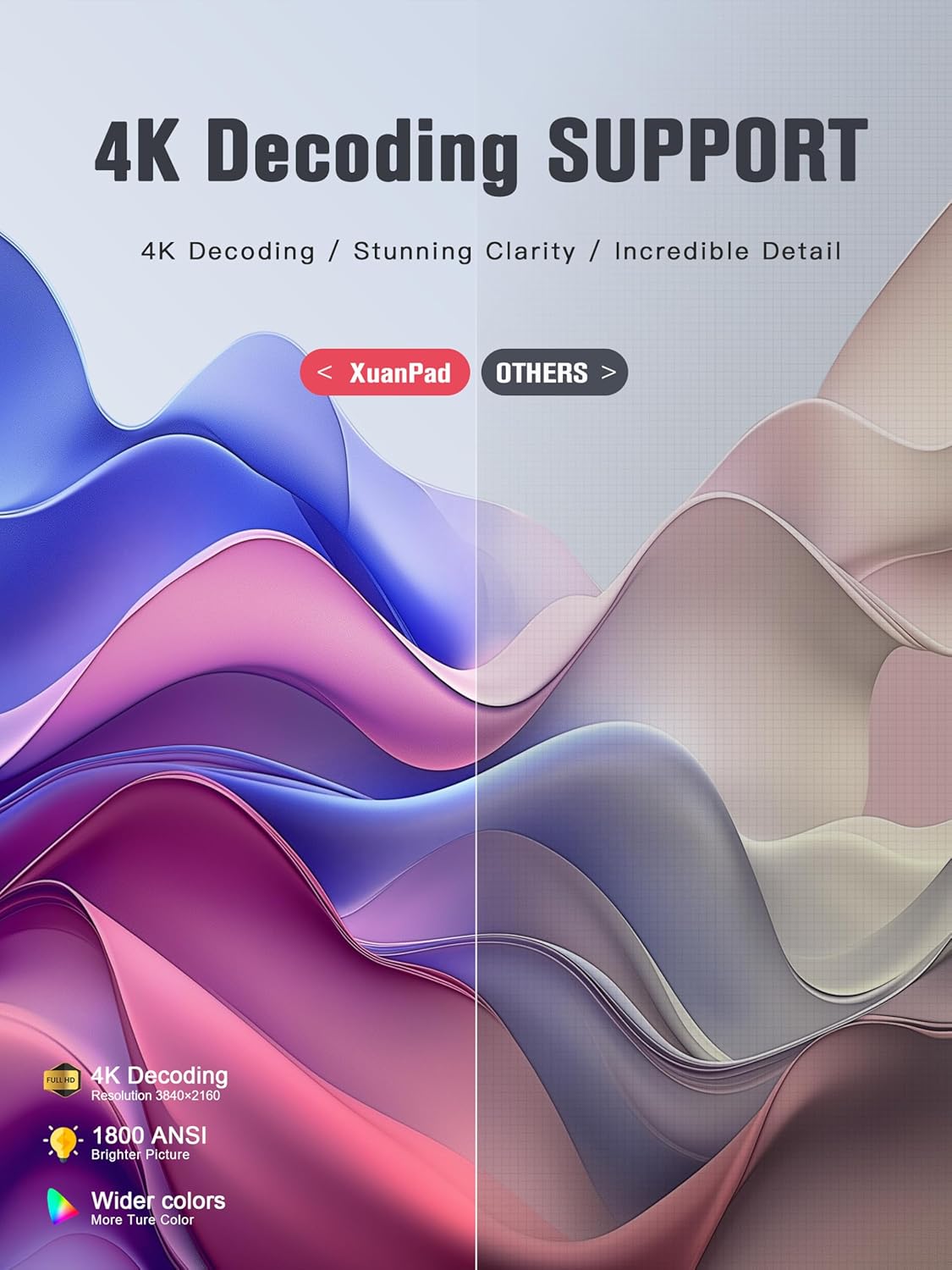
Image: The XuanPad V18 Projector highlighting its 4K Decoding Support, 1800 ANSI brightness, and wider color gamut for stunning clarity.
13. Atilẹyin ọja ati Support
The XuanPad 1800 ANSI Smart Projector V18 comes with a manufacturer's warranty. Please refer to the warranty card included in your package for specific terms and conditions.
For technical support, troubleshooting assistance, or warranty claims, please contact XuanPad customer service through the contact information provided in your product documentation or on the official XuanPad webojula.