
Ọrọ Iṣaaju
This manual provides detailed instructions for the setup, operation, and maintenance of your CrossBeats Blaze B30 Bluetooth Soundbar. Please read this manual thoroughly before using the product to ensure proper function and to maximize your audio experience.
Ohun ti o wa ninu Apoti
Lẹhin ṣiṣi silẹ, jọwọ rii daju pe gbogbo awọn nkan ti o wa ni isalẹ wa ati ni ipo to dara:
- Báàkì Ohun Orin Blaze
- Okun agbara
- Quick Bẹrẹ Itọsọna
- Kaadi atilẹyin ọja
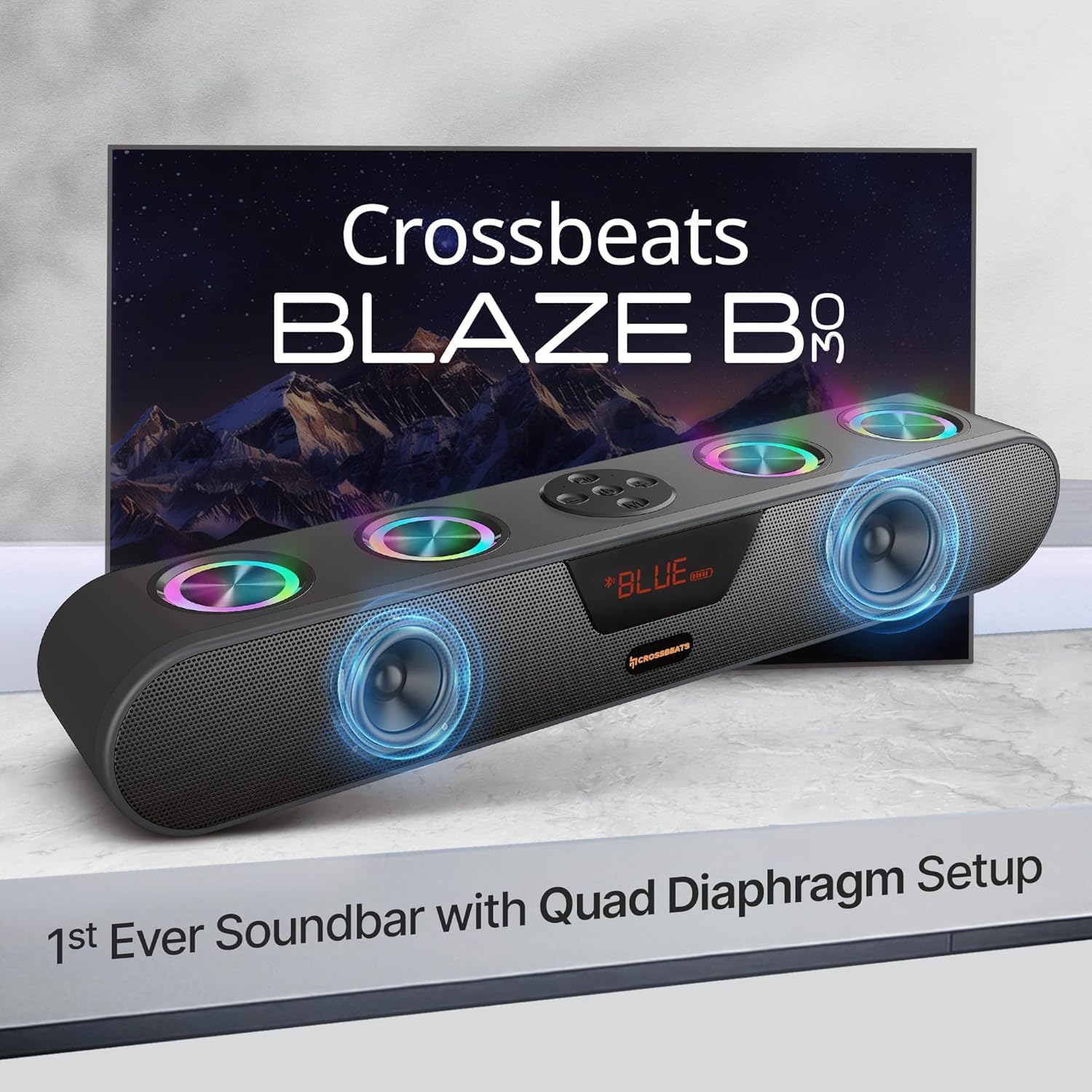
Image: The CrossBeats Blaze B30 Soundbar along with its included accessories: power cable, quick start guide, and warranty card.
Ọja Pariview
The CrossBeats Blaze B30 is a 30W Bluetooth soundbar designed to enhance your audio experience for gaming, movies, and music. It features dual premium speakers with four passive radiators for crisp surround sound and deep bass. The soundbar also includes customizable RGB lighting and multiple connectivity options.

Image: The CrossBeats Blaze B30 Soundbar showcasing its design and RGB lighting, positioned in front of a television.
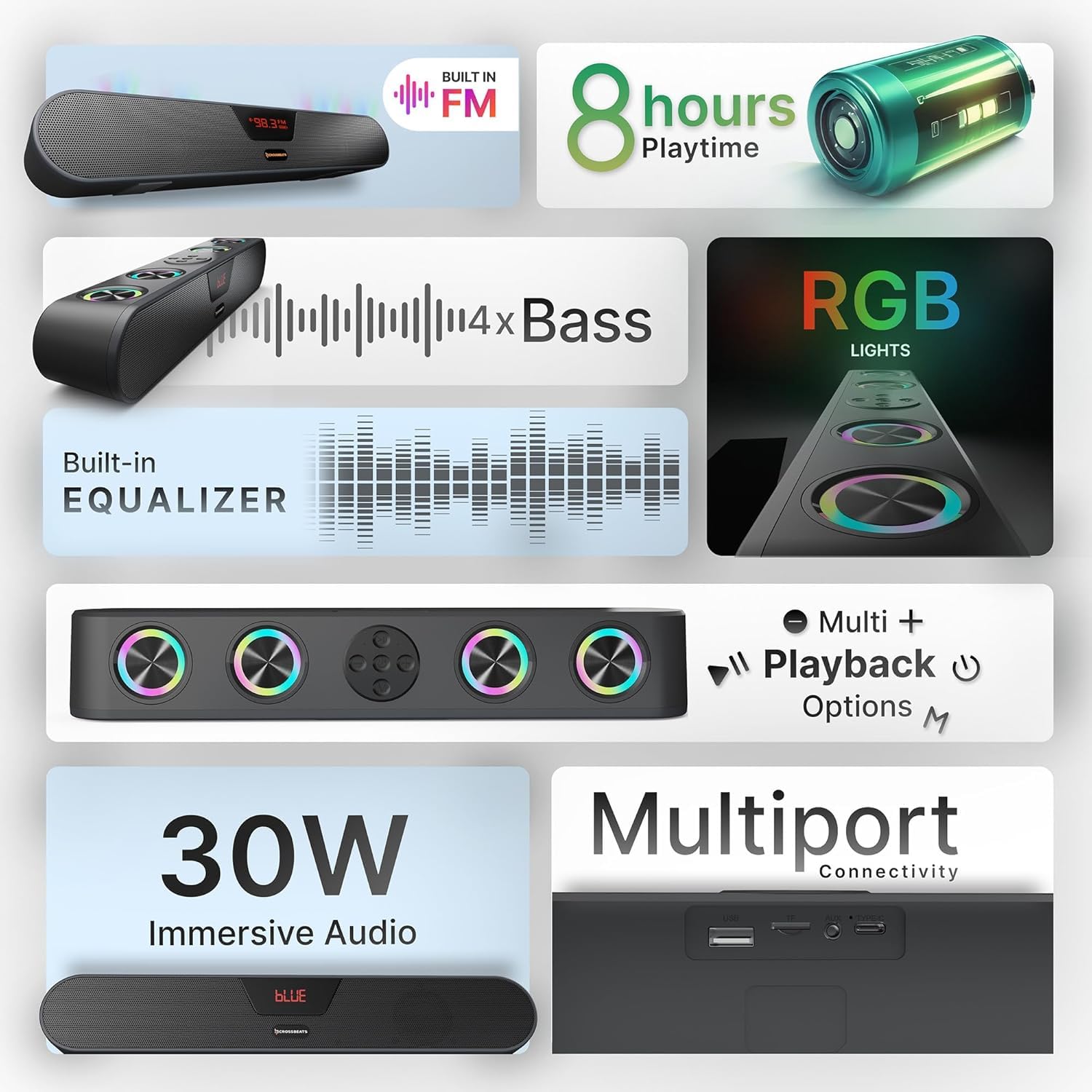
Image: An infographic detailing key features of the Blaze B30, including 30W immersive audio, RGB lights, and various playback options.
Ṣeto
- Unpack the Soundbar: Carefully remove the soundbar and all accessories from the packaging.
- Ibi: Place the soundbar on a stable, flat surface, preferably below your TV or monitor for optimal audio projection. Ensure there is adequate ventilation around the device.
- Asopọ agbara: Connect the provided power cable to the soundbar's power input and then to a wall outlet.
- Agbara Ibẹrẹ Tan: Press the power button on the soundbar or remote control to turn it on. The LED display will illuminate.
Awọn ilana Iṣiṣẹ
Awọn iṣakoso ipilẹ
- Bọtini agbara: Press and hold to turn on/off. Short press to switch input modes.
- Iwọn didun Soke/Isalẹ: Ṣatunṣe iwọn didun titunto si.
- Ṣiṣẹ/Daduro: Control media playback in Bluetooth, USB, and SD card modes.
- Ti tẹlẹ/Orin atẹle: Skip tracks in Bluetooth, USB, and SD card modes.
- Iṣakoso Imọlẹ RGB: A dedicated button allows you to turn the RGB lights on or off.

Aworan: A oke-isalẹ view of the CrossBeats Blaze B30 Soundbar, highlighting its control buttons and the integrated RGB lighting.
Awọn ọna Asopọmọra
The Blaze B30 supports multiple input options:
- Bluetooth (BT): Fún ìsopọ̀ aláìlókùn sí àwọn fóònù alágbékalẹ̀, àwọn tábìlẹ́ẹ̀tì, àti àwọn ẹ̀rọ míràn tí Bluetooth ń ṣiṣẹ́.
- AUX: For wired connection to devices with a 3.5mm audio output.
- USB: Fun ohun afetigbọ files taara lati USB filasi drive.
- Kaadi SD: Fun ohun afetigbọ files taara lati kaadi iranti SD kan.
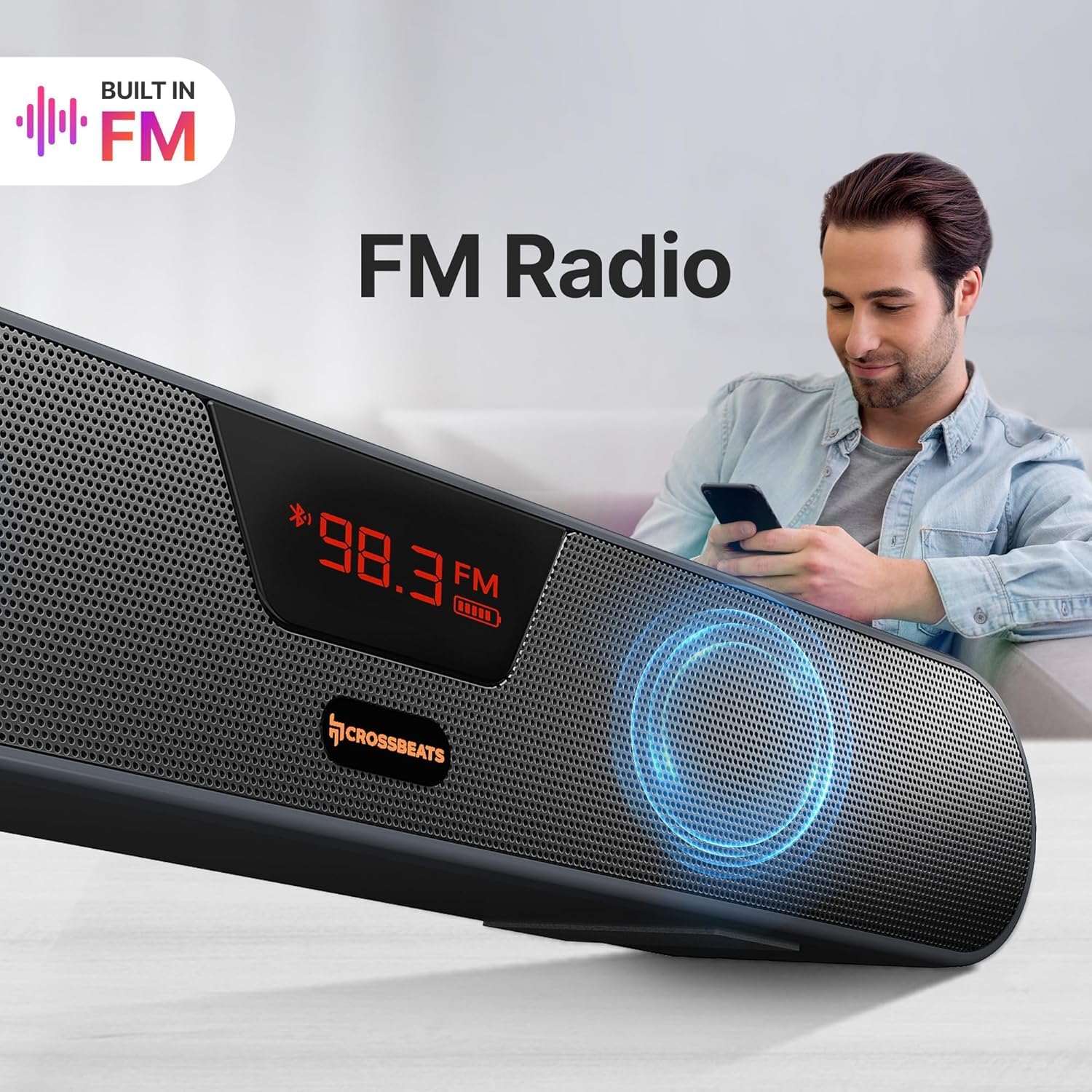
- Redio FM: Built-in FM tuner for listening to radio stations.
Aworan: A sunmọ-soke view of the CrossBeats Blaze B30 Soundbar's rear panel, illustrating its various connectivity ports including AUX, Bluetooth, SD Card, FM Support, and USB port.
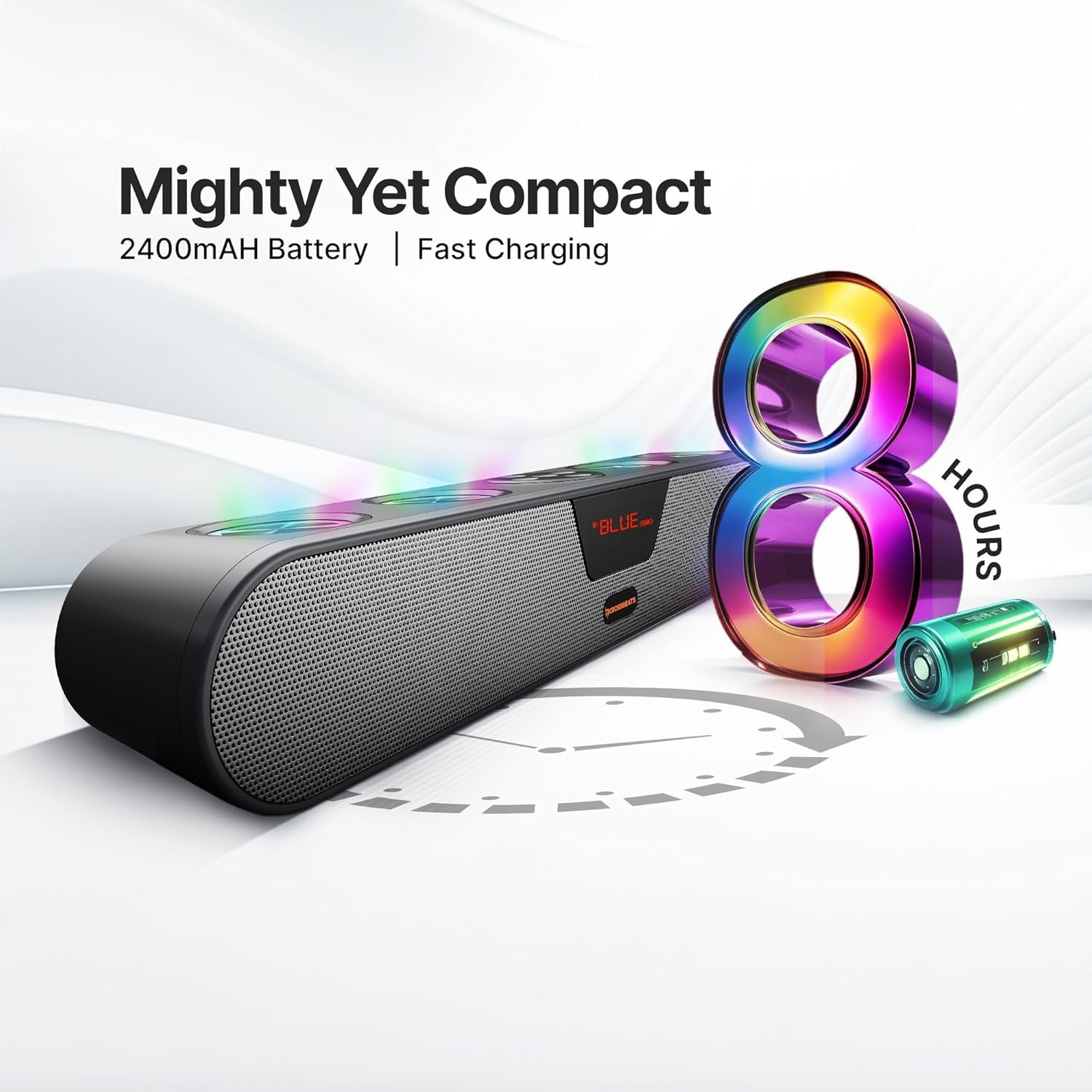
Image: The CrossBeats Blaze B30 Soundbar with its LED display showing an FM radio frequency, indicating its built-in FM radio function.
Bluetooth Asopọmọra
- Agbara lori pẹpẹ ohun.
- Press the 'Mode' button (or power button with a short press) until 'BT' appears on the LED display, indicating Bluetooth mode. The soundbar will enter pairing mode automatically.
- Lori ẹrọ rẹ (foonuiyara, tabulẹti, PC), mu Bluetooth ṣiṣẹ ki o wa awọn ẹrọ to wa.
- Select 'CrossBeats Blaze B30' from the list.
- Once paired, the soundbar will emit a confirmation tone, and the 'BT' indicator will stop flashing.
O le mu ohun ṣiṣẹ bayi lati ẹrọ rẹ nipasẹ ọpa ohun.
TWS Pairing (True Wireless Stereo)
The Blaze B30 supports TWS pairing, allowing you to connect two Blaze B30 soundbars wirelessly for a stereo sound experience.
- Ensure both Blaze B30 soundbars are powered on and in Bluetooth mode, but not connected to any device.
- On one of the soundbars (this will be the primary unit), press and hold the TWS pairing button (refer to the Quick Start Guide for exact button location).
- The soundbar will search for the secondary unit. Once connected, both soundbars will emit a confirmation tone.
- Now, connect your device to the primary soundbar via Bluetooth as described in the 'Bluetooth Connectivity' section.
Audio will now play in stereo through both connected soundbars.

Image: Two CrossBeats Blaze B30 Soundbars positioned to demonstrate True Wireless Stereo (TWS) pairing, with a smartphone playing music between them.
RGB Lights Control
The soundbar features integrated RGB lights that can be controlled directly from the device. Locate the dedicated RGB light control button on the soundbar. Press this button to cycle through different lighting modes or to turn the lights on/off. The vibrant lighting enhances the music and gaming experience.
Gbigba agbara ati Batiri
The CrossBeats Blaze B30 is equipped with a 2400mAh battery, providing up to 8 hours of playtime. To charge the soundbar, connect the provided power cable to the charging port and a power source. The LED indicator will show charging status.
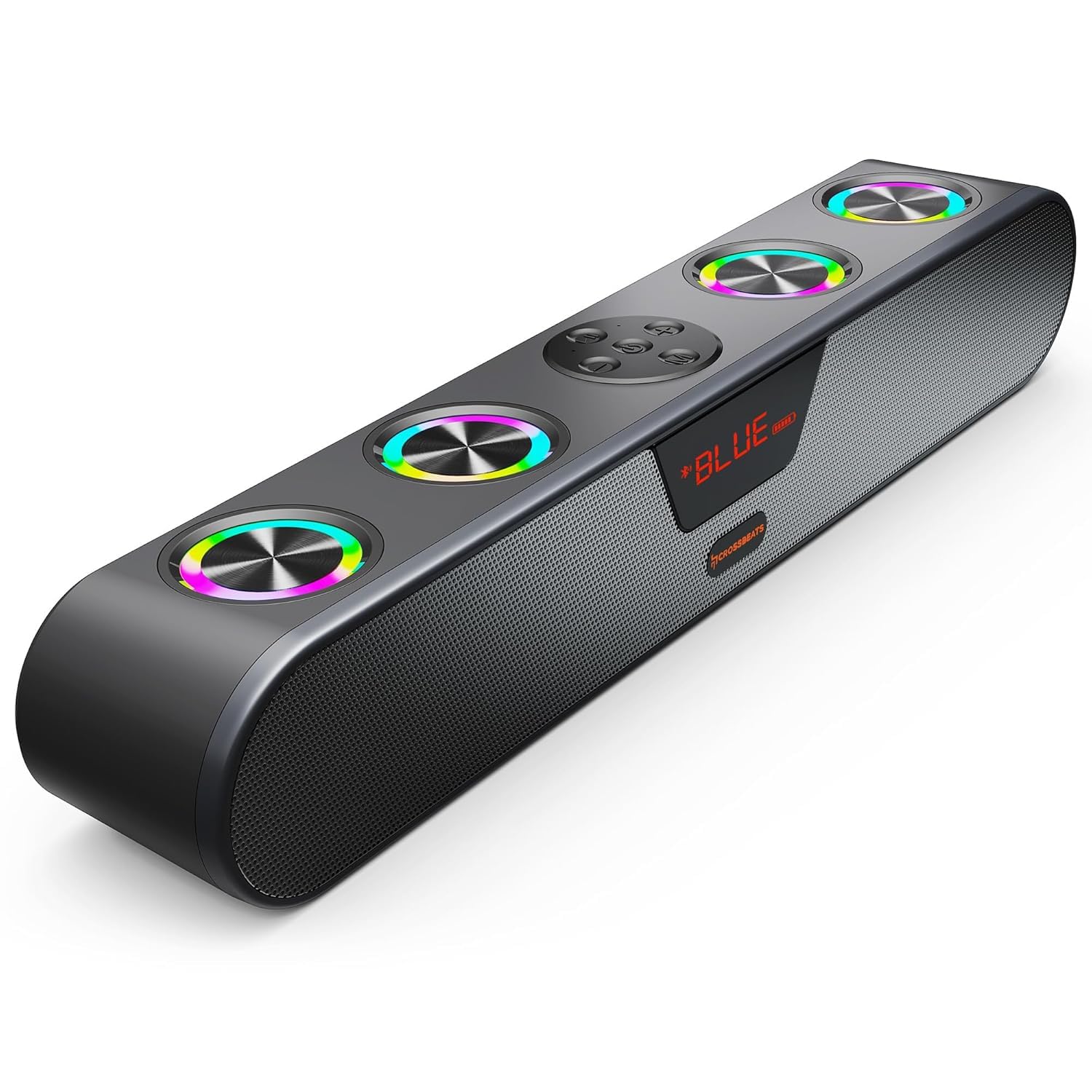
Image: The CrossBeats Blaze B30 Soundbar alongside a graphic illustrating its 8-hour battery life and compact design.
Itoju
- Ninu: Lo asọ ti o rọ, ti o gbẹ lati nu dada ti ọpa ohun. Ma ṣe lo awọn olutọpa omi tabi awọn ohun elo abrasive.
- Ibi ipamọ: Tí o kò bá lò ó fún ìgbà pípẹ́, tọ́jú ohun èlò orin náà sí ibi gbígbẹ tí ó tutù, tí kò sí ìmọ́lẹ̀ oòrùn tààrà tàbí ooru tó le koko.
- Itọju Batiri: Láti mú kí batiri pẹ́ sí i, má ṣe jẹ́ kí batiri náà máa jáde nígbà gbogbo. Gba agbára ẹ̀rọ náà déédéé, kódà bí kò bá tiẹ̀ wà ní ìlò lọ́wọ́lọ́wọ́.
Laasigbotitusita
| Isoro | Owun to le Fa | Ojutu |
|---|---|---|
| Ko si agbara | Power cable not connected; Battery drained | Ensure power cable is securely connected; Charge the soundbar. |
| Ko si ohun | Ìwọ̀n ìgbóhùnsáfẹ́fẹ́ kéré jù; Ipò ìtẹ̀síwájú tí kò tọ́; Ẹ̀rọ náà kò so pọ̀ (Bluetooth) | Increase volume; Switch to correct input mode (BT, AUX, USB, SD, FM); Re-pair Bluetooth device. |
| Sisopọ Bluetooth kuna | Ìdáhùn ohùn kò sí ní ipò ìsopọ̀; Ẹ̀rọ náà ti jìnnà jù; Ìdádúró | Ensure soundbar is in BT pairing mode; Move device closer; Turn off other Bluetooth devices. |
| Didara ohun ko dara | Low battery; Source audio quality; Obstructions | Charge the soundbar; Use high-quality audio files; Ensure no obstructions between device and soundbar. |
| Awọn imọlẹ RGB ko ṣiṣẹ | Lights turned off | Press the RGB light control button to turn them on. |
Awọn pato
| Ẹya ara ẹrọ | Ẹ̀kúnrẹ́rẹ́ |
|---|---|
| Brand | Àwọn Àgbélébùú |
| Nọmba awoṣe | Blaze B30 - 2025 |
| Agbọrọsọ Agbara Ijade ti o pọju | 30 Wattis |
| Asopọmọra Technology | Bluetooth, AUX, USB, SD Card, FM |
| Ipo Ijade Ohun | Ayika |
| Batiri Apapọ Life | Awọn wakati 8 |
| Agbara Batiri | 2400 mAh |
| Bluetooth Ibiti | Awọn mita 15 (32 Ẹsẹ) |
| Ọna Iṣakoso | Bọtini, Fọwọkan |
| Ohun elo apade | ABS + PC |
| Awọn iwọn Nkan (D x W x H) | 5.5D x 20.1W x 6.5H |
| Iwọn Nkan | 700 giramu |
| Omi Resistance Ipele | Omi sooro |
| Nọmba ti Microphones | 4 |
| Awọn ẹrọ ibaramu | Android, Windows, iOS |
Atilẹyin ọja ati Support
The CrossBeats Blaze B30 comes with a 1-odun Brand atilẹyin ọja from the date of purchase. For complete warranty details and to register your product for uninterrupted warranty benefits, please visit the official CrossBeats website. For any support or service-related queries, please contact CrossBeats customer service.
Ọja Video Loriview
Fidio: A finifini loriview of the CrossBeats Blaze B30 Soundbar, highlighting its key features and specifications. This video provides a visual guide to the product's design and functionality.