
Ọrọ Iṣaaju
Thank you for choosing the boAt Rockerz Prime 255Z Bluetooth Neckband Earphones. This manual provides essential information for setting up, operating, and maintaining your device to ensure optimal performance and longevity. Please read these instructions carefully before use.
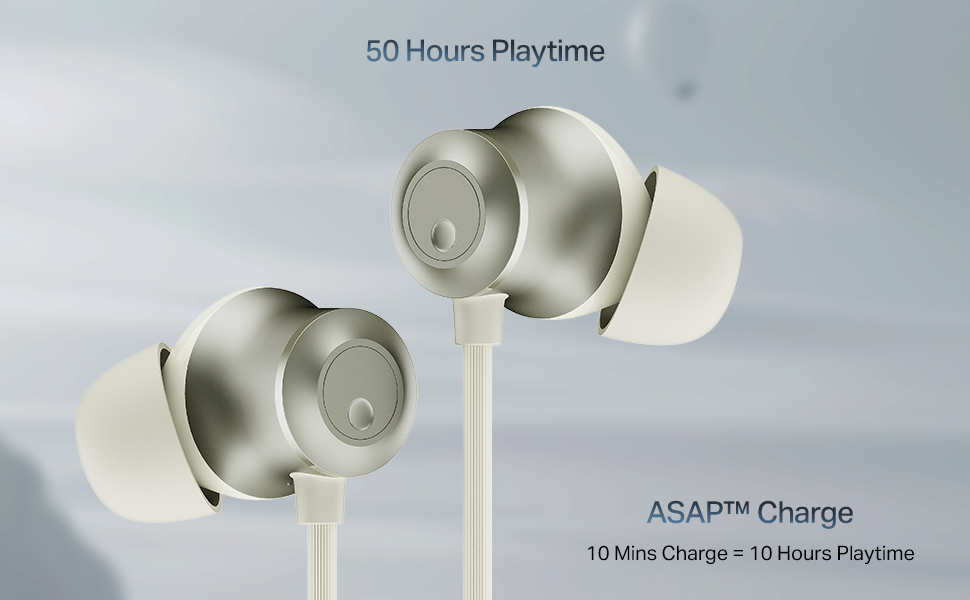
Image: The boAt Rockerz Prime 255Z neckband earphones, showcasing wọn aso oniru.
Ohun ti o wa ninu Apoti
Jẹrisi pe gbogbo awọn nkan wọnyi wa ninu package rẹ:
- boAt Rockerz Prime 255Z Bluetooth Neckband
- Additional Earbuds (various sizes)
- Ngba agbara USB
- Itọsọna olumulo
Ṣeto
1. Ngba agbara si awọn Earphone
Before first use, fully charge your Rockerz Prime 255Z. Connect the provided charging cable to the charging port on the neckband and a compatible USB power source. The LED indicator will show charging status.
ASAP Charge: A quick 10-minute charge provides approximately 10 hours of playtime. A full charge offers up to 50 hours of playback.
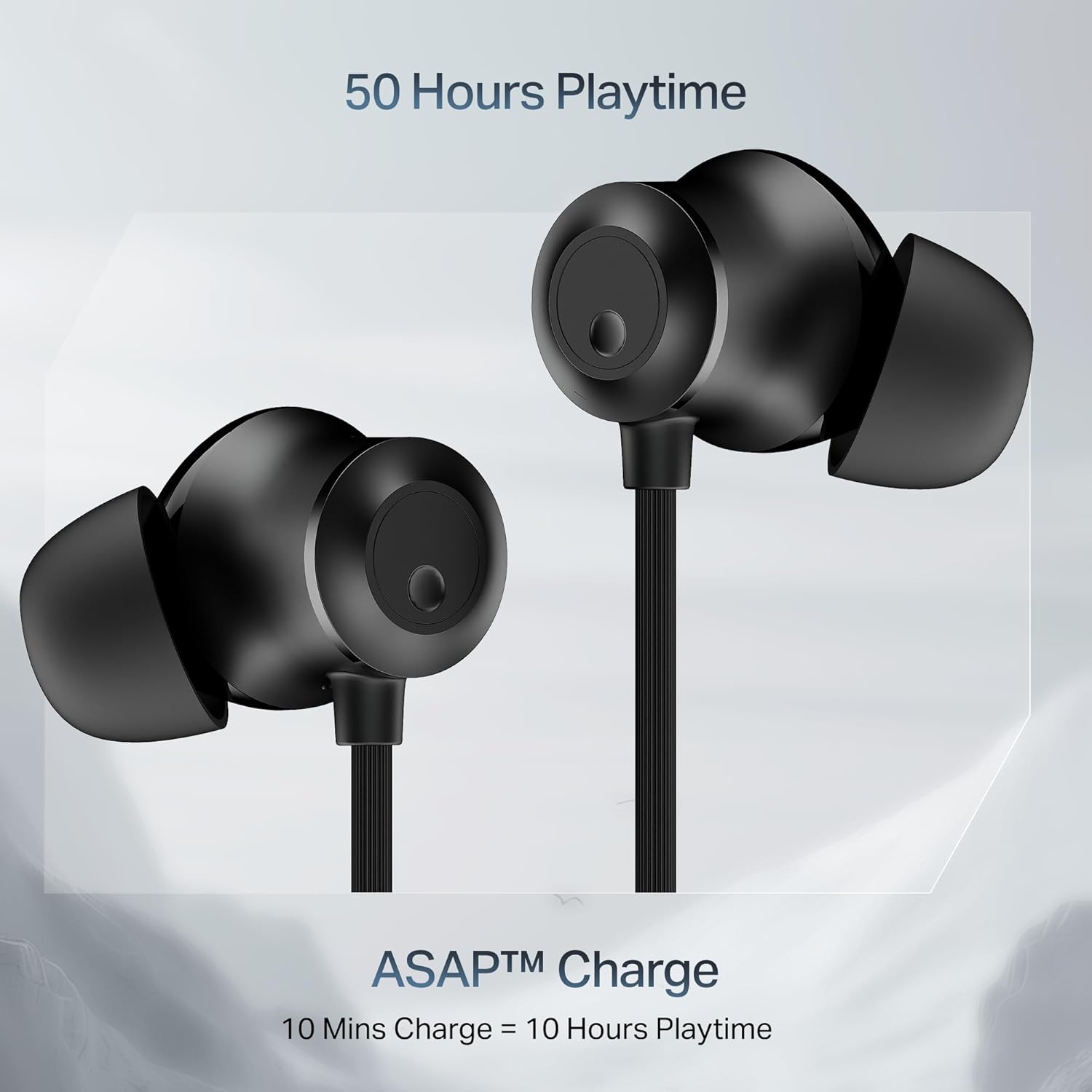
Image: Close-up of the earbuds with text highlighting '50 Hours Playtime' and 'ASAP Charge: 10 Mins Charge = 10 Hours Playtime'.
2. Agbara Tan / Paa
- Agbara Tan: Separate the magnetic earbuds to automatically power on the device.
- Agbara Pa: Attach the magnetic earbuds together to automatically power off the device. Alternatively, press and hold the multi-function button for a few seconds.
3. Sisopọ Bluetooth
Pipọpọ akọkọ:
- Ensure the neckband is charged and powered on (separate magnetic earbuds).
- The LED indicator will flash blue and red, indicating it is in pairing mode.
- Lori ẹrọ rẹ (foonuiyara, tabulẹti, kọǹpútà alágbèéká), mu Bluetooth ṣiṣẹ ki o wa awọn ẹrọ to wa.
- Select "boAt Rockerz Prime 255Z" from the list.
- Ni kete ti a ti sopọ, Atọka LED yoo tan bulu lorekore.
Dual Pairing (Connect 2 Devices at once):
The Rockerz Prime 255Z supports dual pairing, allowing connection to two devices simultaneously.
- Pair the neckband with the first device as described above.
- Disable Bluetooth on the first device. The neckband will re-enter pairing mode.
- Pair the neckband with the second device.
- Enable Bluetooth on the first device. The neckband will automatically connect to both devices.
You can now switch between audio sources on the two connected devices.

Image: The boAt Rockerz Prime 255Z neckband connected to both a smartphone and a tablet, illustrating the dual pairing feature.
4. Google Fast Pair
For Android devices, Google Fast Pair enables quick and seamless connection. Simply power on your Rockerz Prime 255Z near your Android device, and a pop-up notification will appear for instant pairing.
Ṣiṣẹ awọn Earphones
Awọn iṣakoso
The neckband features integrated controls for easy management of music and calls.
- Ṣiṣẹ/Daduro: Nikan tẹ bọtini iṣẹ-ọpọlọpọ.
- Iwọn didun Up: Kukuru tẹ bọtini '+'.
- Iwọn didun isalẹ: Kukuru tẹ bọtini '-'.
- Orin t’okan: Tẹ bọtini '+' gun.
- Tẹlẹ Orin: Tẹ bọtini '-' gun.
- Idahun/Ipe Ipari: Nikan tẹ bọtini iṣẹ-ọpọlọpọ.
- Kọ Ipe: Gun tẹ bọtini iṣẹ-ọpọlọpọ.
- Mu Oluranlọwọ Ohun ṣiṣẹ: Tẹ bọtini iṣẹ-ọpọlọpọ lẹẹmeji.
boAt Spatial Audio
Experience immersive surround sound with boAt Spatial Audio. This feature enhances the audio experience, making sound feel like it's coming from all directions, providing a more engaging listening experience.

Image: The boAt Rockerz Prime 255Z earbuds with a visual representation of immersive sound waves, labeled 'boAt Spatial Audio'.
AI-ENx Technology
The AI-ENx Technology provides enhanced voice clarity during calls by effectively canceling out background noise. This ensures your voice is heard clearly, even in noisy environments.

Image: A close-up of an earbud with a visual representation of sound waves, indicating 'AI-ENx Technology for Enhanced Voice Clarity on Calls'.
Ipo BEAST
Activate BEAST Mode for a low-latency gaming experience. With latency as low as 65ms, this mode minimizes audio lag, providing a more synchronized and realistic gaming session.
boAt Hearables App Compatibility
Enhance your audio experience by connecting your Rockerz Prime 255Z to the boAt Hearables App. The app allows you to monitor battery levels, check Bluetooth connectivity, change EQ modes, and troubleshoot with Smart Diagnostics mode.

Image: A smartphone screen showing the boAt Hearables App with a QR code to scan and explore. Click the image to download the app.
Itoju
IPX4 Splash Resistance
The Rockerz Prime 255Z features an IPX4 rating, making it resistant to sweat and light splashes of water. This protection allows for use during workouts or in light rain. However, it is not designed for submersion in water.
Gbogbogbo Itọju
- Fọ àwọn ètí àti ọrùn pẹ̀lú aṣọ rírọ̀ tí ó gbẹ nígbà gbogbo.
- Avoid exposing the device to extreme temperatures, direct sunlight, or corrosive liquids.
- Tọju awọn agbekọri naa ni itura, aye gbigbẹ nigbati ko si ni lilo.
- Má ṣe gbìyànjú láti tú tàbí yí ẹ̀rọ náà padà, nítorí èyí yóò sọ àtìlẹ́yìn náà di òfo.
Laasigbotitusita
If you encounter issues with your Rockerz Prime 255Z, refer to the following common solutions:
- Ko si Agbara: Rí i dájú pé ẹ̀rọ náà ti gba agbára tán pátápátá. So mọ́ orísun agbára kan kí o sì ṣàyẹ̀wò àmì ìgba agbára náà.
- Ko le So pọ: Ensure Bluetooth is enabled on your device and the neckband is in pairing mode (LED flashing blue and red). Move the neckband closer to your device.
- Ko si Ohun: Check the volume levels on both the neckband and your connected device. Ensure the neckband is correctly paired and selected as the audio output.
- Didara ipe ti ko dara: Ensure the microphone is not obstructed. If using AI-ENx, ensure it is active. Try moving to a quieter environment.
- Asopọmọra Laarin: Ensure there are no obstructions between the neckband and your device. Avoid strong electromagnetic interference.
For further assistance, refer to the boAt Hearables App's Smart Diagnostics mode or contact customer support.
Awọn pato
| Brand | boAt |
| Orukọ awoṣe | Rockerz Prime 255Z |
| Nọmba awoṣe | PP0023 |
| Gbigbe Eti | Ninu Eti |
| Fọọmù ifosiwewe | Ninu Eti |
| Asopọmọra Technology | Bluetooth |
| Batiri Apapọ Life | Awọn wakati 50 |
| Igba agbara Batiri | 10 Minutes (for 10 hours playtime) |
| Omi Resistance Ipele | IPX4 (Oògùn tí kò lè gbóná ara àti ìfọ́) |
| Pataki Awọn ẹya ara ẹrọ | boAt Spatial Audio, AI-ENx Noise Cancellation, ASAP Charge, BEAST Mode, Google Fast Pair |
| Ọna Iṣakoso | App, Awọn bọtini |
| Iwọn Nkan | 50 giramu |
Atilẹyin ọja ati Support
Your boAt Rockerz Prime 255Z comes with a 1-odun atilẹyin ọja láti ọjọ́ tí a rà á. Àtìlẹ́yìn yìí bo àwọn àbùkù iṣẹ́-ọnà.
For warranty claims, technical support, or any other inquiries, please contact boAt customer service:
- Olupese: Imagine Marketing Ltd
- Imeeli: info@imaginemarketingindia.com
- Please visit the official boAt webaaye fun alaye atilẹyin ti ode-ọjọ ati awọn alaye olubasọrọ.