
Ọrọ Iṣaaju
The NiteRider Lumina Micro 950 is a compact and powerful USB-C rechargeable front bike light designed for enhanced visibility and safety during road cycling, commuting, and night rides. Featuring 950 lumens of output and five distinct light modes, this LED headlight is built to meet FL1 standards for lumen output, run times, and water/dust resistance (IP64).
Ṣeto
Iṣagbesori Imọlẹ
The Lumina Micro 950 comes with an easy-to-use handlebar mount. Securely attach the mount to your bicycle's handlebar. The light is designed to fit standard and oversized 35mm handlebars. Once the mount is in place, slide the light onto the mount until it clicks securely. Ensure the light is firmly attached before riding.

The NiteRider Lumina Micro 950 light mounted on a bicycle handlebar, illustrating its compact and lightweight design. It is compatible with standard and oversized 35mm handlebars.
Gbigba agbara ni ibẹrẹ
Before first use, fully charge the light. The Lumina Micro 950 features USB-C recharging. Connect the provided USB-C cable to the light's charging port and to a USB power source. A full charge typically takes approximately 2 hours and 30 minutes.
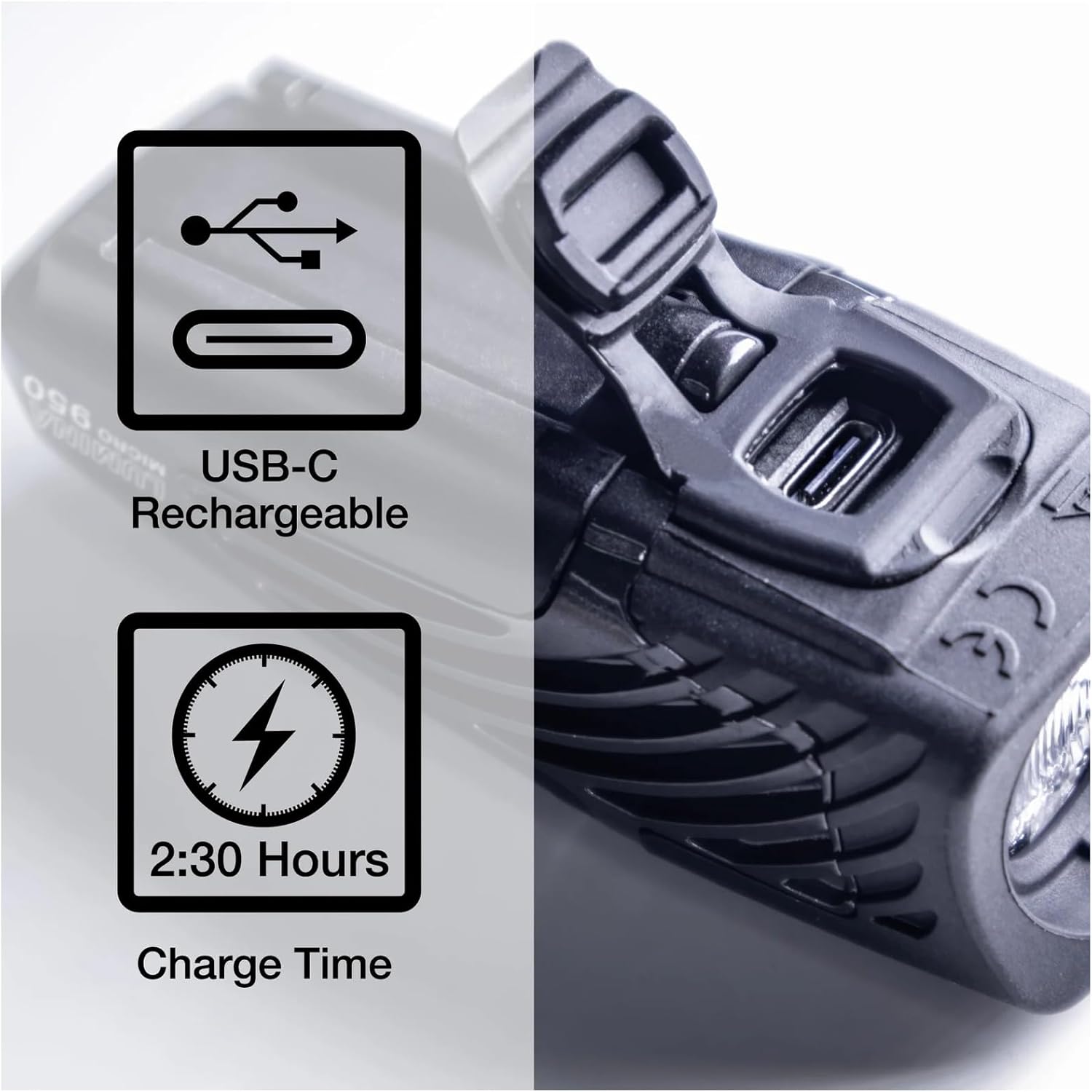
A sunmọ-soke view of the NiteRider Lumina Micro 950, highlighting its USB-C charging port and indicating a charge time of 2 hours and 30 minutes.
Awọn ilana Iṣiṣẹ
Tan-an / Paa ati Aṣayan Ipo
To turn the light on, press and hold the power button for approximately 1 second. To cycle through the five available modes (Low, Medium, High, Flash, Walk), press the power button briefly. To turn the light off, press and hold the power button for approximately 1 second.
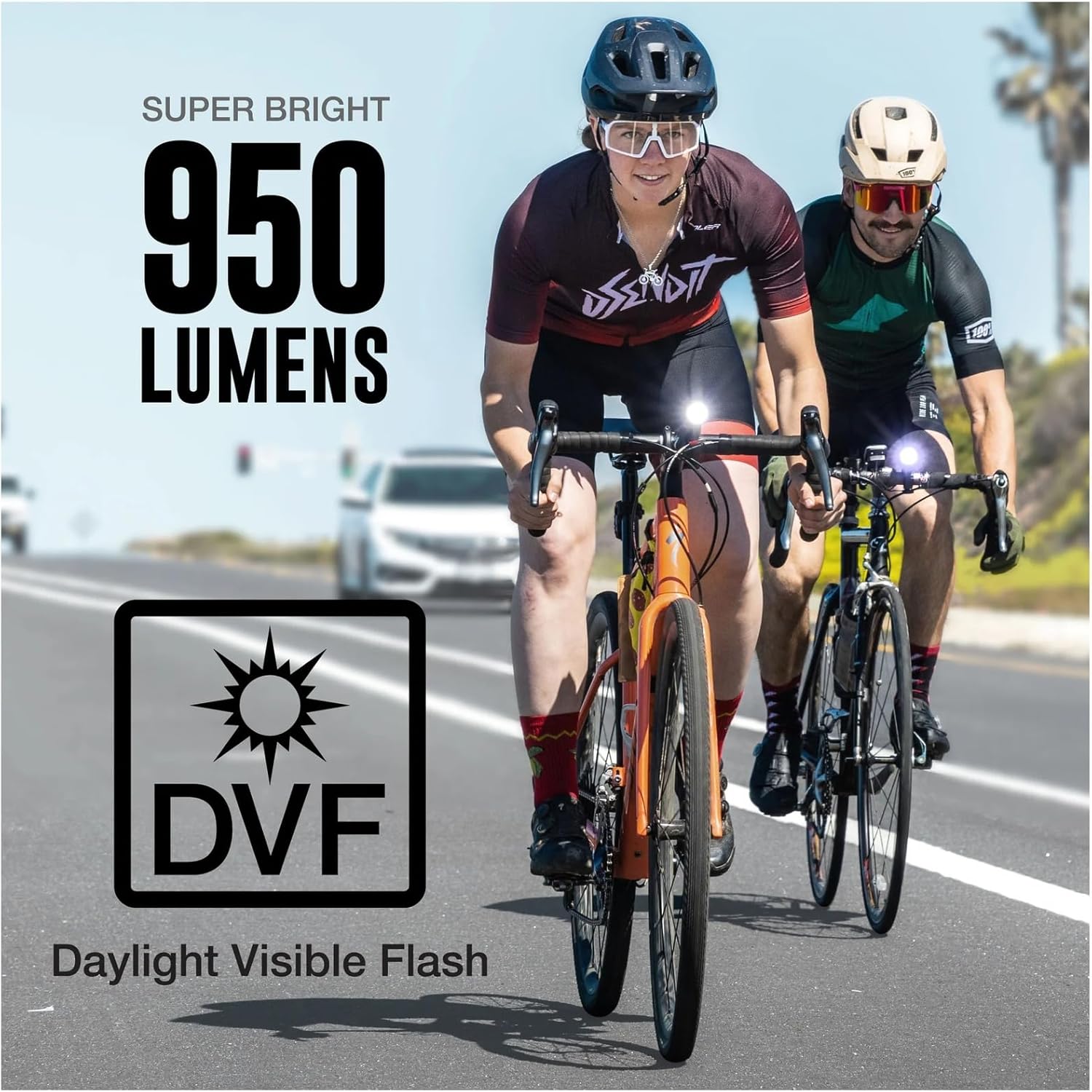
The NiteRider Lumina Micro 950 illuminating a bike path at night, demonstrating its 5 light modes (1 Flash, 4 Steady) and durable fiberglass reinforced nylon construction.
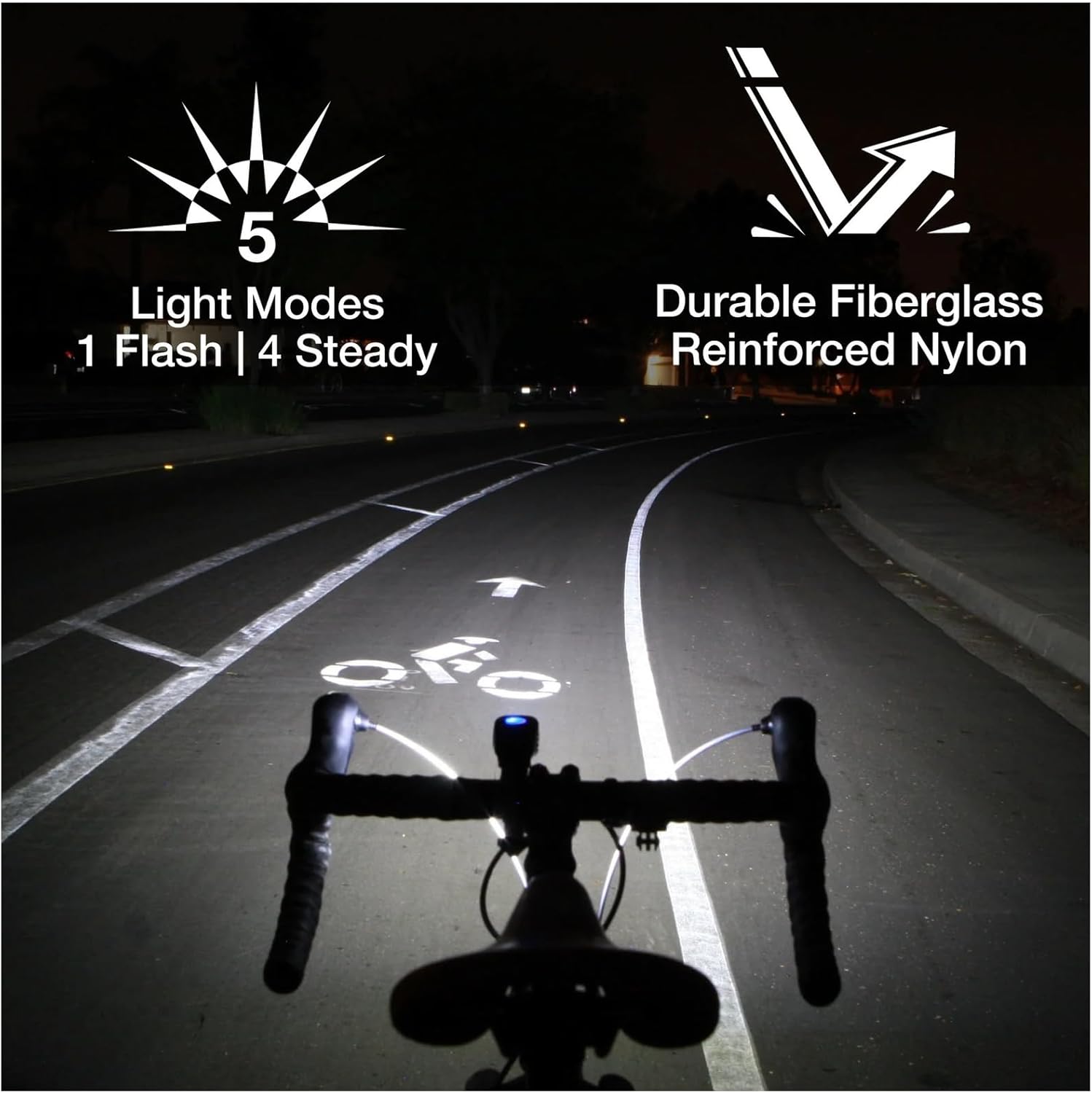
Two cyclists riding during the day, with the NiteRider Lumina Micro 950 lights providing 950 lumens and a Daylight Visible Flash (DVF) for increased visibility.
Travel Titiipa Ipo
To prevent accidental activation during transport or storage, the light features a Travel Lock Mode. To activate or deactivate, press and hold the power button for 8-10 seconds until the light flashes or indicates the change. This feature helps conserve battery life.

An image illustrating the Travel Lock Mode feature, which requires pressing and holding the power button for 8-10 seconds to unlock or lock the light. It also shows the low battery indicator inside the power button.
Atọka Batiri Kekere
The power button also serves as a low battery indicator. When the battery level is low, the indicator light will change color (typically from blue to red) to alert you that charging is required.
Itoju
Gbigba agbara
Regularly charge your Lumina Micro 950 using the provided USB-C cable. Avoid completely draining the battery to prolong its lifespan. Store the light with a partial charge if not used for extended periods.
Ninu
Clean the light's exterior with a soft, damp cloth. Do not use abrasive cleaners or solvents, as these can damage the housing or lens. Ensure the USB-C port cover is securely closed to maintain water resistance.
Itọju Batiri
The light uses a Li-Ion battery. For optimal performance and longevity, avoid exposing the light to extreme temperatures. If the light will not be used for several months, charge it periodically to maintain battery health.
Laasigbotitusita
Imọlẹ Ko Titan
- Check Travel Lock Mode: If the light does not turn on, it may be in Travel Lock Mode. Press and hold the power button for 8-10 seconds to deactivate it.
- Gbigba agbara Batiri: Ensure the battery is sufficiently charged. Connect the light to a USB-C power source and check the charging indicator.
Kukuru Run Times
- Gbigba agbara ni kikun: Confirm the light is receiving a full charge. A complete charge takes approximately 2 hours and 30 minutes.
- Aṣayan Ipo: Higher lumen modes consume more battery. Using lower lumen modes or flash modes will extend run times.
- Ọjọ ori batiri: Over time, rechargeable batteries may experience reduced capacity.
Awọn pato
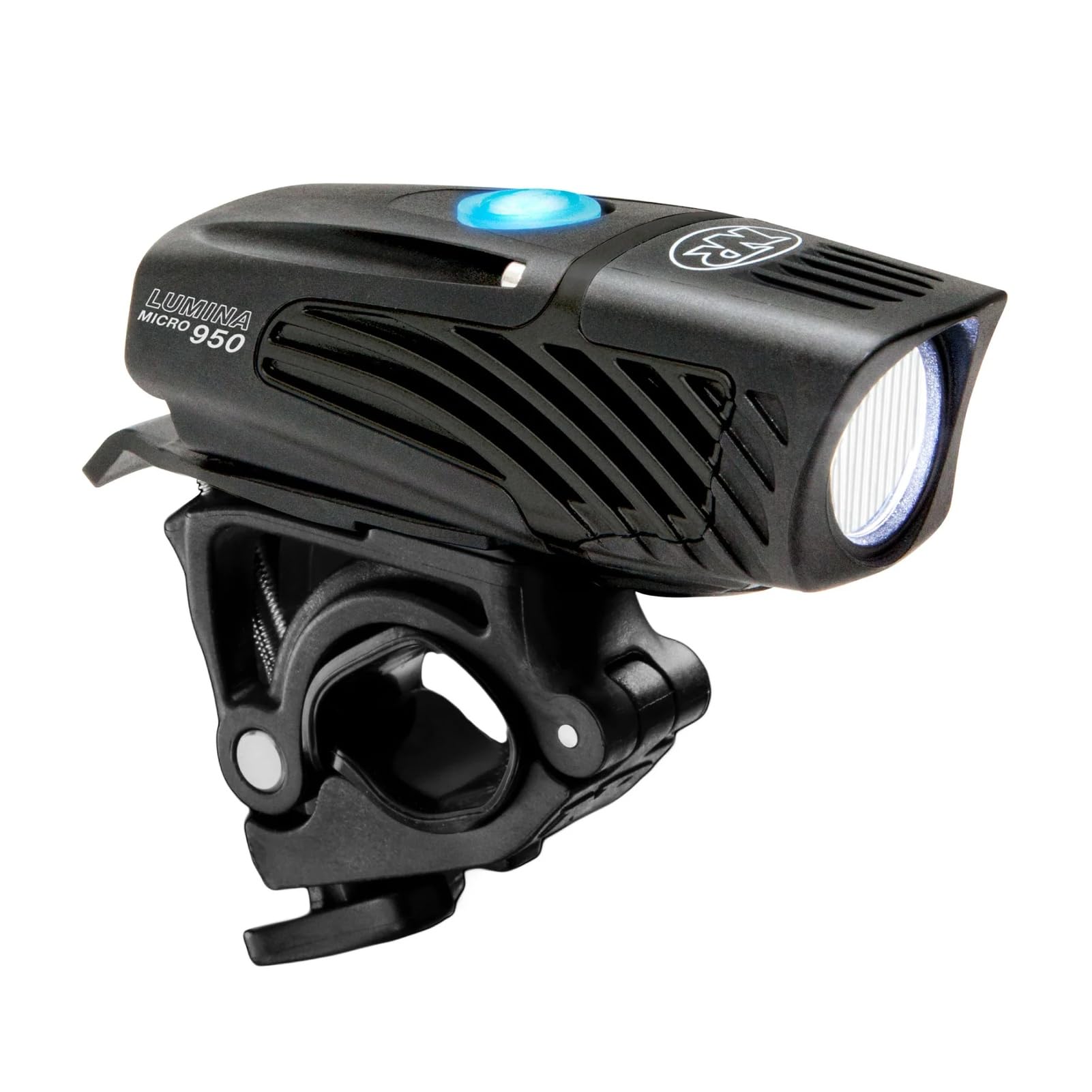
The NiteRider Lumina Micro 950 is tested to perform meeting FL1 standards in lumen output, run times, and water/dust resistance.
| Ẹya ara ẹrọ | Ẹ̀kúnrẹ́rẹ́ |
|---|---|
| Orukọ awoṣe | Lumina Micro 950 |
| Nọmba awoṣe | 6814 |
| Ijade ina | 950 Lumens (Pupọ julọ) |
| Isusu | LED |
| Orisun agbara | Li-Ion Battery, USB-C Rechargeable |
| Akoko gbigba agbara | 2 wakati 30 iṣẹju |
| Awọn ọna | 5 (Low, Medium, High, Flash, Walk) |
| Run Times | Low: 13:00h (200 lumens) Medium: 5:00h (425 lumens) High: 2:00h (950 lumens) Flash: 14:00h (950 lumens) Walk: 41:00h (50 lumens) |
| Omi Resistance | IP64 (Atako omi) |
| Ohun elo | Plastic, Durable Fiberglass Reinforced Nylon |
| Iwọn Nkan | 0.29 Poun (iwọn 130g) |
| Iṣagbesori Iru | Handlebar Mount |
| Awọn irinše to wa | Front bike light |
Atilẹyin ọja
NiteRider offers the following warranty for the Lumina Micro 950:
- Atilẹyin ọja ọdun 1: Rechargeable battery cells.
- Atilẹyin ọja ọdun 2: Printed circuit boards, switches, and AC adapters.
- Atilẹyin igbesi aye to lopin: Covers any defects in mechanical components (housings, covers, mounts, and fasteners) and LEDs.
For warranty claims or detailed information, please refer to the official NiteRider webojula tabi kan si atilẹyin alabara.
Atilẹyin
For further assistance, technical support, or to purchase accessories, please visit the official NiteRider website or contact their customer service department. Keep your product model number (6814) handy when seeking support.