
Ọrọ Iṣaaju
This manual provides essential instructions for the safe and effective operation of your eKids Ms Rachel Kids Karaoke Machine, Model RA-550. This portable Bluetooth speaker with a wired microphone and built-in music is designed for children aged 18 months and up. Please read this manual thoroughly before use and retain it for future reference.
Ọja Awọn ẹya ara ẹrọ
- Asopọmọra Bluetooth: Wirelessly connect to any compatible device to stream audio.
- Orin ti a ṣe sinu: Over 20 pre-loaded songs, including popular tunes like 'Hop Little Bunnies', 'Bingo', 'I'm So Happy', 'ABC', 'Old MacDonald', 'Wheels on the Bus', and 'Can You Say Mama'.
- Gbohungbohun ti a firanṣẹ: Includes a real working microphone for singing along.
- Ẹrọ Ohun Ohùn USB: Expand your music library by connecting a USB drive (not included) to play your favorite songs.
- Jack agbekari: Gba laaye fun gbigbọ ikọkọ laisi idamu awọn miiran.
- Gbigbe ati gbigba agbara: Features a built-in handle and rechargeable battery for on-the-go entertainment.
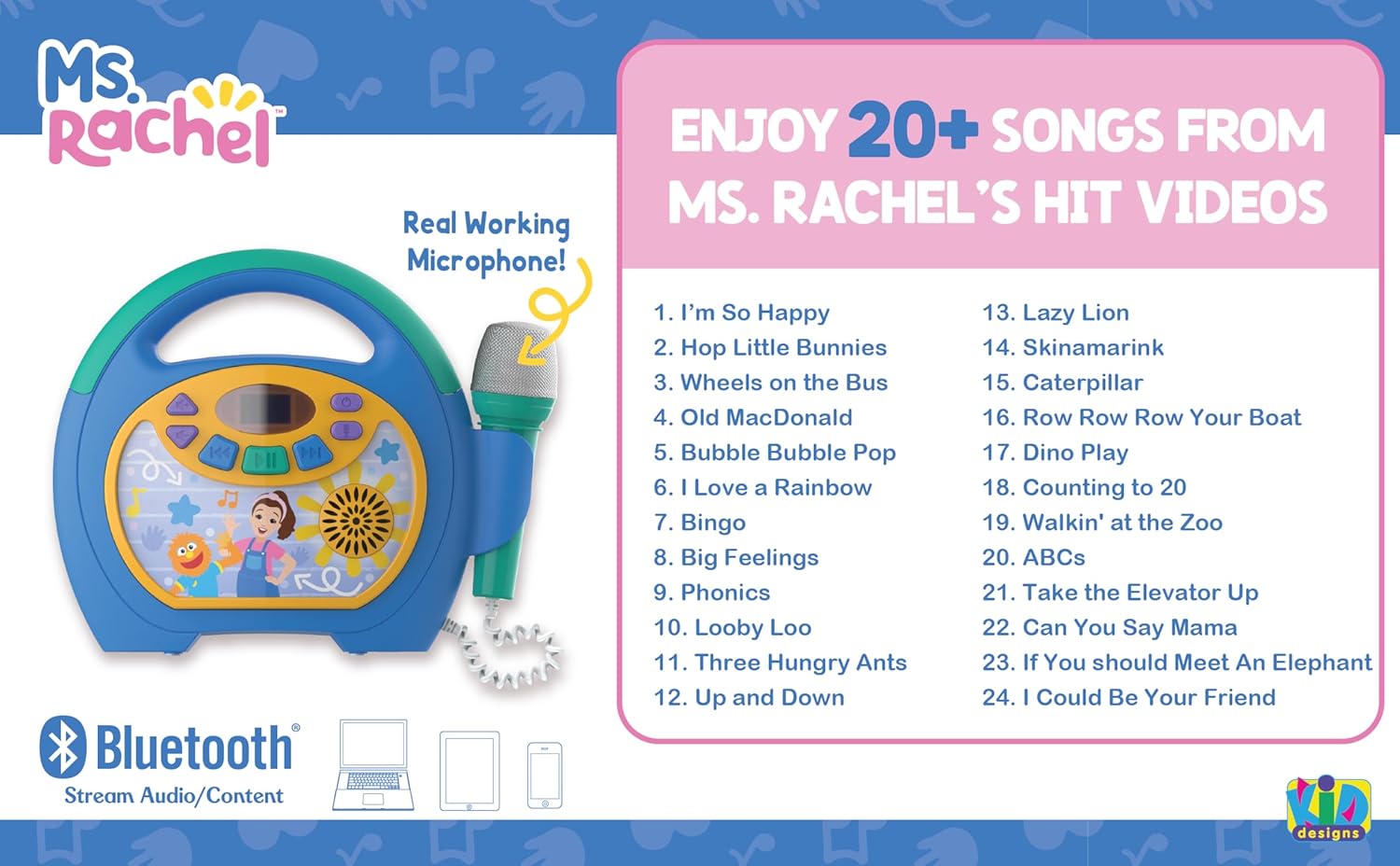
Image: The eKids Ms Rachel Kids Karaoke Machine, showcasing its design and a list of over 20 built-in songs available for playback.
Package Awọn akoonu
- eKids Ms Rachel Kids Karaoke Machine (Model RA-550)
- Gbohungbo onina
- USB Charging Cable (18 inches, located inside the cord storage door)
Awọn iṣakoso ati Awọn Atọka
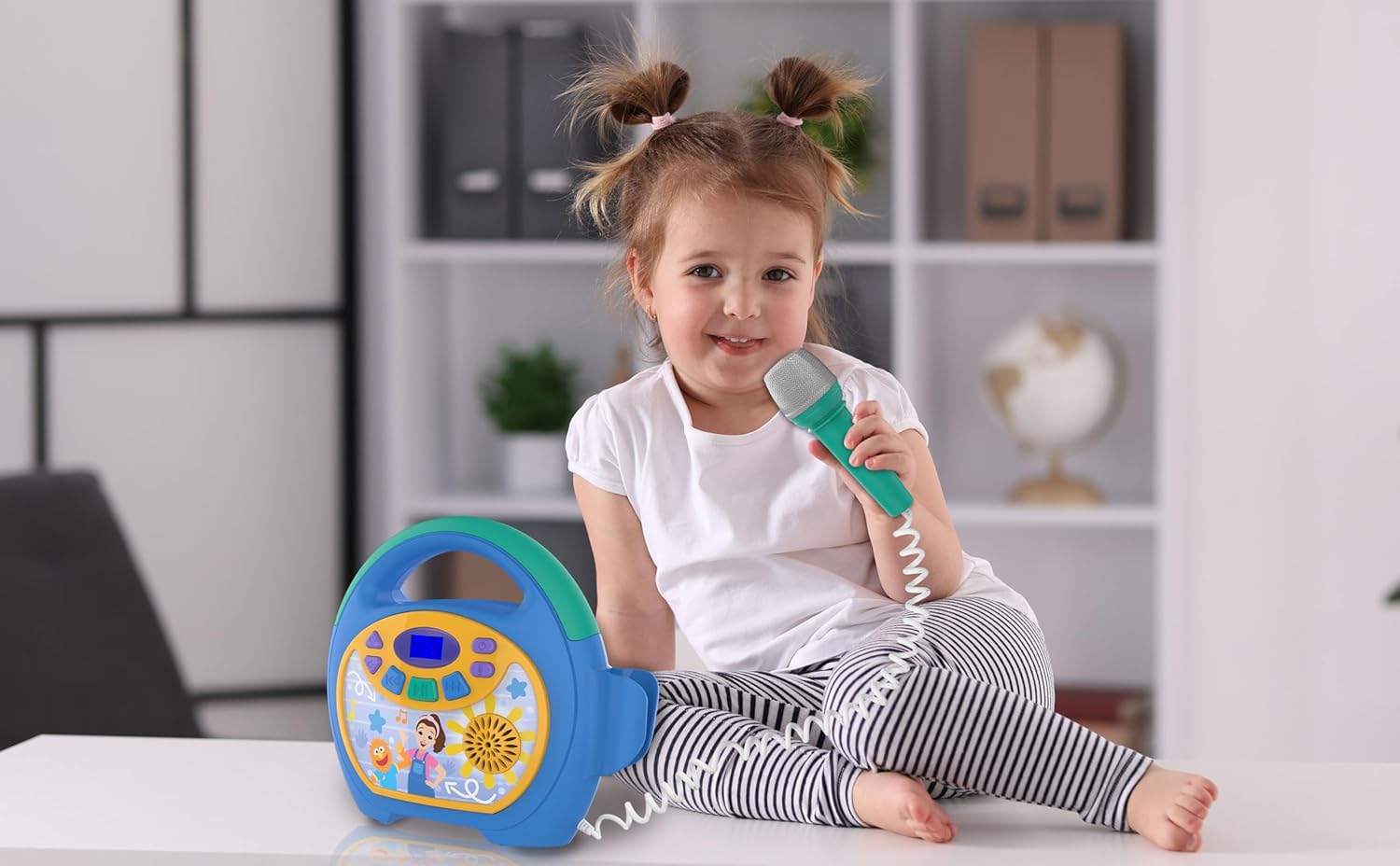
Image: Detailed diagram of the karaoke machine, highlighting the location and function of each button, port, and indicator, including the microphone, volume controls, power button, USB port, headphone jack, and charging port.
- Bọtini agbara ON/PA: Tẹ mọlẹ lati tan-an tabi paa kuro.
- Ìyípadà TÍTÁN/PÁ MÁÌKÒRÒ: Controls the microphone's power.
- Volume UP/DOWN Buttons: Ṣatunṣe iwọn didun agbọrọsọ.
- Iṣakoso iwọn gbohungbohun: Adjusts the microphone's output level.
- Bọ́tìnnì Ṣíṣe/Sánu duro: Ó bẹ̀rẹ̀ tàbí ó dá ìṣíṣẹ́ ohùn dúró.
- Forward/Reverse Buttons: Skips tracks forward or backward.
- Bọtini Pipọpọ Bluetooth: Ti bẹrẹ ipo sisọpọ Bluetooth.
- Jack agbekari: Fún sísopọ̀ àwọn agbekọri fún gbígbọ́ ara ẹni.
- Ibudo agbara USB Micro: Fun gbigba agbara ti abẹnu batiri.
- USB Port for Memory Expansion: Fun orin lati inu awakọ USB.
- Bọtini atunto: Small button to reset the unit if needed.
- Cord Storage Door: Compartment for storing the charging cable.
- Iboju ifihan: Shows current mode, track number, and battery level.
Ṣeto
1. Ngba agbara si Unit
Before first use, fully charge the karaoke machine. Locate the Micro USB Charge Port on the back of the unit. Connect the included USB charging cable to this port and the other end to a standard USB power adapter (not included) or a computer's USB port. The display will indicate charging status. A full charge typically takes approximately 3-4 hours.
2. Nsopọ Gbohungbohun
The wired microphone is permanently attached to the unit. Ensure the microphone ON/OFF switch is in the 'ON' position when you wish to use it.
Awọn ilana Iṣiṣẹ
1. Agbara Tan / Paa
Tẹ mọlẹ Bọtini TAN / PA located on the top of the unit to turn the karaoke machine on or off. The display screen will light up when the unit is powered on.
2. Sisopọ Bluetooth
- Turn on the karaoke machine. The unit will automatically enter Bluetooth pairing mode, indicated by a flashing Bluetooth icon on the display.
- Lórí ẹ̀rọ Bluetooth rẹ (fóònù alágbèéká, tábìlẹ́ẹ̀tì, kọ̀ǹpútà), lọ sí àwọn ètò Bluetooth kí o sì mú Bluetooth ṣiṣẹ́.
- Wa fun awọn ẹrọ to wa ko si yan "eKids Ms Rachel Karaoke" lati akojọ.
- Once paired, the Bluetooth icon on the karaoke machine's display will stop flashing and remain solid. You can now stream audio wirelessly from your device.
3. Playing Built-in Music
The karaoke machine comes with over 20 built-in songs. To play them, ensure no Bluetooth device is connected or a USB drive is inserted. Use the Ṣiṣẹ / Sinmi, Siwaju, ati Yipada buttons to navigate and play the pre-loaded tracks.
4. USB Audio Playback
Lati mu orin ṣiṣẹ lati inu awakọ USB:
- Insert a USB drive (formatted with MP3 audio files) sinu USB Port for Memory Expansion lori pada ti kuro.
- The unit should automatically switch to USB mode. If not, press the mode button (if available, otherwise it should auto-detect).
- Lo awọn Ṣiṣẹ / Sinmi, Siwaju, ati Yipada awọn bọtini lati ṣakoso ṣiṣiṣẹsẹhin.

Image: A child singing with the karaoke machine, illustrating the use of the USB expansion slot for playing custom music.
5. Gbohungbohun Lilo
Rii daju pe Gbohungbohun ON / PA Yipada is in the 'ON' position. Adjust the microphone's volume using the Gbohungbo Iwọn didun Iṣakoso. Sing into the microphone while music is playing from Bluetooth, USB, or built-in songs.
6. Iṣakoso iwọn didun
Ṣatunṣe iwọn didun agbọrọsọ akọkọ nipa lilo Volume UP/DOWN Buttons on the unit. The microphone volume is controlled separately.
7. Agbekọri Lo
Fun gbigbọ ikọkọ, pulọọgi eyikeyi awọn agbekọri 3.5mm boṣewa (kii ṣe pẹlu) sinu Jack agbekọri. The main speaker output will be muted when headphones are connected.
Official ọja Video
Video: An official product video demonstrating the features and usage of the eKids Ms Rachel Kids Karaoke Machine, including Bluetooth connectivity and microphone functionality.
Itoju
- Ninu: Mu ese kuro pẹlu asọ ti o gbẹ. Ma ṣe lo abrasive ose tabi epo.
- Ibi ipamọ: Store the unit in a cool, dry place away from direct sunlight and extreme temperatures. Ensure the microphone cord is neatly stored in its compartment.
- Itọju Batiri: To prolong battery life, avoid fully discharging the battery frequently. Charge the unit regularly, even if not in use for extended periods.
Laasigbotitusita
| Isoro | Ojutu |
|---|---|
| Ẹka ko ni tan-an. | Ensure the unit is charged. Connect the USB charging cable and allow it to charge for at least 30 minutes before attempting to power on again. |
| Ko si ohun lati agbọrọsọ. | Check the main volume level. Ensure headphones are not plugged into the headphone jack. If using Bluetooth, verify the device volume is up and it is properly paired. |
| Gbohungbohun ko ṣiṣẹ. | Ensure the Microphone ON/OFF switch is in the 'ON' position. Adjust the Microphone Volume Control. |
| Bluetooth device will not pair. | Make sure the karaoke machine is in pairing mode (flashing Bluetooth icon). Turn off and on Bluetooth on your device. Move your device closer to the karaoke machine. Try resetting the karaoke machine using the reset button. |
| USB music not playing. | Ensure the USB drive is properly inserted and contains compatible MP3 audio files. Gbiyanju awakọ USB miiran. |
Awọn pato
- Nọmba awoṣe: RA-550
- Brand: eKids
- Orisun Agbara: Batiri Agbara (Agba agbara)
- Asopọmọra: Bluetooth, USB Type C (charging), USB (audio playback)
- Ipo Ijade Ohun: Speaker, Headphone Jack
- Awọn eroja to wa: Karaoke Machine, Wired Microphone, USB Charging Cable
- Awọn iwọn (D x W x H): 9"D x 3.36"W x 8.71"H
- Olupese: Awọn apẹrẹ KID
Atilẹyin ọja ati Support
This eKids product is covered by a 1 Odun Atilẹyin ọja Lopin. For warranty claims, technical support, or further assistance, please contact eKids customer service. Refer to the official eKids webaaye tabi apoti ọja fun alaye olubasọrọ.
Fun alaye diẹ sii, ṣabẹwo si Ile itaja ami iyasọtọ eKids.