
Ọrọ Iṣaaju
Thank you for choosing the RadioShack Wireless Gaming Earbuds, Model 3304452. These earbuds are designed to provide a high-quality audio experience for gaming and everyday use, featuring Bluetooth 5.3 connectivity, low-latency gaming mode, and environmental noise-cancelling microphones. Please read this manual carefully to ensure proper use and maintenance of your device.

Image: The RadioShack Wireless Gaming Earbuds in their open charging case, showcasing the sleek black design and LED light strip on the case.
Ohun ti o wa ninu Apoti
Carefully unpack your new RadioShack Wireless Gaming Earbuds. Ensure all items listed below are present and in good condition.
- 1x Wireless Gaming Earbuds
- 1x Iru-C Ngba agbara USB
- 1x Itọsọna olumulo

Image: A graphic listing the contents of the product box: Wireless gaming earbuds, Type-C cable, and user manual, each with a checkmark.
Ọja Pariview
Familiarize yourself with the key features and components of your earbuds.
Awọn ẹya pataki:
- Bluetooth 5.3: Pese asopọ alailowaya ti o duro ṣinṣin ati ti o munadoko.
- Low-Latency Gaming Mode: Minimizes audio delay for synchronized gaming.
- Environmental Noise-Cancelling (ENC) Microphones: Enhances voice clarity during calls.
- Igbesi aye batiri gigun: Up to 22.5 hours of use with the charging case.
- Iru-C Gbigba agbara Yara: Gba agbara ni kikun ni isunmọ awọn wakati 1.5.
- Apo gbigba agbara LED: Compact case with LED accents for visual feedback.

Image: A graphic highlighting key features: Up to 22 hours play time, 32 ft wireless range, Built-in LED light, Compatible with Bluetooth 5.3, and 1.5 hours charging time.
Microphone System:
The earbuds feature dual environmental noise-cancelling microphones to ensure clear voice pickup, reducing background noise during calls and in-game communication.

Image: A close-up diagram of an earbud indicating the location of noise-canceling microphones and clear voice pickup points.
Ṣeto
1. Ngba agbara si Earbuds ati Ọran:
- Gbe awọn agbekọri sinu apoti gbigba agbara.
- So okùn gbigba agbara Iru-C pọ mọ ibudo gbigba agbara lori apoti naa ki o si so opin keji pọ mọ orisun agbara USB (fun apẹẹrẹ, adapter odi, ibudo USB kọmputa).
- The LED indicators on the case will illuminate to show charging status. A full charge takes approximately 1.5 hours.
- Ni kete ti o ti gba agbara ni kikun, ge asopọ okun gbigba agbara.
2. Pipọpọ pẹlu Ẹrọ kan:
- Rii daju pe awọn agbekọri ti gba agbara.
- Ṣii apoti gbigba agbara. Awọn agbekọri naa yoo tẹ ipo isọpọ sii laifọwọyi, ti a fihan nipasẹ awọn ina LED didan lori awọn agbekọri.
- On your device (smartphone, tablet, computer, gaming console), go to the Bluetooth settings.
- Wa fun available devices and select "RadioShack 3304452" (or similar name) from the list.
- Once connected, the earbud LEDs will stop flashing. You are now ready to use your earbuds.
- Tí ìsopọ̀ náà bá kùnà, pa àpótí náà, dúró fún ìṣẹ́jú-àáyá díẹ̀, kí o sì tún ṣe àwọn ìgbésẹ̀ náà.
Awọn ilana Iṣiṣẹ
Titan/Apapa:
- Agbara Tan: Open the charging case, or press and hold the touch control area on both earbuds for 3 seconds.
- Agbara Pa: Place the earbuds back into the charging case and close the lid, or press and hold the touch control area on both earbuds for 5 seconds.
Sisisẹsẹhin orin:
- Ṣiṣẹ/Daduro: Fọwọ ba agbegbe iṣakoso ifọwọkan lori boya agbekọri lẹẹkan.
- Orin t’okan: Fọwọ ba agbekọri ọtun lẹẹmeji.
- Tẹlẹ Orin: Fọwọ ba agbekọri osi lẹẹmeji.
- Iwọn didun Up: Tẹ agbekọri ọtun ni ẹẹmẹta.
- Iwọn didun isalẹ: Fọwọ ba agbekọri osi ni ẹẹmẹta.
Isakoso ipe:
- Idahun/Ipe Ipari: Fọwọ ba agbegbe iṣakoso ifọwọkan lori boya agbekọri lẹẹkan.
- Kọ Ipe: Tẹ mọlẹ agbegbe iṣakoso ifọwọkan lori boya agbekọri fun iṣẹju meji 2.
Ipo Ere:
Activate low-latency gaming mode for improved audio synchronization during gameplay.
- Mu Ipo Ere-ije ṣiṣẹ: Press and hold the touch control area on the right earbud for 2 seconds. You will hear an audio prompt.
- Mu Ipo Ere-ije ṣiṣẹ: Press and hold the touch control area on the right earbud for 2 seconds again. You will hear an audio prompt confirming deactivation.
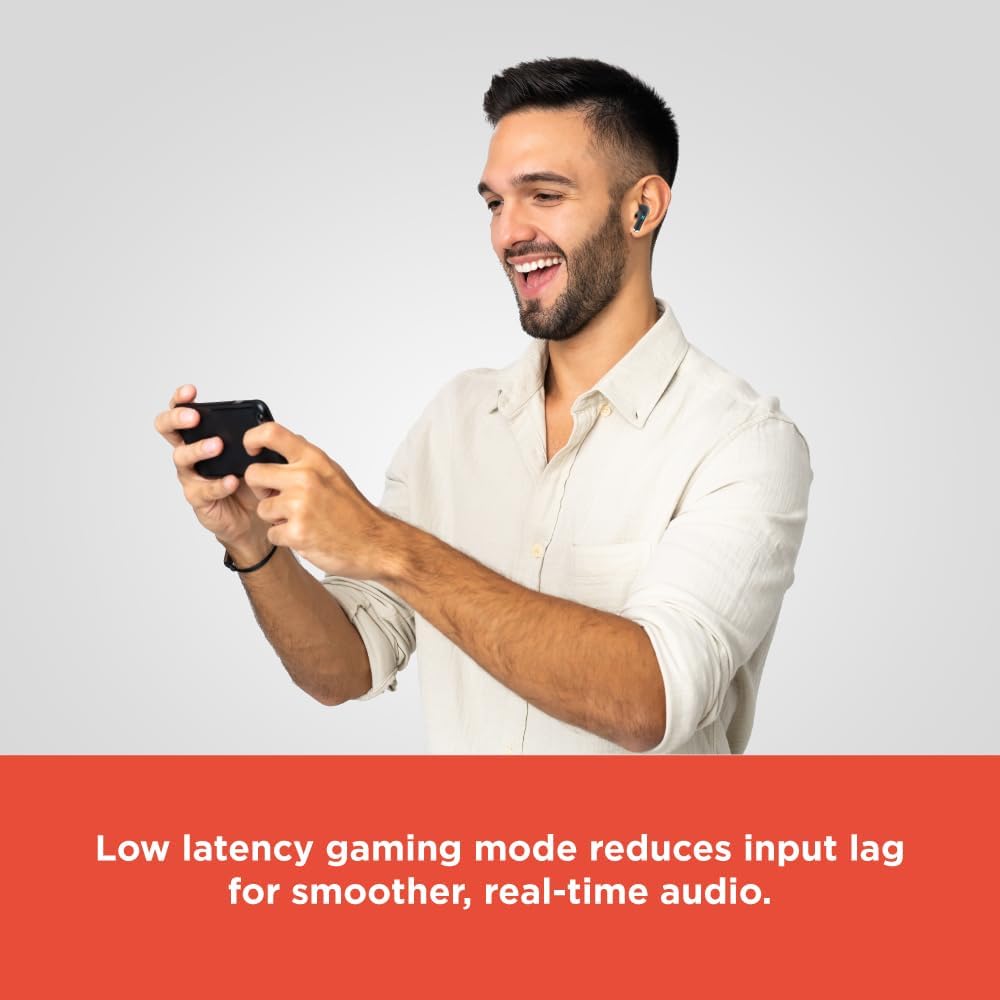
Image: A person smiling while playing a mobile game on a smartphone, wearing the RadioShack Wireless Gaming Earbuds. Text overlay states: "Low latency gaming mode reduces input lag for smoother, real-time audio."
Itoju
Láti rí i dájú pé àwọn agbekọri rẹ pẹ́ títí àti pé wọ́n ń ṣiṣẹ́ dáadáa, tẹ̀lé àwọn ìlànà ìtọ́jú wọ̀nyí:
- Ninu: Lo asọ ti o gbẹ, asọ ti ko ni lint lati nu afikọti ati apoti gbigba agbara. Maṣe lo awọn kẹmika lile tabi awọn ohun elo abrasive.
- Ibi ipamọ: Nigbati ko ba si ni lilo, tọju awọn afikọti sinu apoti gbigba agbara wọn lati daabobo wọn lati eruku ati ibajẹ.
- Yago fun Omi: Awọn agbekọri ko ni aabo omi. Yago fun ifihan si omi, ọrinrin, tabi ọriniinitutu pupọ.
- Iwọn otutu: Ma ṣe fi agbekọri naa han si awọn iwọn otutu to gaju (gbona tabi otutu).
- Gbigba agbara: Only use the provided Type-C cable or a certified equivalent for charging.
Laasigbotitusita
Ti o ba pade awọn ọran pẹlu awọn agbekọri rẹ, tọka si awọn solusan ti o wọpọ wọnyi:
| Isoro | Ojutu |
|---|---|
| Earbuds ko ṣiṣẹ lori | Rí i dájú pé àwọn agbekọri àti àpótí gbigba agbara ti gba agbára ní kíkún. |
| Ko le so pọ pẹlu ẹrọ | Make sure Bluetooth is enabled on your device. Place earbuds in case, close, then reopen to re-enter pairing mode. Forget previous pairing on your device and try again. |
| Ko si ohun lati agbekọri | Check device volume. Ensure earbuds are properly paired and connected. Try restarting your device. |
| Agbohungbohun kan ko ni ohun | Place both earbuds back into the charging case, close the lid, then reopen. This often re-syncs them. |
| Didara ipe ti ko dara | Ensure microphones are not obstructed. Move to an area with less background noise. |
Awọn pato
Detailed technical specifications for the RadioShack Wireless Gaming Earbuds Model 3304452.
- Orukọ awoṣe: Earbuds ere
- Nọmba awoṣe: 3304452
- Imọ-ẹrọ Asopọmọra: Bluetooth 5.3
- Iwọn Alailowaya: Titi de awọn mita 10 (32 ẹsẹ)
- Igbesi aye batiri: Titi di wakati 22.5 (pẹlu ọran gbigba agbara)
- Akoko gbigba agbara: Approximately 1.5 hours (for full charge)
- Iṣakoso Ariwo: Environmental Noise Cancellation (for microphones)
- Apẹrẹ Agbọti: Ninu-eti
- Awọn ẹrọ ibaramu: Gaming Consoles, Mobile Devices, Computers
- Awọn eroja to wa: Wireless Gaming Earbuds, Type-C Cable
- Ìwọ̀n Nkan: 3.84 iwon (0.24 poun)
- Awọn iwọn idii: 5.31 x 3.62 x 1.42 inches

Image: A diagram showing the dimensions of the earbud charging case: Height 2.35 inches, width 1.79 inches, length 1.07 inches.
Atilẹyin ọja ati Support
RadioShack products are designed for reliability and performance. For warranty information or technical support, please refer to the warranty card included with your purchase or visit the official RadioShack webojula. Jeki ẹri rira rẹ fun eyikeyi awọn ibeere atilẹyin ọja.
For further assistance, you may contact RadioShack customer service through their official channels.