
1. Ifihan
Thank you for choosing the Wentronic Y02 Active Noise Cancelling Headphones. This manual provides essential information for setting up, operating, and maintaining your headphones to ensure optimal performance and longevity. Please read this manual thoroughly before use.

Image: Wentronic Y02 Active Noise Cancelling Headphones, silver edition.
2. Package Awọn akoonu
Rii daju pe gbogbo awọn nkan wa ninu apo rẹ:
- Y02 ANC Headphones x 1
- Okun gbigba agbara (USB-C) x 1
- Okun Olohun 3.5 mm x 1
- Ilana olumulo x 1
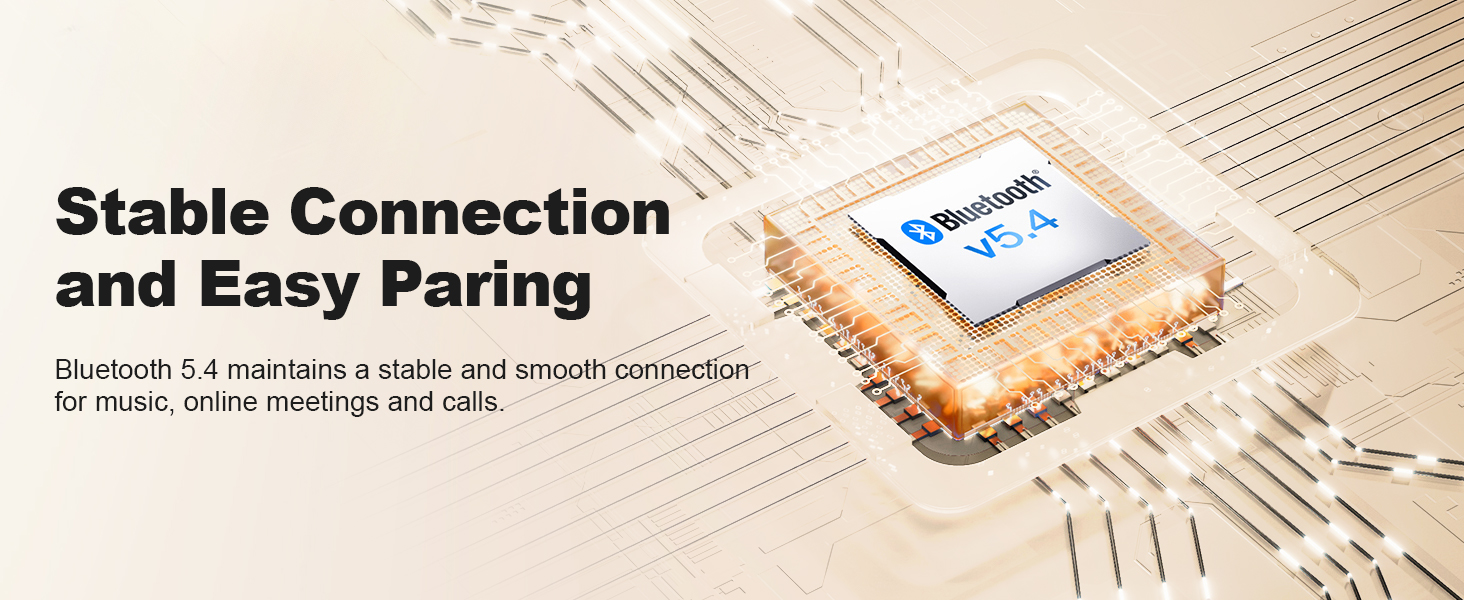
Image: The Wentronic Y02 headphones, USB-C charging cable, 3.5mm audio cable, and user manual as included in the product packaging.
3. Ọja Ipariview
Awọn iṣakoso ati awọn ibudo
Familiarize yourself with the headphone controls:
- Bọtini agbara: On/Off, Play/Pause, Answer/End Calls.
- Awọn bọtini iwọn didun (+/-): Ṣàtúnṣe iwọn didun, fo awọn orin.
- Knob iṣẹ-pupọ: Rotate to switch EQ modes, press to toggle Active Noise Cancellation (ANC).
- Ibudo Ngba agbara USB-C: Fun gbigba agbara awọn agbekọri.
- Jack Audio 3.5mm: Fun asopọ onirin.
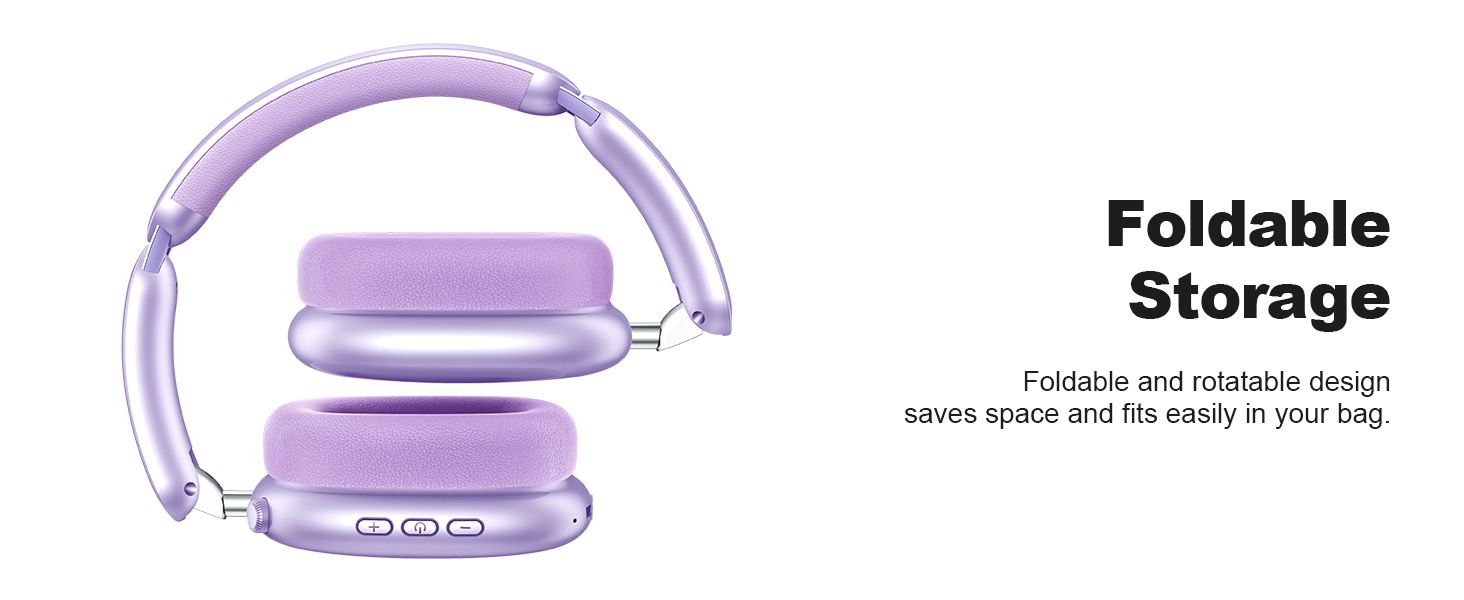
Image: Detail of the multi-functional knob on the headphone earcup, indicating its use for switching ANC and EQ modes.
4. Eto
4.1 Ngba agbara si awọn Agbekọri
Before first use, fully charge your headphones. Connect the supplied USB-C charging cable to the headphone's charging port and a compatible USB power source. The LED indicator will show charging status.
- A full charge provides up to 60 hours of playtime (ANC off) or 48 hours (ANC on).
- Quick charge feature: 10 minutes of charging provides approximately 4 hours of playtime.

Image: Visual representation of the Y02 headphones' battery life: 48 hours with ANC on, 60 hours with ANC off, and 4 hours playtime from a 10-minute charge.
4.2 Sisopọ Bluetooth
Láti so àwọn agbekọri rẹ pọ̀ láìsí aláilọ́wọ́:
- Rii daju pe awọn agbekọri ti gba agbara ati agbara si pipa.
- Tẹ mọlẹ Bọtini Agbara titi ti Atọka LED yoo tan bulu ati pupa, nfihan ipo sisopọ.
- Lori ẹrọ rẹ (foonuiyara, tabulẹti, kọmputa), mu Bluetooth ṣiṣẹ ki o wa awọn ẹrọ to wa.
- Select "Wentronic Y02" from the list.
- Ni kete ti a ti sopọ, Atọka LED yoo tan buluu to lagbara.
Àwọn agbekọri náà yóò tún so pọ̀ mọ́ ẹ̀rọ tí a so pọ̀ kẹ́yìn nígbà tí a bá tan án, tí ó bá wà ní àárín gbùngbùn.
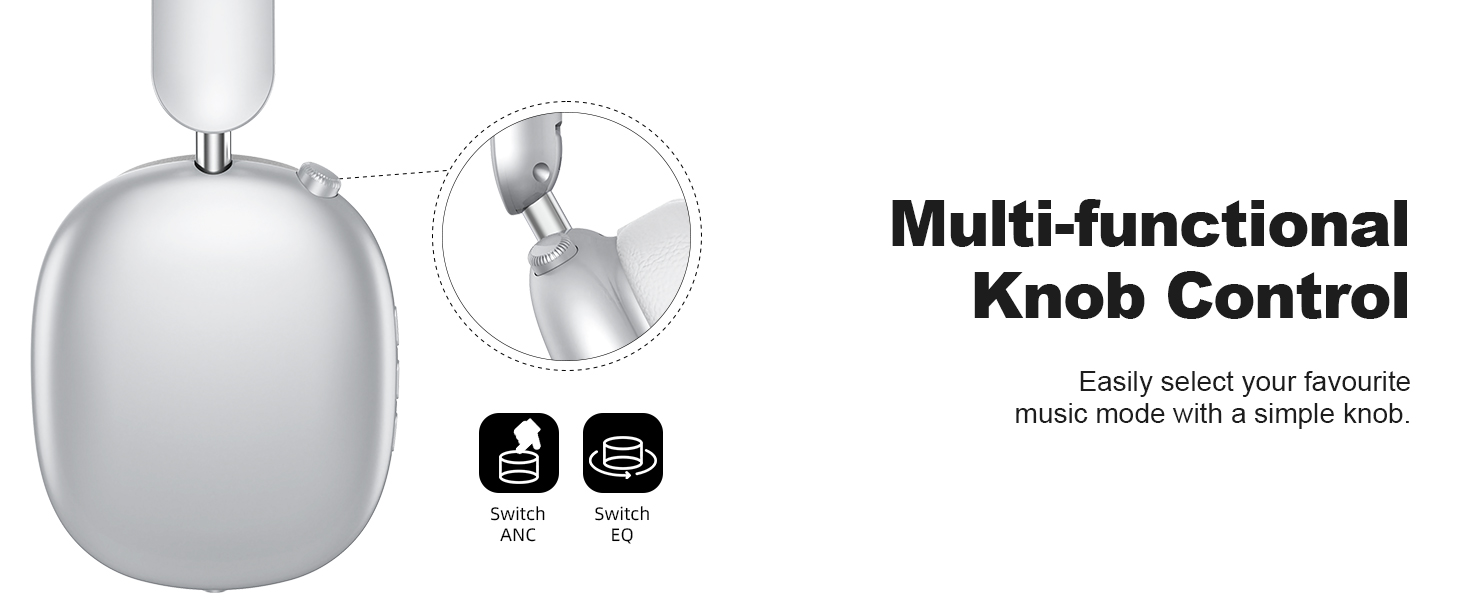
Image: A graphic depicting the Bluetooth 5.4 chip and its role in maintaining a stable and smooth connection for the Y02 headphones.
4.3 Asopọ Onirin
For a wired audio experience or when the battery is depleted, use the included 3.5mm audio cable. Connect one end to the headphone's 3.5mm audio jack and the other end to your audio source's 3.5mm port. The headphones will automatically switch to wired mode.

Image: The Y02 headphones on a stand, connected to an audio source via the 3.5mm cable, highlighting both wireless and wired usage options.
5. Awọn ilana Iṣiṣẹ
5.1 Agbara Tan / Pa
- Agbara Tan: Tẹ mọlẹ bọtini agbara fun iṣẹju 3.
- Agbara Pa: Tẹ mọlẹ bọtini agbara fun iṣẹju 3.
5.2 Ifagile Ariwo Nṣiṣẹ (ANC)
The Y02 headphones feature advanced active noise cancellation to reduce ambient sounds.
- Mu ṣiṣẹ/mu maṣiṣẹ ANC: Press the multi-functional knob once.
- ANC effectively blocks over 90% of ambient noise, such as engine sounds or general chatter.

Image: The Y02 headphones with a visual representation of sound waves being cancelled, highlighting the hybrid active noise cancellation feature.
Àwọn Ìgbésẹ̀ Ohùn EQ 5.3
Customize your audio experience with 5 preset EQ modes:
- Yipada Awọn ọna EQ: Rotate the multi-functional knob.
- Available modes include Rock, Pop, Electronic, Jazz, Classical, and Normal.

Image: A visual guide to the five EQ music modes available on the Y02 headphones, allowing users to select their preferred sound profile.
5.4 ipe Management
The headphones are equipped with multiple microphones for clear calls.
- Idahun/Ipe Ipari: Tẹ bọtini agbara lẹẹkan.
- Kọ Ipe: Tẹ mọlẹ bọtini agbara fun iṣẹju 2.

Image: A user making a call with the Y02 headphones, illustrating the distraction-free calling experience and voice pick-up enhancement.
5.5 Iwọn didun ati Iṣakoso Track
- Iwọn didun Up: Tẹ bọtini '+'.
- Iwọn didun isalẹ: Tẹ bọtini '-'.
- Orin t’okan: Tẹ mọlẹ bọtini '+'.
- Tẹlẹ Orin: Tẹ mọlẹ bọtini '-'.
6. Itunu ati Oniru
The Wentronic Y02 headphones are designed for extended wear and portability.
- Awọn paadi Irọrun: Cloud-soft protein leather earcups with memory foam provide a comfortable and breathable fit.
- Akọkọ ti o le ṣatunṣe: Ensures a secure yet gentle fit for various head sizes.
- Apẹrẹ folda: The earcups fold inward for compact storage and easy transport.
- Apẹrẹ Yiyi: Earcups can rotate 90 degrees for a better fit and flat storage.

Aworan: A alaye view of the cloud-soft protein leather earpads, designed for comfort during prolonged use.

Image: The Y02 headphones in their folded configuration, demonstrating the space-saving design for travel and storage.
7. Itọju
To ensure the longevity and performance of your Wentronic Y02 headphones, follow these maintenance guidelines:
- Ninu: Lo asọ asọ ti o gbẹ lati nu agbekọri naa. Ma ṣe lo abrasive ose tabi epo.
- Ibi ipamọ: Store the headphones in a cool, dry place. Avoid extreme temperatures. When not in use, fold them for compact storage.
- Ifihan omi: The headphones are not water-resistant. Avoid exposure to water, rain, or excessive moisture.
- Itọju USB: Mu awọn okun gbigba agbara ati ohun naa ni irọrun lati yago fun ibajẹ.
8. Laasigbotitusita
If you encounter issues with your Wentronic Y02 headphones, refer to the table below:
| Isoro | Owun to le Fa | Ojutu |
|---|---|---|
| Awọn agbekọri ko ṣiṣẹ. | Batiri kekere. | Gba agbara si awọn agbekọri ni kikun. |
| Ko le so pọ nipasẹ Bluetooth. | Awọn agbekọri ko si ni ipo sisopọ; Bluetooth ẹrọ pa; ju jina lati ẹrọ. | Ensure headphones are in pairing mode (flashing blue/red). Turn device Bluetooth off/on. Move closer to device (within 10 meters). |
| Ko si ohun. | Ohùn tó lọ sílẹ̀ jù; orísun ohùn tí kò tọ́; ìṣòro ìsopọ̀ onírin. | Increase volume. Check if connected to the correct device. Ensure 3.5mm cable is fully inserted if using wired mode. |
| ANC ko ṣiṣẹ daradara. | ANC ko ṣiṣẹ; ariwo ayika ga ju. | Press the multi-functional knob to activate ANC. ANC is most effective against low-frequency, constant noise. |
| Didara ipe ti ko dara. | Microphone obstructed; environmental noise; weak Bluetooth connection. | Ensure microphone is clear. Move to a quieter environment. Ensure stable Bluetooth connection. |
9. Awọn pato
| Ẹya ara ẹrọ | Ẹ̀kúnrẹ́rẹ́ |
|---|---|
| Orukọ awoṣe | Y02 Headphones |
| Asopọmọra Technology | Ailokun (Bluetooth 5.4), Ti firanṣẹ (Jack 3.5 mm) |
| Ẹya Bluetooth | 5.4 |
| Bluetooth Ibiti | Titi de awọn mita 10 (33 ẹsẹ) |
| Ariwo Iṣakoso | Fagilee Ariwo Ti nṣiṣe lọwọ (ANC) |
| Audio Driver Type | Awakọ Yiyipo (40mm) |
| Igbesi aye batiri | Titi di wakati 60 (ANC kuro), wakati 48 (ANC tan) |
| Gbigba agbara Port | USB-C |
| Awọn awoṣe EQ | 5 (Rock, Pop, Electronic, Jazz, Classical, Normal) |
| Gbigbe Eti | Lori Eti |
| Ohun elo | Protein Leather (earpads) |
| Iwọn Nkan | kilo 0.61 (1.34 poun) |
| Omi Resistance Ipele | Ko Omi Resistant |
10. Atilẹyin ọja ati Support
For warranty information and customer support, please refer to the documentation included with your purchase or visit the official Wentronic webojula. Jeki ẹri rira rẹ fun awọn iṣeduro atilẹyin ọja.