1. Ifihan
The Gmatrix A-TV18+ is a universal remote control designed for ease of use, particularly for seniors. It features large, clearly labeled buttons and simplified functionality to control your television. This manual provides detailed instructions for setting up, operating, and maintaining your remote control.
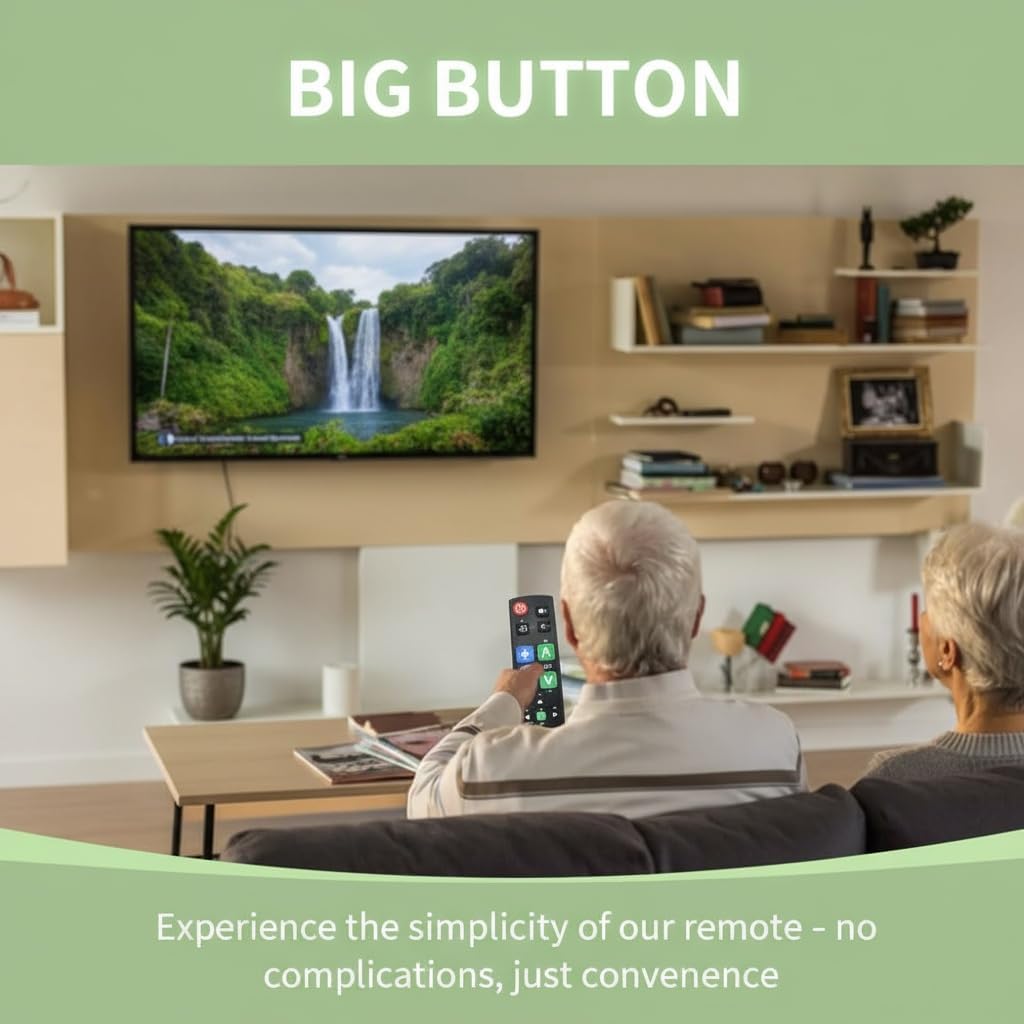
Image: An older couple comfortably using the Gmatrix A-TV18+ remote control to watch television, highlighting its user-friendly design.

Image: The Gmatrix A-TV18+ remote control displayed alongside a modern television, illustrating its simple and direct usability.
2. Ibamu
The A-TV18+ universal remote is compatible with a wide range of major TV brands. It is designed to work with one TV, cable box, or STB at a time. Please refer to the compatibility list below to ensure your device is supported.

Image: A visual compatibility list indicating various TV brands supported by the Gmatrix A-TV18+ remote, including Samsung, LG, Sony, TCL, Hisense, Vizio, Roku-TV, Panasonic, Philips, Sharp, Toshiba, Sanyo, Magnavox, and Element. It also clearly states that it is not compatible with Cable Box, Fire Stick, Roku Stick, DVD/Blu-ray, or TV brands not explicitly listed.
Supported TV Brands include: SAMSUNG, LG, SONY, TCL, HISENSE, VIZIO, ROKU-TV, PANASONIC, PHILIPS, SHARP, TOSHIBA, SANYO, MAGNAVOX, ELEMENT, and more.
Akiyesi pataki: Yi latọna jijin ni KO compatible with Cable Boxes, Fire Sticks, Roku Sticks, DVD/Blu-ray players, or TV brands not listed above.
3. Awọn ilana iṣeto
3.1. Fifi sori batiri
The remote requires 2 AAA batteries (not included). To install:
- Ṣii ideri iyẹwu batiri ni ẹhin isakoṣo latọna jijin.
- Fi awọn batiri AAA meji sii, ni idaniloju polarity ti o pe (+ ati -).
- Pa ideri batiri naa ni aabo.
3.2. Brand Switching (Quick Setup)
This feature allows you to quickly configure the remote for your specific TV brand.
- Rii daju pe TV rẹ ti wa ni titan.
- Tẹ mọlẹ Agbara button and the corresponding brand key (e.g., SN for Sony, LG for LG, FR for Philips, RK for Roku-TV, HS for Hisense, PN for Panasonic, TC for TCL) simultaneously for approximately 2 seconds.
- The LED indicator on the remote will flash and then turn off, indicating successful brand switching.
- Test the remote's functions (Power, Volume, Channel). If some functions do not work, try cycling through models for HISENSE and TOSHIBA TVs by repeating the process, or proceed to Manual Code Search.

Image: The Gmatrix A-TV18+ remote control with an arrow pointing to the Power button and a brand button, demonstrating how to perform brand switching.

Image: A three-step diagram illustrating the "Smart Brand Switching" feature, showing the user holding two buttons, an LED confirmation, and the TV responding.
3.3. Manual Code Search
If the Brand Switching feature does not fully configure your remote, use the manual code search.
- Enter Setup: Tẹ mọlẹ SET bọtini ati awọn CH+ button simultaneously for 1 second until the LED indicator stays on.
- Wa fun Kóòdù: Aim the remote at your TV and repeatedly press the CH+ button. Stop when your TV displays volume indicators or changes channels.
- Save Code: Test other essential buttons like Iwọn didun. If they work correctly, press the SET button to save the code and exit setup. The LED will turn off.
- If the remote does not function correctly, repeat the process, pressing CH+ until a different code is found.
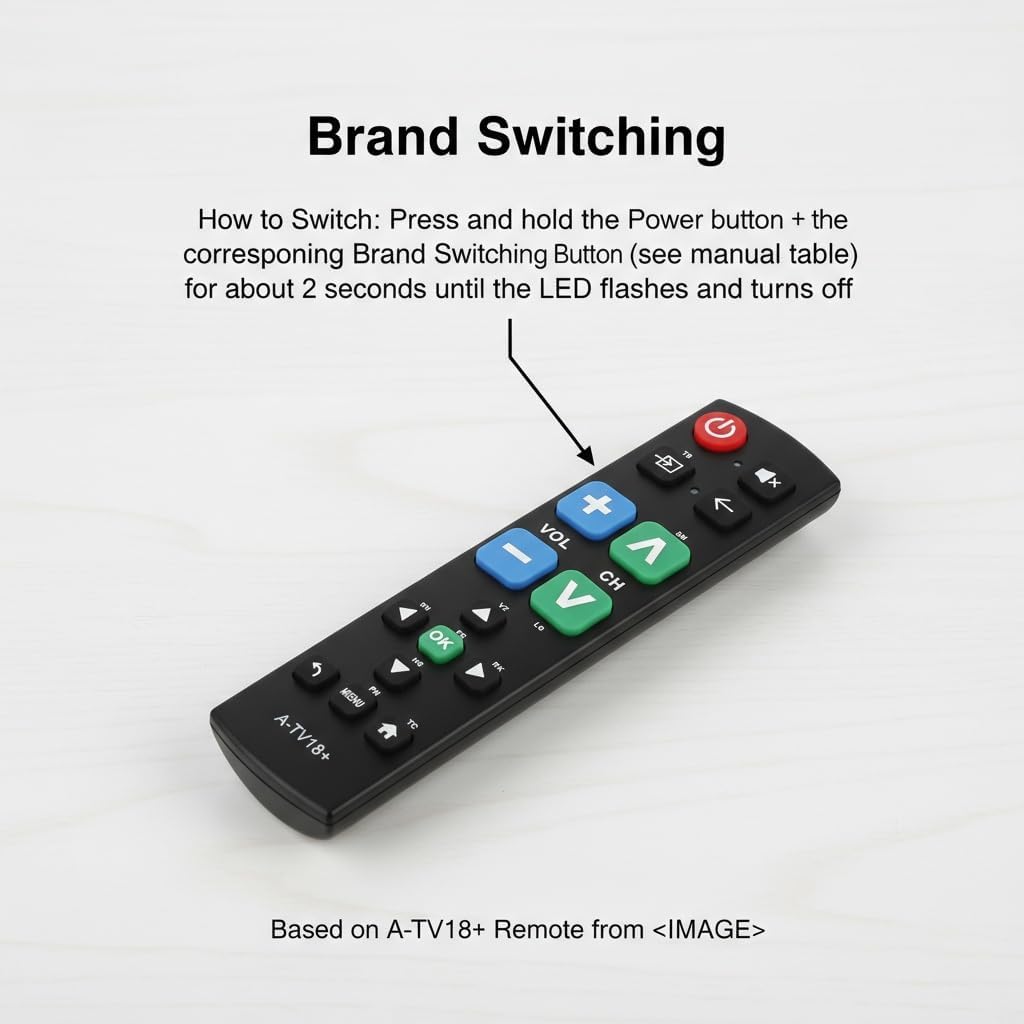
Image: The Gmatrix A-TV18+ remote control with a text overlay detailing the three steps for Manual Code Search: Enter Setup, Wa fun Code, and Save Code.
3.4. Išẹ Ẹkọ
The learning function allows you to copy commands from your original remote control to up to 14 buttons on the A-TV18+ remote.
- Tẹ Ipo Ẹkọ sii: Tẹ mọlẹ SET bọtini ati awọn Ọfà ọtun button simultaneously for 3 seconds until the LED indicator stays on.
- Align Remotes: Place your original remote control 3-5 cm away from the A-TV18+ remote, ensuring their IR emitters are facing each other.
- Teach a Button: Press the desired button on your original remote. The LED on the A-TV18+ will blink. Immediately press the corresponding button on the A-TV18+ remote where you want to store the command. The LED will stay on, indicating successful learning.
- Repeat step 3 for other buttons you wish to program (up to 14 buttons).
- Fipamọ & Jade: After programming all desired buttons, press the SET bọtini ati awọn Ọfà ọtun button simultaneously to save and exit learning mode. The LED will turn off.

Image: The Gmatrix A-TV18+ remote control with a text overlay detailing the four steps for using the Learning Function: Enter Learning Mode, Align Remotes, Teach a Button, and Save & Exit.
4. Ipilẹ isẹ
Once configured, the Gmatrix A-TV18+ remote provides straightforward control over your television. The large, color-coded buttons are designed for easy identification and use.
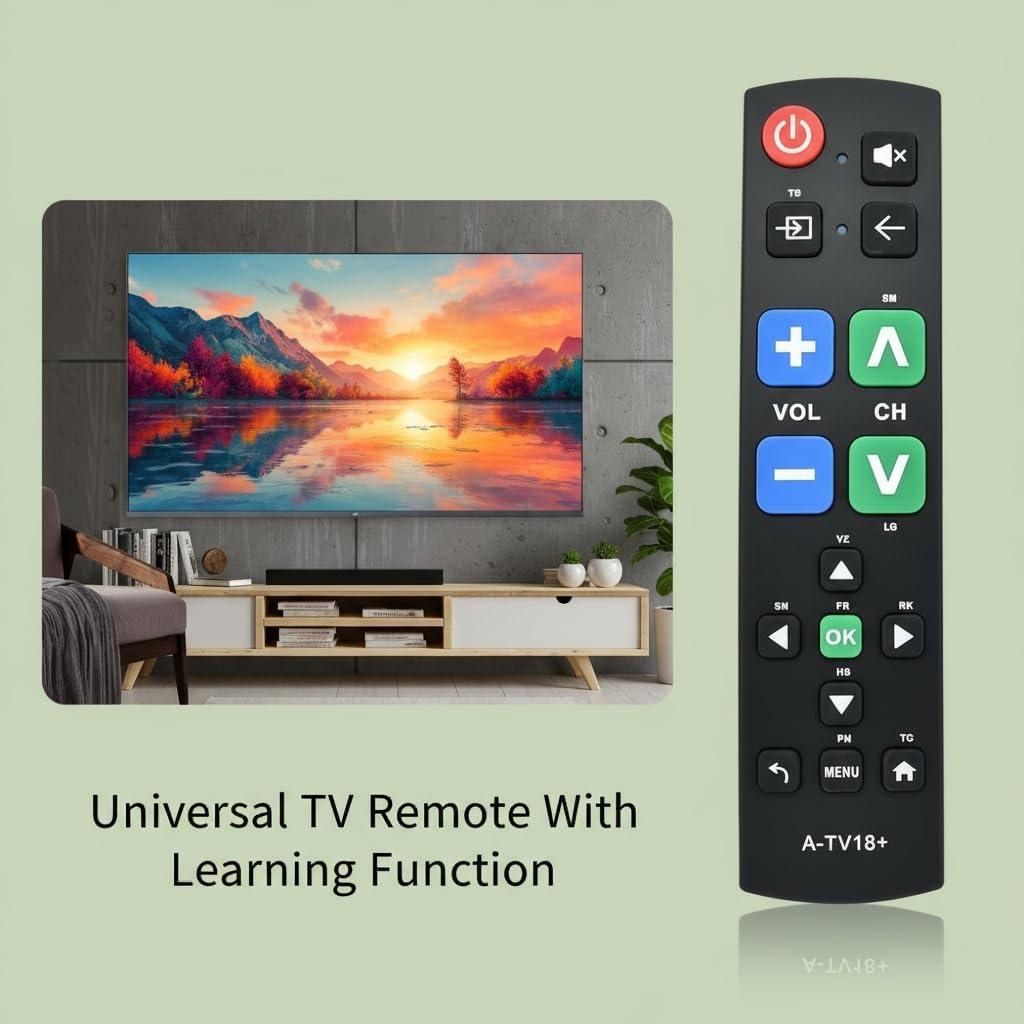
Aworan: A sunmọ-soke view of the Gmatrix A-TV18+ remote control, emphasizing its large, tactile buttons for simple operation.
- Bọ́tìnì Agbára (Pupa): Tan TV rẹ si tan tabi paa.
- Volume Up/Down (Blue): Ṣe atunṣe ipele iwọn didun.
- Channel Up/Down (Green): Ayipada TV awọn ikanni.
- Bọtini Mute: Pa tabi mu ohun TV kuro.
- Bọtini titẹ sii/Orisun: Switches between different input sources (e.g., HDMI 1, HDMI 2).
- Bọtini Pada: Navigates back in menus or previous channel.
- Bọtini O dara: Jẹrisi awọn aṣayan ninu awọn akojọ aṣayan.
- Bọtini Akojọ: Ó wọlé sí àkójọpọ̀ TV.
- Bọtini Ile: Returns to the TV's home screen (if applicable).

Image: The Gmatrix A-TV18+ Universal Big Button Remote Control, highlighting its key features such as durable ABS plastic shell, sensitive buttons, ease of programming, and long battery life.
5. Itọju
5.1. Ninu
To clean your remote control, use a soft, dry cloth. Do not use liquid cleaners, aerosols, or solvents, as these may damage the remote's surface or internal components.
5.2. Batiri Rirọpo
Replace batteries when the remote's response becomes sluggish or the LED indicator does not light up during button presses. Always replace both batteries at the same time with new AAA alkaline batteries. Do not mix old and new batteries or different types of batteries.
8. atilẹyin ọja Information
This Gmatrix A-TV18+ Universal TV Remote Control comes with a 1 Odun atilẹyin ọja from the date of purchase. This warranty covers manufacturing defects and malfunctions under normal use. It does not cover damage caused by misuse, accidents, unauthorized modifications, or improper battery installation.
For warranty claims or technical support, please contact Gmatrix customer service through your retailer or the official Gmatrix webojula.
