
1. Ifihan
This manual provides essential information for the proper use and care of your boAt Type C to C 65W Fast Charging Cable. This cable is designed for efficient power delivery and high-speed data transfer between compatible USB-C devices.
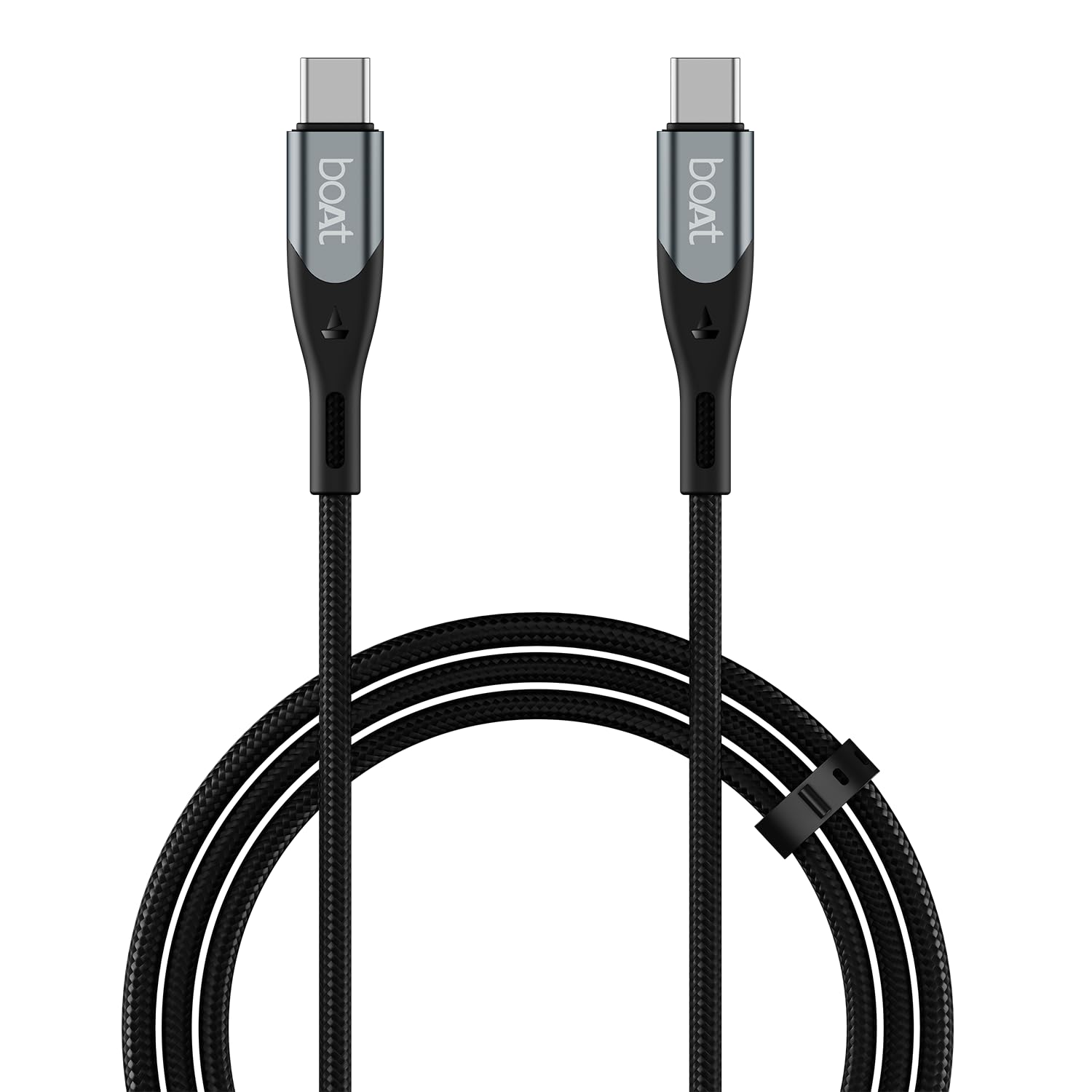
Image: The boAt Type C to C 65W Fast Charging Cable, showcasing its sleek design and durable connectors.
2. Eto
The boAt Type C to C 65W Fast Charging Cable is designed for plug-and-play functionality. No software installation is required.
2.1 Nsopọ fun gbigba agbara
- Ensure your power adapter or power source has a USB-C output port.
- Connect one end of the boAt Type C to C cable to the USB-C output port of your power adapter.
- Connect the other end of the cable to the USB-C input port of your compatible device (smartphone, tablet, or USB-C laptop).
- Verify that your device indicates it is charging. For fast charging, ensure both your power adapter and device support Power Delivery (PD), Programmable Power Supply (PPS), or Quick Charge (QC) protocols.
2.2 Nsopọ fun Data Gbigbe
- Ensure both devices you wish to connect have compatible USB-C ports.
- Connect one end of the boAt Type C to C cable to the USB-C port of the source device (e.g., computer).
- Connect the other end of the cable to the USB-C port of the target device (e.g., smartphone).
- On your device, select the appropriate USB connection mode for data transfer (e.g., "File Transfer" or "MTP").
3. Awọn ilana Iṣiṣẹ
3.1 Gbigba agbara yara
The boAt Type C to C 65W cable supports advanced charging protocols including Power Delivery (PD), Programmable Power Supply (PPS), and Quick Charge (QC 3.0). This enables rapid charging for a wide range of devices, from smartphones and tablets to USB-C laptops, up to 65W.

Image: Visual representation of the cable's 65W fast charging capability, highlighting compatibility with PD, PPS, and QC protocols.
3.2 Ga-iyara Data Gbigbe
This cable facilitates data synchronization at speeds up to 480 Mbps. This ensures quick and efficient transfer of files, documents, photos, and videos between compatible devices without significant delays.

Image: Illustration depicting the cable's 480 Mbps data sync capability, showing data flow between devices.
4. Itọju ati Itọju
To ensure the longevity and optimal performance of your boAt Type C to C 65W Fast Charging Cable, follow these maintenance guidelines:
- Yago fun Lilọ Lilọ: While the cable is designed with a 10,000+ bends lifespan, excessive or sharp bending should be avoided to prevent internal wire damage.
- Jeki Awọn asopọ mọ: Periodically inspect the USB-C connectors for dust or debris. Use a dry, soft cloth or a small brush to gently clean them if necessary.
- Tọju daradara: Utilize the included silicon cable tie to keep the cable neatly coiled when not in use. This prevents tangling and reduces stress on the cable.
- Mu pẹlu Itọju: Always pull from the connector head, not the cable itself, when disconnecting from devices or power sources. The aluminium alloy shell and extended tail protection are designed to reinforce stress points.
- Awọn ipo Ayika: Use the cable in dry, indoor environments. Avoid exposure to moisture, extreme temperatures, or direct sunlight.
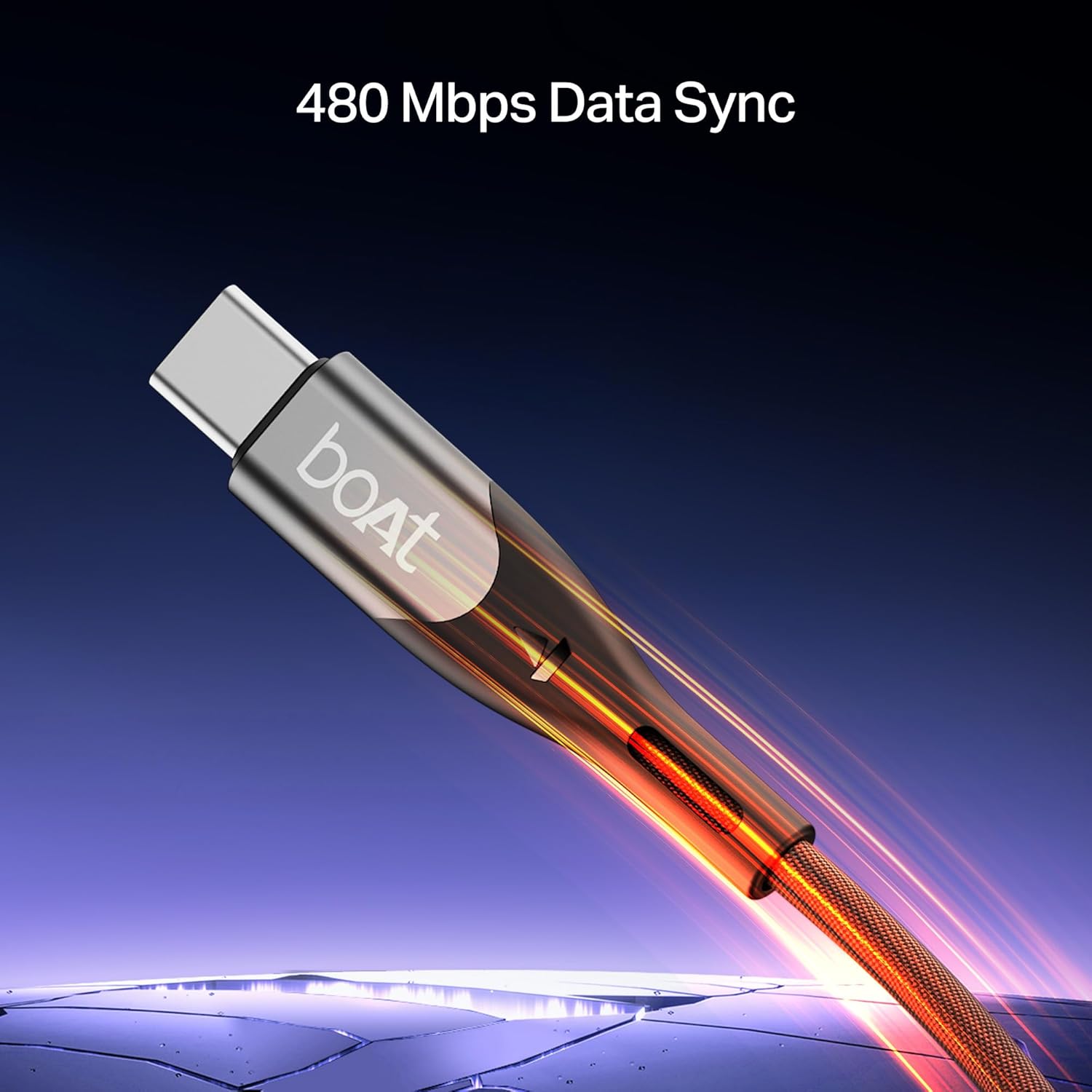
Image: Close-up of the cable's connectors, highlighting the extended frame protection and durable aluminium alloy shell designed for enhanced longevity.
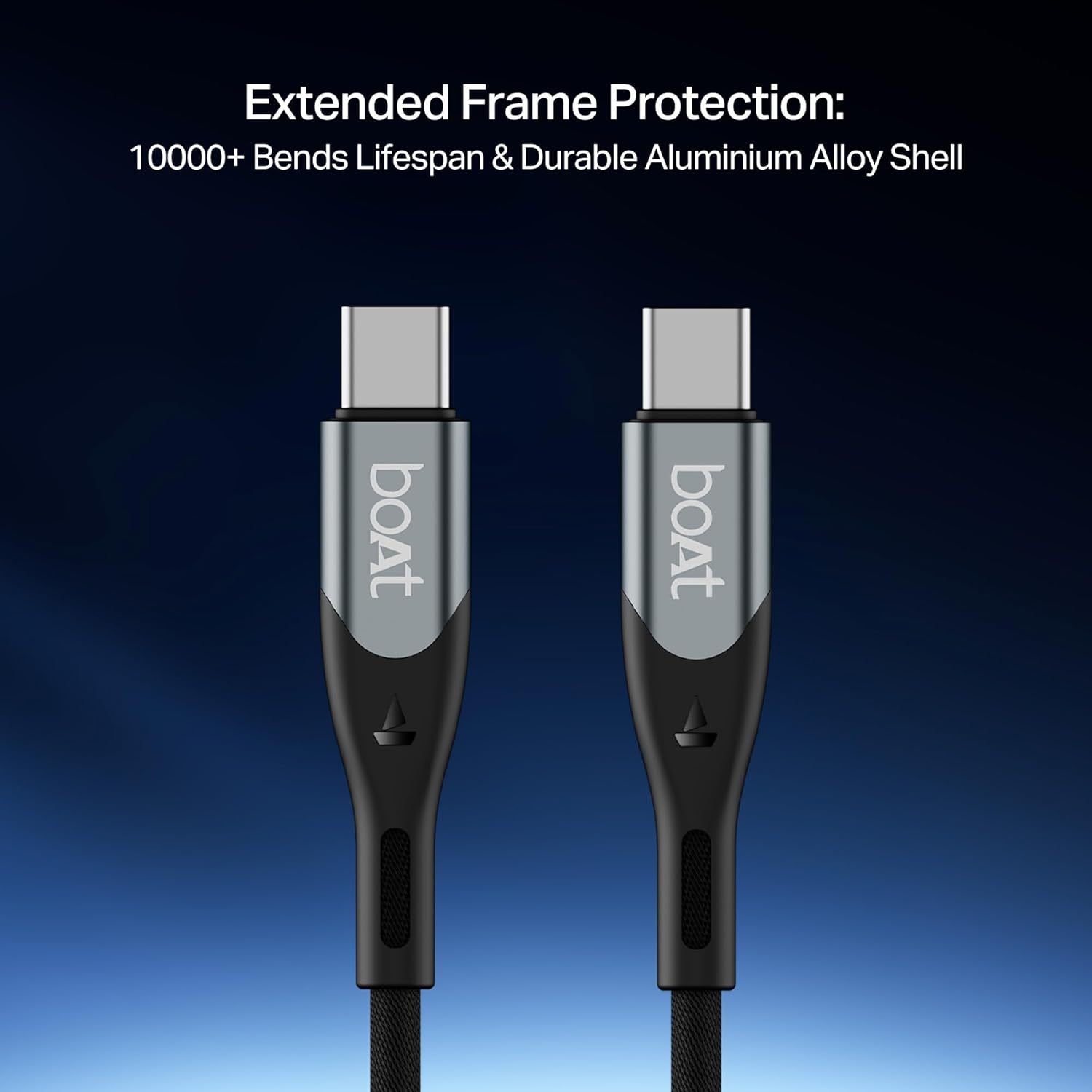
Image: The 1.2-meter cable shown with its included silicon cable tie, demonstrating its ideal length and tangle-free storage solution.
5. Laasigbotitusita
If you encounter issues with your boAt Type C to C 65W Fast Charging Cable, refer to the following common solutions:
| Isoro | Owun to le Fa | Ojutu |
|---|---|---|
| Ẹ̀rọ náà kò gba agbára tàbí kò gba agbára díẹ̀díẹ̀ |
|
|
| Data transfer failure or slow transfer speed |
|
|
| Cable appears damaged | Ti ara yiya ati aiṣiṣẹ | Discontinue use immediately. Contact customer support for warranty information. |
6. Awọn pato
| Ẹya ara ẹrọ | Ẹ̀kúnrẹ́rẹ́ |
|---|---|
| Brand | boAt |
| Orukọ awoṣe | Type C to C 65W |
| Asopọmọra Iru | Iru USB C (Ọkunrin-si-Ọkunrin) |
| USB Iru | USB |
| Ifijiṣẹ Agbara | Up to 65W (PD, PPS, QC 3.0 compatible) |
| Data Gbigbe Oṣuwọn | 480 Megabits fun keji |
| USB Ipari | 1.2 mita (3.9 ẹsẹ) |
| Ohun elo | Premium Nylon Braided Skin, Aluminium Alloy Connector Shell |
| Iduroṣinṣin | 10,000+ Bends Lifespan |
| Pataki Awọn ẹya ara ẹrọ | Fast Charging, High Speed Data Transfer, Durable, Tangle Free, Braided, Extended Tail Protection |
| Awọn ẹrọ ibaramu | Smartphones, Tablets, USB-C Laptops |
| Awọn irinše to wa | Type-C Cable, Silicon Cable Tie |
| Iwọn Nkan | 35 giramu |
| Ilu isenbale | India |
7. atilẹyin ọja Information
The boAt Type C to C 65W Fast Charging Cable comes with a Atilẹyin ọja ile ọdun mẹta from the date of purchase. This warranty covers manufacturing defects under normal use. It does not cover damage caused by misuse, accidents, unauthorized modifications, or external factors.
Jọwọ ṣe idaduro iwe rira rẹ bi ẹri rira fun awọn iṣeduro atilẹyin ọja.

Image: A graphic illustrating the 1-year domestic warranty, alongside features like flexible, tangle-free design and premium nylon braided skin.
8. Onibara Support
For any inquiries, technical assistance, or warranty claims, please contact boAt customer support:
- Imeeli: info@imaginemarketingindia.com
- Olupese: Fojuinu Marketing Limited