
1. Ifihan
Thank you for choosing the THOMSON COSMO 500W Wi-Fi Connected Fluid-Free Electric Towel Dryer. This appliance is designed to provide rapid and uniform heat, ensuring warm towels and a comfortable bathroom environment. Its elegant design and smart connectivity features offer both performance and convenience.
This manual provides essential information for the safe installation, operation, and maintenance of your new towel dryer. Please read it thoroughly before use and retain it for future reference.
2. Awọn ilana aabo
IKILO: Ikuna lati tẹle awọn ilana aabo wọnyi le ja si ina, mọnamọna, tabi ipalara.
- Ka gbogbo awọn ilana ṣaaju fifi sori ẹrọ tabi lilo ohun elo yii.
- Ohun èlò yìí wà fún lílo ilé nìkan. Má ṣe lò ó fún lílo ìṣòwò tàbí iṣẹ́ ilé-iṣẹ́.
- Rii daju pe ipese agbara voltage baamu aami igbelewọn lori ohun elo naa.
- Do not operate the appliance with a damaged cord or plug, or if it has malfunctioned or been dropped.
- Jeki okun agbara kuro lati awọn aaye ti o gbona.
- Maṣe fi ohun elo, okun, tabi pulọọgi sinu omi tabi awọn olomi miiran.
- Yọọ ohun elo nigbagbogbo kuro ninu iṣan agbara nigbati o ko ba wa ni lilo ati ṣaaju ṣiṣe mimọ.
- Do not allow children to operate or play with the appliance. Close supervision is necessary when the appliance is used near children.
- Install the towel dryer in a location where it is not accessible to persons in the bath or shower.
- Ensure proper ventilation around the appliance. Do not cover the towel dryer.
- This appliance is equipped with overheat protection. If it overheats, it will automatically shut off.
- Fifi sori gbọdọ jẹ ṣiṣe nipasẹ onisẹ ina mọnamọna ni ibamu pẹlu awọn ilana wiwọ agbegbe.
3. Ọja Ipariview
The THOMSON COSMO towel dryer features a sleek design and advanced fluid-free heating technology for rapid and even heat distribution. It includes a digital control panel and Wi-Fi connectivity for remote management.
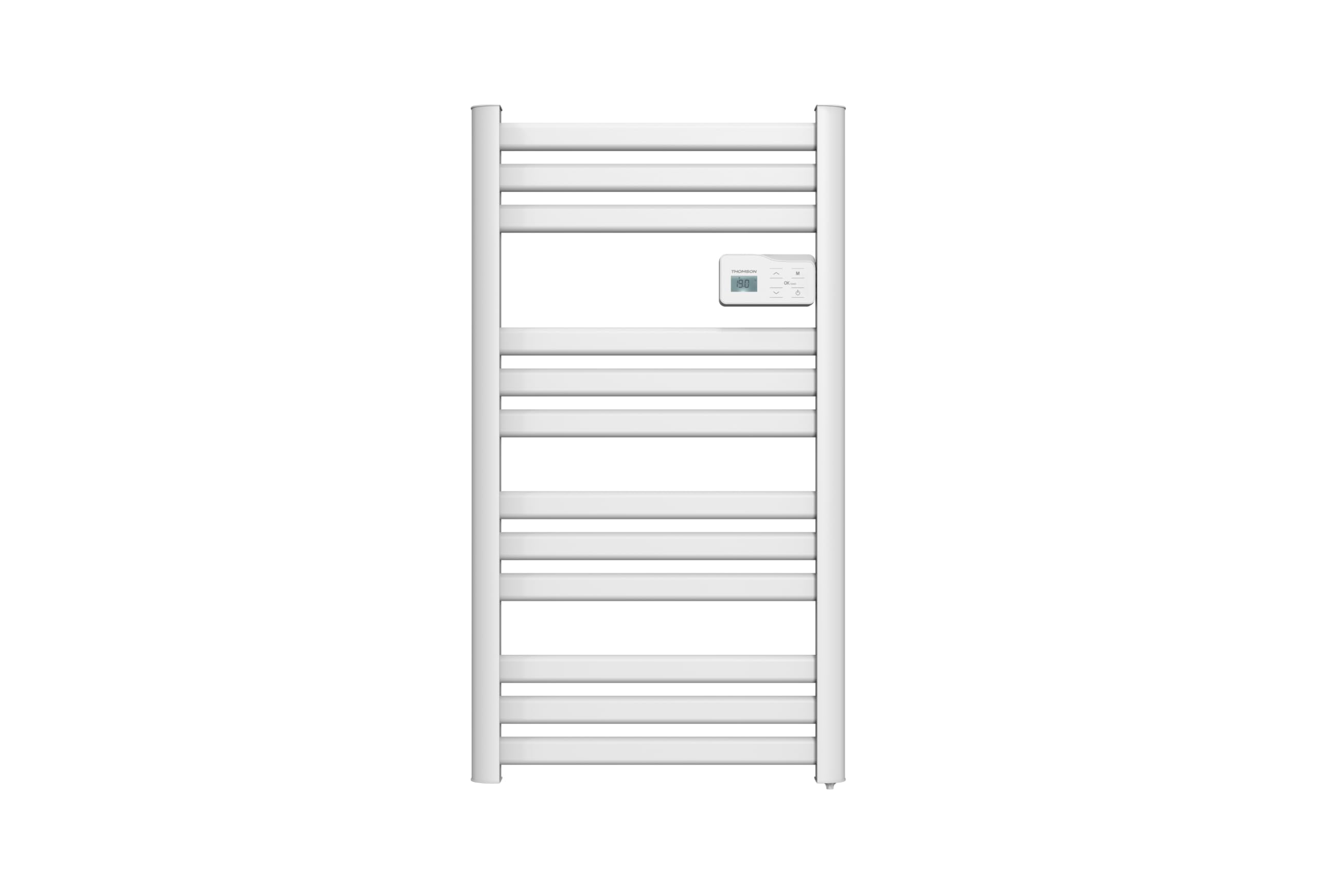
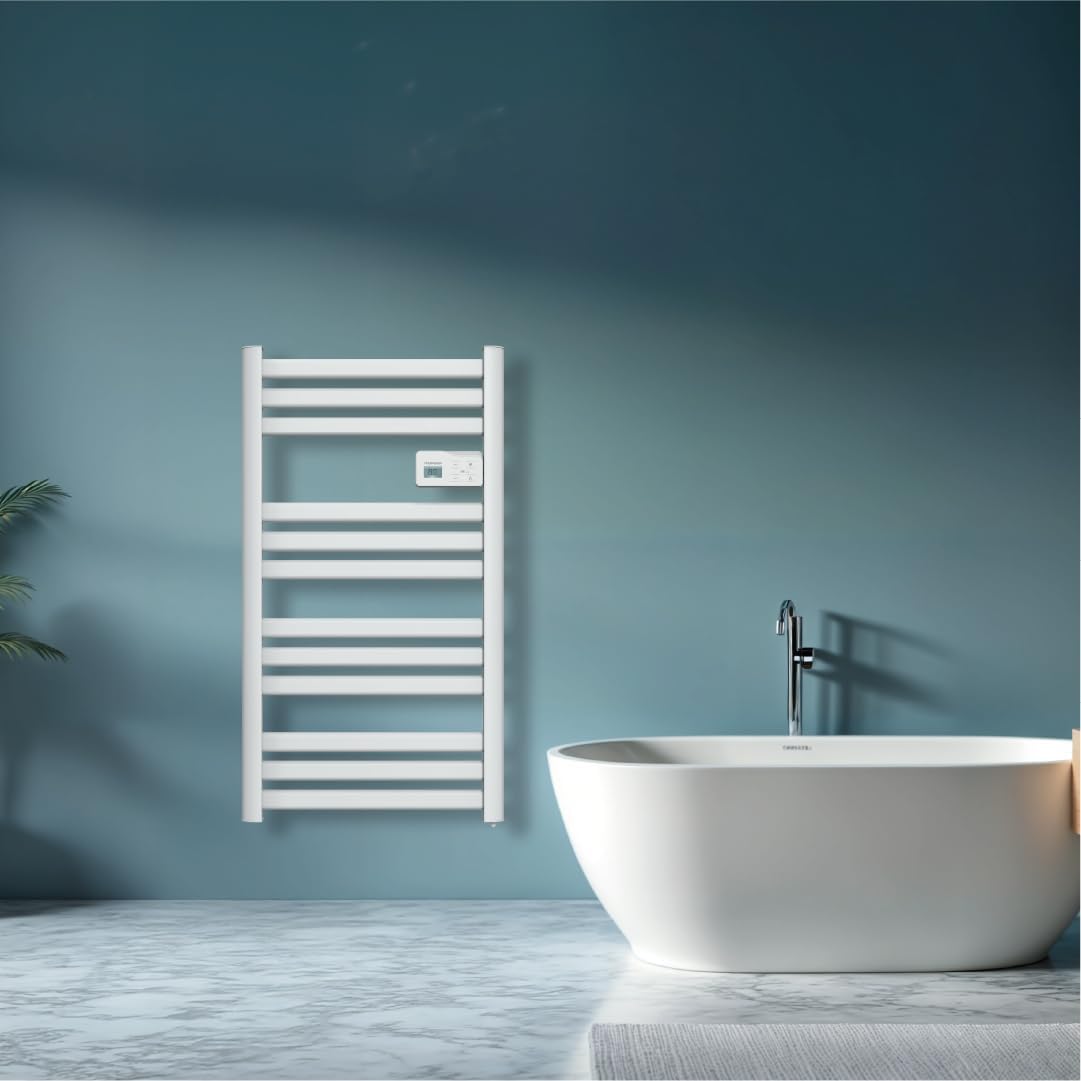
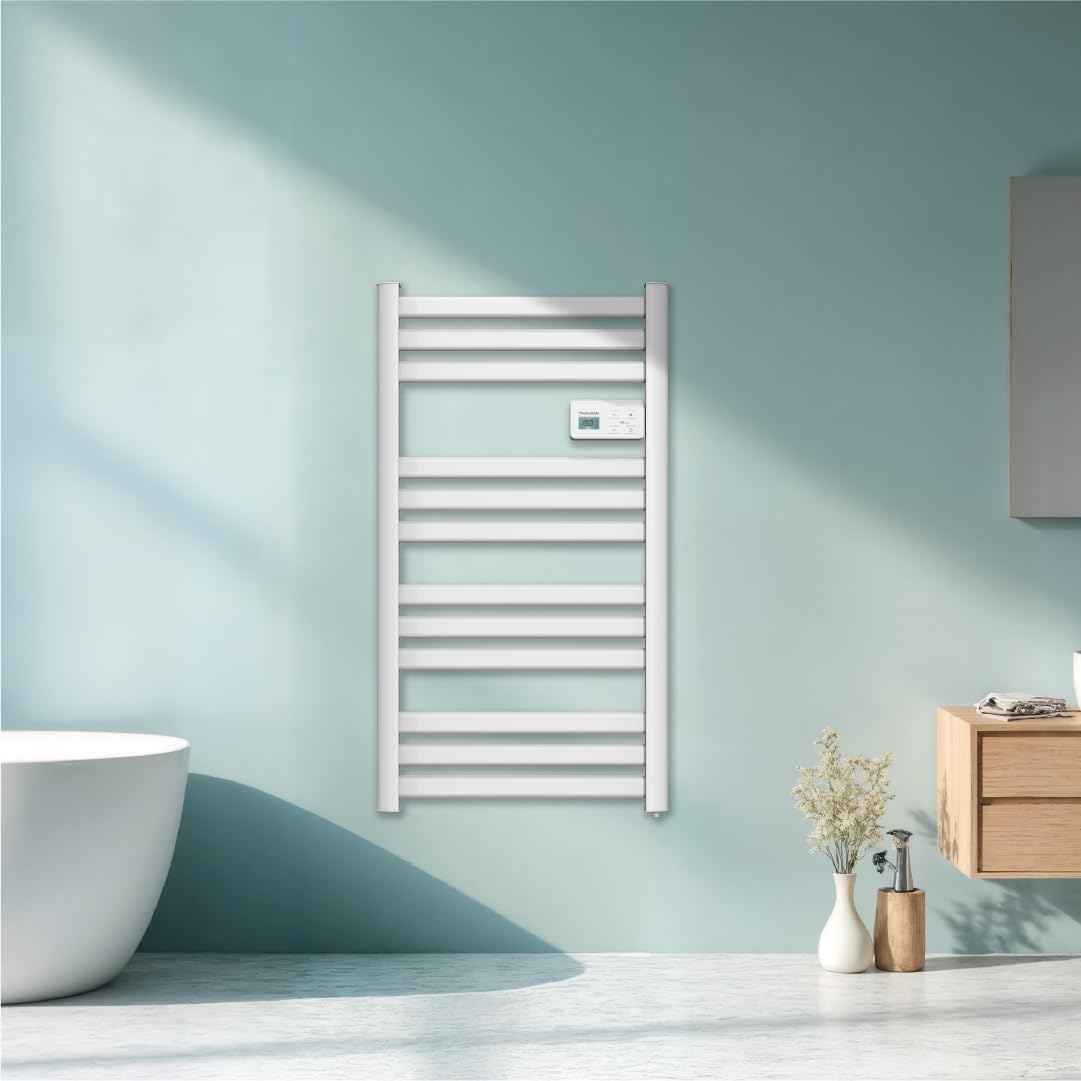
Aworan: Iwaju view of the THOMSON COSMO electric towel dryer, white, wall-mounted, showcasing its design in a bathroom.
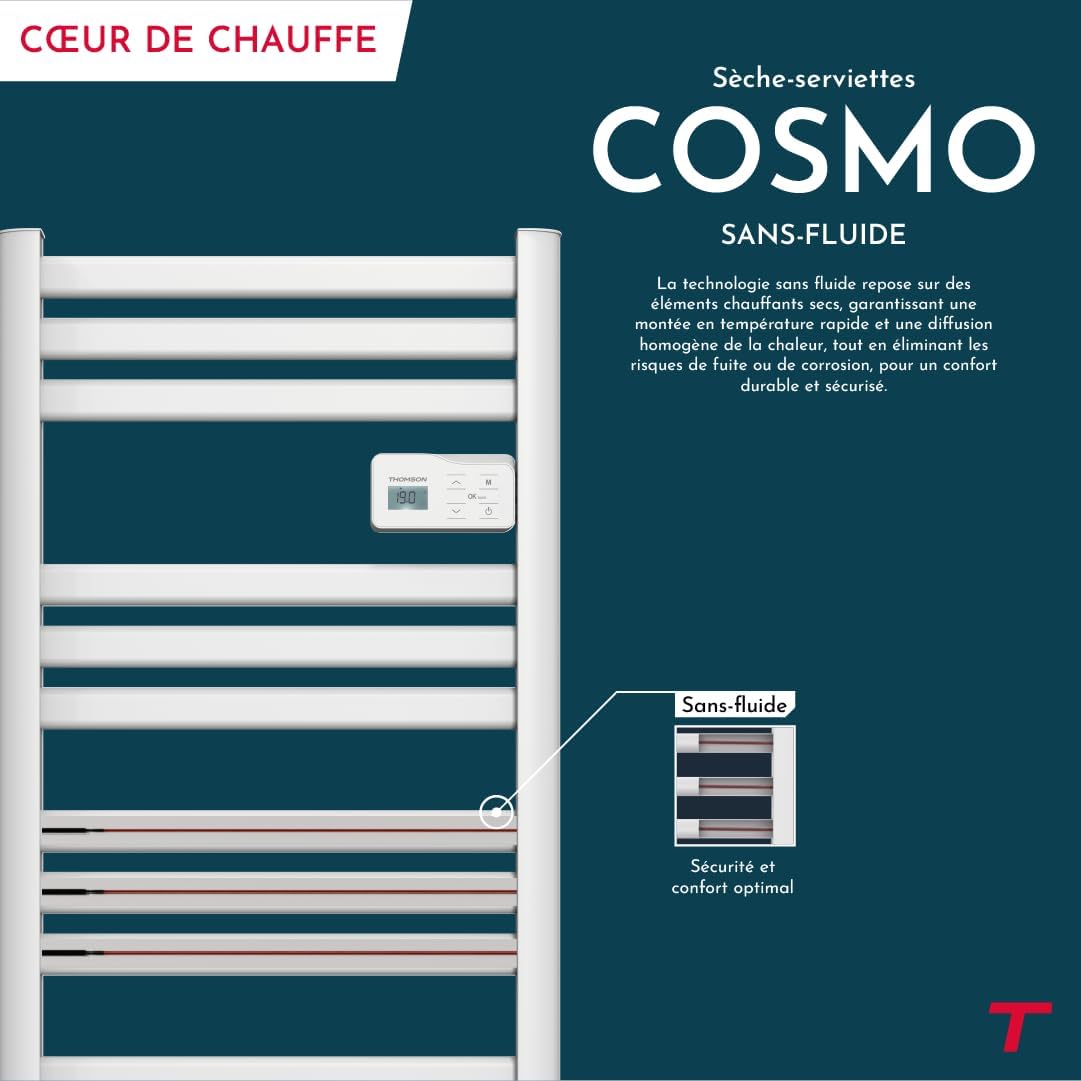
Aworan: Diagram illustrating the internal fluid-free heating elements, highlighting rapid and homogeneous heat distribution and programmable thermostat.
Awọn ẹya pataki:
- 500W Agbara: Efficient heating for towels and bathroom.
- Fluid-Free Technology: Ensures quick heat-up and uniform temperature across the surface.
- Wi-Fi Asopọmọra: Compatible with Tuya Smart and Smart Life applications for remote control.
- Igbimọ Iṣakoso oni nọmba: Intuitive LCD display for direct temperature and mode adjustments.
- Thermostat ti o le ṣe eto: 7 daily pre-recorded and customizable programs.
- Wiwa Ṣii Ferese: Automatically cuts heating to save energy if a sudden temperature drop is detected.
- Titiipa ọmọ: Ó ń dènà àwọn àyípadà tí a kò rò sí sí àwọn ètò.
4. Eto ati fifi sori
The THOMSON COSMO towel dryer is designed for wall-mounted installation. Professional installation is recommended.
4.1. Unpacking
- Carefully remove the towel dryer and all accessories from the packaging.
- Ṣayẹwo fun eyikeyi bibajẹ nigba irekọja. Ti o ba bajẹ, ma ṣe fi sii ko si kan si alagbata rẹ.
- Retain packaging for future transport or storage.
4.2. Iṣagbesori Location
- Choose a suitable wall in your bathroom, ensuring it is structurally sound to support the weight of the unit (approximately 3.9 kg).
- Ensure the location complies with local electrical safety regulations, especially regarding proximity to water sources (baths, showers, sinks).
- Maintain adequate clearance around the unit for air circulation and access.

Aworan: Product dimensions and weight for installation planning.
4.3. Iṣagbesori Odi
- Mark the drilling points on the wall using the provided mounting template or by measuring the bracket positions.
- Drill holes of appropriate size for the wall plugs (e.g., Molly anchors for plasterboard, as suggested by a user review).
- Insert the wall plugs and secure the mounting brackets to the wall.
- Carefully hang the towel dryer onto the secured brackets.
- Ensure the unit is level and securely fastened to the wall.
4.4. Asopọ Itanna
- The appliance connects via an electrical cable. Ensure the power supply is switched off at the main circuit breaker before making any connections.
- Connect the towel dryer to a suitable electrical outlet or junction box according to local electrical codes.
- Once connected, switch on the power supply.
5. Awọn ilana Iṣiṣẹ
The THOMSON COSMO towel dryer features an intuitive digital control panel for easy operation.
Aworan: Digital control panel with LCD display and buttons for temperature adjustment and mode selection, shown with a hand pressing the power button.
5.1. Iṣakoso igbimo Loriview
- Ifihan LCD: Shows current temperature, mode, and other settings.
- Bọtini agbara (⏻): Tan ẹrọ si tan/pa a.
- Àwọn ọfà òkè/ìsàlẹ̀ (⌃ / ⌄): Ṣàtúnṣe àwọn ètò ìgbóná tàbí kí o lọ kiri lórí àwọn àkójọ.
- Bọtini Ipo (M): Cycles through different operating modes (e.g., Comfort, Eco, Boost, Program).
- Menu/Confirm Button (≡): Accesses menu options or confirms selections.
5.2. Ipilẹ isẹ
- TAN/PAPA: Tẹ bọtini agbara (⏻) to turn the towel dryer on or off.
- Ṣeto iwọn otutu: When the unit is on, use the Up/Down arrows (⌃ / ⌄) to adjust the desired temperature. The display will show the set temperature.
- Yi Ipò: Press the Mode button (M) to cycle through available operating modes. Refer to the full product manual for detailed descriptions of each mode (e.g., Comfort, Eco, Boost, Frost Protection).
5.3. siseto
The towel dryer offers 7 daily pre-recorded and customizable programs. Access the programming menu via the Menu/Confirm button (≡) and follow the on-screen instructions to set your desired heating schedules.
For a visual guide on programming, you can refer to the official video tutorial playlist:
Fidio: Official video tutorial playlist for THOMSON COSMO towel dryer programming and features. This playlist provides step-by-step instructions on how to set up and use various functions of your device.
6. Wi-Fi Connectivity & Smart Features
The THOMSON COSMO towel dryer can be controlled remotely via Wi-Fi using the Tuya Smart or Smart Life mobile applications.
Aworan: A graphic indicating the towel dryer's Wi-Fi connectivity and compatibility with the Tuya Smart application.
6.1. Fifi sori App ati Sisopọ
- Download the "Tuya Smart" or "Smart Life" app from your smartphone's app store (Google Play Store for Android, Apple App Store for iOS).
- Forukọsilẹ tabi wọle si àkọọlẹ rẹ.
- Ensure your towel dryer is powered on and your smartphone is connected to a 2.4 GHz Wi-Fi network.
- Ninu ohun elo naa, tẹ “Fi ẹrọ kun” tabi aami “+” ni kia kia.
- Select the appropriate device category (e.g., "Heater" or "Towel Warmer").
- Follow the in-app instructions to put your towel dryer into pairing mode (usually by pressing and holding a button on the control panel until an indicator light flashes).
- Pari ilana isopọpọ laarin ohun elo naa.
6.2. Remote Control Features
Ni kete ti o ba ti sopọ mọ, o le lo app naa lati:
- Turn the towel dryer ON/OFF.
- Ṣatunṣe iwọn otutu.
- Change operating modes.
- Set and customize heating schedules.
- Monitor energy consumption (if supported by the app and device).

Aworan: The Tuya Smart app interface demonstrating energy monitoring and scheduling features for connected devices.
6.3. Iṣakoso ohun Integration
The THOMSON COSMO towel dryer is compatible with voice assistants like Amazon Alexa and Google Home via the Tuya Smart/Smart Life app integration.

Aworan: Logos of Amazon Alexa and Google Home, signifying that the towel dryer can be controlled using voice commands through these platforms.
- Enable the "Tuya Smart" or "Smart Life" skill/service in your Alexa or Google Home app.
- So akọọlẹ Tuya/Smart Life rẹ pọ̀ mọ́ akọọlẹ olùrànlọ́wọ́ ohùn rẹ.
- Discover devices. Your towel dryer should appear as a controllable device.
- O le lo awọn aṣẹ ohun bayi gẹgẹbi:
- "Alexa, turn on the bathroom heater."
- "Hey Google, set the bathroom heater to 22 degrees."
7. Itọju
Regular maintenance ensures the longevity and efficient operation of your THOMSON COSMO towel dryer.
7.1. Ninu
- Yọọ ohun elo nigbagbogbo ki o jẹ ki o tutu patapata ṣaaju ṣiṣe mimọ.
- Mu ese ita gbangba pẹlu asọ, damp asọ. Ma ṣe lo awọn afọmọ abrasive, awọn nkanmimu, tabi awọn kẹmika lile, nitori iwọnyi le ba ipari jẹ.
- Rí i dájú pé omi kò wọ inú pánẹ́ẹ̀lì ìṣàkóso tàbí àwọn ẹ̀rọ iná mànàmáná.
- Do not use water jets or immerse the appliance in water.
7.2. Ibi ipamọ
If storing the towel dryer for an extended period, ensure it is clean and dry. Store it in a cool, dry place, preferably in its original packaging to protect it from dust and damage.
8. Laasigbotitusita
If you encounter issues with your THOMSON COSMO towel dryer, refer to the following common problems and solutions:
| Isoro | Owun to le Fa | Ojutu |
|---|---|---|
| Ohun elo ko tan. | Ko si ipese agbara; Bọtini agbara ko tẹ; Idaabobo igbona ti mu ṣiṣẹ. | Check power outlet and circuit breaker; Press the Power button; Unplug, let cool, then plug back in. |
| Appliance is not heating. | Temperature setting too low; Incorrect mode selected; Window open detection activated. | Increase temperature setting; Select Comfort or Boost mode; Close windows/doors. |
| Wi-Fi asopọ kuna. | Incorrect Wi-Fi password; Not connected to 2.4 GHz network; Router too far; Device not in pairing mode. | Verify password; Connect to 2.4 GHz Wi-Fi; Move router closer or use extender; Re-enter pairing mode as per app instructions. |
| Iṣakoso ohun ko ṣiṣẹ. | App not linked to voice assistant; Device not discovered; Incorrect commands. | Ensure Tuya/Smart Life skill is enabled and linked; Re-discover devices in Alexa/Google Home app; Use correct voice commands. |
Ti iṣoro naa ba wa lẹhin igbiyanju awọn solusan wọnyi, jọwọ kan si atilẹyin alabara.
9. Awọn pato
| Ẹya ara ẹrọ | Ẹ̀kúnrẹ́rẹ́ |
|---|---|
| Awoṣe | COSMO |
| Brand | THOMSON (Bestherm) |
| Ijade agbara | 500 Wattis |
| Alapapo Ọna | Radiant, Fluid-Free Electric |
| Awọn iwọn (H x W x D) | 98 cm x 54 cm x 9.2 cm (38.6 ni x 21.3 ni x 3.6 in) |
| Iwọn | 3.9 kilogram (8.6 lbs) |
| Àwọ̀ | Funfun |
| Iṣagbesori Iru | Odi-agesin |
| Pataki Awọn ẹya ara ẹrọ | Wi-Fi Compatible, Overheat Protection, Programmable Thermostat, Electronic Thermostat, Child Lock, Window Open Detection |
| Smart Home ibamu | Tuya Smart, Smart Life, Amazon Alexa, Google Home |
| ASIN | B0FP2KJNLQ |
10. Atilẹyin ọja ati Support
10.1. atilẹyin ọja Information
Your THOMSON COSMO towel dryer comes with a manufacturer's warranty. Please refer to the warranty card included with your product for specific terms, conditions, and duration. Keep your proof of purchase for warranty claims.
10.2. Onibara Support
For technical assistance, troubleshooting beyond this manual, or warranty inquiries, please contact your retailer or the manufacturer's customer service. Contact details can typically be found on the product packaging or the manufacturer's official webojula.
Awọn orisun Ayelujara: For additional support and video tutorials, visit the official THOMSON website or the YouTube playlist provided in this manual.