
1. Ifihan
Welcome to the user manual for your new vivo Y31 Pro 5G smartphone. This guide provides essential information on setting up, operating, maintaining, and troubleshooting your device. Please read this manual thoroughly to ensure proper usage and to maximize your phone's capabilities.
The vivo Y31 Pro 5G is a powerful smartphone featuring a 50MP camera, a large 6500 mAh battery with 44W fast charging, 8GB RAM, 256GB storage, and 5G connectivity, all powered by Funtouch OS 15.
2. Ohun ti o wa ninu Apoti
Upon unboxing your vivo Y31 Pro 5G, please verify that all the following items are included:
- Foonuiyara vivo Y31 Pro 5G
- Foonu Case
- Power Adapter (44W Fast Charger)
- SIM Atẹ ejector
- Abojuto Iboju (Ti a ti lo tẹlẹ)
- Okun USB (Iru-C)
3. Ẹrọ Loriview
Familiarize yourself with the physical components and layout of your vivo Y31 Pro 5G.
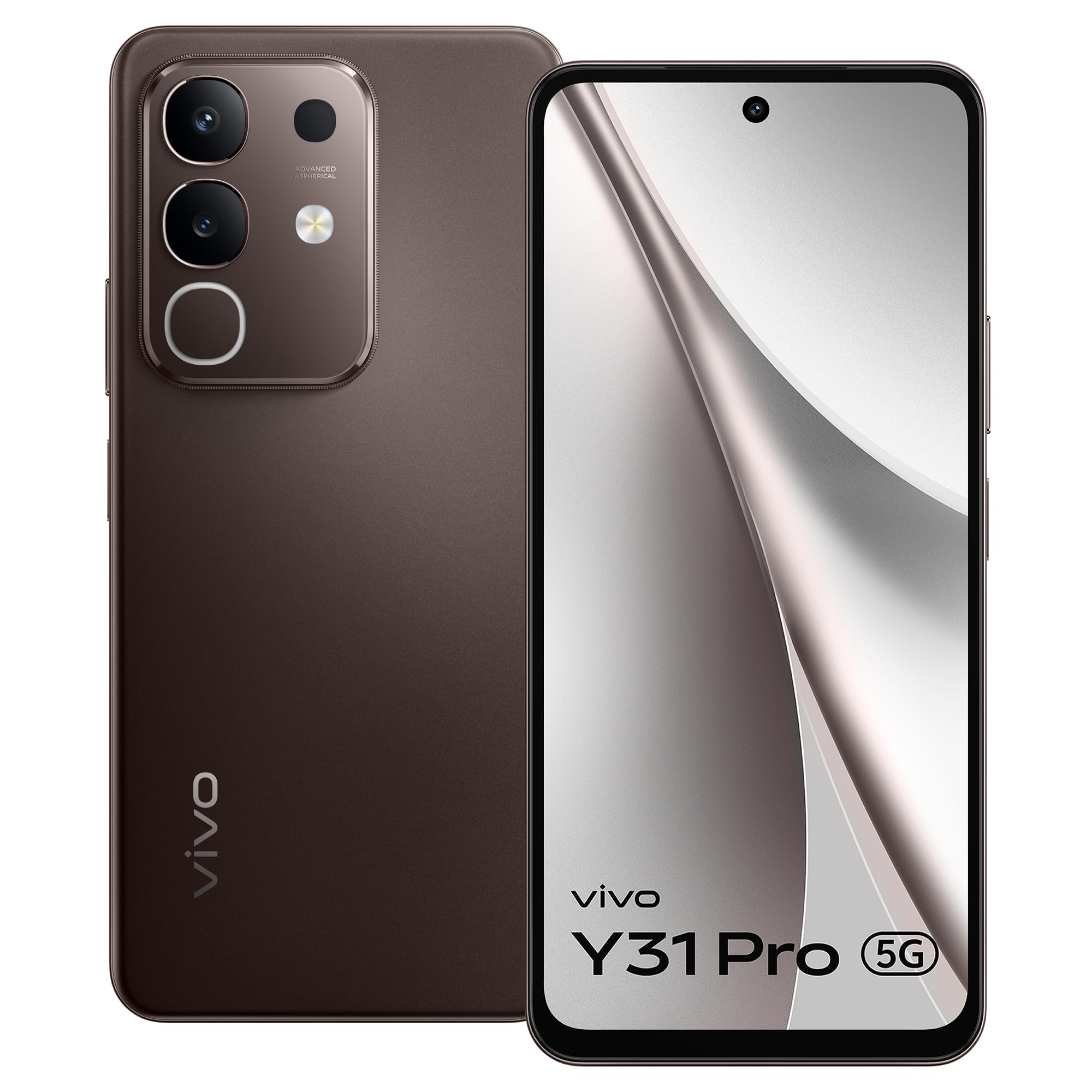
Nọmba 3.1: Iwaju view of the vivo Y31 Pro 5G, showcasing ifihan rẹ ati kamẹra iwaju.

Nọmba 3.2: Pada view of the vivo Y31 Pro 5G, highlighting the camera module and vivo branding.
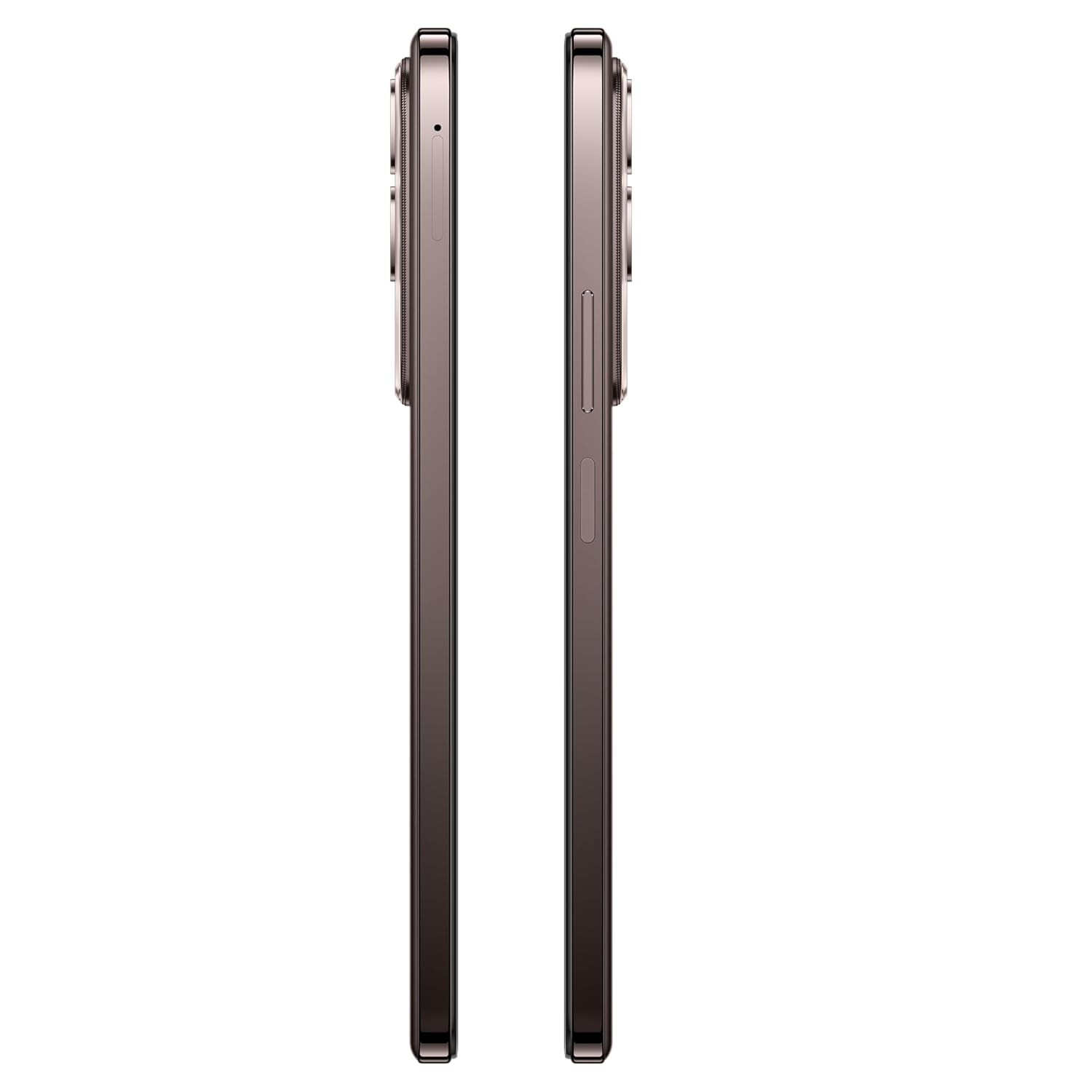
Nọmba 3.3: Apa view of the vivo Y31 Pro 5G, illustrating the power button, volume rocker, and SIM card tray location.

Nọmba 3.4: Oke ati isalẹ view of the vivo Y31 Pro 5G, showing the USB Type-C port, speaker grille, and microphone.
4. Eto
4.1. Kaadi SIM ati fifi sori kaadi iranti
Your vivo Y31 Pro 5G supports dual Nano SIM cards. Follow these steps to install your SIM cards:
- Locate the SIM card tray on the side of your phone (refer to Figure 3.3).
- Fi SIM atẹ ejector ọpa sinu kekere iho tókàn si awọn atẹ ki o si tẹ ṣinṣin titi ti atẹ yoo jade.
- Fara fa jade ni SIM atẹ.
- Place your Nano SIM cards into the designated slots on the tray, ensuring the gold contacts face downwards and the cut corner aligns correctly.
- Gently push the SIM tray back into the phone until it is flush with the device's side.
4.2. Agbara akọkọ Lori
Lati fi agbara sori ẹrọ rẹ fun igba akọkọ:
- Press and hold the Power button (located on the side) until the vivo logo appears on the screen.
- Tẹle awọn ilana loju iboju lati pari iṣeto akọkọ, pẹlu yiyan ede, asopọ Wi-Fi, iṣeto akọọlẹ Google, ati awọn eto aabo.
4.3. Ngba agbara ẹrọ
Kí a tó lo ó fún ìgbà àkọ́kọ́, a gbani nímọ̀ràn láti gba agbára fóònù rẹ pátápátá.
- So okùn USB Type-C pọ mọ ibudo gbigba agbara ni isalẹ foonu rẹ.
- Connect the other end of the USB cable to the provided 44W Power Adapter.
- Pulọọgi ohun ti nmu badọgba agbara sinu iṣan ogiri kan.
- The charging indicator will appear on the screen. Your device supports 44W fast charging for quick power-ups.
5. Key Awọn ẹya ara ẹrọ
Explore the advanced features of your vivo Y31 Pro 5G.
5.1. Ifihan
Enjoy a vibrant visual experience on the 17.06 cm (6.72-inch) FHD display with a high brightness mode of 1050 Nits and a smooth 120 Hz refresh rate.
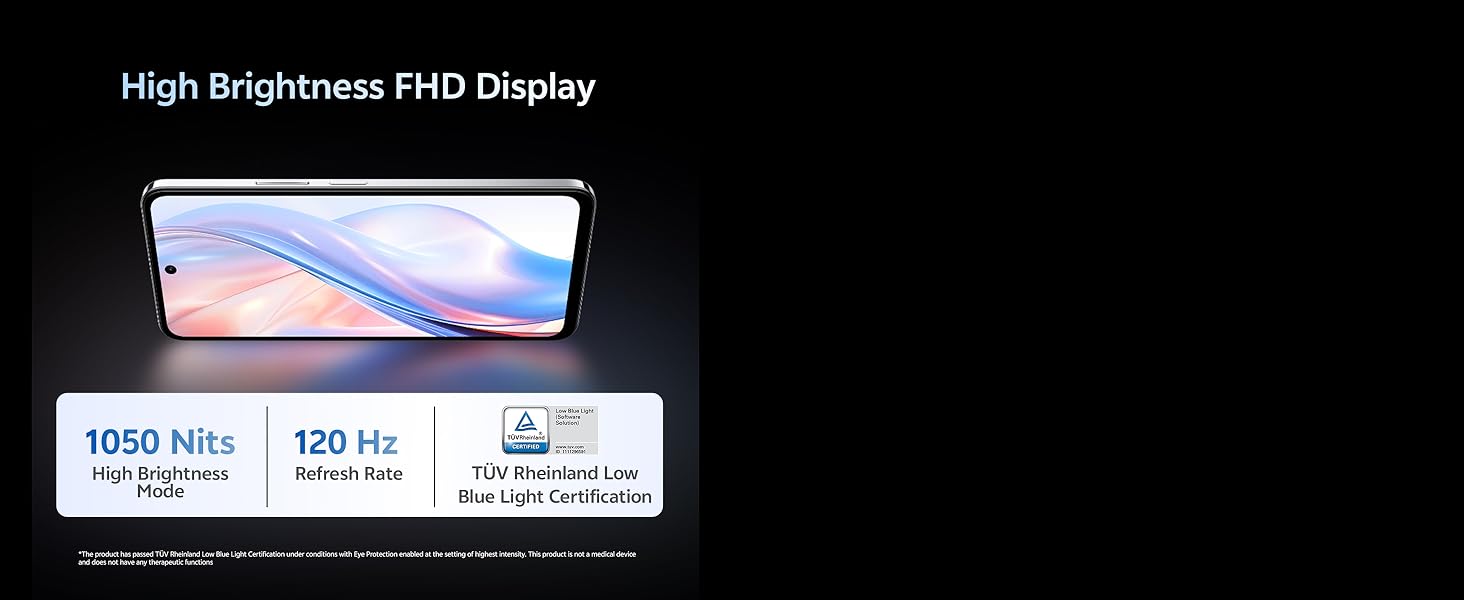
Nọmba 5.1: The vivo Y31 Pro 5G features a High Brightness FHD Display with 1050 Nits and 120 Hz Refresh Rate for clear and fluid visuals.
5.2. Eto kamẹra
Yaworan awọn fọto ti o yanilenu ati awọn fidio pẹlu iṣeto kamẹra to wapọ:
- Kamẹra Tẹhin: 50 MP Main Camera + 2 MP Secondary Camera
- Kamẹra iwaju: Kámẹ́rà Selfie 8 MP
- Gbigbasilẹ fidio: Supports 4K video recording for high-definition footage.
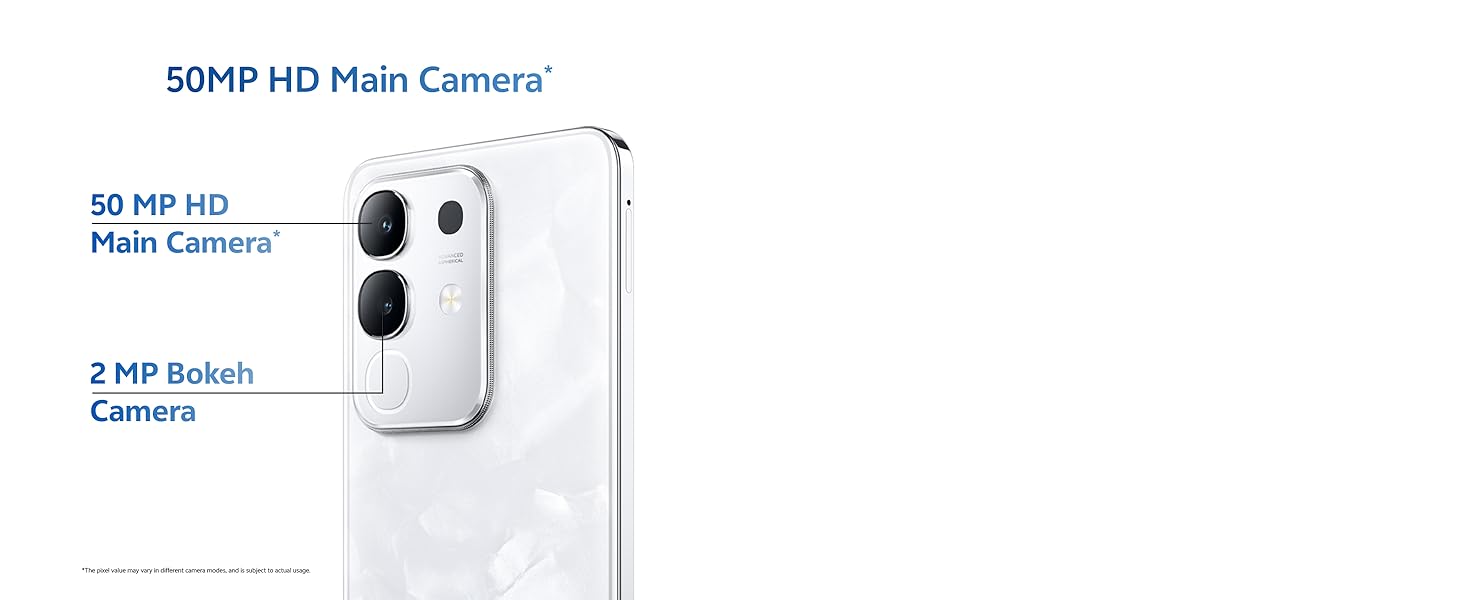
Nọmba 5.2: Close-up of the 50MP HD Main Camera module on the vivo Y31 Pro 5G.

Nọmba 5.3: Illustration of the 4K Video Recording feature, demonstrating enhanced detail.
5.3. Iṣẹ ṣiṣe
The vivo Y31 Pro 5G is engineered for smooth and efficient performance:
- Olupilẹṣẹ: Powered by the MediaTek Dimensity 7300 Processor for robust performance.
- Ramu: 8GB RAM ensures seamless multitasking.
- Ibi ipamọ: 256GB internal memory provides ampaaye fun awọn lw, awọn fọto, ati media.
- Asopọmọra: 5G cellular technology for lightning-fast internet speeds.
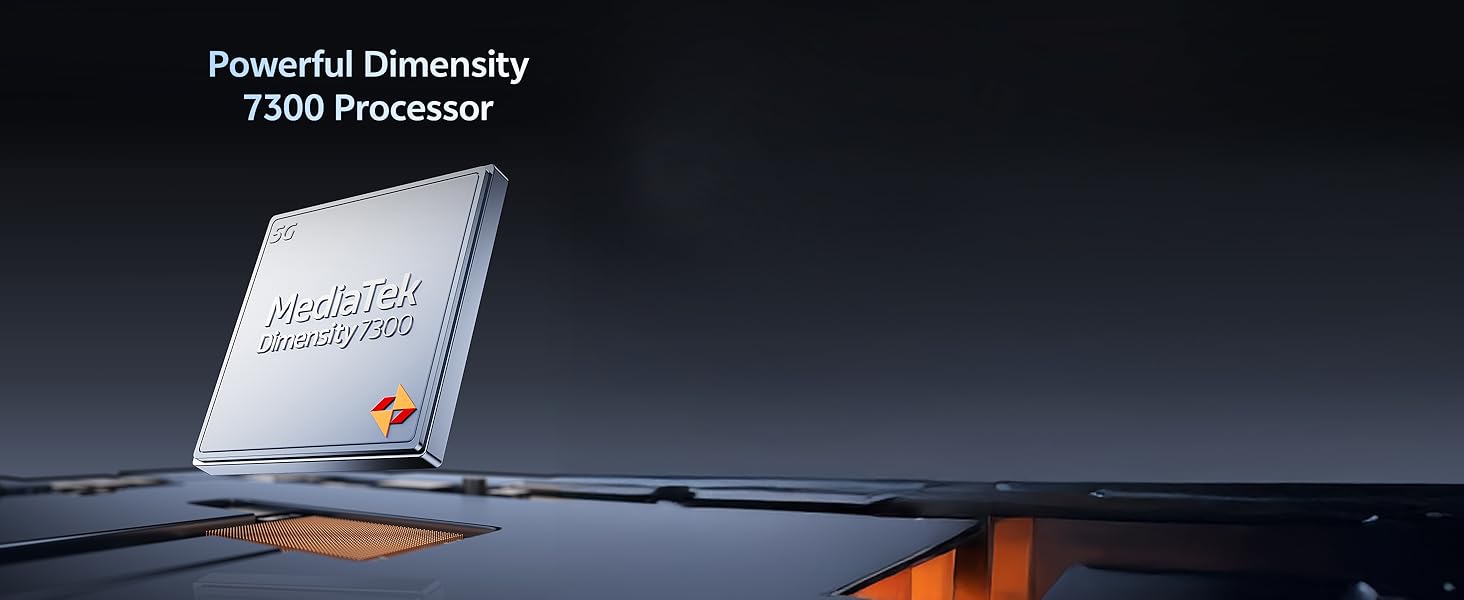
Nọmba 5.4: The Powerful Dimensity 7300 Processor, central to the phone's high performance.
5.4. Batiri & Ngba agbara
Stay powered throughout your day with:
- Agbara Batiri: Massive 6500 mAh lithium-ion battery.
- Gbigba agbara yiyara: 44W fast charging technology for quick recharges.
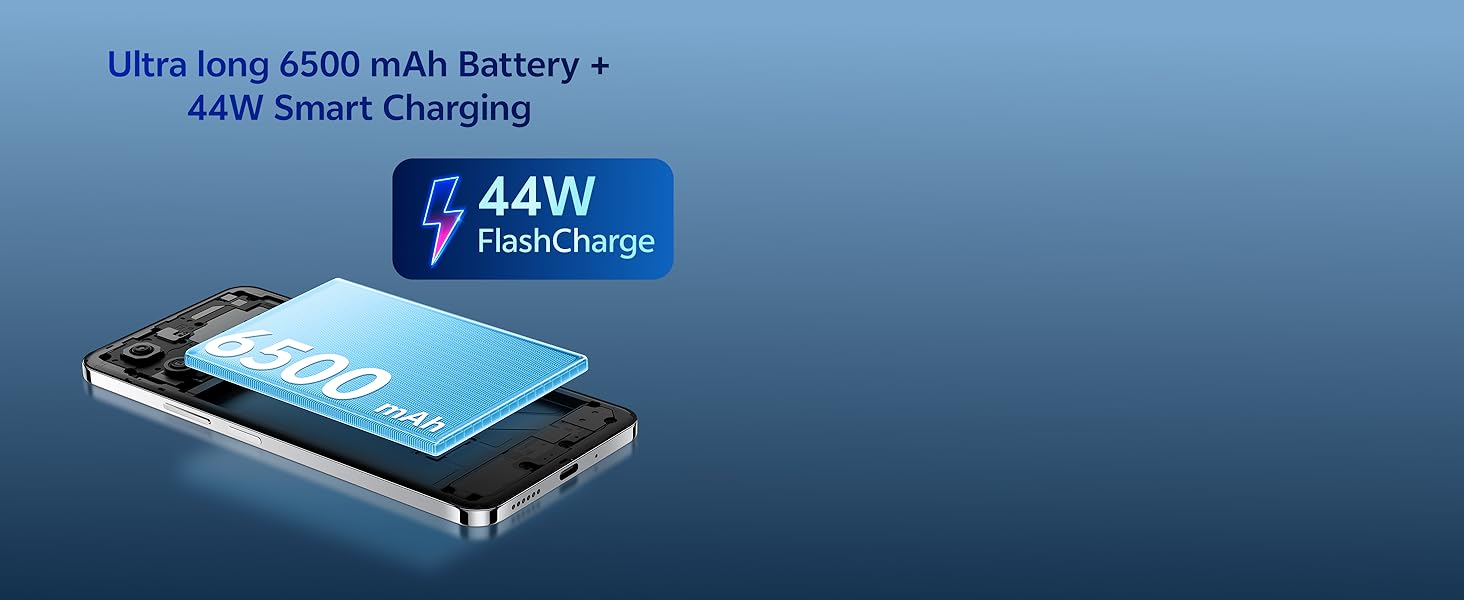
Nọmba 5.5: The Ultra long 6500 mAh Battery with 44W FlashCharge capability.
5.5. Durability & Design
The vivo Y31 Pro 5G is built to withstand daily use:
- Iduroṣinṣin: Features Military Grade durability, tested to MIL-STD-810H standards.
- Omi Resistance: IP64 rating for All-Life-Scenario Water Resistance, offering protection against dust and water splashes.
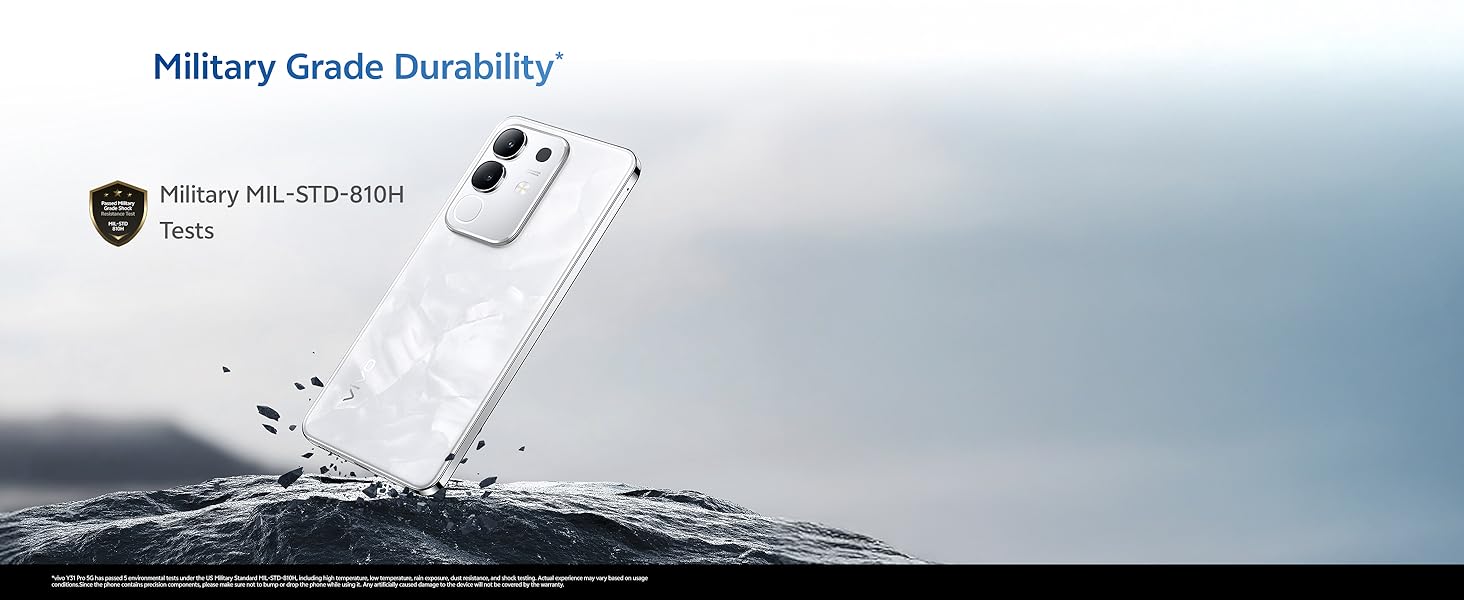
Nọmba 5.6: The vivo Y31 Pro 5G demonstrating Military Grade durability in a rugged environment.
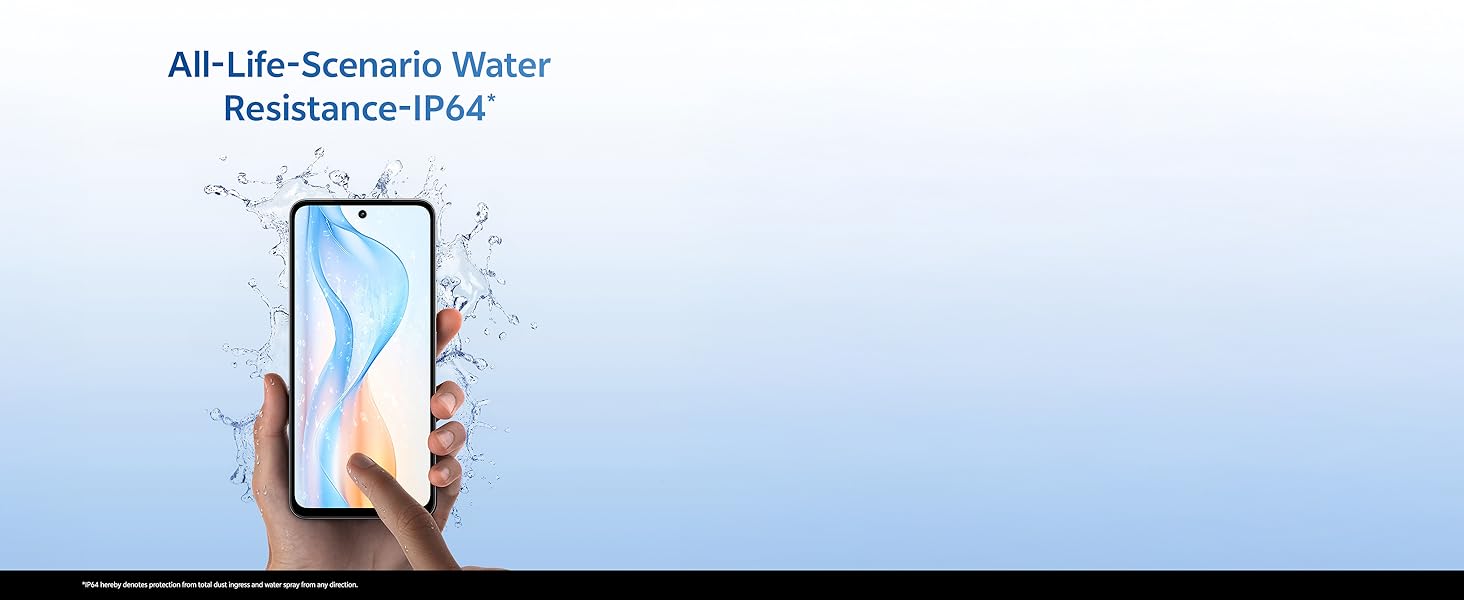
Nọmba 5.7: A hand holding the vivo Y31 Pro 5G, illustrating its IP64 water resistance against splashes.
5.6. Ohun
Experience immersive sound with dual stereo speakers, offering 400% boosted volume for enhanced audio playback.
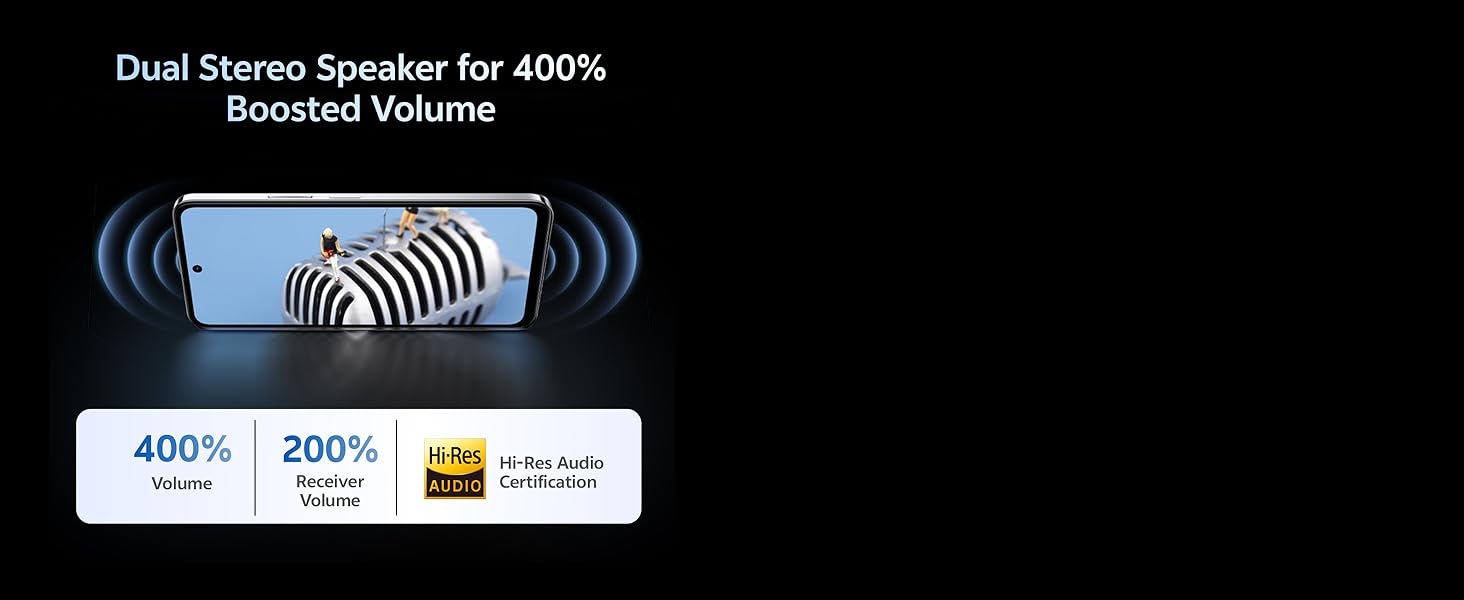
Nọmba 5.8: Visual representation of the Dual Stereo Speaker system providing boosted volume.
5.7. AI Suite
Leverage intelligent features for enhanced user experience:
- Parẹ́ AI: Intelligently remove unwanted objects from your photos.
- Imudara Fọto AI: Automatically improve photo quality with AI algorithms.

Nọmba 5.9: Examples of AI Suite functionalities, including AI Erase and AI Photo Enhance.
6. Awọn ọna System
The vivo Y31 Pro 5G runs on Funtouch OS 15, vivo's customized Android operating system. Funtouch OS 15 offers a user-friendly interface, enhanced privacy features, and various customization options. It also includes biometric security features such as Face Recognition for convenient and secure unlocking.
7. Laasigbotitusita
This section addresses common issues you might encounter with your vivo Y31 Pro 5G. If you experience problems not covered here, please refer to the Warranty and Support section for further assistance.
- Ẹrọ ti ko tan: Ensure the battery is charged. Connect the phone to the charger and wait a few minutes before attempting to power it on again. If it still doesn't turn on, press and hold the Power button for at least 10-15 seconds to force a restart.
- Phone not charging: Check if the USB cable and power adapter are securely connected to both the phone and the power outlet. Try using a different outlet or a different compatible charger and cable. Ensure the charging port is clean and free of debris.
- Ifihan nẹtiwọki ti ko dara: Check if your SIM card is correctly inserted. Try restarting your phone. If the issue persists, contact your network provider to check for service outages ni agbegbe rẹ.
- Awọn ohun elo kọlu tabi didi: Close the problematic app and reopen it. If the issue continues, clear the app's cache and data in the phone's settings, or uninstall and reinstall the app. Ensure your Funtouch OS is updated to the latest version.
- Iboju ko dahun: Force restart your phone by pressing and holding the Power button for 10-15 seconds. If the screen remains unresponsive after restarting, contact customer support.
8. Awọn pato
Detailed technical specifications for the vivo Y31 Pro 5G:
| Ẹya ara ẹrọ | Sipesifikesonu |
|---|---|
| Brand | vivo |
| Orukọ awoṣe | Y31 Pro 5G |
| Eto isesise | Funtouch OS 15 |
| Ramu Memory sori iwọn | 8 GB |
| Agbara Ibi ipamọ Iranti | 256 GB |
| Iwon iboju | 6.72 inches (17.06 cm) |
| Ipinnu | Awọn piksẹli 2408 x 1080 (FHD) |
| Ifihan Iru | LCD |
| Ipinnu Kamẹra ti o kẹhin | 50 MP + 2 MP |
| Ipinnu Kamẹra iwaju | 8 MP |
| Agbara Batiri | 6500 Milionuamp Awọn wakati |
| Gbigba agbara Technology | 44W Yara Ngba agbara |
| Iho kaadi SIM kika | Dual SIM (Nano) |
| Asopọmọra Iru | USB Iru C |
| Cellular Technology | 5G |
| Biometric Aabo | Idanimọ Oju |
| Omi Resistance Ipele | IP64 (Splash Resistant) |
| Iwọn Nkan | 204 giramu |
| Awọn iwọn Nkan | 16.6 x 7.6 x 0.8 centimeters |
| Odun awoṣe | 2025 |
9. Atilẹyin ọja ati Support
Your vivo Y31 Pro 5G comes with a manufacturer's warranty to ensure your peace of mind.
- Atilẹyin ọja: Atilẹyin ọja ọdun 1 lati ọjọ rira.
- Atilẹyin ọja Awọn ẹya ẹrọ inu apoti: 6 months manufacturer warranty for accessories included in the box from the date of purchase.
For warranty claims, technical support, or further assistance, please contact vivo customer service or visit an authorized service center. You can find contact information on the official vivo webaaye tabi nipasẹ apakan atilẹyin ti awọn eto ẹrọ rẹ.
Alaye olubasọrọ Olupese: vivo Mobile India Pvt Ltd Plot No 08, Sector 24, Yamuna Expressway Area, Gautam Buddha Nagar, Uttar Pradesh, 201310
10. Ọja Video Loriview
Watch this short video for a quick overview of the vivo Y31 Pro 5G's key features and design.
Fidio 10.1: Ifihan fidio ifihan kukuru kanasing the design and main functionalities of the vivo Y31 Pro 5G smartphone.