
Ọrọ Iṣaaju
Thank you for choosing the Dyurwa ZY02 Portable Bluetooth Speaker. This manual provides essential information for setting up, operating, and maintaining your speaker to ensure optimal performance and longevity. Please read these instructions carefully before using the product.
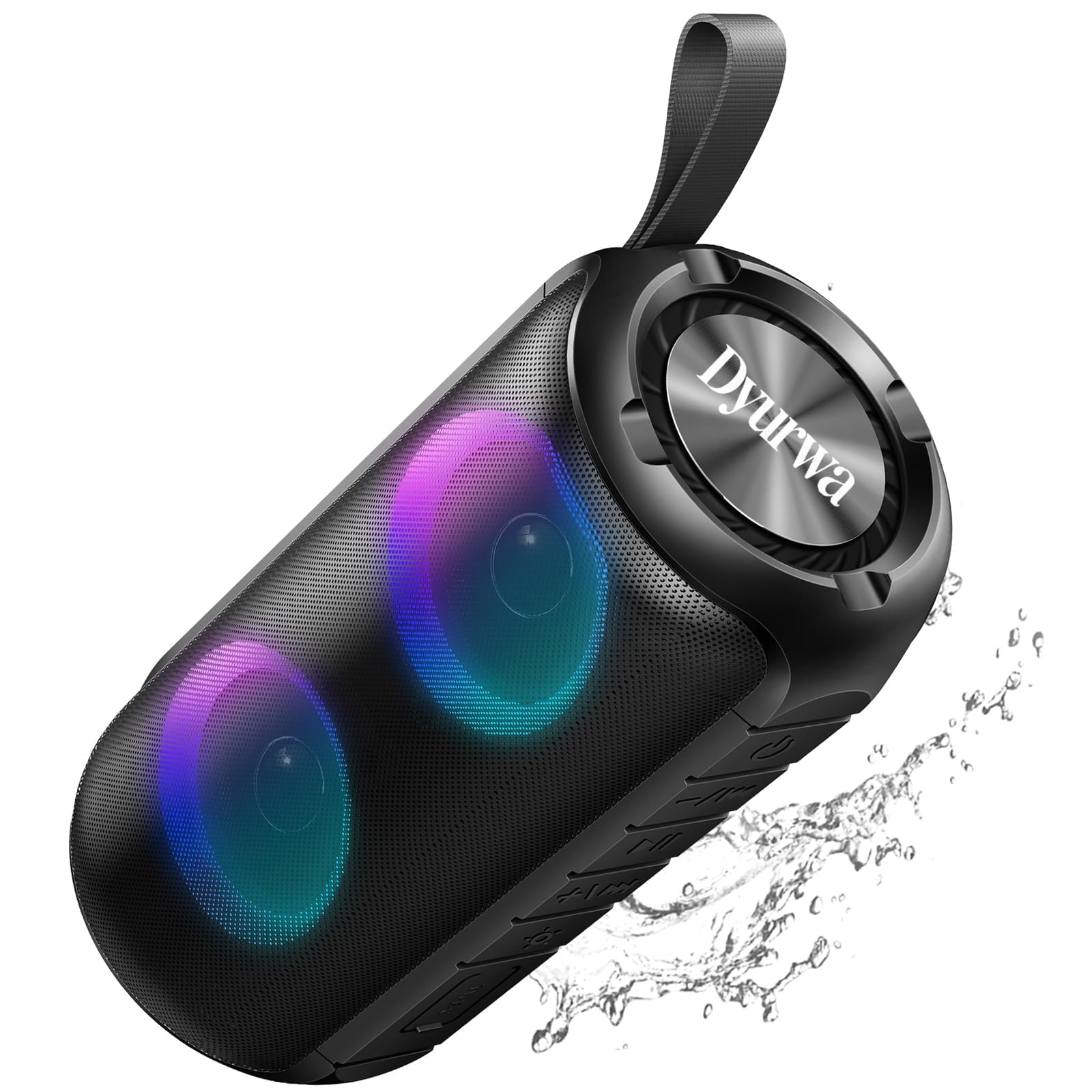
The Dyurwa ZY02 Portable Bluetooth Speaker, showcasing awọn oniwe-aso oniru.
Kini o wa ninu apoti:
- 1 x Dyurwa ZY02 Portable Bluetooth Speaker
- 1 x Okun gbigba agbara Iru-C
- 1 x Itọsọna olumulo
Ọja Pariview
The Dyurwa ZY02 speaker features advanced Bluetooth 5.3 connectivity, 360-degree HD stereo sound, dynamic RGB lights, and an IPX7 waterproof design. It is built for portability and offers up to 12 hours of playtime.

The speaker's dynamic RGB light show, which syncs with music.

Illustration of the speaker's 24W super loud sound capability with powerful audio.

The speaker demonstrating a rock-solid Bluetooth 5.3 connection for seamless audio streaming.

The speaker submerged in water, illustrating its IPX7 waterproof and dustproof capabilities.

The speaker highlighting its 12-hour battery life for extended use.
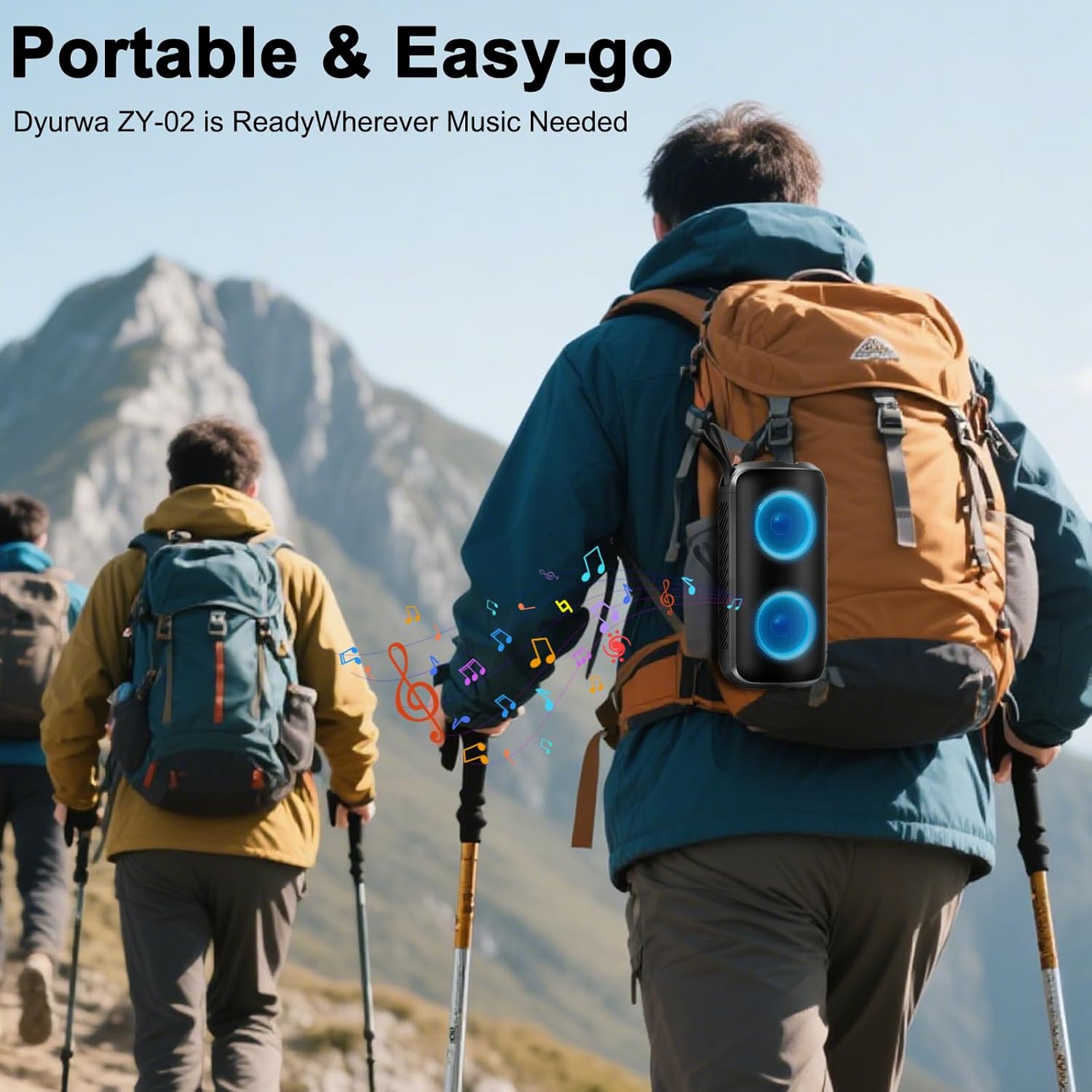
A person hiking with the portable Dyurwa ZY02 speaker attached to their backpack, emphasizing its easy-go design.
Fidio Ọja Oṣiṣẹ:
Ohun osise fidio showcasing the Dyurwa Bluetooth Speaker with loud sound and its features.
Ṣeto
1. Ngba agbara si Agbọrọsọ:
Before first use, fully charge the speaker. Connect the included Type-C charging cable to the speaker's charging port and the other end to a USB power adapter (not included). The charging indicator light will show the charging status. A full charge typically takes 2-3 hours.
2. Titan tabi Pipa:
- Láti Tan-an: Tẹ bọtini agbara ki o si dimu mọ (O) for 2-3 seconds until you hear an audible prompt and the RGB lights activate.
- Láti pa agbára: Tẹ bọtini agbara ki o si dimu mọ (O) for 2-3 seconds until you hear an audible prompt and the lights turn off.
3. Sisopọ Bluetooth:
- Rí i dájú pé a ti tan agbọrọsọ naa ati pe o wa ni ipo asopọ Bluetooth (ti a fihan nipasẹ ina LED ti n tan imọlẹ).
- Lori ẹrọ rẹ (foonuiyara, tabulẹti, kọmputa), mu Bluetooth ṣiṣẹ ki o wa awọn ẹrọ to wa.
- Select "ZY02" from the list of devices.
- Once connected, you will hear a confirmation sound, and the LED light will become solid or change pattern.
4. TWS (Sitẹrio Alailowaya otitọ) Isopọpọ:
To achieve a true stereo sound experience, you can pair two Dyurwa ZY02 speakers together:
- Rii daju pe awọn agbohunsoke mejeeji wa ni titan ati pe wọn ko sopọ si eyikeyi ẹrọ Bluetooth miiran.
- Lórí agbọ́hùnsọ̀kan (èyí ni yóò jẹ́ agbọ́hùnsọ̀kan àkọ́kọ́), tẹ bọ́tìnnì Agbára lẹ́ẹ̀mejì (O). Agbọrọsọ yoo tẹ ipo sisopọ TWS sii.
- Agbọrọsọ akọkọ yoo wa laifọwọyi ati sopọ si agbọrọsọ keji.
- Once successfully paired, you will hear a confirmation sound. The LED lights on both speakers will synchronize.
- Nisinsinyi, so ẹrọ rẹ pọ mọ agbọrọsọ akọkọ nipasẹ Bluetooth gẹgẹbi a ti ṣalaye ni igbesẹ 3.
Awọn ilana Iṣiṣẹ
1. Sisisẹsẹhin orin:
- Ṣiṣẹ/Daduro: Tẹ bọtini agbara (O) once to play or pause music.
- Iwọn didun Up: Tẹ awọn + bọtini.
- Iwọn didun isalẹ: Tẹ awọn - bọtini.
- Orin t’okan: Tẹ mọlẹ + bọtini.
- Tẹlẹ Orin: Tẹ mọlẹ - bọtini.
2. RGB Light Modes:
Tẹ bọtini Imọlẹ (☀) to cycle through various dynamic multi-color light modes. The lights can sync to the beat of the music, enhancing your listening experience. Press the button repeatedly to find your preferred light effect or to turn the lights off.
3. Ipe Ọfẹ:
With the built-in microphone, you can manage calls directly from the speaker when connected to your smartphone:
- Idahun Ipe: Tẹ bọtini agbara (O) lẹẹkan.
- Ipe Ipari: Tẹ bọtini agbara (O) lẹ́ẹ̀kan nígbà ìpè kan.
- Kọ Ipe: Tẹ mọlẹ bọtini agbara (O) fun 2 aaya.
4. Ipo AUX:
For devices without Bluetooth, connect them using an AUX cable (not included) to the speaker's AUX jack. The speaker will automatically switch to AUX mode. Use your connected device to control music playback.
Itoju
1. Ninu:
Nu agbọrọsọ nu pẹlu asọ, damp cloth. Do not use harsh chemicals, cleaning solvents, or strong detergents. Ensure the charging port cover is securely closed before cleaning.
2. Waterproof Care (IPX7):
The speaker is IPX7 waterproof, meaning it can be submerged in up to 1 meter of water for 30 minutes. However, ensure the charging port cover is tightly sealed before exposing it to water. After exposure to water, dry the speaker thoroughly before charging or using it again.
3. Ibi ipamọ:
Store the speaker in a cool, dry place away from extreme temperatures, direct sunlight, and corrosive materials. If storing for an extended period, charge the battery periodically to maintain its lifespan.
Laasigbotitusita
- Agbọrọsọ ko ni agbara lori:
- Rii daju pe batiri ti gba agbara. So agbohunsoke pọ si orisun agbara nipa lilo okun Iru-C.
- Tẹ mọlẹ bọtini agbara (O) fun 2-3 aaya.
- Ko le so pọ pẹlu ẹrọ Bluetooth:
- Rii daju pe agbọrọsọ wa ni ipo sisopọ (LED didan).
- Rii daju pe Bluetooth ti ṣiṣẹ lori ẹrọ rẹ ati pe o wa laarin awọn mita 10 ti agbọrọsọ.
- Forget or delete "ZY02" from your device's Bluetooth list and try pairing again.
- Tun mejeeji agbọrọsọ ati ẹrọ rẹ bẹrẹ.
- Ko si ohun tabi ohun daru:
- Ṣatunṣe iwọn didun lori mejeeji agbọrọsọ ati ẹrọ ti o sopọ.
- Rii daju pe agbọrọsọ ti gba agbara ni kikun.
- Gbe agbọrọsọ sunmọ ẹrọ rẹ lati yago fun kikọlu.
- If using AUX mode, ensure the cable is securely connected and not damaged.
- Ìsopọ̀ TWS kùnà:
- Rii daju pe awọn agbohunsoke mejeeji wa ni titan ati pe wọn ko sopọ si eyikeyi ẹrọ Bluetooth miiran.
- Follow the TWS pairing instructions carefully, ensuring you double-press the Power button on only one speaker to initiate pairing.
Awọn pato
| Ẹya ara ẹrọ | Sipesifikesonu |
|---|---|
| Orukọ awoṣe | ZY02 |
| Brand | Dyurwa |
| Agbọrọsọ Iru | Ita gbangba |
| Pataki Awọn ẹya ara ẹrọ | Built-in Microphone, Dustproof, LED Light, Lightweight, Portable |
| Asopọmọra Technology | Bluetooth 5.3 |
| Agbọrọsọ Agbara Ijade ti o pọju | 180 Wattis |
| Omi Resistance Ipele | IPX7 |
| Ọja Mefa | 2.54"D x 5"W x 4"H |
| Iwọn Nkan | 1.41 iwon |
| Awọn batiri | 1 Batiri kan nilo (pẹlu) |
| Akoko ere | Up to 12 hours (varies by volume and light settings) |
Atilẹyin ọja ati Support
The Dyurwa ZY02 Portable Bluetooth Speaker comes with a standard manufacturer's warranty. For detailed warranty information, please refer to the warranty card included in your product packaging or contact Dyurwa customer support.
If you encounter any issues or have questions regarding your speaker, please contact our customer support team for assistance. Our dedicated team is ready to help you with any technical support or service needs.
Atilẹyin Onibara: Please refer to the contact information provided on the product packaging or the official Dyurwa webojula.