
1. Ifihan
Thank you for choosing the Homary 3-Drawer LED Smart Nightstand. This nightstand is designed to enhance your bedroom with convenient features including wireless charging, USB and Type-C ports, adjustable LED lighting, and ample storage. Please read this manual thoroughly before assembly and use to ensure proper function and longevity of your product.
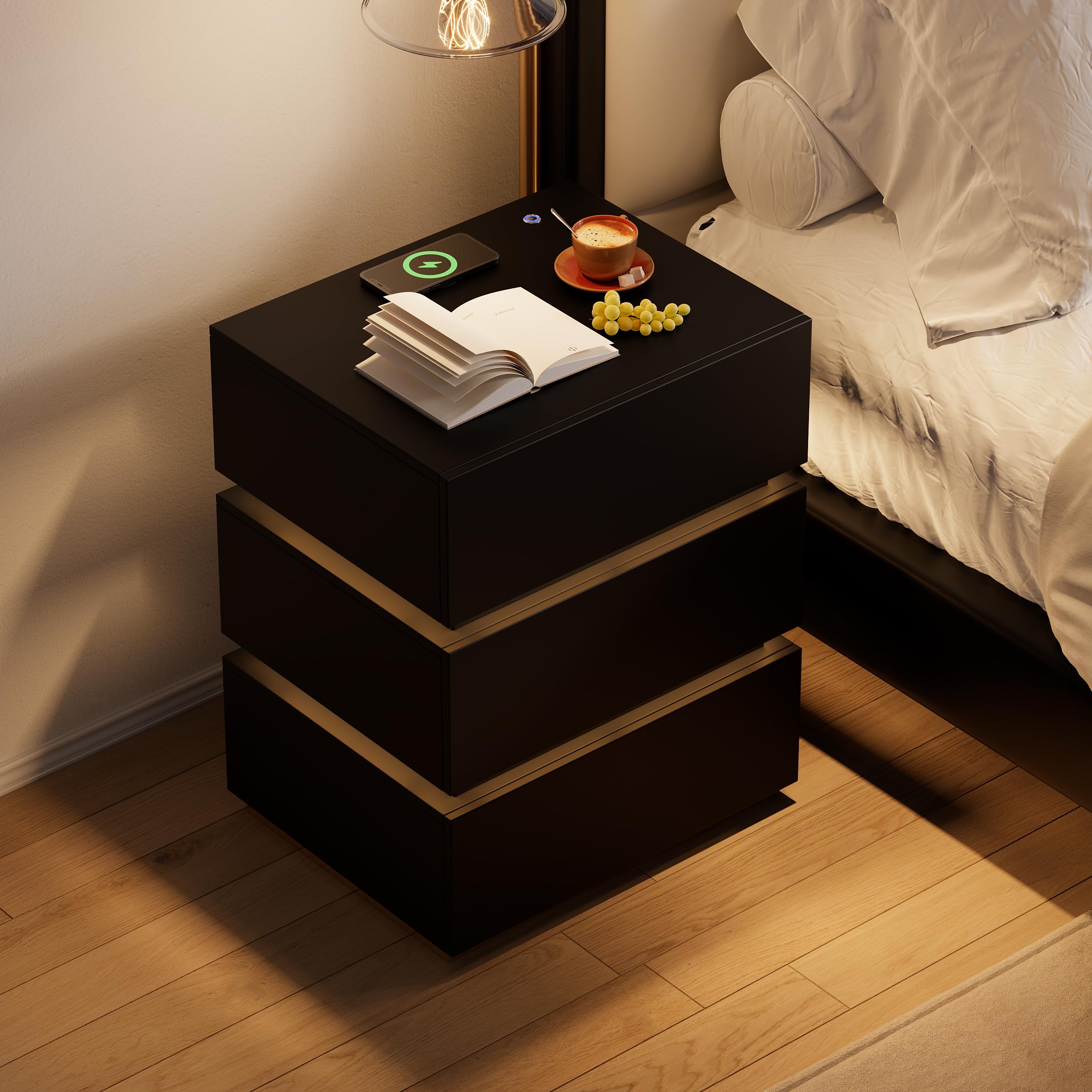
Image 1.1: The Homary 3-Drawer LED Smart Nightstand, showcasing its modern design and integrated features.
2. Alaye Aabo
- Keep all packaging materials away from children and pets to prevent choking hazards.
- Ensure all screws and fasteners are securely tightened during assembly. Periodically check for loose connections.
- Do not exceed the maximum weight recommendation of 35 pounds on the top surface.
- Avoid placing liquids directly on the nightstand, especially near electrical components.
- Use only a dry cloth for cleaning. Do not use abrasive cleaners or harsh chemicals.
- A ṣe àgbékalẹ̀ ọjà yìí fún lílo nínú ilé àti fún ilé gbígbé nìkan.
3. Package Awọn akoonu
Jọwọ rii daju pe gbogbo awọn paati wa ṣaaju ki o to bẹrẹ apejọ. Ti eyikeyi awọn ẹya ba sonu tabi bajẹ, jọwọ kan si atilẹyin alabara.
- Nightstand Panels (Top, Bottom, Sides, Back)
- Awọn ohun elo Drawer (Awọn iwaju, Awọn ẹgbẹ, Awọn ẹhin, Awọn isalẹ)
- Drawer Slides and Hardware
- Irin alagbara, irin Base
- LED Light Strip and Power Adapter
- Wireless Charging Module with USB/Type-C Ports
- Hardware Apejọ (Skru, Dowels, Awọn titiipa Cam, ati bẹbẹ lọ)
- Assembly Guide (Included)
4. Eto ati Apejọ
Assembly is required for this nightstand. It is recommended that eniyan meji perform the assembly. A screwdriver is the primary tool recommended for assembly.

Image 4.1: Product dimensions for planning placement and assembly.
Awọn Igbesẹ Apejọ:
- Yọọ ati Ṣe idanimọ Awọn apakan: Carefully remove all components from the packaging. Lay them out on a clean, soft surface to prevent scratches. Refer to the included Assembly Guide to identify each part.
- Ṣe akojọpọ fireemu akọkọ: Follow the step-by-step instructions in the Assembly Guide to construct the outer frame of the nightstand using the provided hardware. Ensure all connections are tight and stable.
- Fi Awọn Ifaworanhan Drawer sori ẹrọ: Attach the drawer slides to the inner sides of the nightstand frame according to the guide. Pay attention to the orientation of the slides.
- Ṣepọ Awọn apoti: Construct each of the three drawers. Attach the drawer slides to the assembled drawers.
- Fi Awọn apoti sii: Carefully slide the assembled drawers into the nightstand frame. Test their movement to ensure they open and close smoothly.
- Attach Stainless Steel Base: Secure the glossy stainless steel base to the bottom of the nightstand frame.
- So Awọn Irinṣẹ Itanna: Install the LED light strip, wireless charging pad, and USB/Type-C module as directed in the Assembly Guide. Connect the power adapter.
- Ṣayẹwo Ipari: Verify that all parts are correctly assembled and all fasteners are tightened.
5. Awọn ilana Iṣiṣẹ
5.1. Imọlẹ LED
The nightstand features a built-in LED light for ambient illumination.
- Tan/Pa: Press the top button located on the nightstand's surface to turn the LED light on or off.
- Ṣatunṣe Imọlẹ: With the LED light on, press and hold the top button to adjust the brightness level. Release the button when the desired brightness is achieved.

Image 5.1: Location of the LED control button and wireless charging pad.
5.2. Awọn iṣẹ gbigba agbara
The nightstand is equipped with a wireless charging pad, USB port, and Type-C port for convenient device charging.
- Gbigba agbara Alailowaya: Place your compatible smartphone or device directly on the wireless charging pad located on the top surface. Ensure the device is centered for optimal charging.
- USB & Iru-C Awọn ibudo: Connect your devices using appropriate cables to the USB and Type-C ports for wired charging.
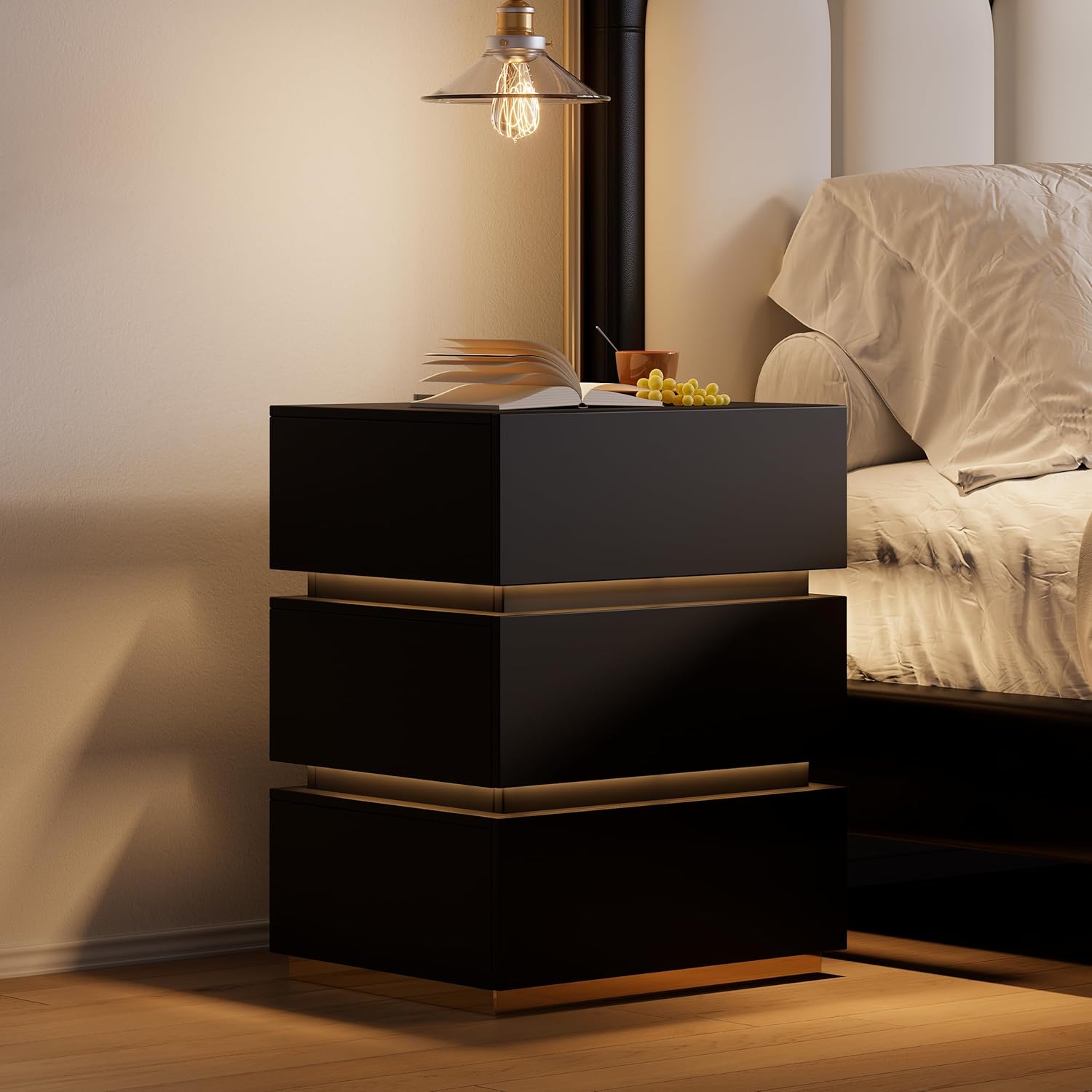
Image 5.2: Wireless charging in action and the illuminated LED button.
5.3. Ibi ipamọ Drawers
The three spacious drawers provide organized storage for your personal items.

Image 5.3: Open drawers demonstrating storage capacity.
6. Itọju
- Ninu: Wipe the nightstand surfaces with a dry, soft cloth. For stubborn marks, a slightly damp cloth followed immediately by a dry cloth can be used.
- Atako idoti: The nightstand is designed to be stain resistant. Promptly wipe any spills to prevent potential staining.
- Ṣiṣayẹwo ohun elo: Periodically check all screws and fasteners to ensure they remain tight. Tighten if necessary to maintain stability.
- Awọn ohun elo itanna: Ensure the power adapter and cables are not pinched or damaged. Do not attempt to repair electrical components yourself.
7. Laasigbotitusita
7.1. LED Light Not Working
- Ensure the nightstand is properly plugged into a working power outlet.
- Check that the power adapter is securely connected to the nightstand.
- Press the LED control button firmly to ensure it registers the input.
7.2. Wireless Charging Not Functioning
- Verify the nightstand is powered on and plugged in.
- Ensure your device is compatible with wireless charging (Qi standard).
- Yọ eyikeyi awọn ọran foonu ti o nipọn ti o le dabaru pẹlu gbigba agbara alailowaya.
- Tún ẹ̀rọ rẹ gbé sórí pádì gbigba agbara láti rí i dájú pé ó wà ní ìbámu tó yẹ.
- Avoid placing metal objects between your device and the charging pad.
7.3. USB/Type-C Ports Not Charging
- Confirm the nightstand is connected to power.
- Try a different USB or Type-C cable to rule out cable issues.
- Test with a different device to ensure the port is not faulty.
8. Awọn pato
| Ẹya ara ẹrọ | Ẹ̀kúnrẹ́rẹ́ |
|---|---|
| Brand | ilowo |
| Nọmba awoṣe | JJ140H93L4 |
| Awọn iwọn Ọja (D x W x H) | 15.7" x 19.7" x 23.8" (400mm x 500mm x 605mm) |
| Iwọn Nkan | 62 iwon |
| Iṣeduro iwuwo ti o pọju | 35 Pounds (Top Surface) |
| Ohun elo fireemu | MDF; Stainless Steel |
| Top elo Iru | Onigi Igi |
| Àwọ̀ | Black (with Gold Base Color) |
| Nọmba ti Drawers | 3 |
| Pataki Awọn ẹya ara ẹrọ | With Drawers; Wireless Charging; Built-In USB Ports; LED Light |
| Apejọ ti a beere | Bẹẹni |
| Niyanju Nọmba ti Eniyan fun Apejọ | 2 |
| Irinṣẹ Niyanju Fun Apejọ | Awakọ Awakọ |
| Ọja Itoju Awọn ilana | Mu ese pẹlu Asọ Gbẹ |
9. atilẹyin ọja Information
This Homary product comes with a Atilẹyin ọja to lopin. For specific details regarding warranty coverage, duration, and terms, please refer to the warranty documentation included with your purchase or contact Homary customer support.
10. Atilẹyin
If you have any questions, require assistance with assembly, or encounter any issues with your Homary 3-Drawer LED Smart Nightstand, please do not hesitate to contact our customer support team.
Imeeli: service@homary.com
When contacting support, please provide your order number and the product model number (JJ140H93L4) for faster service.


