
1. Ifihan
This manual provides essential information for the safe operation and maintenance of your Contixo F25 GPS Drone. Please read it thoroughly before operating the drone to ensure proper function and to prevent damage or injury.
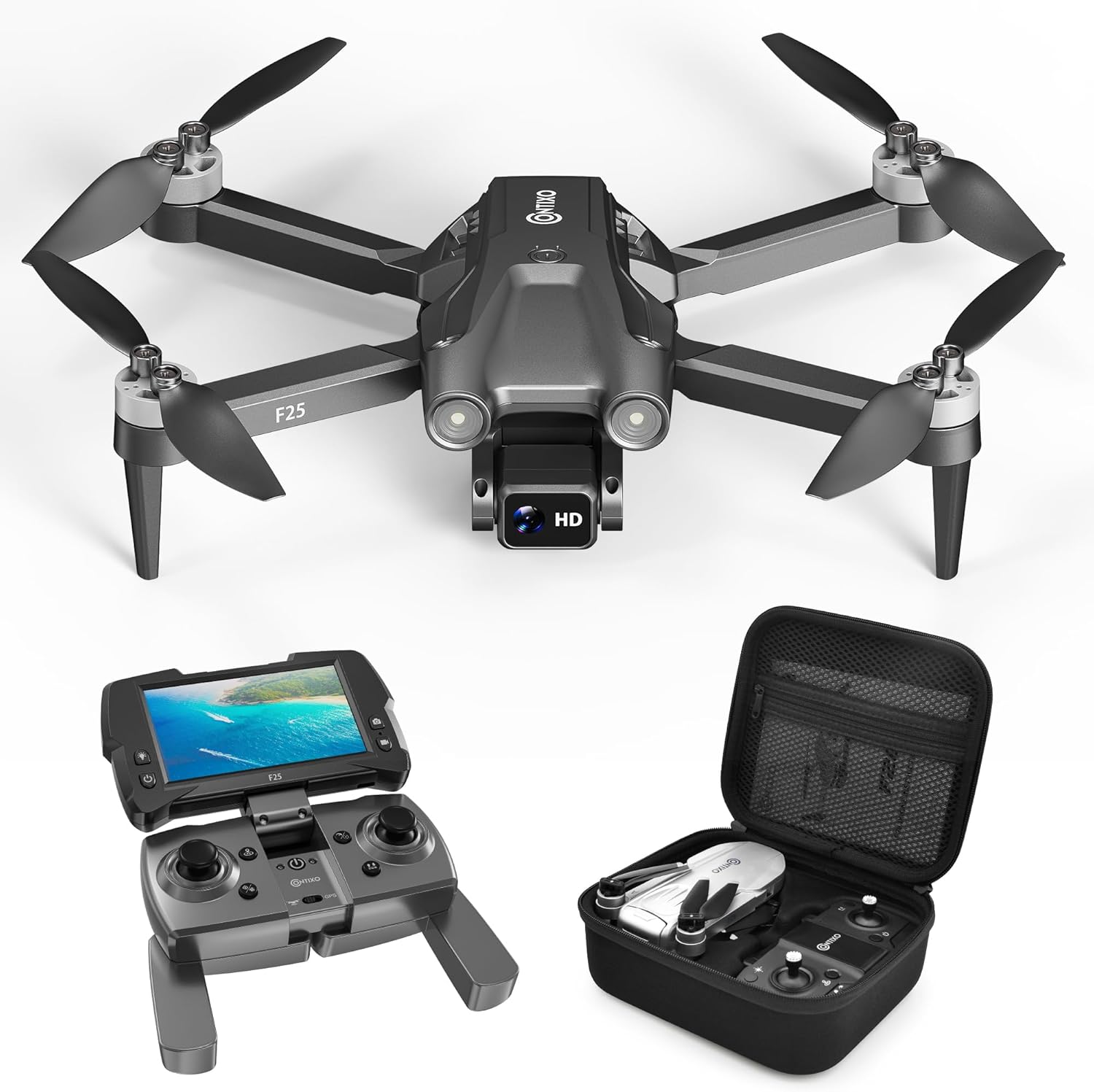
Image: The Contixo F25 GPS Drone, a compact and lightweight aerial vehicle.
2. Package Awọn akoonu
Rí i dájú pé gbogbo àwọn èròjà wà nínú àpò náà kí o tó tẹ̀síwájú pẹ̀lú ṣíṣe àgbékalẹ̀ rẹ̀.

Image: A visual representation of the Contixo F25 drone, remote control, replacement propellers, charging cord, screwdriver, manual, and carrying case.
- Contixo F25 Drone
- Remote Control with 4.3" HD FPV Screen
- 8 x Replacement Propellers
- 1 x Okun gbigba agbara
- 1 x Screwdriver
- Ilana itọnisọna
- Ọran gbigbe
3. Eto
3.1. Batiri Ngba agbara ati fifi sori
Ensure the drone battery is fully charged before each flight. Use the provided charging cable and a compatible USB power adapter (not included). Insert the charged battery securely into the drone's battery compartment.
3.2. Propeller fifi sori
Attach the propellers to the drone's motors. Ensure each propeller is correctly oriented and securely fastened with the provided screws. Refer to the propeller replacement video for detailed instructions.
Video: Instructions for replacing the propellers on the Contixo F25B Drone.
3.3. Remote Control and FPV Screen Setup
Power on the remote control. The integrated 4.3" HD FPV screen will display the live video feed from the drone's camera once connected. Ensure the remote control batteries are installed.
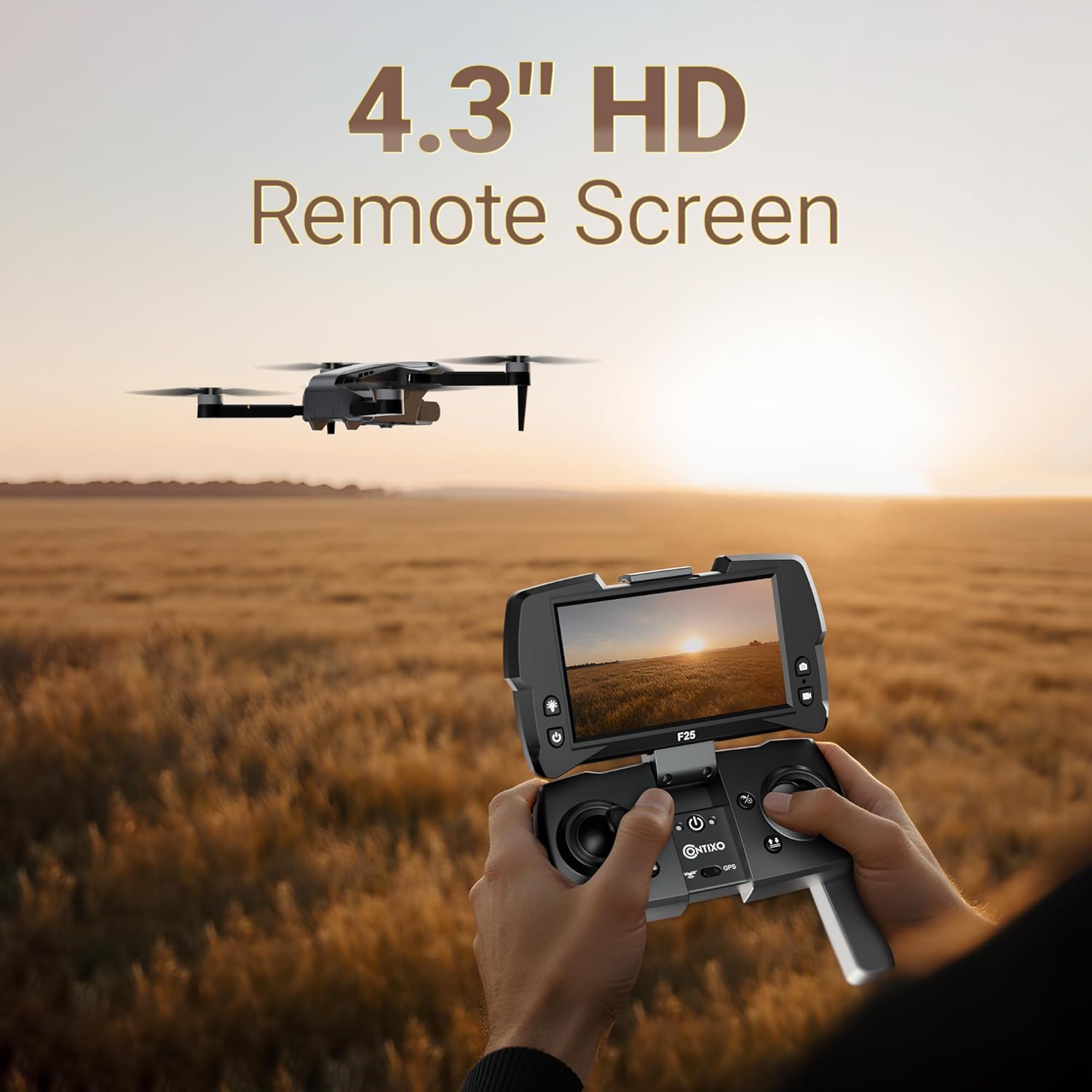
Image: The Contixo F25 remote control featuring a 4.3-inch HD screen for real-time video transmission.
3.4. App Download ati Asopọ
Download the "Contixo F25" app to your smartphone. This app is required for advanced flight features and GPS functionality. Follow the in-app instructions to connect your drone.
Video: A tutorial demonstrating how to connect the Contixo F25B drone to its companion application.
4. Awọn ilana Iṣiṣẹ
4.1. Pre-Flight Ayẹwo
- Rii daju pe drone ati awọn batiri isakoṣo latọna jijin ti gba agbara ni kikun.
- Ṣàyẹ̀wò àwọn propeller fún ìbàjẹ́ kí o sì rí i dájú pé wọ́n so mọ́ ara wọn dáadáa.
- Yan agbegbe ti o ṣii, ti o mọ fun ofurufu, kuro ni awọn idena, awọn eniyan, ati awọn aaye afẹfẹ ti o ni ihamọ.
- Agbara lori drone, lẹhinna isakoṣo latọna jijin.
- Calibrate the drone's compass and gyroscope as per the app instructions.
- Confirm GPS signal acquisition (if applicable).
4.2. Ipilẹ Flight idari
Familiarize yourself with the remote control's joysticks and buttons. The left joystick typically controls altitude and yaw (rotation), while the right joystick controls forward/backward and left/right movement.
Video: A detailed tutorial on the operation of the Contixo F25B Drone, including basic flight maneuvers.
4.3. One-Key Takeoff & Landing
Press the One-Key Takeoff button to automatically launch the drone to a safe hovering altitude. Press the One-Key Landing button to initiate an automatic descent and landing.

Image: The Contixo F25 drone demonstrating various flight modes, including One-Key Start/Takeoff.
4.4. Àwọn Ọ̀nà Ìfò Lọ́nà Tó Tẹ̀síwájú
- GPS Follow Me Mode: The drone will automatically follow the remote controller or connected smartphone, capturing footage as you move.
- Waypoint Custom Flight Planning: Use the app to draw a custom flight path on the map. The drone will autonomously follow this route.
- Ipo Yipo: The drone will fly in a circular path around a designated point, keeping the camera focused on the center.
- Ipo Selfie: Positions the drone for optimal self-portraits or group photos.
- Idaduro Giga: Maintains a stable altitude, allowing for easier control of horizontal movement and camera focus.
4.5. Isẹ kamẹra
The F25 drone features a 1080p HD camera with an adjustable 60° tilt lens. Control the camera's tilt and capture photos/videos via the remote control or the companion app.

Aworan: Isunmọ view of the Contixo F25 drone's 1080p Full HD camera, highlighting its capabilities for aerial captures.
5. Itọju
5.1. Ninu
Regularly clean the drone body, propellers, and camera lens with a soft, dry cloth. Avoid using harsh chemicals or liquids that could damage electronic components.
5.2. Àyẹ̀wò àti Rírọ́pò propeller
Inspect propellers for cracks, bends, or chips before each flight. Damaged propellers can affect flight stability and safety. Replace any damaged propellers immediately using the provided screwdriver and spare parts.
5.3. Ibi ipamọ
Store the drone and its accessories in the provided carrying case in a cool, dry place, away from direct sunlight and extreme temperatures. Remove batteries from the drone and remote control if storing for extended periods.
6. Laasigbotitusita
| Isoro | Owun to le Fa | Ojutu |
|---|---|---|
| Drone ko ni agbara lori | Low battery; improperly installed battery | Charge the drone battery; ensure battery is correctly inserted. |
| No video feed on FPV screen | Drone not connected to remote; app not running | Ensure drone and remote are paired; open the Contixo F25 app. |
| Ọkọ ofurufu aiduroṣinṣin | Damaged propellers; improper calibration; strong winds | Replace damaged propellers; recalibrate the drone; fly in calm conditions. |
| Àwọn iṣẹ́ GPS kò ṣiṣẹ́ | Weak GPS signal; drone not calibrated | Fly in an open area with clear sky; perform GPS calibration. |
For further assistance, refer to the official Contixo F25B Drone tutorial videos or contact customer support.
Video: A comprehensive guide on how to use the Contixo F25B Drone, covering various functions and common operational queries.
7. Awọn pato
- Orukọ awoṣe: FBM-F25B
- Kamẹra: 1080p HD, 2.07 MP Effective Still Resolution
- Awọn ẹya pataki: GPS Follow Me, Waypoint Navigation, Orbit Mode, Selfie Mode, Adjustable HD Camera
- Iru Iṣakoso: Remote Control with 4.3" FPV Screen
- Ibiti o pọju: 600 Ẹsẹ
- Akoko ofurufu: Titi di iṣẹju 16
- Agbara Batiri: 1500 Milionuamp Àwọn Wákàtí (Lítíọ́mù Íọ́nù)
- Ìwúwo: 167g (FAA exemption-compliant)
- Awọn iwọn (L x W x H): 11.8" x 12.6" x 2.2"

Image: Illustration of the Contixo F25 drone's brushless motors, designed for quiet and stable flight performance.

Image: The Contixo F25 drone in both unfolded and folded states, highlighting its compact and portable design.
8. Atilẹyin ọja ati Support
For warranty information, please refer to the documentation included with your purchase or visit the official Contixo website. For technical support or inquiries, please contact Contixo customer service.
Contixo is committed to customer satisfaction and provides support for product-related questions and issues.