
Alaye Aabo pataki
Read all instructions carefully before using the microwave oven. Always follow basic safety precautions to reduce the risk of fire, electric shock, injury to persons, or exposure to excessive microwave energy.
- Maṣe gbiyanju lati ṣiṣẹ adiro yii pẹlu ṣiṣi ilẹkun nitori eyi le ja si ifihan ipalara si agbara makirowefu.
- Ma ṣe gbe ohun kan si laarin oju iwaju adiro ati ẹnu-ọna tabi jẹ ki ile tabi aloku mimọ lati ṣajọpọ lori awọn ibi ifamọ.
- Ma ṣe ṣiṣẹ lọla ti o ba bajẹ. O ṣe pataki ni pataki pe ilẹkun adiro tilekun daradara ati pe ko si ibaje si: (1) ilẹkun (ti tẹ), (2) awọn mitari ati awọn latches (ti fọ tabi titu), (3) awọn edidi ilẹkun ati awọn oju-ile.
- adiro ko yẹ ki o tunše tabi tunše nipasẹ ẹnikẹni ayafi awọn oṣiṣẹ iṣẹ ti o peye daradara.
Eto ati fifi sori
Ṣiṣi silẹ
Carefully remove all packaging materials from inside and outside the microwave oven. Ensure all components are present and undamaged. Keep packaging materials away from children.
Ipo
Place the microwave oven on a flat, stable surface that can support its weight and the heaviest food item likely to be cooked in it. Ensure adequate ventilation by leaving at least 4 inches (10 cm) of space around the sides, back, and top of the oven. Do not block air vents.
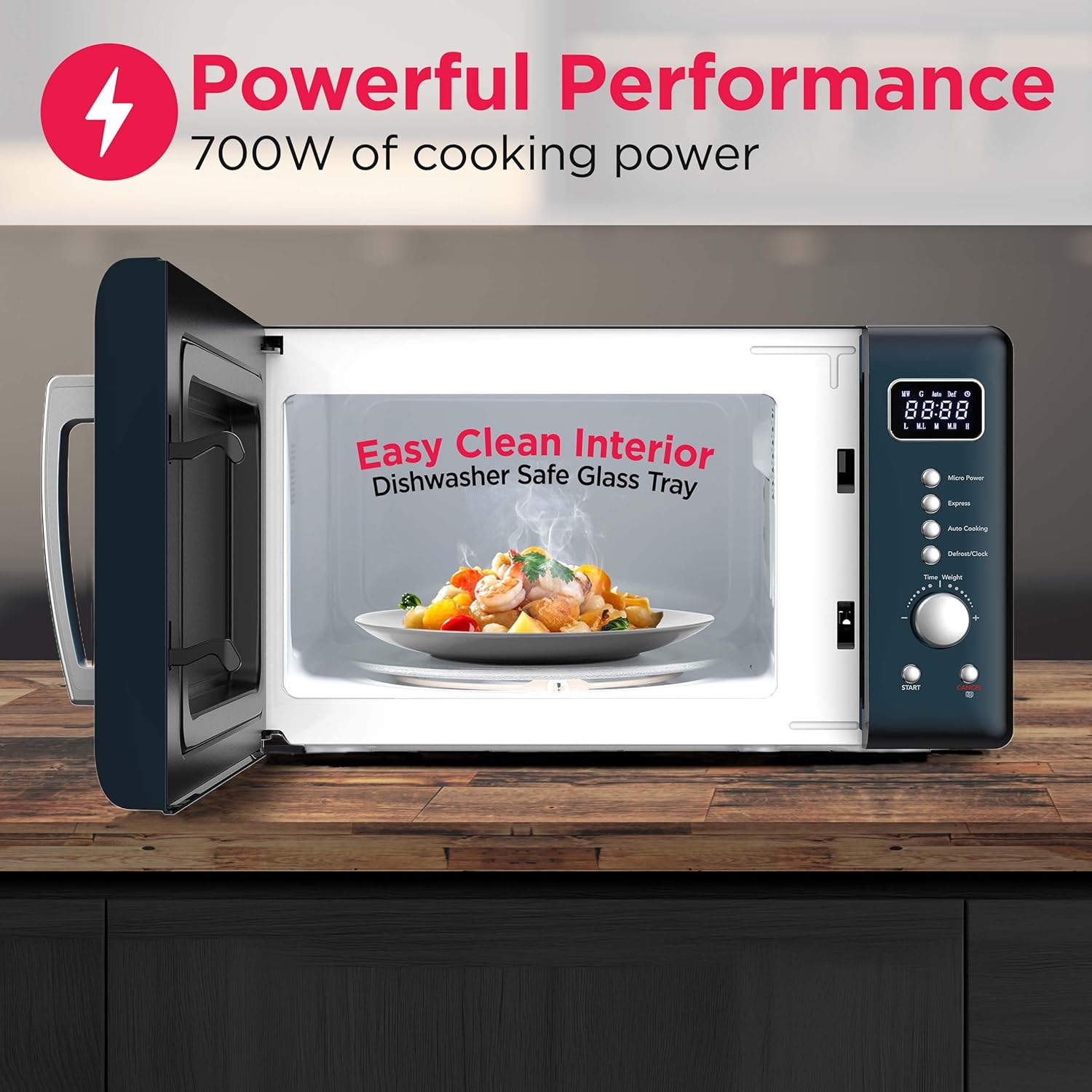
Image: Microwave dimensions showing 17.8 inches width, 13.5 inches depth, and 10.2 inches height.
Asopọ agbara
Plug the microwave oven into a dedicated 120V, 60Hz AC outlet. Do not use extension cords or adapters. Ensure the electrical circuit is properly grounded.
Turntable Apejọ
Place the turntable ring inside the oven cavity, then position the glass turntable plate securely on top of the ring. Ensure it rotates freely.
Awọn ilana Iṣiṣẹ
Ibi iwaju alabujutoview
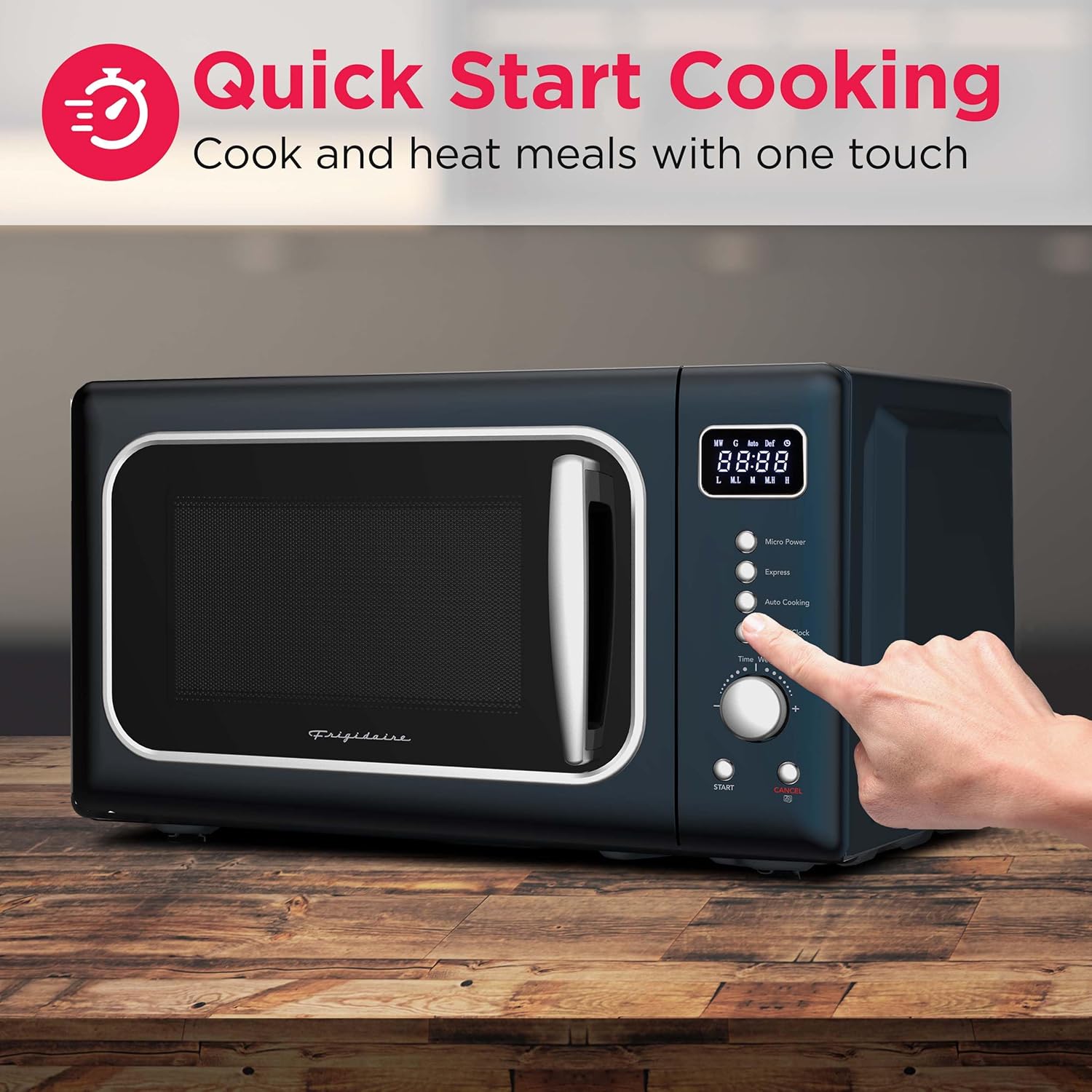
Image: Close-up of the microwave control panel, highlighting the LED display, cooking power buttons, express cooking, auto cook menus, auto defrost, and time/weight dial.
The control panel features an easy-to-read LED display, buttons for various functions, and a rotary dial for time and weight adjustments.
Sísè Àkọ́kọ́
- Place food in a microwave-safe container on the glass turntable. Close the door securely.
- To set cooking time, rotate the Akoko / iwuwo kiakia.
- To adjust power level, press the Micro Power button repeatedly to cycle through 10 power levels.
- Tẹ awọn Bẹrẹ bọtini lati bẹrẹ sise.
kiakia Cook
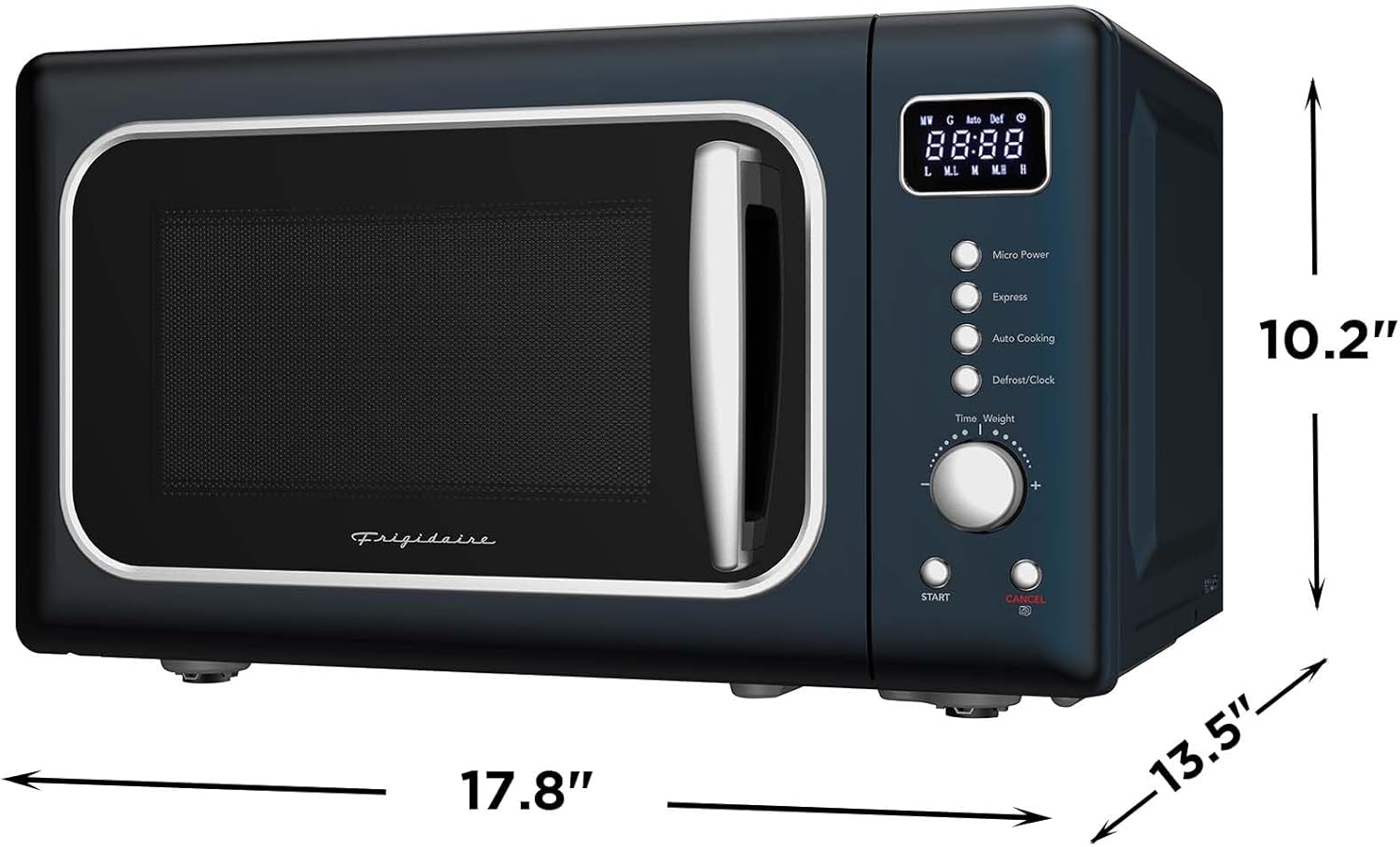
Image: A hand pressing the 'Express' button on the microwave control panel, indicating quick start cooking.
Fun alapapo iyara, tẹ bọtini naa KIAKIA button. Each press adds 30 seconds of cooking time at full power. You can also press the Bẹrẹ button once to immediately begin cooking for 30 seconds at full power, then rotate the dial to add more time.
Awọn akojọ aṣayan Aifọwọyi Laifọwọyi

Image: A collage showing six different food items (popcorn, potato wedges, pizza, frozen vegetables, hot beverage, chicken wings) representing the automatic cooking menus.
The microwave includes 6 pre-programmed settings for common food items. Press the Sise laifọwọyi button repeatedly to select the desired menu, then press Bẹrẹ.
Defrosting
The microwave offers speed/weight defrost functions. Press the Defrost / Aago bọtini, lẹhinna lo awọn Akoko / iwuwo dial to select the appropriate defrost setting and weight. Press Bẹrẹ lati bẹrẹ.
Titiipa aabo ọmọde
Lati mu titiipa aabo ọmọ ṣiṣẹ, tẹ mọlẹ Fagilee button for 3 seconds until "LOC" appears on the display. To deactivate, press and hold the Fagilee bọtini lẹẹkansi fun 3 aaya.
Itọju ati Cleaning
Inu ilohunsoke Cleaning
The microwave features an easy-clean interior. For light spills, wipe with a damp cloth. For stubborn stains, place a bowl of water with lemon slices inside and microwave for 2-3 minutes to loosen residue, then wipe clean. The glass turntable tray is dishwasher safe for convenient cleaning.
Image: The interior of the microwave showing a plate of food and text indicating "Easy Clean Interior" and "Dishwasher Safe Glass Tray".
Ita Cleaning
Mu ese ita gbangba pẹlu asọ, damp asọ. Yago fun abrasive ose tabi scouring paadi ti o le họ awọn ipari.
Awọn edidi ilekun
Regularly clean the door seals and adjacent parts with a mild detergent and a soft cloth to ensure proper sealing and operation.
Laasigbotitusita
If you experience issues with your microwave, consult the following common problems and solutions:
| Isoro | Owun to le Fa | Ojutu |
|---|---|---|
| Lọla ko bẹrẹ | Okun agbara ko ṣafọ sinu; Ilekun ko tii daradara; Fiusi fẹ tabi Circuit fifọ tripped. | Ensure plug is secure; Close door firmly; Check household fuse/circuit breaker. |
| Ounjẹ kii ṣe alapapo | Door not closed properly; Cooking time/power level set incorrectly; Metal objects in oven. | Close door firmly; Adjust time/power; Remove any metal objects. |
| Turntable ko yiyi | A kò gbé ẹ̀rọ ìyípadà sí ibi tí ó yẹ; Ètò ìyípadà wà lábẹ́ ẹ̀rọ ìyípadà. | Re-seat turntable and ring; Clean under turntable. |
| Titiipa ọmọ ṣiṣẹ | Ẹ̀yà ara ẹ̀rọ ìdènà ọmọdé ti ṣiṣẹ́. | Tẹ mọlẹ Fagilee bọtini fun 3 aaya lati mu maṣiṣẹ. |
Ti iṣoro naa ba wa lẹhin igbiyanju awọn iṣeduro wọnyi, jọwọ kan si atilẹyin alabara.
Awọn pato
| Ẹya ara ẹrọ | Ẹ̀kúnrẹ́rẹ́ |
|---|---|
| Brand | Frigidaire |
| Orukọ awoṣe | EMW788BLUARGENT |
| Agbara | 0.7 Onigun Ẹsẹ |
| Wattage | 700 watt |
| Voltage | 120 Volts |
| Awọn iwọn Ọja (D x W x H) | 13.27"D x 18.9"W x 11.52"H |
| Iwọn Nkan | 14.5 iwon |
| Àwọ̀ | Buluu |
| Ohun elo | Painted Metal (Exterior), Stainless Steel (Inner) |
| Nọmba ti Awọn ipele Agbara | 5 |
| Pataki Awọn ẹya ara ẹrọ | Titiipa Abo Ọmọde, Aago Idana Oni-nọmba, Onjẹ Onjẹ kiakia, Awọn akojọ aṣayan Sise Onjẹ Kan-Fọwọkan |
| Iru fifi sori ẹrọ | Countertop |
Atilẹyin ọja ati Support
Alaye atilẹyin ọja
This FRIGIDAIRE EMW788RETRO microwave oven comes with a 1-Odun Atilẹyin ọja Limited lati ọjọ ti o ra. Atilẹyin ọja yi ni wiwa awọn abawọn ninu awọn ohun elo ati iṣẹ ṣiṣe labẹ lilo deede. Jọwọ ṣe idaduro ẹri rira rẹ fun awọn iṣeduro atilẹyin ọja.
Onibara Support
For technical assistance, troubleshooting beyond this manual, or warranty service, please contact Frigidaire customer support. Refer to the contact information provided with your product packaging or visit the official Frigidaire webaaye fun awọn alaye atilẹyin lọwọlọwọ.


