
1. Ifihan
Thank you for choosing the Brookstone King Electric Heated Comfort Plush Herringbone Blanket. This blanket is designed to provide customizable warmth and luxurious comfort. Please read this manual thoroughly before use to ensure safe and optimal operation.
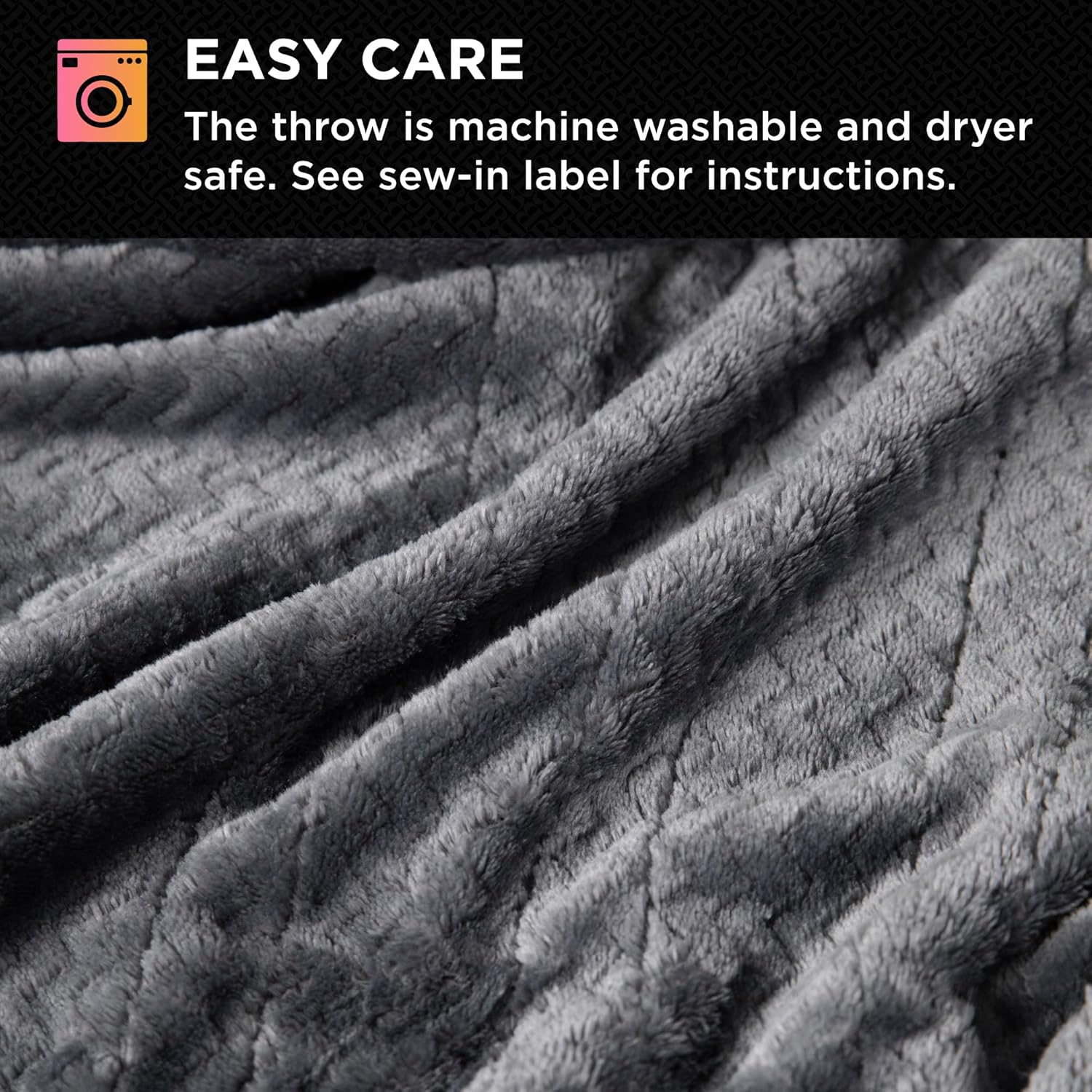
Aworan: Alaye view of the blanket's soft, plush texture.
2. Awọn Ilana Aabo pataki
WARNING: To reduce the risk of burns, electric shock, fire, or injury to persons, this product must be used in accordance with the following instructions:
- Má ṣe lò ó fún àwọn ọmọ ọwọ́, àwọn ọmọdé, àwọn aláìlera, tàbí àwọn tí kò ní ìmọ̀lára sí ooru.
- Do not use on areas of the body that are swollen, inflamed, or have open wounds.
- Do not use with a damaged cord or plug. If the cord or plug is damaged, contact customer service.
- Do not use this product with a generator, power inverter, or converter.
- Má ṣe lò ó pẹ̀lú àwọn ẹ̀rọ ìgbóná mìíràn.
- Maṣe lo ti o ba tutu.
- Do not use pins or other metallic objects with this blanket. They may damage electrical wiring.
- Yọọ ibora nigbagbogbo nigbati o ko ba wa ni lilo.
- This product is ETL-certified, ensuring it meets safety standards.
3. Eto
- Ensure the blanket is spread flat on your bed, with no folds or creases.
- Locate the connection ports on the blanket. For King size blankets, there are two ports, one on each side.
- Connect the controller(s) to the blanket by firmly pushing the connector into the port until it clicks securely into place.
- Plug the power cord(s) from the controller(s) into a standard 120V AC electrical outlet.

Image: The King-sized heated blanket on a bed, showing the two controllers.
4. Awọn ilana Iṣiṣẹ
Titan / Pipa agbara
- Tẹ bọtini agbara lori oludari lati tan tabi pa ibora naa.
Siṣàtúnṣe ooru Eto
- The blanket features 10 customizable heat settings.
- Use the '+' and '-' buttons next to 'HEAT' on the controller to increase or decrease the warmth level.
- Each controller operates independently, allowing two users to set their preferred temperatures.
Ṣiṣeto Aago
- The blanket includes a convenient adjustable timer with a 12-hour auto shut-off feature.
- Use the '+' and '-' buttons next to 'TIMER' to set the desired operating duration.
- The blanket will automatically turn off after the set time, or after 12 hours if no specific time is selected, for safety and energy efficiency.

Aworan: Alaye view of the user-friendly controller.
5. Itọju ati Itọju
This electric heated blanket is designed for easy care. Always follow these instructions to maintain its quality and functionality.
Ṣaaju ki o to fifọ:
- Ensure the blanket is unplugged from the wall outlet.
- Detach all controllers and power cords from the blanket.
Awọn ilana fifọ:
- Wẹ ẹrọ lori ọna ti o tutu pẹlu omi tutu.
- Lo ifọṣọ onírẹlẹ.
- Maṣe ṣe funfun.
Awọn ilana gbigbe:
- Tumble gbẹ lori kekere ooru.
- Ensure the blanket is completely dry before reconnecting the controllers or storing.
- Ma ṣe lọ aṣọ.
- Mase fo ni gbigbe.

Image: Visual guide for easy care and washing.
6. Laasigbotitusita
- Ibora ti kii ṣe alapapo: Ensure all connections are secure and the power cord is firmly plugged into a working outlet. Check if the controller is powered on and a heat setting is selected.
- Alapapo aiṣedeede: Ensure the blanket is spread flat and not bunched or folded, which can interfere with heat distribution.
- Ifihan oludari ko ṣiṣẹ: Unplug the blanket from the wall outlet for a few minutes, then plug it back in. If the issue persists, contact customer support.
- Automatic shut-off before desired time: Verify the timer setting on the controller. The blanket has a maximum 12-hour auto shut-off for safety.
7. Awọn pato
| Ẹya ara ẹrọ | Ẹ̀kúnrẹ́rẹ́ |
|---|---|
| Brand | Brookstone |
| Nọmba awoṣe | B0FXCKHRLB |
| Iwọn | Ọba (Ipawọn AMẸRIKA) |
| Ọja Mefa | 100"L x 90"W |
| Ohun elo | 100% Polyester |
| Àwọ̀ | Eedu |
| Awọn Eto Ooru | 10 |
| Pa laifọwọyi | 12-hour adjustable timer |
| Pataki Ẹya | Customizable, Dryer Safe |
| Awọn iwe-ẹri | ETL-ifọwọsi |
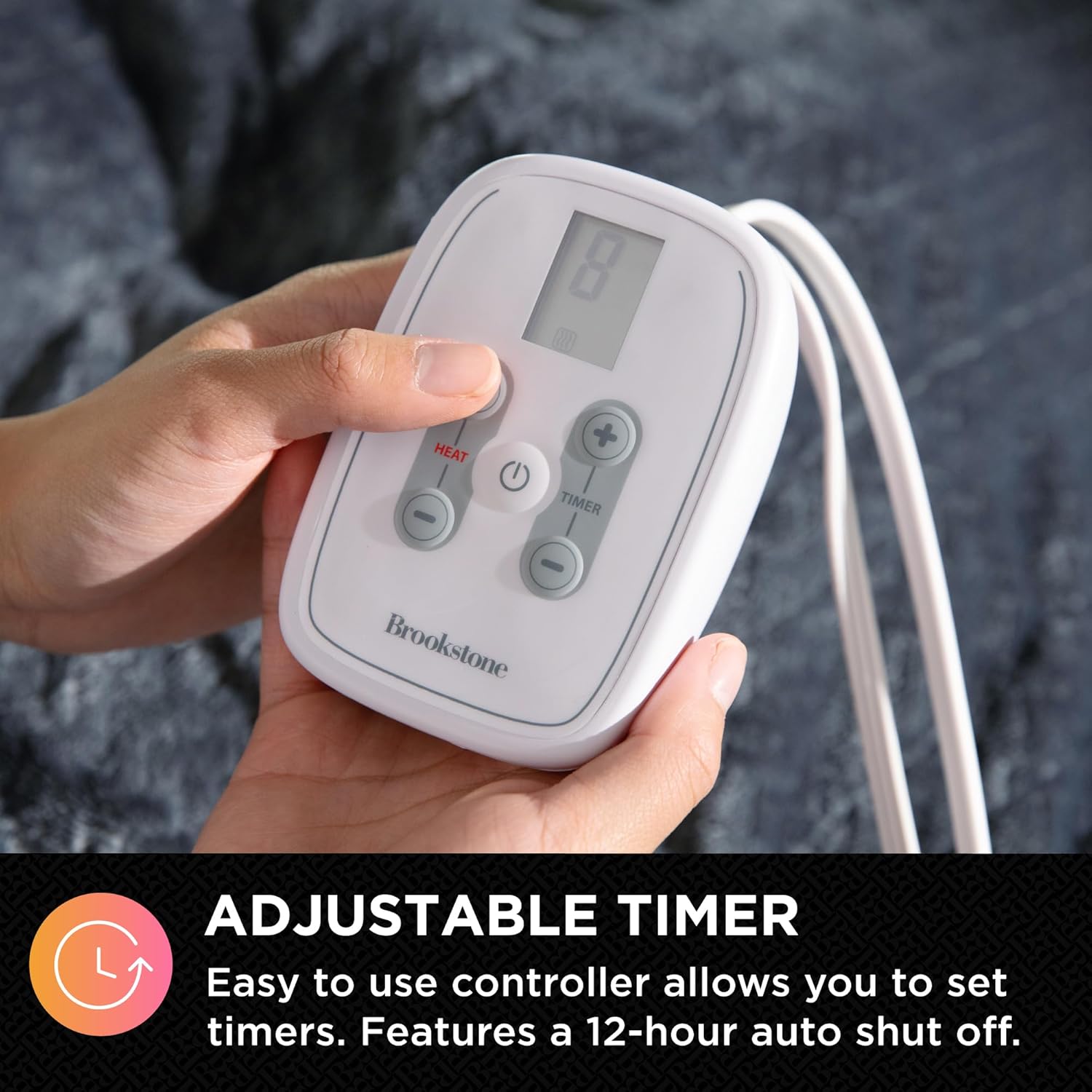
Image: King size blanket dimensions.
8. Atilẹyin ọja ati Support
For warranty information or technical support, please refer to the product packaging or contact Brookstone customer service directly. Keep your purchase receipt for warranty claims.