
Ọrọ Iṣaaju
This manual provides comprehensive instructions for the coioc P122 Smartwatch. Please read this manual carefully before using the device to ensure proper operation and to maximize its features. Keep this manual for future reference.
Ohun ti o wa ninu Apoti
- coioc P122 Smartwatch
- Ngba agbara USB
- Itọsọna olumulo
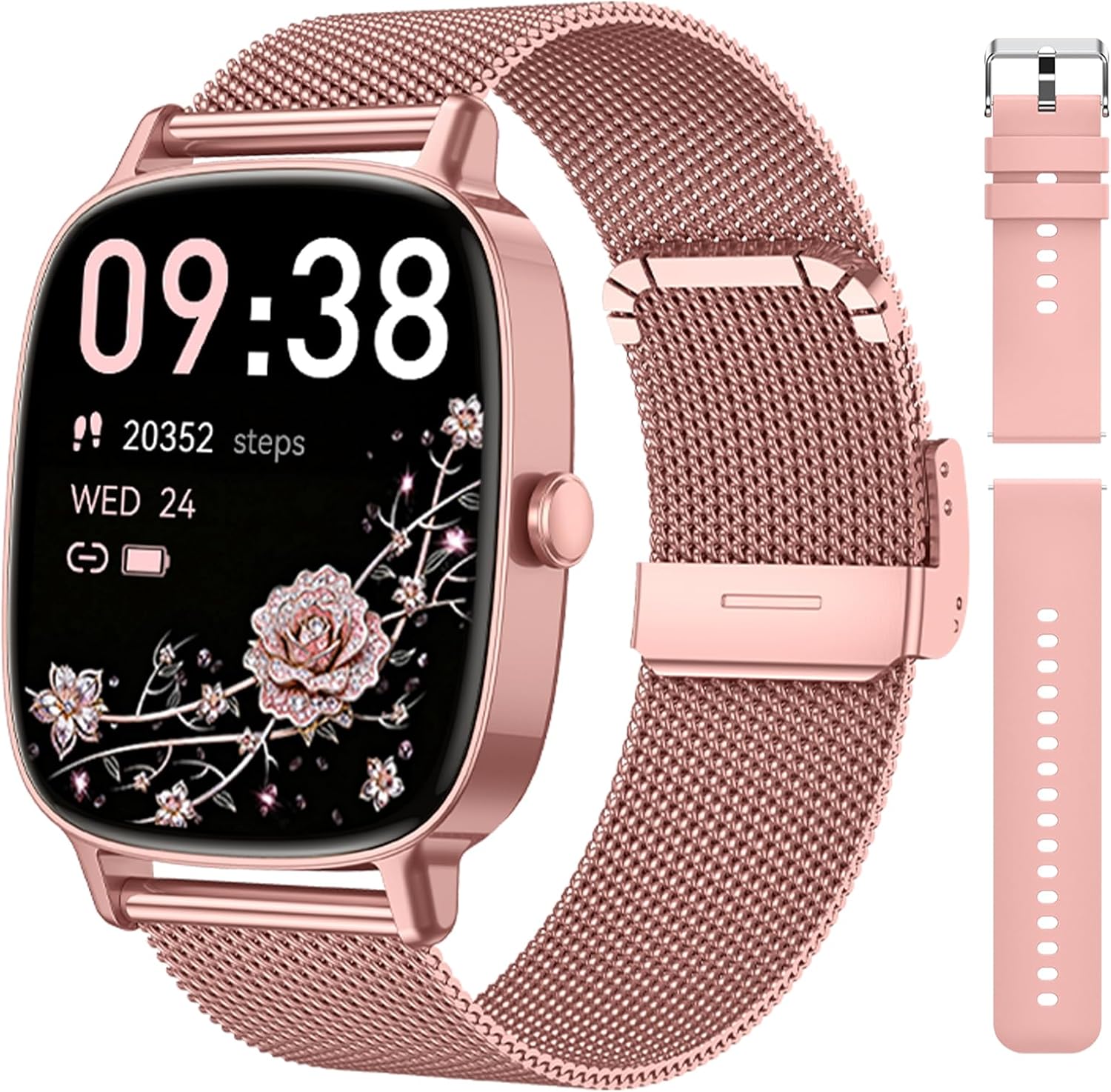
Image: The coioc P122 Smartwatch, shown with its rose-pink mesh strap, an additional pink silicone strap, and the charging cable.
Ṣeto
1. App sori
To use all features of your smartwatch, download the 'Da Fit' application on your smartphone. You can find the app by scanning the QR code provided in the watch's interface or by visiting the official download link.
- Scan the QR code displayed on the watch or in the manual.
- Alternatively, download the 'Da Fit' app from your phone's app store or via this link: Da Fit App Download.
2. Sisopọ Ẹrọ
Ensure your smartwatch is charged before pairing.
- Mu Bluetooth ṣiṣẹ lori foonuiyara rẹ.
- Open the 'Da Fit' app and navigate to the device section.
- Wa fun the device named "P122" in the app.
- Select "P122" to initiate the pairing process. Confirm the pairing request on both your phone and the smartwatch.
- Grant necessary permissions for notifications and health data synchronization when prompted.

Image: A visual guide demonstrating the connection process for the P122 smartwatch, including app download, Bluetooth activation, device search, pairing confirmation, and notification permissions.
Awọn ilana Iṣiṣẹ
Fihan ati Awọn Oju Agogo
The smartwatch features a 1.85-inch HD touchscreen display. You can customize the watch face through the 'Da Fit' app, choosing from over 200 free designs or uploading your own photos to create a personalized watch face.

Image: The P122 smartwatch display highlighting its 1.85-inch HD screen and various customizable watch face options, including personal photos.
Bluetooth Npe
With Bluetooth 5.4 technology, the smartwatch allows you to make and receive calls directly from your wrist. The integrated microphone and HD speaker ensure clear communication. You can accept or reject calls and manage contacts via the watch.

Image: A woman interacting with the P122 smartwatch, demonstrating its Bluetooth calling feature with on-screen call controls.
Awọn iwifunni
Once paired with your smartphone, the smartwatch will display real-time notifications for incoming calls, SMS, and messages from various social media applications (e.g., Facebook, Twitter, WhatsApp, Instagram, LinkedIn, Skype). Notifications are delivered via intuitive vibrations.
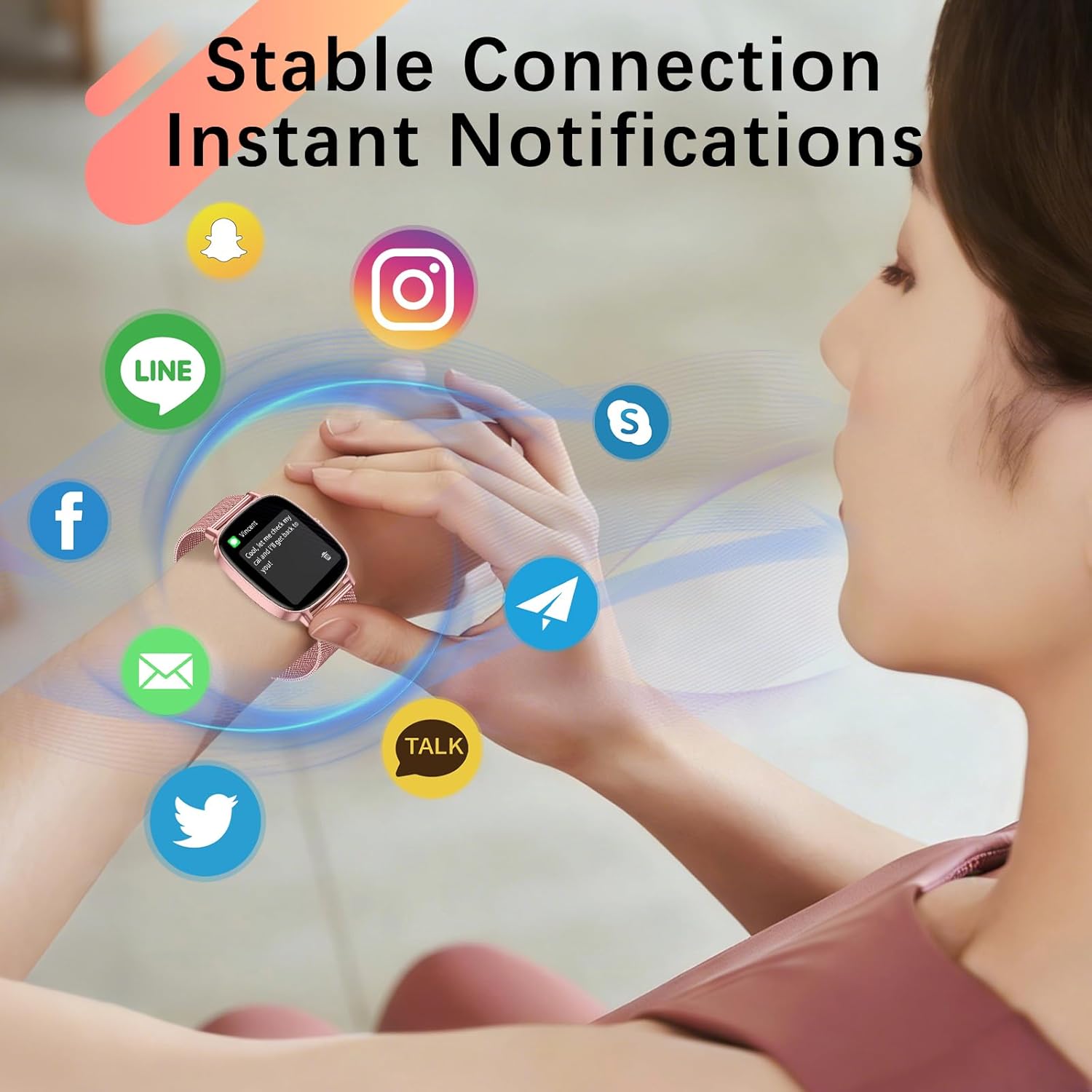
Image: A woman's wrist with the P122 smartwatch displaying a message notification, surrounded by icons of popular social media applications.
Abojuto Ilera
The smartwatch continuously monitors your health metrics using advanced sensors:
- Abojuto Oṣuwọn Ọkàn: Ó ń tọ́pasẹ̀ ìlù ọkàn rẹ ní gbogbo ìgbà.
- Titele orun: Analyzes sleep phases (deep sleep, light sleep, REM) to help you understand your sleep patterns. Note: Irregular sleep patterns may affect measurement accuracy.
- Àtòjọ Ìyípo Osu: Helps women track their menstrual cycle and natural body rhythm.

Image: A woman performing a plank exercise, with the P122 smartwatch on her wrist. Below, graphical representations of aerobic activity, SpO2 levels, and stress monitoring are shown.

Image: A woman sleeping, with the P122 smartwatch on her wrist. The image highlights the scientific sleep monitoring feature, showing total sleep duration, light sleep, and a breakdown of sleep stages (Awake, REM, Light, Restful).

Image: A woman relaxing on a couch, with the P122 smartwatch interface showing a menstrual cycle tracking calendar, indicating predicted periods and ovulation days.
Awọn ipo Idaraya
The smartwatch supports over 120 professional sport modes, including walking, running, cycling, and hiking. It accurately tracks your fitness progress by recording calories burned, daily steps, distance covered, and workout time. This data helps optimize your exercise plan.
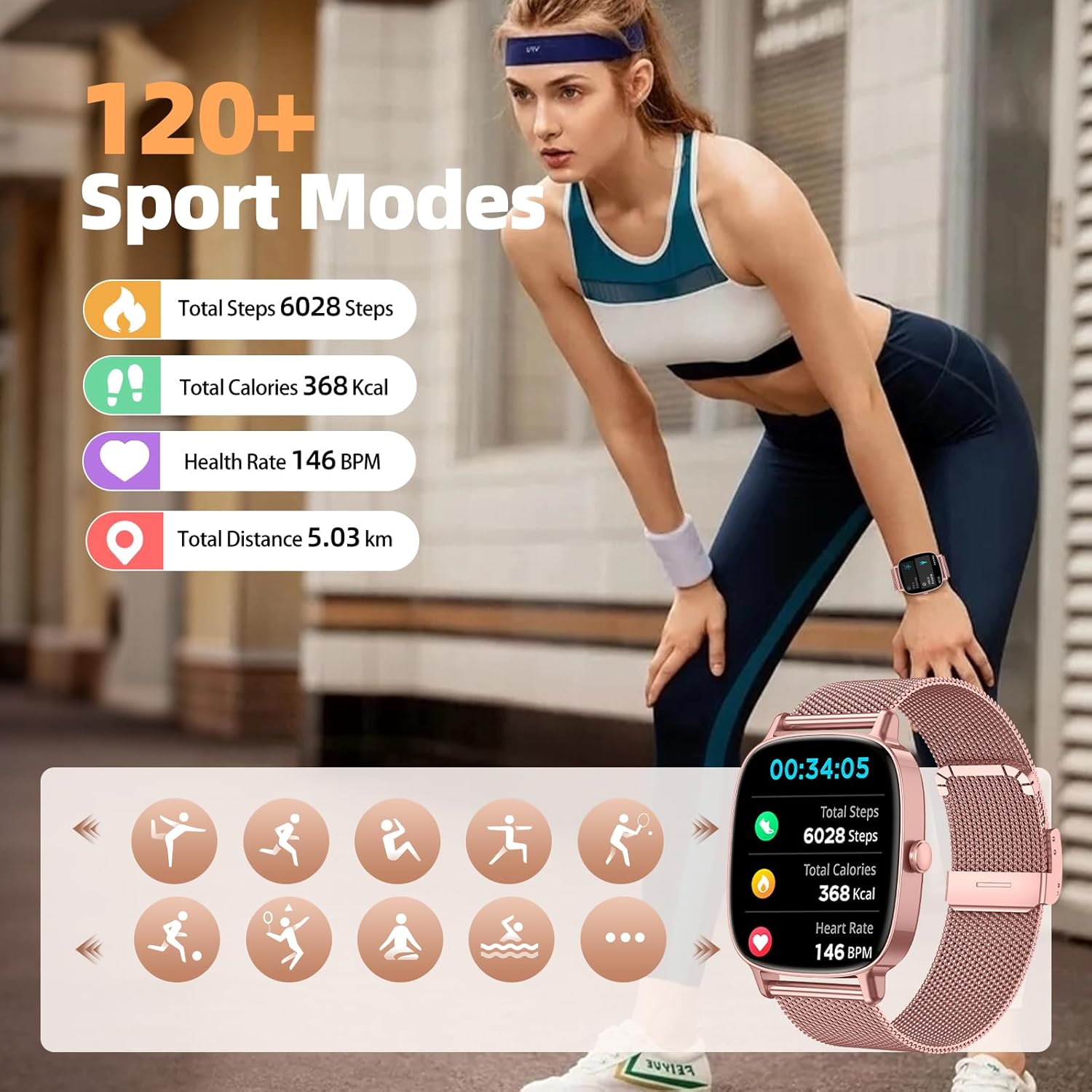
Image: A woman running outdoors, wearing the P122 smartwatch. The image illustrates the 120+ sport modes feature, showing total steps, calories, heart rate, and distance, along with icons for various activities.
AI Voice Assistant and Other Features
The integrated AI voice assistant allows you to control music, take photos remotely, set reminders, and check the weather. (To activate, go to Settings > Calls > Bluetooth Audio). The watch also includes a sedentary reminder to encourage movement during prolonged periods of inactivity.
Itoju
Atako omi (IP68)
The coioc P122 Smartwatch is IP68 certified, meaning it is resistant to splashes, sweat, and short immersion in water. You do not need to remove it during rain or when washing hands. Akiyesi: It is not suitable for swimming, diving, surfing, or hot showers.
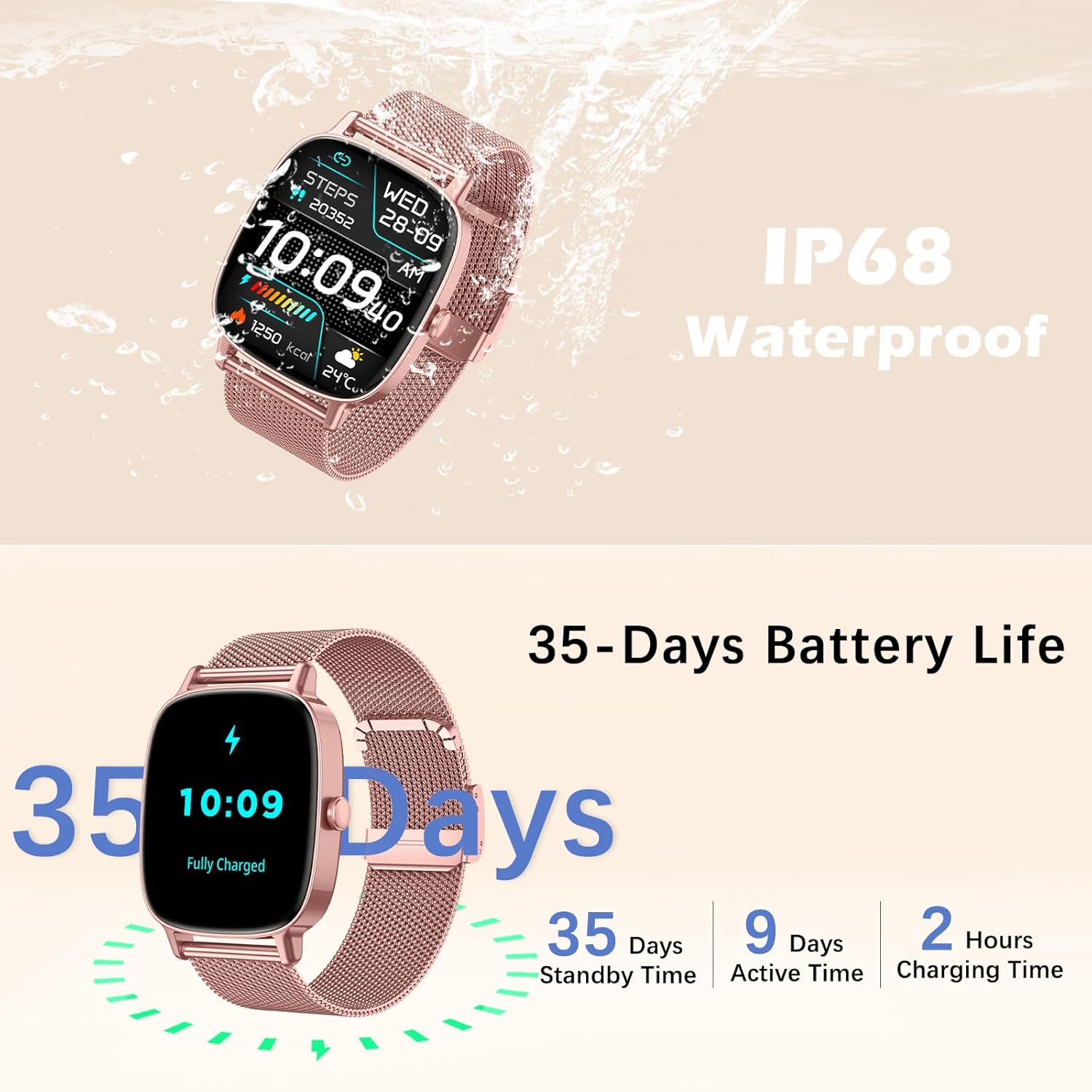
Image: The P122 smartwatch shown partially submerged in water, illustrating its IP68 waterproof rating and displaying time and activity data.
Aye batiri ati gbigba agbara
The smartwatch features an energy-efficient design, offering up to 9 days of active use and 35 days of standby time. A full charge takes approximately 2 hours.
- Lilo Nṣiṣẹ: 7-9 ọjọ
- Akoko Iduro: 35 ọjọ
- Akoko gbigba agbara: wakati meji 2

Image: The P122 smartwatch displaying its current time and step count, with an overlay indicating its long battery life of 35 days standby, 9 days active use, and 2 hours charging time.
Laasigbotitusita
If you encounter issues with your coioc P122 Smartwatch, consider the following:
- Awọn oran Asopọmọra: Ensure Bluetooth is enabled on your smartphone and the watch is within range. Restart both devices and attempt to re-pair via the 'Da Fit' app.
- Awọn iwifunni Ko farahan: Verify that notification permissions are granted for the 'Da Fit' app in your phone's settings and that app notifications are enabled within the 'Da Fit' app itself.
- Data ilera ti ko pe: Ensure the watch is worn snugly on your wrist. Irregular sleep patterns or excessive movement during measurements can affect accuracy.
- Sisun Batiri Ni kiakia: Din imọlẹ iboju ku, mu awọn ẹya ti ko wulo ṣiṣẹ, ati rii daju pe aago naa ti gba agbara ni kikun.
- Ohun elo Ko dahun: Try restarting the smartwatch. If unresponsive, connect it to the charger to see if it powers on.
Awọn pato
| Ẹya ara ẹrọ | Sipesifikesonu |
|---|---|
| Brand | koko |
| Nọmba awoṣe | P122 |
| Iwọn Ifihan | 1.85 inches HD |
| Eto isesise | iOS, Android |
| Asopọmọra | Bluetooth 5.4 |
| Omi Resistance | IP68 |
| Batiri Iru | Litiumu-polima |
| Active Battery Life | Titi di ọjọ mẹwa 9 |
| Ìgbà Agbára Batiri | Titi di ọjọ mẹwa 35 |
| Akoko gbigba agbara | Isunmọ. wakati meji 2 |
| Pataki Awọn ẹya ara ẹrọ | Multisport Tracker, Bluetooth Calling, Heart Rate Detection, Step Counter, Sleep Tracking, AI Voice Assistant, Menstrual Cycle Tracking, Customizable Watch Faces |
| GPS | Ko si GPS |

Image: Technical diagram illustrating the physical dimensions of the P122 smartwatch and a visual representation of the items included in the product packaging.
Atilẹyin ọja ati Support
The coioc P122 Smartwatch comes with a 1-year manufacturer's warranty.
For technical support or warranty claims, please refer to the contact information provided with your purchase documentation or visit the official coioc webojula.