
Ọrọ Iṣaaju
The RAINPOINT WiFi Water Timer (Model B-ITV347) is a smart irrigation device designed to automate your garden, lawn, and yard watering. This timer connects to your home's 2.4GHz WiFi network and Bluetooth, allowing remote control via a smartphone application. It features a durable brass inlet for secure connections and offers flexible watering schedules, manual control, and rain delay options. This manual provides detailed instructions for installation, operation, maintenance, and troubleshooting to ensure optimal performance of your water timer.
Package Awọn akoonu
Jọwọ rii daju pe gbogbo awọn ohun kan wa ninu apo rẹ:
- RAINPOINT WiFi Water Timer (Model B-ITV347)
- Itọsọna olumulo
- Quick Bẹrẹ Itọsọna
- Required Batteries (if included, otherwise 2 AA batteries are needed)
Ọja Pariview
The RAINPOINT WiFi Water Timer integrates advanced connectivity and robust construction for reliable outdoor use. Key features include 2.4 GHz WiFi and Bluetooth connectivity for remote management, voice control compatibility, and a user-friendly mobile application. The device is designed with a reinforced 360° brass swivel inlet to prevent leaks and ensure durability under high water pressure.

Ṣeto
1. Fifi sori batiri
Open the battery compartment on the timer. Insert two new AA alkaline batteries, ensuring correct polarity. Close the compartment securely to maintain the waterproof seal.
2. Fifi sori ti ara
- Rí i dájú pé a ti pa páìpù ìta rẹ.
- Thread the RAINPOINT WiFi Water Timer onto your standard outdoor faucet. Hand-tighten until snug. Do not overtighten. The 360° brass swivel inlet allows for easy positioning.
- So okùn ọgbà rẹ pọ̀ mọ́ ibi tí a ti ń rí aago omi.
3. Fifi sori App ati So pọ ẹrọ
Download the TUYA Smart app from your smartphone's app store (iOS or Android). Create an account or log in. Follow the in-app instructions to add your RAINPOINT WiFi Water Timer. The timer uses both 2.4GHz WiFi and Bluetooth for initial pairing and remote control.

4. Expanding Your System with a Hub
The RAINPOINT system supports connecting up to four WiFi hose timers to a single hub. This allows for centralized control of multiple watering zones. Refer to your hub's specific instructions for pairing additional timers. This setup can also integrate with a soil moisture meter to prevent overwatering.

Awọn ilana Iṣiṣẹ
1. Automatic Watering Schedules
The app allows you to set up two types of automatic watering schedules: Normal Schedule and Cycle & Soak. Navigate to the 'Schedules' section in the app to configure these options.
- Eto deede: Set specific start times, watering duration (1 minute to 24 hours), and frequency (daily, specific days of the week, or every 1-7 days).
- Cycle & Soak Mode: Ideal for sloped areas or dense soil, this mode allows you to set a watering duration, a soak duration, and the number of cycles. This helps prevent runoff and promotes deeper water penetration.

2. Afowoyi agbe
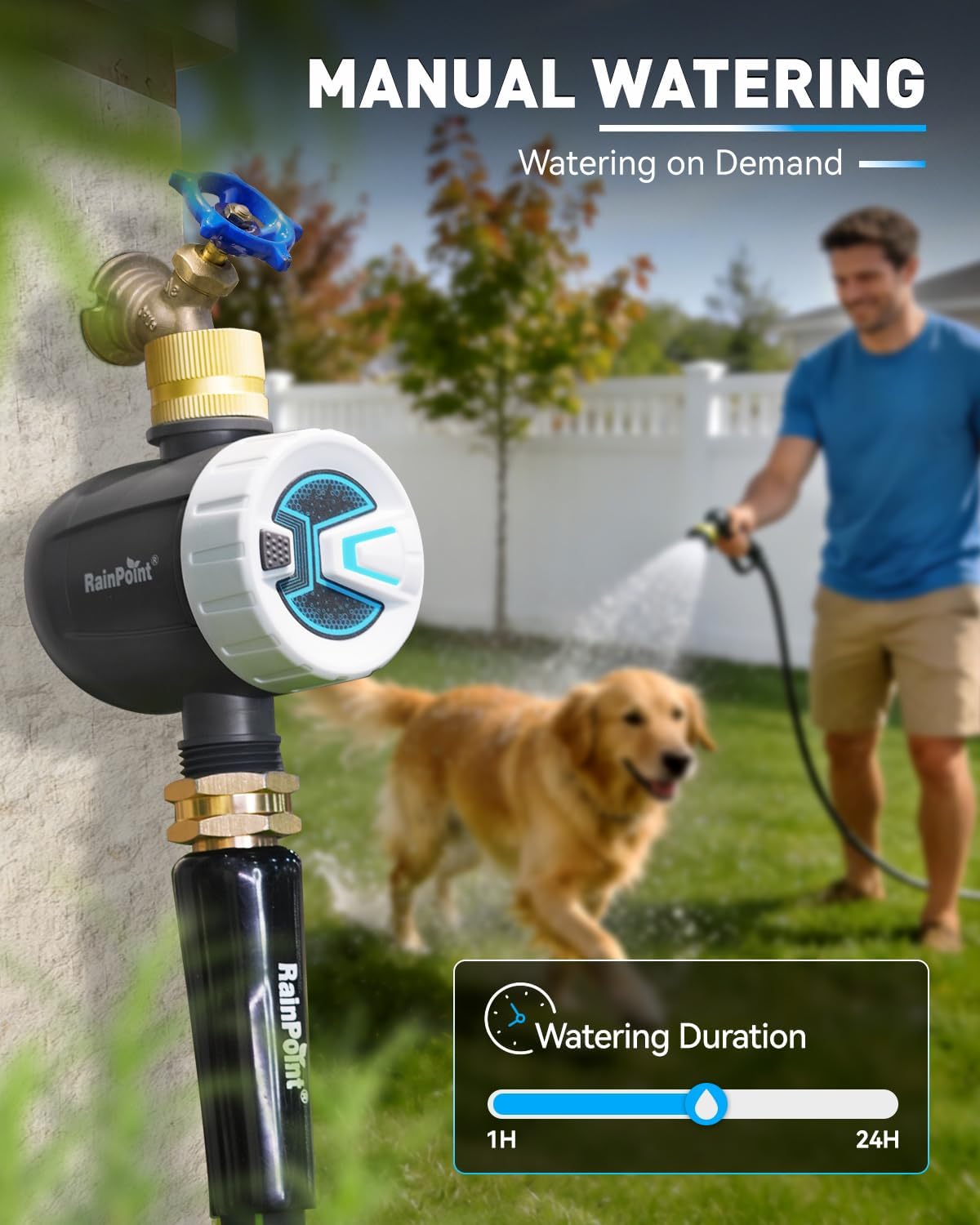
For immediate watering needs, use the manual mode. This allows you to water for a specified duration (from 1 minute to 24 hours) without affecting your pre-set automatic schedules. Activate manual watering directly from the app's main screen.
3. Ojo Idaduro Išė
To conserve water during rainy periods, utilize the rain delay feature. You can pause your watering schedules for 24, 48, or 72 hours. This function can be accessed through the app and helps prevent overwatering.

4. Iṣakoso ohun
The RAINPOINT WiFi Water Timer is compatible with Amazon Alexa and Google Assistant. Once integrated, you can manage your watering schedules and initiate manual watering using simple voice commands. Refer to the app's integration guide for connecting to your preferred voice assistant.

Advanced Features and Alerts
The RAINPOINT app provides comprehensive control and monitoring capabilities:
- Irrigation Information Record: Track past watering activities and water usage.
- Itaniji Batiri Kekere: Receive notifications when the timer's batteries are running low, ensuring uninterrupted operation.
- Leak Detection Alert: The system can notify you of potential leaks, helping to prevent water waste and damage.
- Weather Forecast Integration: The app can display local weather forecasts, assisting in making informed watering decisions.
- Pipin idile: Allow multiple family members to control and monitor the water timer from their own devices.

Itoju
- Ninu igbagbogbo: Periodically check the inlet filter for debris and clean it to ensure proper water flow.
- Rirọpo Batiri: Replace batteries promptly when a low battery alert is received to avoid interruption of watering schedules.
- Igba otutu: Before the first frost, disconnect the water timer from the faucet and hose. Remove batteries. Store the timer indoors in a dry, frost-free location to prevent damage from freezing water.

Laasigbotitusita
- Timer not connecting to WiFi/Bluetooth: Ensure the timer is within range of your 2.4GHz WiFi network and your smartphone's Bluetooth. Check that the WiFi router is functioning correctly. Try restarting the timer and your smartphone.
- Water not flowing: Verify that the faucet is fully open. Check the inlet filter for clogs. Ensure batteries are not depleted. Confirm that a watering schedule is active or manual watering is initiated.
- Awọn jijo ni awọn asopọ: Ensure all connections are hand-tightened. Check that rubber washers are properly seated and not damaged.
- Schedules not running: Confirm that the timer has sufficient battery power. Check the app to ensure schedules are enabled and correctly configured. Verify that the rain delay function is not active.
Awọn pato
| Nọmba awoṣe | B-ITV347 |
| Brand | OPO OJI |
| Asopọmọra | 2.4GHz WiFi, Bluetooth |
| Ohun elo | Brass (Inlet) |
| Ọja Mefa | 5"D x 2"W x 4"H |
| Orisun agbara | 2 x AA Batteries (not always included) |
| Igba agbe | Iṣẹju 1 si awọn wakati 24 |
| Agbe Igbohunsafẹfẹ | Every 1 minute to 12 hours, or 1-7 days |
| Awọn aṣayan Idaduro Ojo | 24h, 48h, 72h |
| Ibamu Iṣakoso ohun | Amazon Alexa, Google Iranlọwọ |
Atilẹyin ọja ati Support
RAINPOINT products are designed for reliability and performance. For specific warranty details, please refer to the warranty card included with your product or visit the official RAINPOINT website. If you encounter any issues or require technical assistance, please contact RAINPOINT customer support through the contact information provided on their website or within the TUYA app.
For further assistance, you may also refer to the RAINPOINT store on Amazon: RAINPOINT Store