
1. Ifihan
This manual provides essential information for setting up, operating, maintaining, and troubleshooting your Sharp Aquos QLED 55 Inch 4K Ultra HD Xumo Smart TV. Please read this manual thoroughly before using your television and retain it for future reference.
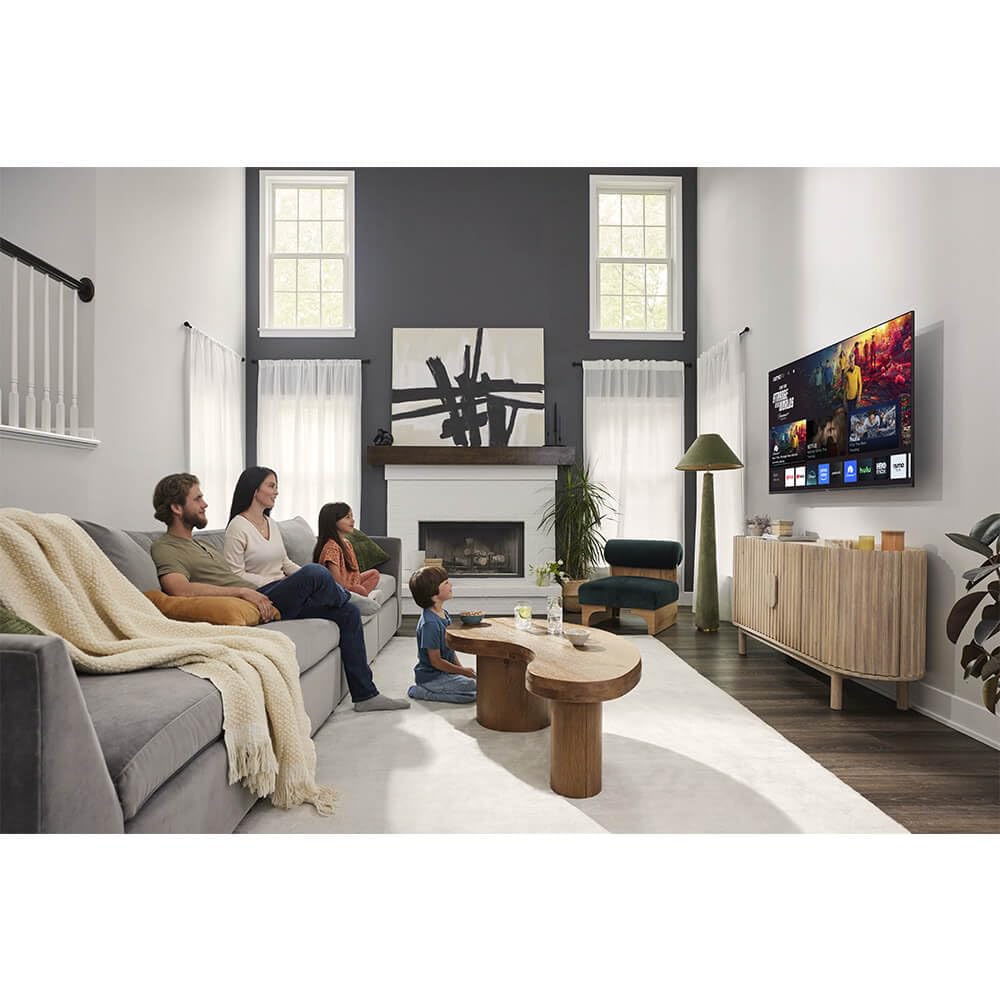
Aworan: Iwaju view of the Sharp Aquos QLED 55 Inch 4K Ultra HD Xumo Smart TV.
2. Alaye Aabo
Always follow basic safety precautions when using this television to reduce the risk of fire, electric shock, and injury. Keep the television away from moisture, direct sunlight, and heat sources. Ensure proper ventilation and do not block any ventilation openings. Use only the power cord and accessories specified by the manufacturer. Refer to the full safety guidelines in the included printed manual.
3. Ohun ti o wa ninu Apoti
Your Sharp Aquos QLED 55 Inch 4K Ultra HD Xumo Smart TV package includes:
- Sharp Aquos QLED 55 Inch 4K Ultra HD Xumo Smart TV
- Ohun Remote Iṣakoso
- Iduro TV (awọn ege 2)
- Skru fun TV Imurasilẹ
- Okun agbara
- Afowoyi Olumulo (iwe-ipamọ yii)
- Quick Bẹrẹ Itọsọna
4. Eto
4.1 So Iduro TV
- Fi iṣọra gbe iboju TV si isalẹ lori rirọ, dada alapin lati yago fun ibajẹ.
- Mö kọọkan imurasilẹ nkan pẹlu awọn ti o baamu dabaru ihò lori isalẹ ti awọn TV.
- Fi àwọn skru tí a pèsè so gbogbo ohun tí ó dúró mọ́. Rí i dájú pé wọ́n ti di mọ́lẹ̀ dáadáa.
4.2 Iṣagbesori odi (aṣayan)
If you choose to wall mount your TV, ensure you use a VESA-compatible wall mount kit (sold separately) that supports the 55-inch screen size and weight. Follow the instructions provided with your wall mount kit. Remove the TV stand before mounting.
4.3 Awọn ẹrọ Nsopọ
Connect your external devices (cable box, gaming console, soundbar, etc.) to the appropriate ports on the back of the TV. The Sharp Aquos QLED TV features multiple HDMI inputs for versatile connectivity.

Aworan: Ẹyin view of the Sharp Aquos QLED TV showing cable management through the stand.
4.4 Asopọ agbara
Plug the power cord into the TV's power input, then into a wall outlet. The TV is now ready for initial setup.
5. Awọn ilana Iṣiṣẹ
5.1 Iṣeto akọkọ ati Asopọ Nẹtiwọọki
Upon first power-on, the TV will guide you through the initial setup process. This includes selecting your language, connecting to your Wi-Fi network (dual-band Wi-Fi supported for reliable streaming), and agreeing to terms and conditions. Follow the on-screen prompts.
5.2 Latọna Iṣakoso Awọn iṣẹ
The included voice remote allows for intuitive navigation. Use the directional pad to move through menus, the OK button to select, and dedicated buttons for popular streaming services. The built-in voice search feature provides hands-free control for launching apps, adjusting volume, and switching inputs.
5.3 Xumo Smart TV Platform
The Xumo Smart TV system offers fast and intuitive access to your favorite streaming applications. The clean home screen allows for easy navigation and personalized content recommendations.
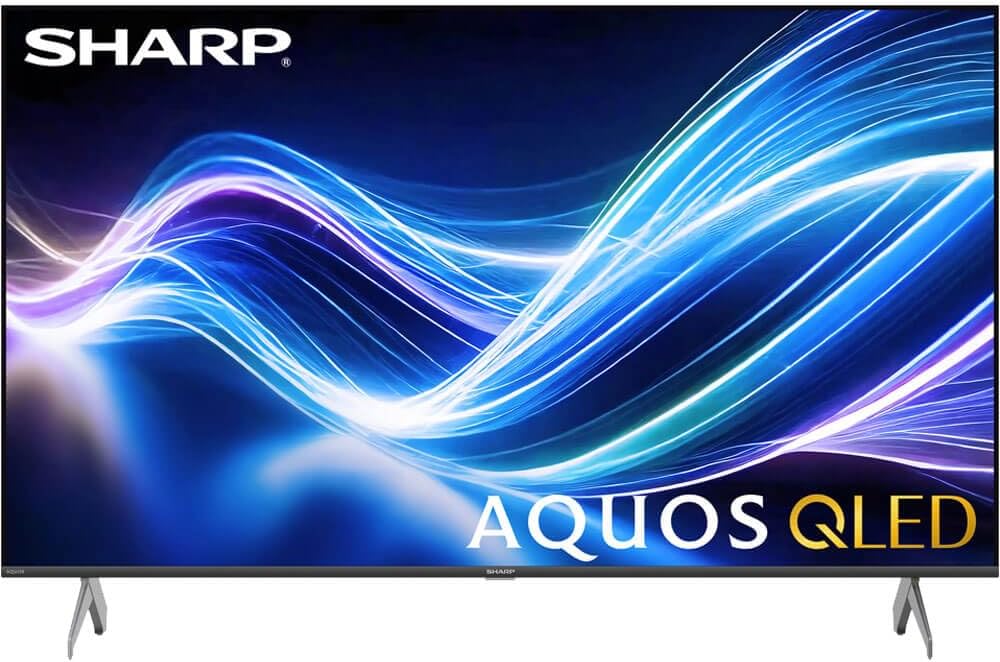
Image: The Xumo Smart TV home screen displaying various streaming apps and voice search functionality.
5.4 Aworan ati Ohun Eto
Your Sharp Aquos QLED TV supports advanced picture and sound technologies:
- Ìfihàn QLED 4K: Enjoy vibrant, lifelike images with Quantum Dot color and enhanced brightness.
- Dolby Vision & HDR10: These premium HDR formats optimize contrast, depth, and clarity for cinematic picture quality. Access picture settings via the TV menu to fine-tune brightness, contrast, color, and sharpness.
- Ohùn Immersive: The TV features optimized sound processing for clear dialogue and enhanced bass. Connect Bluetooth headphones or speakers for wireless listening. Adjust audio modes (Standard, Music, Movie, Speech, Custom) in the sound settings.
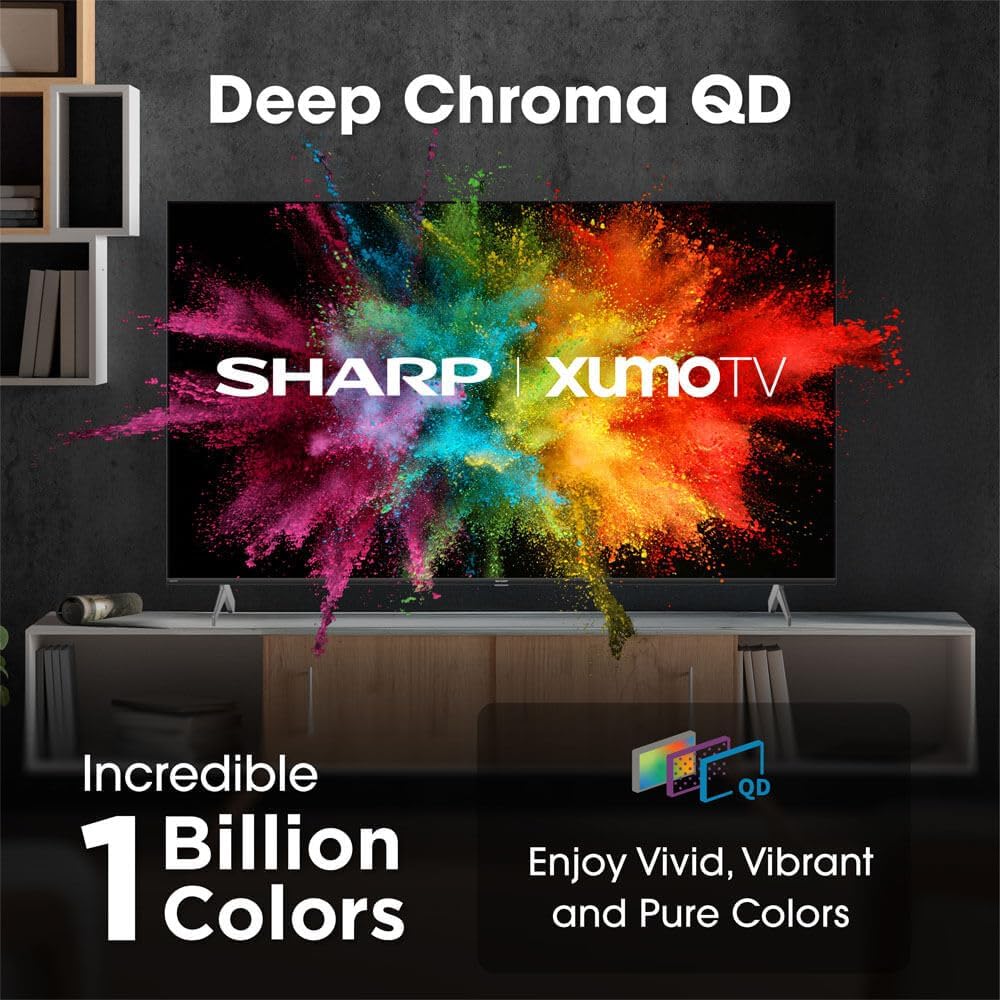
Image: Comparison of Dolby Vision enhanced picture quality against a standard display.

Image: Visual representation of Dolby Atmos creating immersive sound in a living room setting.
6. Itọju
6.1 Ninu TV
Lati nu iboju naa, rọra nu rẹ pẹlu asọ ti ko ni lint. Fun awọn ami alagidi, die-die dampen the cloth with water or a screen-cleaning solution. Never spray liquid directly onto the screen. Clean the TV's exterior with a soft, dry cloth.
6.2 Software imudojuiwọn
Your TV may receive automatic software updates to improve performance and add new features. Ensure your TV is connected to the internet to receive these updates. You can also manually check for updates in the TV's settings menu.
7. Laasigbotitusita
| Isoro | Owun to le Fa | Ojutu |
|---|---|---|
| Ko si agbara | Power cord not connected, power outlet not working. | Check power cord connection, try a different outlet. |
| Ko si aworan/ohun | Incorrect input selected, external device off/disconnected. | Verify input source, check device power and connections. |
| Latọna jijin ko ṣiṣẹ | Batteries low/dead, obstruction between remote and TV. | Rọpo awọn batiri, yọ awọn idena kuro, tun ṣe atunṣe latọna jijin ti o ba jẹ dandan. |
| Awọn oran asopọ Wi-Fi | Router issues, incorrect password, weak signal. | Restart router, re-enter Wi-Fi password, move TV closer to router or use Ethernet. |
8. Awọn pato
- Brand: Dinku
- Nọmba awoṣe: 4TC55HP7050U
- Iwọn iboju: 55 inches
- Imọ-ẹrọ Ifihan: QLED Smart
- Ipinnu: 4K Ultra HD
- Oṣuwọn isọdọtun: 60Hz
- Awọn ẹya pataki: Flat, Dolby Vision, HDR10, Xumo Smart TV, Voice Remote, Bluetooth, Dual-band Wi-Fi
- Imọ-ẹrọ Asopọmọra: RCA, HDMI (multiple ports)
- Awọn iṣẹ Ayelujara ti o ni atilẹyin: Netflix, Hulu, Amazon Prime Video (and more via Xumo platform)
- Ìwọ̀n Nkan: 32 iwon
- Àwọ̀: Dudu
9. Atilẹyin ọja ati Support
For warranty information and technical support, please refer to the warranty card included with your product or visit the official Sharp webojula. Tọju iwe-ẹri rira rẹ bi ẹri rira fun awọn iṣeduro atilẹyin ọja.